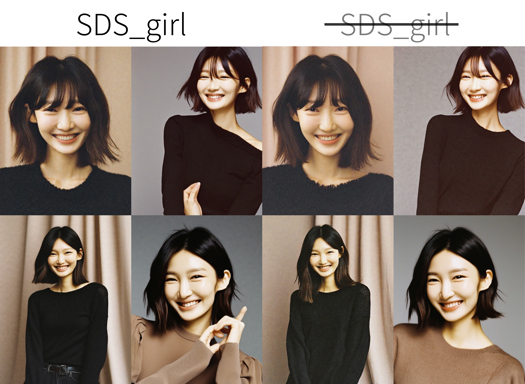
SDS_FILM / 胶片摄影


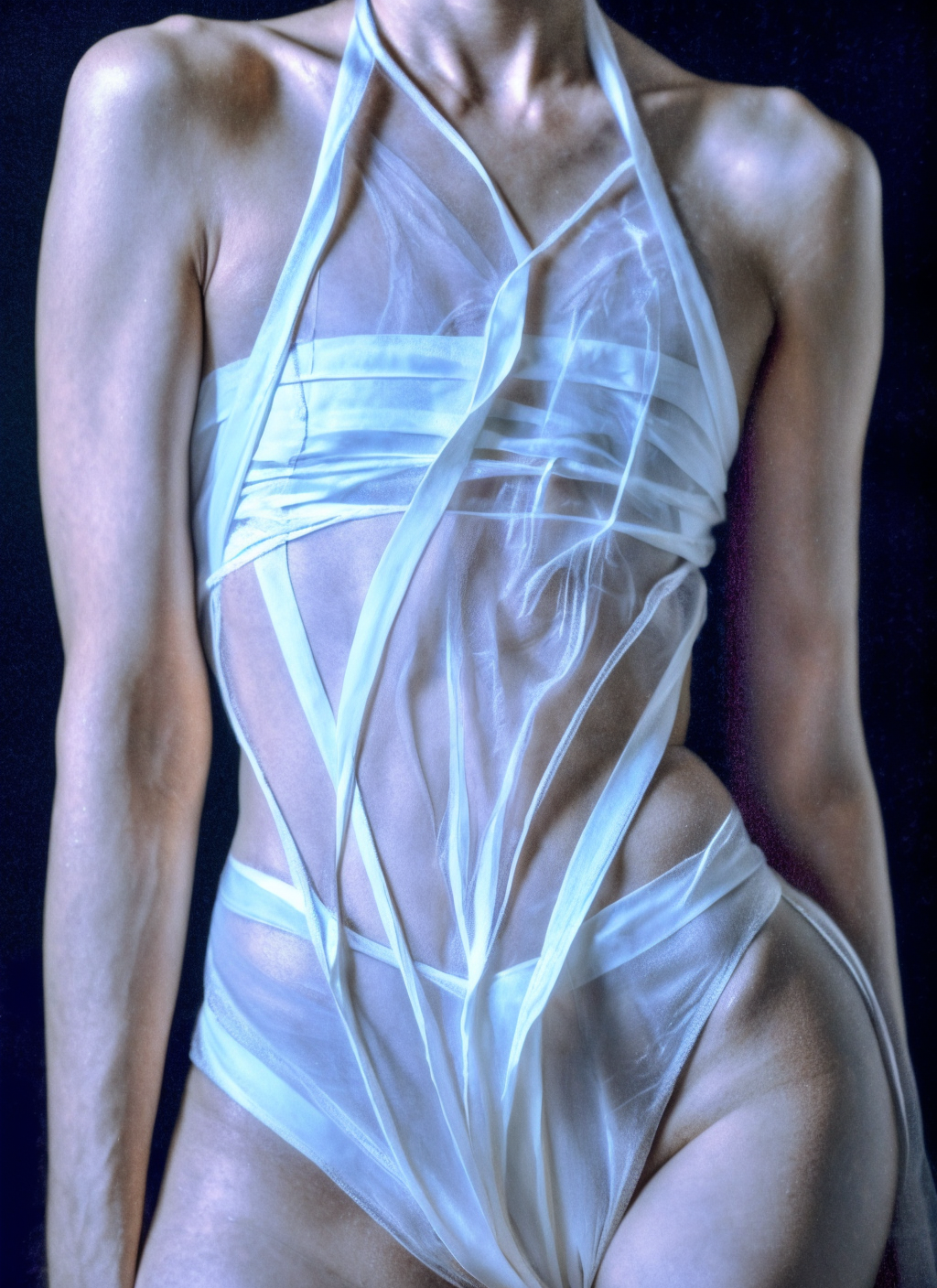
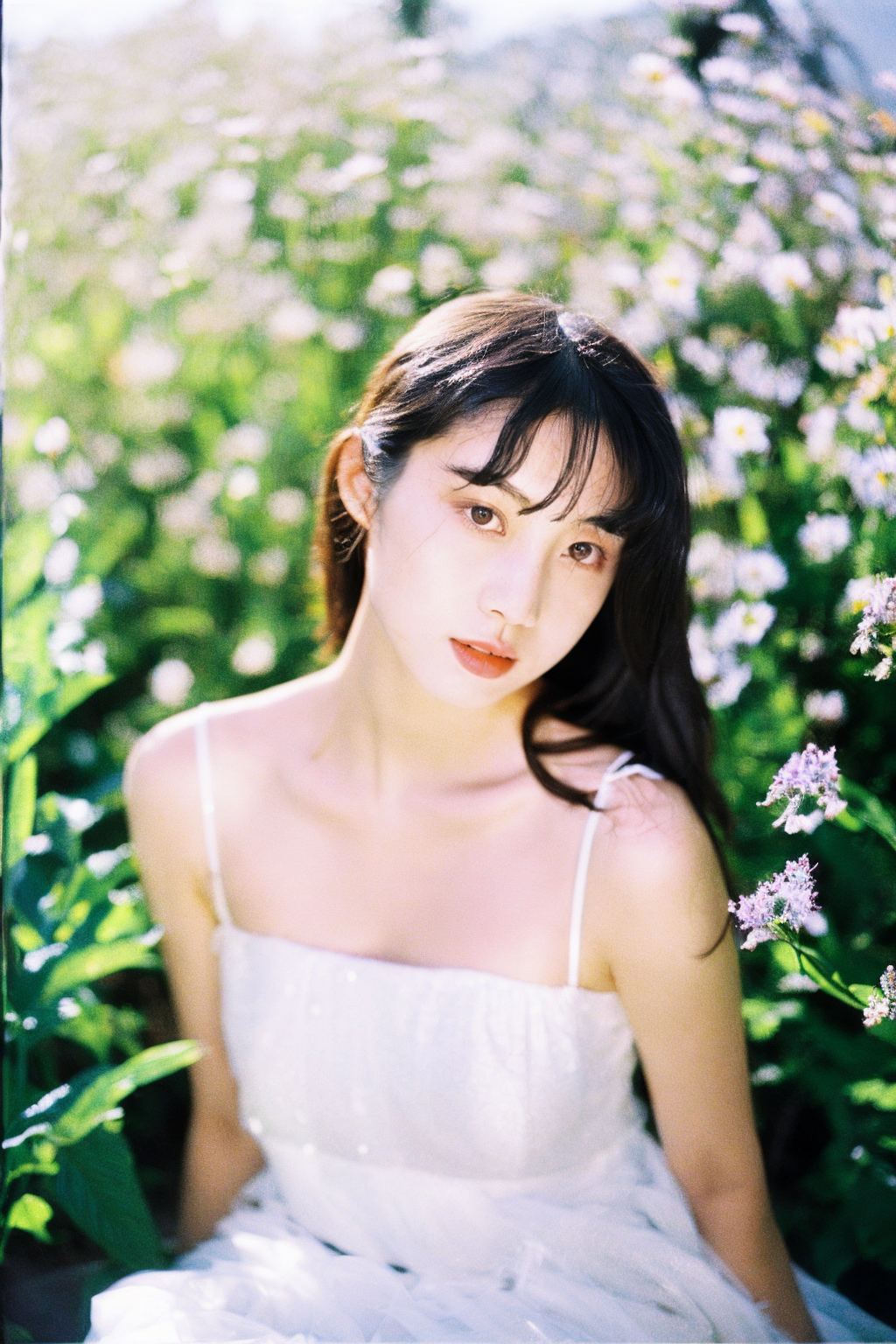
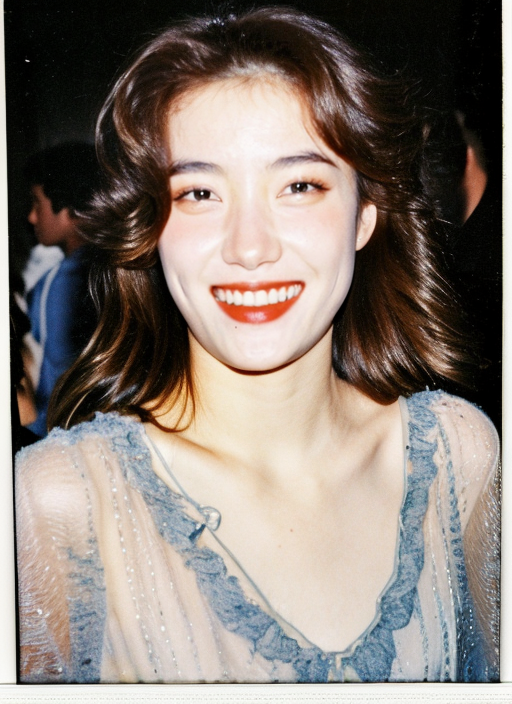




세부 정보
파일 다운로드
이 버전에 대해
모델 설명
V5_SD1.5:
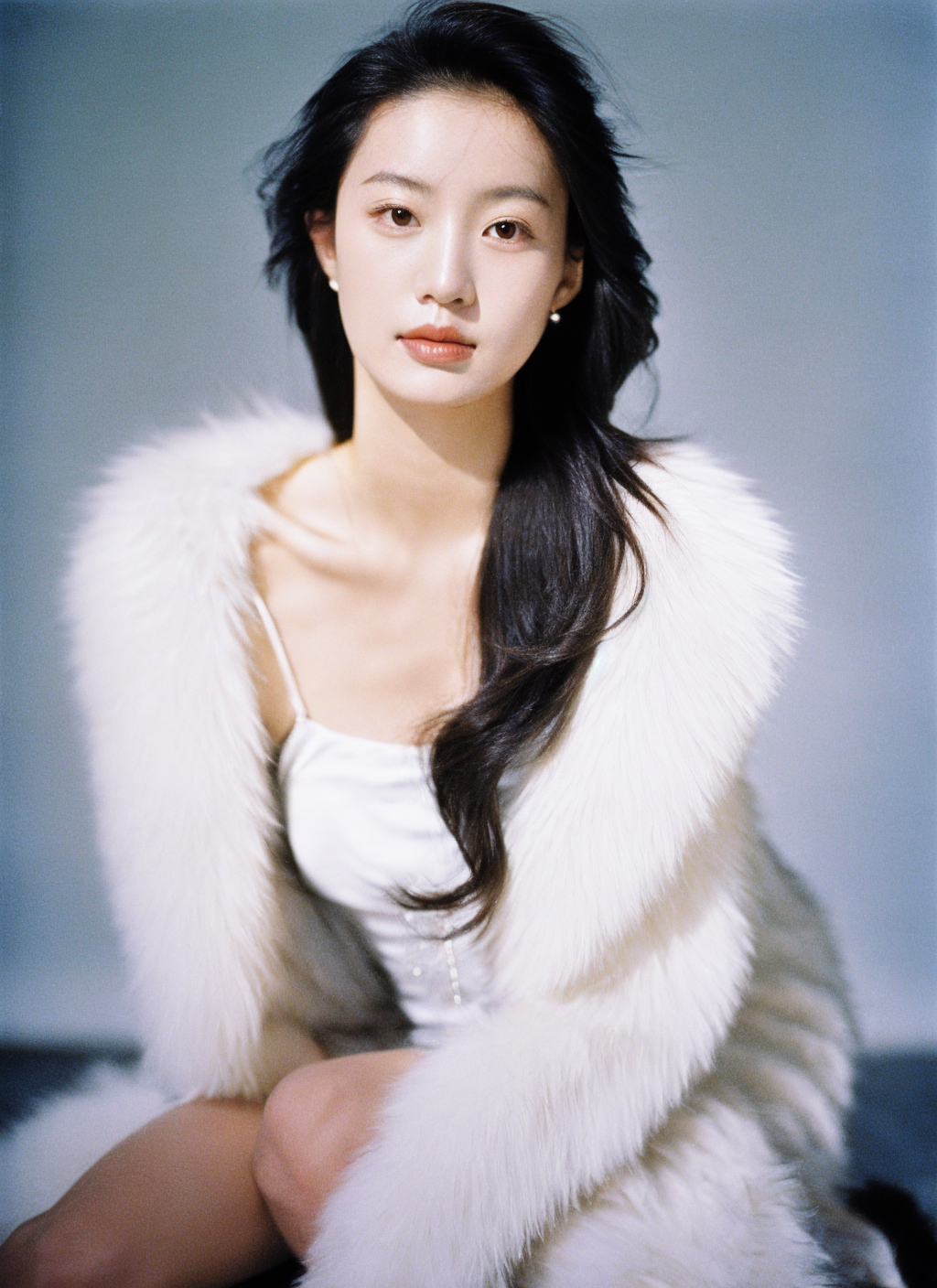
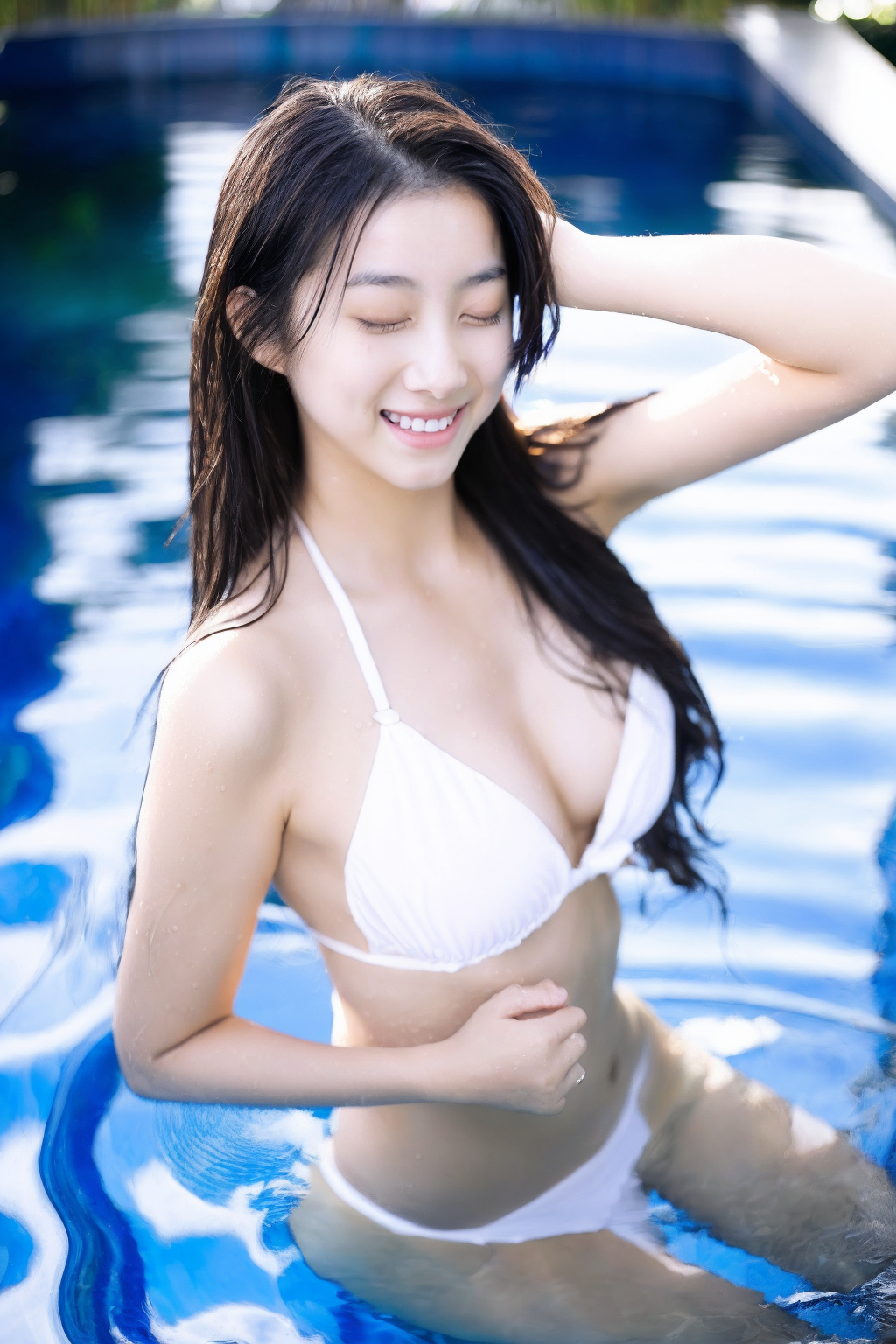
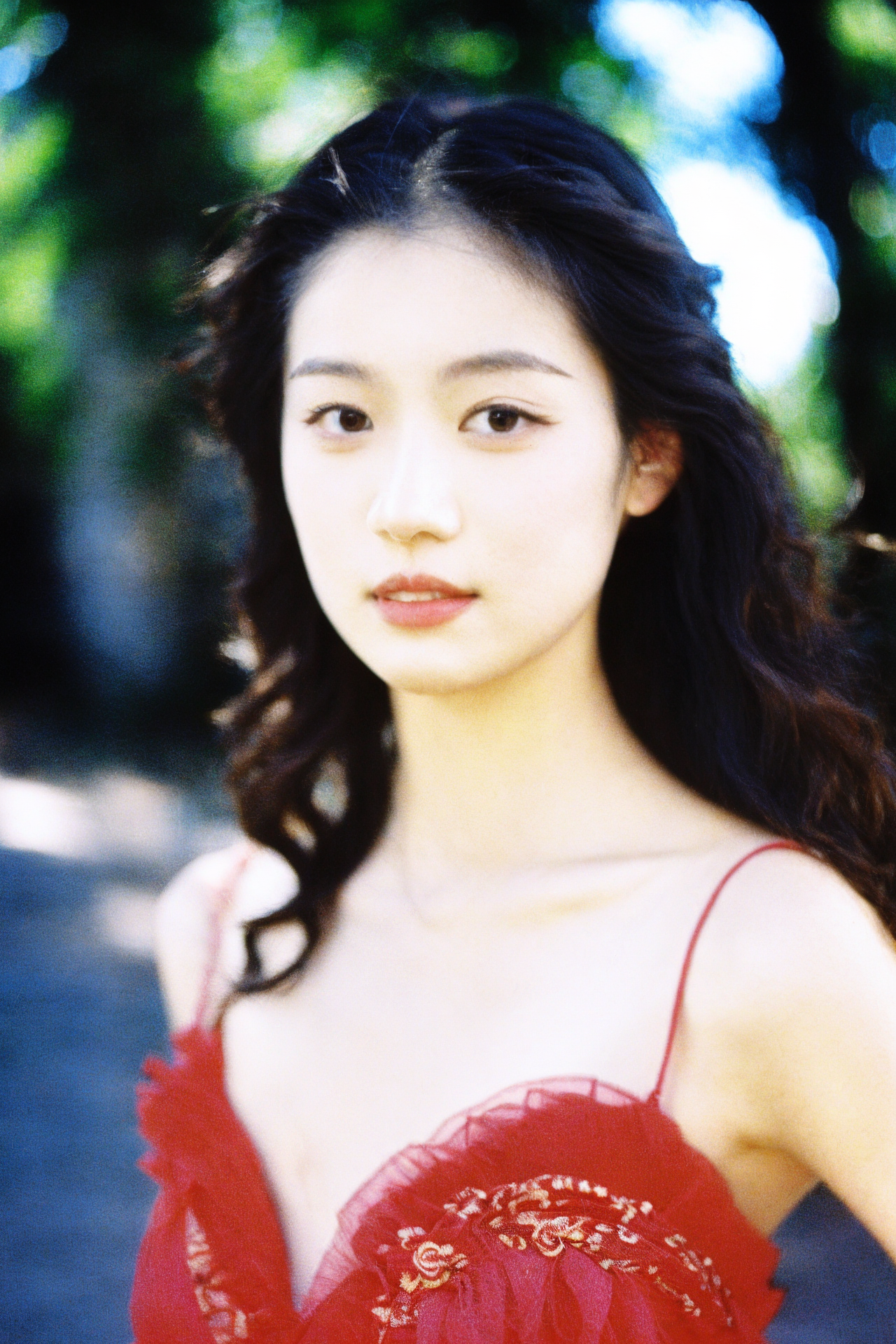
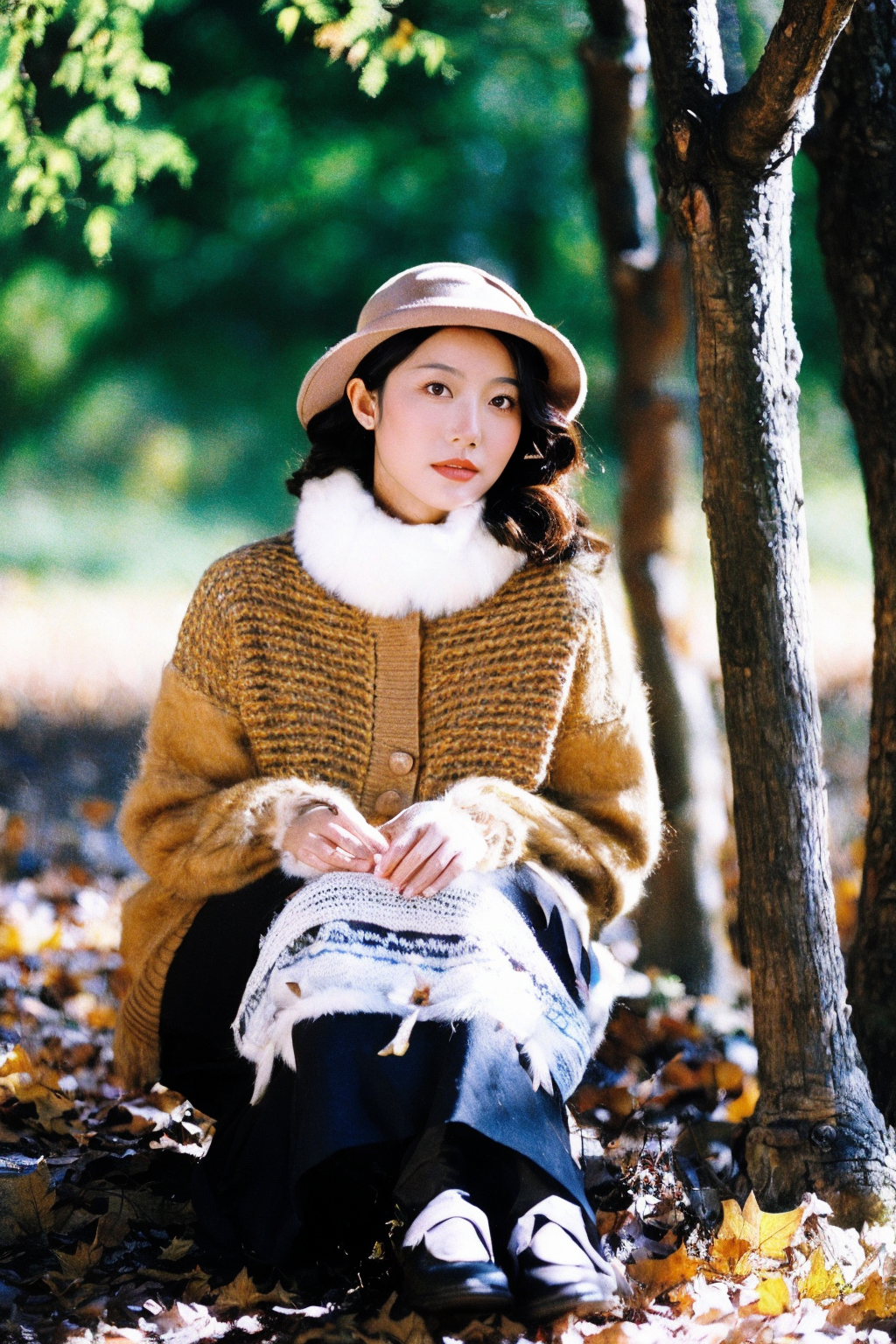
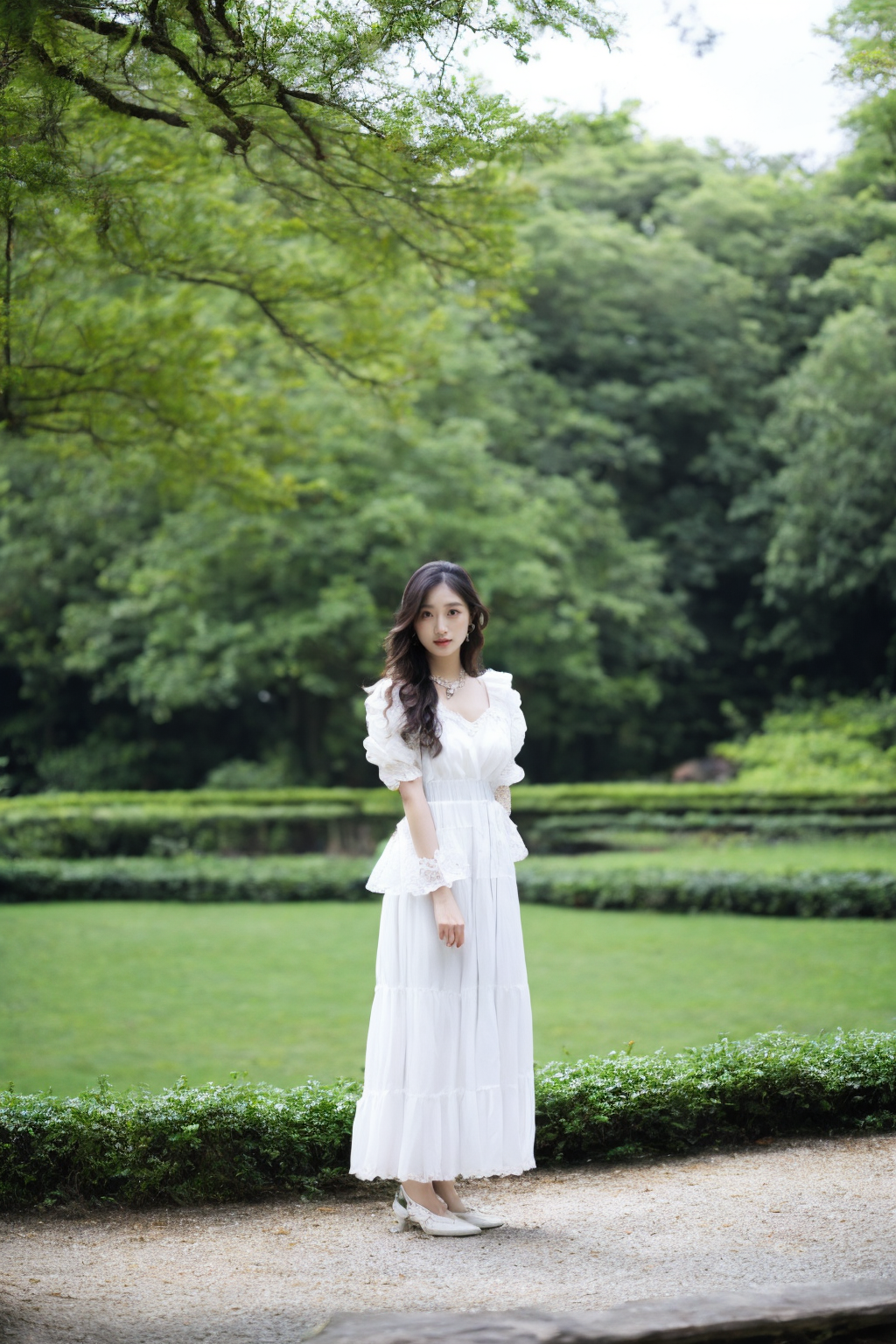
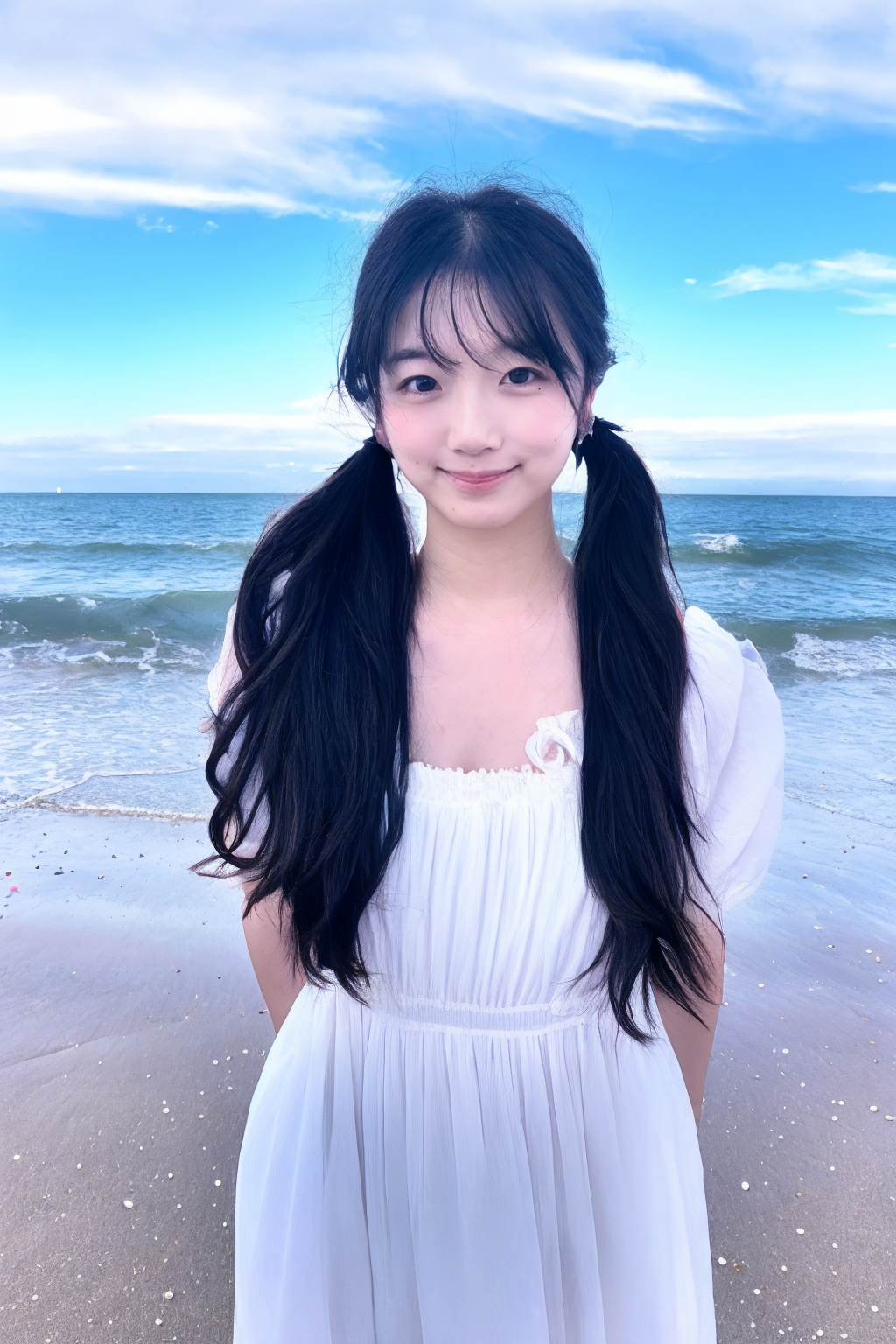
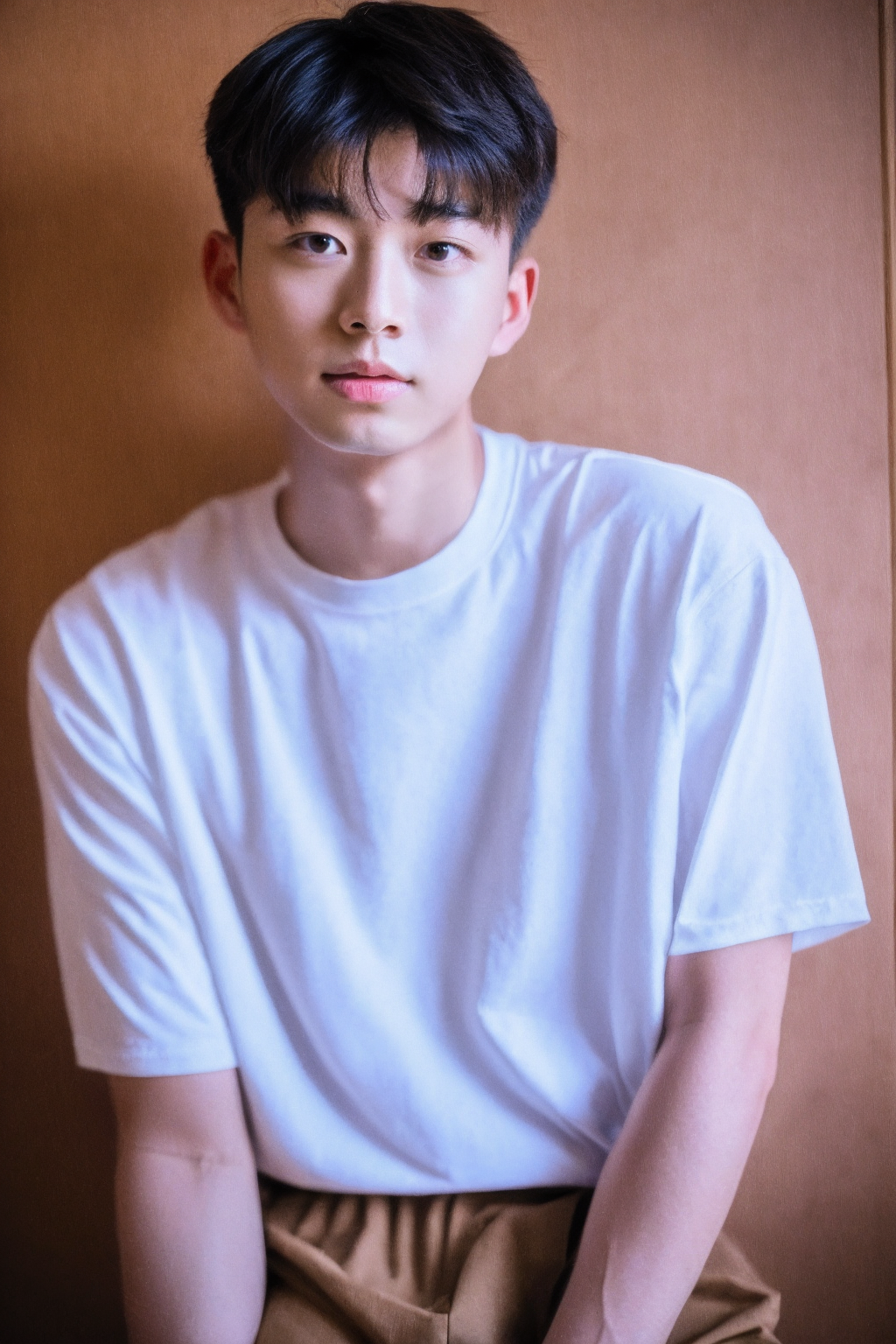
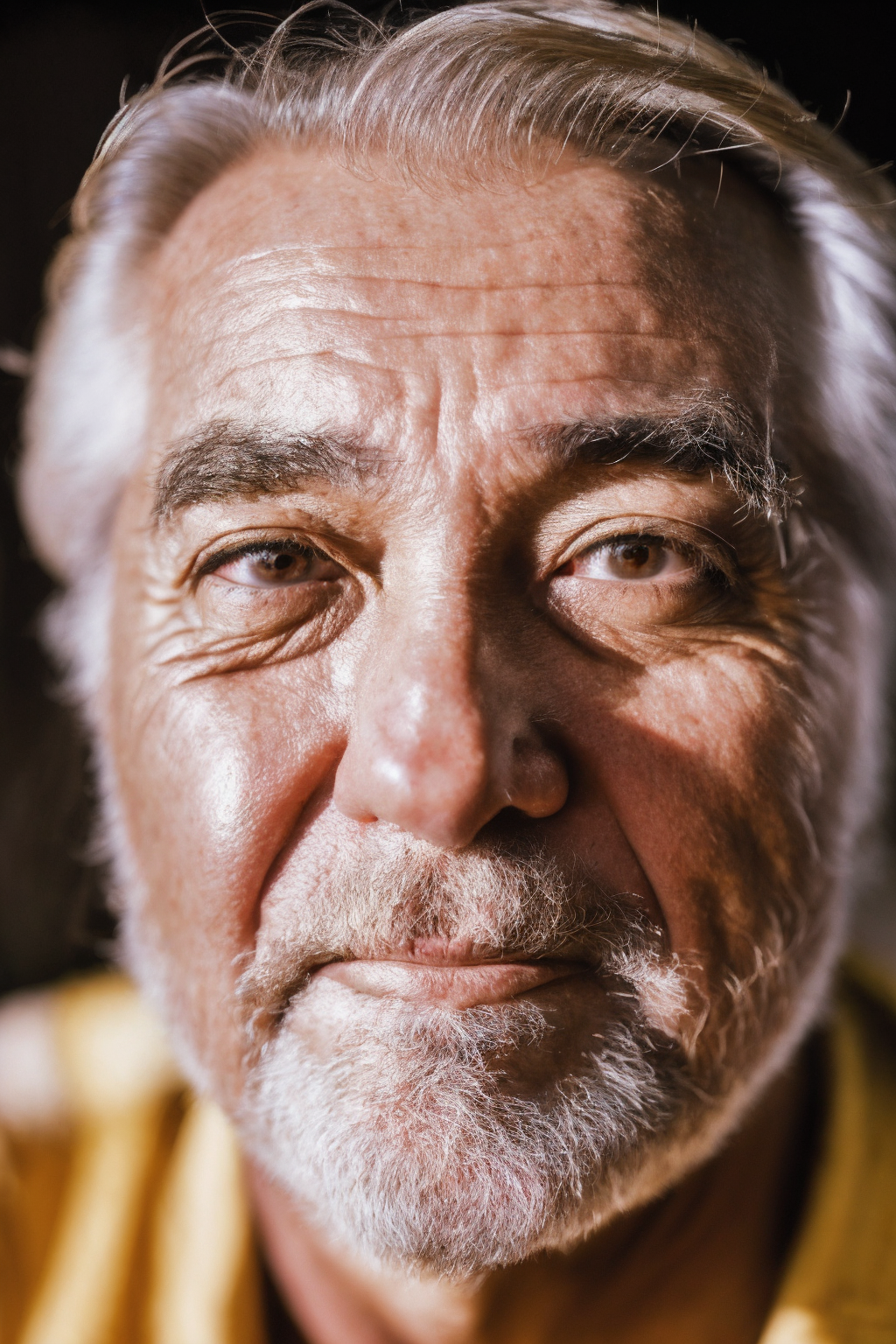
모델은 주로 필름 사진、컴퓨테이셔널 사진、디지털 원본의 세 가지 유형을 학습하며 아시아 인물을 심층 미세 조정했습니다. 현재 학습 데이터의 주체는 아시아의 젊은 남성과 여성, 소수의 풍경 사진입니다. GPT4V를 사용하여 라벨링하였으며, 일부는 CogVQA 및 WD1.4를 혼합하여 라벨링했습니다. WD1.4로 라벨링된 '1girl'과 '1boy'는 'woman'과 'man'으로 수정되어 연령 혼동을 방지합니다.
참고: 이 버전은 SD1.5 버전으로, 다른 모델 페이지에서 통합되었습니다. 또한 이 모델은 균형 잡힌 전반적 성능을 목표로 하지 않으며, 명확한 기능적 또는 미학적 편향이 존재할 수 있습니다.
디지털 원본: Raw format
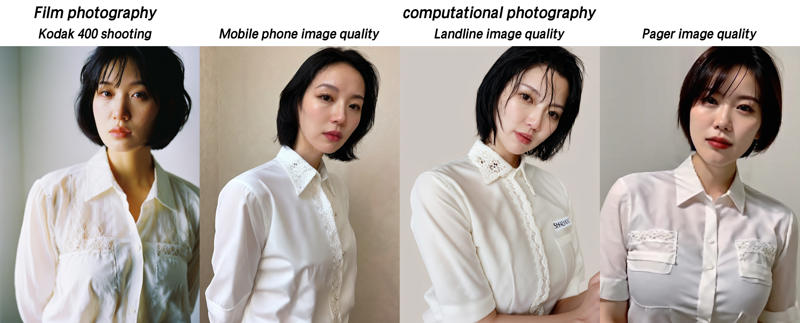
필름 계열: Film photography
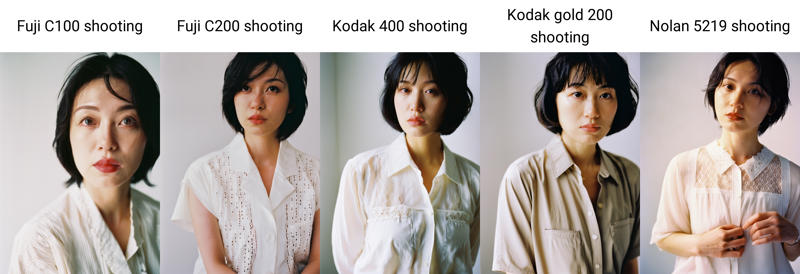
일부 필름 모델: Fuji C100 shooting, Fuji C200 shooting, Kodak 400 shooting, Kodak gold 200 shooting, Nolan 5219 shooting
컴퓨테이셔널 사진: computational photography
화질 등급: Mobile phone image quality, Landline image quality, Pager image quality
초기 설정(실제 상황에 따라 수정 가능: 컴퓨테이셔널 사진 및 아래 등급을 부정적 프롬프트에 추가하면 화질이 극대화되며, 반대의 경우도 마찬가지입니다):
긍정적 프롬프트: 8K, masterpiece, best quality:1.2, ultrahigh-res,
부정적 프롬프트: anime, cartoon, 3D rendering, high saturation, facial blemishes, lowres, bad anatomy, bad hands, text, error, missing fingers, extra digit, fewer digits, cropped, worst quality, low quality, normal quality, jpeg artifacts, signature, watermark, username, CyberRealistic_Negative-neg, (SkinPerfection_NegV15),
기타 파라미터 설정은 예시 이미지를 참조하세요.
존재하는 문제: 1.5 모델은 눈 부분 처리가 항상 부족합니다. 더 깊이 있는 수정이 필요하면 XL 모델을 사용하여 눈을 별도로 재생성하는 것을 권장합니다.
이 모델은 LEOSAM FilmGirl Ultra 기반으로 학습되었으며, 모든 저작권 사용 지침은 상위 모델과 동일하게 적용됩니다.
V4:
모델은 주로 필름 사진과 컴퓨테이셔널 사진 두 가지 유형을 학습하며 아시아 인물을 심층 미세 조정했습니다. 핵심 데이터를 최적화하면서 인기 있는 일부 필름 모델을 추가했습니다. 이미지에 화질 등급을 도입하고 다양한 저화질 이미지를 사용하여 부정적 특징을 추출해 화질 제어 능력을 강화했습니다.
The model mainly trains film photography and computational photography, and makes in-depth fine-tuning of Asian portraits.
Add some popular film models while optimizing the core data.
The picture quality is rated, and a variety of low-quality images are introduced to extract negative features to enhance the ability of picture quality control.
본 모델은 LEOSAM's HelloWorld5.0 대형 모델(이하 HW5.0)을 기본 모델로 사용하며, 모든 사용 규칙은 HW5.0의 선언을 따릅니다. 본 모델을 융합하거나 수정하는 경우, 설명에 반드시 본 모델과 HW5.0을 언급해야 합니다. 아래는 HW5.0 모델 주소입니다: /model/43977/leosams-helloworld-sdxl-base-model
This model uses the LEOSAM's HelloWorld5.0 large model (hereinafter referred to as HW5.0) as the basic model, and all the usage rules also follow the statement of HW5.0. If you modify this model, be sure to mention this model and HW5.0 in the introduction.
The following is the HW5.0 model address: /model/43977/leosams-helloworld-sdxl-base-model
제 모델을 좋아하신다면, 저에게커피 한 잔 사주기를 해주거나爱发电에서 저를 지원해 주세요. 또한, 재생산된 이미지를 공유하고 별점과 댓글을 달아주시면 정말 큰 도움이 됩니다!
학습 프롬프트 개요:
해상도는 우선적으로 896*1152를 권장하며, 기타 파라미터는 V4RC1 또는 HW5.0 설명을 참조하세요.
아래는 주요 학습 개념 및 트리거 단어입니다.
필름: Film photography
일부 필름 모델: Fuji C100 shooting, Fuji C200 shooting, Kodak 400 shooting, Kodak gold 200 shooting, Nolan 5219 shooting
컴퓨테이셔널 사진: computational photography
화질 등급: Mobile phone image quality, Landline image quality, Pager image quality
(화질 순차적 감소: 휴대폰 화질, 고정전화 화질, 페이저 화질)
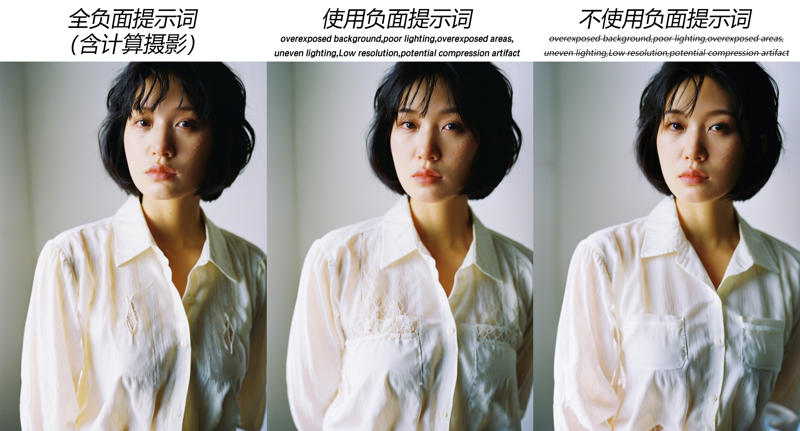
학습된 부정적 프롬프트: overexposed background, poor lighting, overexposed areas, uneven lighting, Low resolution, potential compression artifact (이 부분은 테스트를 통해 화면에 과도한 간섭을 주지 않는 것으로 확인됨)
사용 권장 사항:
필름 사용 시: Film photography + 임의의 필름 이름(또는 필름 이름 없이)
학습된 부정적 프롬프트와 함께 worst quality, low quality, illustration, 3d, 2d, painting, cartoons, sketch를 사용
선택적으로 computational photography, Mobile phone image quality, Landline image quality, Pager image quality 추가
컴퓨테이셔널 사진 카테고리를 완전히 부정적 프롬프트에 포함시키면 과도한 선명도 위험이 발생할 수 있습니다. 또한 데이터의 주체가 여전히 필름이므로 특정 프롬프트를 추가하지 않으면 기본적으로 필름 효과로 간주됩니다.
컴퓨테이셔널 사진 사용 시(즉, 휴대폰 화질): computational photography + 임의의 화질 등급 입력
부정적 프롬프트에 학습된 부정적 프롬프트를 포함시키지 않아도 됩니다. 왜냐하면 그것들이 곧 컴퓨테이셔널 사진의 특징이기 때문입니다.
다양한 사진 유형의 화질 비교:
다양한 필름 모델 비교:
다양한 부정적 프롬프트 적용 비교:
참고: 모든 사진 효과는 실제 세계의 필름, 휴대폰 촬영 효과를 대표하지 않으며, 모두 AI 시뮬레이션 결과이며 개인의 미적 감각을 반영합니다. 모델의 결과를 실제 장비와 직접 비교하지 마십시오.
Note: all photography effects can not represent the real world film, mobile phone shooting effects, here are AI simulation results, with personal aesthetic, do not correspond to the model effect to the real specific equipment.
V4_RC1:
V4는 로컬에서 수백 시간 동안 학습되었으며, 데이터는 GPT4V로 라벨링되었고 일부는 WD1.4+cog를 사용했습니다. 모델은 일부 과적합 현상을 겪었으며, 이를 완화하기 위해 첫 번째 MBW를 적용했습니다. 이전 버전 V4와 비교해 볼 때, 손 구조가 상대적으로 더 나은 성능을 보이며, 프롬프트 반응이 더 민감하고 색상 조정이 더 공격적입니다. (데이터의 한계로 인해 전체적인 효과를 보장하지는 못합니다.)
V4_RC1:
V4 has been training locally for hundreds of hours, and the data body is marked with GPT4V and partly with WD1.4+cog.
The model has also encountered the situation of partial overfitting, and the first round of MBW has been carried out to alleviate it.
Compared with the previous version of V4, the hand structure has relatively better performance, more sensitive cue response, and more radical color adjustment.(Due to the limited data, the comprehensive effect can not be guaranteed.)
사용 방법:
보통 저는 DPM++2M K 또는 restart를 사용하며, 샘플링은 30-40(재시작 20), CLIP 종료 1, CFG: 5-7
ADetailer에서는 테두리 흐림을 20, 재생성 범위를 0.4로 설정합니다.
refiner0.8를 연결하면 고주파 세부 정보를 더 잘 얻을 수 있습니다.
고화질 복원에는 8x_NMKD-Superscale_150000_G를 사용하고, 확대 비율은 1.5, 반복 횟수는 12, 범위는 0.35로 설정합니다.
부정적 프롬프트: (worst quality, low quality, illustration, 3d, 2d, painting, cartoons, sketch), mole, skin blemishes (이 버전은 피부 결함이 발생할 수 있으므로 마지막 두 항목을 추가하면 효과적으로 완화됩니다)
Instructions for use:
usually I use DPM++2M K or restart, sample 30-40 (restart20), cilp terminates 1pm CFG restart20 5-7.
In ADetailer, the redraw edge is blurred by 20, and the redraw range is 0.4.
You can access refiner0.8 for better high-frequency details.
HD repair uses 8x_NMKD-Superscale_150000_G, zoom in 1.5, iterate 12, and range 0.35.
Negative prompts: (worst quality, low quality, illustration, 3D, 2d, painting, cartoons, sketch), mole,skin blemishes, (this version may have skin defects, adding the last two can effectively relieve)
The model may still have problems, and now GPT4V marking + new process retraining has been used.
V3 정식 버전 설명:
자연어를 FP32 하에서 학습했으며, 고정된 트리거 단어는 없습니다. 샘플러에 문제가 있는지 테스트 결과 확인되지 않았습니다. 인종 표현이 불안정한 경우, "아시아인"이라는 단어를 입력하여 트리거를 강화할 수 있습니다. 상황에 따라 고화질 복원 및 얼굴 복원을 활성화하세요(전체 화면 얼굴 촬영은 얼굴 복원을 권장하지 않습니다).
2.1.2:
현재 대부분의 샘플링 방법은 대부분의 장면에서 과도한 노이즈를 생성하지 않으므로 refiner는 필수가 아니며, After Detailer도 정상적으로 사용 가능합니다. 그 외는 아래와 동일합니다.
DPM++ 2M Karras, Euler, Restart가 상대적으로 더 나은 성능을 보입니다.
Most sampling methods now no longer generate excessive noise in most scenarios, so refiners are no longer necessary, and After Detailer can also be used normally.
DPM++2M Karras, Euler, and Restart performed relatively better.The remaining parts are still the same as below.
2.1.0:
1: 여러 테스트를 진행한 결과, 현재 가장 권장되는 샘플러는 euler와 euler a이며, 최적 스텝 수는 50을 권장합니다. refiner를 활성화하고 전환 시점을 0.9로 설정할 수 있습니다.
다른 샘플러는 일부 장면에서不同程度의 과도한 노이즈를 생성하며, refiner를 사용하면 노이즈 감소가 매우 효과적입니다. 그러나 ADetailer를 활성화하면 다시 노이즈가 추가되어 거의 사용 불가능한 상태가 됩니다. 다른 샘플러를 반드시 사용해야 한다면, 얼굴 복원 플러그인을 끄고 고화질 복원만 사용하세요. 이는 지금까지 제가 겪은 가장 큰 문제입니다.
2: CILP: 2 (1로 학습, 테스트 시 2를 켜도 차이 없음)
3: ADetailer는 euler 및 euler a 샘플러 사용 시에만 활성화를 권장합니다.
4: 해상도: 896*1152 (또는 기타 공식 권장 해상도)
사용 방법:
1: 여러 테스트를 진행한 결과 현재 가장 권장하는 샘플러는 Euler 및 Euler a이며, 최적 스텝 수는 50을 권장하며, refiner를 사용할 수 있고 전환 시점은 0.9로 설정하세요.
다른 샘플러는 일부 장면에서不同程度의 과도한 노이즈를 생성하므로 refiner를 사용하여 노이즈를 줄일 수 있으며 매우 효과적입니다. 그러나 ADetailer를 켜면 다시 노이즈가 추가되어 거의 사용할 수 없는 상태가 됩니다. 다른 샘플러를 반드시 사용해야 한다면, 얼굴 복원 플러그인을 끄고 고화질 복원만 사용하세요. 이는 지금까지 제가 겪은 가장 큰 문제입니다.
2: CILP: 2 (1로 학습, 테스트 시 2를 켜도 차이 없음)
3: Euler 및 Euler a 샘플러 사용 시에만 ADetailer를 활성화하는 것을 권장합니다.
4: 해상도: 896 * 1152 (또는 기타 공식 권장 해상도)
프롬프트 부분:
1: 새로운 라벨링 모델을 사용했습니다. CILP 모델: VIT-L-14/openai, 캡션 모델: bilp2-flan-t5-xl. 따라서 이미지를 어떻게 묘사할지 모르겠다면, 이 두 모델을 사용해 프롬프트를 역추적해 보세요. 최고의 결과를 얻을 수 있습니다.
2: 트리거 단어에 관해: 테스트를 진행한 결과 화면에 어느 정도 영향을 주지만 크지 않으며, 여전히 포함하는 것을 권장합니다.
3: 핵심 내용! 모든 자막 파일을 분석한 결과 가장 효과적인 태그를 정리했습니다: ulzzang, naver fanpop, fffffound, streaming on twitch, character album cover. 이들은 트리거 단어 외에 가장 자주 등장하는 내용입니다. 시작 시 모두 한 번에 추가하면 매우 좋은 효과를 얻을 수 있습니다.
4: 긍정적 화질 프롬프트로 저는 일반적으로 다음 두 가지를 사용합니다: lora:DetailedEyes\_xl\_V2:1, lora:neg4all\_bdsqlsz\_xl\_V7:1. 이 둘 모두 @bdsqlsz에서 제공하며 거의 오염이 없습니다. 손 복원에는 lora:ClearHand-V2:1을 사용하며, 이는 @frostyforest에서 제공하며 단순한 손 관계 처리에 잘 작동하지만 복잡한 경우 여전히 어려움이 있습니다.
5: 부정적 프롬프트: (worst quality, low quality, illustration, 3d, 2d, painting, cartoons, sketch), greasy skin,
마지막으로 제 QQ 커뮤니티는 749047075이며 비밀번호는 SDS입니다. 관심 있는 분들은 참여하여 토론하고 교류해 주세요. 새로운 모델이 생기면 가장 먼저 내부 테스트를 진행하겠습니다.
Reminder section:
1: We have used a new marking model, cip model: VIT-L-14/openai, and capture model: bilp2 lan t5-xl. Therefore, when you don't know how to describe the image, you may want to try using these two models to infer prompt words, which will achieve the best results.
2: Regarding summoning words: I have also conducted a test and the conclusion is that it will have a certain impact on the screen, but not much, but it is recommended to still use them.
3: Here comes the key! I have compiled all the subtitle files and summarized the most effective ones: ulzzang, naver fanpop, ffffffound, streaming on tweet, character album cover. They are the content that appears the most frequently except for summoning words. You can add them all at once as a starting point, and the results are very good.
4: Regarding positive quality reminders, I usually use these two:<lora: DetailedEyes_ Xl_ V2:1>,<lora: neg4all_ Bdsqlsz_ Xl_ V7:1>, they all come from @ bdsqlsz and have almost no pollution. Hand repair<lora: ClearHand V2:1>, from @ frost forest, handles simple hand relationships well, and is indeed a challenge in complex situations.
5: Negative prompt words: (best quality, low quality, illustration, 3d, 2d, painting, cartons, sketch), great skin,
Finally, this is my QQ communication group 749047075, password: SDS. Interested friends can join the discussion and exchange. If there are new models, I will also conduct internal testing as soon as possible.
샘플러/스텝 / Sampler/Steps: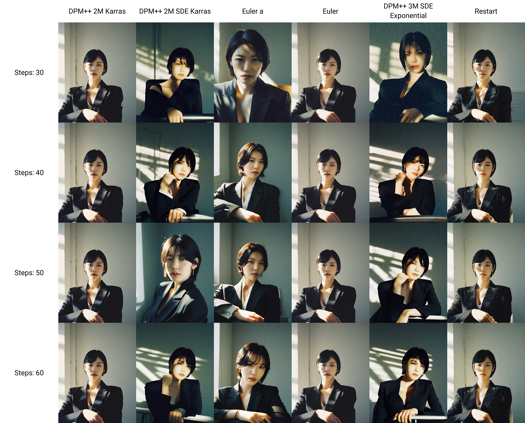
트리거 단어 / trigger word