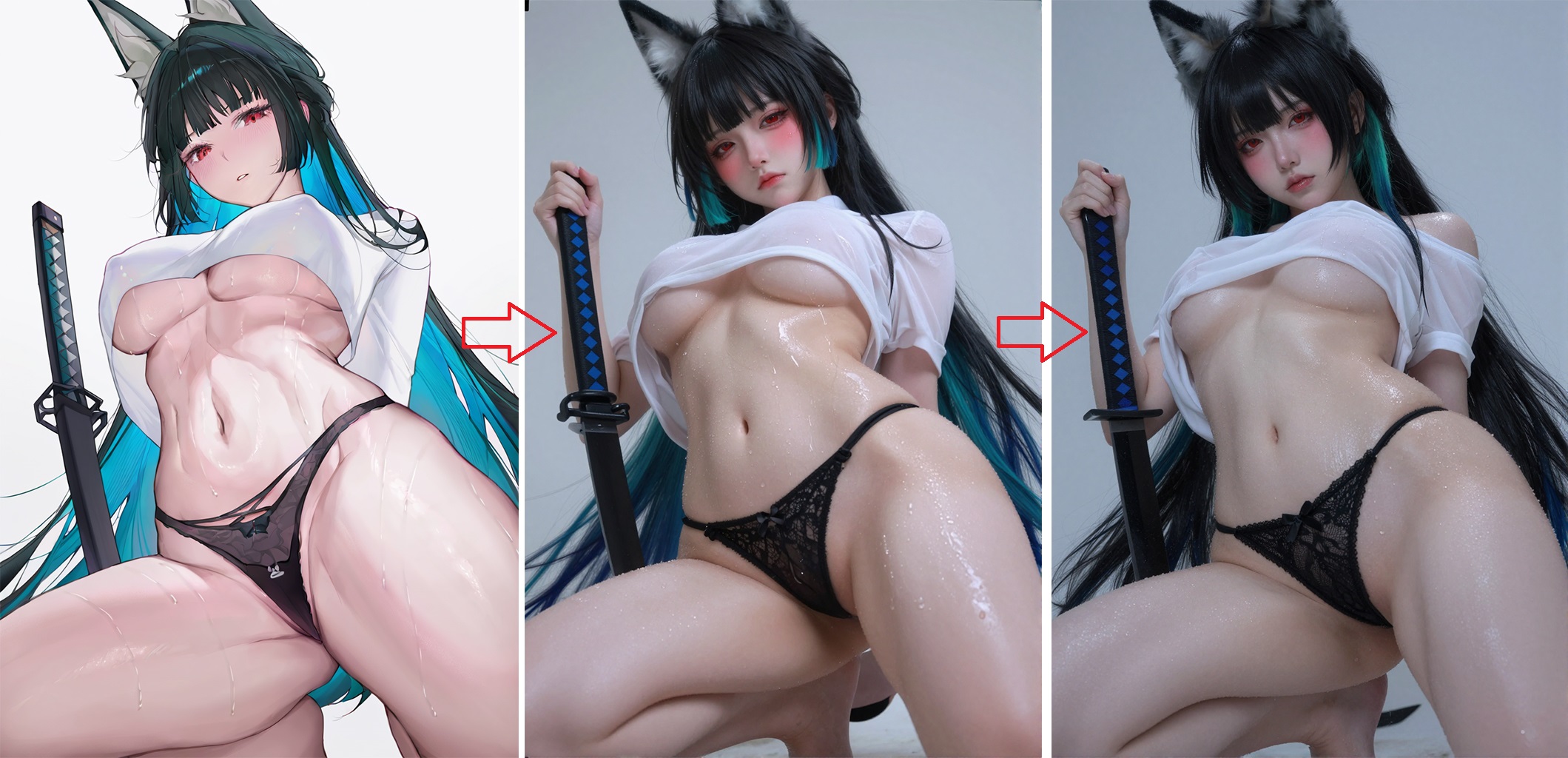
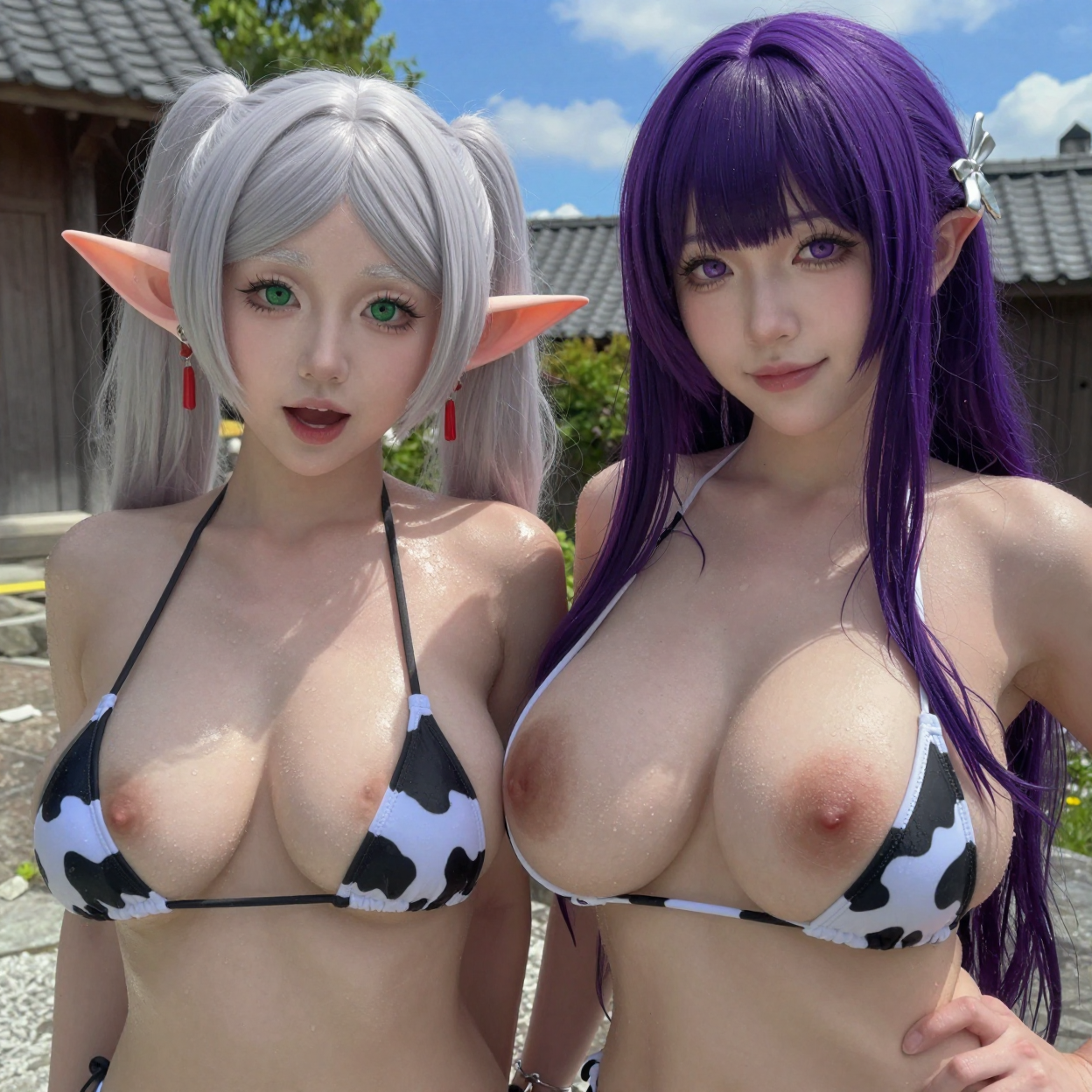
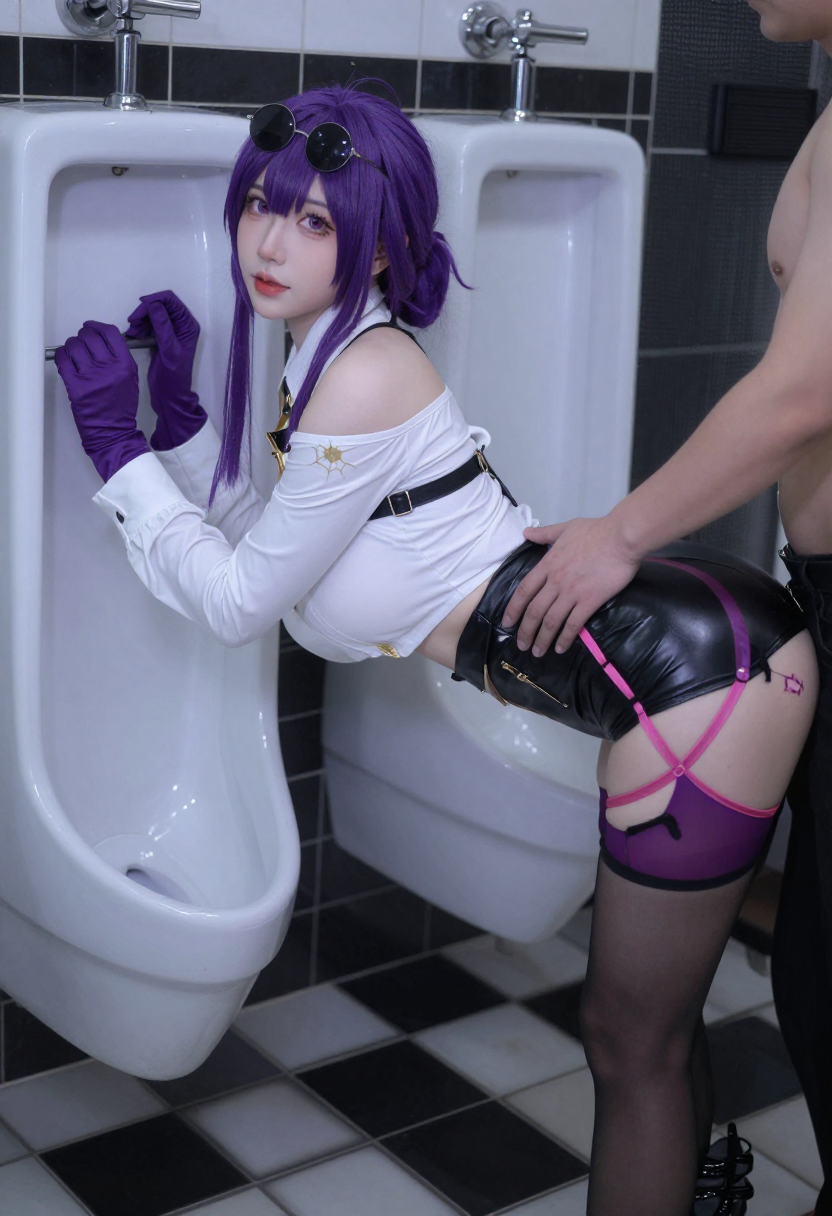
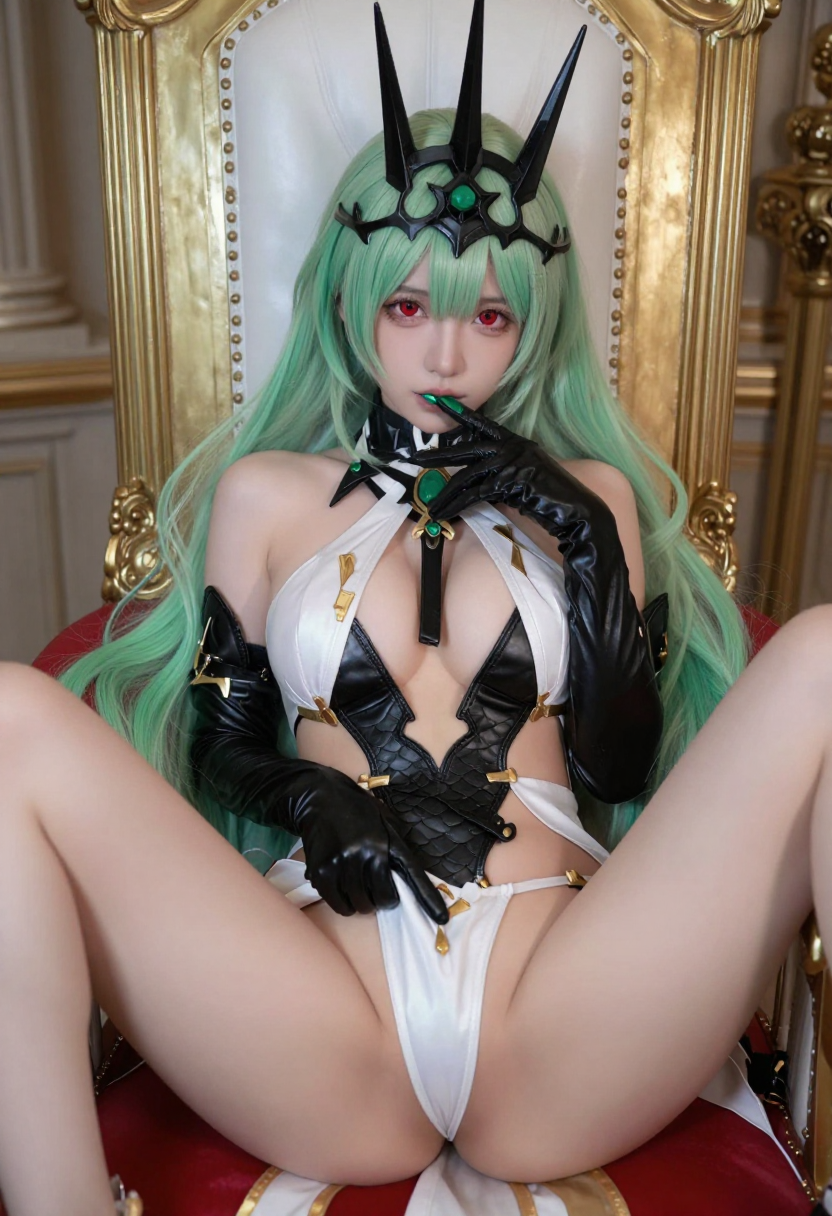
PornMaster Z-image-turbo Controlnet: Cosplay - Anime to Realistic Style





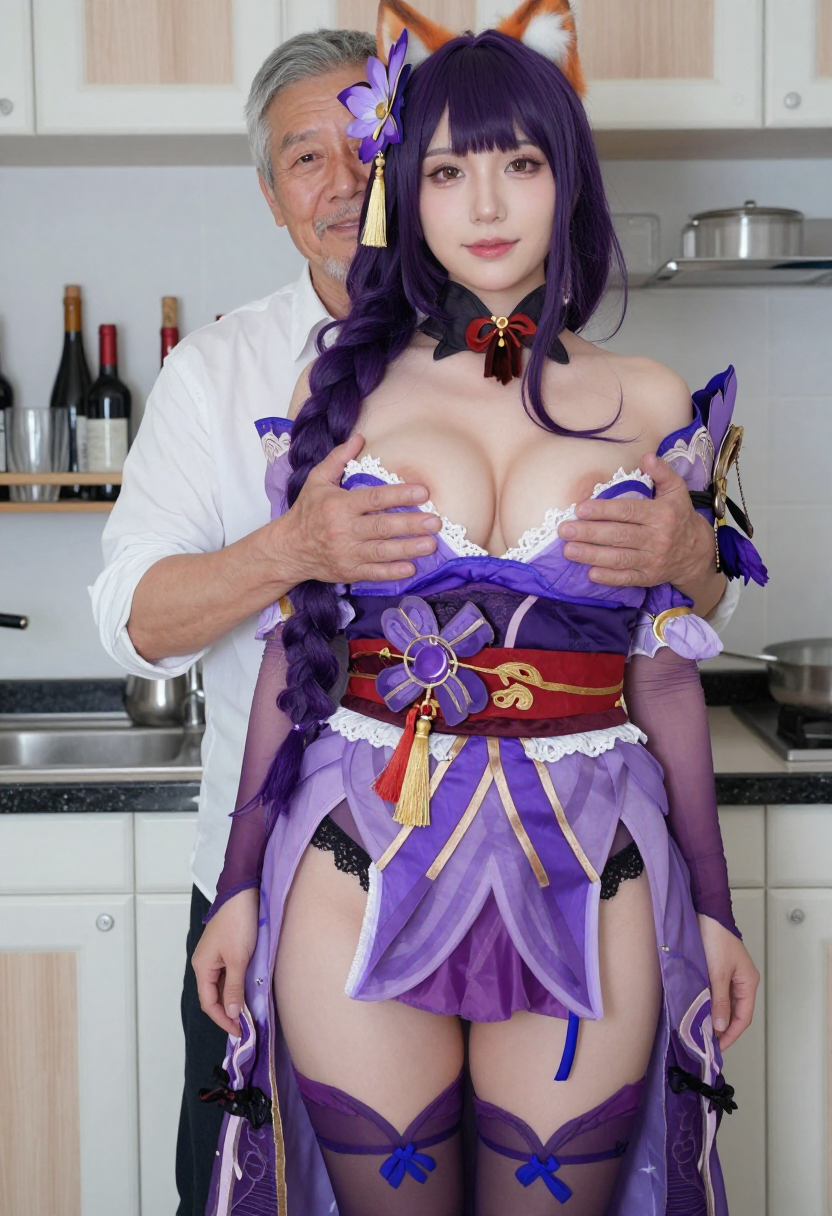
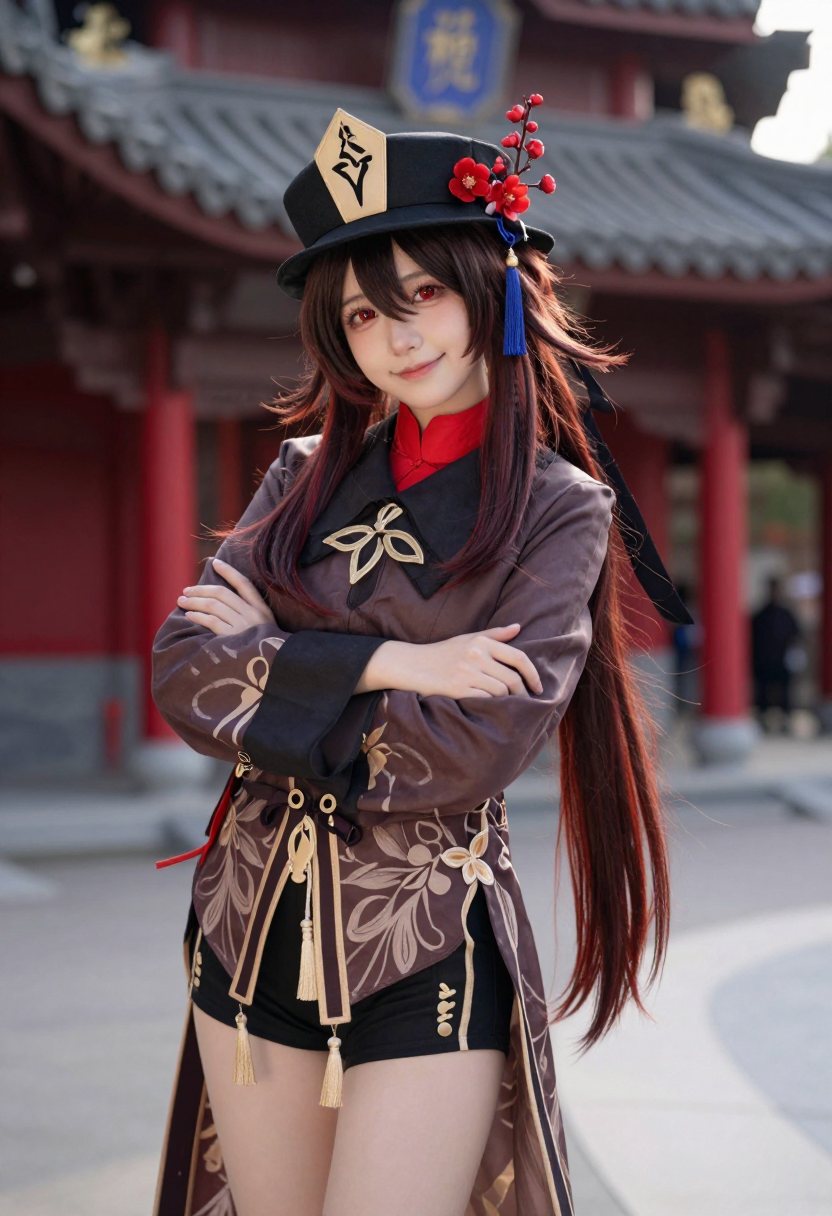


详情
下载文件
关于此版本
模型描述
2025/12/30:
更新工作流,上傳了兩種不同圖片尺寸縮放的調整方式的工作流。並且增加"FaceDetailer"的功能。
工作流已更新,上傳了兩種用於調整圖片尺寸縮放的新工作流,並新增了"FaceDetailer"功能。
--
1: 先安裝缺失的節點
2: 下載Z-Image-Turbo-Fun-Controlnet-Union-2.1-8steps,並將其放入 ComfyUI\models\model_patches
3. 將半寫實或寫實風格的Cosplay照片上傳至工作流中,也可使用我的PornMaster-Pro-noob-V6-VAE生成半寫實Cosplay照片後再上傳至工作流。
若為動漫圖片,需透過其他編輯器轉換為半寫實或寫實風格。
或可透過此工作流對動漫圖片進行二次風格轉換:先將動漫風格轉為半寫實風格,再將半寫實風格轉為寫實照片。
4. 使用反推提示詞工具,詳細描述角色、服裝、髮色與衣著顏色。
5. 最後透過工作流中的 Z Image Turbo 生成圖片。
(備註:若 Z Image Turbo 本身未內建 Cosplay 角色,將無法正確識別。)
6. 若生成的性器官有誤,可使用PornMaster-Pro-SDXL-V7-VAE-inpainting修復。
若"FaceDetailer"安裝出錯,請參考"ComfyUI-Impact-Pack"中的教學。
1. First, install the missing nodes.
2. Download Z-Image-Turbo-Fun-Controlnet-Union-2.1-8steps and place it in ComfyUI\models\model_patches.
3. Upload semi-realistic or realistic cosplay photos to the workflow. Alternatively, you can use my PornMaster-Pro-noob-V6-VAE to generate semi-realistic cosplay photos and then upload them to the workflow.
If the image is an anime image, it needs to be converted to a semi-realistic or realistic style using another editor. Alternatively, this workflow can be used to perform a second style conversion on the anime image: first convert the anime style to a semi-realistic style, and then convert the semi-realistic style to a realistic photograph.
4. Use the reverse-engineering prompt tool to describe the character, clothing, hair color, and clothing color in detail.
5. Finally, generate the image using Z Image Turbo in the workflow.
(Note: If Z Image Turbo does not have any built-in cosplay characters, it will not be able to recognize them correctly.)
6. If the generated sexual organs are incorrect, they can be repaired using PornMaster-Pro-SDXL-V7-VAE-inpainting.
If you encounter an error during the installation of "FaceDetailer", please refer to the tutorial in "ComfyUI-Impact-Pack".
--
我的其他檢查站和Lora。
My other checkpoints and Lora.
--
客製化Lora:我的Telegram ID:@iamddtla0620
我的微信ID:iamddtla
我的Line ID:iamddtla
時間寶貴,請直接說明來意,例如:訂製Lora。
Customized lora: My Telegram ID: @iamddtla0620
My WeChat ID: iamddtla
My Line ID: iamddtla
Time is precious, please state your intention directly, for example: customized LORA.