Fn-Mix Pony XL


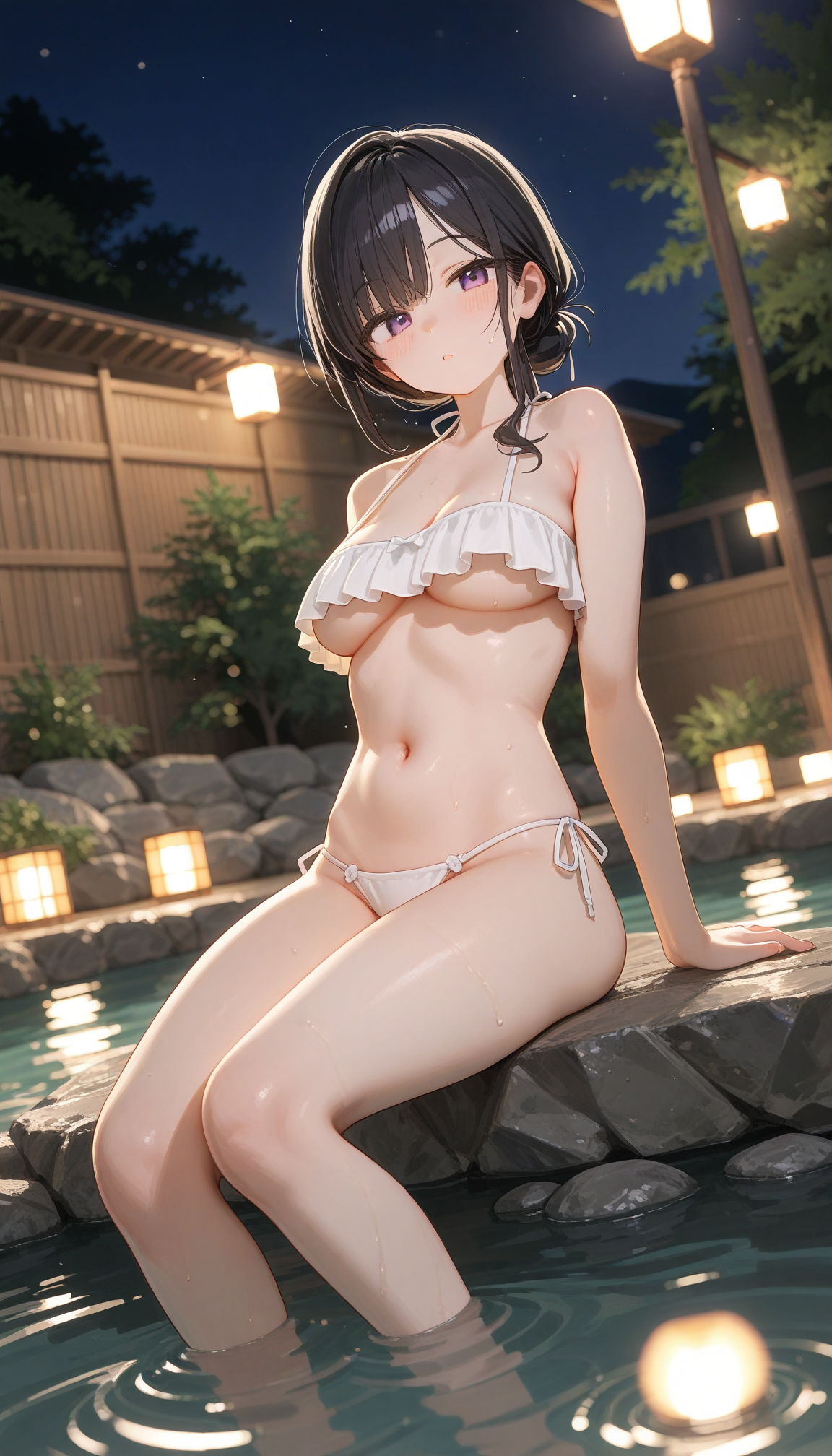
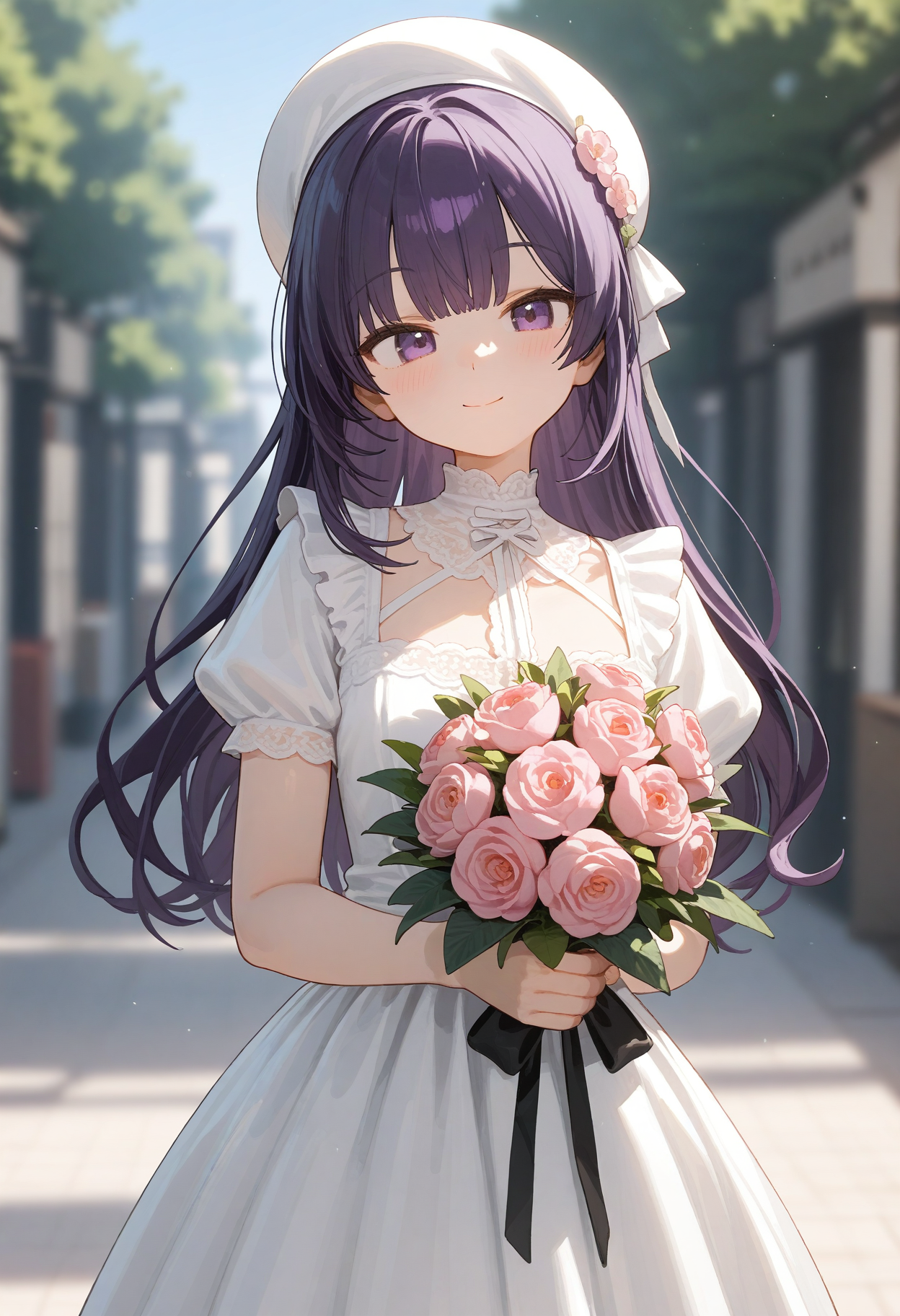


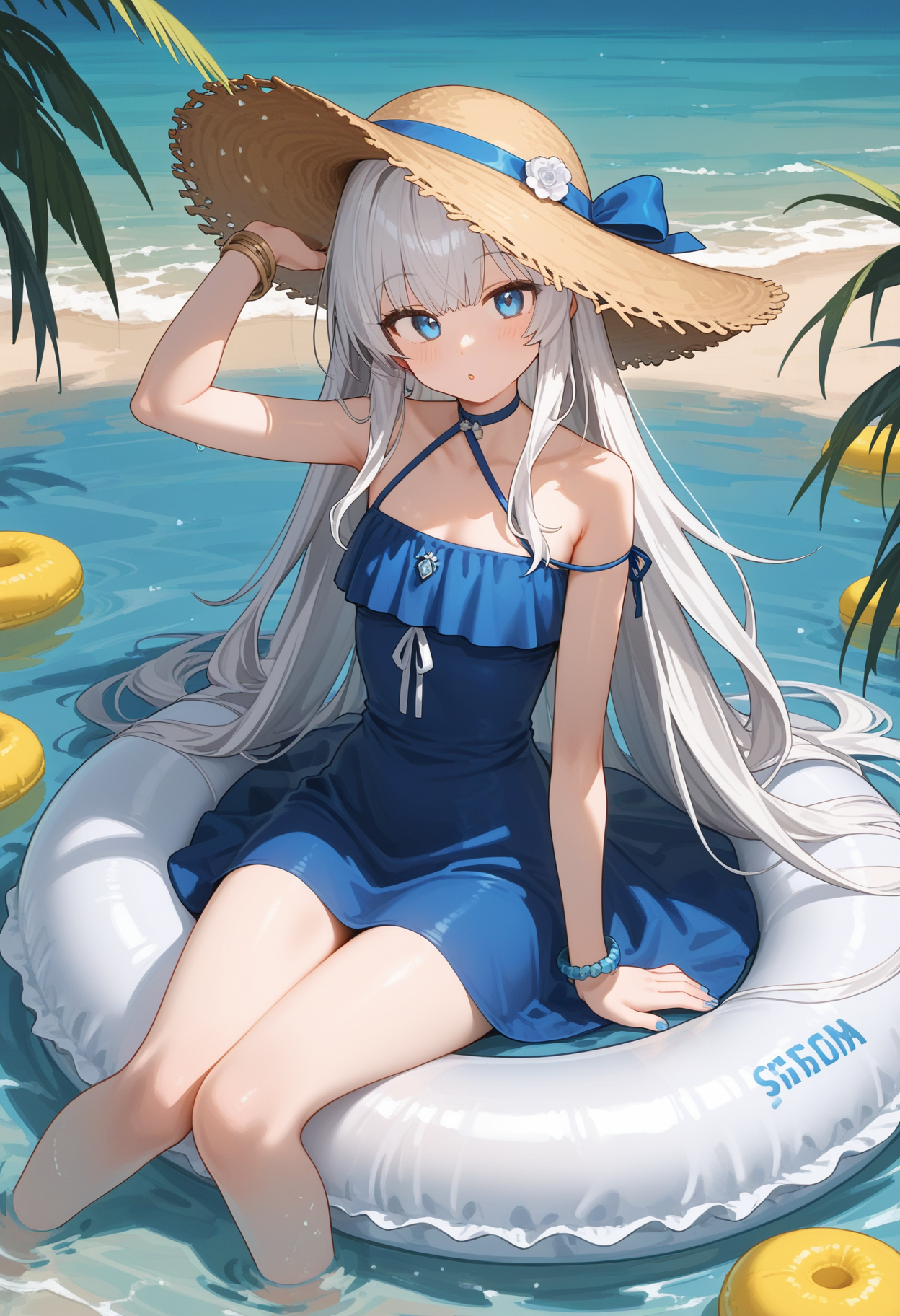
세부 정보
파일 다운로드
이 버전에 대해
모델 설명
사용须知 | Instructions for use
이 모델은 Hyper-SDXL-8steps 모델을 통합하였습니다. 권장 설정: Clip Skip=-2, CFG=2, Step=10-20, 해상도=8321216, 7681344.
This model integrates the Hyper-SDXL-8steps model, recommends Clip Skip = -2, CFG = 2, Step = 10-20, Resolution = 832*_1216, 768*_1344.
V1.6
이 버전은 V1.5-beta를 기반으로 최적화되었으며, V1.5-beta의 스타일을 유지하면서 이미지 표현이 더욱 세밀해졌습니다.
전체 설정은 V1.5-beta와 호환됩니다.
This version is optimized based on V1.5-beta, maintaining the style of V1.5-beta, but with more detailed graphics.
The overall configuration is common to the V1.5-beta configuration.
V1.5-beta
이 버전은 V1.0을 기반으로 하여, 리얼리스틱 스타일 LoRa 및 일부 스타일라이즈드 LoRa를 통합하여 V1.0의 인물 및 배경 표현을 개선하였습니다. 전반적으로 우수한 성능을 보입니다.
This version is based on V1.0 and attempts to change the character and background performance of V1.0 by fusing realistic-style LoRa and partially stylizing LoRa. Overall, it performs well.
1.5-beta 버전의 장점:
전체 이미지가 더 리얼리스틱/3D 렌더링 스타일에 가깝고, 조명 및 그림자 표현력이 향상되었습니다.
풍경 배경의 현실성과 세밀도가 개선되었습니다.
Advantages of the 1.5-beta version:
The overall picture is more realistic/3D rendering style, with stronger light and shadow expression.
Improved background authenticity and fineness for landscape types.
일부 상황에서 여전히 다음과 같은 문제가 발생할 수 있습니다:
배경 관련 프롬프트를 입력하지 않고 배경을 직접 생성할 경우, 인물과 배경 간의 조명 차이가 심해지거나, 배경은 리얼리스틱 스타일인데 인물은 애니메이션 스타일이 되어 전체 이미지가 불일치할 수 있습니다.
손 동작 프롬프트를 사용할 경우 품질이 낮은 결과가 자주 발생합니다.
일부 프롬프트에서는 너무 리얼리스틱한 이미지가 생성될 수 있습니다.
일부 옷의 생성 품질이 좋지 않을 수 있습니다.
Some problems still occur in some scenarios:
The background part is directly generated when the prompt word is not filled in, which may lead to a large difference between the background of the picture and the light and shadow of the characters, or the background is a realistic style and the characters are an animation style, resulting in a more fragmented picture as a whole.
When using hand action prompts, poor results are prone to occur.
Some prompt words are prone to overly realistic pictures.
The generation effect of some clothes may be poor.
권장 설정:
배경 관련 프롬프트를 입력한 후, “photo background, blurry background, depth of field” 등의 문구를 추가하면 배경의 흐림 효과와 현실감을 개선하는 데 도움이 됩니다.
생성 스텝을 15단계로 증가할 수 있습니다.
확대 모델로 x2 모델을 사용하여 생성 속도를 높일 수 있습니다.
개인 테스트 결과: RealESRGAN_x2plus 모델을 사용하면 흐려야 할 배경이 선명해지는 현상이 발생하므로, 다른 x2 모델의 효과는 확인하지 못했습니다. 사용 전 반드시 테스트를 진행해 주세요.
Recommend:
After filling in the background information related prompt words, you can add "photo background", "blurry background", "depth of field" and other prompt words, which helps to optimize the background blur effect and improve the background authenticity.
The number of generating steps can be increased to 15.
Zoom in on the model You can choose to use the x2 model to speed up the generation.
Personal test: Using the RealESRGAN_x2plus will make the background that should be blurred clear, so please test it first if you use it.
다음은 권장 프롬프트 예시입니다:
Here are the recommended prompt example:
Postive Prompt:
1girl, medium breasts,
blunt bangs, hair up, looking at viewer,
frilled one-piece swimsuit, white swimsuit,
outdoors, onsen, wooden floor,  water,
partially submerged, leaning forward,
day, cloudy sky, mountain,
BREAK cowboy shot, photo background, blurry background, depth of field,
BREAK score_9,score_8_up,score_7_up,

Negative Prompt:
score_6,score_5,score_4,source_furry,source_pony,ugly,bad feet,bad hands,
V1
Prefect Pony XL을 베이스 모델로 하여 여러 LoRa를 융합하여 학습한 결과입니다.
The product of multiple Lora fusion based on Prefect Pony XL as the base model.
Prefect Pony XL을 베이스 모델로, NAI3(https://novelai.net/stories) 및 tPony(/model/317902?modelVersionId=673299)에서 생성한 이미지와 수집된 AI 생성 이미지를 기반으로 LoRa를 학습하고, 융합 및 미세 조정한 후, Hyper-SDXL-8steps를 추가하여 생성 속도를 가속했습니다.
Prefect Pony XL is used as the base model, use the images generated in NAI3 and tPony and the collected AI-generated images to train the LoRa, fusion and fine-tuning, and Hyper-SDXL-8steps is added to accelerate the generation speed.
현재는 ComfyUI에서만 사용 중이며, WebUI에서는 테스트하지 않았습니다.
Currently only used in Comfyui, not tested in Webui.
발견된 문제:
일부 알려지지 않은 프롬프트에서 이미지 품질이 급격히 저하되거나 색 블록이 발생할 수 있습니다.
전신 또는 반신 이미지와 같은 얼굴 비율이 작은 경우, 고해상도 복원을 해도 눈의 품질이 여전히 낮습니다.
Problem found:
There may be a significant decrease in image quality/color patches under some unknown cue words.
In cases where the face of a person is relatively small, such as full body and half body images, the eye quality is still poor even after high definition repair.
권장 설정/Recommend:
postive: score_9, score_8_up, score_7_up,
negative: score_6, score_5, score_4, source_furry, source_pony, ugly, bad feet, bad hands,
해상도: 832*1216
CFG: 2 | 동적 CFG: 8-2, 코사인 다운
Steps: 12
생성 후 고해상도 복원을 실시하고, adetailer/detailed fix를 사용하여 얼굴 및 눈을 보정하세요.
After generation, perform high definition repair, and use adetailer/detailed fix to repair the face and eyes.
고해상도 복원 권장 설정/HireFix Recommend:
CFG: 2
Step: 5-10
本文英文部分为AI生成,如有错误敬请见谅。
The English part of this article is generated by AI. Sorry for any errors.
위 내용을 참고하시고, 즐거운 생성 되세요.
The above. Wish you a pleasant time.