Step Dads Skin







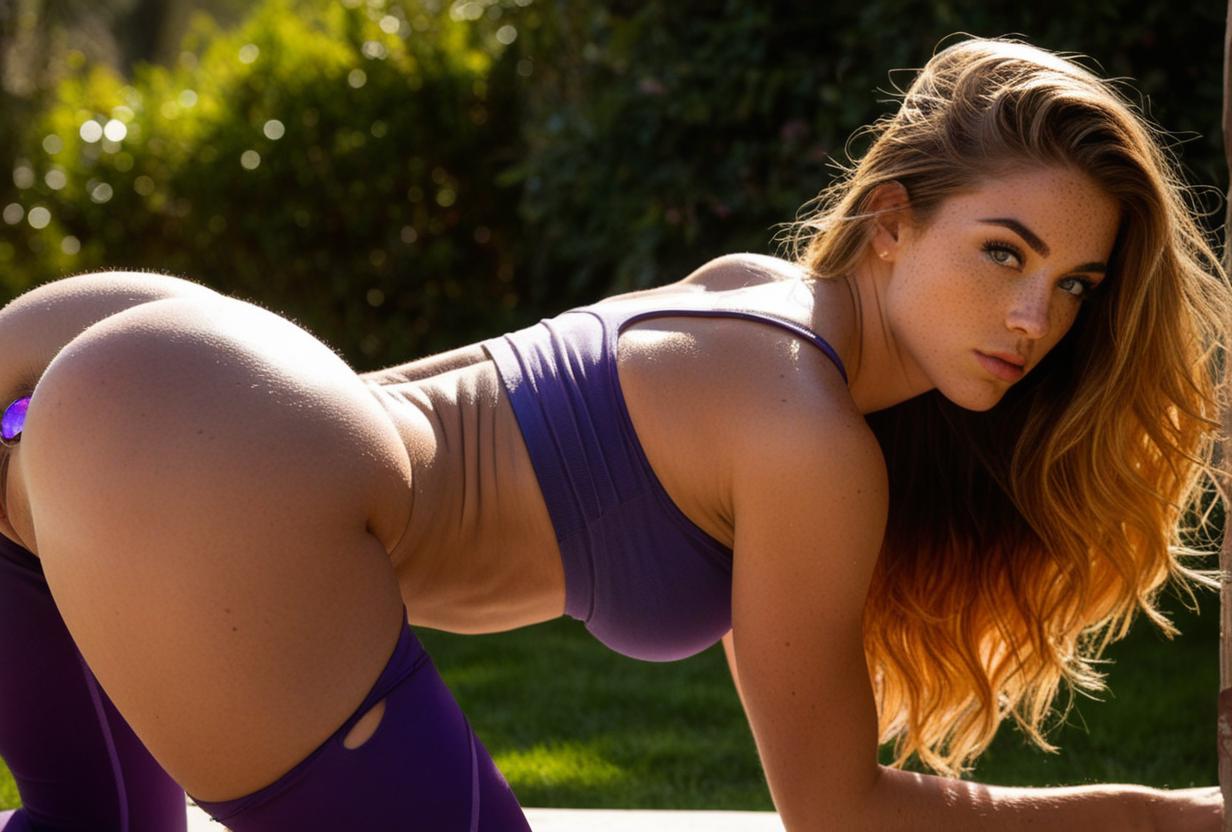

Details
Download Files (1)
About this version
Model description
About this version
>>webui\extensions\sd-dynamic-prompts\wildcards<< this is where you un-zip and place the text file
You need to have the >>dynamic prompt extension<< for your local SD to use Wildcards
Checkpoints will vary how wildcards produce results
You can always change the numbers in the >>Wildcards Manger tab<< (make sure to spam >>save wildcards<<) underneath before you start generating new images
The prompt if you have >>Dynamic Prompts<< enabled is 2 underscores >>name of wildcard<< and 2 underscores at the end its should look like this >>__skin__ <<
EG: a person __skin__ in a town, or a person in a town, __skin__ Variants>>> things change..
I have no idea what I'm doing this is just what I've learned.