[Noob]手办风格/PVC Style Lora (V预测版本/vPred1.0Version)


세부 정보
파일 다운로드 (1)
모델 설명
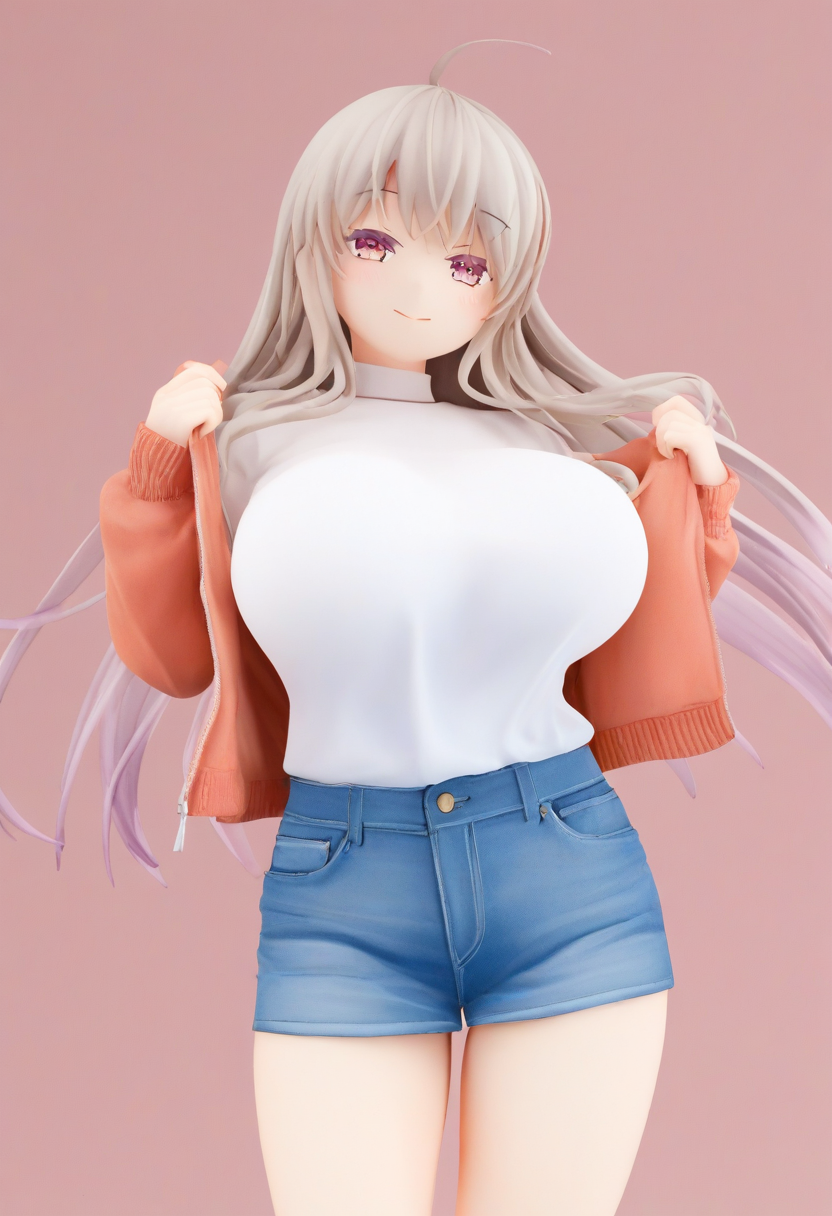
这个模型用于生成pvc风格的人物。
This model is used to generate PVC-style characters.
暂时不能与画师提示词共存
It cannot coexist with artist prompts for now.
加入 2024,newest,highres,absurdres, 等noob官方质量词可能会导致画面变得更动漫一些,也可能不会。所以一般你可以不加。
Adding quality keywords like 2024, newest, highres, absurdres, etc., from the noob official list might make the image more anime-like, or it might not. So generally, you can choose not to add them.
2024,newest,highres,absurdres,而加入 realistic 则可以让画面和阴影更真实一点,不过加入它容易出现类似硅胶娃娃的脸,降低这个提示词的权重可以避免硅胶娃娃脸的感觉。(除非你就想要这种感觉)
Adding “realistic” can make the image and shadows more realistic, but it might result in faces that look like silicone dolls. Reducing the weight of this keyword can avoid the silicone doll face effect (unless you want that look).
realistic,所以如果生成出来的画面偏动漫或写实的多,你可以在以上的质量提示词中调节一下。
So if the generated image is too anime-like or realistic, you can adjust the quality keywords mentioned above.
给个小技巧,如果你生成指定角色时,画面太鲜艳的话,在ComfyUI中你可以尝试Dynamic Thresholding这类插件,使用动态阈值和缩放CFG的方法,可以有效减少这种过度鲜艳的感觉。
Here’s a tip: if the generated image of a specified character is too vivid, you can try plugins like Dynamic Thresholding in ComfyUI. Using dynamic thresholds and scaling CFG can effectively reduce the overly vivid effect.
比如下面这个我的工作流:
example, here’s my workflow:
https://pan.baidu.com/s/1INzbqfk_4SwyYOKoK1BBaw?pwd=ia9t
*(中国用户/Chinese users)
https://mega.nz/file/BYRUBTxR#Qdg6e0ck_47u9KAKM0ATy9kegeNAC8uAiHVnq-s8c0U
*(国际用户/International users)