Gay's Anatomy (ethnicity) (body type)








Details
Download Files (1)
Model description
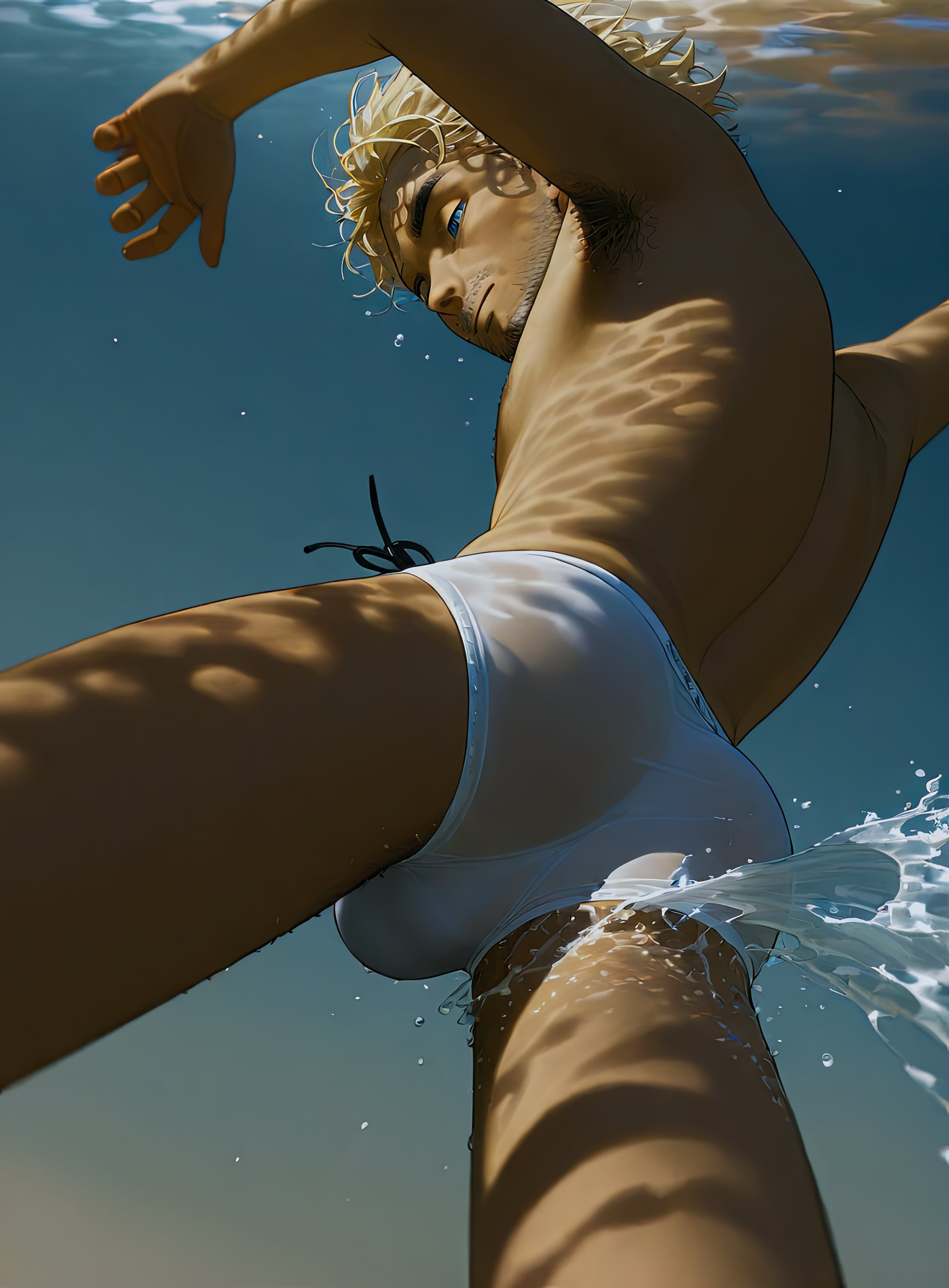
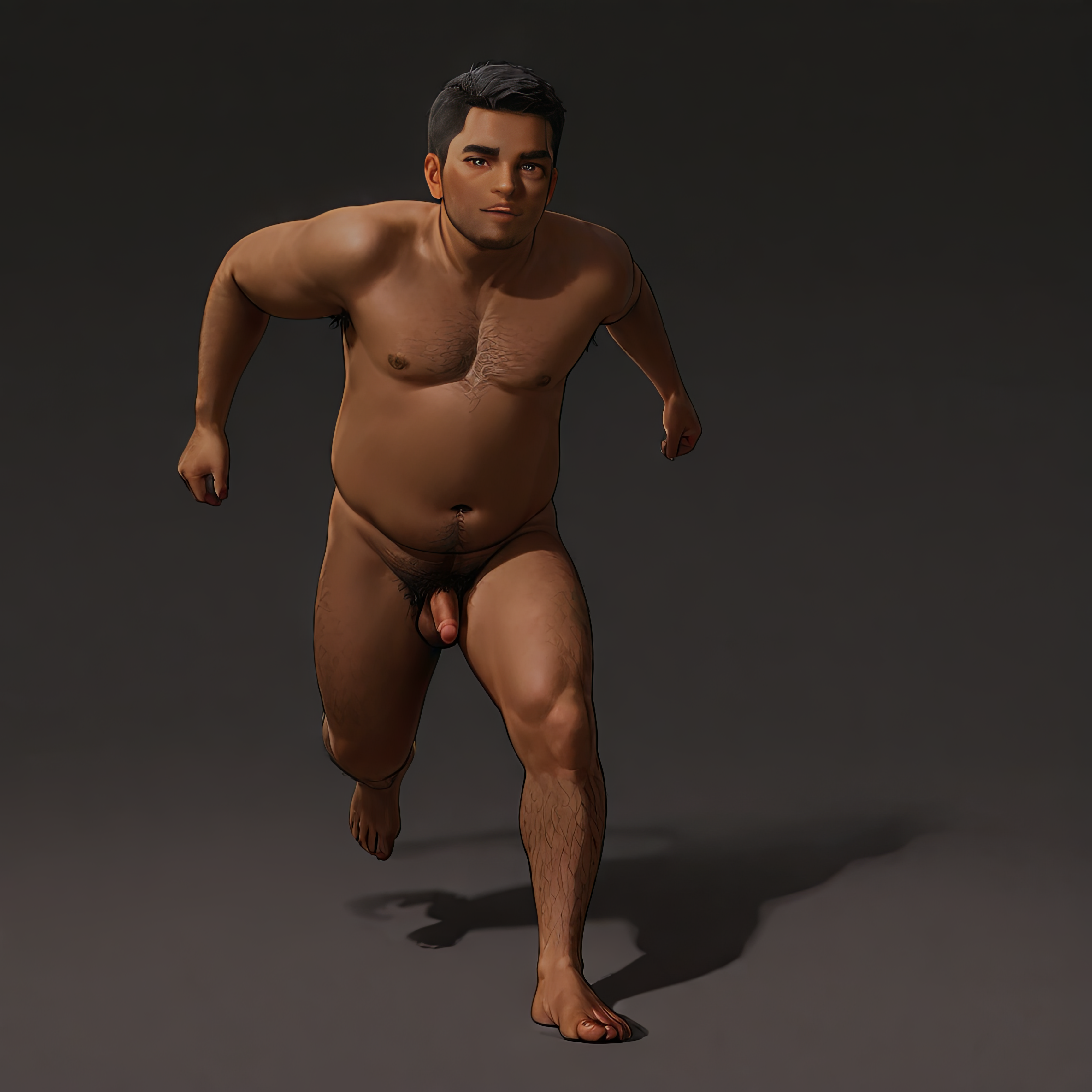
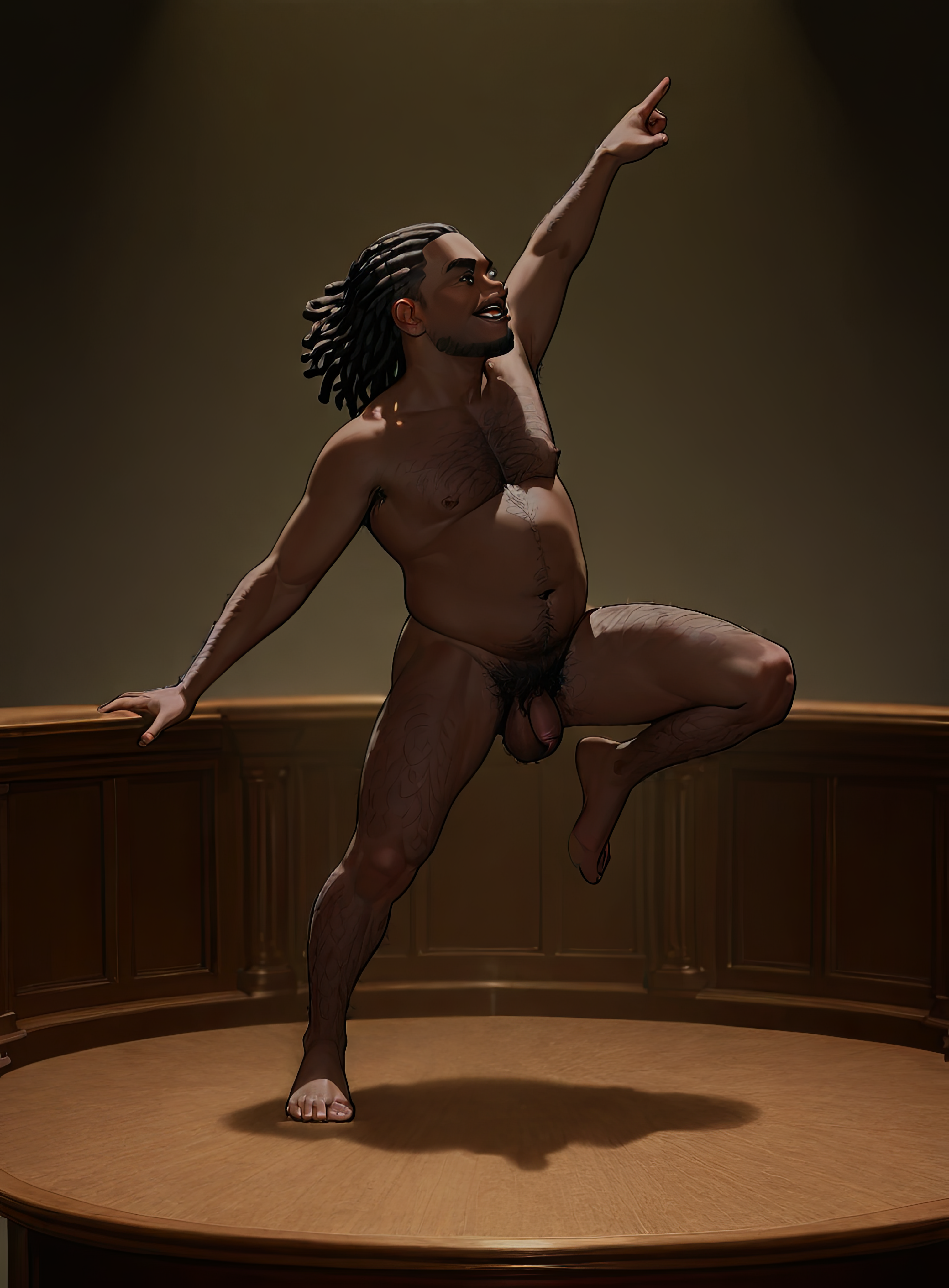
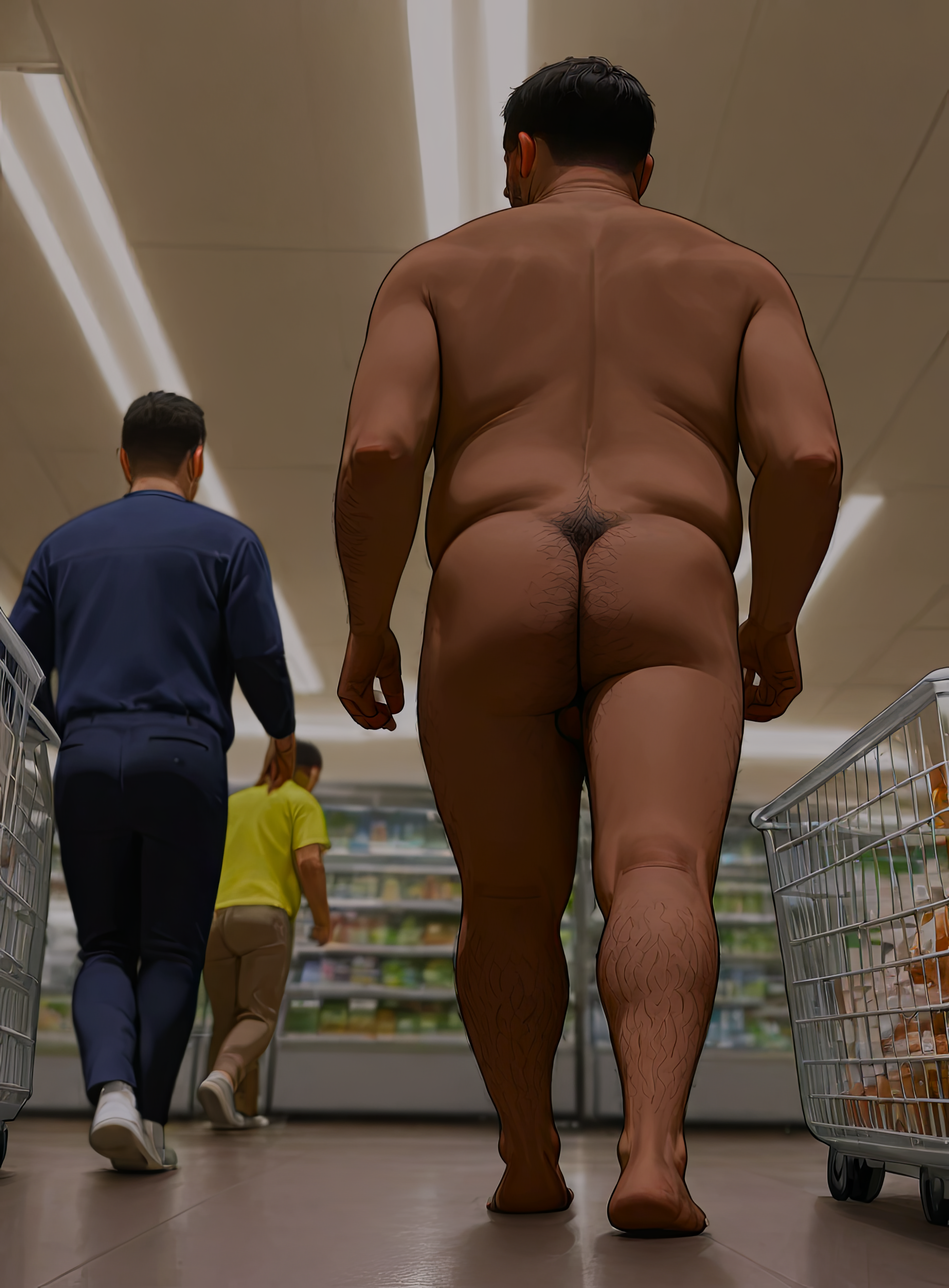
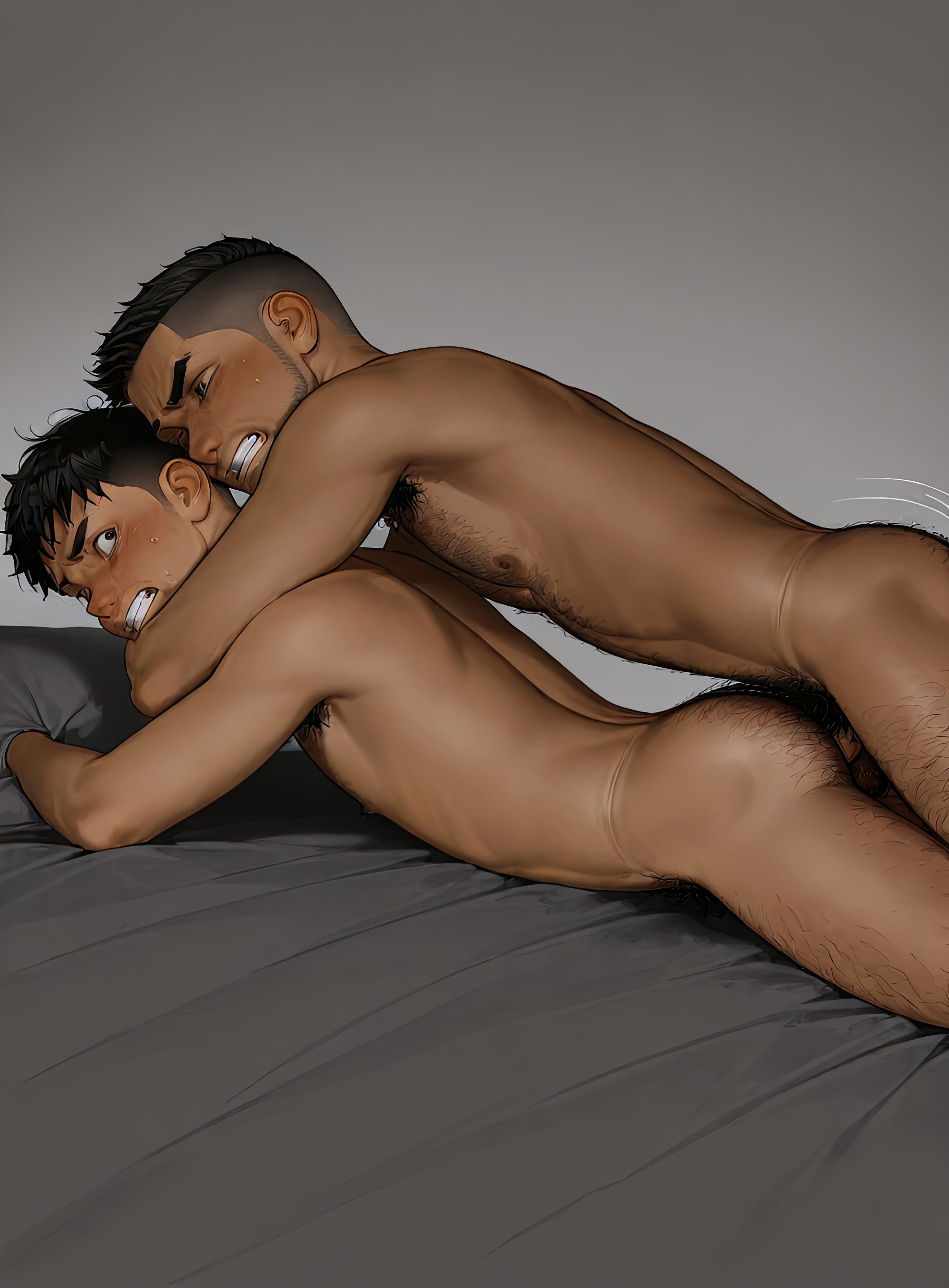
This model will enhance Stable Diffusion's ability to draw the male form.
Both v1 and v2 might not be consdered novice-friendly. There is supplemental information about v2 on the right side of your screen as well as below. If you have trouble using the model/s, please read the information I have provided and if you have questions or need clarification, write it in the comment section below.
I created a custom checkpoint just for this v2 LoRA! It's not necessary to use the checkpoint to draw this LoRA, but when used together, the results are favorable.
Spike Driver custom checkpoint!
Continue reading for important information regarding the use and understanding of this model.
*triggers exclusive to v2 are written in this color
Trigger: zguy
Secondary Triggers:
mature_male - ym - muscular_male - slim_male - overweight_male - average_male -
black_male - white_male - asian - arab - latino - indian
topless_male - underwear_only - completely_nude -
blonde_hair - brown_hair - black_hair - red_hair - short_hair - buzz_cut - undercut - spiked_hair - dreadlocks - cornrows -
blue_eyes - brown_eyes - green_eyes - beard - sparse_stubble - beard_stubble - mustache -
standing - sitting - walking - stretching - flexing - running - kneeling - squatting - bent_over - lying - on_back - on_side - hugging_own_legs - spinning - looking_back -
soft_lighting - natural_lighting
wide_shot - full_body - from_side - straight-on - from_above - from_below - from_behind -
upper_body - lower_body - close-up -
penis - large_penis - small_penis - flaccid - half-erect - erection - bulge -
testicles - large_testicles - small_testicles - testicle_hair
male_pubic_hair - excessive_pubic_hair - sparse_pubic_hair -
ass - butt_crack - anus - ass_visible_through_thighs - ass_hair - anal_hair -
face_close-up - genital_close-up, hyper-detailed
*Underscores (_) are not shown to be decorative. If I list a token with an underscore, the token requires an underscore to activate. The same goes for hyphenated (-) tokens, tokens with a space between the words and tokens where two or more words are written without space/s between the words.
*If a LoRA has been trained to understand a prompt, this means it understands how to exclude the subject of that prompt if you put the prompt token in the negative prompt.
If your generations are drawing men that are too muscular, add muscular_male to the negative prompt, ect, ect.
Negative Prompt Ideas:
1girl - pussy - breasts - twins - bad anatomy - worstquality - out of focus - blurry - low quality - bad proportions - mutated - poorly drawn face - extra limb - mutation - ugly - disfigured - deformed - bad body
*It may be a good strategy to avoid using negative prompts preemptively. They could potentially create a problem in your image where one would not have otherwise materialized. Use negative prompts as a reaction to counter things that you do not like in the images you have previously generated in your current workflow.
v1 of this model favors the NTR MIX | illustrious-XL | Noob-XL variant that I used to create the dataset, but it enhances even stubborn photorealistic checkpoints' ability to draw men to some degree. Play with the weighting depending on the checkpoint.
The example images for v2 were created with the following checkpoints -
NTR MIX | illustrious-XL | Noob-XL
Animagine XL V3.1
Crystal Pony
ZavyChromaXL
NoobaiCyberFix
Starstruck
VAE
I don't use a VAE with the checkpoint I normally generate images with, but Liquid111VAE is one I've used in the past with good results, as is the standard SDXL VAE.
********************************************************************************************************
I do now recommend DPM++ SDE for v1 and v2. Also note the width/height as they are not a standard size. 1216x832 is not an aesthetic ratio, so I bump 832 up to 896 which gives images a more pleasing ratio of approximately 3:4. I don't know if using my models with other dimensions, apart from the three I list below, warps images because I only ever use 1:1 or 3:4/4:3.
The following section contains information that is merely a suggestion for those whom might be new to image generation or just looking for some guidance. Many other settings for these parameters will also work.
Clip Skip: 1
CFG: 5-15
LoRA Strength: 1.0 (+/-)
Sampling Method: Euler, DPM++ SDE
Schedule type: Karras
Sampling Steps: 30-45 (+/-)
Width/Height: 1024x1024, 1216x896, 896x1216
********************************************************************************************************
This is a concept LoRA that has been trained on images of anatomically correct males of various ethnicities, ages, and body types. All images used in the data set were my own original artwork and were generated using Stable Diffusion SDXL. (Not the base model itself, but a checkpoint that was fine tuned from the SDXL base model.) This is noted because SDXL LoRAs work better when they are trained on SDXL generated images. Think of it like the training to create the LoRA being in a language Stable Diffusion is already fluent in.
The concept LoRAs I create generally will not activate with the trigger word alone. Use one or several of the secondary triggers I include in my model descriptions to get the best results. The reason this is necessary is because my concepts generally include several sub-concepts. Using only the trigger word is like trying to deliver a pizza to the 400 block of Main Street. Using secondary triggers will provide the model with the exact address the pizza needs to get to.
The other collection of images I pinned below are examples of what this model produced when using its trigger word but an otherwise vague prompt in conjunction with the SD Webui extension "SDXL Styles". In reference to this model, the images demonstrate the lack of sizzling yaoi that can be expected if you just plug in the main trigger word for this model and totally disregard the guidelines I have laid out. On a deeper level, the collection of images provides a clue to a much deeper mystery regarding the very soul of the Stable Diffusion engine itself... No, really, it actually does. I will discuss this technical phenomenon in a section on the listing page of Spike Driver.
This LoRA is literally an anatomy LoRA. No sexually explicit images were used in the dataset. That doesn't mean it can't help facilitate drawing such images, obviously. Using a checkpoint that knows how to draw explicit material is a key factor, since this LoRA doesn't have that element baked in. Spike Driver has that background knowledge, as do a limited number of other checkpoints, at least as far as male/male encounters are concerned. Danbooru tags are going to be your go-to toolkit for having any meaningful control over gay NSFW image generation. I doubt I can add those concepts to a future v3 of this model without seriously diminishing what it already knows. For v2 of Spike Driver, I will be enhancing that skill set in the checkpoint. I also am working on a series of interrelated LoRAs that will function as successors to Prison Pipeline and Body Cavity Search that will be highly skilled in drawing those concepts. Stay tuned.
*Clip Skip (important note) use Clip Skip 1 or 2. Which you might choose will be a matter of taste, but occasionally the checkpoint you are working with will determine which to choose. Experiment with both. Clip Skip 1 is generally used in photo-realistic generations. Clip Skip 2 is sometimes used in anime-style generations. 1 or 2 will usually work for either style unless the model was trained with Clip Skip 2, in that case, Clip Skip 1 will generally generate, blurry, washed out, amorphous and or artifact ridden images. This model was trained on Clip Skip 1.