PonyPlay - Ani3D




Details
Download Files (1)
Model description
✨ ✨ ✨ ✨ ✨ ✨ ✨ ✨ ✨ ✨ ✨ ✨ ✨ ✨ ✨ ✨ ✨ ✨ ✨ ✨ ✨ ✨ ✨ ✨ ✨ ✨✨ ✨ ✨ ✨ ✨
Thanks for your visit!
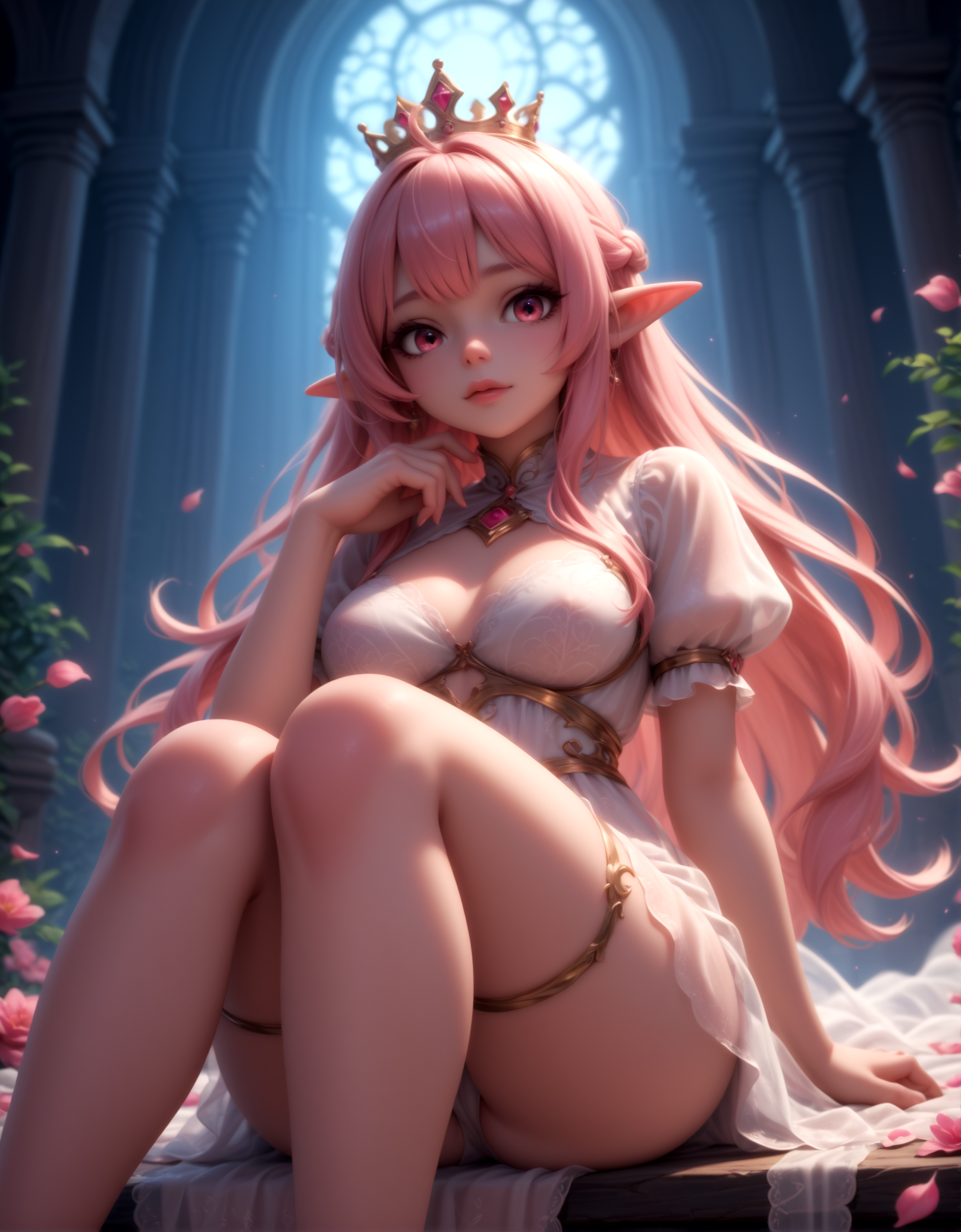
I wanted to create cute images that combine the shapes of anime characters with the details of 3D animations. Couldn't find anything that satisfied me, so I made this model and now I bring it to you 💖
This is an accelerated model ⚡ so it won't work with standard settings. More on this on the next section 🤓✏️
Feel free to use it for generations, for model merging, to sell generated content (if legal), to back it up on other sites or do whatever your heart desires, as long as it makes you happy ❣️ If so, a mention would be nice but is not needed 🐰
I would appreciate that if you use it for merging, don't lock the new model behind a paywall. This is all a group effort! Without people uploading their models for free, this wouldn't be possible!🧿 But again, whatever that makes you happy 😊🔆
✨ ✨ ✨ ✨ ✨ ✨ ✨ ✨ ✨ ✨ ✨ ✨ ✨ ✨ ✨ ✨ ✨ ✨ ✨ ✨ ✨ ✨ ✨ ✨ ✨ ✨ ✨ ✨ ✨ ✨ ✨
Recommendations:
Sampler: Euler Ancestral
for a soft 3D look, any other non-convergent sampler if you want it to look sharper
Scheduler: AYS or GITS
AYS will look sharper and GITS will look softer
Steps: 8-12
I usually go with 10
CFG: 1.8-2.2
try to keep it low, higher values tend to create outlines, but too low will result in an smudged look
FreeU can help you shift the style, lowering s1 and s2 will make softer with vibrant colors, rising b1 and b2 will give you more shading with a classic 3D rendering look. For this model, b2 and s2 are more important. You can avoid touching b1 and s1 if you want so there aren't as many variables in play. Depending on what you want is the values you should use, but a good start could be:
b1: 1
b2: 1.05
s1: 0.9
s2: 0.6
Remember that all in 1 is the base, same as not using it
HiRes Fix is highly recomended. I use 1.5 scale and 0.6 denoise
✨ ✨ ✨ ✨ ✨ ✨ ✨ ✨ ✨ ✨ ✨ ✨ ✨ ✨ ✨ ✨ ✨ ✨ ✨ ✨ ✨ ✨ ✨ ✨ ✨ ✨ ✨ ✨ ✨ ✨ ✨
My Prompt Structure:
I usually go something like:
score_9, score_8_up, score_7_up, <booru tag for character type/amount>, <camera angle or focus>, <supporting character full description in few tags>, <activity/action>, <posture>, <main char body description>, <hairstyle description>, <outfit description>, <state/things to add to the character>, <emotion/expression>, <location/setting>, <ambience>
An example of that structure using all categories would be:
score_9, score_8_up, score_7_up, 1girl, low angle, wolf male, red wolf, fellatio, kneeling, dark skin, plump, small breasts, medium hair, bangs, white hair, glasses, crop top, shorts, cum in mouth, happy, blush, bedroom, golden hour
That's just the structure that I use, so don't take it as a rule, there are probably better ways to order the tags but this is what I know to work 🦉 And of course, you don't need to specify everything, this is in case you want to be extra detailed! 🎨🖌️
You can change score_9, score_8_up, score_7_up, for score_8_up, score_7_up, score_6_up, Its seems to be less restrictive when generating, giving you more freedom on your prompts
Also, if its giving too much of a 3D animation look, you can add source_anime at the end of the prompt and that will help without sacrificing the 3D look
Avoid using 3D on the prompt, it usually gives ugly results
✨ ✨ ✨ ✨ ✨ ✨ ✨ ✨ ✨ ✨ ✨ ✨ ✨ ✨ ✨ ✨ ✨ ✨ ✨ ✨ ✨ ✨ ✨ ✨ ✨ ✨ ✨ ✨ ✨ ✨ ✨