Salute the World


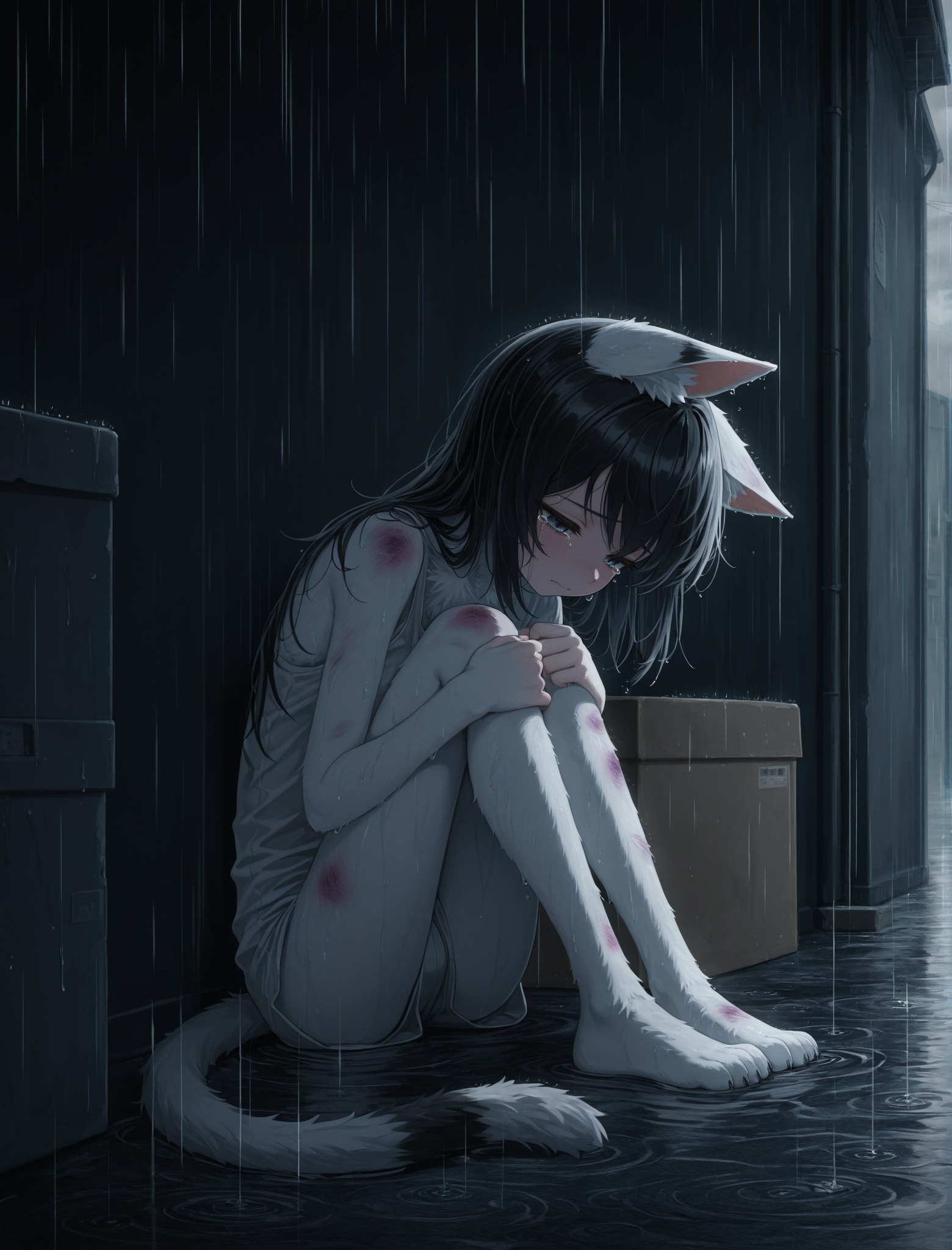


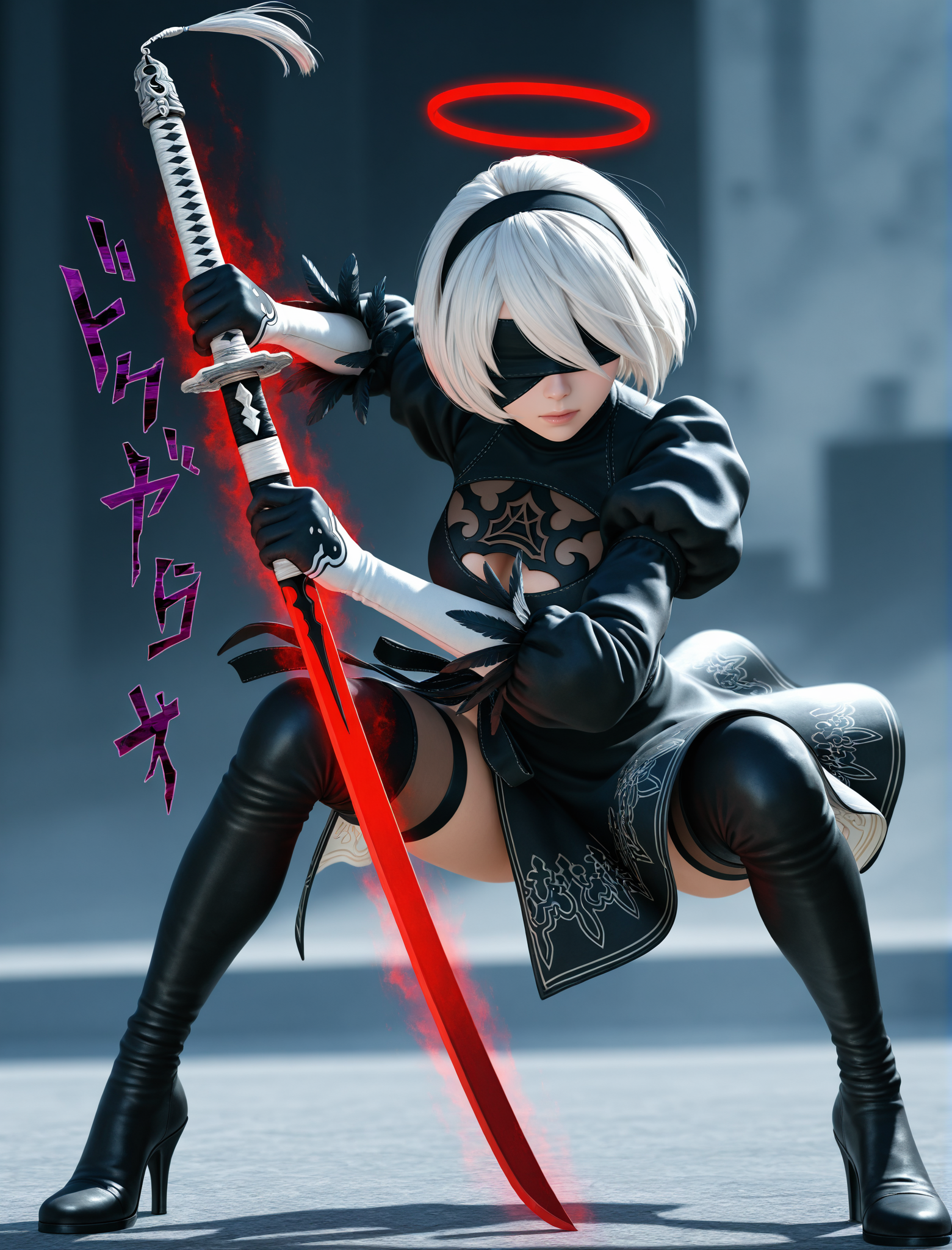


Details
Download Files (1)
About this version
Model description
Hi guys. Its been a WHILE.
Since i come to Illustrious, i was completely amaze by it. I do. First i was sceptical but the way its handle everything, its really show me THA WAY to follow.
Since WAI-NSFW ILL, i was searching for higher, i come accross wonderful people with their prompt, getting inspired by them to go and go and go AND GO.
Now, like i did with Pony, time for me to give what this Community give me.
CHECK OrlandoOrso, this guy got some guts
https://civitai.com/user/OrlandoOrso
NOW BACK TO THE TOPIC:
What this merge is about?
Created with two Incredible model who deserve more light, this model can handle is own with a good and clean anime style, with lora you can turn it at your taste. You can even turn it into a western style if you want. Many artist tags can be use since the two base model use them. NO VAE NEEDED but feel free to use it.
Can be used without highres needed for a good quality picture ( you just need to work on quality check of your prompt and use FaceDetailer if you have the possibility, even without it if more than fine.)
Dont forget, play with the LORA WEIGHT for having a good quality.
Versatily is TOP. NSFW is handle like a chief (YOUR prompt MATTER, dont forget it.)
Created with Merge Block Weighted, the adherence to the prompt skyrocketted in comparaison to the prototype ive been used. I recommend you to use it for a better overall quality of your future merge (https://github.com/bbc-mc/sdweb-merge-block-weighted-gui).
Handle 3D and realistic pretty well with prompt alone ( result will depend of what you will ask, but for the character, the job is really well done and handle)
Model have been tested for 4 month and redone since i found Merge Block Weight
Term of size, i go for 976x1280 -> 1561x2048 with 1.6 Latent upscale, can handle pretty well landscapes size.
My setting if you ask -> Euler A, Karras, sampling 20-30 (Sampling is not a monolithic law, you need to modify and adapting it to your need, same as for the CFG), FaceDetailer, Latent Upscale 1.6 or 1.4
PROMPT QUALITY CHECK EXEMPLE + NEW PROMPT METHOD:
1. texture masterpiece, masterpiece, very aesthetic, absurdres 2. score_9, score_8_up, score_7_up, score_6_up, score_5_up, masterpiece, very aesthetic, absurdres3. masterpiece, very aesthetic, absurdres
v2 - masterpiece, very aesthetic, absurdres, newest, best quality, highres,4 . Shoutout To OrlandoOrso for that discovery, here a exemple below then modify it by adding your lora and prompt, follow this order exactly<lora:Burustandin-guy90-IllustriousV102:0.57>, <lora:Butcha-U_Style_v2:0.53>, <lora:Bonifasko_-_Style_r2:0.73>, bonifasko, butcha-u-style ,nidrub, (brighter color:1.4), (contrast:1.2), detailed face, highly detailed, (blurred background:1.1), best quality, masterpiece,
solo, looking at viewer, action, dynamic pose, incoming attack, dynamic movement, extreme perspective, 1girl, angel, short hair, grey hair, small breast, small chest, black nail, red halo, holding medieval sword, eyepatch, (eye trail:1.2),(ominous aura:1.2), she only have one wing, small black wing dark fantasy setting, horror theme,
NEGATIVE
1.bad quality, worst quality, lowres, jpeg artifacts, bad anatomy, bad hands, multiple views, signature, watermark, censored, flat color, ugly, fat, cutout, patreon username2. score_6, score_5, score_4, watermark, signature, artist name, patreon username, text, blurry, logo, lowres, worst quality, low quality, bad hand, bad anatomy, malformed handUSEFUL TRICK FOR YOUR PROMPT
Here some command who can help you doing some tricks:
If some command dont work when you type them -> ( your command:1.0 or higher).
It will give them high priority and get done.
list of few command : detailed background - intricate details - blurred background (help to focus on the character ) - dynamic composition - detailed face - sharp details or whatever sharpness you want to increase - (happy or any mood you want: 1.0 or higher) - bokeh ( for a better shot/view) - chiaroscuro (for a obscurity effect) - (motion line: 1.0 or higher) - (motion blur: 1.0 or higher)LAST WORD, have fun with this model.