SDXL 360 Diffusion





세부 정보
파일 다운로드 (1)
모델 설명
Overview
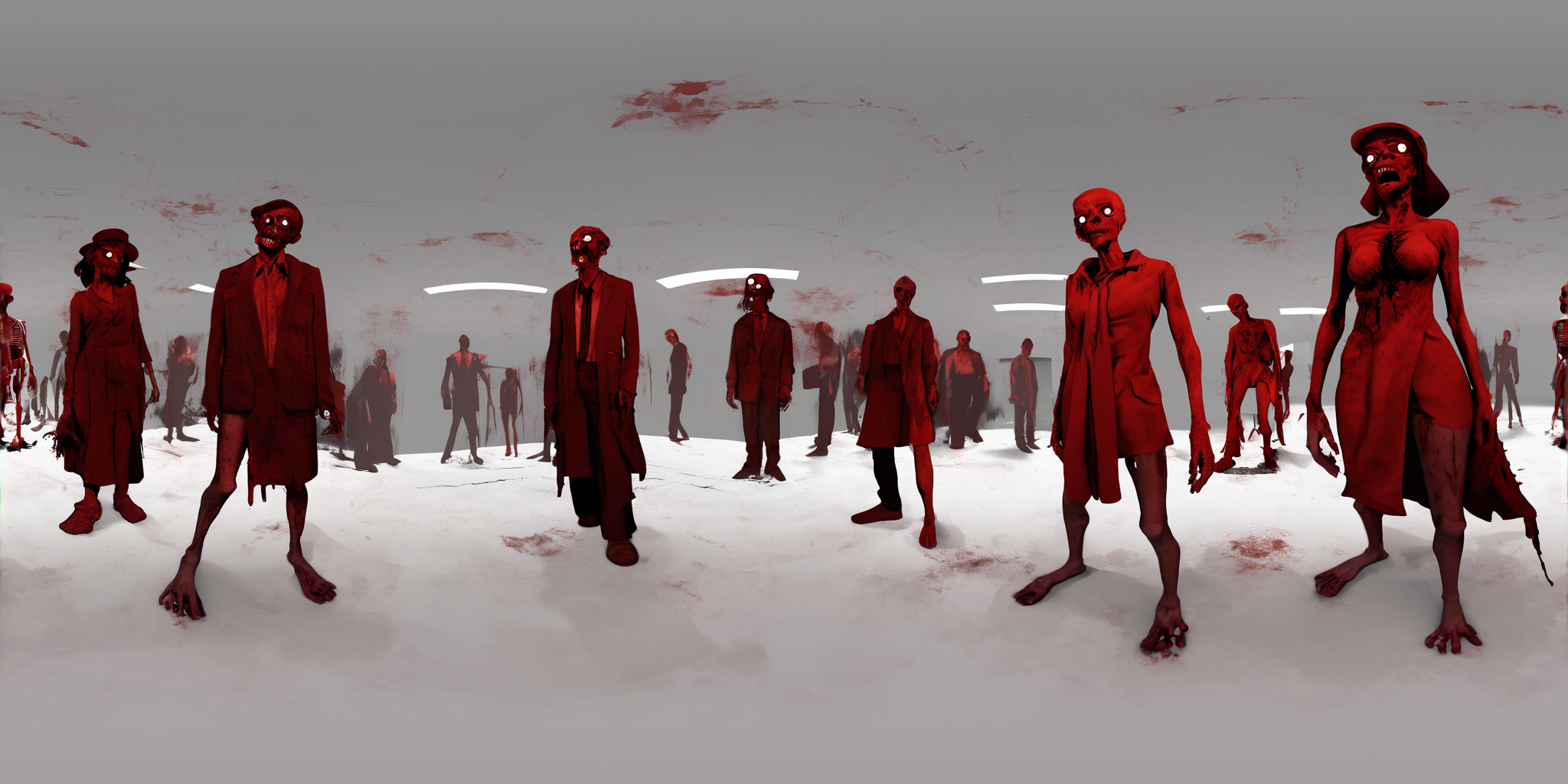
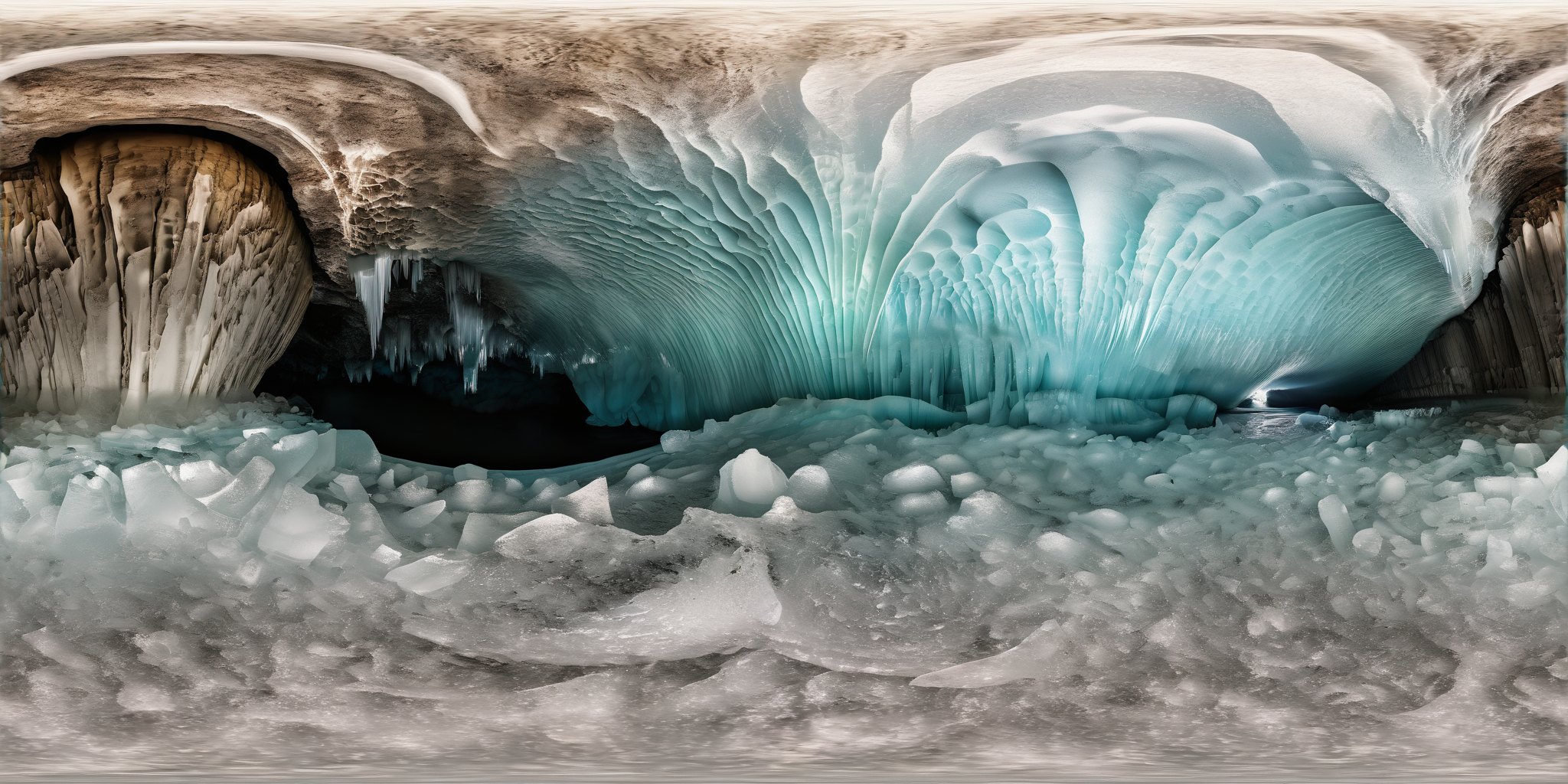
SDXL 360 Diffusion is a 3.5 billion parameter model designed to generate 360 degree spherical images from text descriptions.
The model was trained from the SD-XL 1.0-base model on an extremely diverse dataset composed of tens of thousands of equirectangular images, depicting landscapes, interiors, humans, animals, and objects. All images were resized to 2048x1024 before training.
Given the right prompt, the model should be capable of producing almost anything you want.
Usage
The trigger phrase is "equirectangular 360 view", "360 panorama", or some variation of those words in your prompt.
When rendering images, it's recommended that you choose a 2:1 aspect ratio, such as 1024x512, 1536x768, or 2048x1024. Afterwards, you can use an upscaler of your choosing to make the resolution high enough for sky-boxes, backgrounds, VR, VR therapy, and 3D worlds.
This model can also be used as the 'text to image' portion of 3D world workflows: Text to Image -> Image to Video -> Video to 3D World.
Additional Tools
HTML 360 Viewer
To make the viewing and sharing of 360 images & video easier, I built a web browser based HTML 360 viewer that runs locally on your device.
You can try it out here on Github Pages: https://progamergov.github.io/html-360-viewer/
Github source code: https://github.com/ProGamerGov/html-360-viewer
You can append
?url=followed by a link to your image in order to automatically load it into the 360 viewer, making sharing your 360 creations extremely easy.
Recommended ComfyUI Nodes
If you are a user of ComfyUI, then these sets of nodes can be useful for working with 360 images & videos.
ComfyUI_preview360panorama
For viewing 360 images & video inside of ComfyUI (may be slower than my web browser viewer).
Link: https://github.com/ProGamerGov/ComfyUI_preview360panorama
ComfyUI_pytorch360convert
For editing 360s and for applying circular padding to models in order to improve output quality.
Link: https://github.com/ProGamerGov/ComfyUI_pytorch360convert
For Diffusers and other libraries, you can make use of the pytorch360convert library when working with 360 media.
LoRA Training
Due to the relative scarcity of 360 images, it is often easier to produce your own 360s to teach the model new concepts. There are a number of ways that you can produce your own 360 images for training LoRAs:
1. Blender Renders
There are tons of free models and scenes available, and you can pose characters exactly how you want.
Blender's Cycles rendering engine with panoramic equirectangular setting generates 360 degree renders.
2. Video Game Screenshots
Example: Using Nvidia Ansel.
3. 360 Cameras
Public Libraries: 360 Cameras can sometimes be borrowed from libraries.
Purchasing: 360 Cameras can also be purchased.
4. Digital illustration, Painting, & Drawing Tools
Some tools used for creating digital illustrations, drawings, paintings, and other mediums by hand also have the ability to help you create seamless 360 images.
Limitations
Due to the nature of SDXL, multiple attempts may be required to achieve a desirable output based on a given prompt.
HuggingFace
This model is also available for download on HuggingFace here (along with citation information): https://huggingface.co/ProGamerGov/sdxl-360-diffusion