FUBUWA MIX 3D REAL






Details
Download Files (1)
Model description
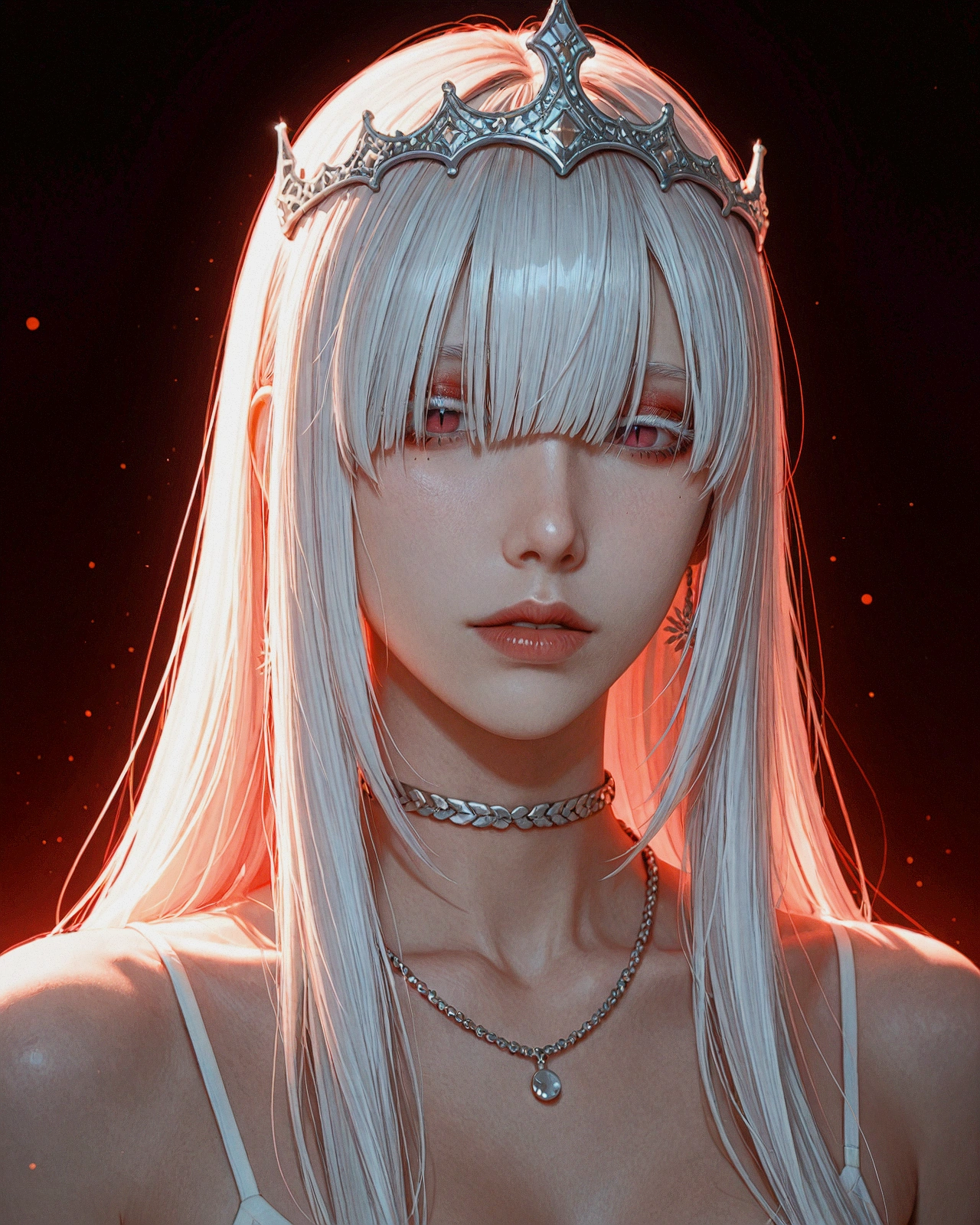
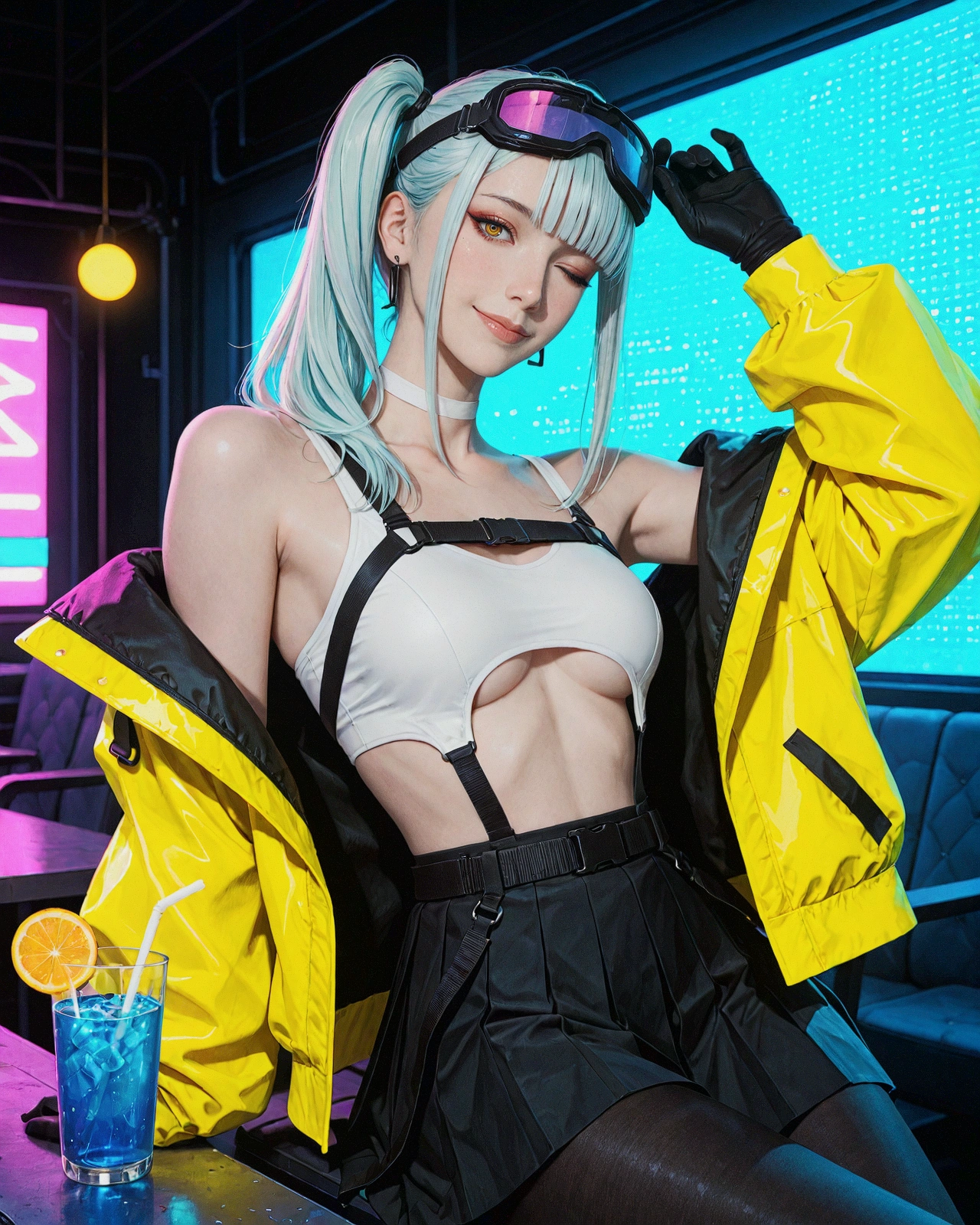
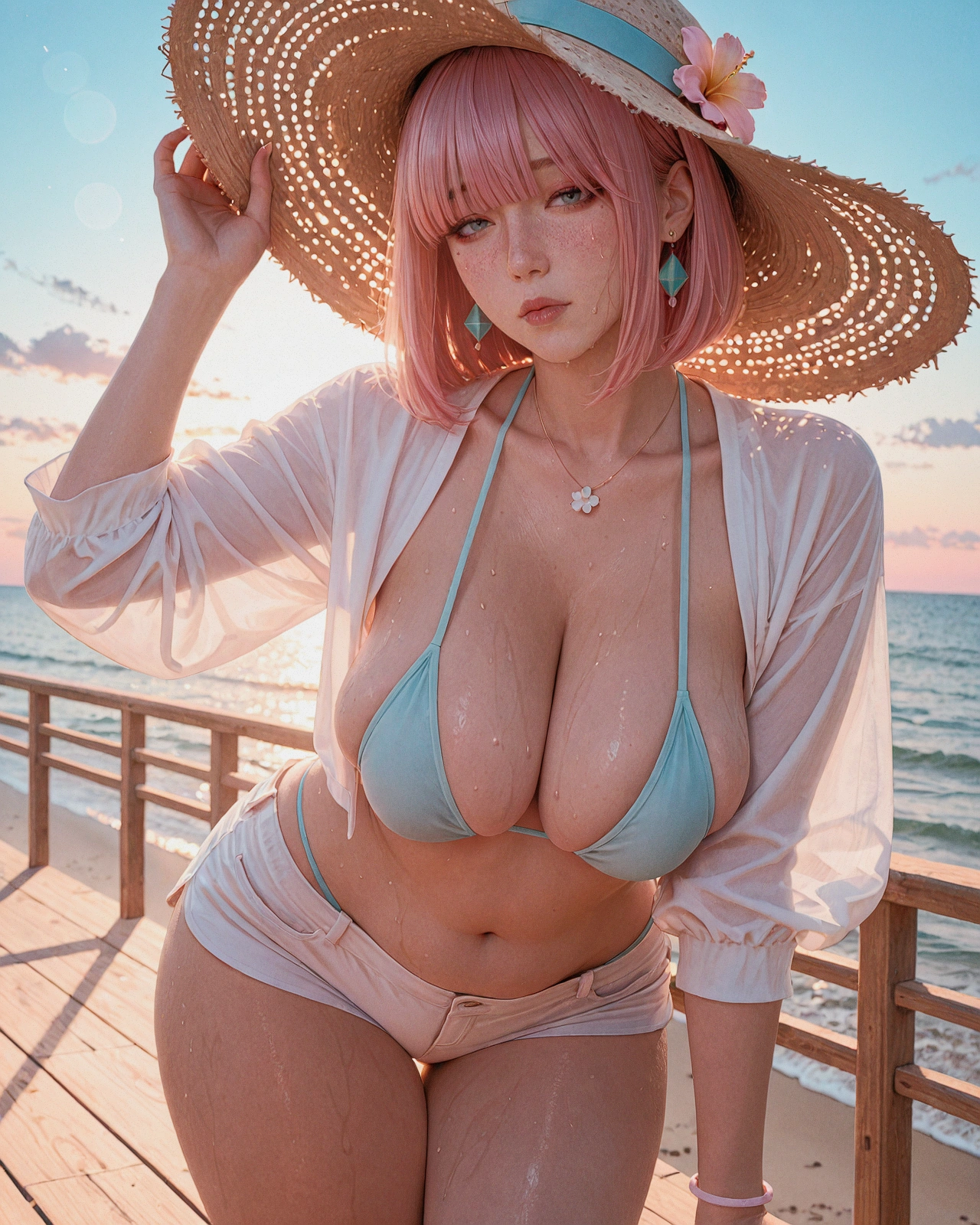
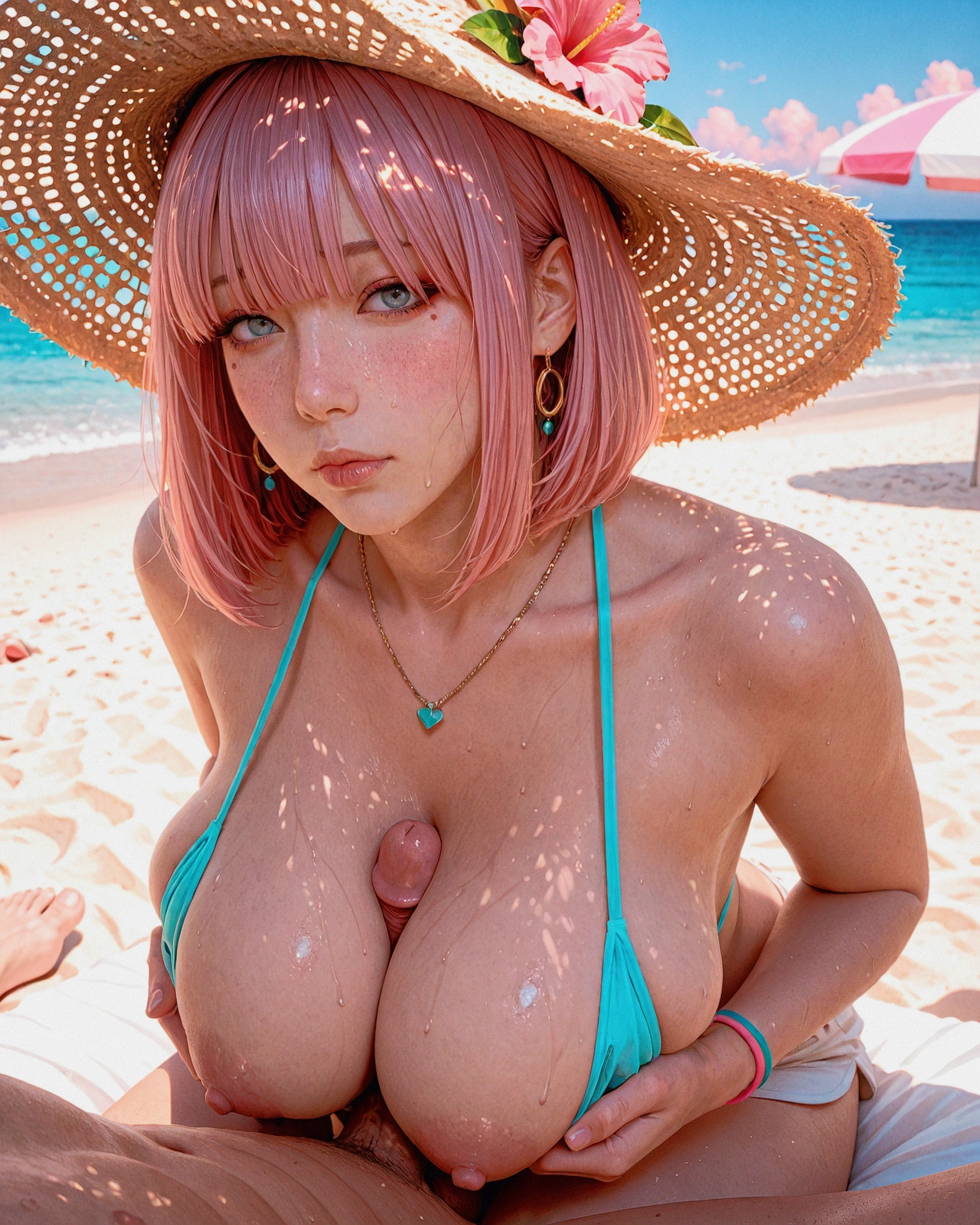
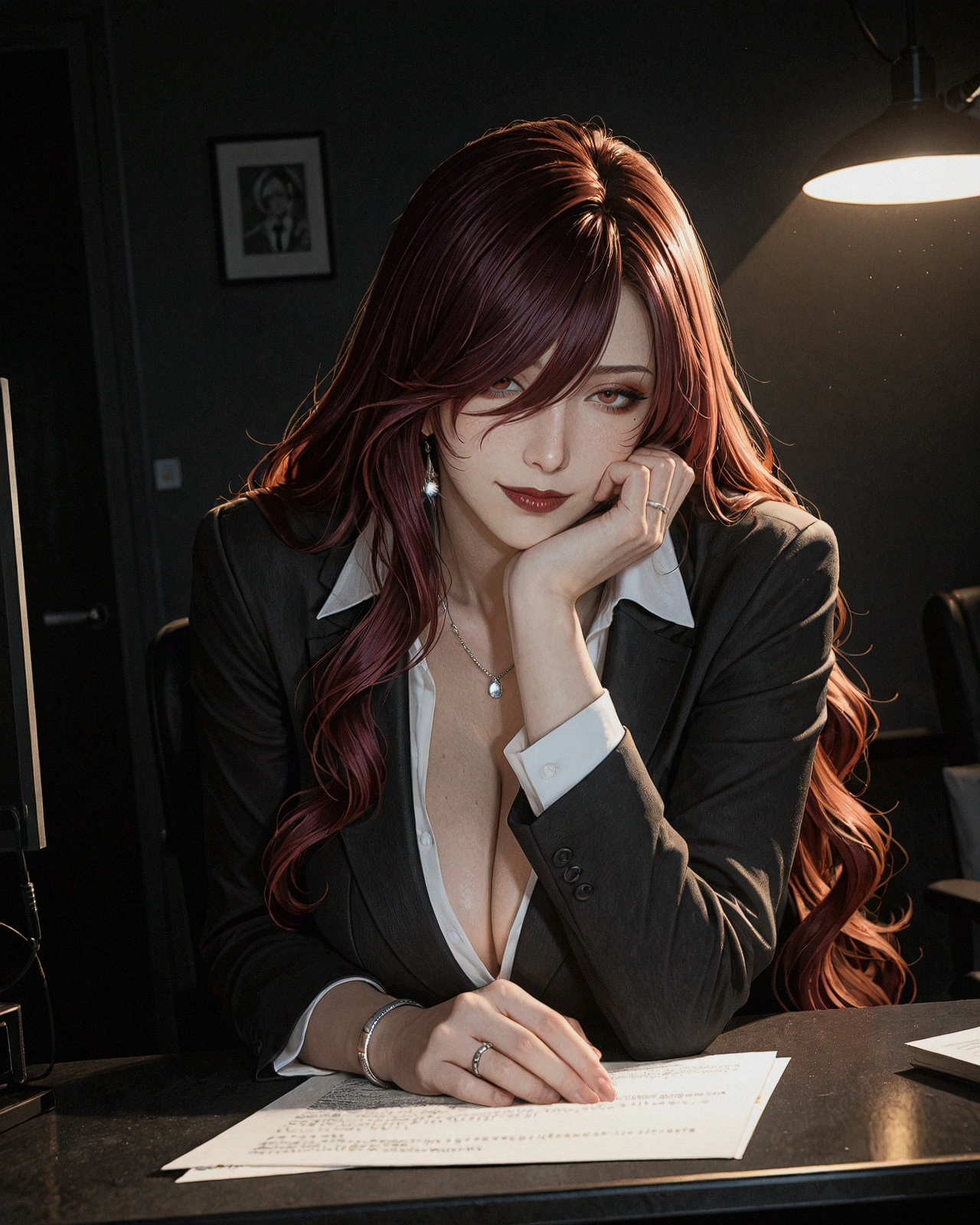
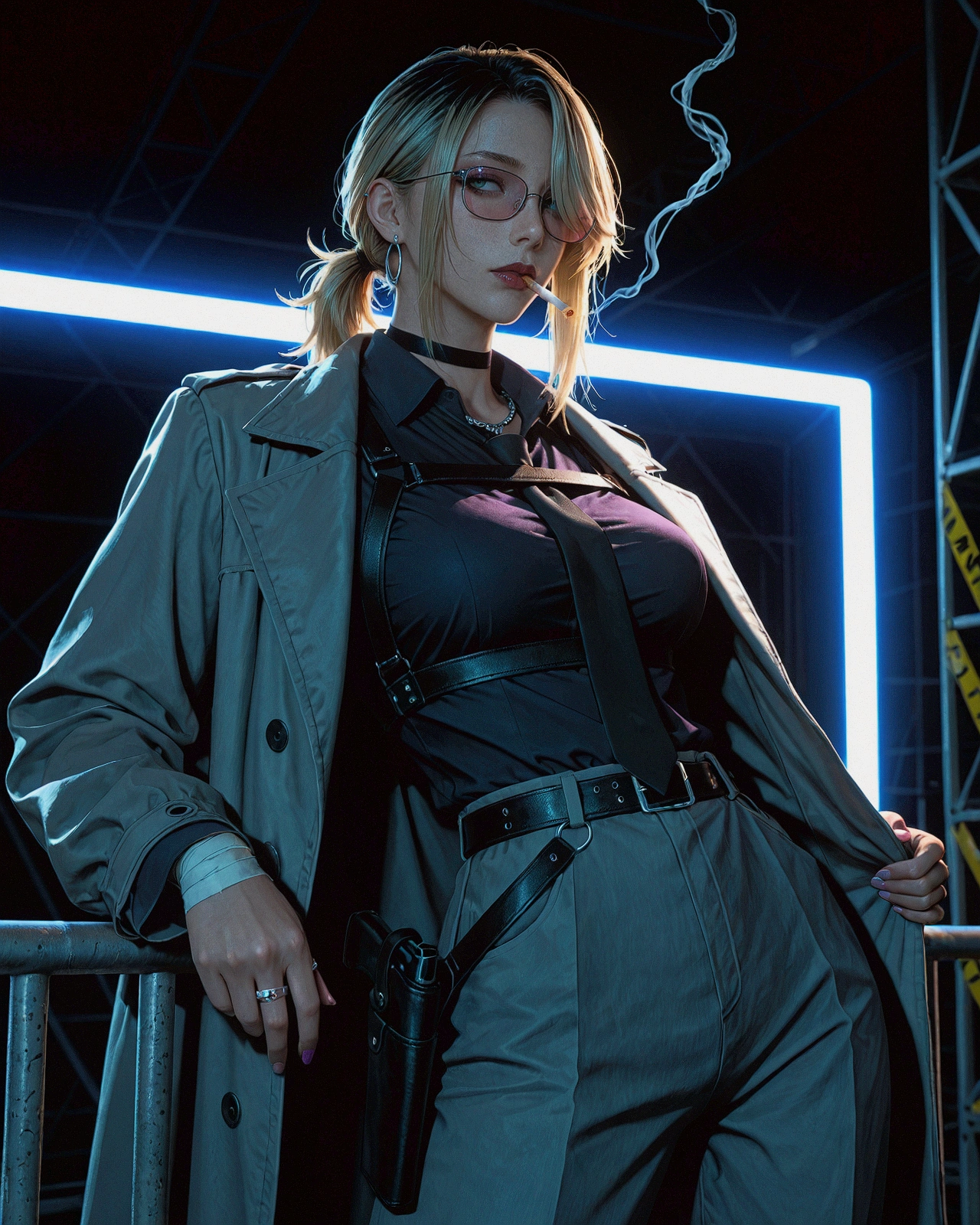
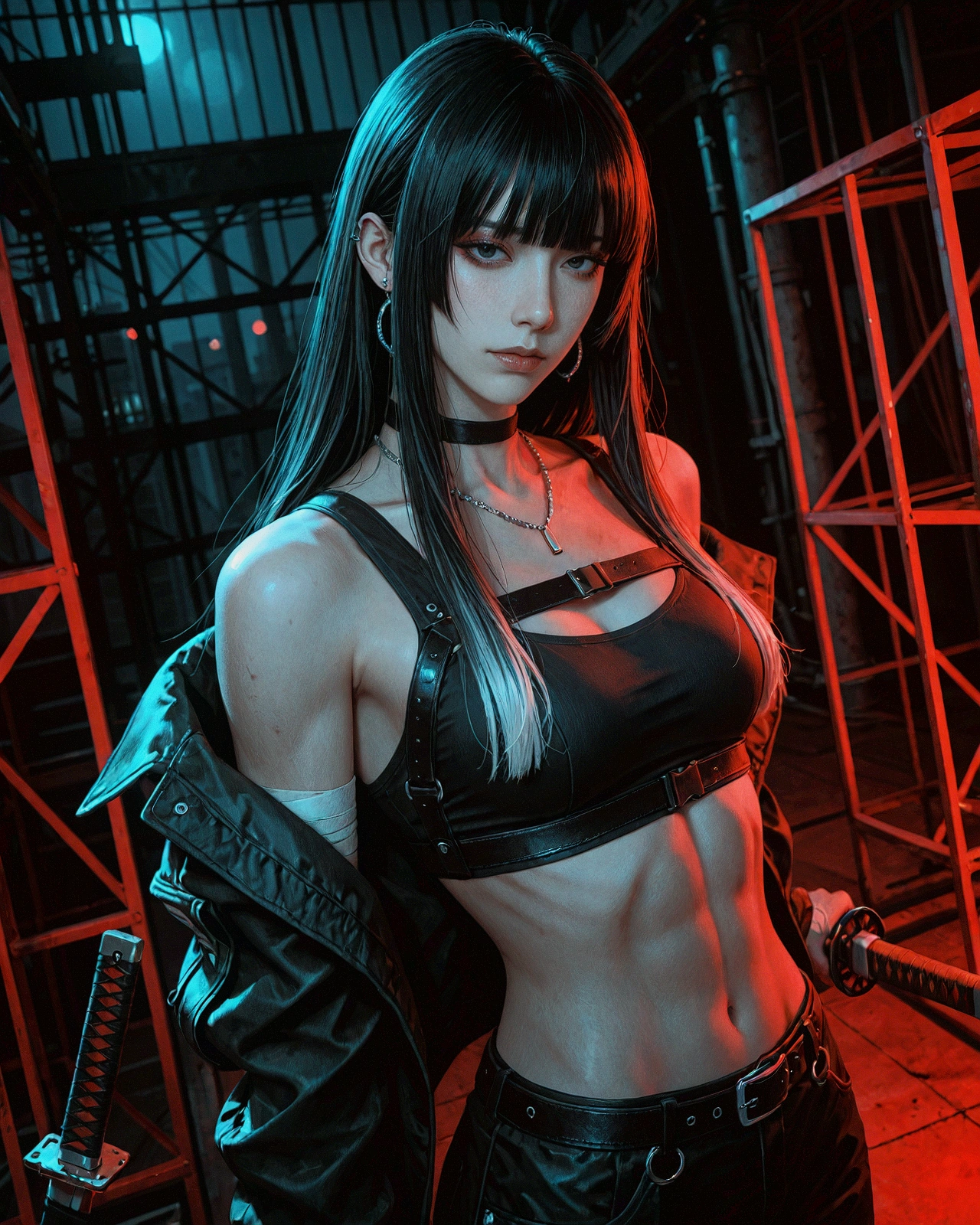
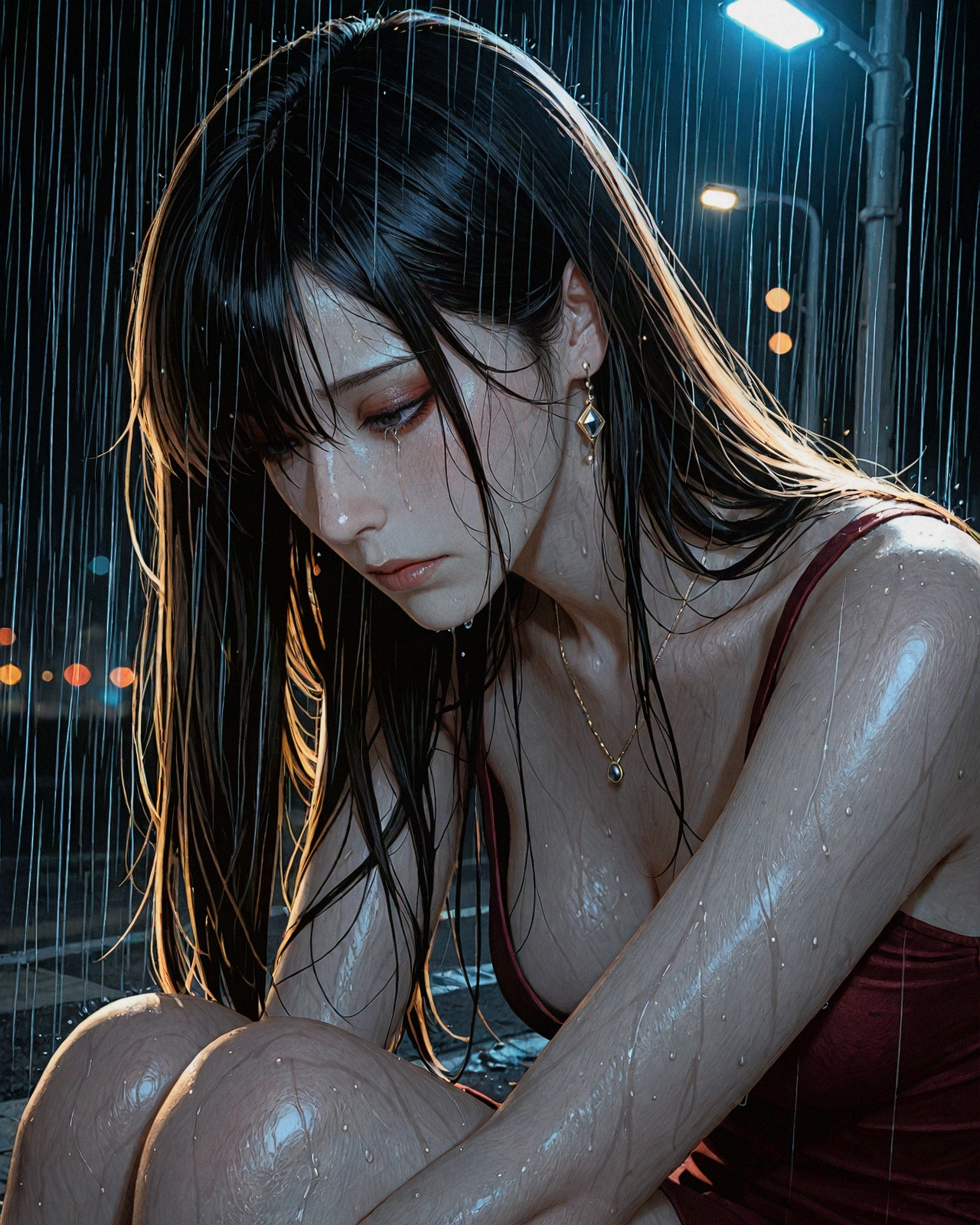
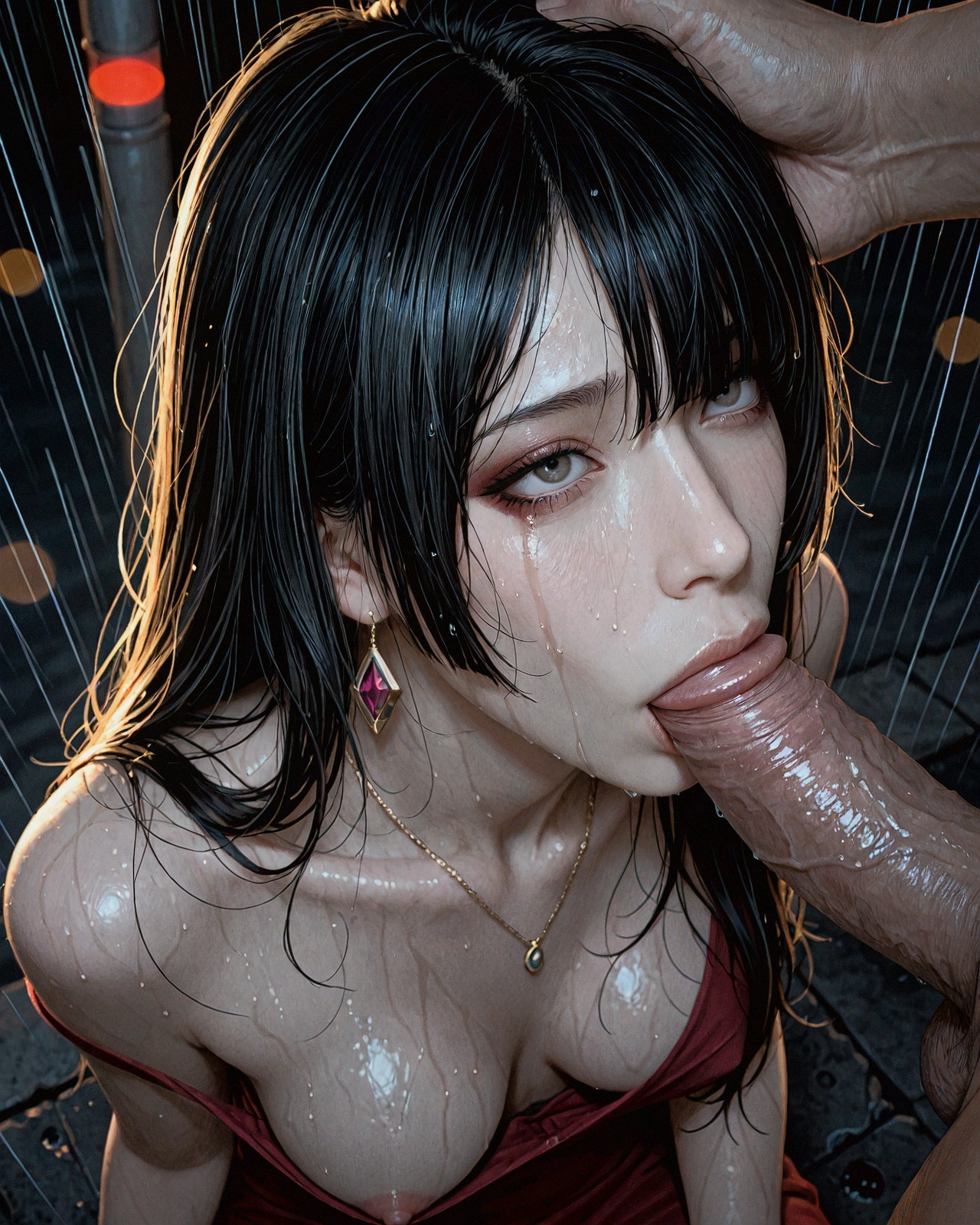
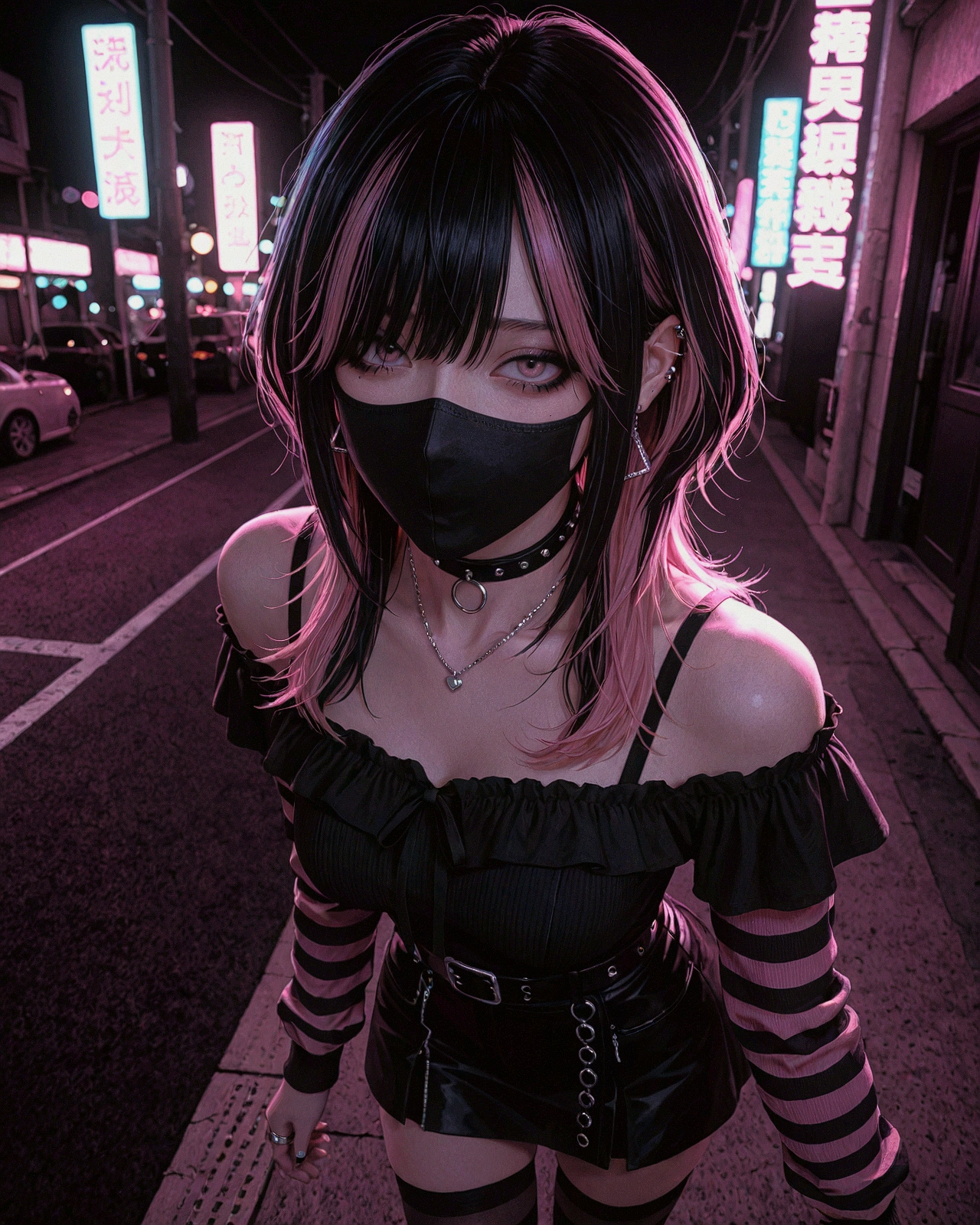
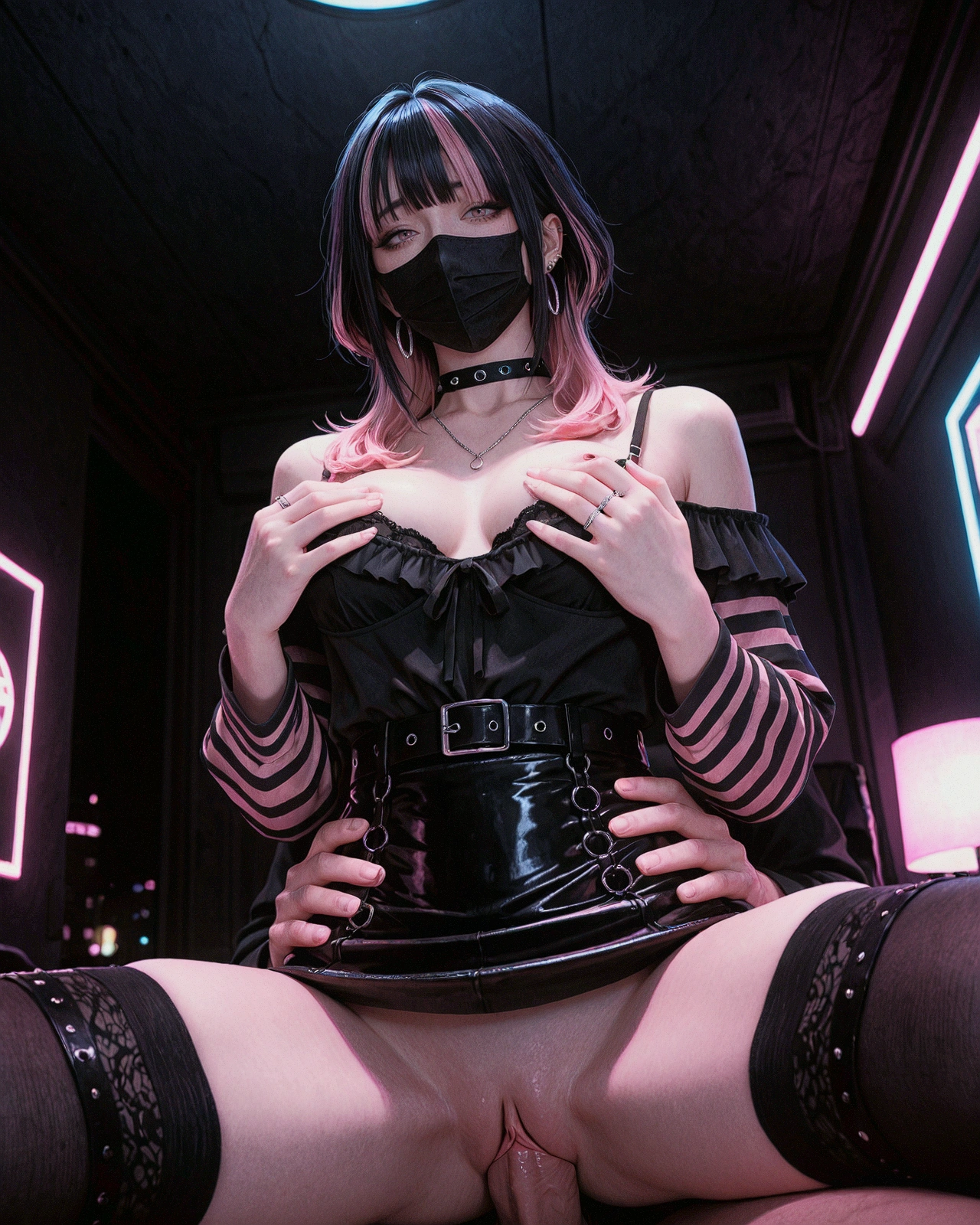
*Showcase images include embedded workflow and are post-processed with sharpening and noise grain.
In other words, your results may vary depending on your workflow.
Recommended settings are below.
Version features
Rather than improvements, each version has their own strengths
v1.1 - 3DCG (Base)
v1.2 - Semi realistic (sometimes include outline)
v1.33 - 3DCG (Slightly less realistic than 1.1 in exchange for better lighting/composition/prompt adherence)
v1.34 - 3DCG (v1.33 + slightly more detail in background)
v2.4 - Realistic "Photoreal"
v3.1 - Realistic "Hyperreal"
v4.2 - Balanced (Merge of 1.34 and 3.1)
v5.0 - 3DCG "Video Game"
Recommendation
From realistic to semi realistic = v3.1/2.4 > v4.2 > v5.0 > v1.34/1.33 > v1.1 > 1.2
v5.0 - Softer and "video game like" 3DCG
v4.2 - Balance between realism and semi-real
v3.1/v2.4 - For realism
v1.34 - Good aesthetic with good face proportions
v1.1 - Best face proportions (imo)
Version notes
v5.0
Focus on new aesthetic - 3DCG with subtle skin texture and softer look
Prompt seems more responsive; lighting prompts seem to react better.
CFG 3-6 (Optimized model for CFG 5)
File size increased - no idea why - performance roughly the same
Some of the sample image prompt is different/updated
v4.2
Balanced version - merge between v3.1 and v1.34
Aesthetic is in between 3.1 and 1.34; closer to earlier versions while retaining more skin texture/noise
CFG 3-6 (5 seems like the sweet spot)
v3.1
Realistic skin texture, good contrast/lighting/colour, better background details
Good face proportions
Good prompt adherence
High "clarity" and ambient occlusion aesthetic
Aesthetic more illustrative (Closer to v1.34 than v2.4)
v2.4
Focus more on realism
More realistic skin texture
Should have better prompt adherence
Aesthetic closer towards realistic photography than illustrative (Compared to v.1.0 variants)
v1.34
Should have slightly better details to the background.
v1.33
Focus on keeping realism while improving composition, background and lighting compared to v1.1.
Less creative/aesthetic than 1.2 in terms of background.
v1.2
More focus towards semi realism *includes outline at certain times
Better lighting, composition, background, aesthetic
Structure feels more stable compared to v1.1
Model focus
3DCG features with more detailed skin texture. (Heavily dependent on heun sampler, not recommended if using web generator or if you don't know what you're doing)
Face proportions closer to real life. Less anime like.
Strength/Quirks
Facial features can respond to prompts
Weakness
Not suitable for male because of female face modifier.
Will do beauty mark/mole under eye (Apparent in lower cfg; use negative prompt)
Skin pores can look too smooth/uniform/unnatural texture depending on sampler/scheduler.
Backgrounds (res_multistep + normal with high steps 50-100 - has chance to resolve scale issues but might introduce artifacts)(better in version 1.2 and above)
Recommended settings
(can see workflow via uploaded images)
positive prompts
can change the face structure/matureness
milf, adultmakeup/beauty enhancements
(dark maroon eyeshadow under eye, maroon blush makeup, eyeliner:1), (doe eyes makeup:0.5), shiny skin, (perfect hands:0.9)realism tags
subsurface scattering, photorealistic, realistic, hyperrealisticinitial sampler
sa_solver_pece + sgm_uniform
sweet spot: steps 30-40, cfg 5-7 @ 1024x1280 pixels
more realistic at the cost of contrast/dark/warmer image: steps 30-40, cfg 4-5
provides the most stable structure, details and subtle noise at reasonable speed. handles cfg burn not bad as well. use cfg higher than 7 for more contrast.
dpm_adaptive + normal/exponential
steps doesn't matter since adaptive, cfg 4-10
slower but very reliable without much errors. however compared to sa_solver_pece, it is smoother/no noise and lack small details.
dpmpp_sde + sgm_uniform/exponential/sgm_uniform
steps 30, cfg 4-7
feels slightly faster than the two above with reasonable structure.
res_multistep/res_multistep_a + sgm_uniform/normal/simple
steps 30-100, cfg 4-6
fast, reliable but slightly boring/simplistic results (use res_multistep_a for more detail/interesting results)
res_multistep is fast and converges at high steps, fixes the structural problems 90% of the time.
upscale/hiresfix
upscale model
any - don't think it makes a big difference which ever used
realesrgan_x2 (only because it's fast)
heun + normal/ddim_uniform(second choice)
steps 15-20, cfg 3-4, denoise 0.35-0.55
more random noise pattern with cleaner details compared to 2m_sde_heun karras
dpmpp_2m_sde_heun + karras
steps 20-30, cfg 3-5, denoise 0.35-0.55
slightly faster than above, noise pattern more uniform compared to heun
euler_a + sgm_uniform
steps 20-30, cfg 3-5, denoise 0.35-0.55
use with a initial sampler that produces more noise/texture then subdue/control that noise with euler_a+sgm_uniform
produces subtle uniform noise and to avoid over realistic results
facedetailer
heun + normal/ddim_uniform
steps 10, cfg 2.5-6, denoise 0.25-0.4
dpmpp_2m_sde_heun + karras
steps 10-15, cfg 2.5-6, denoise 0.25-0.4
mole under eye might appear if low cfg
Remarks
sa_solver_pece + sgm_uniform is my new favourite combination
usual euler/2m/3m + sgm uniform/normal/karass should work though
i prefer heun as it produces natural noise/texture at lower step values and loses it at higher (recommended schedulers: normal/ddim_uniform/ays+)
for prompt adherence: higher resolution can have lower cfg, lower resolution need higher cfg
personal frequently used resolution before upscale:
896x11201024x1280 or 1152×1440 (more pixels = more space for details like hands)post-processing nodes with sharpening, bloom, grain, tone curves for more texture in final image. (see workflow in images)