Z-Image Turbo - Quantized for low VRAM

Details
Download Files (2)
About this version
Model description
Z-Image Turbo is a distilled version of Z-Image, a 6B image model based on the Lumina architecture, developed by the Tongyi Lab team at Alibaba Group. Source: https://huggingface.co/Tongyi-MAI/Z-Image-Turbo
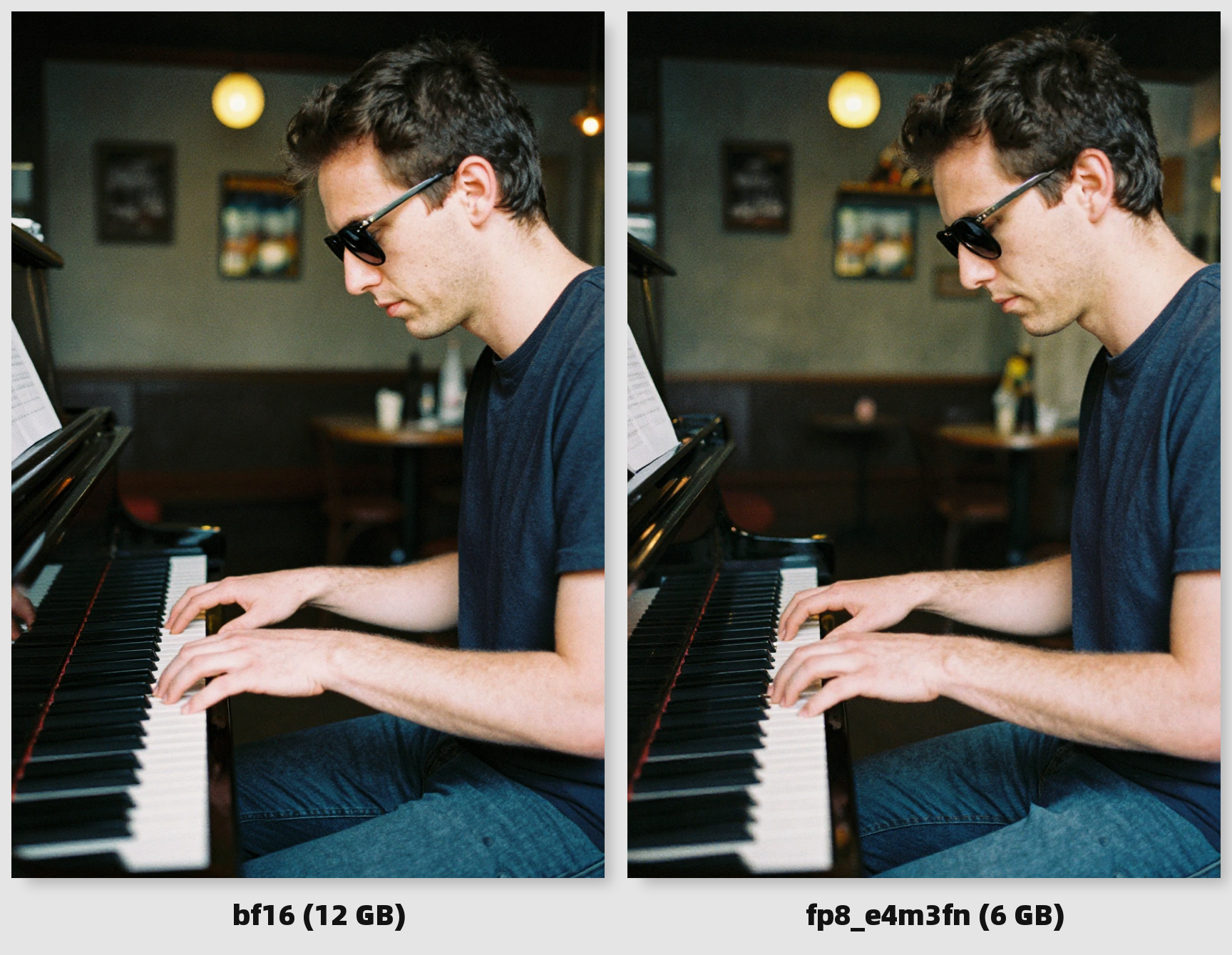
I've uploaded quantized versions, meaning the weights had their precision - and consequently their size - slashed for a substantial performance boost while keeping most of the quality. Inference time should be similar to regular "undistilled" SDXL, with better prompt adherence and resolution/details. Ideal for weak(er) PCs.
Credits to those who originally uploaded the models to HF:
Features
Lightweight: the Turbo version was trained at low steps (5-15), and the fp8 quantization is roughly 6 GB in size, making it accessible even to low-end GPUs.
Uncensored: many concepts censored by other models (<cough> Flux <cough>) are doable out of the box.
Good prompt adherence: comparable to Flux.1 Dev's, thanks to its powerful text encoder Qwen 3 4B.
Text rendering: comparable to Flux.1 Dev's, some say it's even better despite being much smaller (probably not as good as Qwen Image's though).
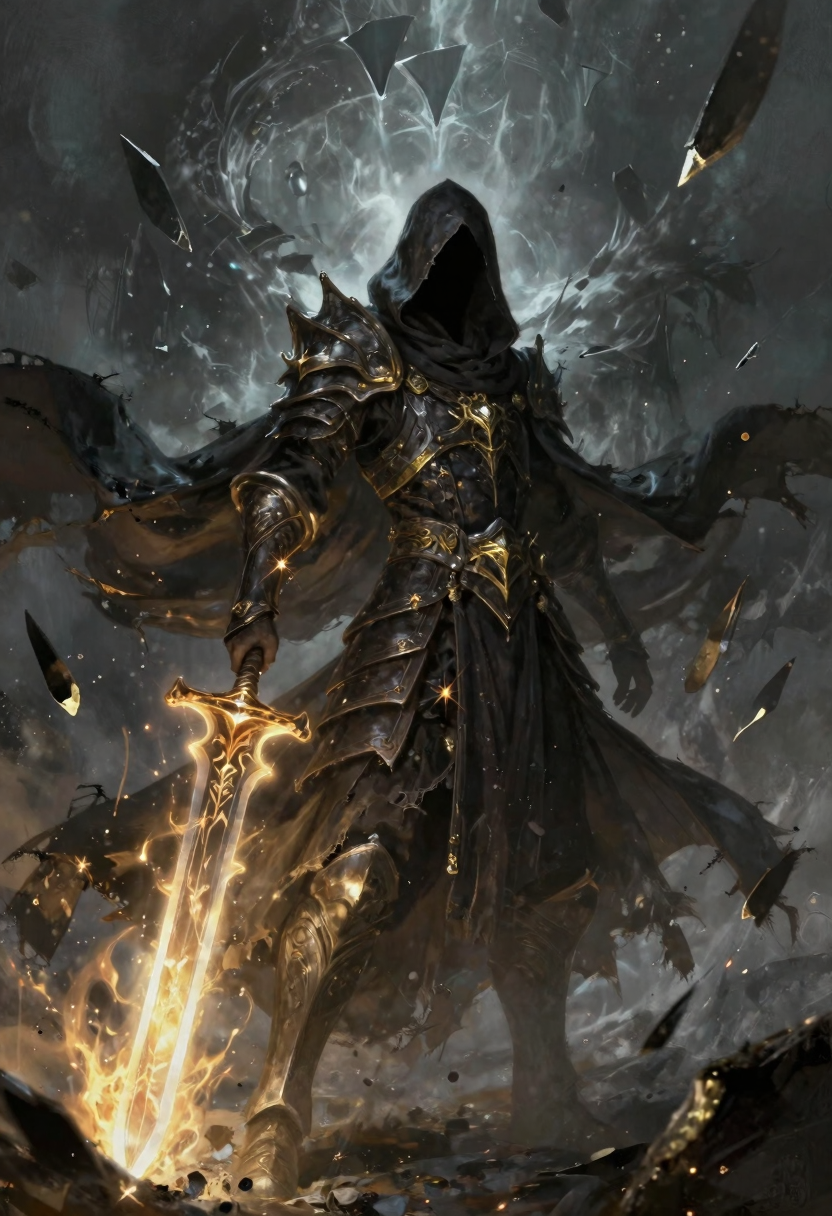
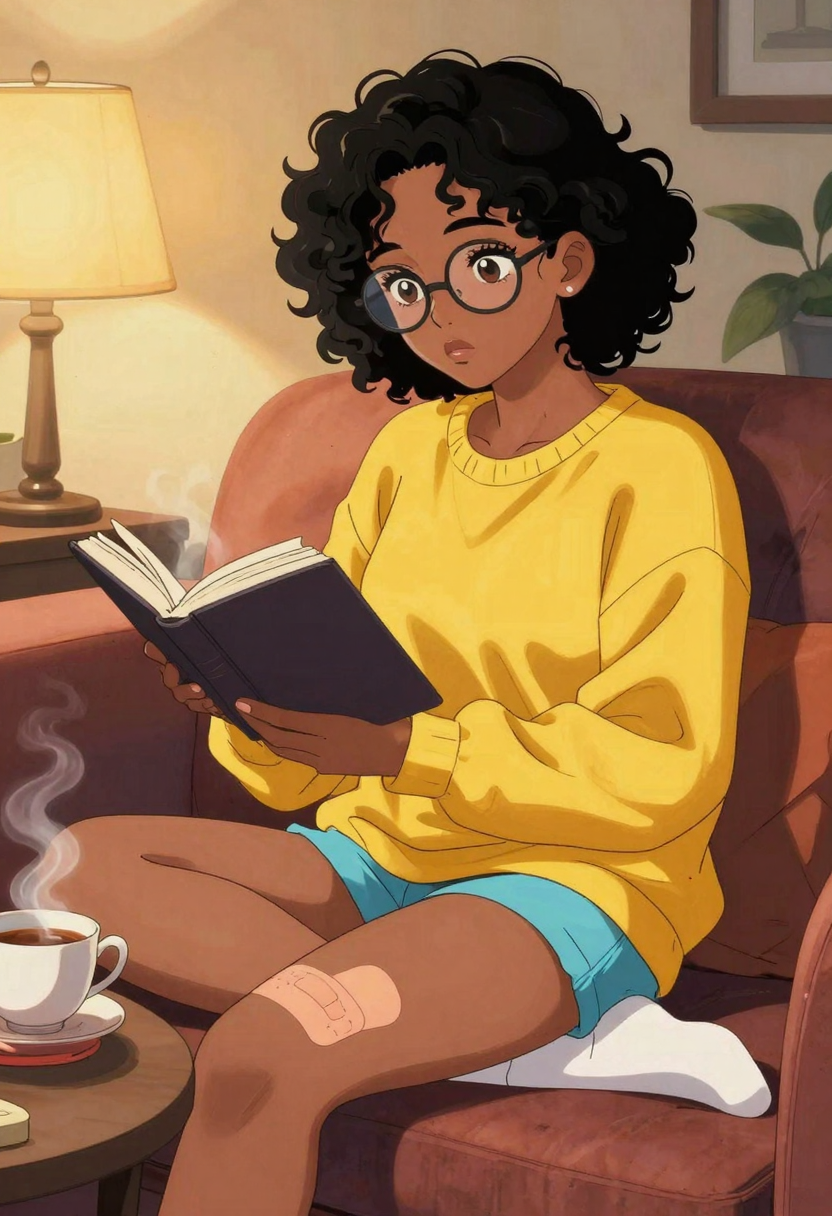
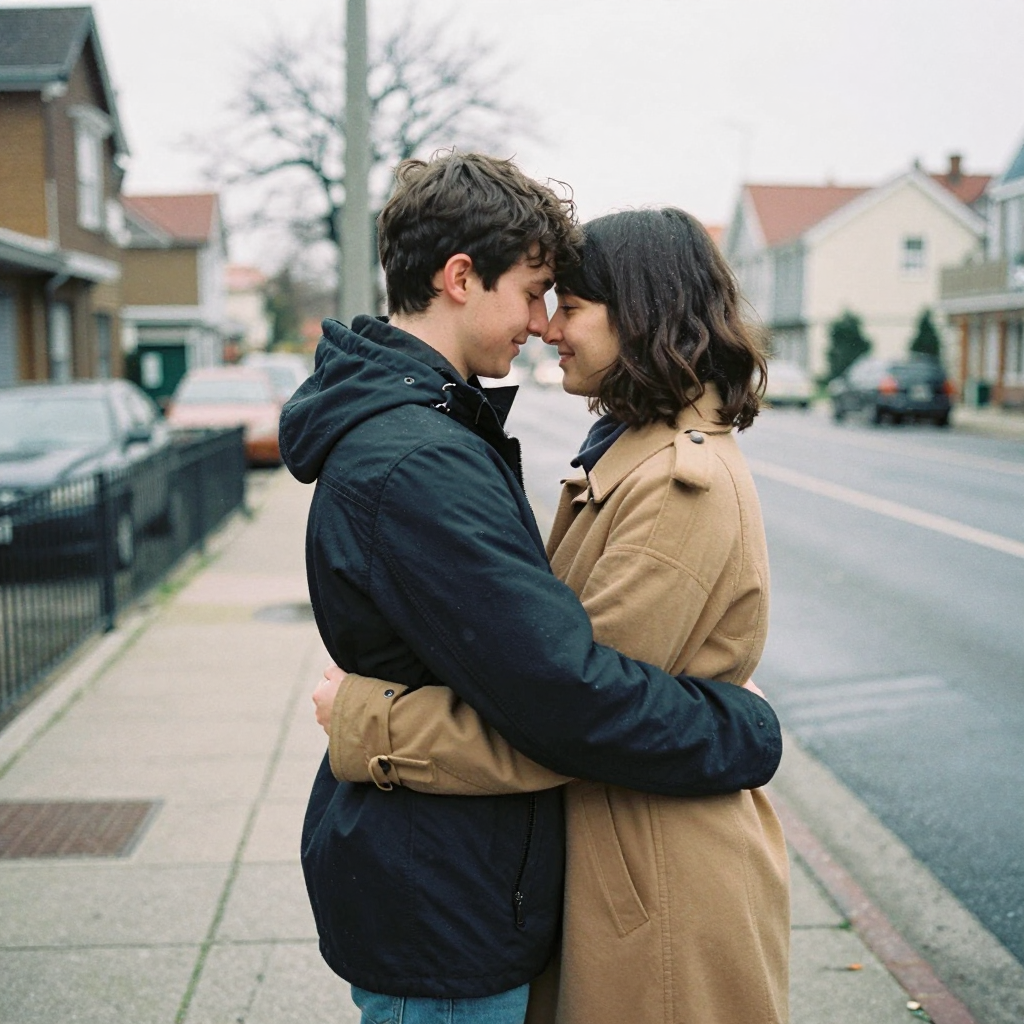
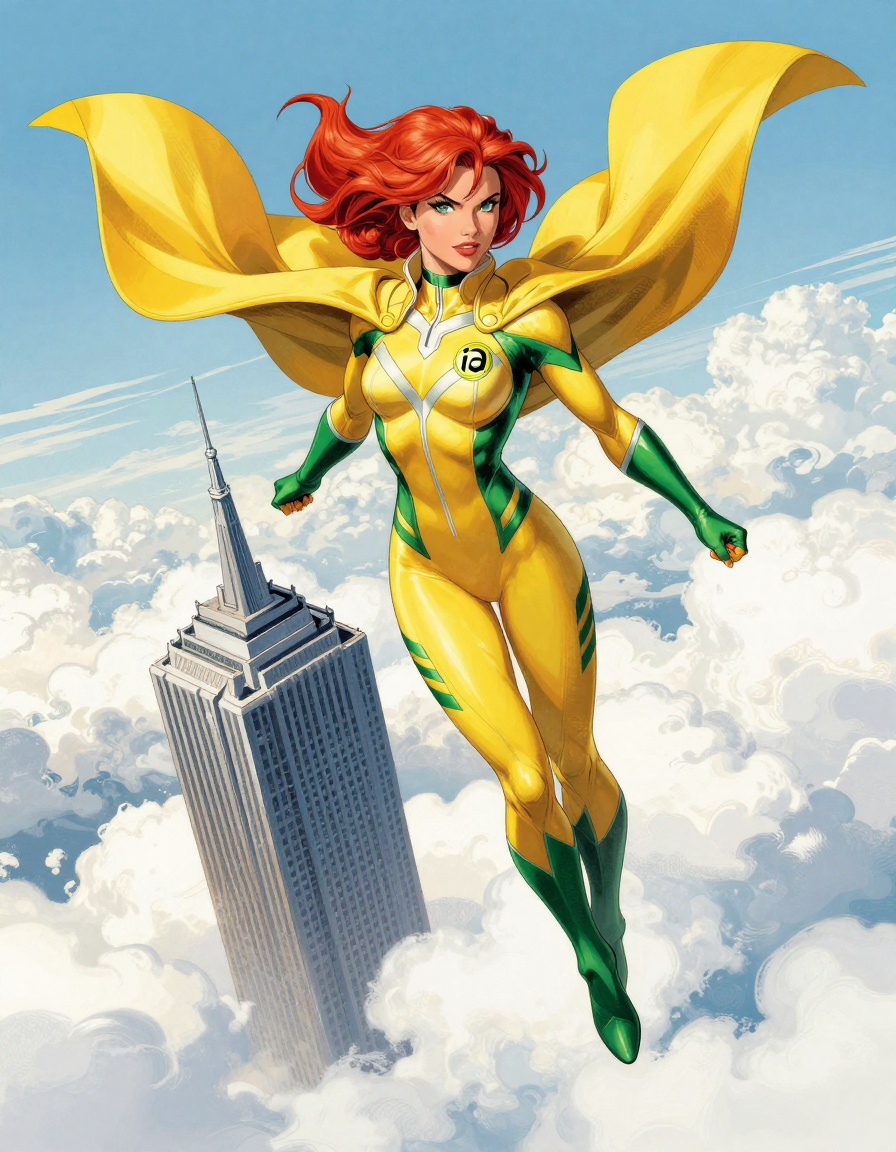
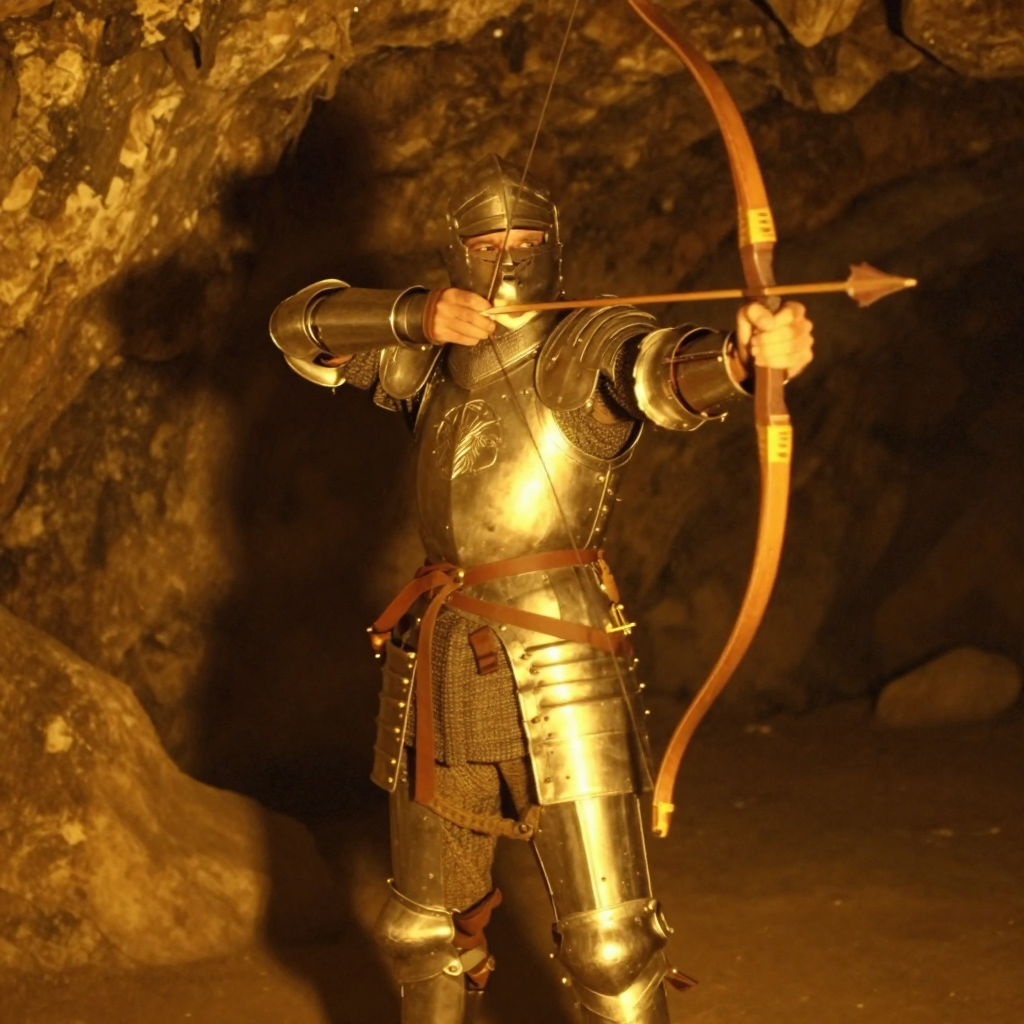
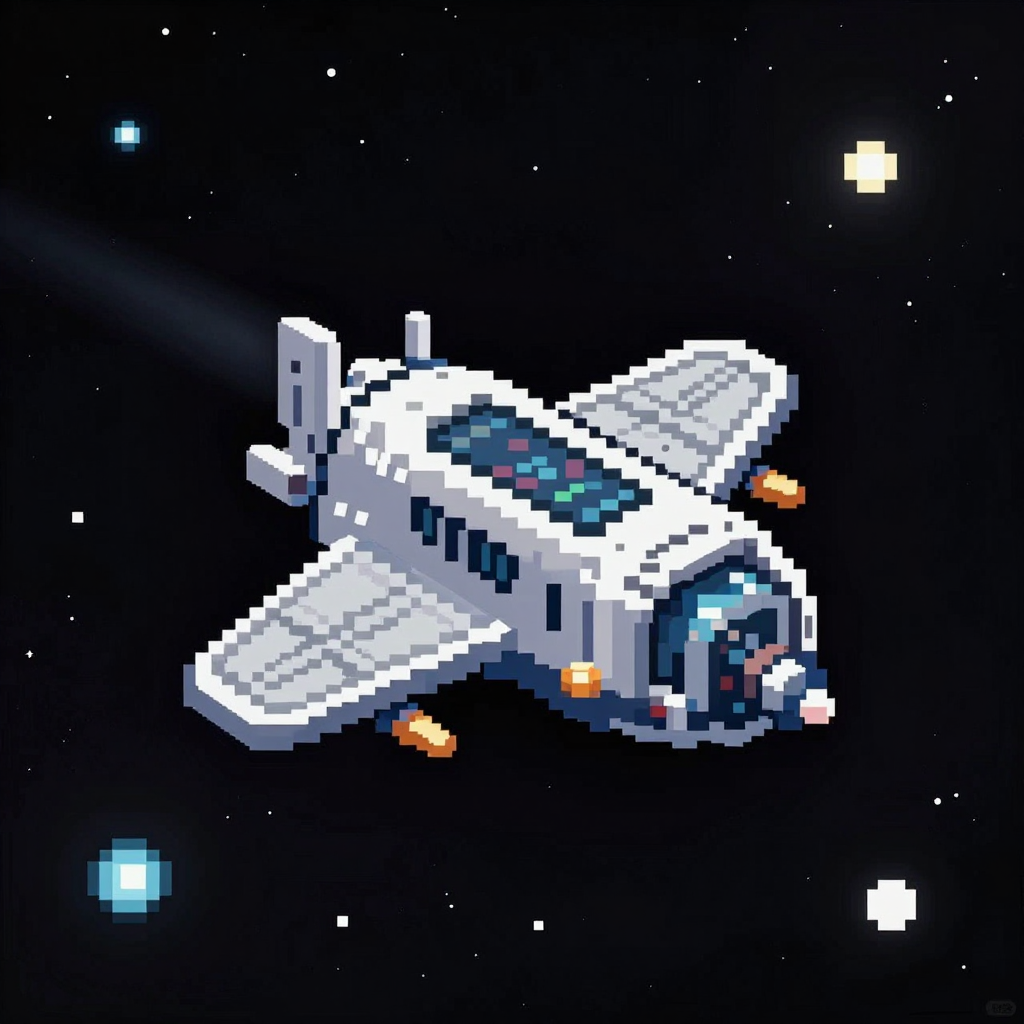
Style flexibility: photorealistic images are its biggest strength, but it can do anime, oil painting, pixel art, low poly, comics, watercolor, vector art / flat design, comic book, pencil sketch, pop art, infographic, etc.
High resolution: capable of generating up to 4MP resolution natively (i.e. before upscale) while maintaining coherence.
Dependencies
Download Qwen 3 4B to your
text_encodersdirectory: https://civitai.com/models/2169712?modelVersionId=2474529Download Flux VAE to your
vaedirectory: https://huggingface.co/Comfy-Org/z_image_turbo/blob/main/split_files/vae/ae.safetensorsIf using the SVDQ quantization, see "About SVDQ / Nunchaku" session below.
Example:
- 📂 ComfyUI
  - 📂 models
    - 📂 diffusion_models
        - z-image-turbo_fp8_scaled_e4m3fn_KJ.safetensors
    - 📂 text_encoders
        - qwen3_4b_fp8_scaled.safetensors
    - 📂 vae
      - FLUX1/ae.safetensors
Instructions
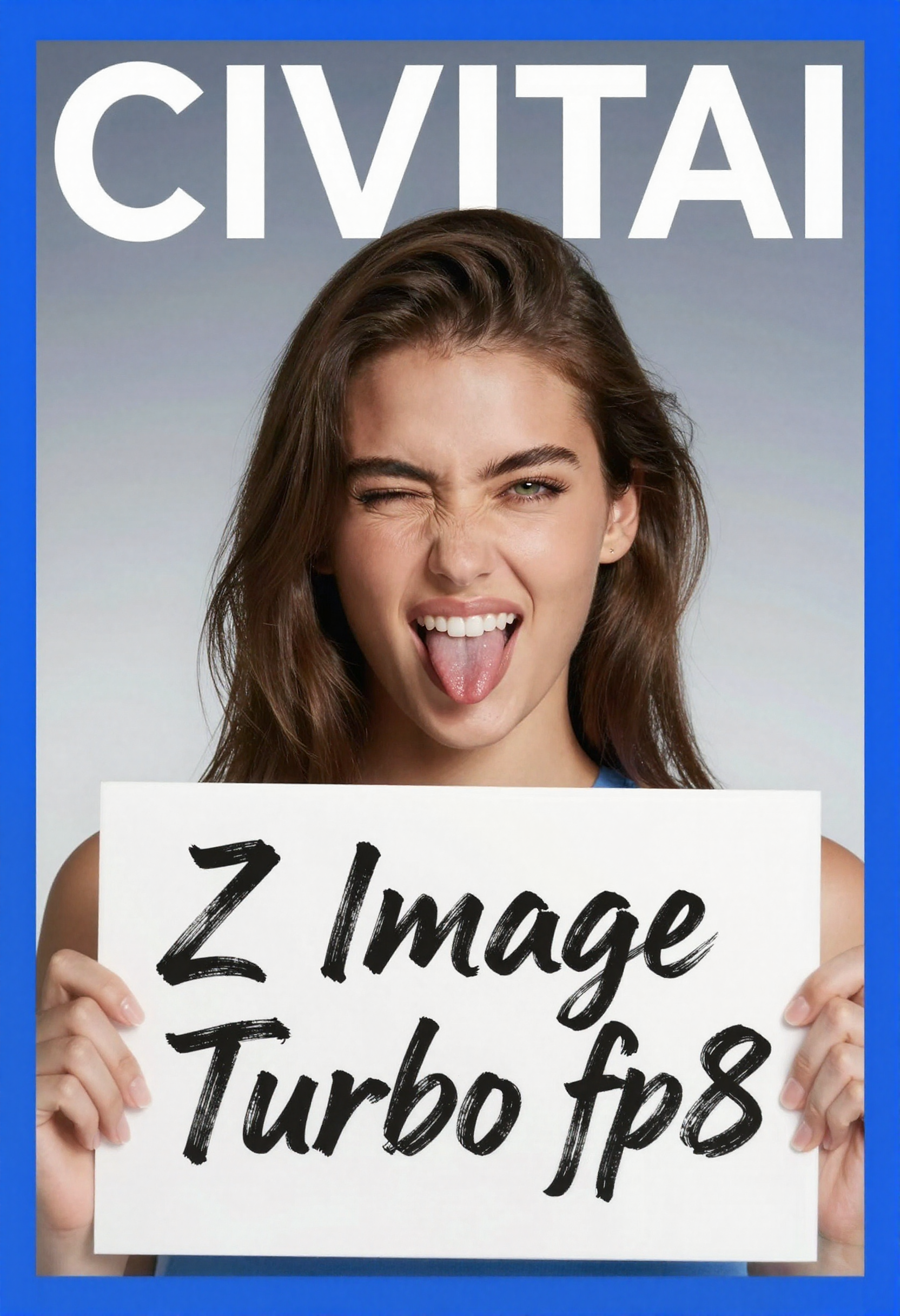
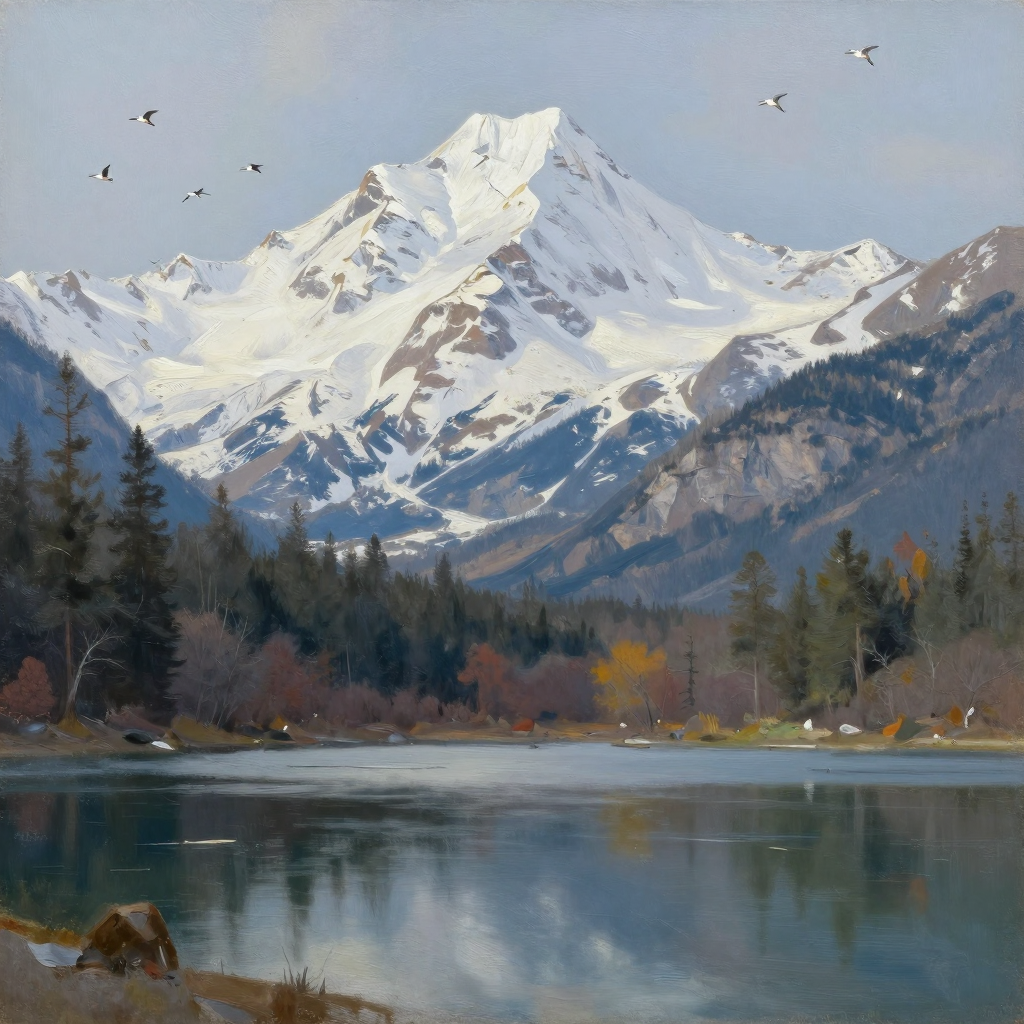
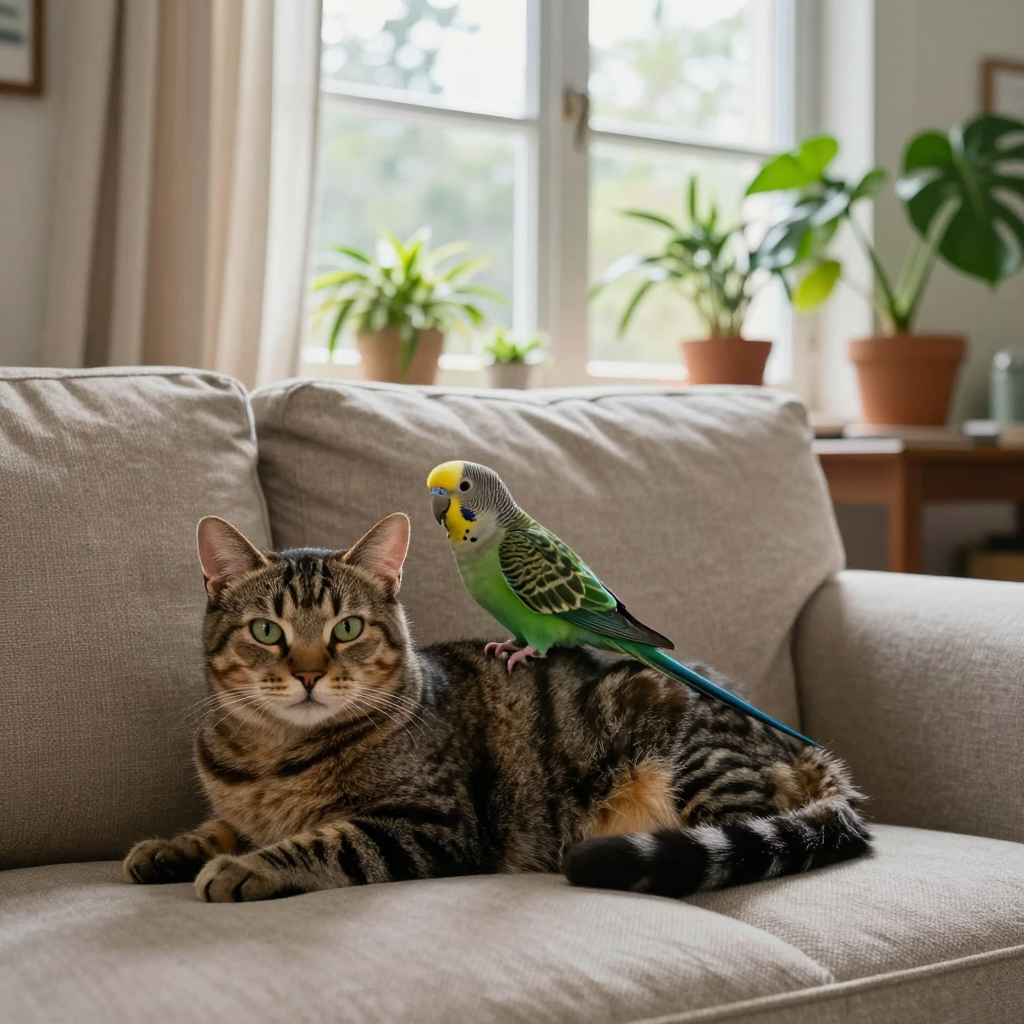
Workflow and metadata are available in the showcase images.
Steps: 5 - 15 (6 - 11 is the sweet spot)
CFG: 1.0. This will ignore negative prompts, so no need for them.
Sampler/scheduler: depends on the art style. Here are my findings so far:
Photorealistic:
Favourite combination for the base image:
euler+beta,simpleorbong_tangent(from RES4LYF) - fast and good even at low (5) steps.Most multistep samplers (e.g.:
res_2s,res_2m,dpmpp_2m_sdeetc) are great, but some will be 40% slower at same steps. They might work better with a scheduler likesgm_uniform.Almost any sampler will work fine -
sa_solver,seeds_2,er_sde,gradient_estimation.Some samplers and schedulers add too much texture, you can adjust it by increasing the shift (e.g.: set shift 7 in ComfyUI's
ModelSamplingAuraFlownode).Keep in mind that some schedulers (e.g.:
bong_tangent) may override the shift with its own.
Some require more steps (e.g.:
karras)
Illustrations (e.g.: anime):
res_2morrk_betaproduce sharper and more colourful results.
Other styles:
I'm still experimenting. Use
euler(orres_2m) +simplejust to be safe for now.
Resolution: up to 4MP native. Avoid going higher than 2048. When in doubt, use same as SDXL, Flux.1, Qwen Image, etc (it works even as low as 512px, like SD 1.5 times). Some examples:
896 x 1152
1024 x 1024
1216 x 832
1440 x 1440
1024 x 1536
2048 x 2048 (risky, might get artifacts in the corners)
Upscale and/or detailers are recommended to fix smaller details like eyes, teeth, hair. See my workflow embedded in the main cover image.
If going over 2048px in either side, I recommend the tiled upscale method i.e. using UltimateSD Upscale at low denoise (<= 0.3).
Otherwise, I recommend your 2nd pass KSampler to either have a low denoise (< 0.3) or to start the sampling at a later step (e.g.: from 5 to 9 steps).
At this stage, you may use even samplers that didn't work well in the initial generation. For most cases, I like the
res_2m+simplecombination.
Prompting: long and detailed prompts in natural language are the official recommendation, but I tested it with comma-separated keywords/tags, JSON, whatever... either should work fine. Keep it in English or Mandarin for more accurate results.
About SVDQ / Nunchaku
Dependencies
SVDQ is a special quantization format - in the same category as SDNQ, nf4, GGUF -, meaning that you must use it through special loaders.
My advice is to install nunchaku in ComfyUI, but so far that only works on RTX GPUs.
I've uploaded the int4 version, which is compatible with RTX2xxx - RTX4xxx. For RTX5xxx and above, download the fp4 version instead - though the quality hit might not be worth the negligible speed boost for this architecture.
Also, your environment must have a specific python and pytorch versions for it to work. The official documentation should guide you through the requirements, but here's the gist of it (always check the official docs first, as they should be more up-to-date):
Install the latest version of ComfyUI-nunchaku nodes, then restart ComfyUI;
Create an empty workflow, then add the node
Nunchaku Installer;Change
modetoupdate node, connect the output to aPreview as Text, then run the workflow.Refresh your ComfyUI page (hit
F5or similar in your browser)Back to the same workflow, change the parameters to:
version: the latest possible.dev_version:none(unless you want to test unstable features, only recommended if you know what you're doing).mode:install
Run the workflow. If you get a successful response, simply restart your ComfyUI.
Otherwise, if you get an error, it means your python environment doesn't meet the requirements.
Go to the release that matches the version you're trying to install (e.g.: v1.2.0), then make sure that one of the wheel files match your environment. For instance, the wheel
nunchaku-1.2.0+torch2.8-cp11-cp11-win_amd64.whlmeans:nunchaku-1.2.0= Nunchaku version, must match the one you selected previously in the install node.torch2.8= pytorch version 2.8.xcp311-cp311= python version 3.11.xwin_amd64= the Windows operating system.
Most of the time, you just need to update your CUDA and/or pytorch:
Inside ComfyUI, press
Ctrl + ,to open the Settings, then go to About and check your Pytorch Version. For instance,2.7.0+cu126means version 2.7.0 and CUDA 12.6.I recommend to update to the minimal stable version, something like
2.9.0+cu128.Run one of the commands from here in your Python environment.
If using ComfyUI portable, go to
python_embeded, then run the command e.g.:.\python.exe -m pip install torch==2.9.0 torchvision==0.24.0 torchaudio==2.9.0 --index-url https://download.pytorch.org/whl/cu128If it fails, you might need to update your NVIDIA driver first, then your CUDA toolkit.
Restart ComfyUI.
Performance boost and trade-offs
In my RTX3080 Mobile (8GB VRAM), images are generated 2x-3x faster compared to fp8 scaled, however, there are trade offs:
Slight quality drop: since the model was already quite small before the quantization, the quality hit seems more noticeable than bigger models (Qwen Image, Flux.1 Dev, etc) in the same format. Details are a bit more distorted than usual, and coherence might be compromised in complex scenes - both might be considered negligible in some cases. I've provided comparisons for you to reach your own conclusions.
Non-deterministic generation: nunchaku generations are non deterministic / non reproducible, even if you reuse the same workflow and seed. I.e. getting back to a previous seed will likely result in a different image, so keep that in mind.
Temporary LoRA issues: nunchaku v1.1.0 is failing to load LoRAs, but this should be fixed soon since there's already a PR in progress with the solution.
ZIT SVDQ is still quite useful in my opinion, specially for testing prompts fast, for a quick txt2img before upscaling, or for upscaling an image generated with higher precision.
The Nunchaku team quantized the model in 3 different rankings: r32, r128 and r256. The lower the ranking, the smaller the file is, but also the lower the quality. In my tests, the only ranking I consider worth it is r256 (the one I offer here).
FAQ
Is the model uncensored?
Yes, it might just not be well trained on the specific concept you're after. Try it yourself.
Why do I get too much texture or artifacts after upscaling?
See instructions about upscaling above.
Does it run on my PC?
If you can run SDXL, chances are you can run Z-Image Turbo fp8. If not, might be a good time to purchase more RAM or VRAM.
All my images were generated on a laptop with 32GB RAM, RTX3080 Mobile 8GB VRAM.
How can I get more variation across seeds?
Start at late step (e.g.: from 3 til 11); or
Give clear instructions in prompt, something like
give me a random variation of the following image: <your prompt>)
I'm getting an error on ComfyUI, how to fix it?
Make sure your ComfyUI has been updated to the latest version. Otherwise, feel free to post a comment with the error message so the community can help.
Is the license permissive?
It's Apache 2.0, so quite permissive.
How to use the SVDQ format?
See the "About SVDQ / Nunchaku" section above.
Video tutorial
Original voiced in Brazilian Portuguese, other languages available through YouTube's auto dub AI.