Z Image Turbo Workflow with SageAttetion + MultiGPU







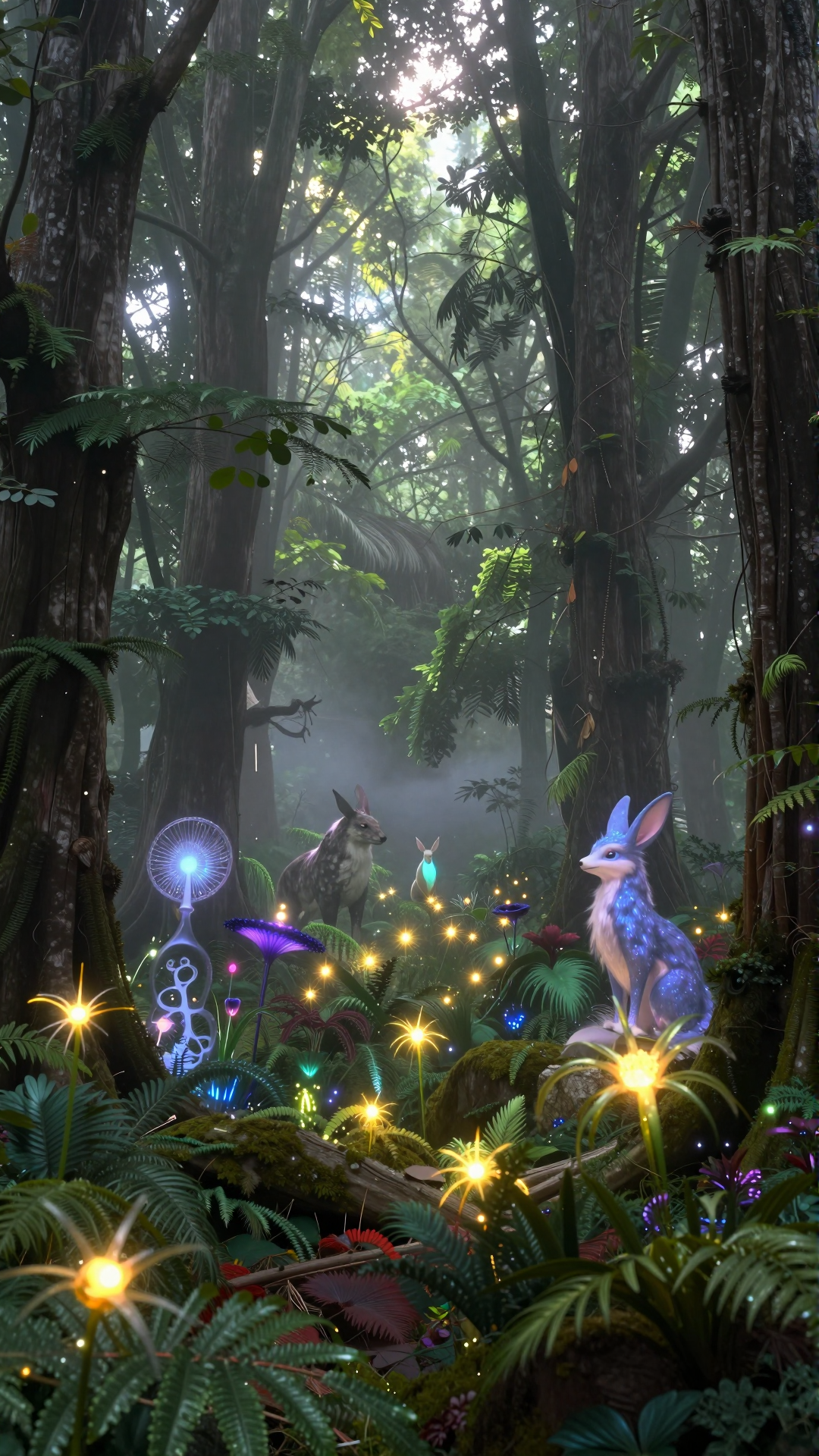





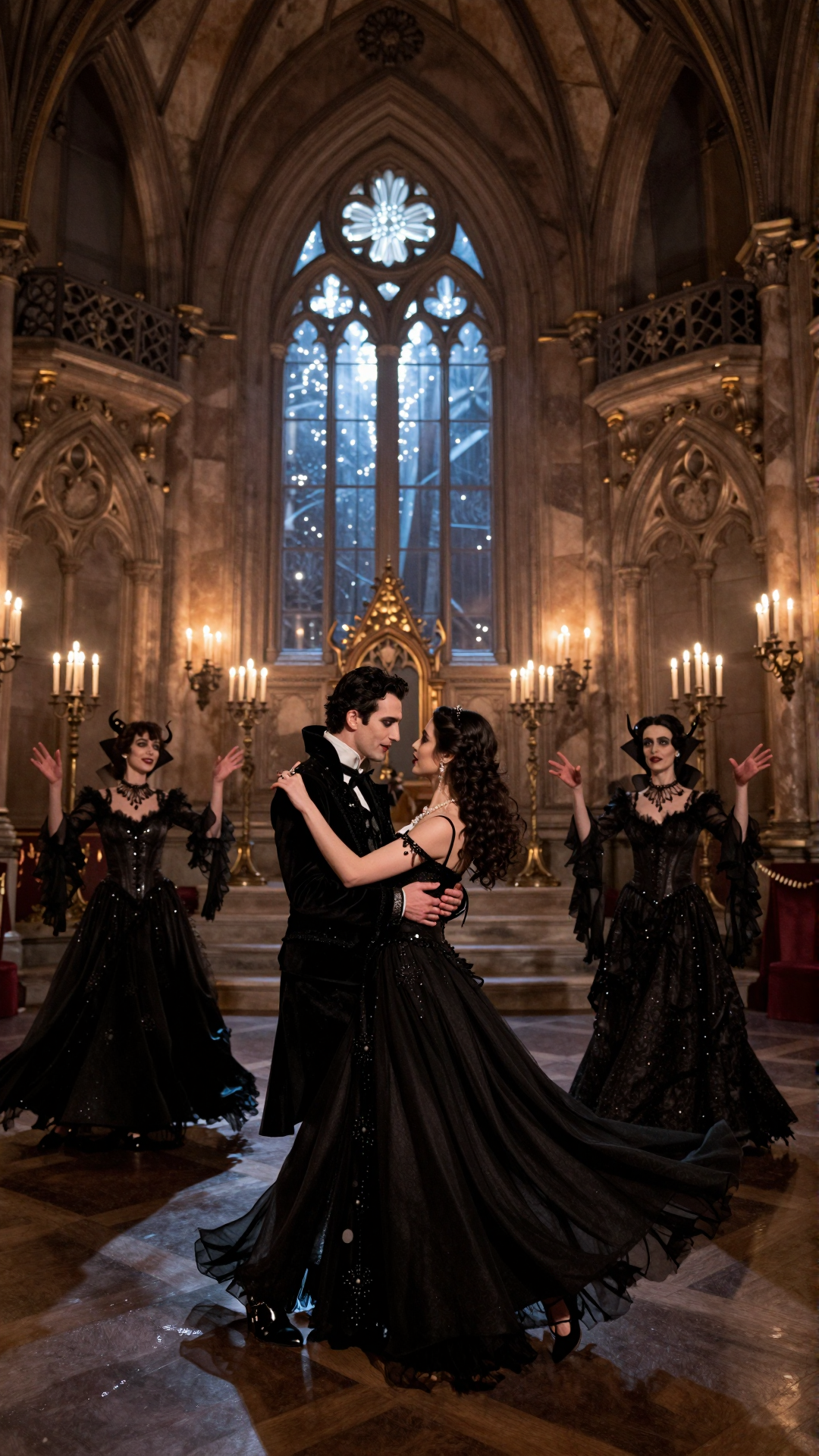



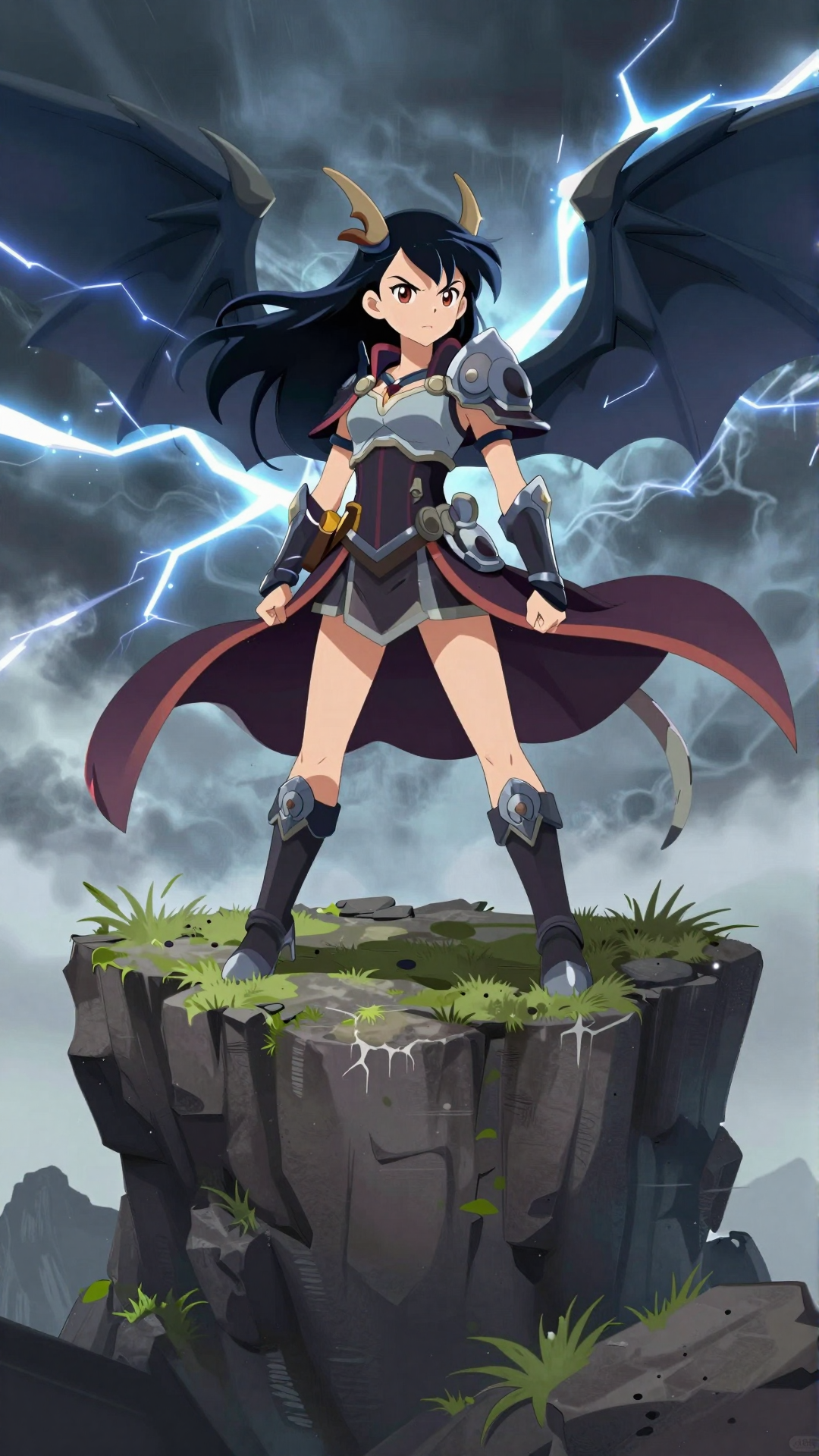



詳細
ファイルをダウンロード
モデル説明
私のTGチャンネル - https://t.me/StefanFalkokAI
私のTGチャット - https://t.me/+y4R5JybDZcFjMjFi
こんにちは!私はComfyUI用の画像生成にZ-Image Turboを使用した私の作業フローを紹介します。
Z-Image Turboモデルを含むワークフローを用意しました。
Z-Image Turboモデル(https://huggingface.co/Comfy-Org/z_image_turbo/tree/main/split_files/diffusion_models)、clip(https://huggingface.co/Comfy-Org/z_image_turbo/tree/main/split_files/text_encoders)、およびVAE(https://huggingface.co/Comfy-Org/z_image_turbo/tree/main/split_files/vae)を準備する必要があります。
また、高速生成のためにSageattention 2.2.0(Triton版)(https://huggingface.co/Kijai/PrecompiledWheels/tree/main)とTorch 2.7.0+(https://github.com/pytorch/pytorch/releases)をインストールする必要があります。さらに、CUDA 12.8(https://developer.nvidia.com/cuda-12-8-0-download-archive)とVS Code(https://visualstudio.microsoft.com/downloads/)をダウンロードしてインストールしてください。
Sageattention(1.0.6)のインストール方法:Sageattention 2.2.0をインストールするには、.whlファイルを.zipにリネームし、.zipから抽出したフォルダをComfyUI\python_embeded\Lib\site-packagesに配置してください。
ワークフローに問題がある場合やインストールで困った場合は、コメントをお願いします。