Mask Maker for 3-Channel Regional Prompting

詳細
ファイルをダウンロード
モデル説明
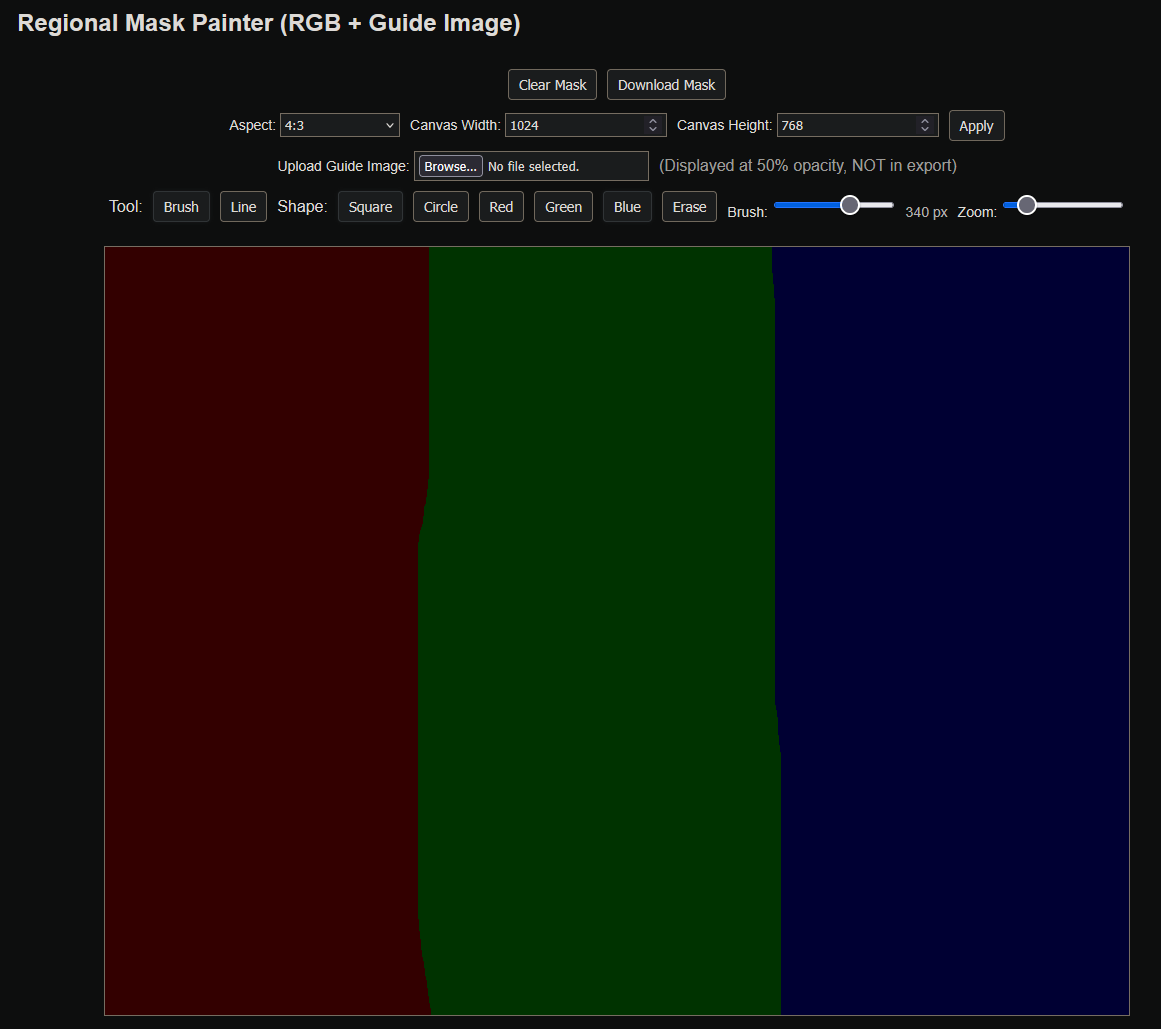
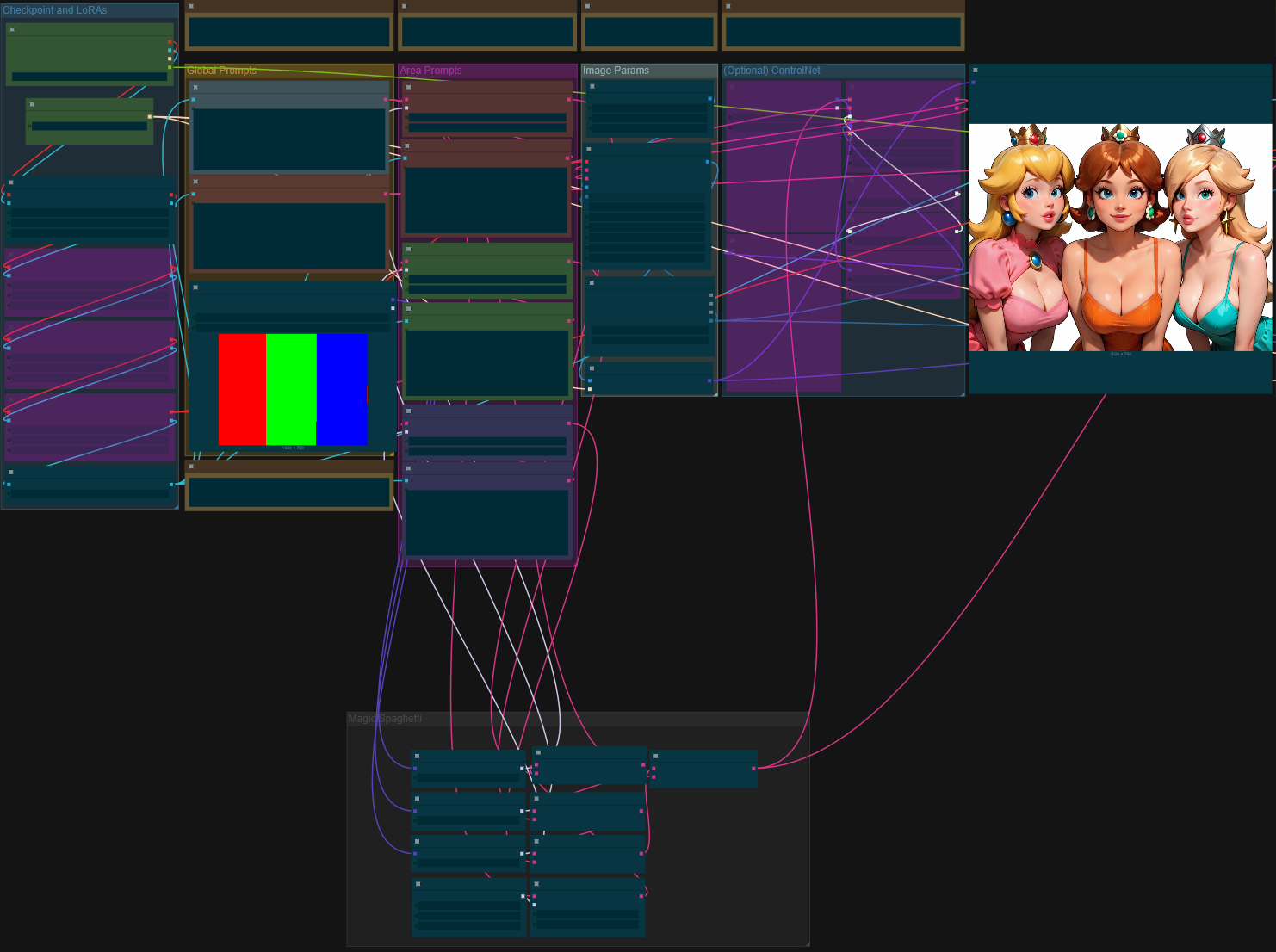
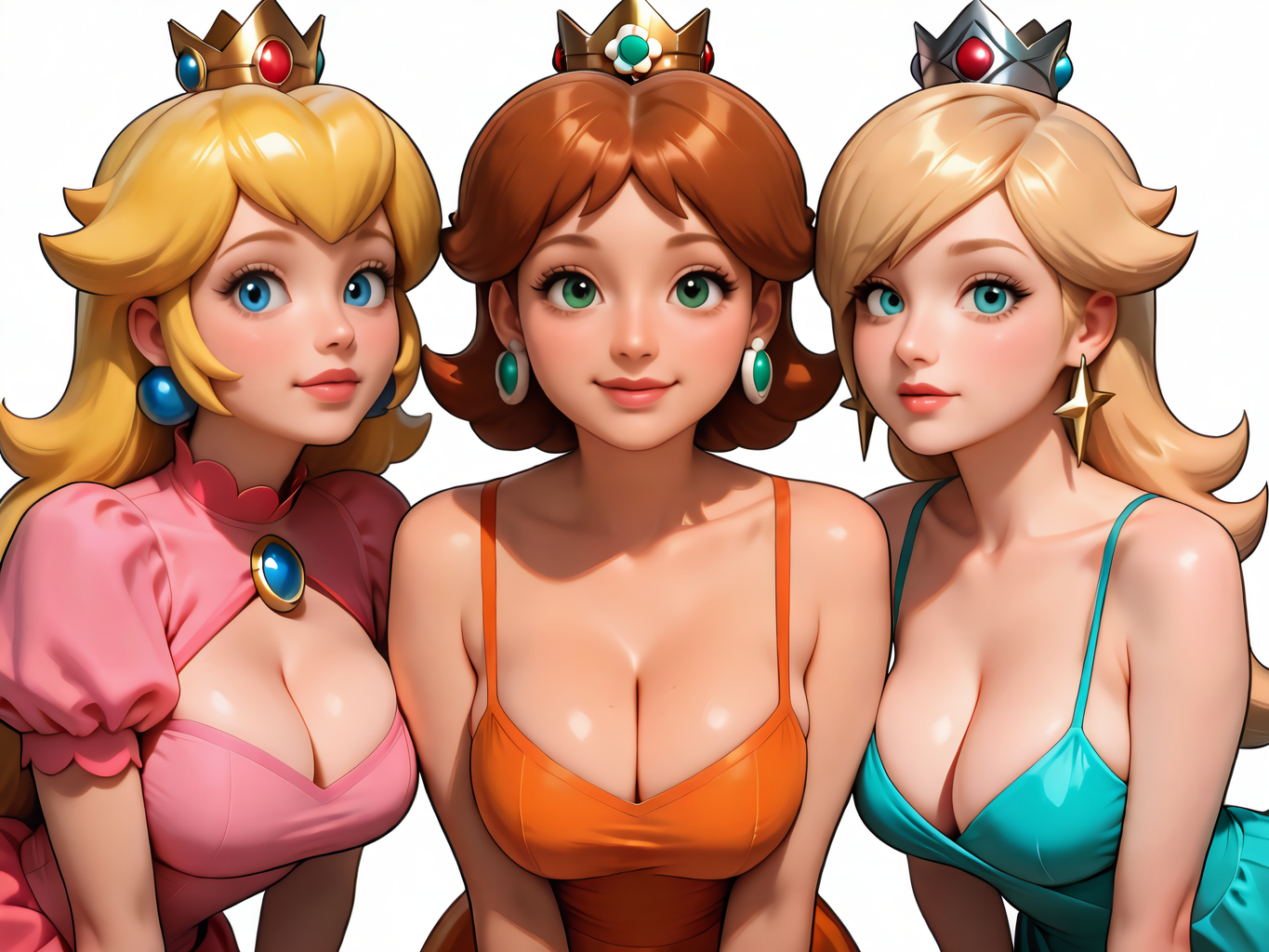
I did a bit of ⋆✴︎˚。⋆vibe coding⋆。˚✴︎⋆ and created a simple HTML tool to assist in creating image masks that use 2-3 colors. Specifically, I made it because I started using this workflow, (shoutout to @Neuroger) but it should work for anything similar. Feel free to take it and tweak it however you like.
Mask Maker for 3-Channel Regional Prompting (RGB + Guide Image)
A simple, accurate mask-painting tool for regional prompting.
Overview
This tool lets you paint red, green, and blue masks for use in regional prompting workflows (e.g., SDXL, ComfyUI nodes, or any model that accepts RGB mask maps).
You can import a guide image, draw with customizable brushes, and export a clean mask using pure RGB values.
Features
Import Guide Image (displayed at 50% opacity for reference; not included in export)
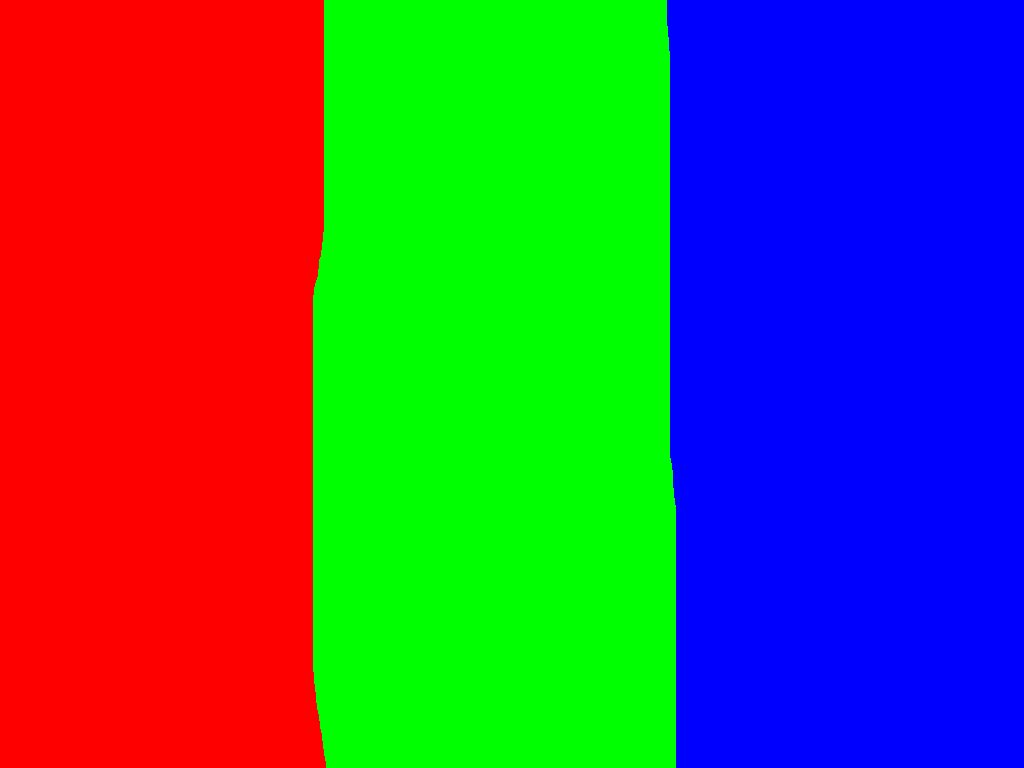
Pure RGB Mask Output
Red
#FF0000Green
#00FF00Blue
#0000FF
Brush Tools
Square & Circle shapes
Adjustable size (1–512 px)
Eraser mode
Line Tool for clean boundaries
Zoom In / Out + Mouse-wheel zoom
Pixel Grid Overlay (auto-scales with zoom)
Auto-Fit Canvas to Uploaded Image
Aspect Ratio Presets (1:1, 3:4, etc.) + Custom mode
High-resolution support (any image size)
Continuous Painting Across Canvas Edges
(Hold mouse → move outside canvas → re-enter → painting continues. No interruptions.)
Export
Exports a .png mask containing only pure RGB or pure black, guaranteeing compatibility with any regional-prompting system. Guide images, opacity previews, outlines, and grids are not included.
Usage
Load the HTML file in any browser (offline-friendly).
(Optional) Upload a guide image.
Select Tool → Brush or Line.
Choose Color (Red, Green, Blue) or Erase.
Paint your regions.
Undo/Redo with ctrl+z/ctrl+y
Click Download Mask to export a clean RGB mask.
Typical Workflow
Use the guide image to block out clothing, lighting regions, backgrounds, subjects, etc.
Export the mask and feed it into your ComfyUI node / ControlNet / Lora region node / SDXL workflow.
Assign different prompt text to each RGB channel.
Compatibility
Any Stable Diffusion regional-prompting method
ComfyUI Regional Conditioning nodes
ADetailer masks
Custom masking workflows
Krita/Photoshop, since the output is standard PNG
Notes
The preview grid and guide image opacity do not affect export.
Brush edges use real opacity while painting, but saving quantizes them cleanly to full RGB.
Works fully offline; no dependencies.
License
Free to use, modify, and include in workflows. Credit is appreciated but not required.