Qwen 360 Diffusion



세부 정보
파일 다운로드 (1)
모델 설명
Qwen 360 Diffusion

General
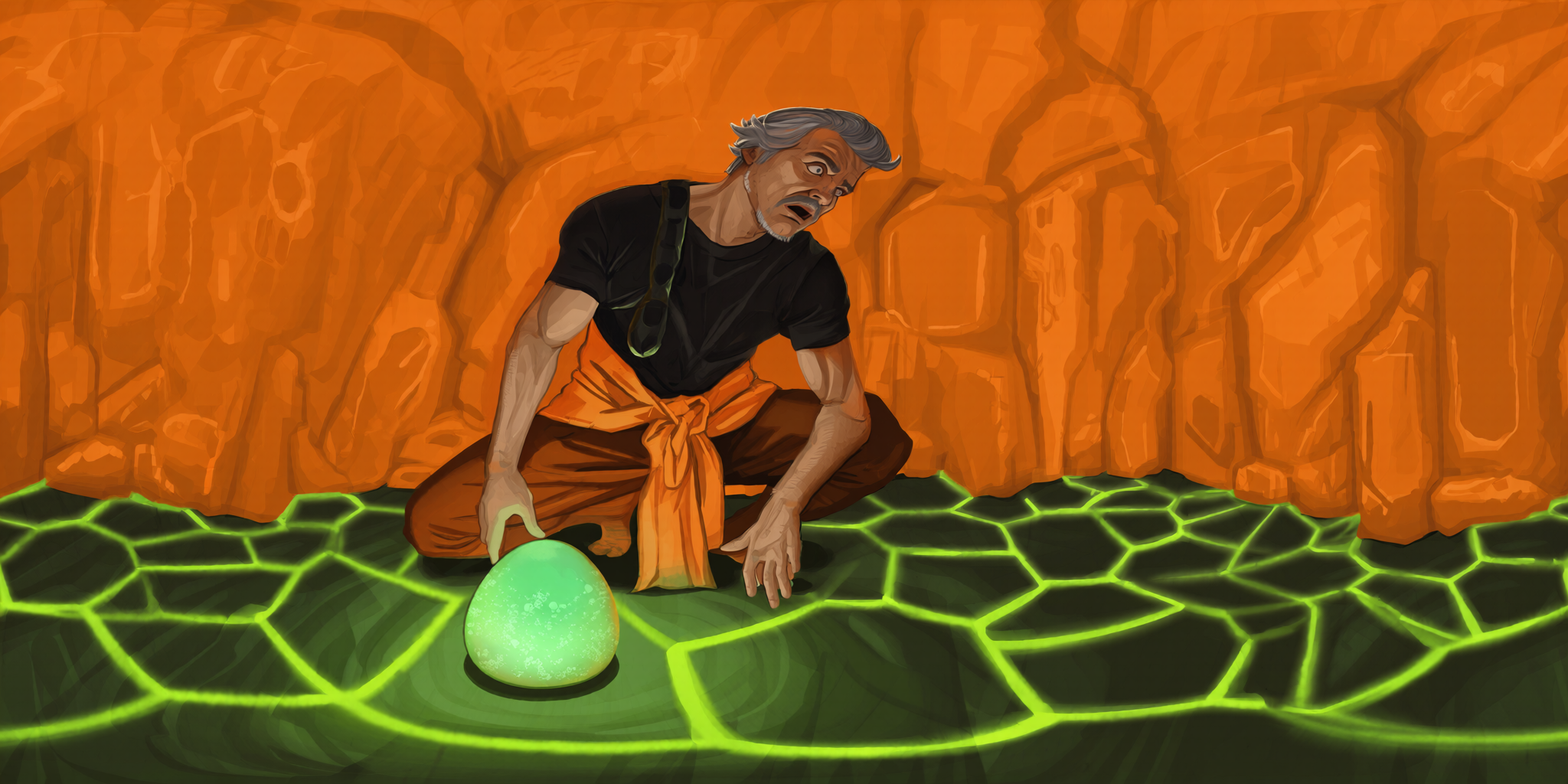
Qwen 360 Diffusion is a rank 128 LoRA built on top of a 20B parameter MMDiT (Multimodal Diffusion Transformer) model, designed to generate 360 degree equirectangular projection images from text descriptions.
The model was trained from the Qwen Image model on an extremely diverse dataset composed of tens of thousands of equirectangular images, depicting landscapes, interiors, humans, animals, and objects. All images were resized to 2048x1024 before training.
The model was also trained with a diverse dataset of normal photos for regularization, making the model a realism finetune when prompted correctly.
Based on extensive testing, the model's capabilities vastly exceed all other currently available T2I 360 image generation models. Thus when given the right prompt, the model should be capable of producing almost anything you want.
The model is designed to be capable of producing equirectangular images that can be used for non-VR purposes such as general imagery, photography, artwork, architecture, portraiture, and many other concepts.
Training Details
The training dataset consists of 32k unique 360 degree equirectangular images. Each image was randomly rotated horizontally 3 times for data augmentation (original + 3 rotations), providing a total of 128k training images. All 32k original 360 images were manually checked by humans for seams, polar artifacts, incorrect distortions, and other problems before their inclusion in the dataset.
For regularization, 64k images were randomly selected from the pexels-568k-internvl2 dataset and added to the training set.
Training timeline: 3 months and 23 days
Training was first performed using nf4 quantization for 32 epochs (8 epochs counting the original + augmentations as a single epoch):
qwen-360-diffusion-int4-bf16-v1.safetensorswas trained for 28 epochs (1,344,000 steps)qwen-360-diffusion-int4-bf16-v1-b.safetensorswas trained for 32 epochs (1,536,000 steps)
Training then continued at int8 quantization for another 16 epochs (4 epochs counting the original + augmentations as a single epoch):
qwen-360-diffusion-int8-bf16-v1.safetensorswas trained for a total of 48 epochs (2,304,000 steps)
Training then continued on Qwen/Qwen-Image-2512 at int8 quantization for another 14 epochs on (3.5 epochs counting the original + augmentations as a single epoch):
The total number of equirectangular images was increased to 35k, and regularization images were removed from the dataset.
qwen-360-diffusion-2512-int8-bf16-v2.safetensorswas trained for 62 epochs (2,794,000 steps)
Usage
To activate panoramic generation, include one of the following trigger phrases or some variation of one or more of the following trigger words in your prompt:
"equirectangular", "360 image", "360 panorama", "equirectangular image", "equirectangular 360 image", or "360 degree panorama with equirectangular projection"
Note that even using a 360 viewer on your 2D device screen can create a feeling like you are actually inside the scene, known as a sense of 'presence' in psychology.
Recommended Settings
Aspect ratio: For best results use the
2:1resolution of2048×1024. Using1024×512,1536×768, and other 2:1 ratios for text-to-image generation may cause the model to struggle with generating proper horizons.Prompt tips: Include desired medium or style, such as photograph, oil painting, illustration, or digital art.
360-specific considerations: Remember that 360 images wrap around with no borders—the left edge connects to the right edge, while the top and bottom edges merge into a single point at the poles of the sphere.
Human subject considerations: For full body shots, specify the head/face and footwear (e.g., "wearing boots") or lack thereof to avoid incomplete or incorrectly distorted outputs.
Equirectangular distortion: Outputs show increasing horizontal stretching as you move vertically away from the center. These distortions are not visible when viewed in a 360 viewer.
Once generated, you can upscale your panoramas for use as photographs, artwork, skyboxes, virtual environments, VR experiences, VR therapy, or 3D scene backgrounds—or as part of a text-to-image-to-video-to-3D-world pipeline. Note that the model is also designed to produce equirectangular images for non-VR usage as well.
Notes
FP8 inference
When using FP8 quantization, for maximum visual fidelity it's strongly recommended to use the GGUF Q8 or int8 quantized versions of Qwen Image transformer models.
If you are using transformer models with fp8_e4m3fn or fp8_e5m2 precision, or low precision models trained with "accuracy-fixing" methods (e.g., ostris/ai-toolkit), they may cause patch or grid artifacts when used with the int8-trained LoRA model. Some have found this issue to be caused by directly downcasting to fp8 from fp16, without proper scaling and calibration. → To avoid this, use the lower-accuracy full-precision versions of the model:qwen-360-diffusion-int4-bf16-v1.safetensors or qwen-360-diffusion-int4-bf16-v1-b.safetensors.
Low-Precision Artifact Mitigation
If artifacts still appear when using the int4-trained LoRA on afp8_e4m3fnorfp8_e5m2transformer quant, they can often be reduced by:Adjusting the LoRA weight, and/or refining both positive and negative prompts.
Additional Tools
HTML 360 Viewer
To make the viewing and sharing of 360 images & video easier, I built a web browser based HTML 360 viewer that runs locally on your device. It works on desktop and mobile browsers, and has optional VR headset support.
You can try it out here on Github Pages: https://progamergov.github.io/html-360-viewer/
Github code: https://github.com/ProGamerGov/html-360-viewer
You can append '
?url=' followed by a link to your image in order to automatically load it into the 360 viewer, making sharing your 360 creations extremely easy.
Recommended ComfyUI Nodes
If you are a user of ComfyUI, then these sets of nodes can be useful for working with 360 images & videos.
ComfyUI_preview360panorama
For viewing 360s inside of ComfyUI (may be slower than my web browser viewer).
Link: https://github.com/ProGamerGov/ComfyUI_preview360panorama
ComfyUI_pytorch360convert
For editing 360s, seam fixing, view rotation, and masking potential artifacts.
Link: https://github.com/ProGamerGov/ComfyUI_pytorch360convert
ComfyUI_pytorch360convert_video
For generating sweep videos that rotate around the scene.
Link: https://github.com/ProGamerGov/ComfyUI_pytorch360convert_video
Alternatively you can use a simple python script to generate 360 sweeps: https://huggingface.co/ProGamerGov/qwen-360-diffusion/blob/main/create_360_sweep_frames.py
For those using diffusers and other libraries, you can make use of the pytorch360convert library when working with 360 media.
Limitations
A large portion of training data has the viewer at 90 degrees to the direction of gravity, and thus rotating outputs may be required to achieve different vertical angles.
Contributors
Citation Information
BibTeX
@software{Egan_Qwen_360_Diffusion_2025,
  author = {Egan, Ben and {XWAVE} and {Jimmy Carter}},
  license = {MIT},
  month = dec,
  title = {{Qwen 360 Diffusion}},
  url = {https://huggingface.co/ProGamerGov/qwen-360-diffusion},
  year = {2025}
}
APA
Egan, B., XWAVE, & Jimmy Carter. (2025). Qwen 360 Diffusion [Computer software]. https://huggingface.co/ProGamerGov/qwen-360-diffusion
Please refer to the CITATION.cff for more information on how to cite this model.
This model can also be found on HuggingFace: https://huggingface.co/ProGamerGov/qwen-360-diffusion