STUDIO1911A2: Wai-Illustrious Text to Image ComfyUI workflow by Freyja Pixel 💖 - Machine Gun

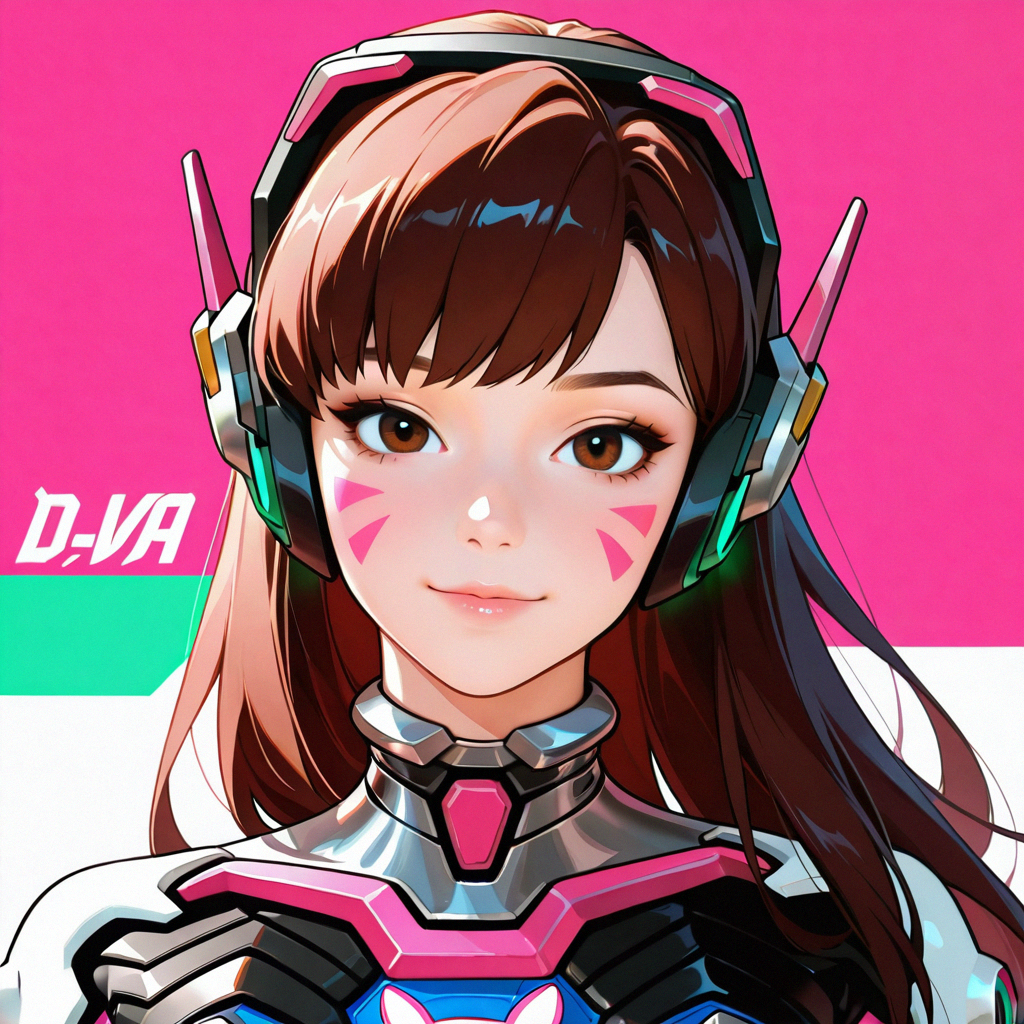
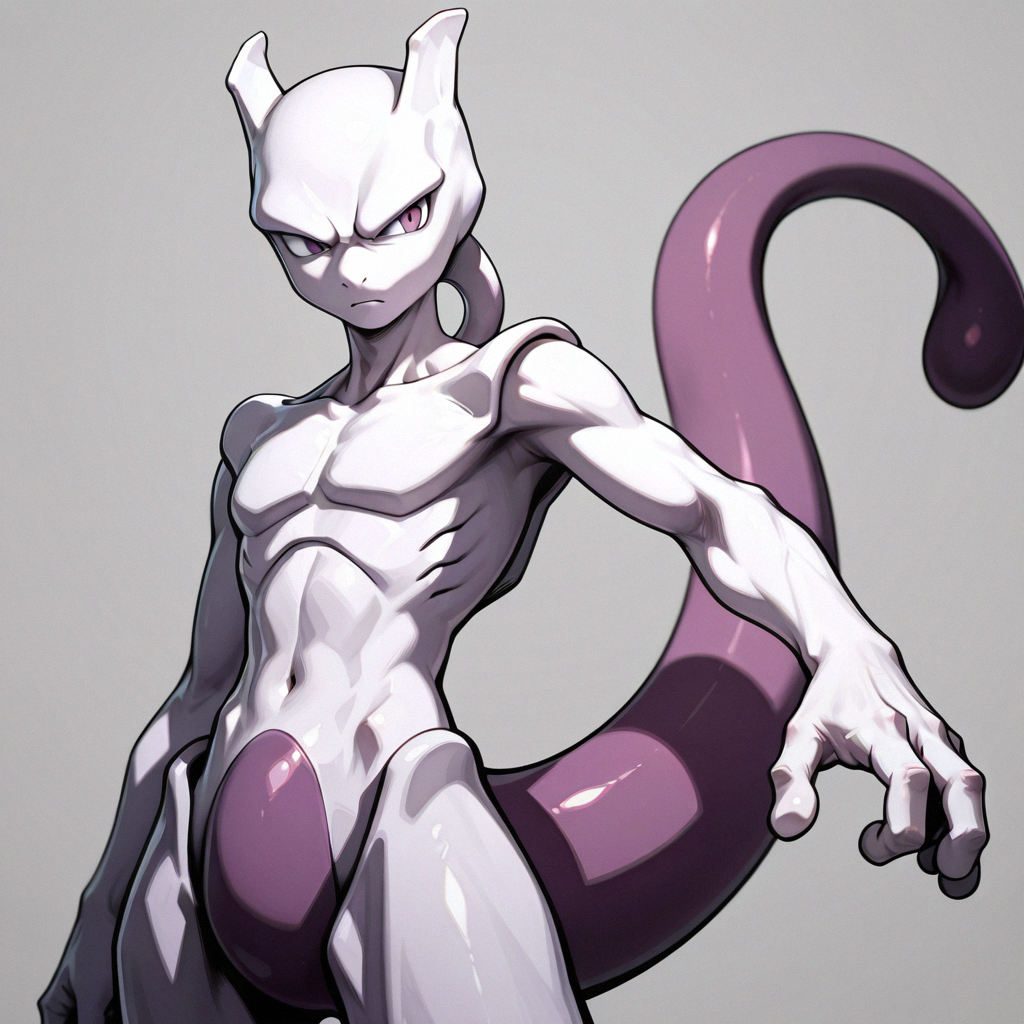
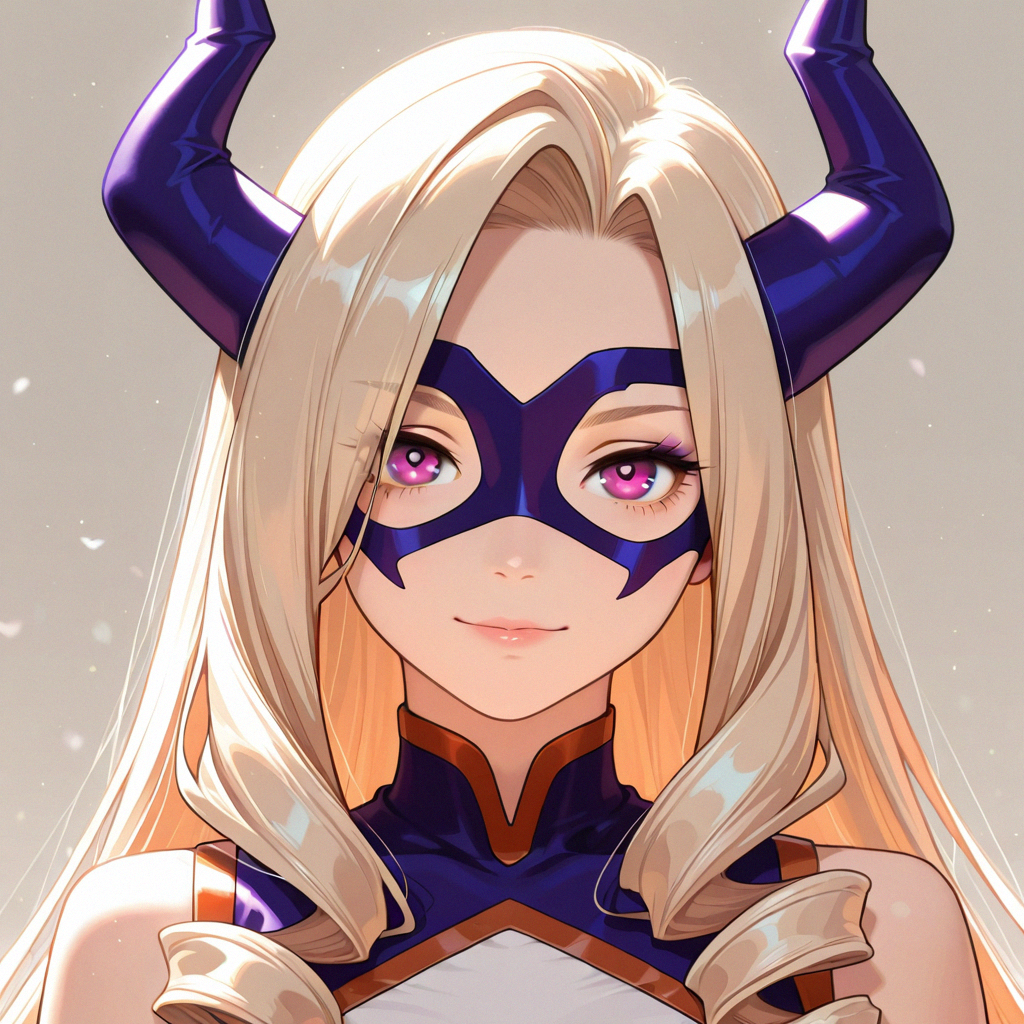
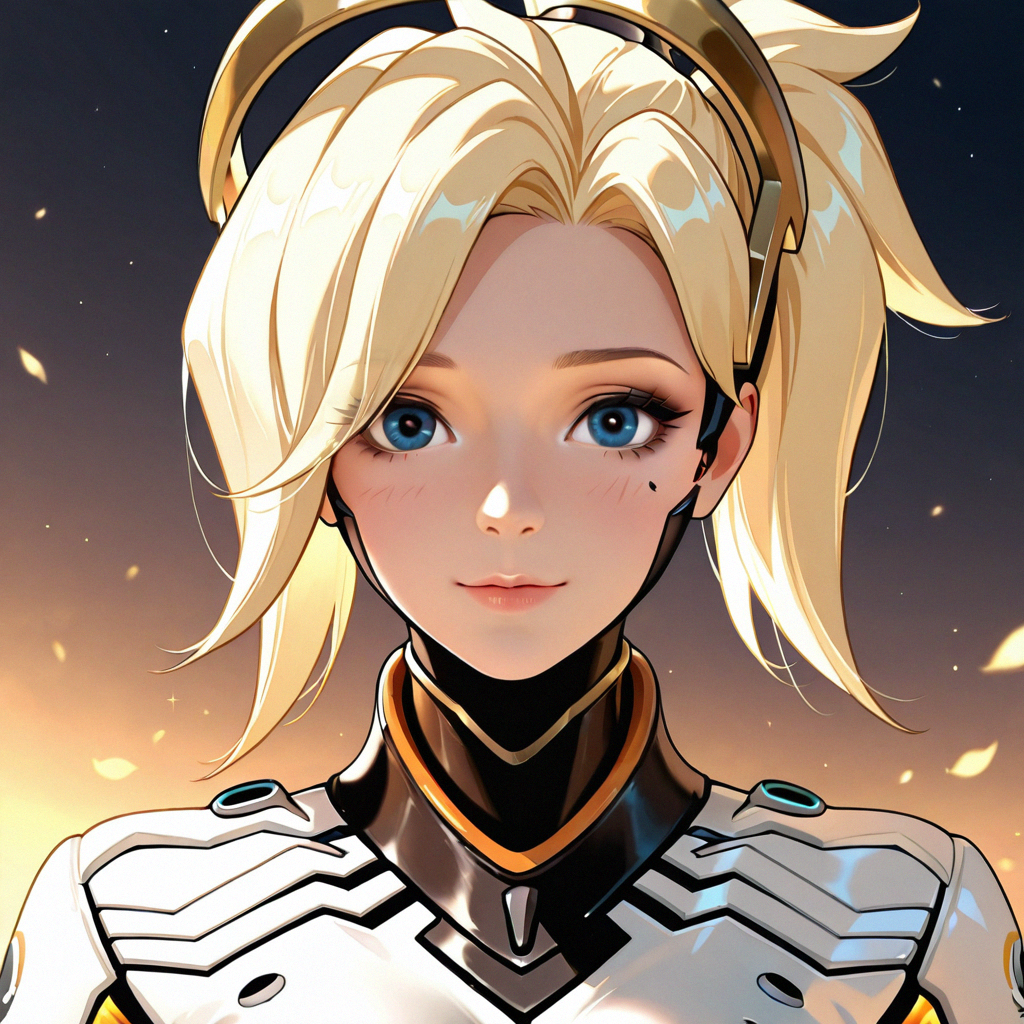


详情
下载文件 (1)
关于此版本
模型描述
💖 My STUDIO1911A2 Workflow is available to generate on Tensor.art
https://tensor.art/template/941106256993613248
Engineering the Zero-Shot: The 1911A2 Bounty Hunter Protocol
Anime generation for everyone
The "Bounty Hunter" system is an accessible way for anyone to create beautiful anime artwork with AI. It allows the user to prompt very little, but still achieve a clear, accurate, and aesthetically pleasing image, allowing the system to do nearly all of the heavy lifting. It specializes in portrait style or single subject images, and it is capable of producing multi-subject images with high levels of quality. Instead of needing long, highly descriptive text prompts from the user, this "zero-shot" generation tool hopes to empower inexperienced prompters to use AI to create high-quality characters with layered backgrounds.
The Bounty Hunter comes in a few different versions, each suited to a different use case. The Master Bounty Hunter version is best for general use, with a balance of efficient generation and quality output. Higher-quality resolution pieces can be achieved with the Big Game Hunter version, while the Machine Gun version is best for rapidly producing images that are slightly smaller than standard. Each of them fundamentally work in the same way, follow the same design principles, and produce high quality images at their respective size.
The Bounty Hunter's foundation is a two-step process, with the first step establishing the structure of the piece. The AI is tuned to spend extra time specifically focusing on the foundation of the image, while generating at the smallest possible resolution. The foundation includes things like the subjects and their poses, the objects in the image, the lighting, and anything that's part of the composition and overall layout. Step one is kind of like the line artist for an illustration, preparing a piece to be finished by other artists, or the 3D sculptor of a mini-figure. Before passing off the piece to the next step, the image is "upscaled" (made larger) by being passed though latent refinement (checking pixel by pixel), mimicking "hi-res upscaling" (a common image generation tool).
The second step goes back over what was created in step one, sharpening details, cleaning up mistakes, and overall bringing everything into clear focus. It's given a specific set of tools that help it clean up the image and add accurate details, without making things weird. Continuing the examples from step one, this step is like the illustration colorist or painter of the mini, adding shape and detail that finish the surface of the piece.
During testing, I found that when using named characters (such as Katsuragi Misato from Evangelion), the AI responds to the way the character name is written, with a strong preference for Danbooru or Japanese-style tag order. Many anime image generation models are trained using Japanese naming or tag order, which put the surname (or family name) first, and the given name second. Names written in this order are easily recognized by the AI, and the character's details are far more accurately recalled. In contrast, I found that reversing the order into the typical Western style ALWAYS caused the model to hallucinate and produce the wrong character. "Misato Katsuragi" had blonde hair and blue eyes, "Rei Ayanami" had extra long pink hair, and "Goku" (an ambiguous tag) produced a random female character with pink hair. Meanwhile, "Katsuragi Mistato" and "Ayanami Rei" produced the expected characters on the first generation. I've also found that using Danbooru/e621 tags applies to pretty much everything prompted to Wai-illustrious, such as clothing and hair styles, and improves the quality of the output. However, this does present challenges when attempting to use more niche or unknown tags. To help navigate these tags, The Bounty Hunter includes recommended software, AI tools, and websites to help users find tags that are known and accurate.
A major highlight of this system is that it explains itself to the user, right in the workflow. All the necessary instructions, notes, and tips are built directly into the file. Duplicate instructions are included as .txt files within the web host repositories. The goal was that anyone who opens the workflow would be able to read the guides as they go, with everything needed to learn already inside the graph itself, and without needing another window open.
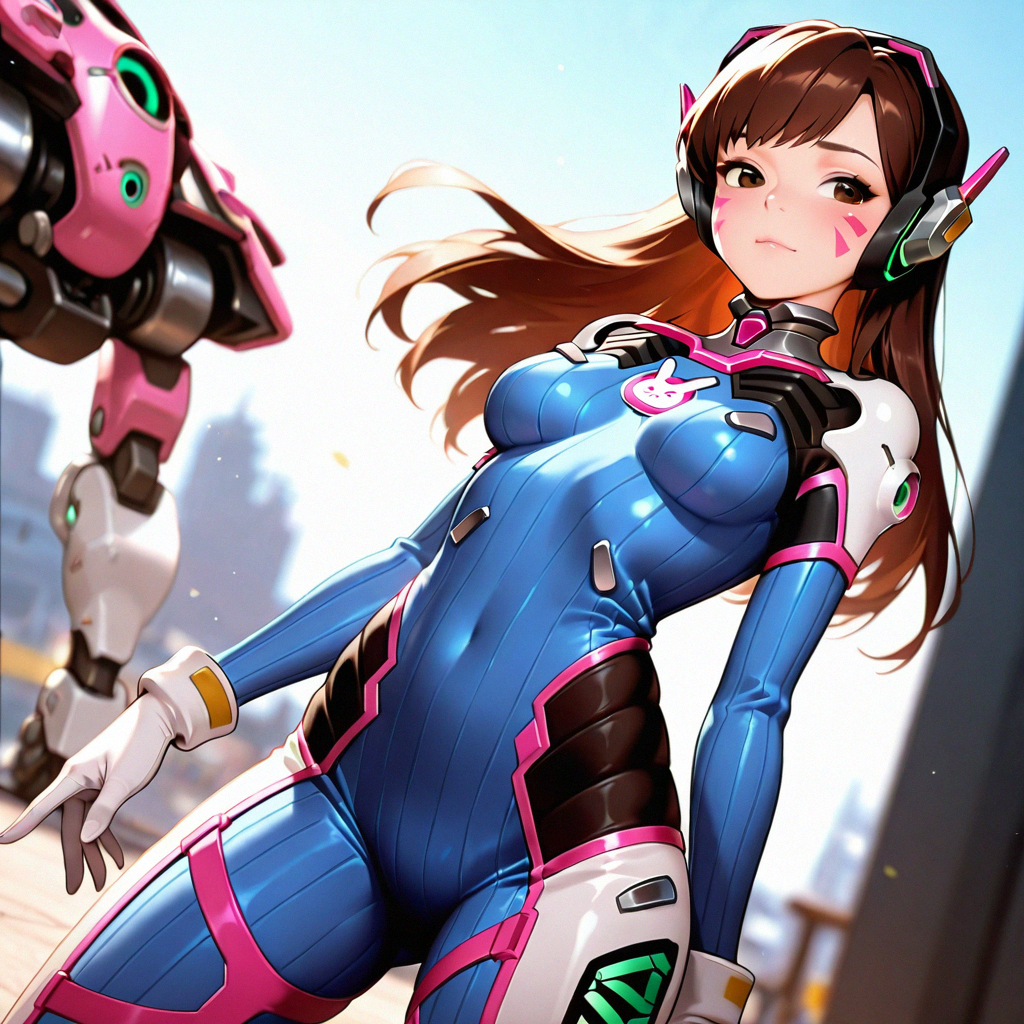
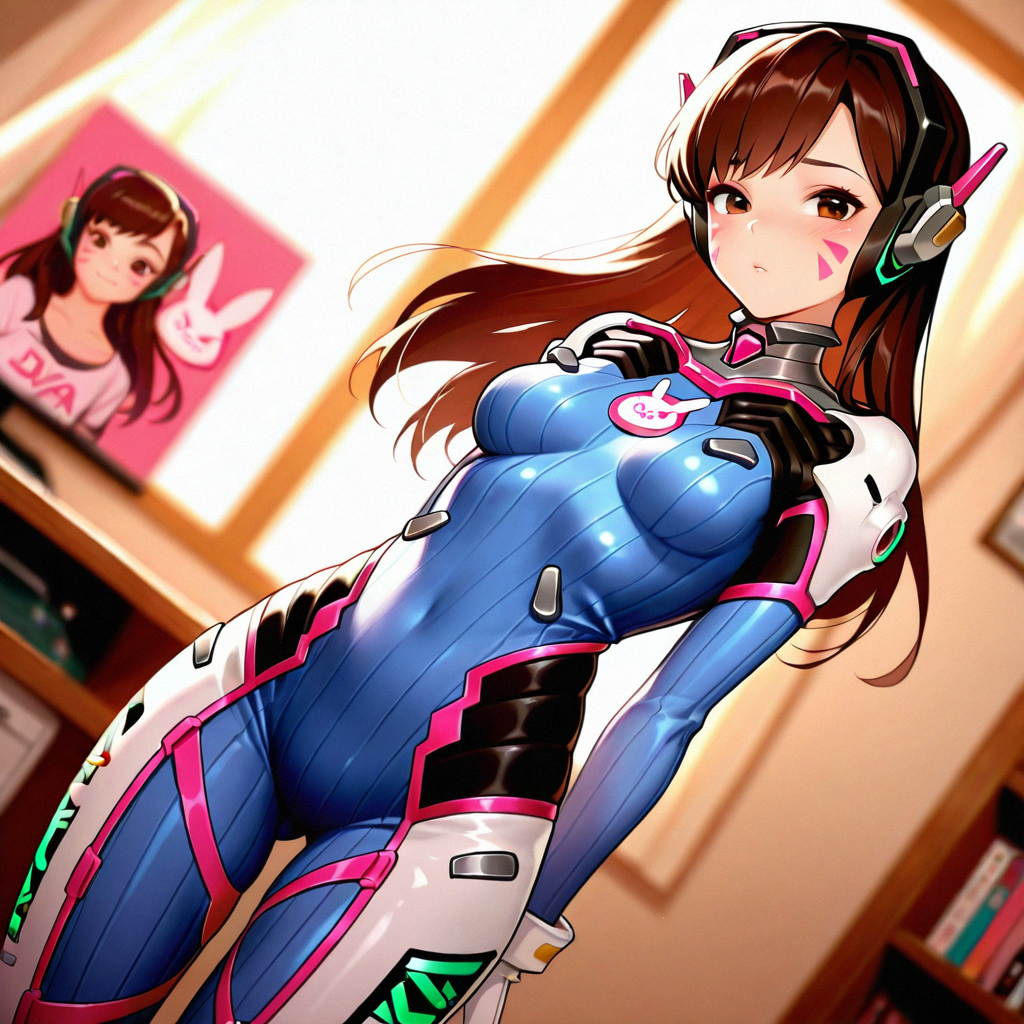
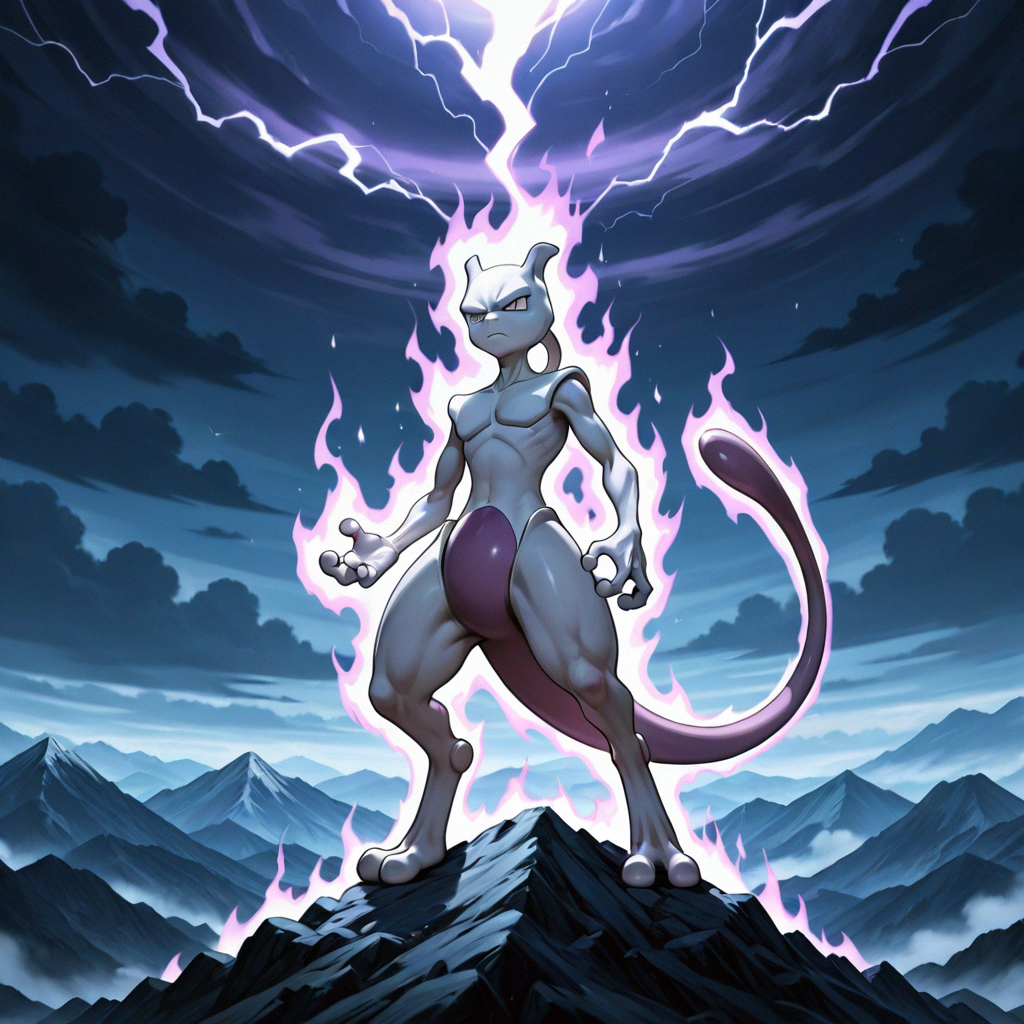
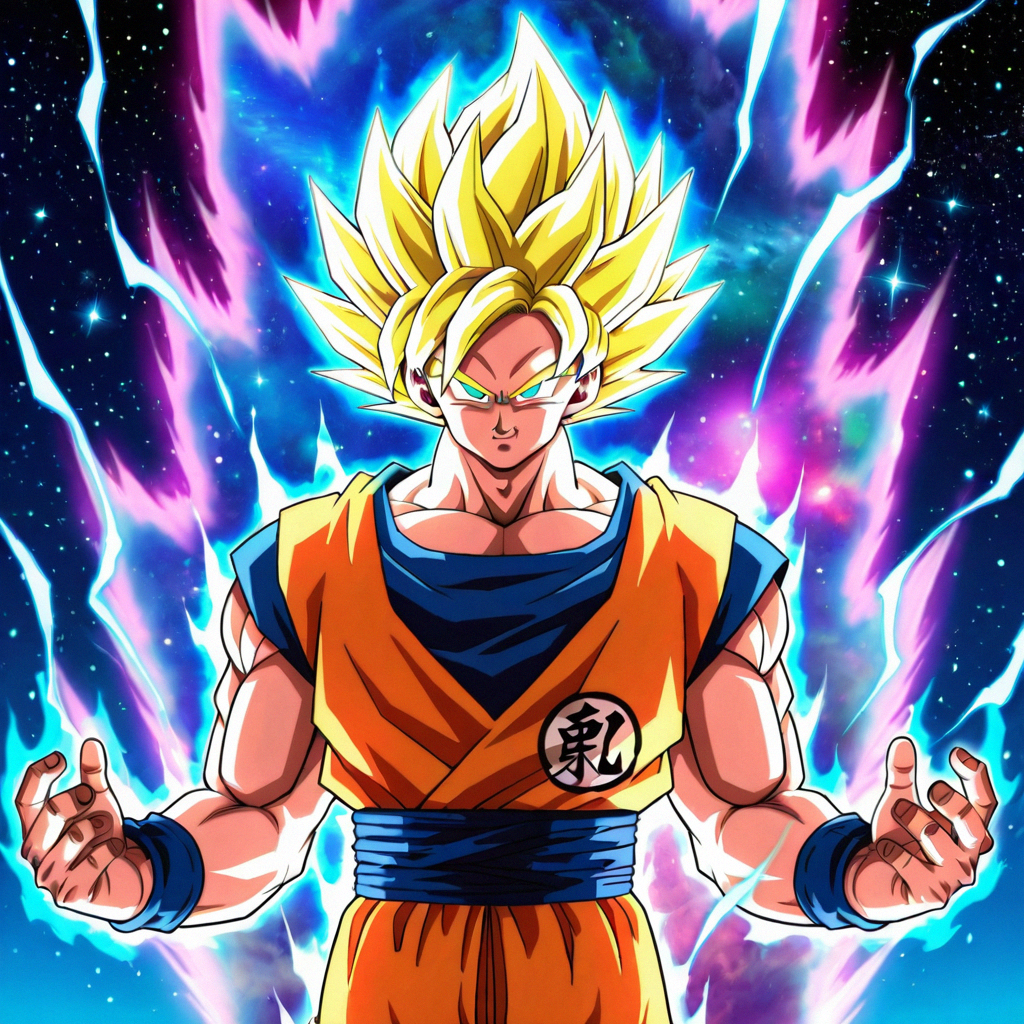
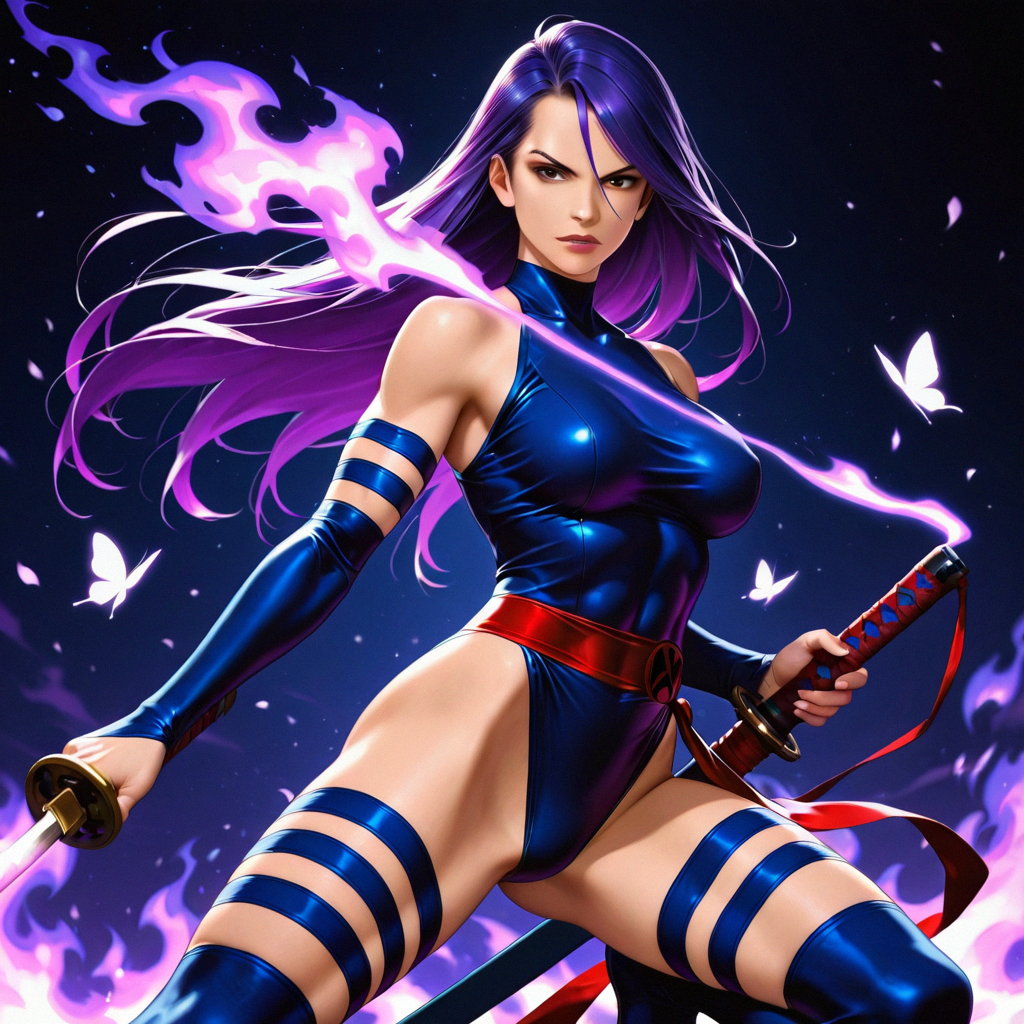
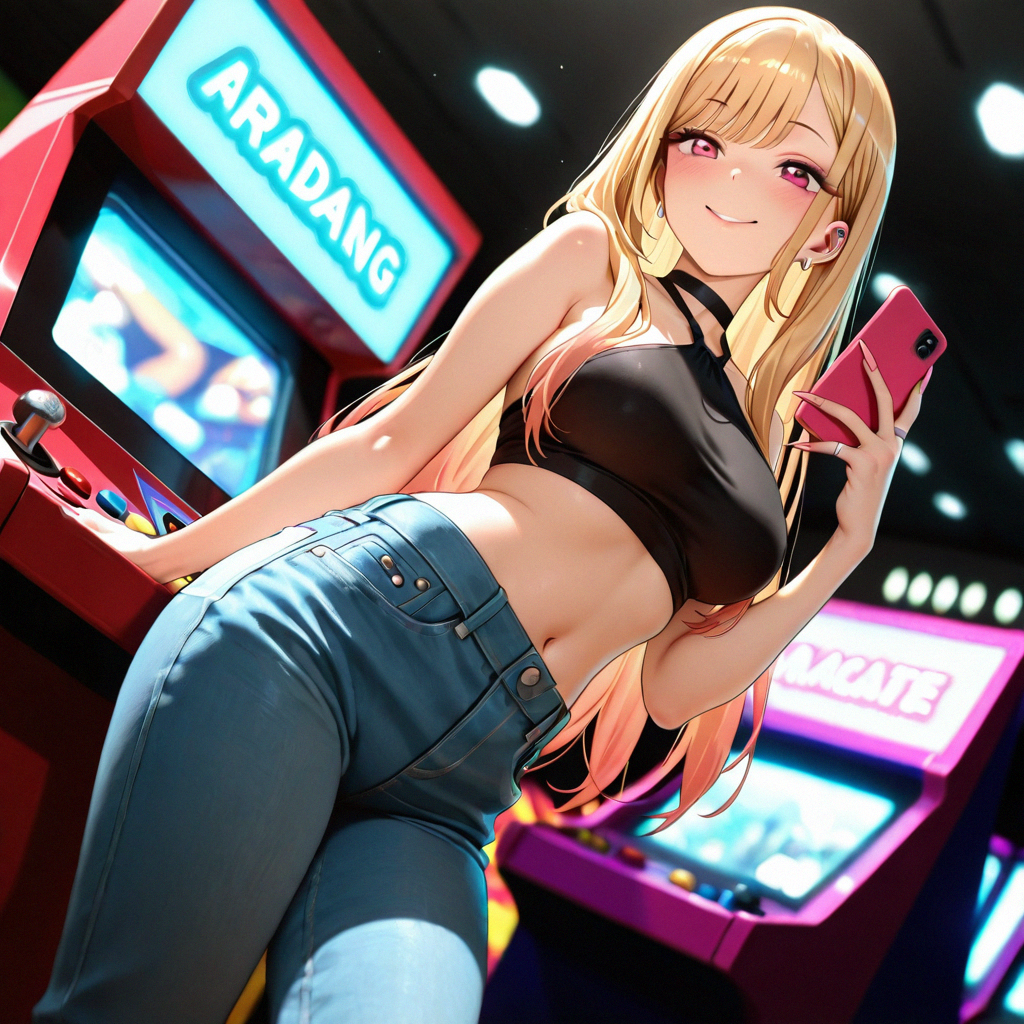
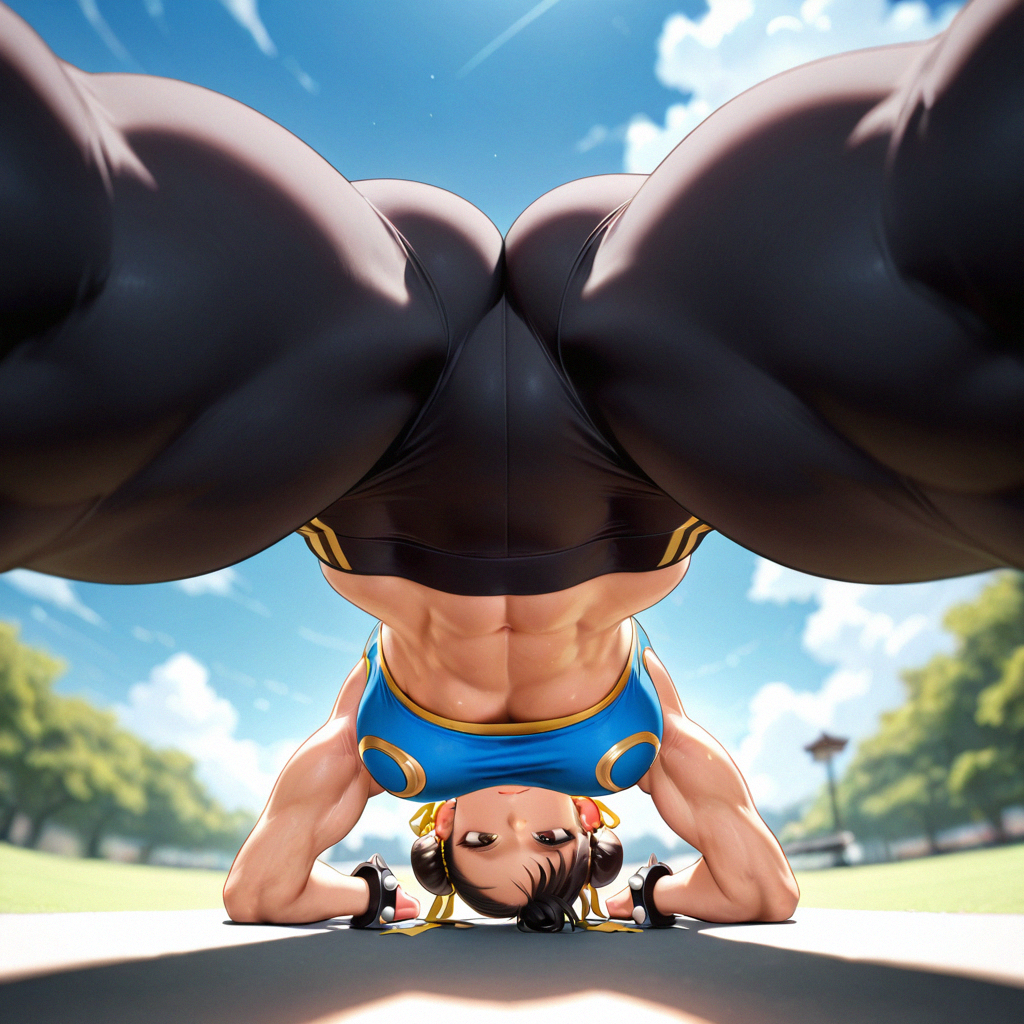
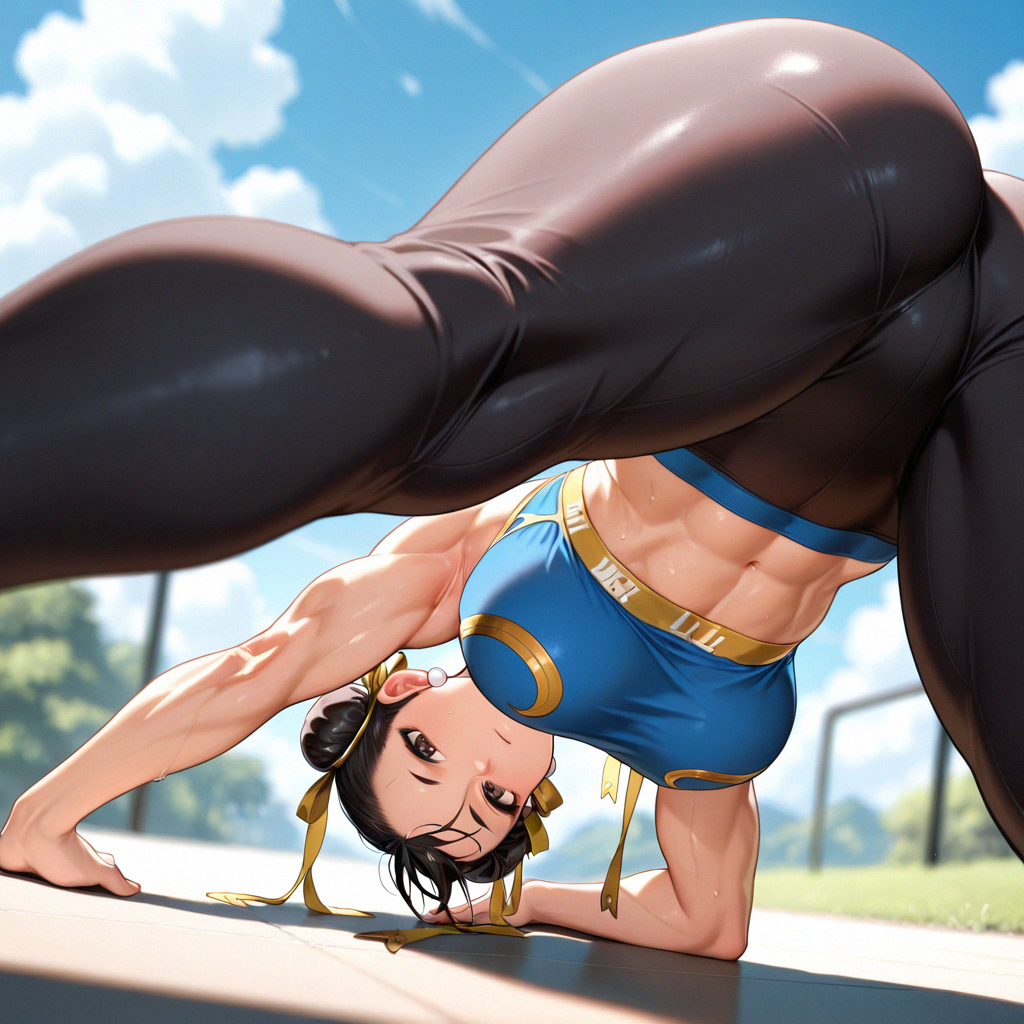
Given my previous experience with Wai-illustrious, the most surprising feature I achieved with The Bounty Hunter is how accurately the system works with almost no prompting. From past generations, I've found that the vast range of characters and subjects (5000+) in Wai make it prone to hallucinations when left to its own devices and not heavily guided. Many of the example images were created by typing only a character's name, and during testing, many images without "default positive quality prompts" like "masterpiece" were created that were of acceptable, if not superior, quality. Additionally, on multiple seperate occasions, brief descriptions or empty "positive prompts" still produced high quality anime portrait style images. The system takes care of most of the artistic style automatically, handling texture, color balance, linework, and lighting all on its own. This makes it useful not only for newcomers, but also for experienced creators who want consistent, repeatable results.
This workflow has several known limitations, weaknesses, and areas for future development based on the checkpoints and generation settings which may limit it's application and use. First, injection of sexuality or genitalia (especially of transgender or 'futanari' morphs) may be more common due to Wai-Illustrious' and Illustrious' base bias and higher training on images of such NSFW scenarios and individuals. Use of the safety rating tags (general, sensitive, nsfw,explicit) for limiting or negatively prompting about such content has not been fully tested. Also, this workflow generates the initial image at the smallest recommended resolution for image fidelity and to focus generative capacity, and no other aspect ratios or orientations have been fully tested. Because of these parameters, the workflow may have bias towards individual portraits in its default settings, and therefore have difficulty or more error in generating images with multiple subjects or complex composition. Running batch generations of 2, 4, or 8 may assist in reducing these morphs or errors through increased random chance during denoising.
I take no responsibility, liability, or accountability for any content or images made using this workflow. This is a completely uncensored AI tool, and the user is burdened with using it responsibly (as is intended). This includes illegal uses such as deepfakes and content that will get you banned in most places. You have been warned and advised.
To use this workflow, all that's needed is downloading it, opening it inside ComfyUI, and loading the two NECESSARY models and multiple listed supporting files. The workflow itself is a guide through the rest, and the built-in notes explain where to click, what can be changed, and how to experiment without destroying everything. It's carefully designed to be user-friendly, clear, and accessible to all. Even someone who has never used advanced AI tools before should be able to use The Bounty Hunter with a relatively minimized learning curve.
I created The Bounty Hunter to give any interested user a way to make beautiful, reliable anime art, without needing to know the complex technical details that act as a barrier for those with more ideas than experience. It turns the creative process into something that's smooth, predictable, with low frustration for an enjoyable generating experience. Once everything is set up, a user can begin by typing in a tag, character name, cutting and pasting some of the included prompts, or just experimenting with describing their idea and letting the system take care of the rest. Art is for everyone, and we all deserve a chance to flex our creativity with the tools available to us.
Good luck, and happy hunting!
Technical Report and Resources
============
Engineering the Zero-Shot: The 1911A2 Bounty Hunter Protocol
A Deterministic Multi-Pass Architecture for High-Fidelity Anime Generation
Author: Freyja Pixel 💖 (Systems Architect)
Platform: ComfyUI
Model Stack: Wai-Illustrious v15 + v14 Hybrid
ComfyUI Danbooru and e621 database tag helpers:
https://civitai.com/models/950325/danboorue621-autocomplete-tag-lists-incl-aliases-krita-ai-support
https://github.com/newtextdoc1111/ComfyUI-Autocomplete-Plus/
Wai-Illustrious tag resources:
(online character and tag finder) https://huggingface.co/spaces/flagrantia/character_select_saa
(SAA Character Select)
https://github.com/mirabarukaso/character_select_stand_alone_app
It uses ComfyUI (download and install https://www.comfy.org/download)
ComfyUI Manager (https://github.com/Comfy-Org/ComfyUI-Manager).
It uses Wai-Illustrious v15.0 for the primary pass.
https://civitai.com/models/827184/wai-illustrious-sdxl.
It uses Wai-Illustrious v14.0 for refiner pass with specific detailing and stabilization LoRAs.
https://civitai.com/models/827184?modelVersionId=1761560
Detailed hands:
https://civitai.com/models/200255?modelVersionId=2212079,
Detailed feet:
https://civitai.com/models/200251?modelVersionId=1464471
Illustrious XL Stabilizer:
https://civitai.com/models/971952?modelVersionId=2055853
Detail Slider:
https://civitai.com/models/1333749/add-detail-slider?modelVersionId=1506032) on the second pass!
ComfyUI Custom Nodes:
rgthree:
https://github.com/rgthree/rgthree-comfy https://www.runcomfy.com/comfyui-nodes/rgthree-comfy
ComfyUI-Impact-Pack:
https://github.com/ltdrdata/ComfyUI-Impact-Pack
https://www.runcomfy.com/comfyui-nodes/ComfyUI-Impact-Pack
1. Executive Summary
The 1911A2 Bounty Hunter is not a “workflow”.
It is a deterministic generation architecture designed to eliminate the “slot machine” randomness inherent in most anime-style AI image generation.
Where traditional pipelines rely on heavy prompt engineering, the Bounty Hunter flips the paradigm:
➡️ The System controls the aesthetic. ➡️ The User controls only intent.
This unlocks Zero-Shot Generation — the ability to produce coherent, anatomically correct, stylistically consistent anime characters without requiring descriptive positive prompts.
This release includes three tuned variants:
• Masterpiece — 2048×2048 balanced flagship
• Big Game Hunter — UHD 4K/8K upscaling edition
• Machine Gun Gacha — high-velocity 1024×1024 rapid-fire generator
Across all three, the philosophy is the same: decompose generation into controllable subsystems.
2. System Architecture
The Generation → Refinement Loop
The Bounty Hunter operates through a rigid two-pass latent pipeline, dividing the work between geometry and texture.
Phase 1 — Geometry Pass (Generator)
Checkpoint: Wai-Illustrious v15
Steps: 32, fixed seed
Denoise: 1.0 (full generation)
Purpose: Establish composition, silhouette, lighting direction, and pose vectors.
Why v15?
It excels at dynamic composition and responds strongly to structural prompts. It is widely used across multiple AI generation communities including paid live web services and open source repositories. It has multiple community-built support tools such as the Wai-Illustrious SAA Character Selector to assist with prompting engineering and character selection.
Phase 2 — Texture Pass (Refiner)
Checkpoint: Wai-Illustrious v14
Steps: 18, fixed seed
Denoise: 0.35
Purpose: Correct anatomy, stabilize textures, polish lighting, and lock character identity.
Why V.14?
It is reported in the community to have better understanding of anatomy, and I agree with that standpoint according to my 1+ year(s) and 5+ versions of prompting, testing, and generating with Wai-Illustrious.
The Gauntlet (Anatomy Enforcement Stack)
During refinement, the latent passes through:
Detailed Hands LoRA
Detailed Feet LoRA
Stabilizer / Anti-Hallucination LoRA
Add-Detail LoRA
These are intentionally placed after user-designated style, character, or other LoRA application but before the second sampler.
Outcome:
clean finger articulation, grounded feet, stable proportions, preserved pose, no composition drift, texture cohesion without washing out the geometry pass
This is where Zero-Shot reliability emerges.
3. The "Misato-Rei Test" Protocol
A Study in Tokenization and Model Linguistics
The Illustrious architecture — like many anime-trained models — is highly sensitive to token order.
A/B testing showed:
The first test was with an input prompt of misato katsuragi (English order) which hallucinated a blonde woman, broken identity.
When katsuragi misato (Danbooru / training order) was prompted it generated a perfect reconstruction of canonical Misato.
The second test started with rei ayanami (English order) which hallucinated pink haired woman, broken identity.
When ayanami rei (Danbooru / training order) was used instead it created a perfect reconstruction of canonical Rei.
Conclusion:
It is helpful to speak the model’s native tagging dialect, natural language is less preferred or to be used only when needed.
The Bounty Hunter enforces this through:
Default generation settings with tested and accurate fixed seeds for both KSamplers, in-graph documentation, tokenization order coherence through recommended structured prompts with multiple examples, recommended tag assist tools, and re-engineering prompt and tag error examples included in the intrinsic documentation and attached images meta-data.
This ensures that Zero-Shot character prompting yields reliable identity fidelity even with inexperienced users.
4. Key Features
✔ Self-Documenting System
The workflow includes:
Embedded Markdown notes
Usage instructions
A Prompt Guide
Error-state descriptions
If you have the JSON — you have the manual.
✔ Zero-Shot Character Generation
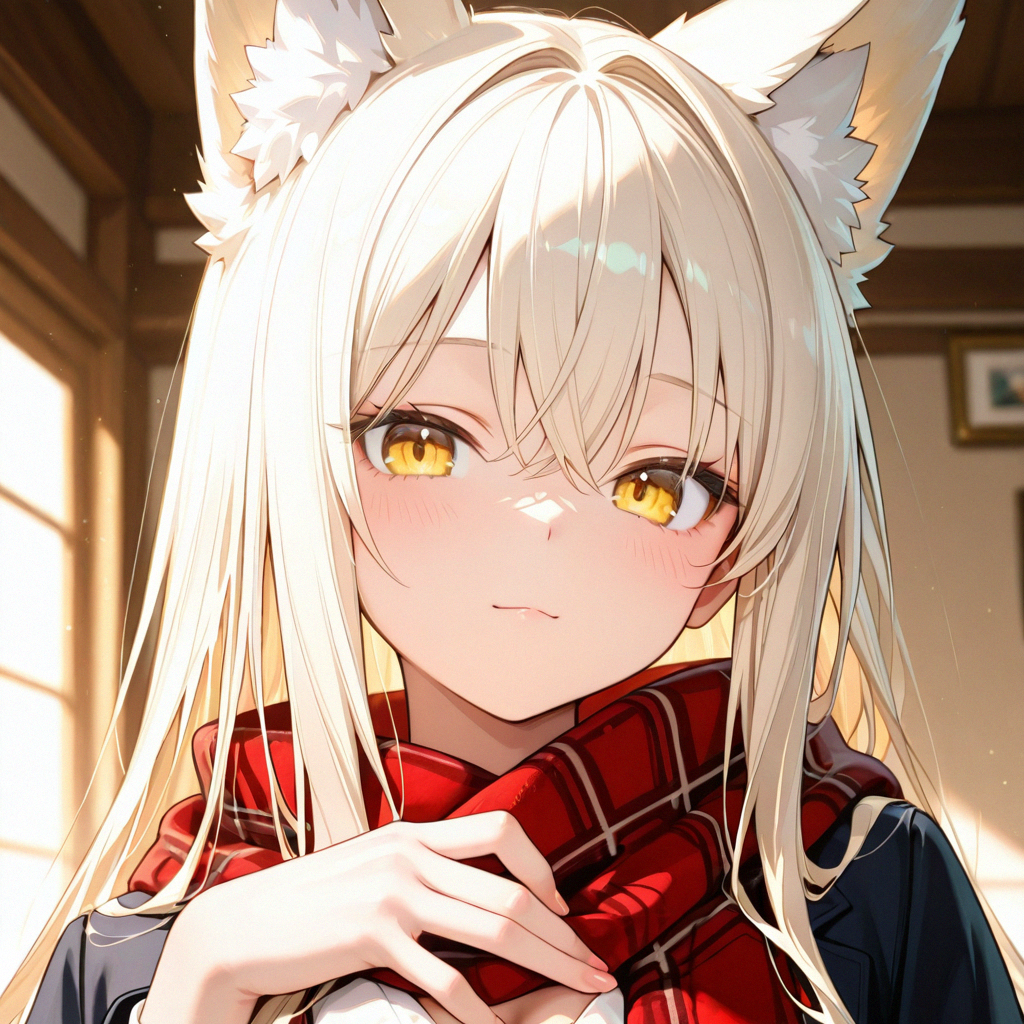
Multiple header images (white-haired cyber rogue) were engineered from the inherent "zero-shot" headshot/portrait created without any information in the positive prompt. The attached images include the entire prompt engineering chain from null input positive prompt portrait to fully realized artistic character piece (long-haired cyborg assassin dual wielding handguns with expressive face, detailed body, and cyberpunk cityscape background).
Identity comes from:
Architectural constraints, LoRA loaders, the two-pass latent loop, seed determinism.
Detailed Prompts are optional for highest quality of output. Simple prompts work, but they may reduce background or character quality, depending upon the generation parameters. The Readme includes multiple examples of simple prompts, "gacha" style prompts, or highly engineered and detailed prompts, as well as recommended tags to add into the generation. This helps with minimal adjustment to maximize quality output of anime-style images.
✔ Anatomical Reliability
Running anatomy LoRAs during the refinement stage encourages accurate anatomical generation:
Hands remain separated, toes and feet remain coherent, joints bend correctly, objects don’t fuse, and action poses maintain silhouette logic.
The pipeline treats anatomy as a mission-critical subsystem, not “extra detail.”
✔ Configurable Style Injection
Dual non-refiner LoRA stacks can be injected, modified, or bypassed (Left Click and Ctrl+B) to produce customized or baseline Illustrious outputs. Dual-LoRA loaders allow for more experimentation and subtle variation depending upon placement and weight, though excessive use can increase risk of anatomical morphs, especially during calibrating LoRA strengths.
You may:
run fully neutral
apply a single style
switch entire aesthetic LoRA loaders per seed
create controlled variations via LoRA choice and weight modulation
This makes Bounty Hunter a studio-ready system, not a one-off template.
✔ Known Limitations
Testing has been done with one and two subjects as well as "POV" style images. The workflow has a known bias towards portraits due to low resolution initial generation (1024x1024). No other resolution or aspect ratio has been tested. Higher batch generations on fixed seeds may reduce morphing and errors, though nothing is guaranteed.
5. Technical Requirements
Platform: ComfyUI
Manager: ComfyUI Manager (for auto-installing missing custom nodes)
Checkpoints:
Wai-Illustrious v15 (generator)
Wai-Illustrious v14 (refiner)
Custom Nodes:
rgthree
ComfyUI-Impact-Pack
Hardware:
Tested on 12GB VRAM for full 2-pass flow
Tested on RTX 4070 with 64 GB RAM system. Average Gen times are included in workflow snapshots. Generally the Machine Gun is around 30 seconds for one image, the Master Bounty Hunter is around 60 seconds, and the Big Game Hunter can be up to 2-3 minutes for 4K, and 4+ minutes for 8K images.
6. Installation & Usage
Download the JSON workflow!
The PNGs may have older versions made during development. They are not recommended for use, but they can be useful for your reference, especially the prompts.
Drag & Drop the JSON into ComfyUI. The .zip includes the JSON and the text files for the Readme and Prompt guide for redundancy and accessibility.
Install missing nodes using Manager.
Ensure models and LoRAs are placed in correct ComfyUI folders.
Assign:
Left Checkpoint → v15 (Generator)
Right Checkpoint → v14 (Refiner)
Read the embedded notes inside the graph.
Start with Zero-Shot mode (just a subject token like 'shiranui mai' and nothing else in the positive prompt).
Expand into structured prompting as desired.
I take no responsibility, liability, or accountability for anything made with this uncensored AI tool. You have been warned and advised, twice.
Happy Hunting.