BJK Wildcards
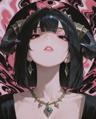
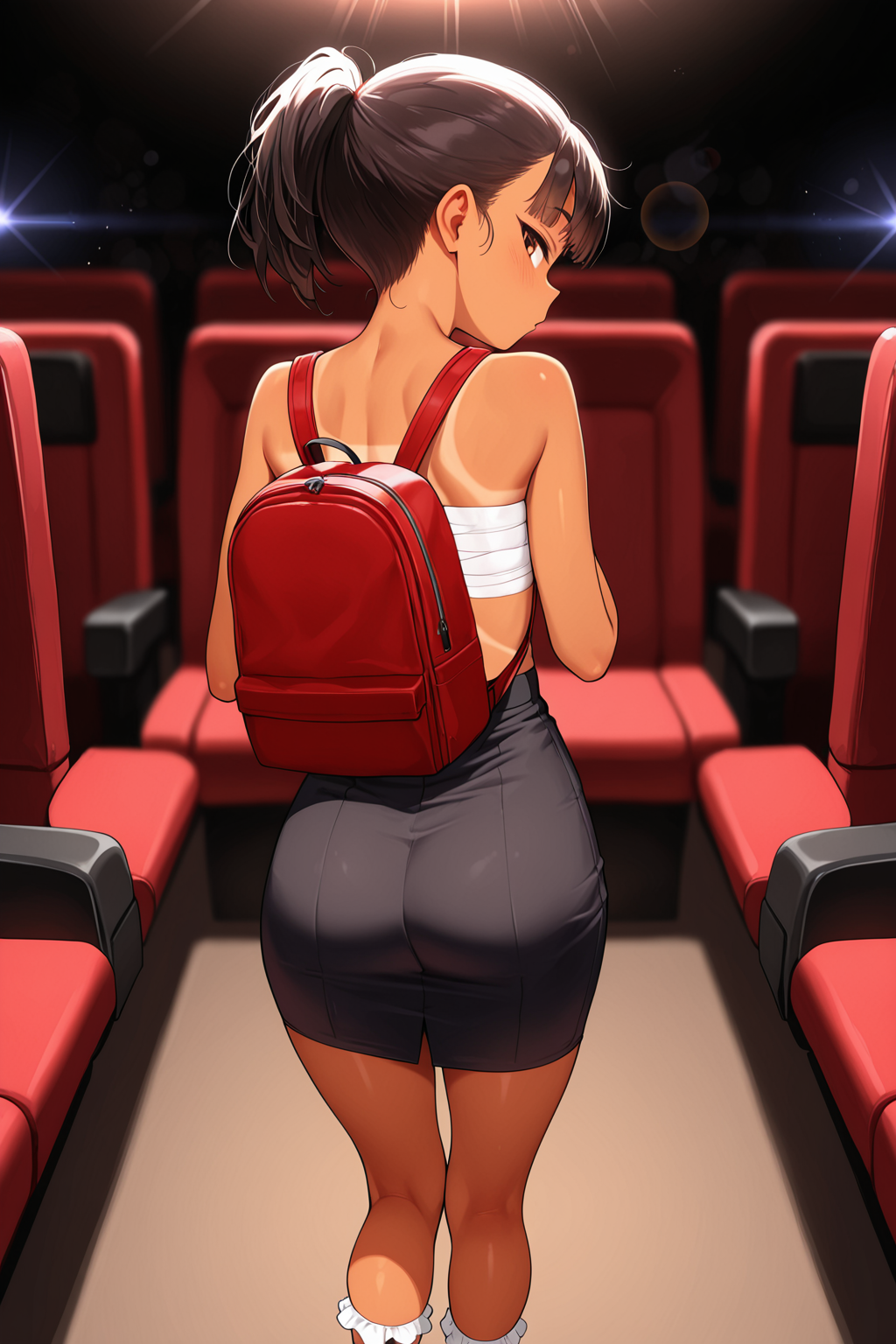


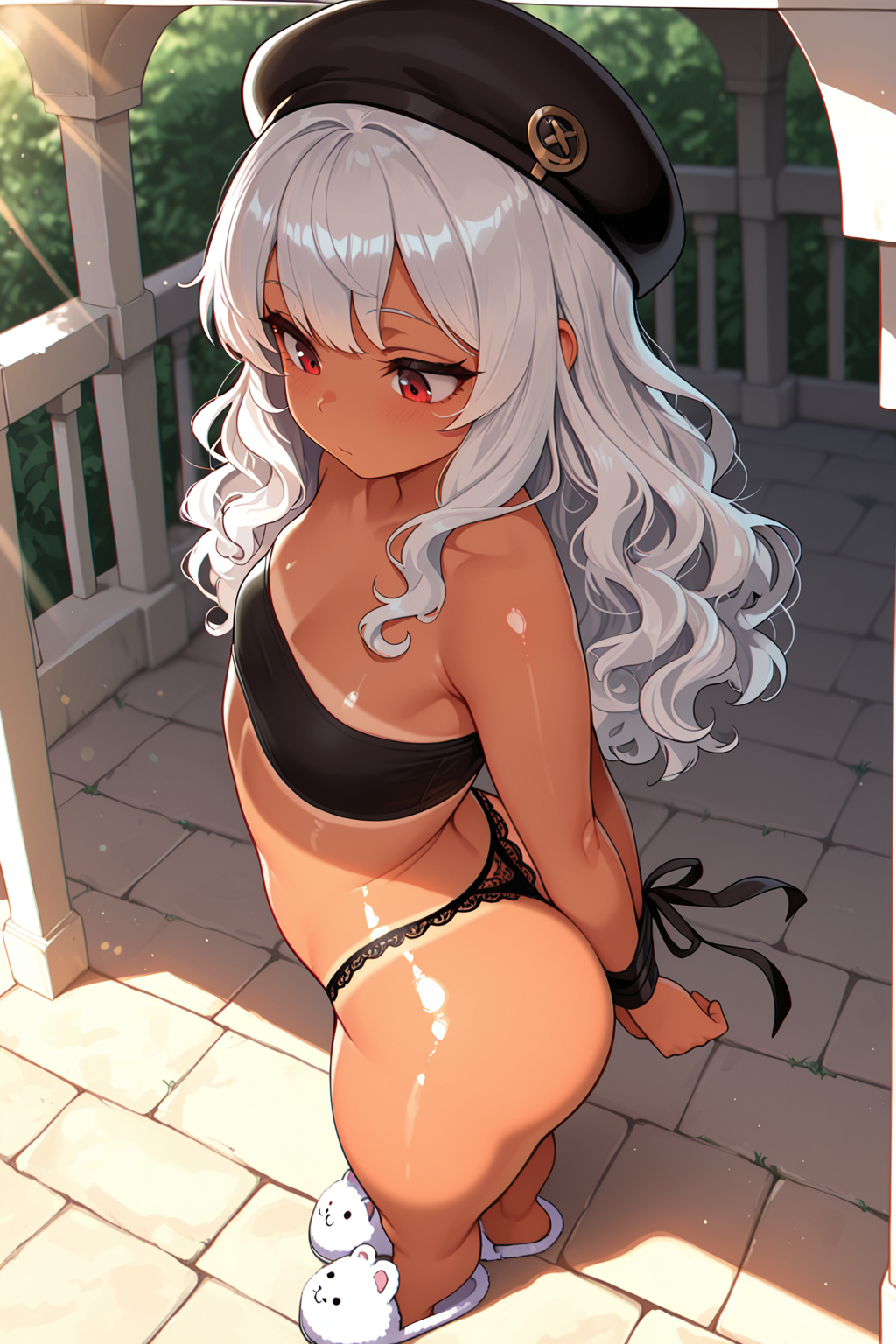


Details
Download Files
About this version
Model description
📂 BJK Modular Wildcards: Smart Logic & Anti-Hallucination
If you are looking to introduce more variety and composition control into your Stable Diffusion prompts, BJK Wildcards offers a large, modular toolkit to assist your workflow. I created this system to help inject dynamic keywords, photography terms, and customizable elements into your generations.
This resource is designed as a prompt composition system. By utilizing the __variable_names__ structure, you can easily experiment with different styles, poses, accessories, and camera specifications, enabling a single base prompt to generate a wide range of unique images.
Remember, these are wildcards! Don't be afraid to combine elements in unexpected ways. Embrace the chaos and let the random generator surprise you with truly unique results!
Pre-Loaded Characters: The selected_char.txt file comes pre-filled with my favorite female characters sourced from the NoobAI-XL Danbooru Character List. You can use them immediately or swap them for your own!
⚙️ Requirements
Extension: Dynamic Prompts
Wildcard Syntax: These files use the
__path/to/file__syntax.
📥 Installation
Download the
.zipfile.Extract the
bjkfolder directly into your wildcards directory.Path example:
...\ComfyUI\custom_nodes\ComfyUI-Impact-Pack\wildcards\bjk\Or:
...\stable-diffusion-webui\extensions\sd-dynamic-prompts\wildcards\bjk\
🚀 Usage
I have replaced the old manual combos with a Master Generator that handles all the logic for you.
Option 1: The "One-Click" Solution
Automatically picks a random framing (Full Body, Portrait, Back View, etc.) and applies the correct character logic.
__bjk/master_scene_generator__, __bjk/compositions/dan_background__, __bjk/compositions/dan_light__
Option 2: The "Split-Focus" (Recommended)
Use BREAK to keep the character logic separate from the environment.
__bjk/master_scene_generator__, __bjk/compositions/dan_styles__,

BREAK

__bjk/compositions/dan_background__, __bjk/compositions/dan_light__, __bjk/compositions/dan_lens_effects__,
🛠️ Recommended ComfyUI Workflow
For the best experience, I highly recommend using this All-In-One Workflow by @vslinx :
Why use this workflow? It has Dynamic Prompts already implemented directly inside the positive prompt field. This means you can simply paste my "Usage" combos (like __bjk/char_gen__) straight into the text box without needing to wire up extra nodes manually. It handles the wildcard logic automatically!