Axel/Lea - Kingdom Hearts (Illustrious)








Details
Download Files (1)
Model description
Hello everyone!
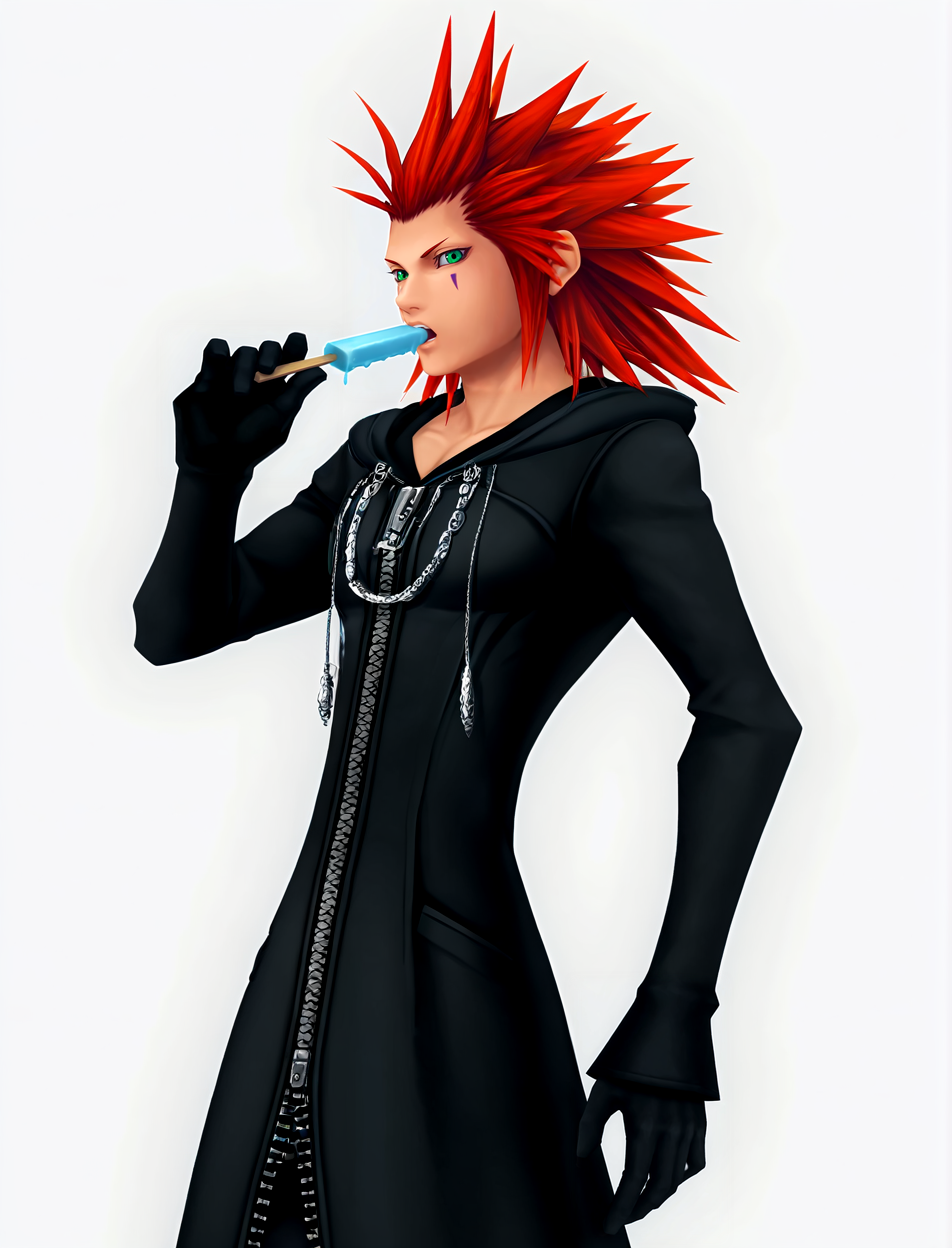
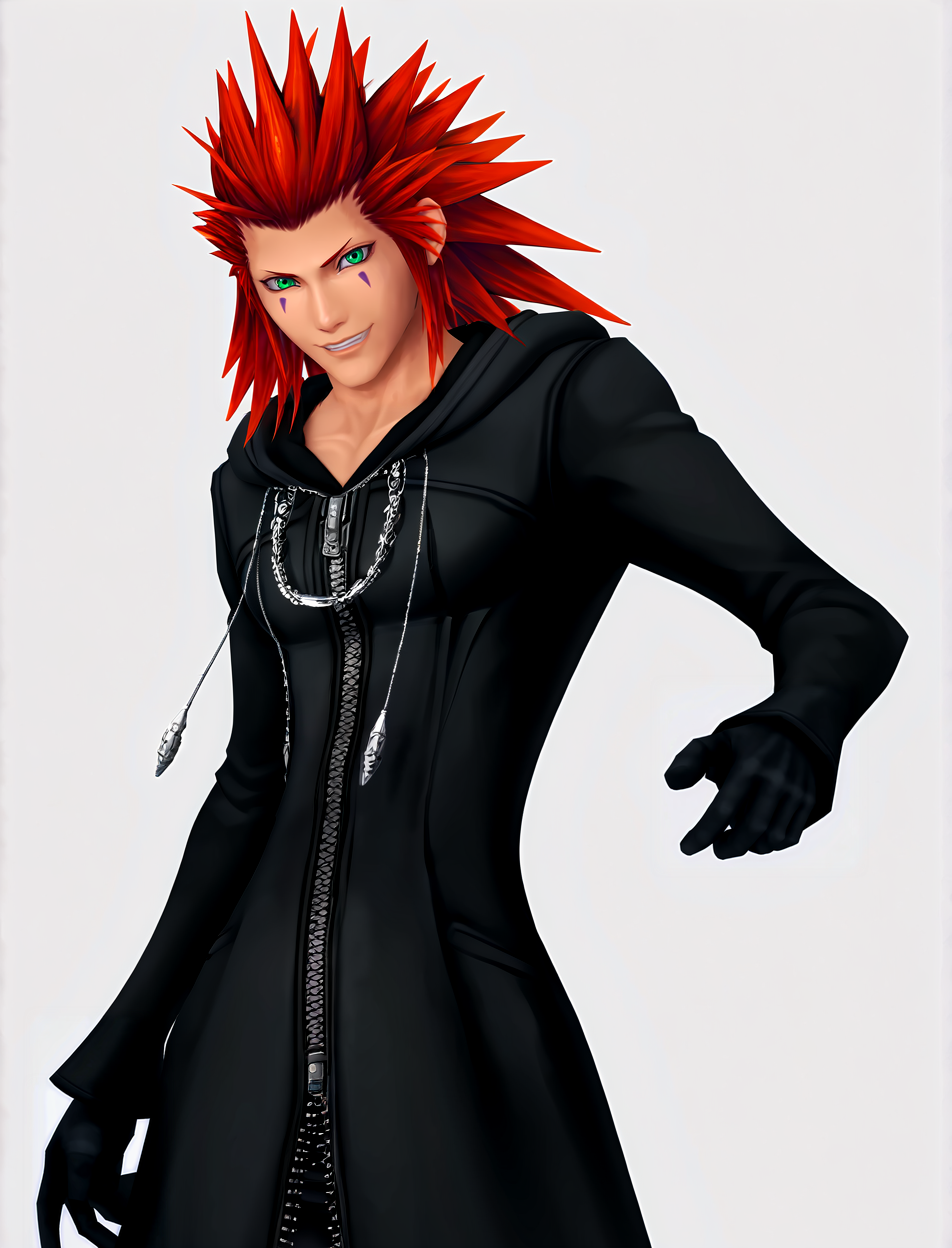
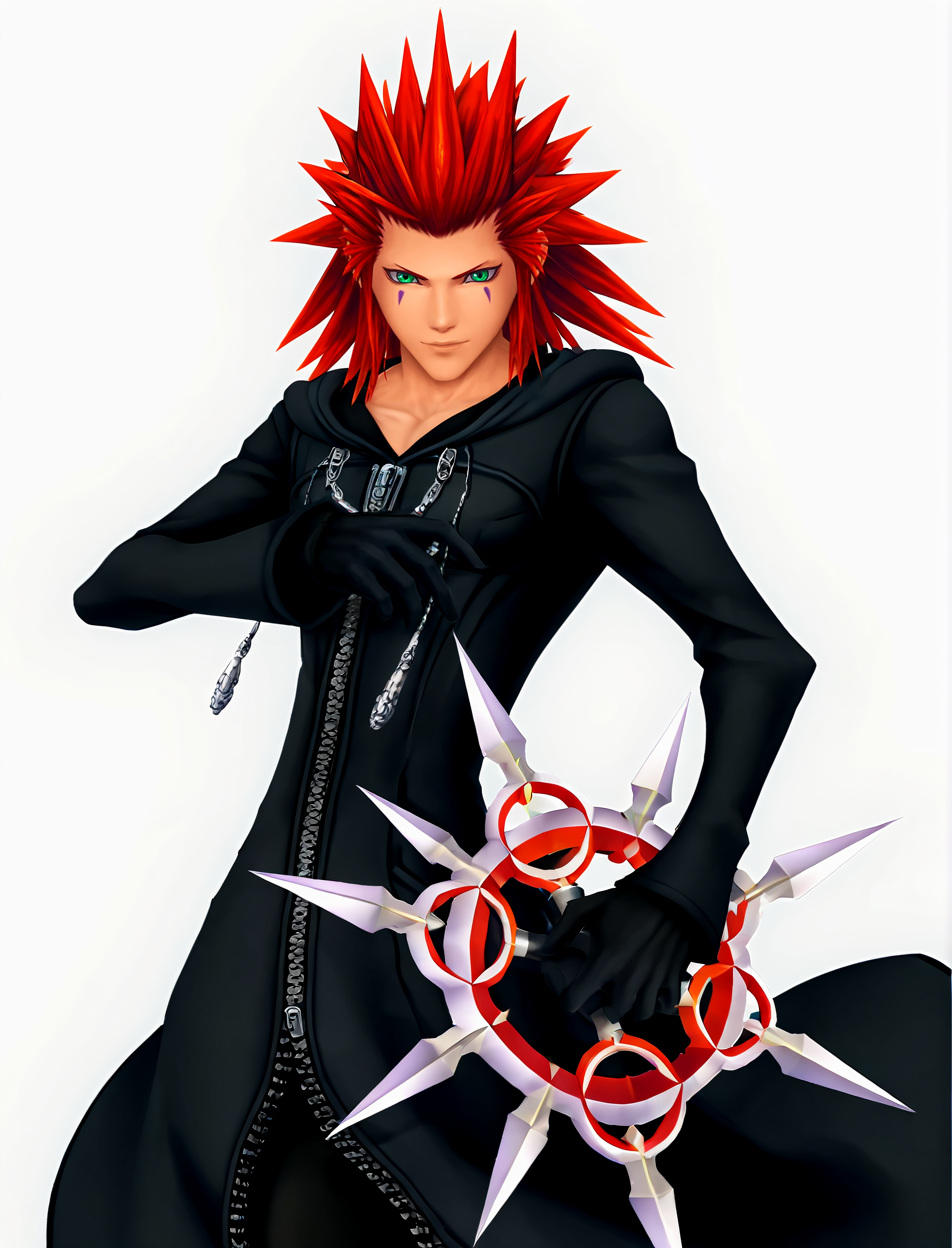
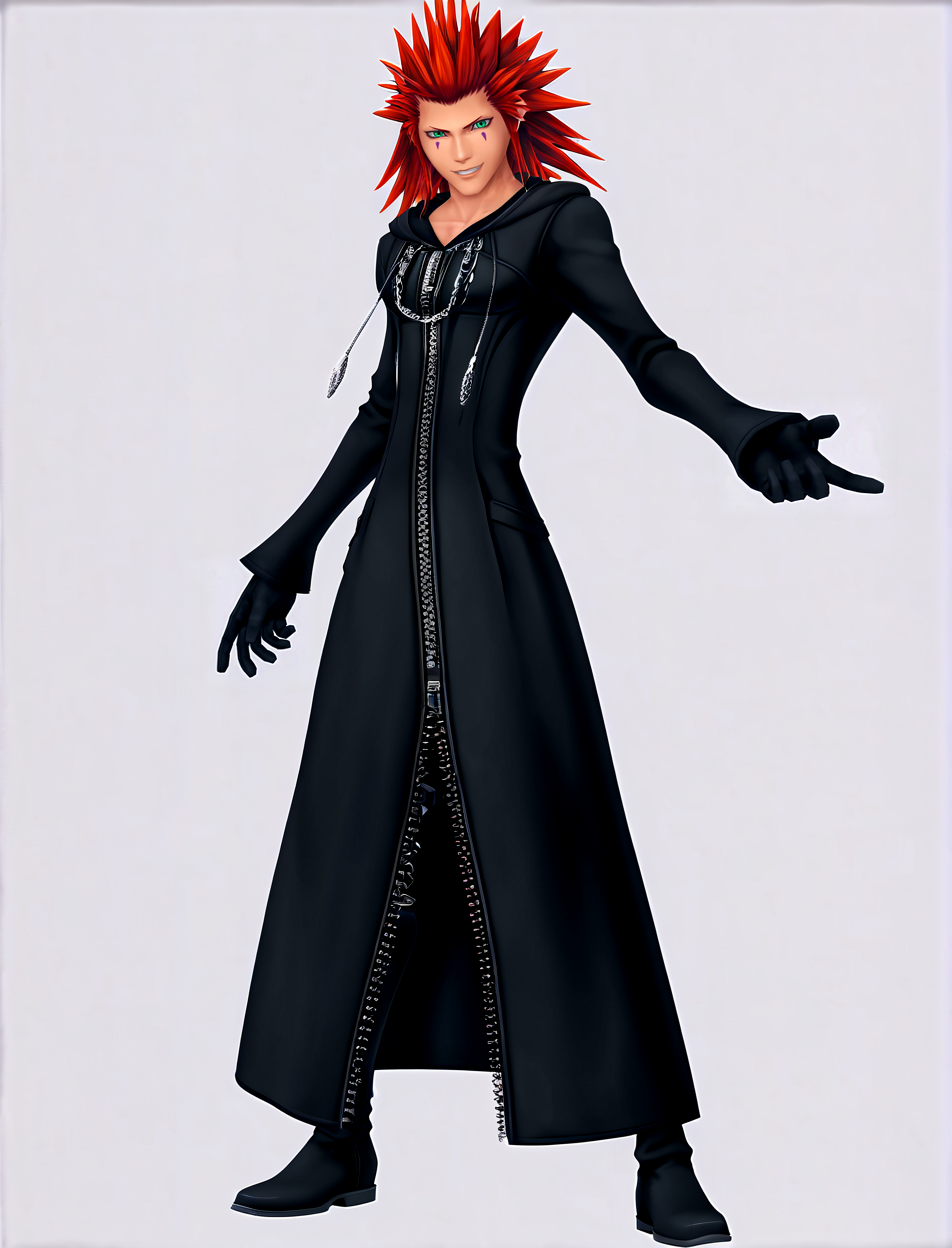
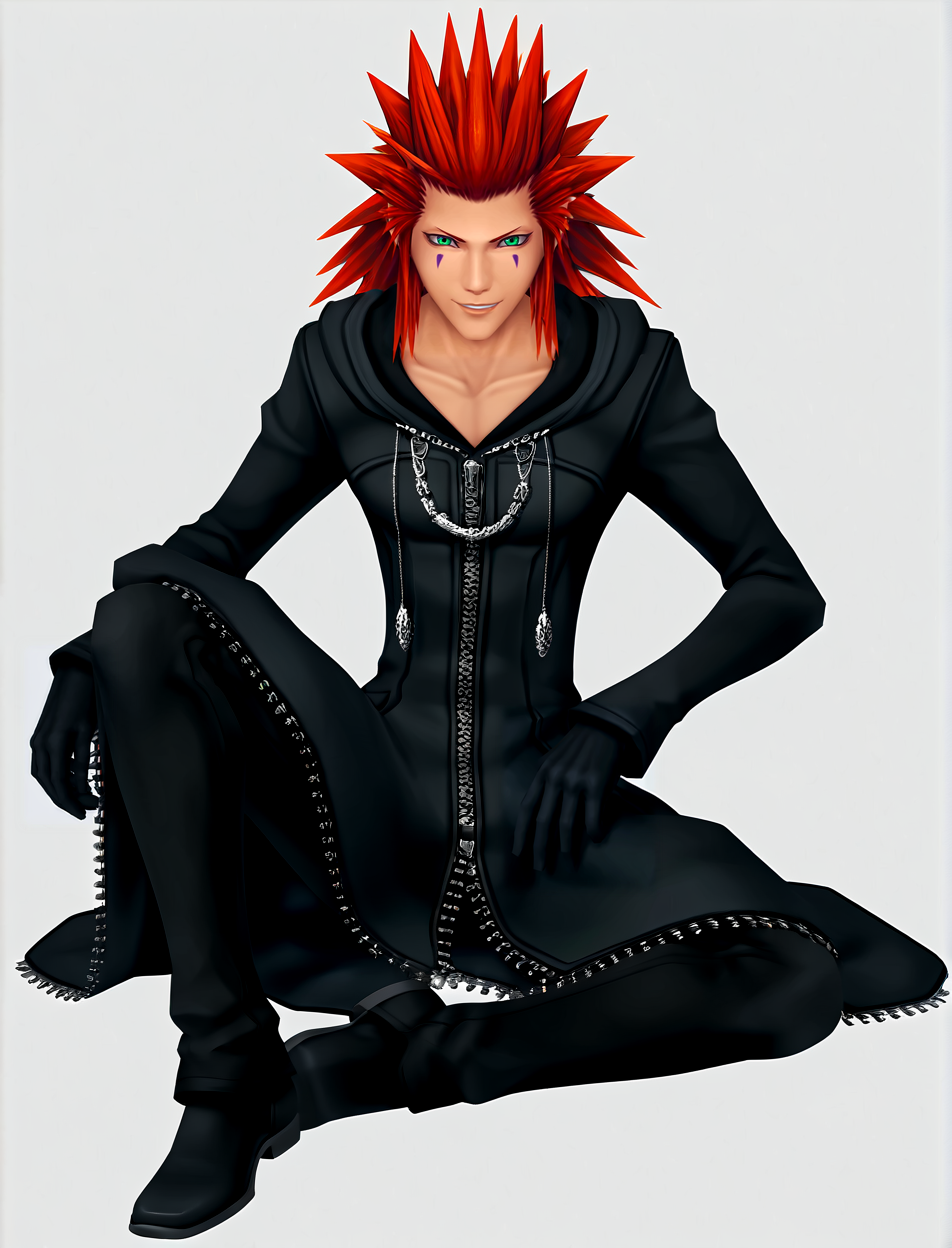
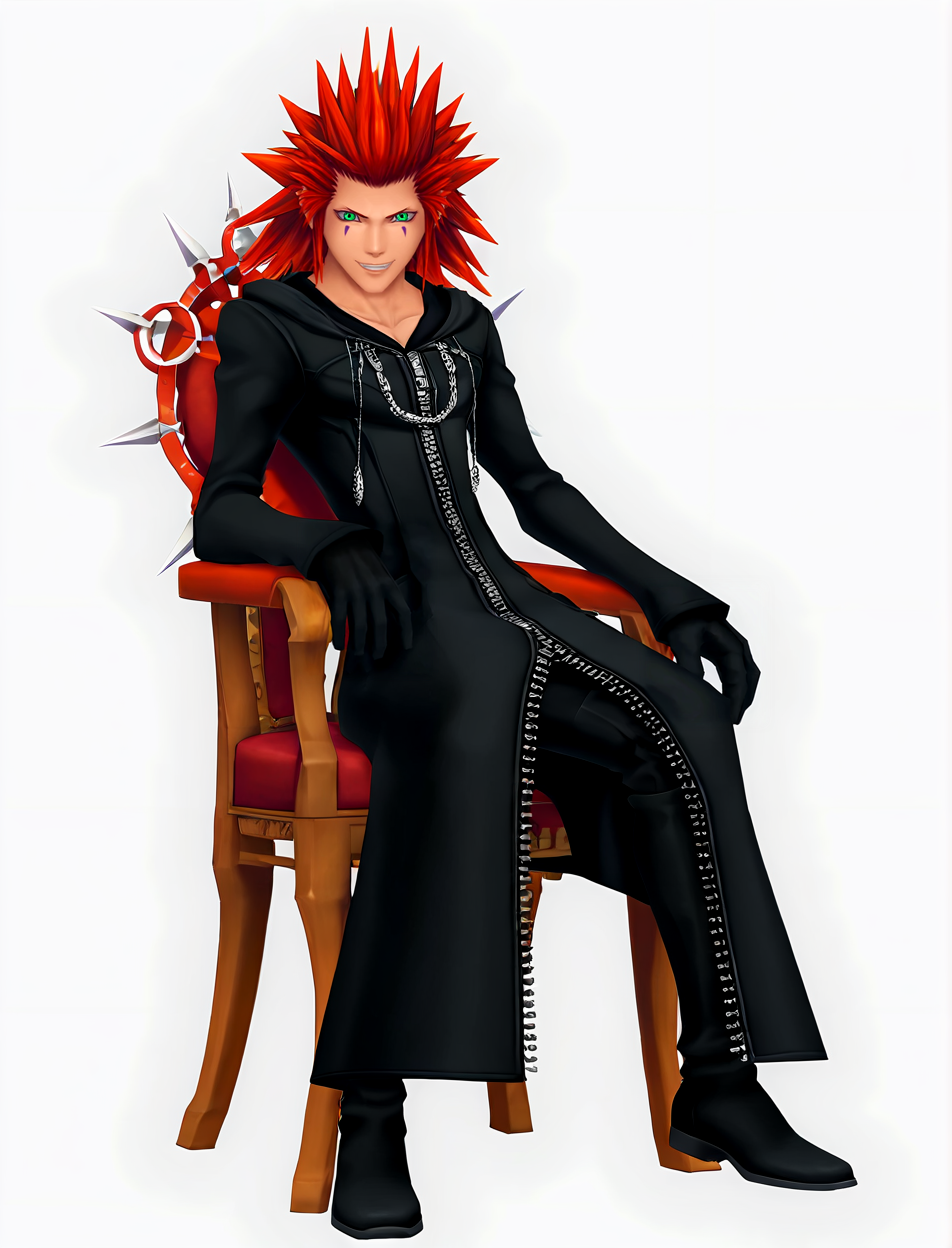
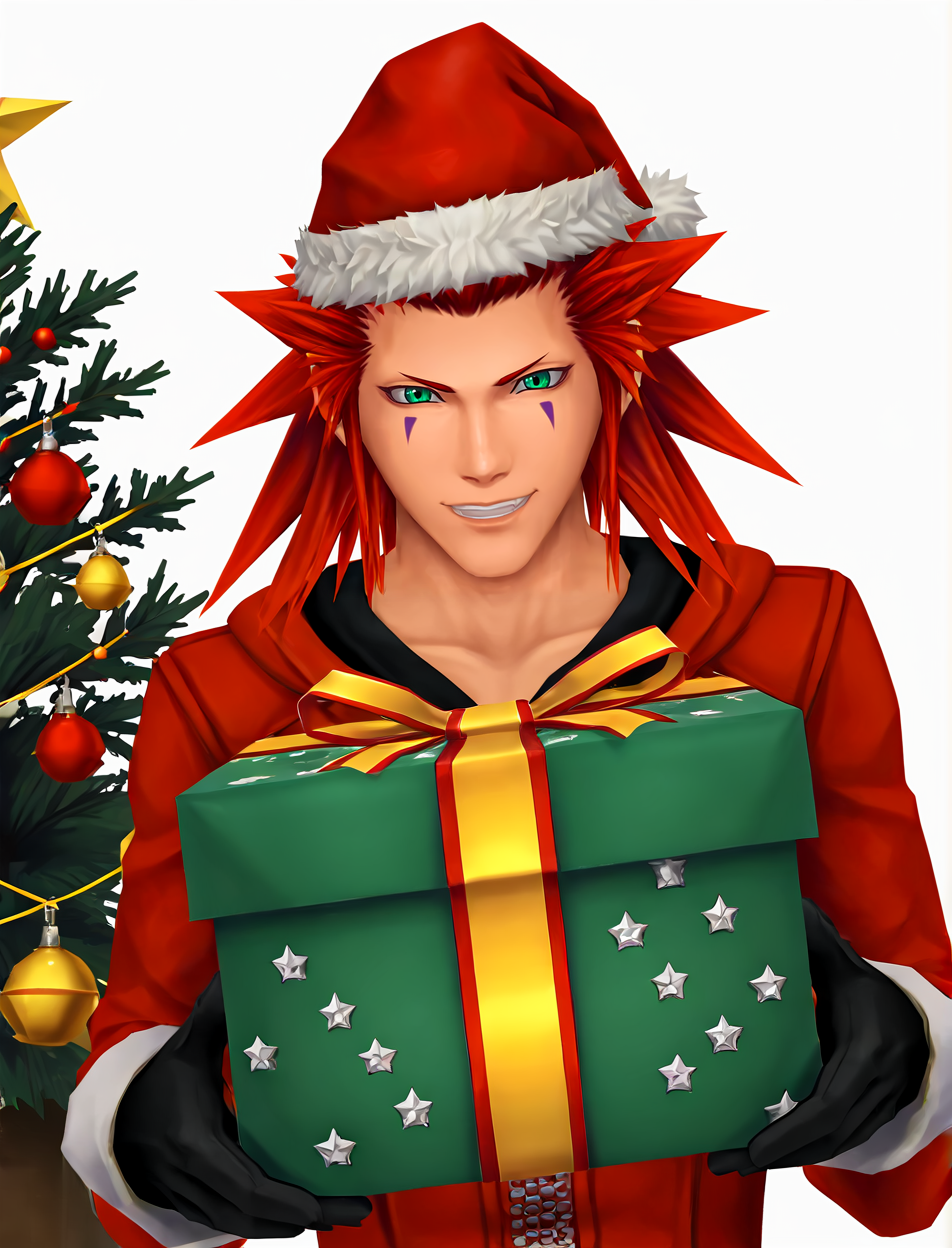
This is my first video game character LoRA, in this case Axel / Lea from the Kingdom Hearts saga.
The first thing I want to make clear is that I always aim for my LoRAs to be as faithful as possible, both in terms of physical resemblance and the original visual style of the character. For this reason, my LoRAs are usually less flexible than others you may be used to, since I prioritize reproducing the official style over stylistic freedom.
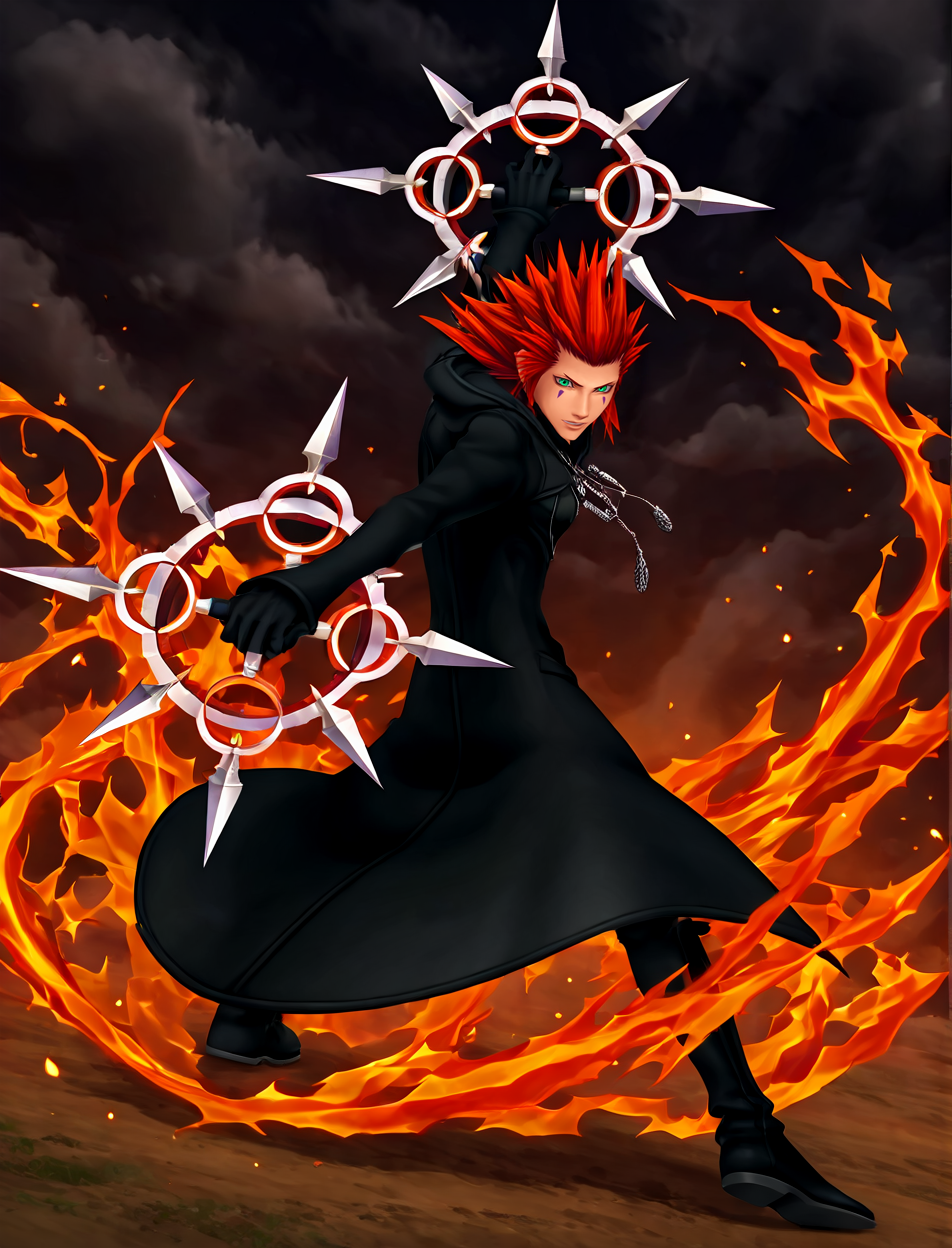
In this case, the LoRA has been mainly trained using official artworks of the character — promotional images, renders, merchandising, etc. It is NOT intended to replicate the in-game cutscene style (at least that was not the original goal), although I did include a few close-up screenshots from cutscenes so the LoRA would have some visual reference of Axel’s face.
This LoRA is based on Axel from Kingdom Hearts II and Lea from Dream Drop Distance (as well as the various prequels and sequels in which the character appears prior to Kingdom Hearts III).
Basic Parameters
CFG Scale: 7
Steps: 20
Sampler: DPM++ 2M
Base Model: Hs UltraHD CG (Illustrious)
Hires Upscaler: R-ESRGAN 4x
Adetailer: Face and hands
Trigger Words
The main trigger word is “Axel”, but it is highly recommended to add the following terms to the prompt:
“male, black coat, green eyes, red spiky hair, purple face markings”For this LoRA, I also add style and quality terms to the prompt such as:
“video game artwork, soft lighting, smooth shading, masterpiece, best quality, high resolution, 4K, 8K”
Things to Keep in Mind
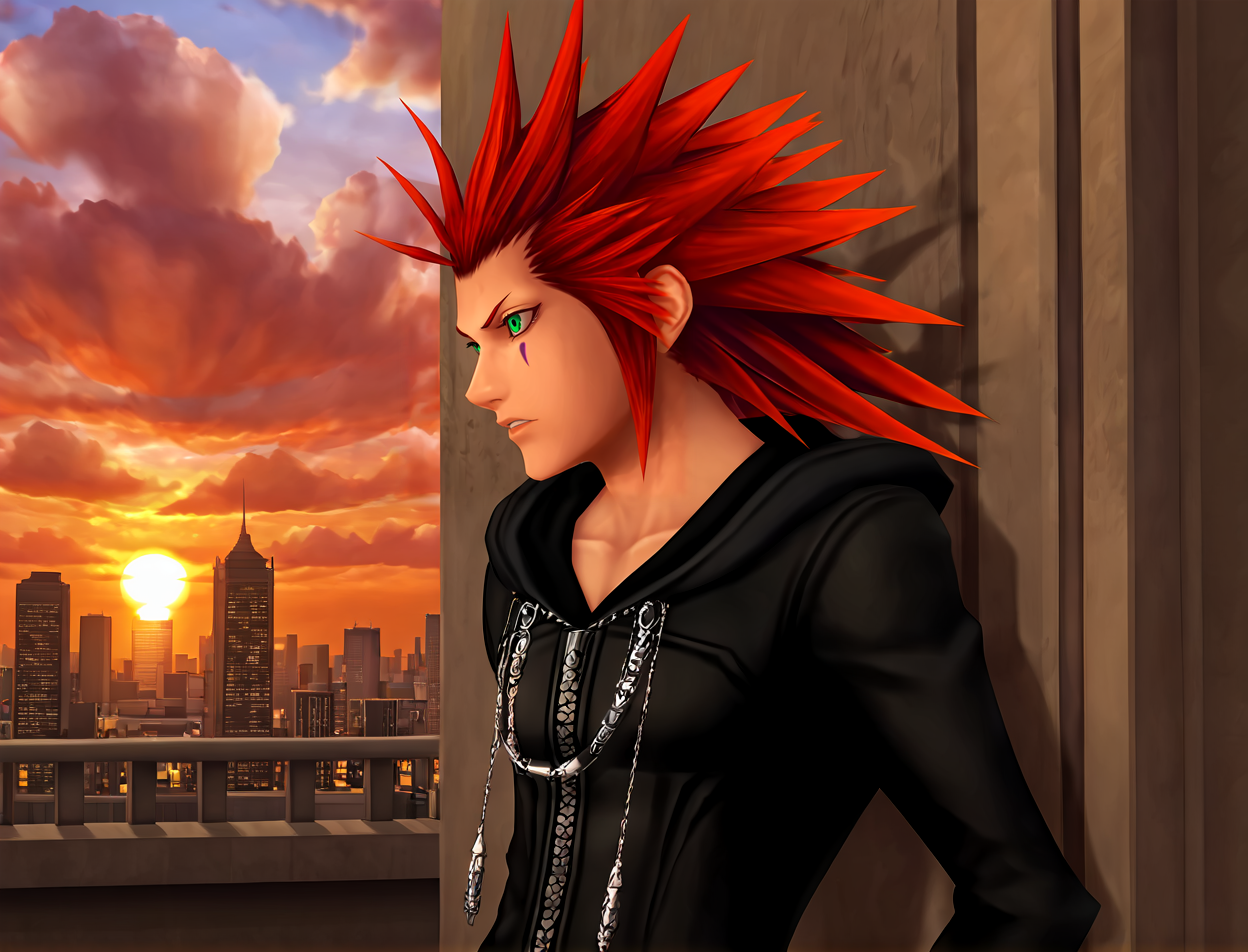
Since this LoRA was trained with a relatively small dataset (there are not many official artworks of the character, and most of them are mid- or full-body shots), the LoRA lacks detailed facial information for close-ups. In these cases, the base model tends to take over, slightly “inventing” the eyes according to its own style and causing some loss of facial resemblance. This is barely noticeable in mid- or long-range shots.
To mitigate this, it is recommended to add the following to the negative prompt when generating close-ups:
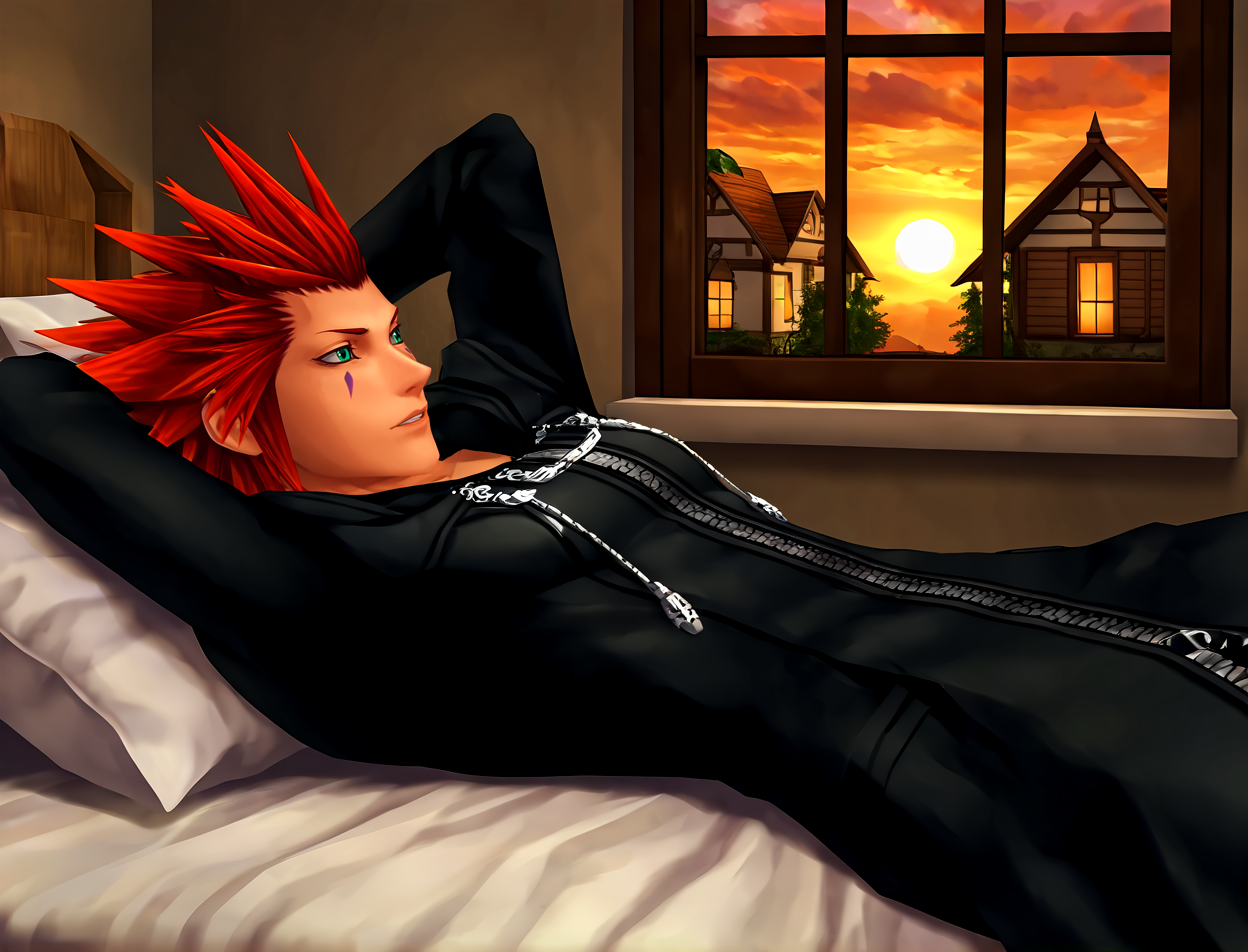
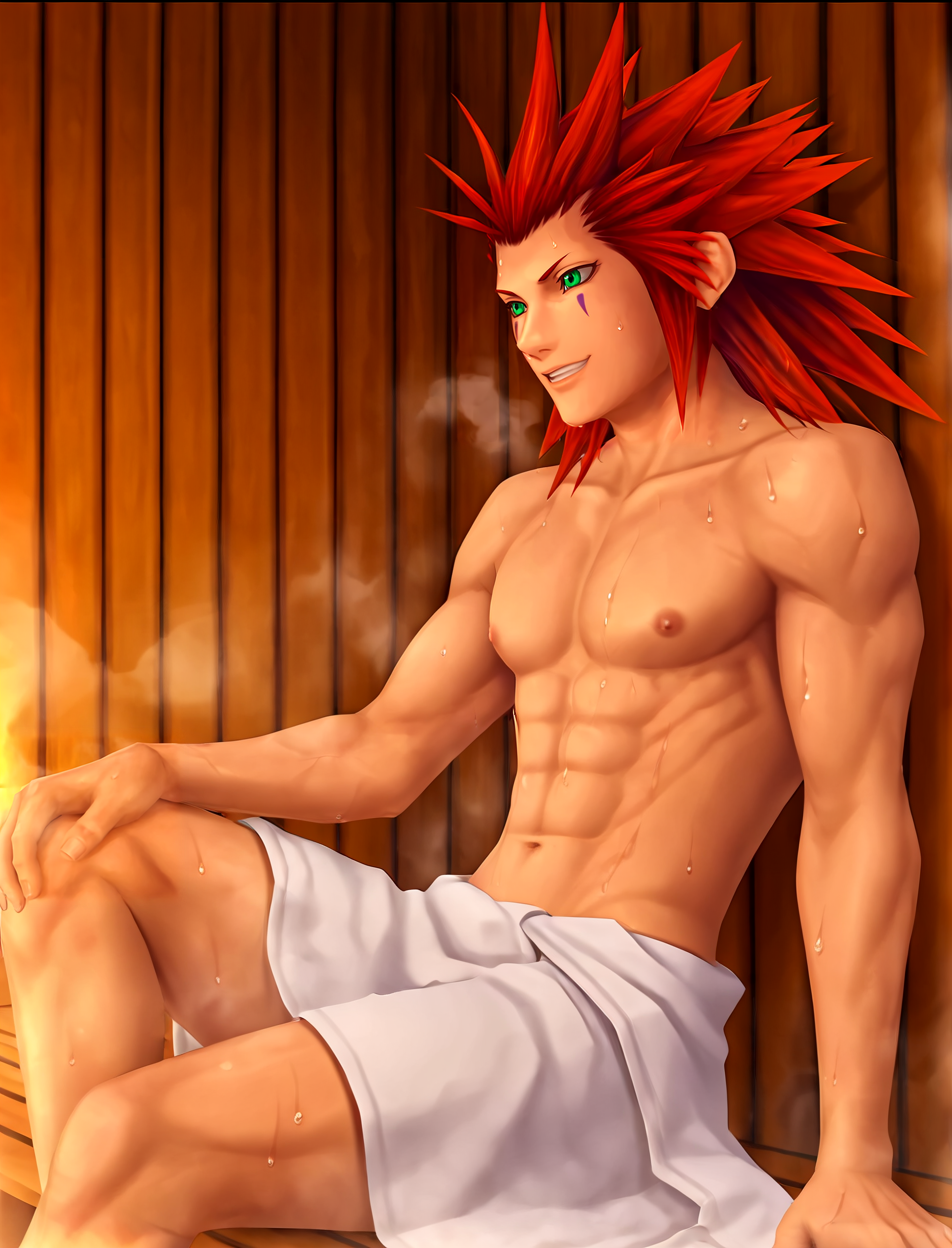
“anime eyes, big eyes, large pupils”As shown in the sample images, the character is best represented in images without a background or with a white/neutral background. This is because most artwork-style images in the dataset have little to no background information. When generating images with complex environments or landscapes, the base model tries to unify the overall style, which may cause slight changes in the character’s visual appearance compared to clean render-style images.
Because the dataset is small, the LoRA had to be trained a bit more than usual. As a result, generating the character with outfits very different from the original may be more challenging and will require a more detailed and specific prompt.
Have fun!