[Qwen_2511] Outpaint everything





Details
Download Files (1)
About this version
Model description
26.1.28
lanpaint doesn't work with the latest ComfyUI update - update lanpaint to the nightly version
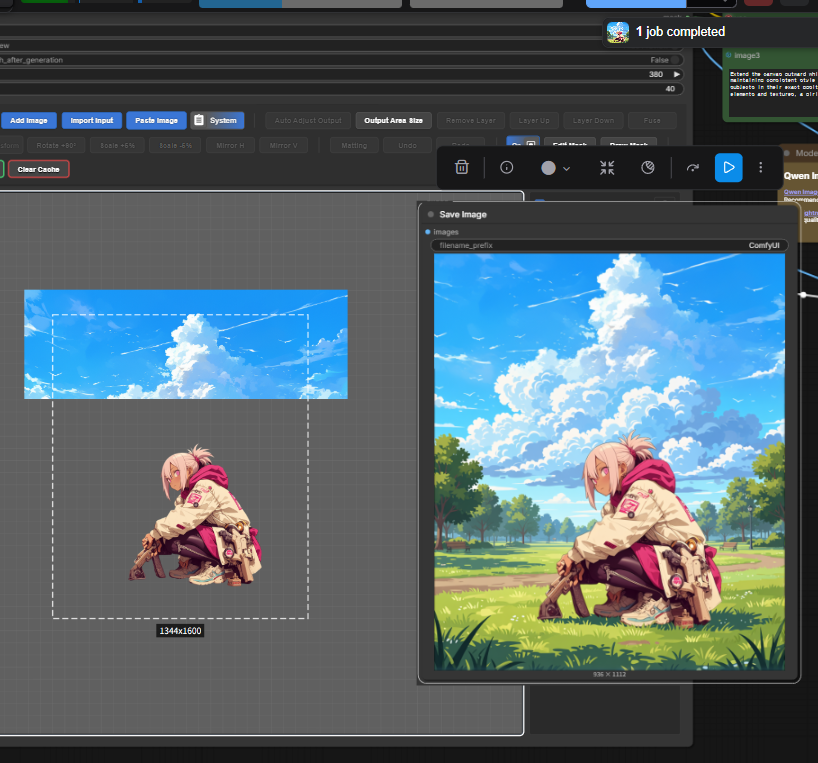
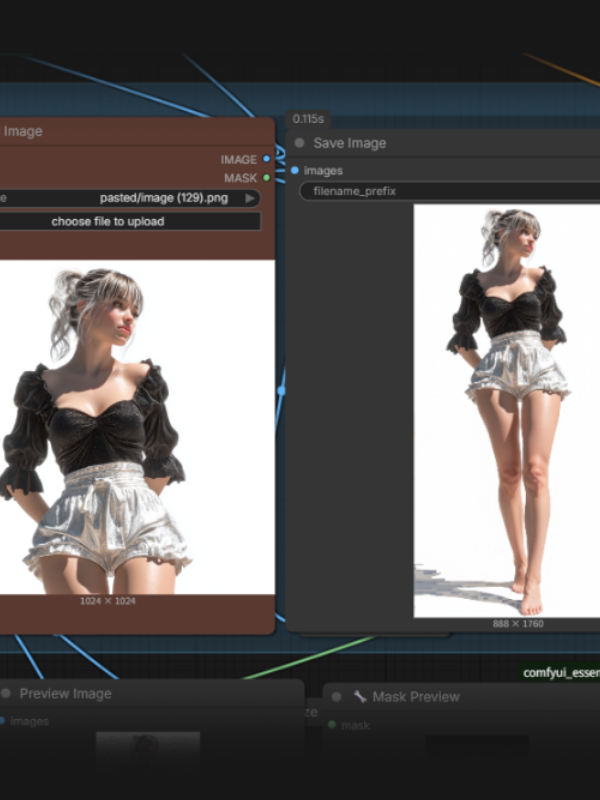
This is an outpainting workflow I created back when using version 2509, but I shelved it due to low success rates. Now that Qwen has been updated to version 2511, the success rate has improved significantly, so I'm sharing it with you all.
I was inspired by Lanpaint's excellent inpainting feature and wondered if outpainting could be just as impressive, which led me to create this workflow.
How to Use: Basically, you don't need to touch the prompts at all—just load your image into "load image" and you're good to go.
If it occasionally behaves strangely, add a few keywords at the end of the prompt (e.g., body parts or extending background). If it still doesn't work properly, try one of the three methods listed in the notes.
Two Versions Available:
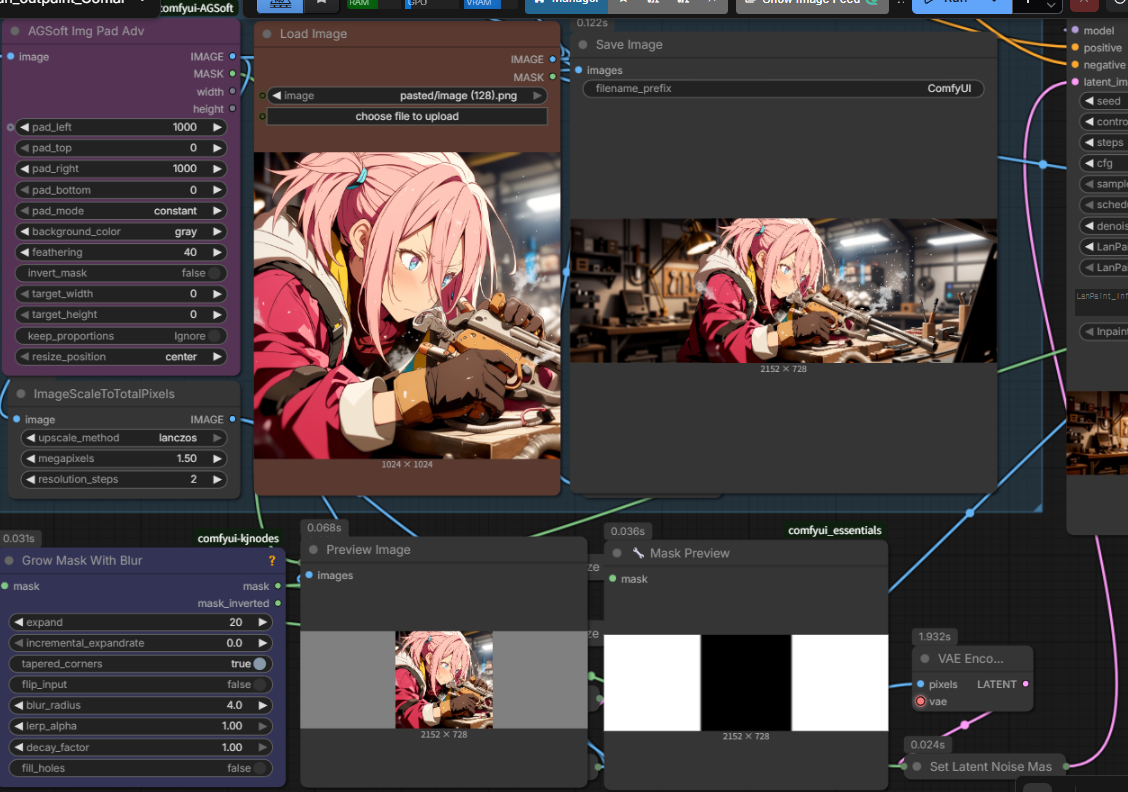
V1: Outpainting method using adjustable Pad values
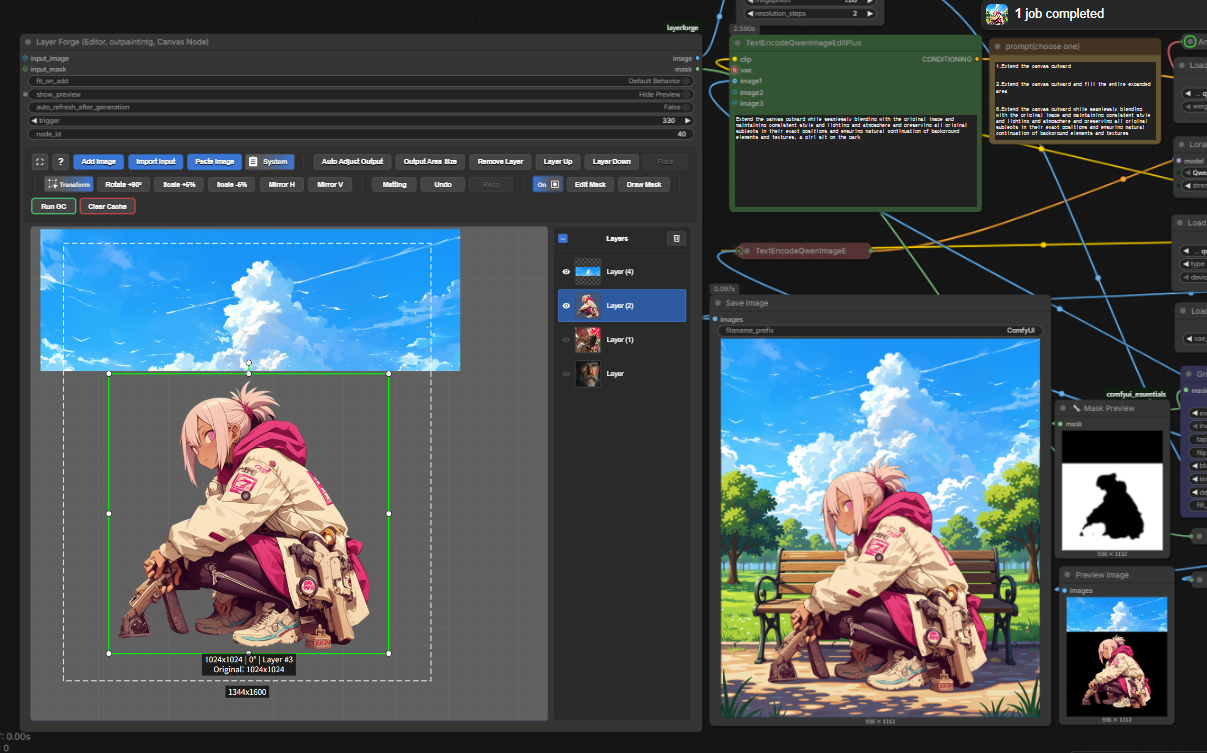
V2: Freely pad and crop using Layer Forge nodes
I'm a beginner at creating workflows. Please try it out and I'd greatly appreciate any advice you can offer!