Qwen Image Edit 2511 Ultimate





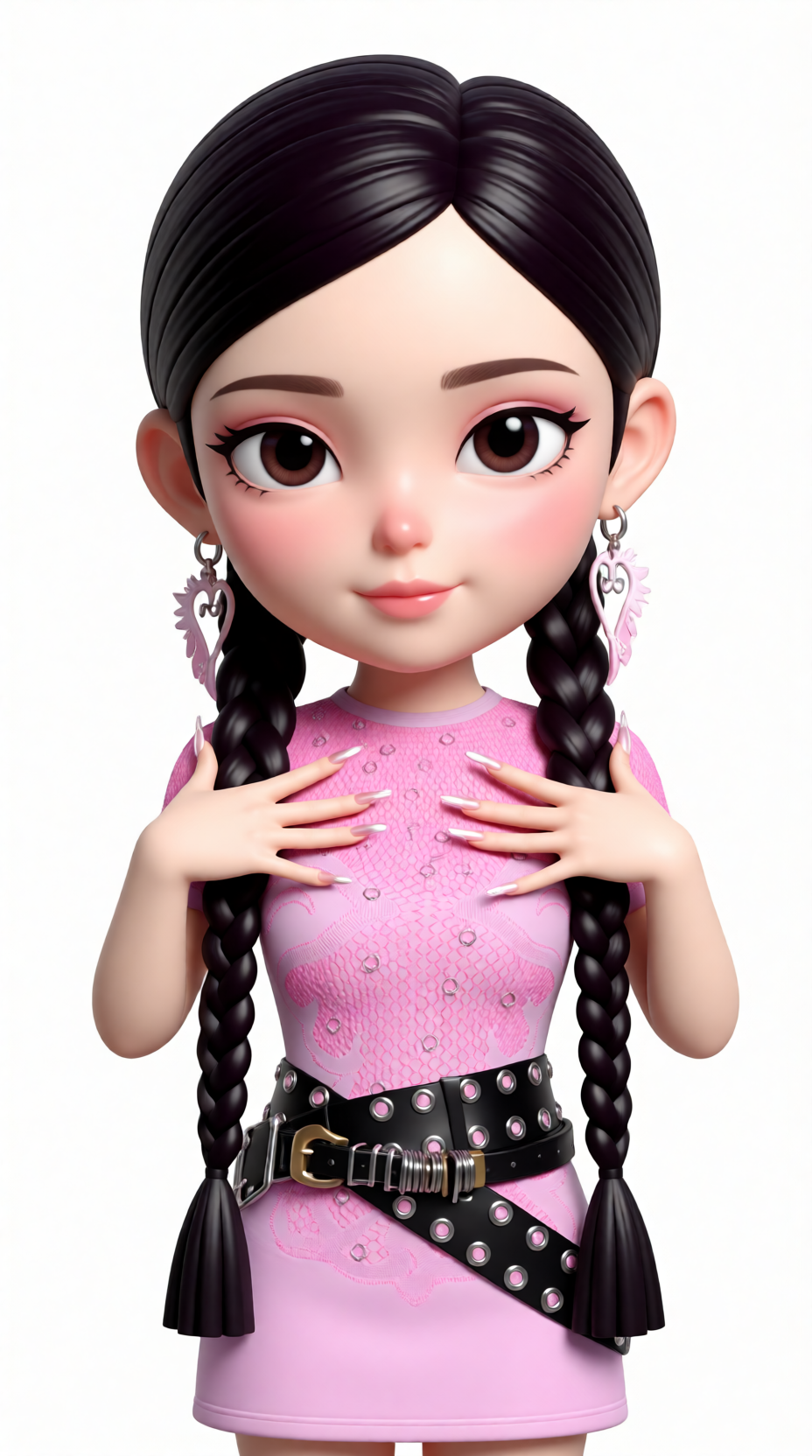
Details
Download Files (1)
Model description
Qwen Image Edit 2511 — 2-Image Edit Workflow (Base + Reference)
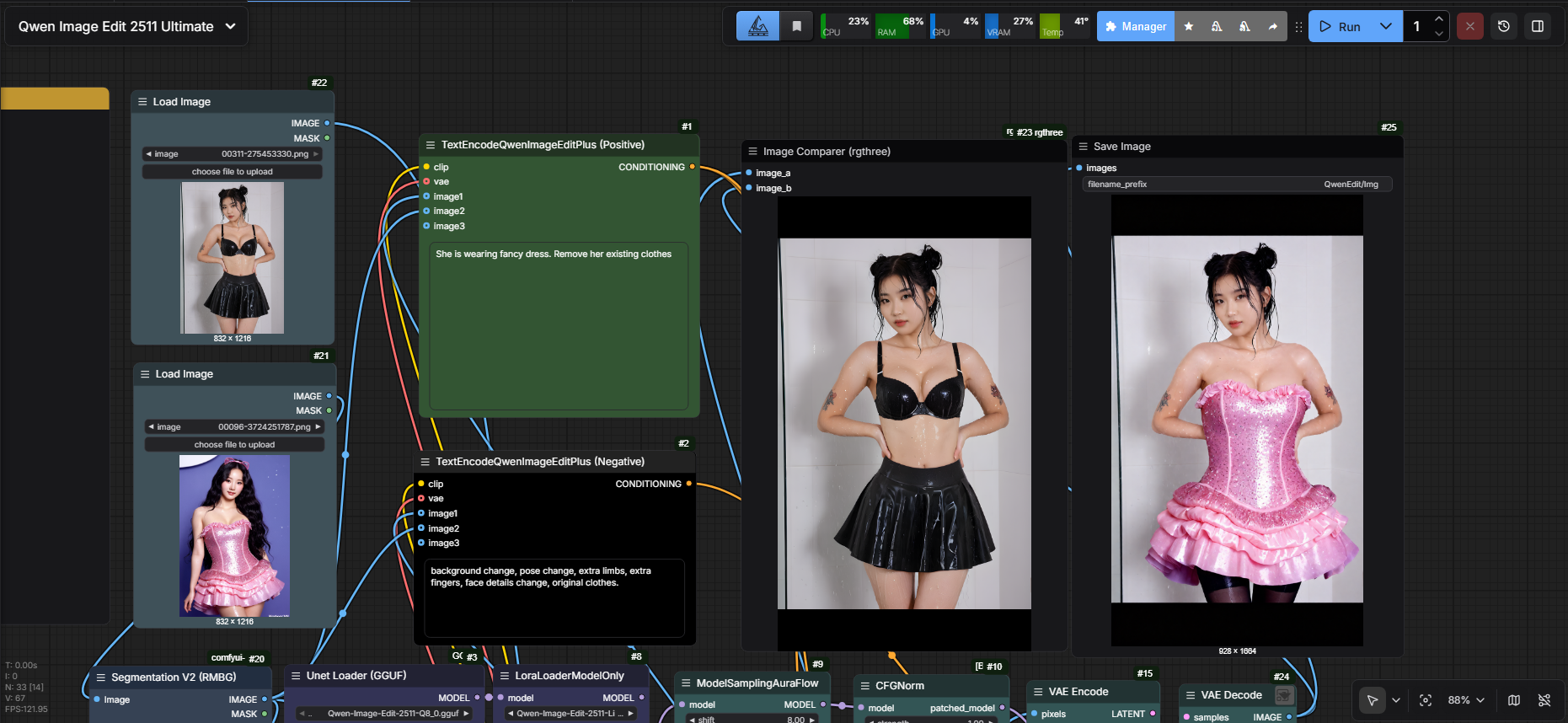
This workflow uses Qwen Image Edit 2511 to perform two-image guided editing: you provide a Base Image (the image you want to edit) and a Reference Image (the image that guides style, clothing, identity cues, composition, or the specific edit you want). The model blends your prompt with the reference guidance to produce controlled edits while keeping the base image structure intact.
Worflow Tested On
GPU: Nvidia RTX 4060ti 16GB
RAM: 64GB DDR5
Generation Time: 90-150 seconds (4-6 steps)
What this workflow is for
Outfit / style swap using a reference image
Background replacement guided by reference
Face/detail enhancement (with deblur LoRA)
Product/mockup edits with consistent lighting/style
“Make my image look like this” edits without completely re-generating from scratch
Inputs (2 Images)
Base Image (Required)
The original image you want to modify.Reference Image (Required)
The guiding image: style, clothing, pose cues, composition, material details, or “target look”.
How it works (high level)
The workflow loads:
Qwen Image Edit 2511 diffusion model
Qwen 2.5 VL text encoder
CLIP Vision for image understanding
Qwen Image VAE
Both images are encoded and used as conditioning:
Base image anchors structure and layout.
Reference image drives the requested changes (style/appearance/details).
Prompt controls what to keep vs what to change:
Use “preserve” language to keep base details.
Use “apply from reference” language to pull details from the reference.
Prompting tips (works insanely well)
Structure:
Keep / preserve: what must stay from base image
Apply from reference: what to transfer
Constraints: realism, lighting, material, no extra changes
Example prompt:
Edit the base image. Preserve face identity, skin texture, and body proportions from the base image. Apply hairstyle, outfit design, and accessories from the reference image. Keep the same camera angle and pose as base. Photorealistic materials, clean lighting, high detail, no extra accessories.
Negative prompt ideas:
blurry, low quality, extra fingers, warped face, deformed, wrong outfit details, inconsistent lighting, text, watermark, logo
Recommended starting settings
Steps: 4
CFG: 1
Denoise/Strength: 1
LoRA usage (optional but recommended)
Lightning 4-Steps LoRA
Great for faster edits and stable results at low steps.Deblur LoRA
Use when details look soft, especially faces/textures.
Keep LoRA strength modest to avoid over-sharpen artifacts.
Best practices
Use a clean, high-res reference image with clear outfit/details.
If the model changes too much of the base image: reduce denoise.
If the model ignores the reference: increase denoise slightly and clarify “apply from reference”.
For consistent results, keep lighting constraints in the prompt (e.g., “same lighting as base”).
Output
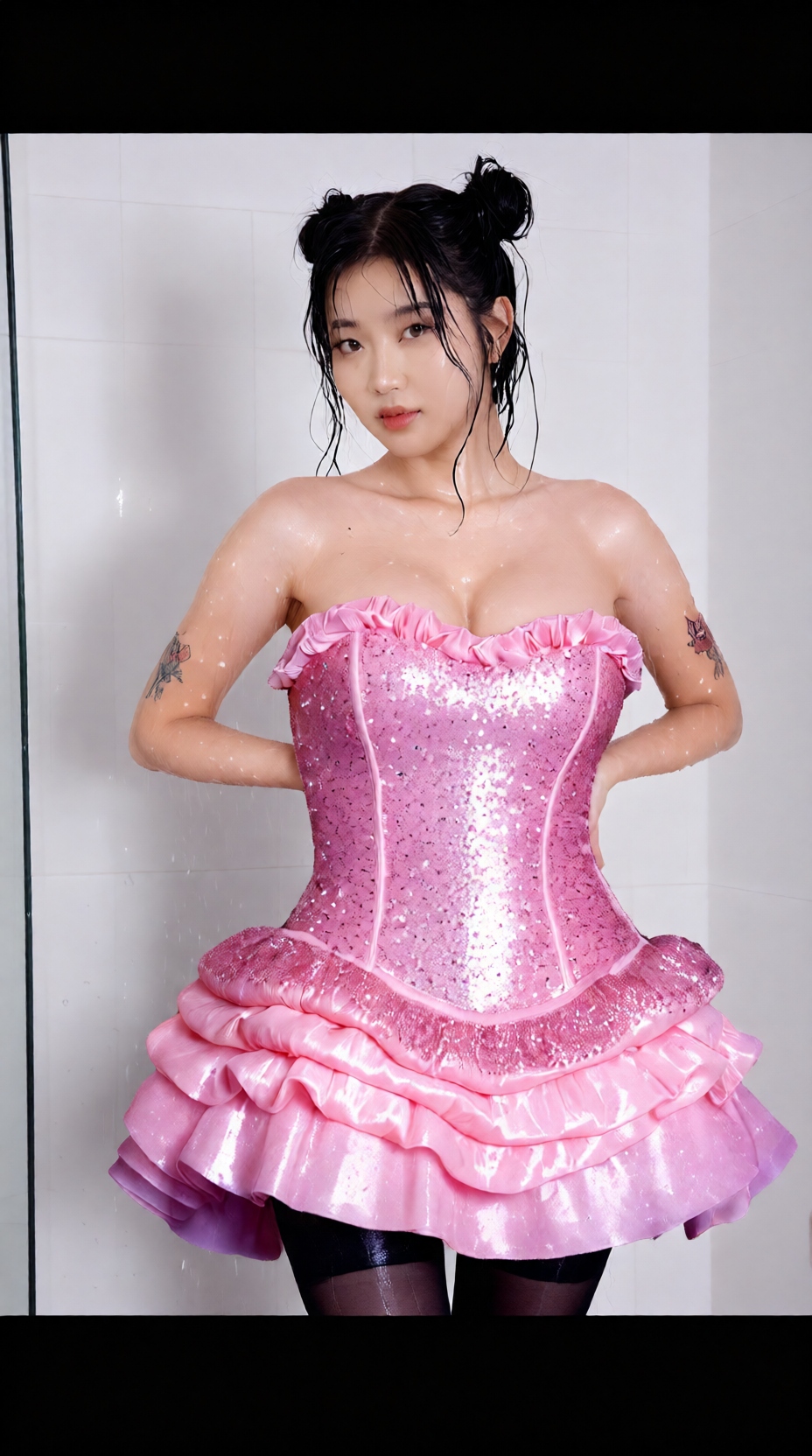
Produces an edited image that keeps the base composition while applying changes guided by the reference image + prompt.