YouTube Thumbnail generator








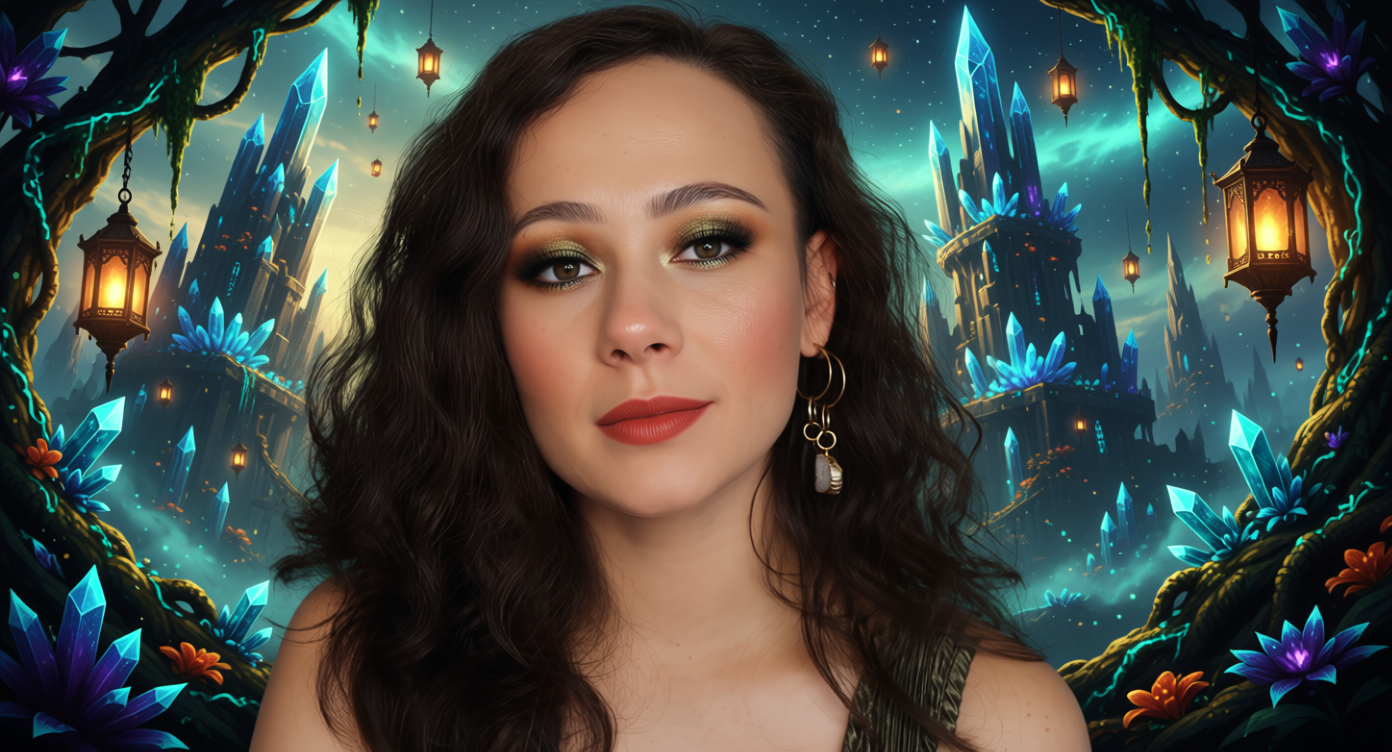
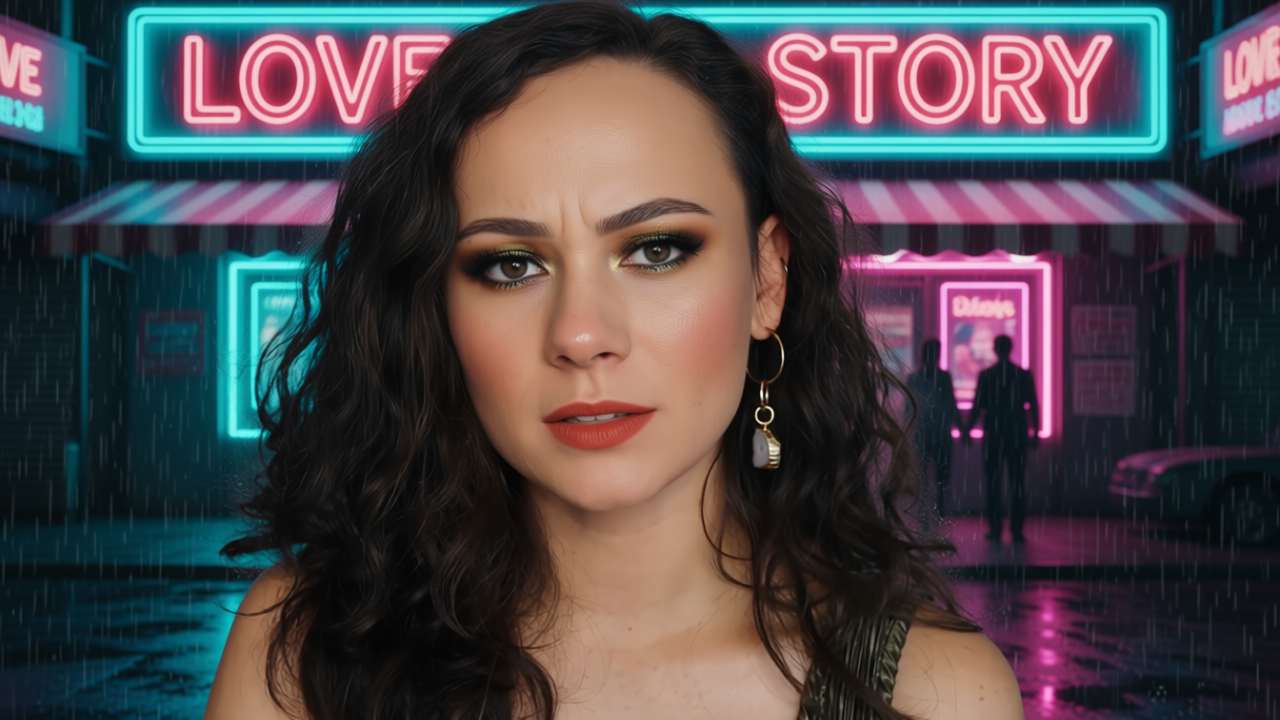
Details
Download Files (1)
Model description
🎬 Create cinematic YouTube thumbnails from any image — screenshot or photo.
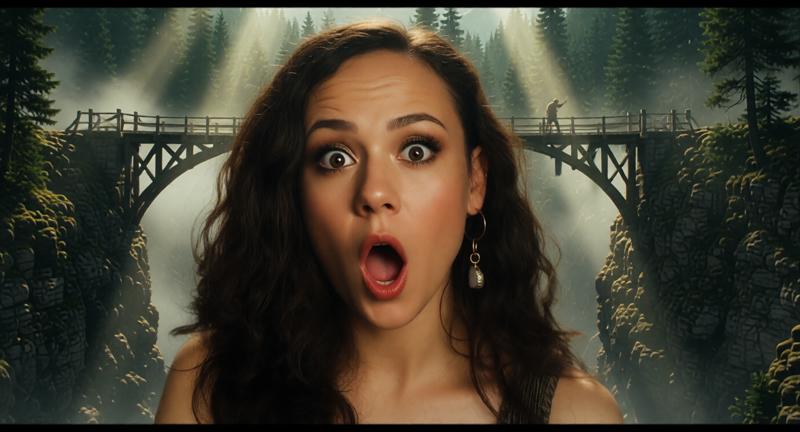
Change genre, background and even facial expression while keeping the character consistent.











Don't judge me too harshly, this is my first experience in creating a node.
🎬 YouTube Thumbnail Studio
Cinematic prompt generator for image editing models
(Optimized for Qwen-Image-Edit, Flux.2 Klein )
🧠 What this node does
YouTube Thumbnail Studio generates precise, structured prompts for image-editing models, focused on:
🎭 controlled facial emotion changes
🎬 cinematic backgrounds by genre
🧍 character consistency (identity, pose, scale)
🎲 reproducible or random results via seed control
Designed and tuned primarily for Qwen-Image-Edit, possibly works with Flux Kontext.
Version 2, adapted for Flux.2 Klein 9B distilled, works much faster than Qwen Image Edit.
🎛️ Input Parameters
🎞️ genre
Select the cinematic genre of the scene (14+1)
Defines the overall visual language and background style.
Examples:
Action film
Adventure film
Horror film
Sci-Fi film
Retro Sci-Fi
Western
Musical
Claymation
➡ Used to select a curated cinematic background description.
🎭 emotion (30 pieces, but not all work perfectly.)
Facial expression to apply to the character
Controls the emotional state of the main subject’s face
(e.g. eyes, mouth tension, brows, micro-expressions).
Examples:
😊 happy
😠 angry
😬 awkward
😖 nervous
😈 playful mischief
➡ Emotion descriptions are internally expanded for better model understanding.
🎭 emotion_only
Emotion-only edit mode (advanced)
🔹 When enabled:
Only the facial expression is changed
Everything else is preserved as strictly as possible:
identity
pose
clothing
lighting
background
composition
Use this when you want a clean emotion swap without scene changes.
🧍 keep_character
Preserve character identity and pose
When enabled:
Keeps face, body, pose, scale, and clothing consistent
Allows background and lighting to change
Emotion change is subtle and controlled
Best for:
thumbnails
posters
character-centric edits
📝 include_text_elements
Add cinematic text elements
Adds:
a short movie-style title
optional tagline
small credit line
Use this for:
YouTube thumbnails
poster-style visuals
🎬 Background Control
🎞️ background_variant
Choose a specific background variant
random → random background from selected genre
0–29 → exact background index
Useful when:
you want consistency
you found a variant you like
🔒 lock_background
Lock the background between generations
When enabled:
The same background is reused
Emotion, seed, or other parameters can change
Great for:
A/B testing expressions
emotion comparisons
🔁 reroll_background
Force background reroll
Overrides background locking and forces a new selection.
🎲 Seed Control
🎲 seed_mode
Random or fixed seed
random → new result every run
fixed → reproducible output
🧬 fixed_seed
Manual seed value
Used only when seed_mode = fixed.
Range: 0 – 999999
✏️ Optional Overrides
🎨 custom_background_elements
Manual background description
Overrides genre background completely.
Example:
abandoned space station corridor with flickering red lights
📝 custom_title
Custom title text
Replaces auto-generated cinematic title.
📝 About Text & Titles (Important Limitation)
Qwen Image Edit (including 2511) is capable of understanding and generating text inside images, and in many cases it places titles or words correctly.
However, please note:
❌ Precise font selection is not supported
❌ Exact text positioning cannot be controlled
❌ Typography styles (kerning, line breaks, alignment) are not editable
❌ Consistent branding text is not reliable
This is a model limitation, not a node limitation.
🧠 extra_instruction
Additional prompt instructions
Appended at the end of the generated prompt.
Installation, Copy the file into: ComfyUI/custom_nodes/
The archive contains a node and a simple workflow.
Don't judge me too harshly, this is my first experience in creating a node.
☕ This node was fueled by coffee.
You can help refill it 🙂 buymeacoffee.com/Krug_Lov
