Z-Angel Extreme


Details
Download Files (1)
About this version
Model description
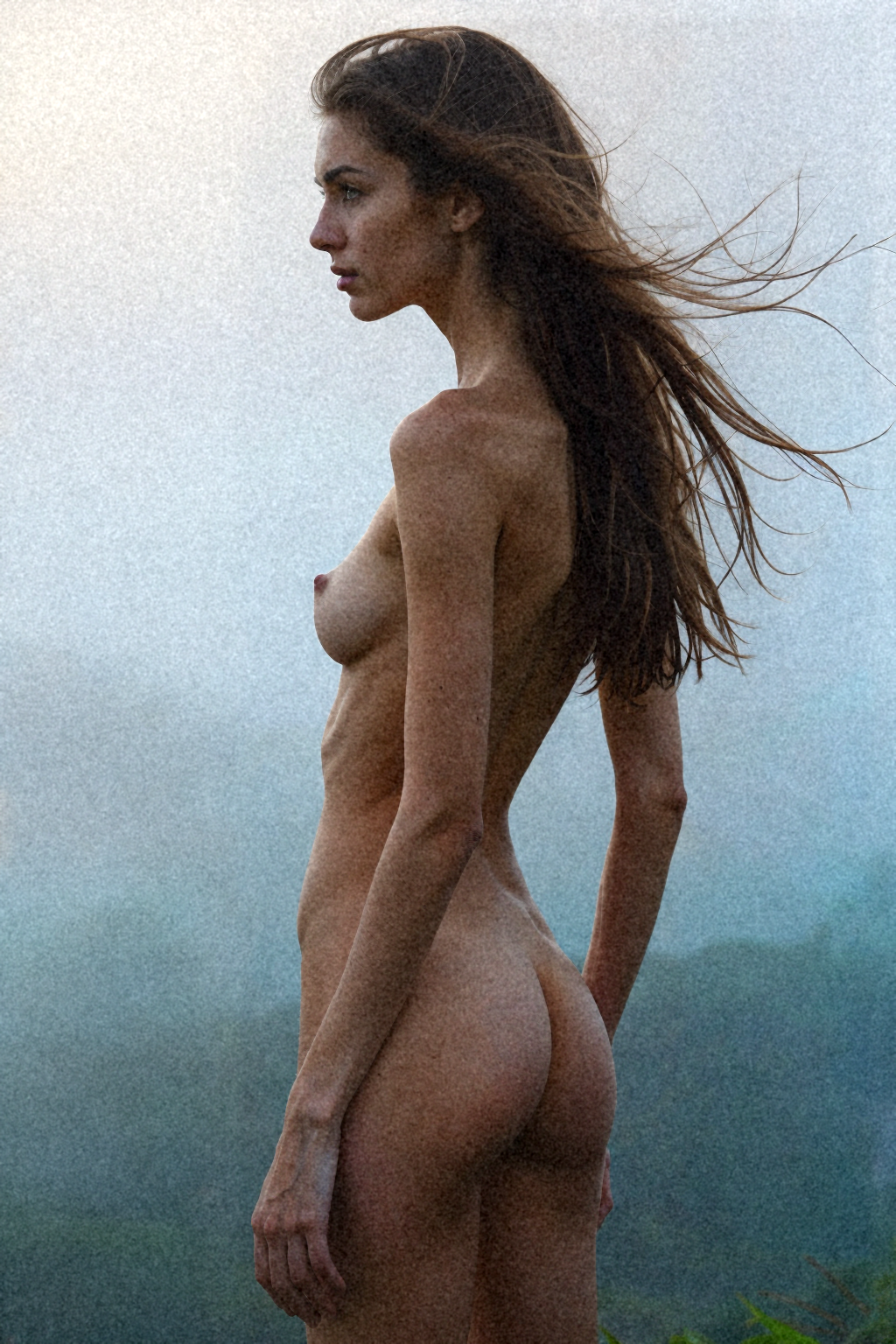
Z-Angel Generator WORKFLOW: Absolute Control over Anatomy & Atmosphere (8GB VRam with face detailer+global refiner+upscaler+film simulation)
I built this node because I was tired of wrestling with Stable Diffusion to get specific body types and consistent scene details.
We all know the struggle: you want a very specific "high-fashion" slender look, or a specific age, and you end up writing a 50-line prompt just to fight the model's default bias. Or you want wind and dust in the air, but the model just blurs the background.
Z-Angel is the solution I hacked together to fix this. It’s not just a prompt builder; it’s a logic engine that layers anatomy, skin texture, lighting, and atmospheric physics before your main prompt kicks in. It is designed to be the brain of your workflow.
Why use this?
If you use ComfyUI, you know that controlling the "skeleton" of the image (pose, body shape, eye contact) is usually a nightmare of parenthesis weighting (weight:1.2). This node handles all the math and weighting for you behind the scenes.
Installation
Download the
z_angel_vFinal.pyand__init__.py.Put them in a folder named
Z_Angel_Nodeinside yourComfyUI/custom_nodes/directory.Restart Comfy. You'll find it under the Z-Angel category.
The Controls (God Mode)
Here is exactly what the sliders do. I tuned these values specifically for realistic/semi-realistic checkpoints (tested heavily on Z-Image and generic SDXL/Pony models).
1. Anatomy & Subject
Text Input / Subject: Your standard inputs. "Portrait of a woman" etc.
Slender Force (0-10): This is the main feature.
0: Natural / Model default.3-5: Fit, athletic, narrow hips.6-8: Very slender, fashion model physique.10: "Nuclear" slender. Removes curves, enforces a straight, high-fashion runway look. (Use this if the model keeps giving you Instagram-curvy results when you don't want them).
Age Slider (18-90): Hard-codes the age into the prompt structure.
18-25: Adds "youthful skin".35-50: Adds "sophisticated, mature".60+: Adds "authentic texture, wrinkles".
2. The "Life" Engine (Eyes & Physics)
Eye Contact Force (0-10):
0-3: She ignores the camera. Candid, profile shots.5: Relaxed gaze.8-10: Soul piercing. Forces the subject to stare directly into the lens.
Wind Force (0-10):
Controls how hair and clothes behave.
0: Still air.10: Hurricane. Clothes fly, hair is chaotic. Great for dynamic shots.
3. Atmosphere & Particles (New in vFinal)
Atmosphere Type: Choose what is floating in the air.
Dust, Leaves, Fog, Smoke, Sparks.
This interacts with the lighting to create depth (volumetrics).
Atmosphere Density: How much junk is in the air. At max, it can obscure the background.
4. Skin & Light
Skin Fidelity:
Extreme: Adds "raw photo," "visible pores," and "peach fuzz." Use this if your generations look too plastic.
Standard: Good for general use.
Lighting Setup:
Presets for Rembrandt, Butterfly, Split, Golden Hour, etc.
Stops you from having to remember complex lighting terminology.
Chaos Engine
The node uses a seed input. This drives a randomizer that subtly changes skin imperfections and light adjectives every time you generate. This ensures that even with the same settings, no two images have the exact same "micro-texture."
Let me know if you run into any issues. I built this for my own production workflow, but I figured the community could use the control.
Happy generating.
Node: Z-Angel: Z-Angel: Node