A simple workflow - HiRes Fix + Various Detailer

Details
Download Files (1)
About this version
Model description
English is not good!英语不好警告!
For the basic text-to-image workflow, see version 1.0. The latter two versions are customized according to personal preferences.
1.0是相对简洁的单文生图流程 后面的版本都是个人喜好一些思路分享
2.01-Personal Preference Workflow Sharing
 好吧 看上去好像复杂了很多 之前有人问 我就整理了下发了出来 就当我是在分享一个思路吧
Alright, I know this doesn't appear to be simple – please regard it as me sharing a conceptual approach.
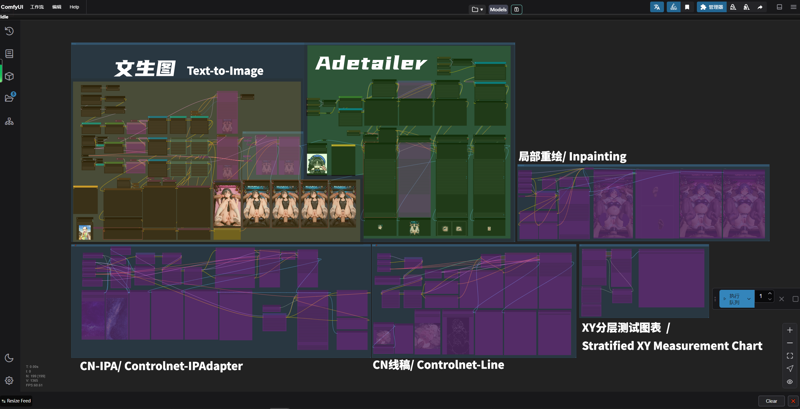
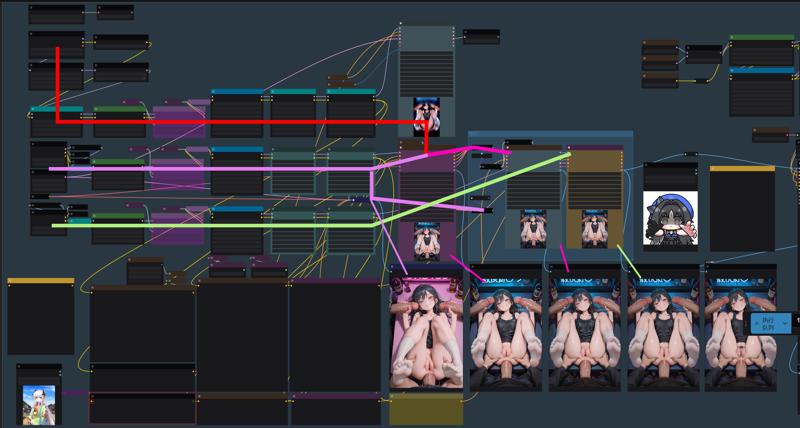 现在我是用三个模型来生成图 Noob-v预测 接力 MiaoMiao harem 最后放大完用ntr过一遍出图 流程如上。 因为我感觉Noob-v预测系列的光影明暗要好 Miaomiao的肢体 (Jio) 要好 以及我喜欢ntr的衣物跟表情的质感,当然 这只是纯个人见解。
Currently I generate images using three models: Noob-v for initial prediction, relay to MiaoMiao harem, then re-generate with NTR after upscaling. Process flow as above. This is because Noob-v excels in lighting/shading control, MiaoMiao produces superior limb structures, and I prefer NTR's clothing/facial texture rendering - purely subjective perspective.
 单一模型生图→双模型接力 1model→ 2model
我生图用的lora比较多 而且这里是三个模型的流程 所以lora看起来非常多 但你们也许并不需要这么多 所以都删掉也ok.
I use numerous LoRAs for image generation, and since this is a three-model workflow, the LoRA list appears extensive. But you probably don't need this many - so it's perfectly fine to remove them all.
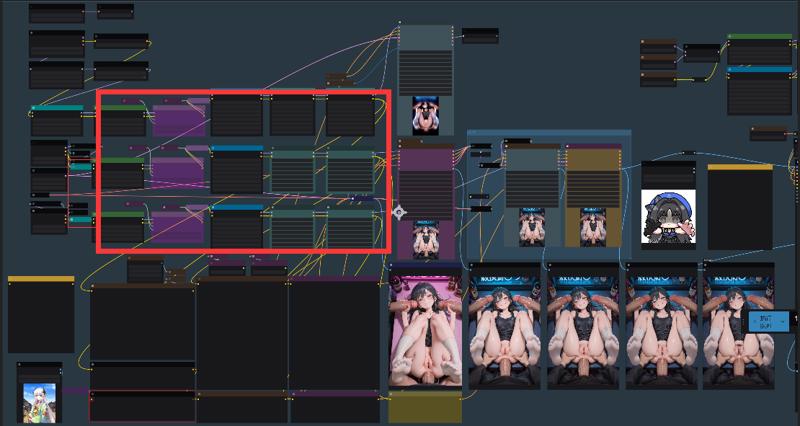
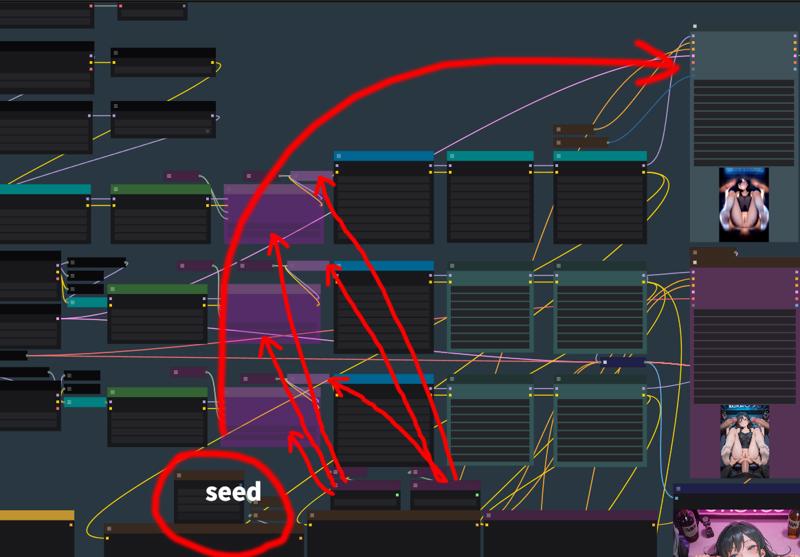 -
-
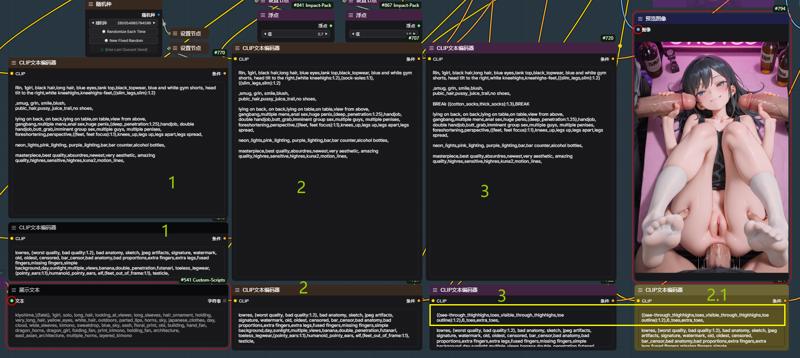
生成步骤分的多 就像图生图那样 可以中间单独调整tag跟lora 我还是比较喜欢这样的。
The multi-step generation process, similar to image-to-image workflows where you can adjust tags and LoRAs mid-process, is what I personally prefer.

 是的 我就是为了jio跟袜子 ///
2.0
也用了段时间的Comfyui 感觉确实比weibu好用,这次突发奇想折腾出个新的放大方法感觉挺有意思就顺便分享一下工作流
I have been using Comfyui for a while and I feel it is indeed easier to use than Weibu.
This time, I came up with a new amplification method on a whim. I thought it was quite interesting, so I would like to share the workflow.
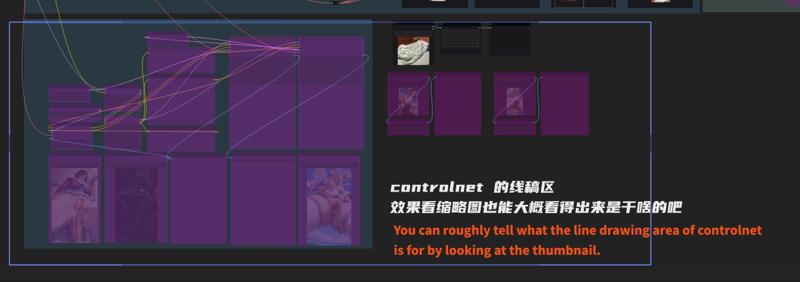
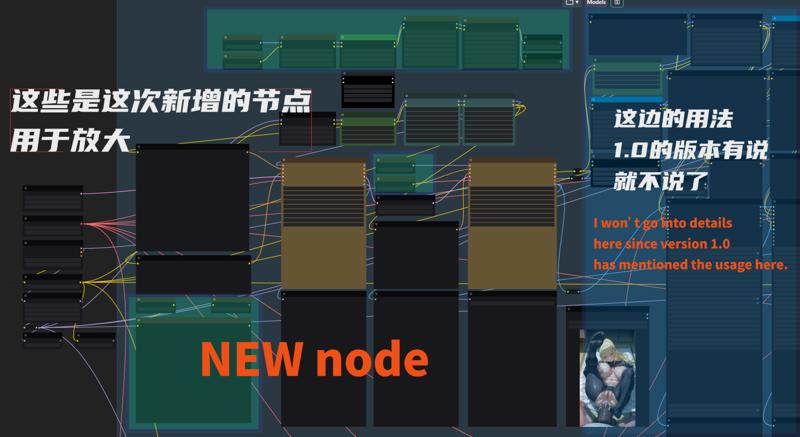
最右下角的那个是二次放大用的正面tag 可以自己修改折腾 就像weibu的图生图那样,最上面的是二次放大 基底模型串联起来的lora。
The one in the lower right corner is the front tag for secondary enlargement. You can modify it by yourself, just like Weibu img2img-images. The top one is the lora connected in series with the base model for secondary enlargement.
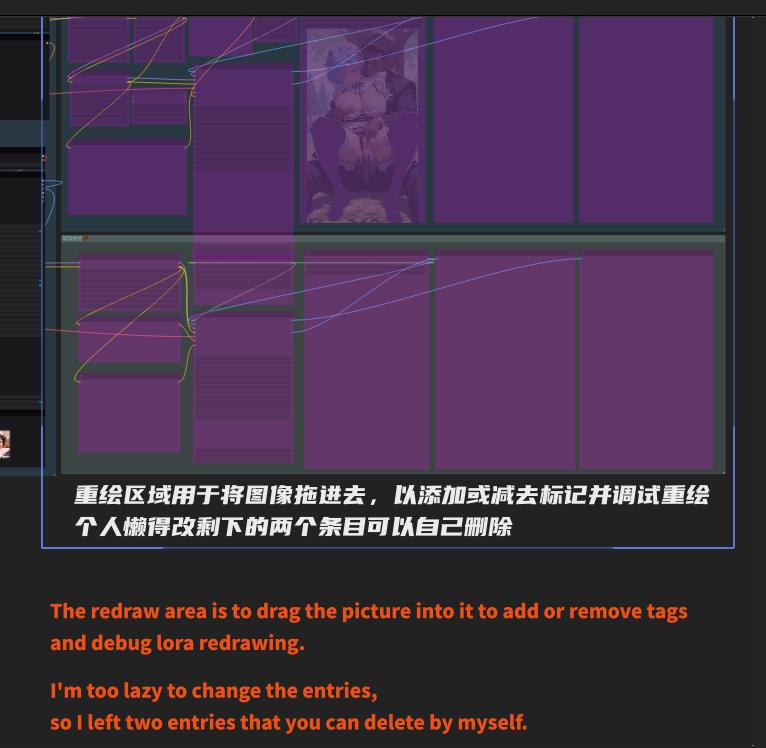
重绘 跟controlnet那边就不细说了 说起来太麻烦 但我觉得这里也看得懂吧.... QAQ
I won’t go into details about redrawing and controlnet. It’s too troublesome to talk about.
But I think you can understand it here... QAQ
这次主要是跑图的时候被气到了
very angry !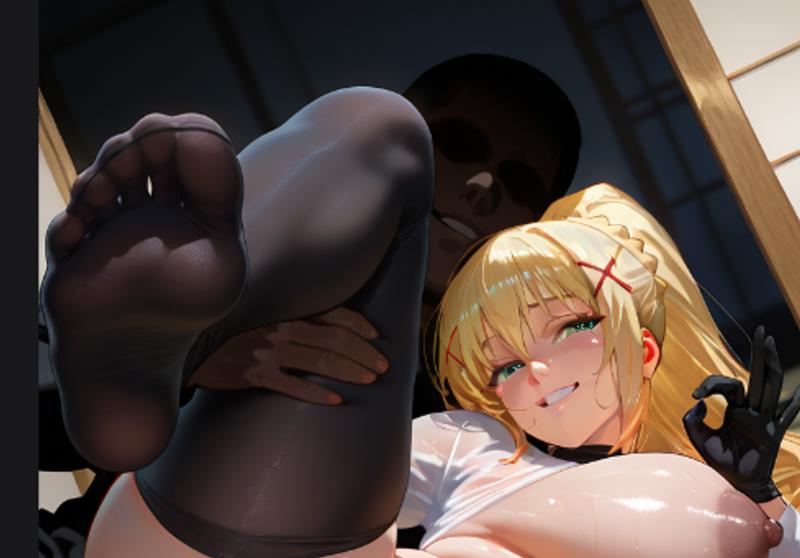

何意啊!! 底图的脚这么好 怎么放大就一坨了! 我知道是我的画师tag跟lora有一定程度上的污染 所以我就想了个办法来解决
feet good feet bad, unhappy,I knew that my artist tag and lora were contaminated to a certain extent, so I thought of a way to solve it.
类似于weibu的图生图流程 先给一个底图 然后图生图那边就可以增减tag 和lora来控制出图的风格跟细节
Similar to Weibu's img2img-images, you first give a base map, and then you can add or subtract tags and loras to control the style and details of the drawing.
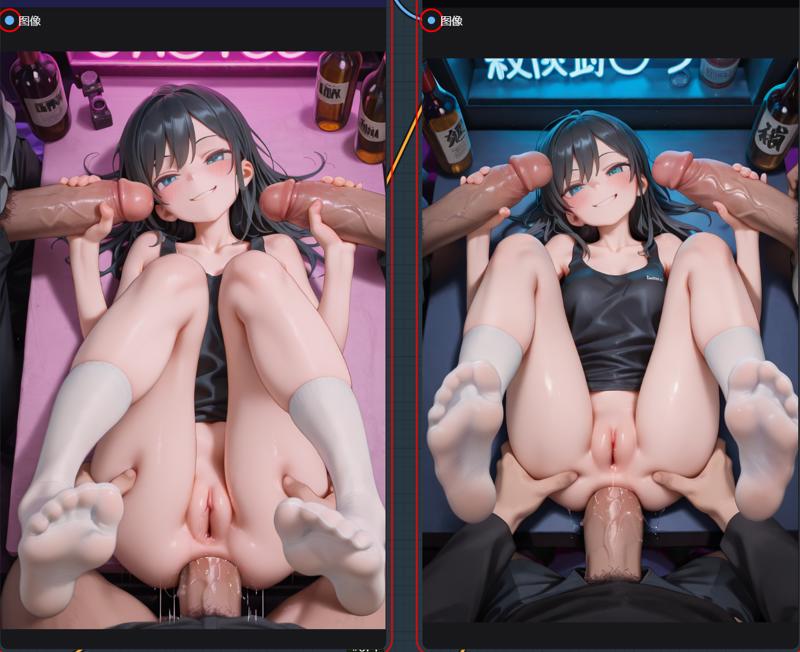
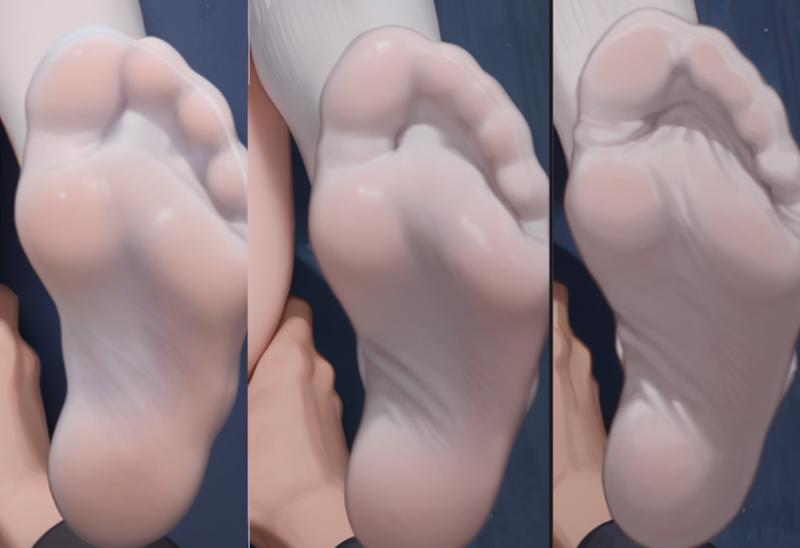
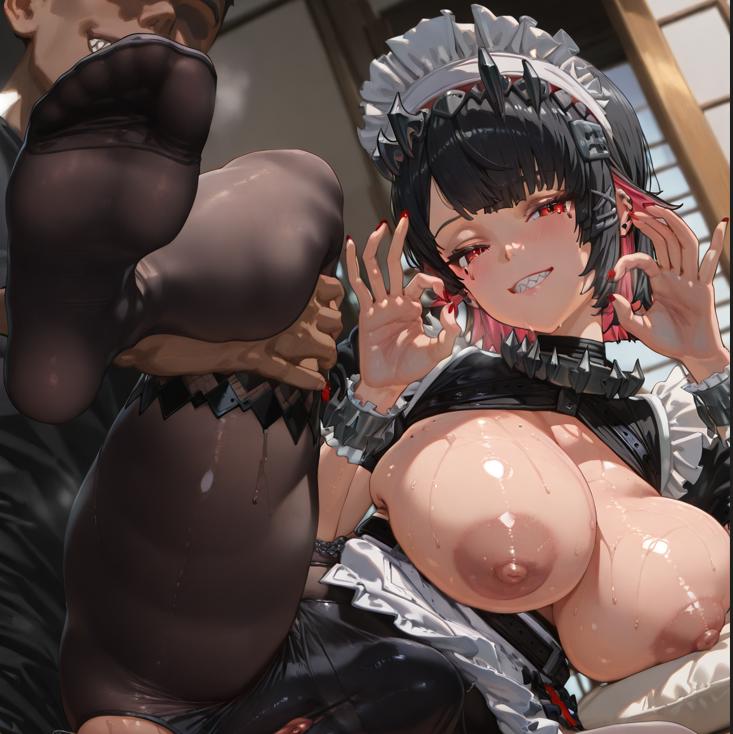
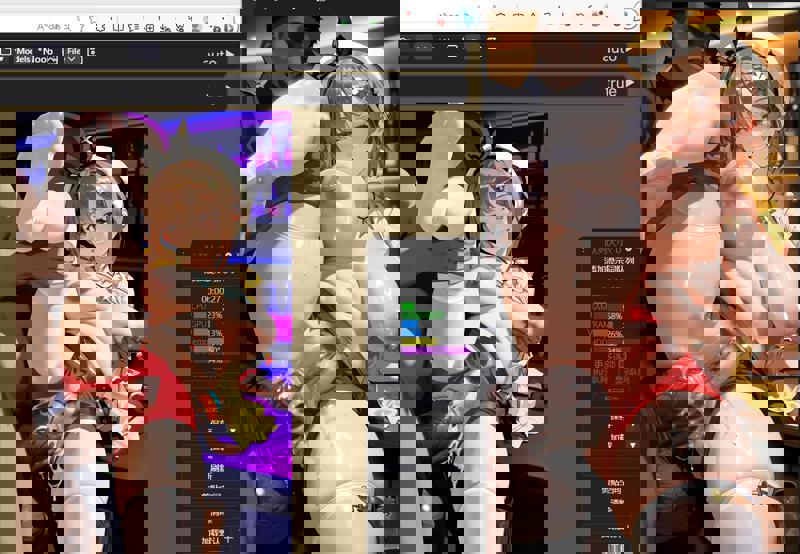 这是没用trt style的人体 This is girl body without trt style
简单的一个例子 我想要trt style的人体 但是我觉得他有点油 我就可以用这种方法在高清放大的时候用其他style lora来换种风格
A simple example: I want a trt style human body but I think it is a bit oily. I can use this method to change the style with other style lora when zooming in in high definition.
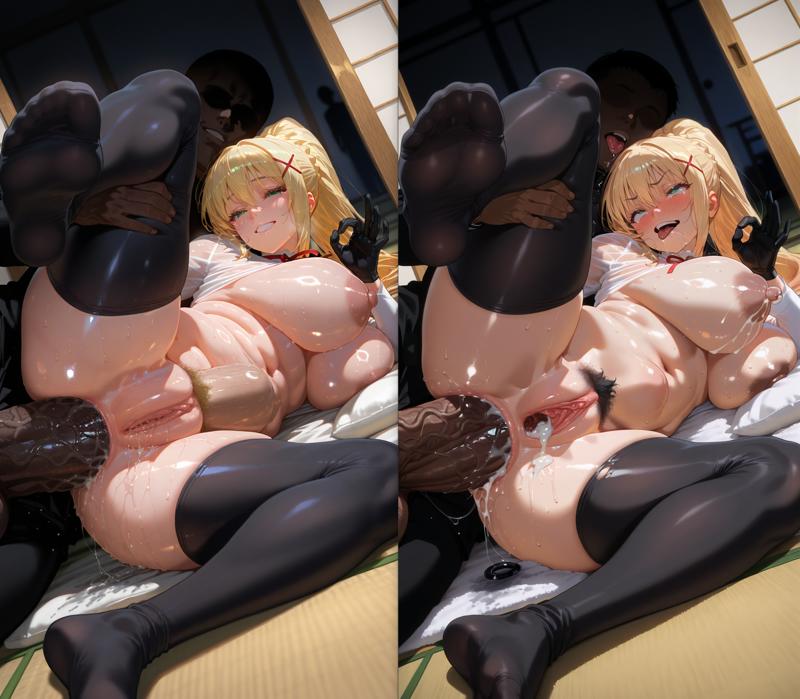
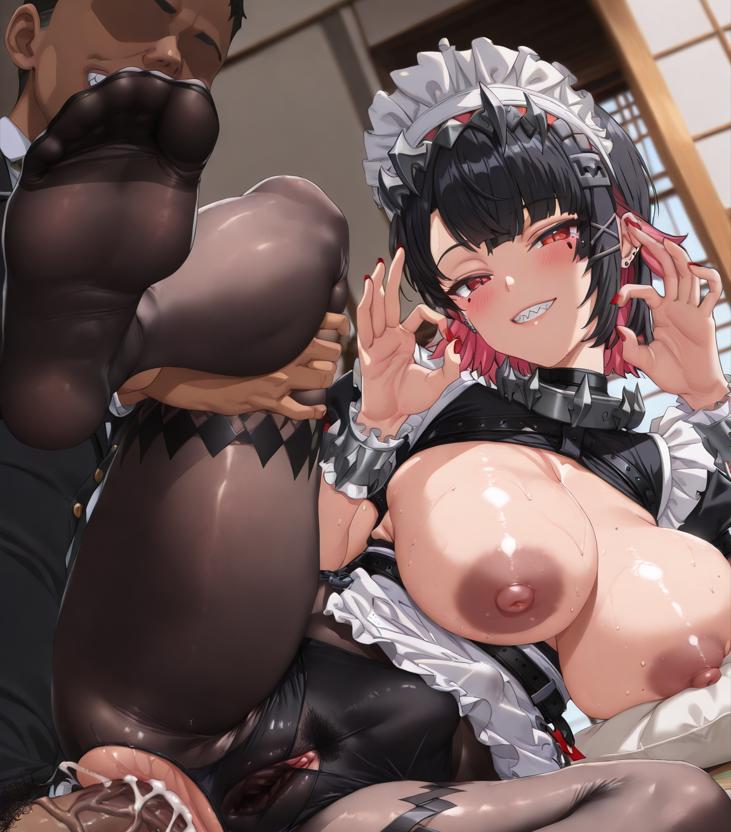
你可以看到 脚趾的效果变好了..... 因为我去除了一些画师tag以及更换了别的style lora。
You can see that the toe effect has improved... because I removed some artist tags and changed to other styles lora
还有这种原lora风格化太强 导致放大后效果不佳的
There is also this kind of original lora that is too stylized, resulting in poor effect after enlargement.
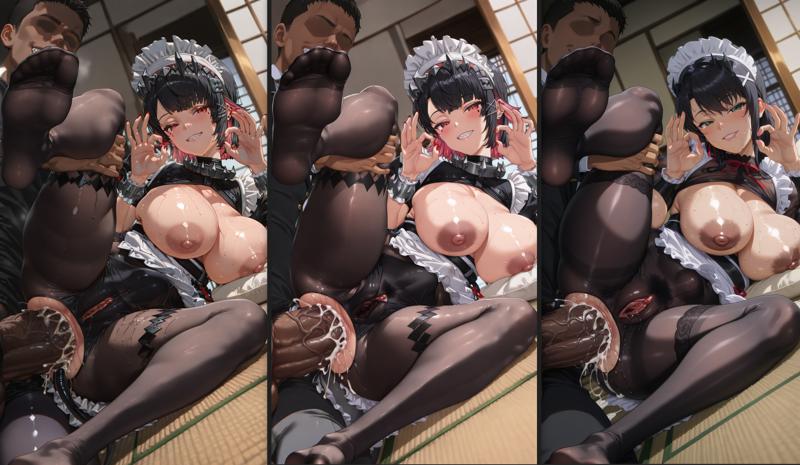
只是简单的在新建的二次放大节点把角色lora的强度调低了点并换了个style lora
Just simply lower the intensity of the character lora in the newly created secondary amplification node and change the style lora
emmm...以及最右边的我忘了把darkness的tag换成Ellen Joe的触发tag了 但也挺好看的
emmm...and on the far right, I forgot to replace the darkness tag with Ellen Joe's trigger tag, but it's pretty cool too.
所以我想大伙应该能够理解这种放大的好处以及应用在哪
So I think you you and you should be able to understand the benefits of this amplification and where it is applied.
我的工作流只想简单涩涩 嗯 就这样
My workflow just wants to create simple sex pictures, that's it
------------------------------------------------------------------------------------------------------
1.0
I recently learned comfyui and sometimes I just want some very simple features, but the workflows uploaded by others on the site are too complicated for me as a newbies or don't include my needs, so I created this workflow.
我就想要简简单单生图放大涩涩
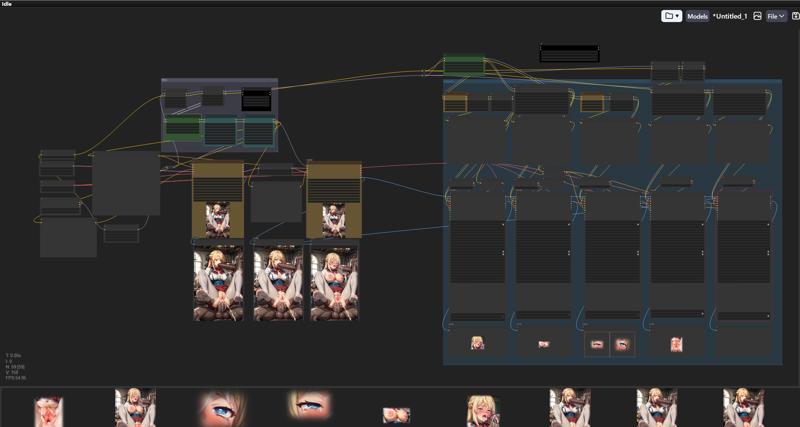
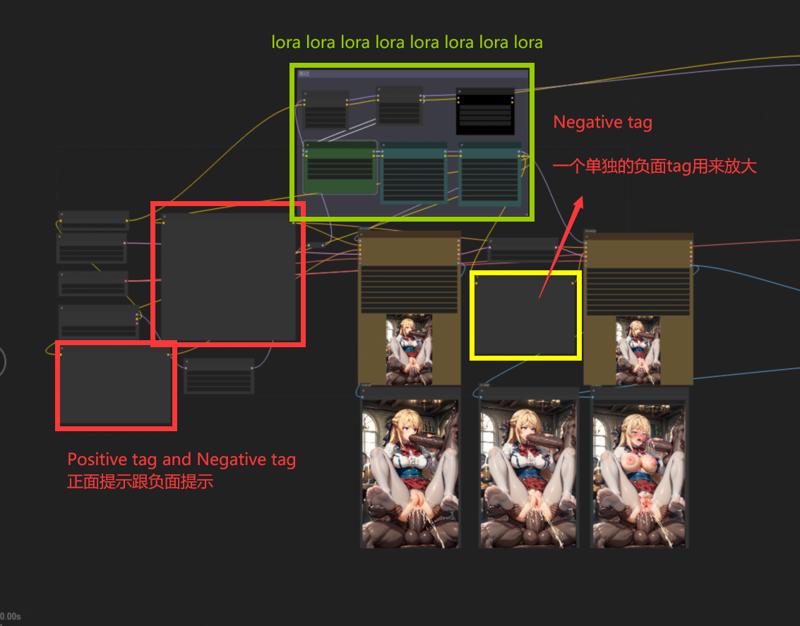 A separate Negative tag is used to control magnification
放大用单独的tag就可以做到力大砖飞了 ((((((((BAD FOOT)))))))) 对....对吗....
I love using more than one LORA, maybe you don't need that many, so you can delete the green part yourself
lora用的多 可以删 删完记得连连看就行了
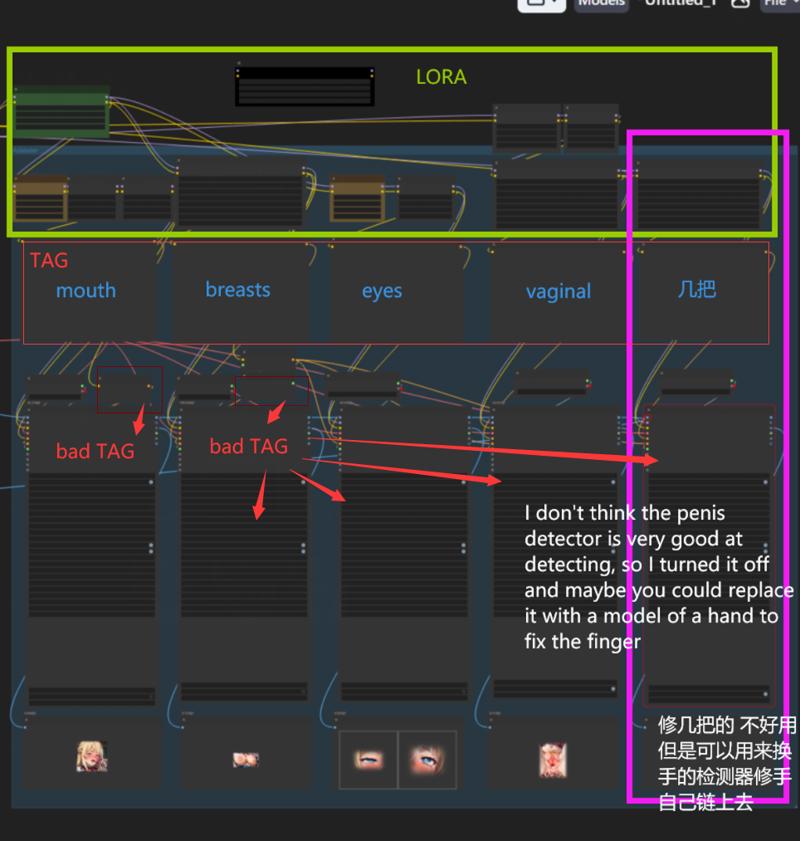
These two LORAs are used to control the character
这两个放角色
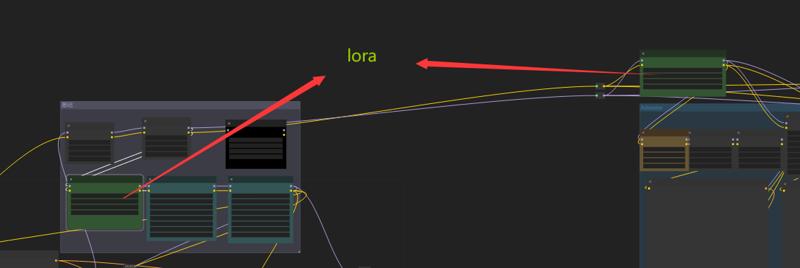
If you find it OK, please upload pictures and let me know
/////
Reference workflow
https://civitai.com/models/364333/comfyui-face-eyes-and-lips-adetailer-flow-tutorial