illustrious TxT2ImG with Multiple Detailers Workflow





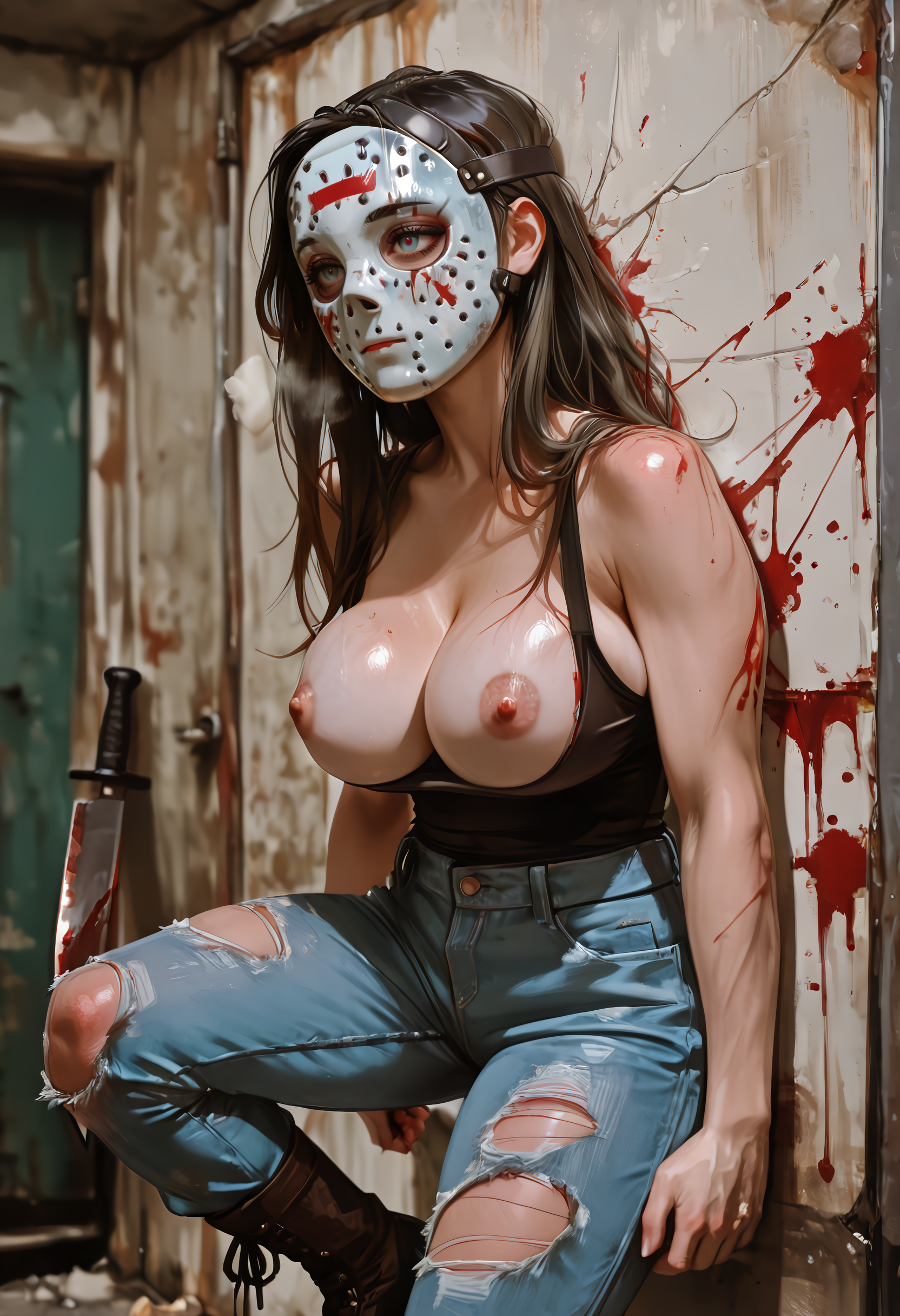
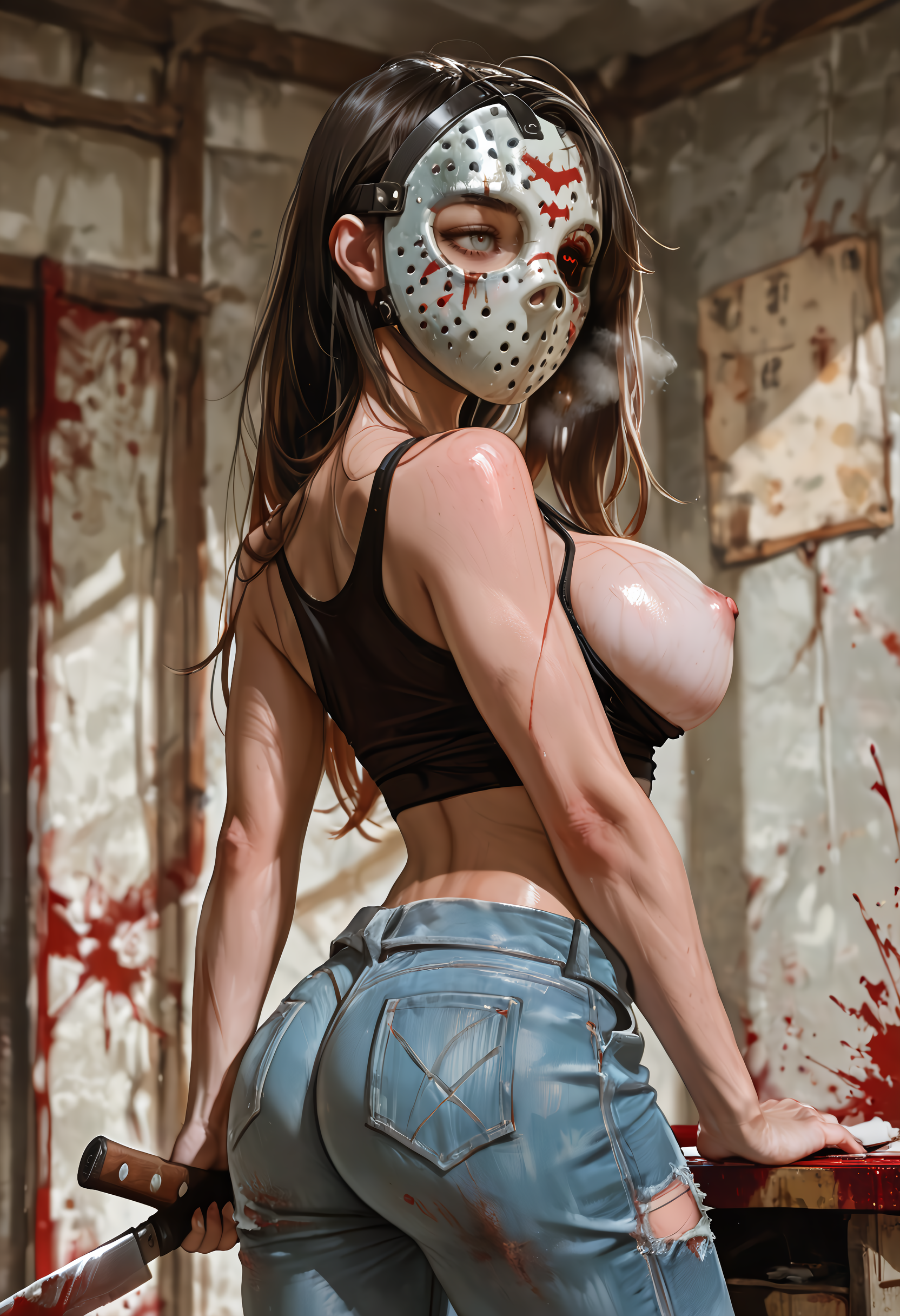


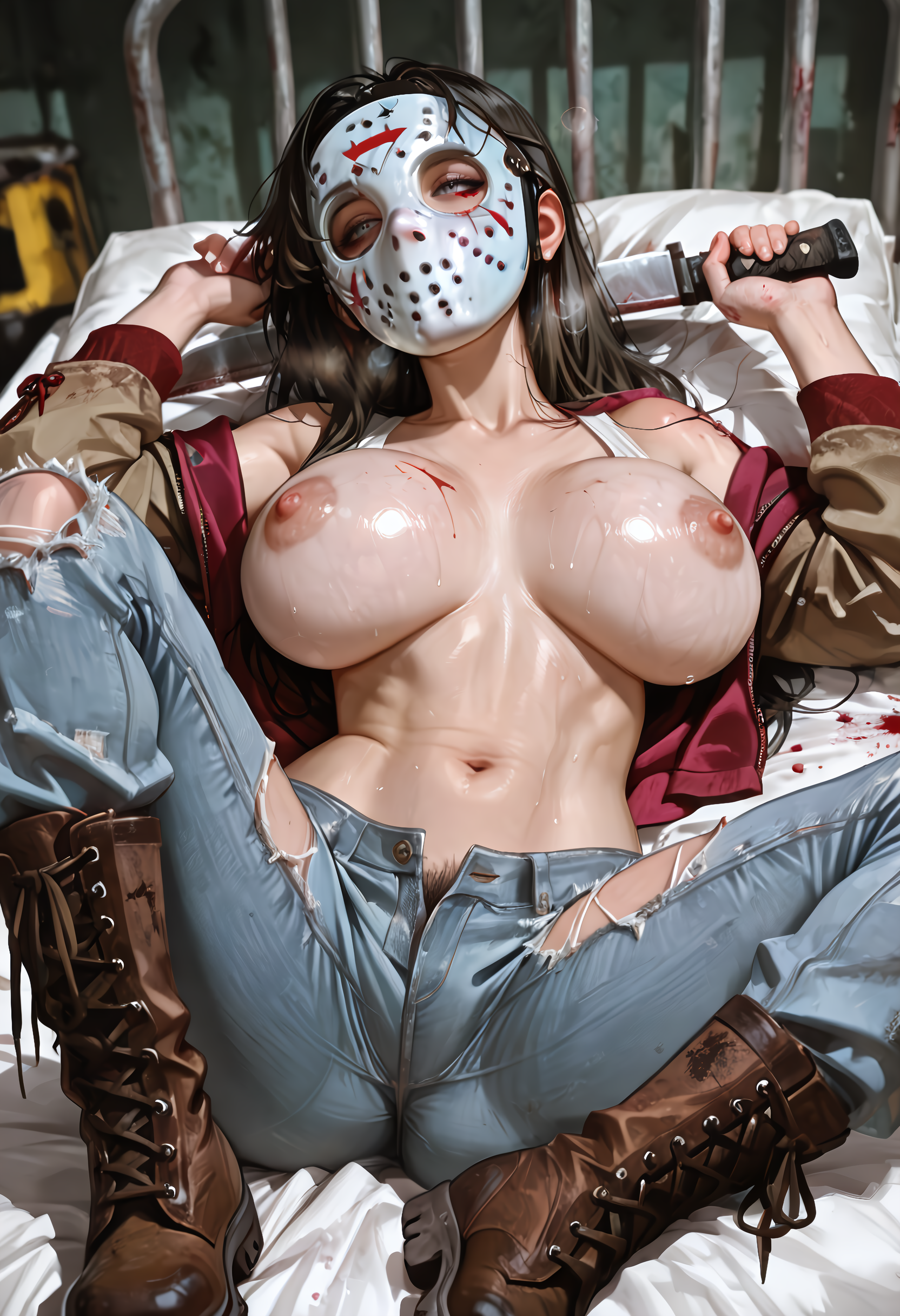
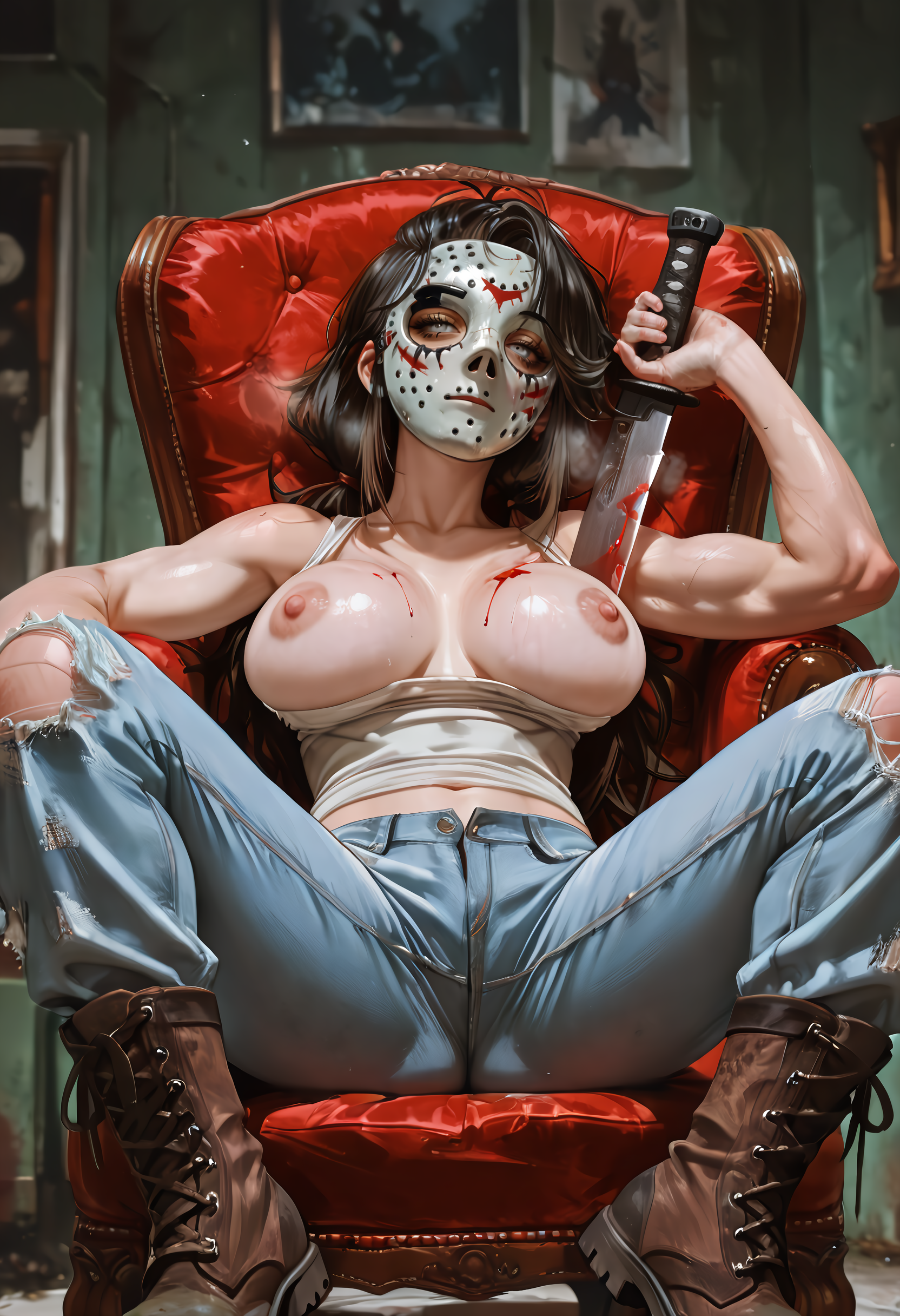
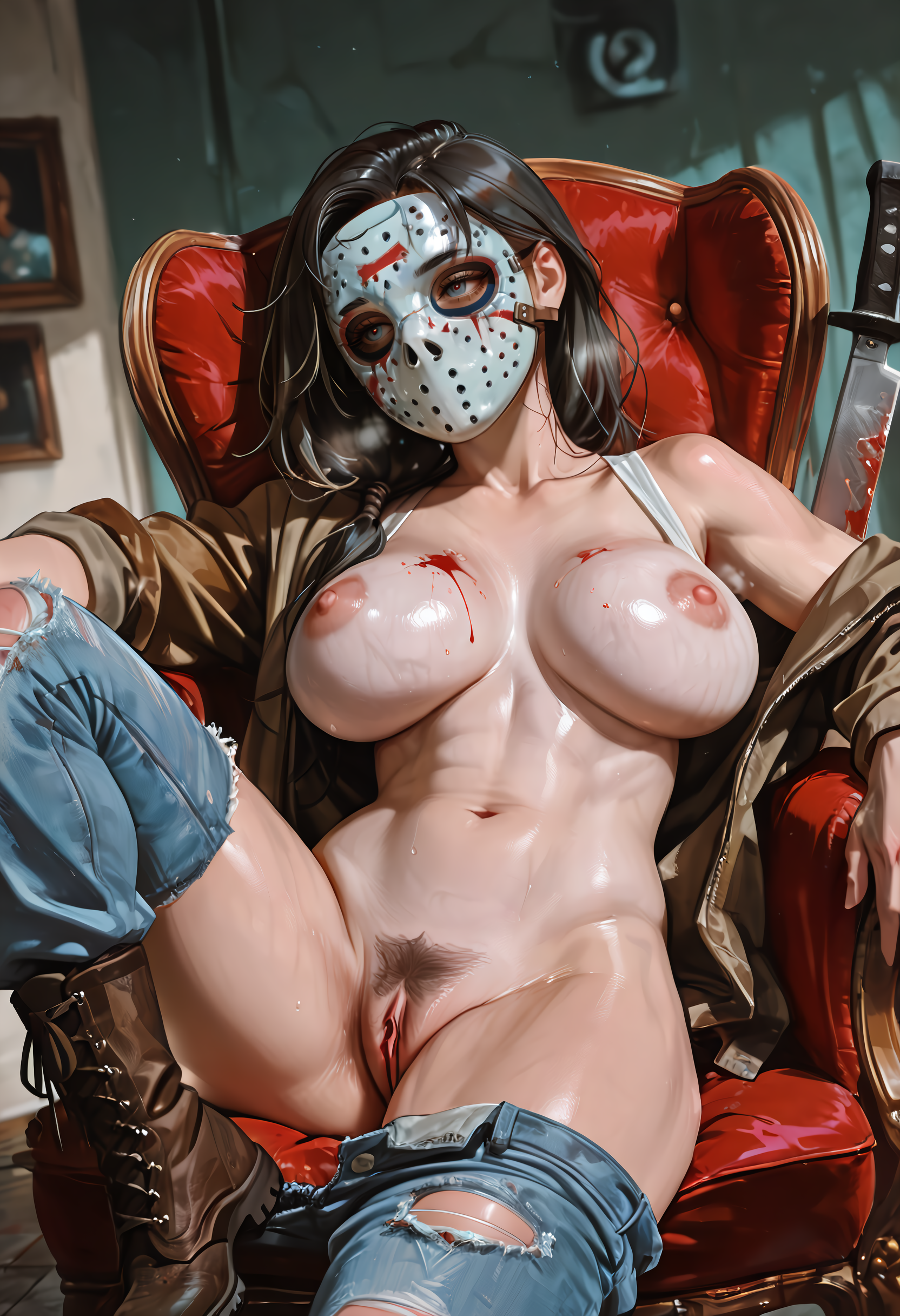
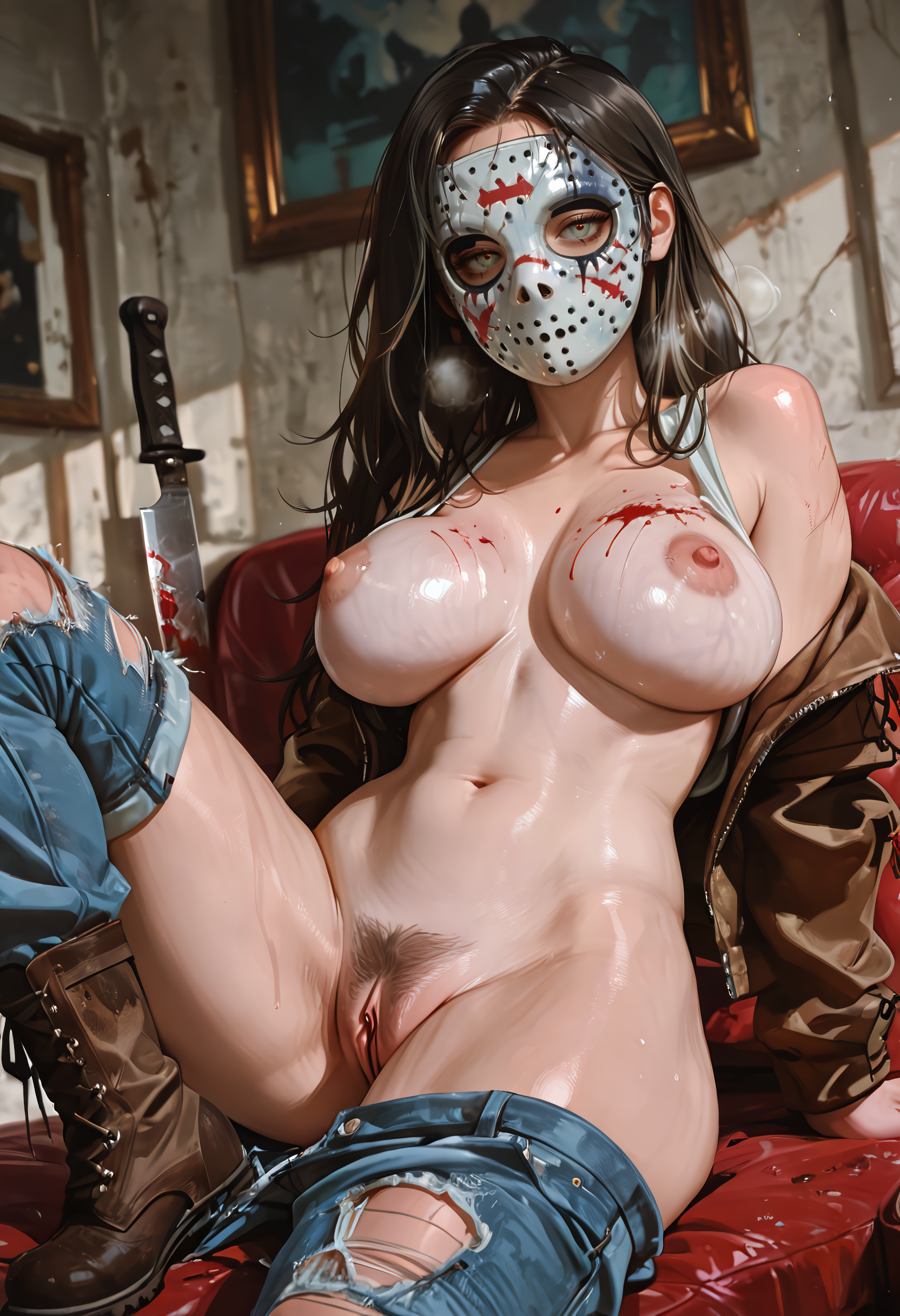
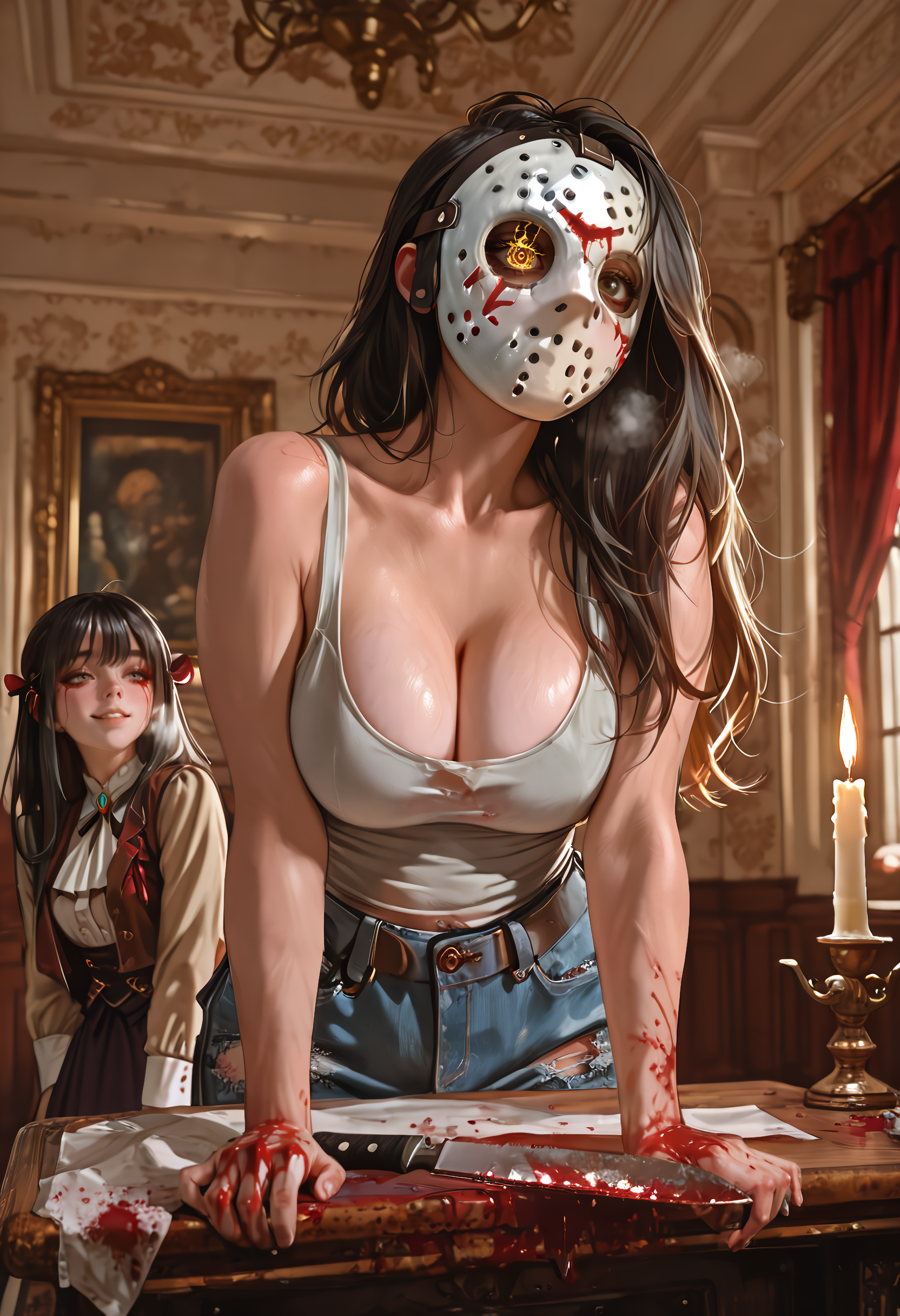

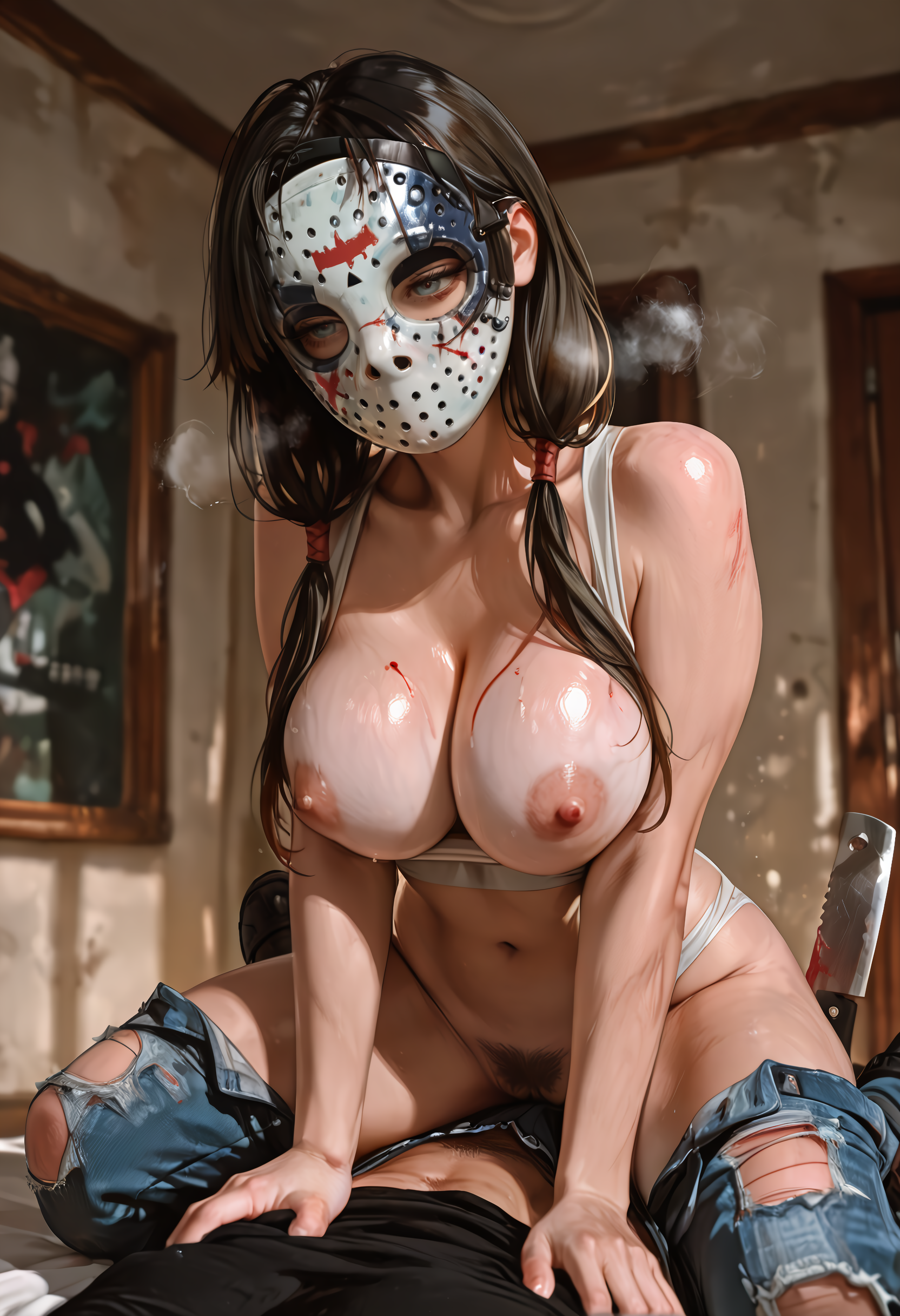
詳細
ファイルをダウンロード
モデル説明
🗒️ ComfyUI用の私の優れたワークフロー
こんにちは、さっそく先ほど完成させた優れたワークフローを共有したいと思います。
これは、数週間ほど前に使い始めたワークフローの進化版です。
主な機能ポイント
Highres Fix: デフォルトは50%に設定されていますが、お好みで調整してください。
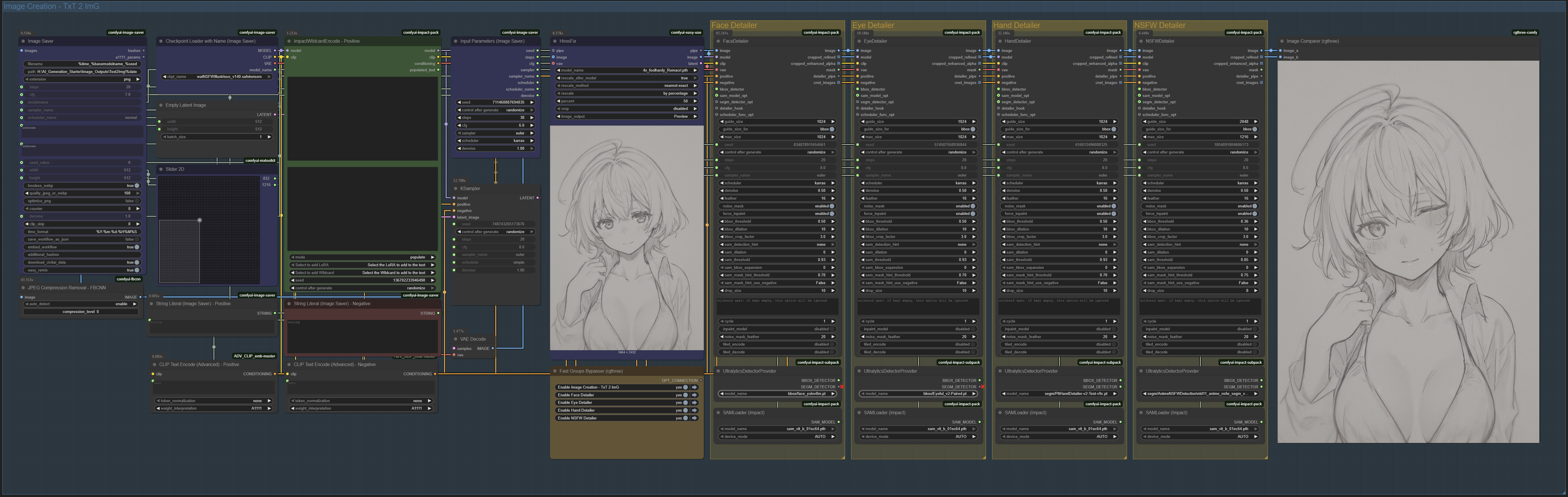
4つのディテイラー: 顔、目、手、NSFW。それぞれの有効/無効は、黄色の_Fast Groups Bypasser_ノードで切り替えられます。
メタデータ保存: 画像にはCivitAI用の完全なメタデータ(プロンプト、チェックポイント、LoRAなど)が保存されます。
免責事項
私は専門家ではありません。むしろ、完全な初心者です。このワークフローは、DigitalPastel さんや Mittoshuras さんの素晴らしいワークフローを参考にし、動くようにつなぎ合わせて作ったものです。
参考にしたワークフロー:
⚠️ つまり、このワークフローで問題が発生した場合、できればサポートしたいですが、実際には十分な支援ができない可能性があります。
以下に簡単なステップバイステップガイドを記載しますが、問題が起きれば、ChatGPTが頼りになります(私はそうしていました)。エラーメッセージをコピー&ペーストして、粘り強く対処してください。
あるいは、このワークフローを見て「これは何だ?」と感じた場合、ぜひ DigitalPastel さんの Smooth-workflow を見てください。私はこれで大きく助けられました。
動作方法
青色の画像セーバー
保存先パスを設定してください。
パスの最後に
%dateを付けると、日付ごとにフォルダが作成され、整理がしやすくなります。
緑色のポジティブプロンプト
ポジティブノードは2つの領域に分かれています。
上段ボックス = ポジティブプロンプト。
「Select to add LoRA」を使ってLoRAを挿入できます。
形式の例:
embedding:SmoothNoob_Quality<lora:Smooth_Booster:0.5>
下段ボックス = 実行されたプロンプト(ワイルドカードを使用した場合も含む)。
赤色のネガティブプロンプト
- ポジティブプロンプトと同じ形式(埋め込みを含む)で設定できます。
青色の入力パラメータ
- STEPS、CFG、Sampler、Scheduler、SEEDを設定してください。
青色のHiresFix
拡大方法を選択:
パーセンテージで拡大
幅/高さを指定
長い方の辺に合わせてアスペクト比を維持
黄色のFast Groups Bypasser
- 使用しないディテイラーを簡単にオン/オフできます。
黄色のディテイラー
顔、目、手、NSFWのそれぞれのディテイラーが分離されています。
デフォルト設定で十分ですが、好みに合わせて調整してください。ただし、変更した内容を覚えておいて、うまくいかない場合は元に戻せるようにしましょう。
画像比較器
- ディテイラー有り・無しの最終画像をインタラクティブに比較できます。
おすすめモデル
目: /model/178518/eyeful-or-robust-eye-detection-for-adetailer-comfyui
NSFW: /model/1313556/anime-nsfw-detection-adetailer-all-in-one
最後に
以上がすべてです。もし困ったら、このワークフローの主な元ネタである Smooth Workflow をチェックすることをお勧めします。
このワークフローが誰かの役に立てば嬉しいです。ここ数か月、AI画像の作成をとても楽しんでおり、できる限り生成に関する情報を共有しています。他の人がそれらを再利用・リミックスできるようにするためにです。このワークフローも、その一助になればと思います。
楽しい生成を! 🚀