tutu's Vibrant Colors| 图图的炫彩 | チュチュの鮮やかな色彩



세부 정보
파일 다운로드 (1)
이 버전에 대해
모델 설명
Created with Tutu AI Workflow
Trained with Tutu Trainer. Tagged with Tutu Annotator.
This LoRA is part of my Tutu AI workflow. Tutu Trainer is used for LoRA training, model resource management, parameter presets, and training checks. Tutu Annotator is used for dataset annotation, prompt reverse engineering, English-friendly tags, and cleaner searchable captions.
For a style LoRA, clean captions matter because the model should learn the visual language: color, atmosphere, contrast, composition tendency, and character styling. It should not become an uncontrolled mess of random colors. The goal is vivid color with usable control.

- Official website: https://zhaotutu.xyz/
- Tutu Trainer: https://zhaotutu.xyz/downloads/tututrainer/
- Tutu Annotator: https://zhaotutu.xyz/downloads/tutuannotator/
- Bilibili: https://space.bilibili.com/431046154
- YouTube: https://www.youtube.com/@zhaotutu/videos
- Telegram: https://t.me/zhaotutu
- TikTok: https://www.tiktok.com/@zhaotututu
- Reddit: https://www.reddit.com/user/zhaotututu/
- GitHub: https://github.com/zhaotututu
- Email: [email protected]
- QQ: 331506796
Tutu's Vibrant Colors
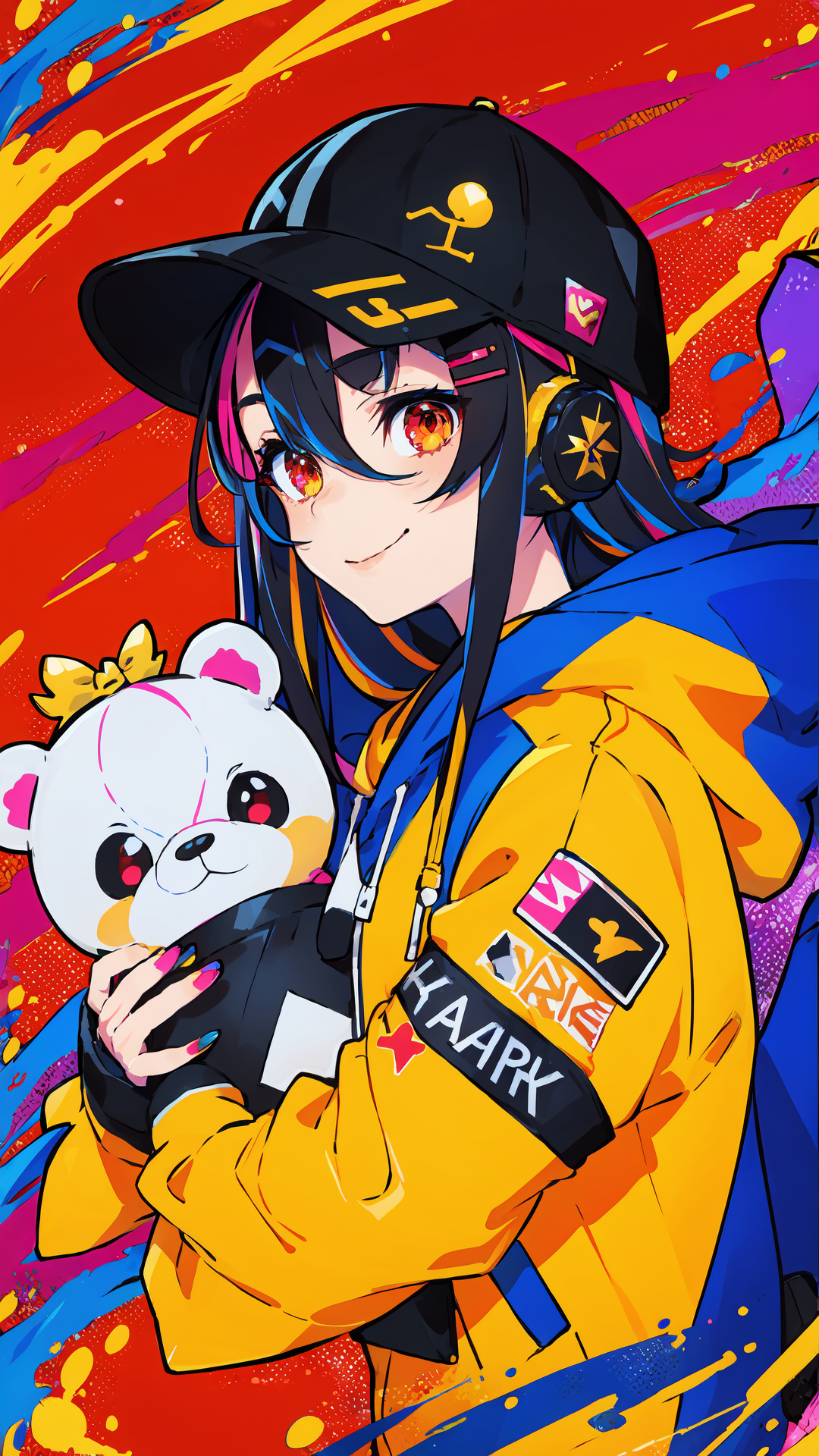
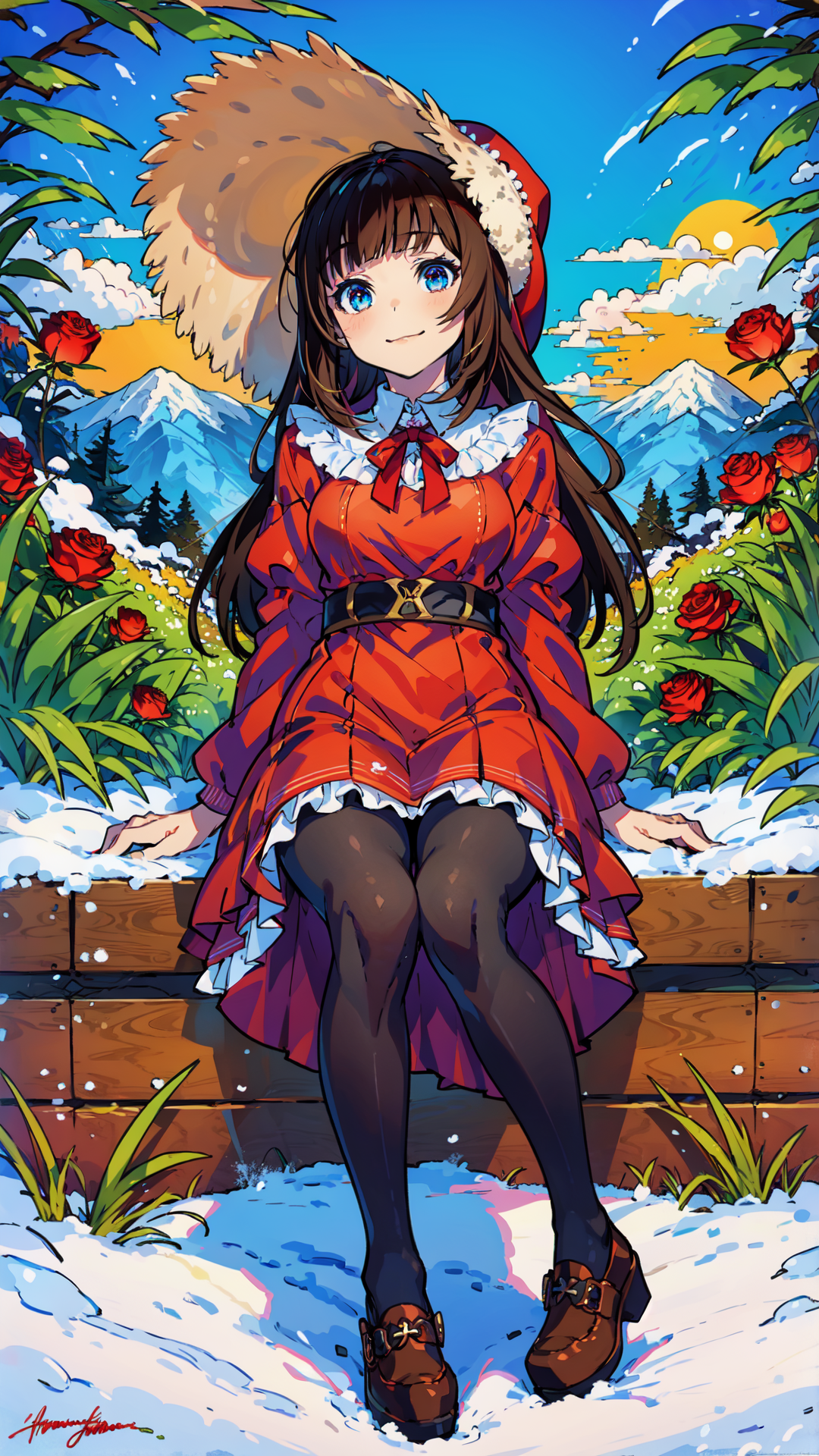
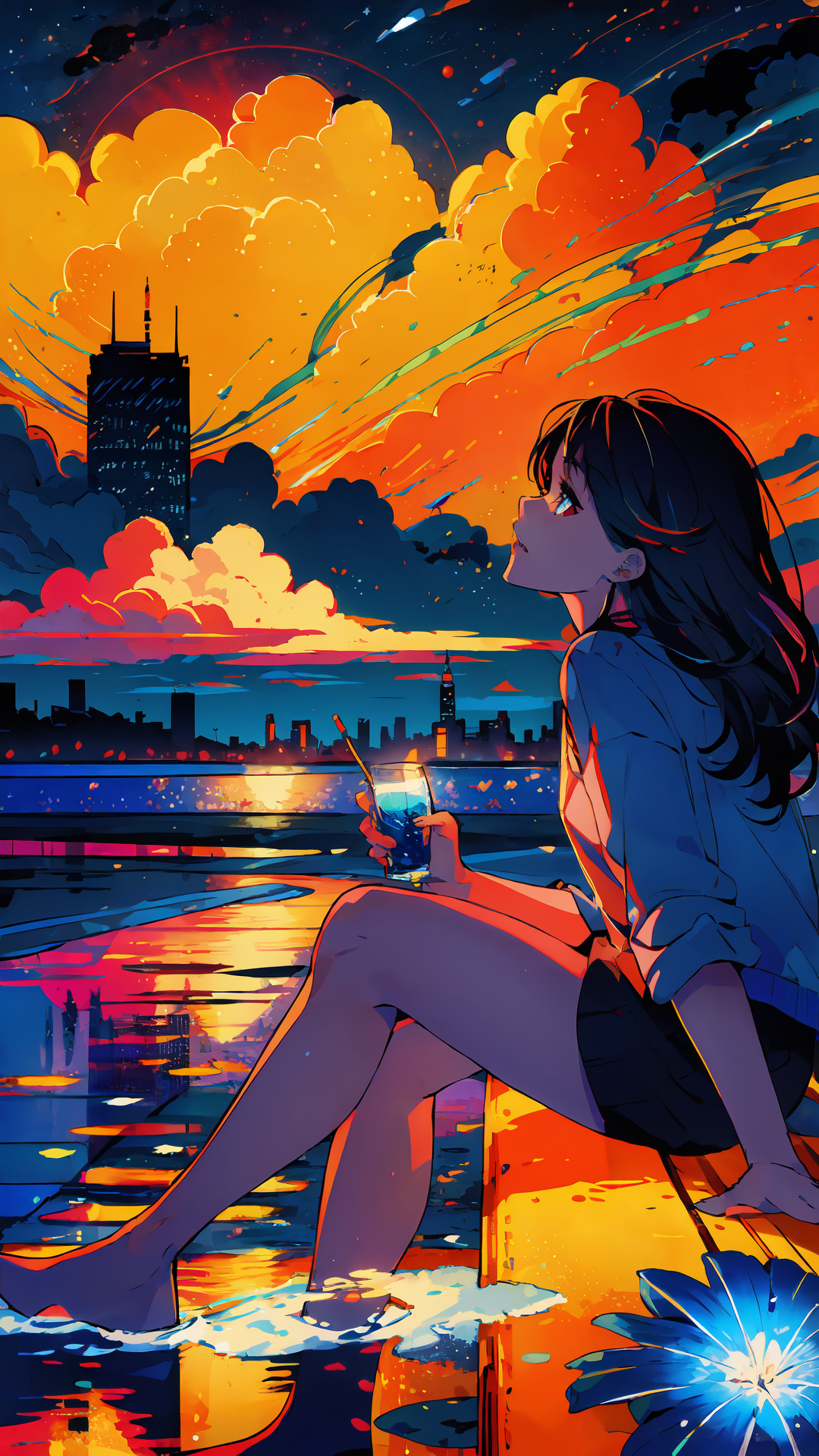
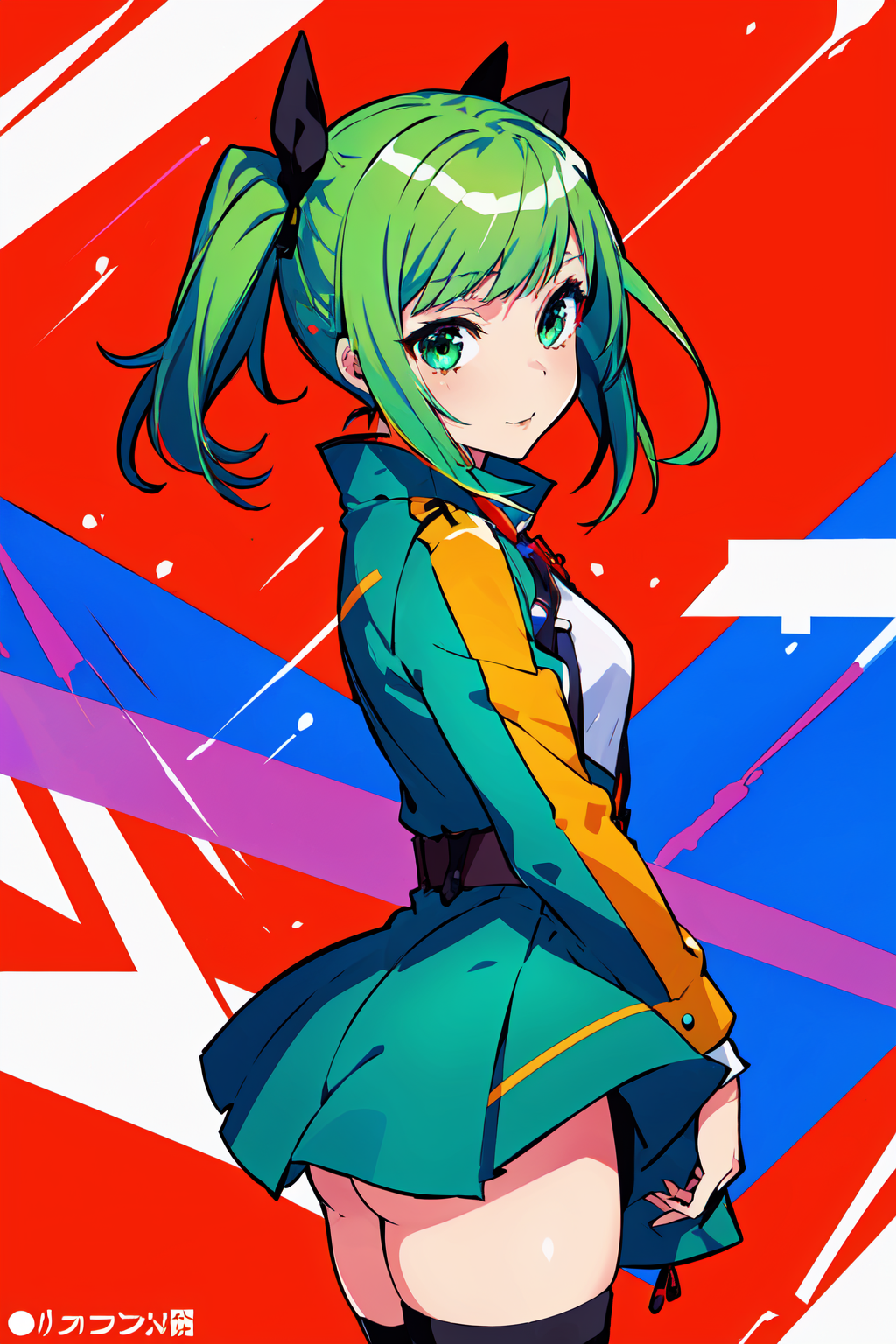
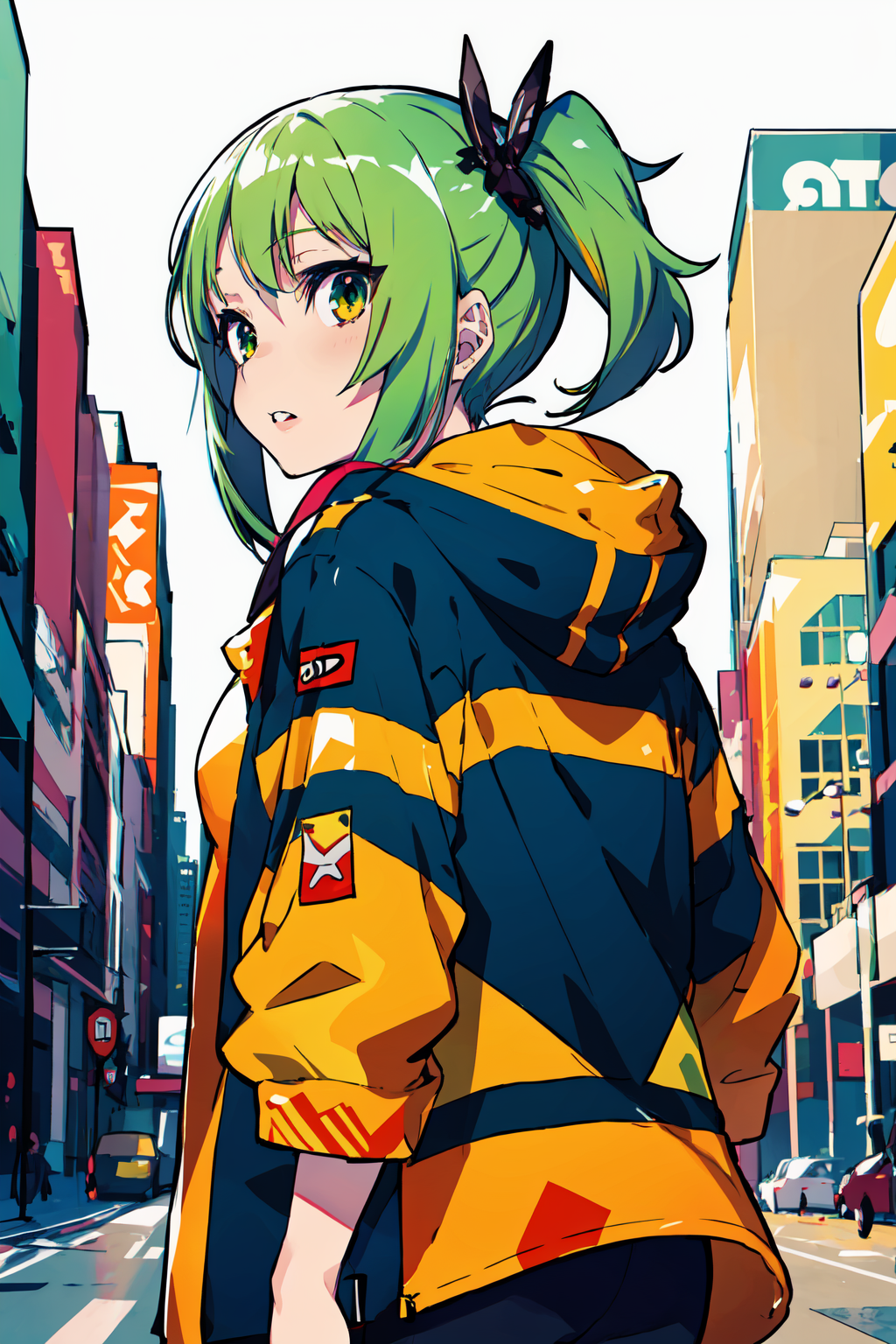
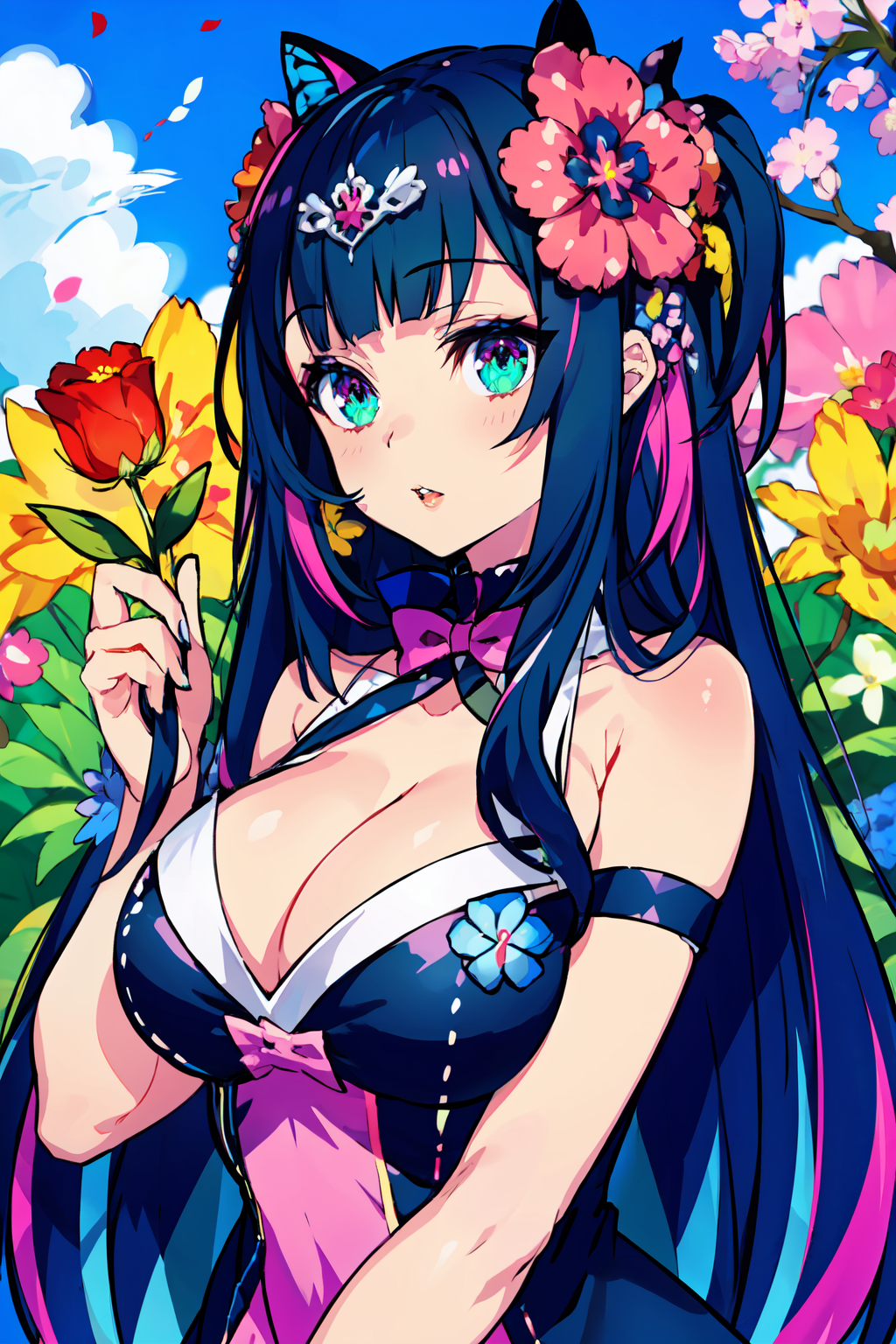
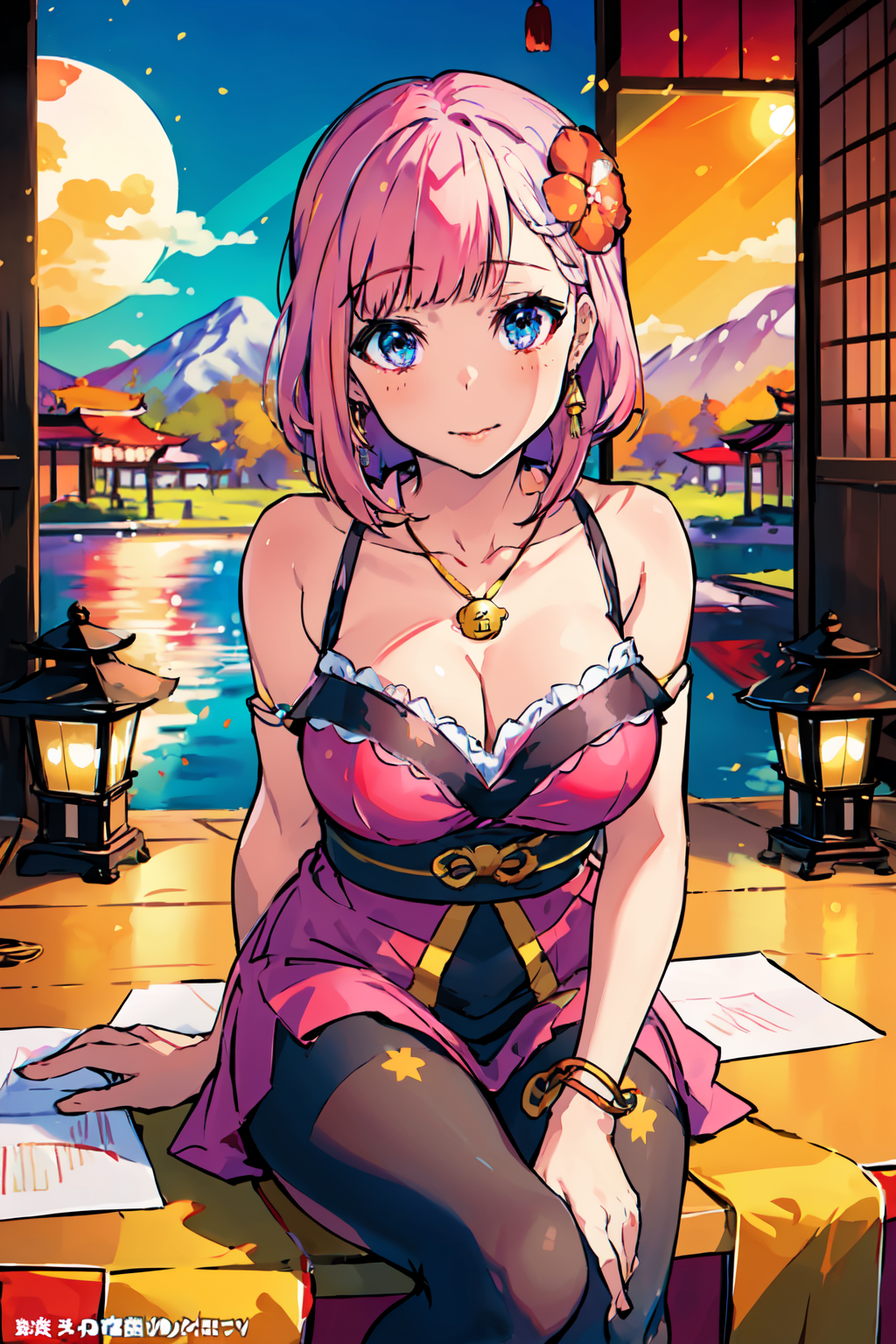
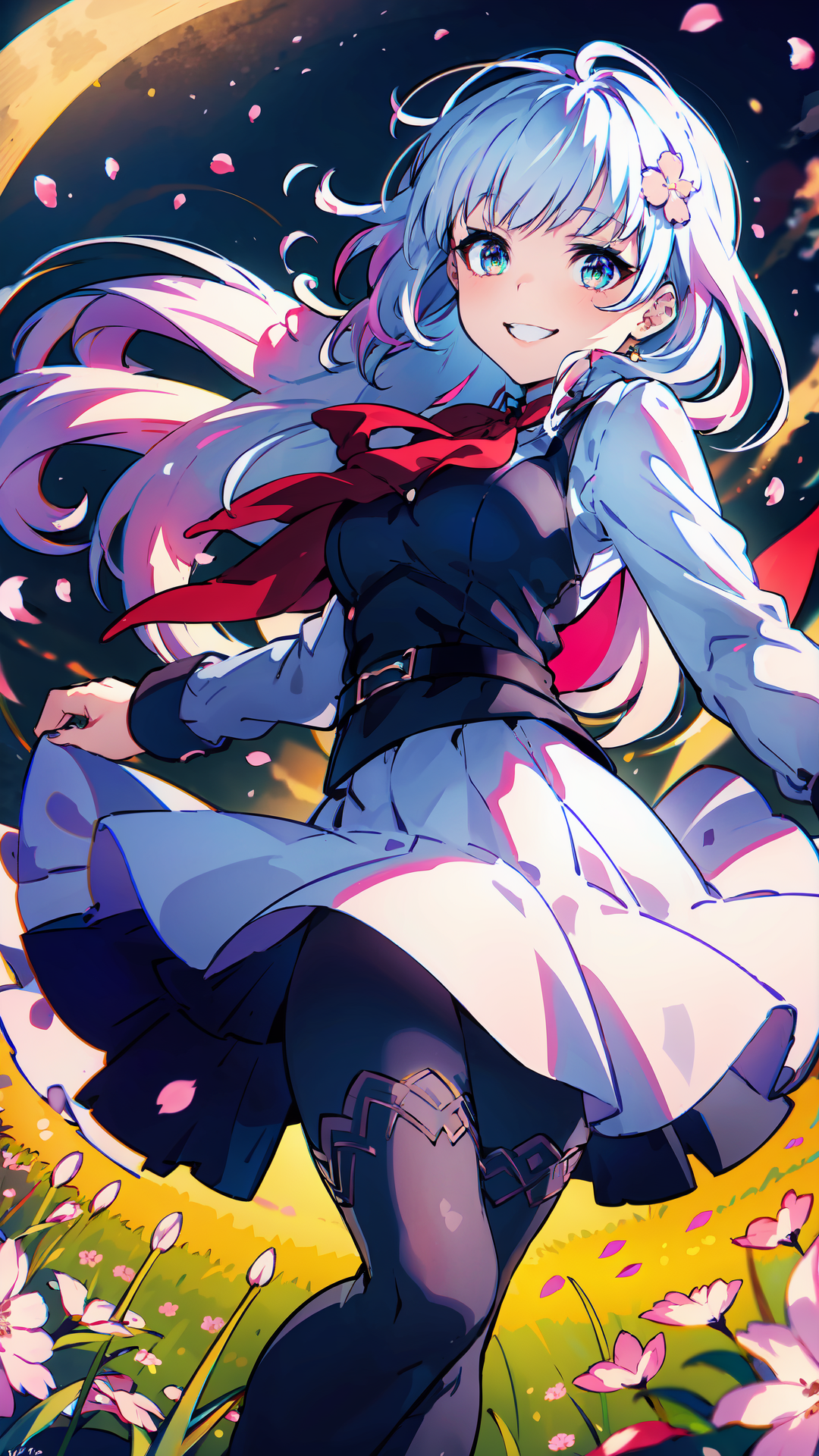
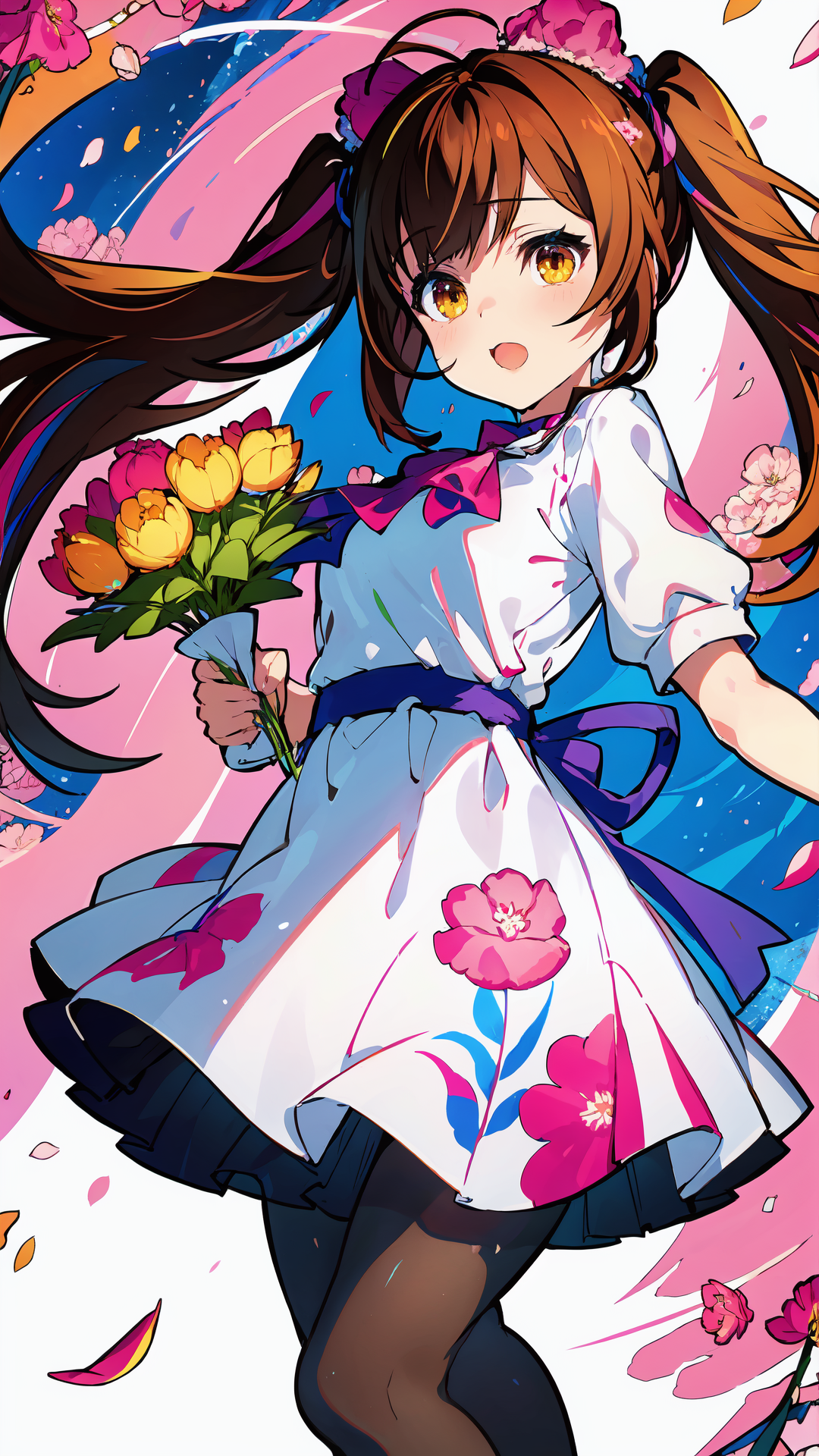
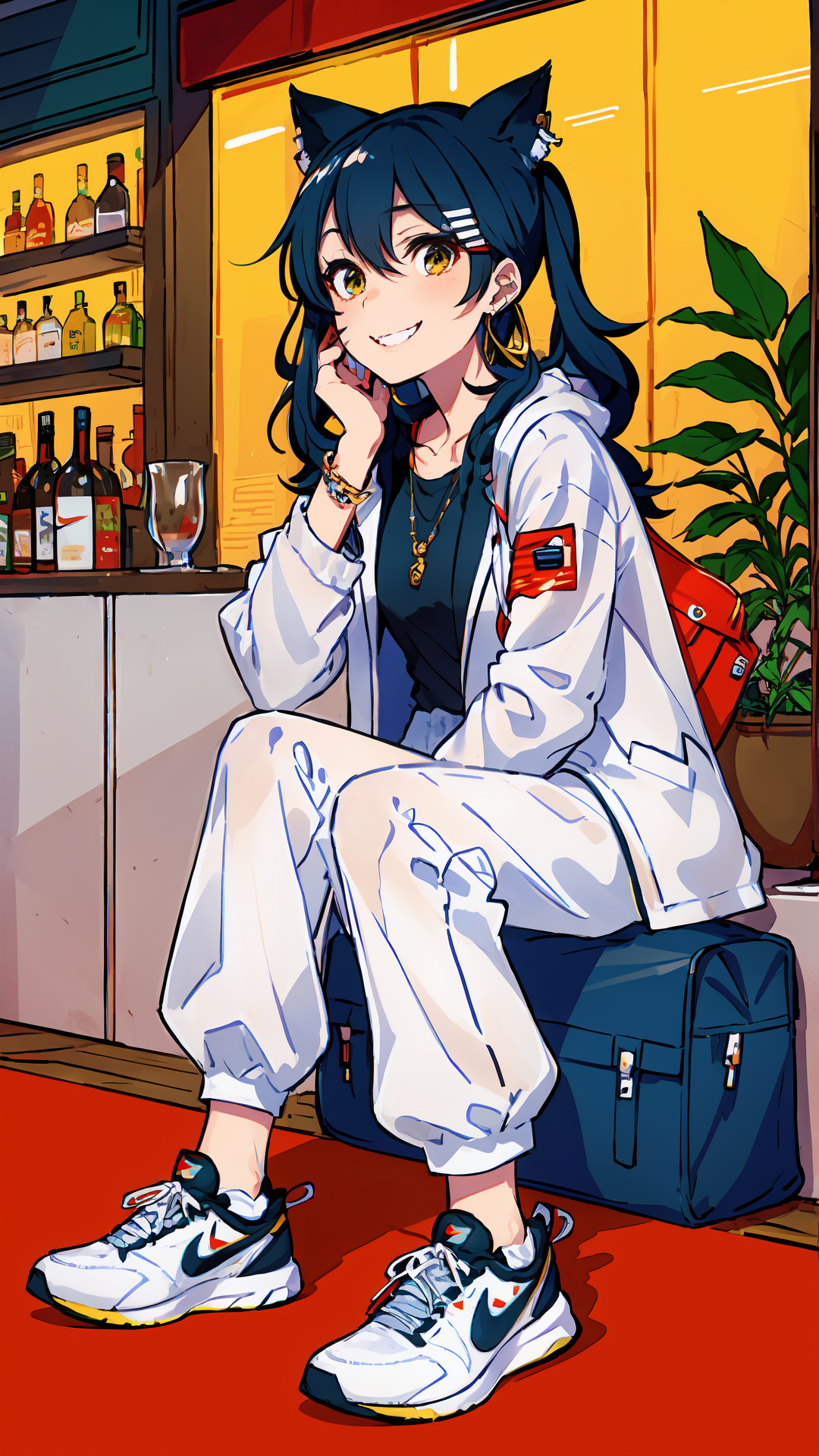
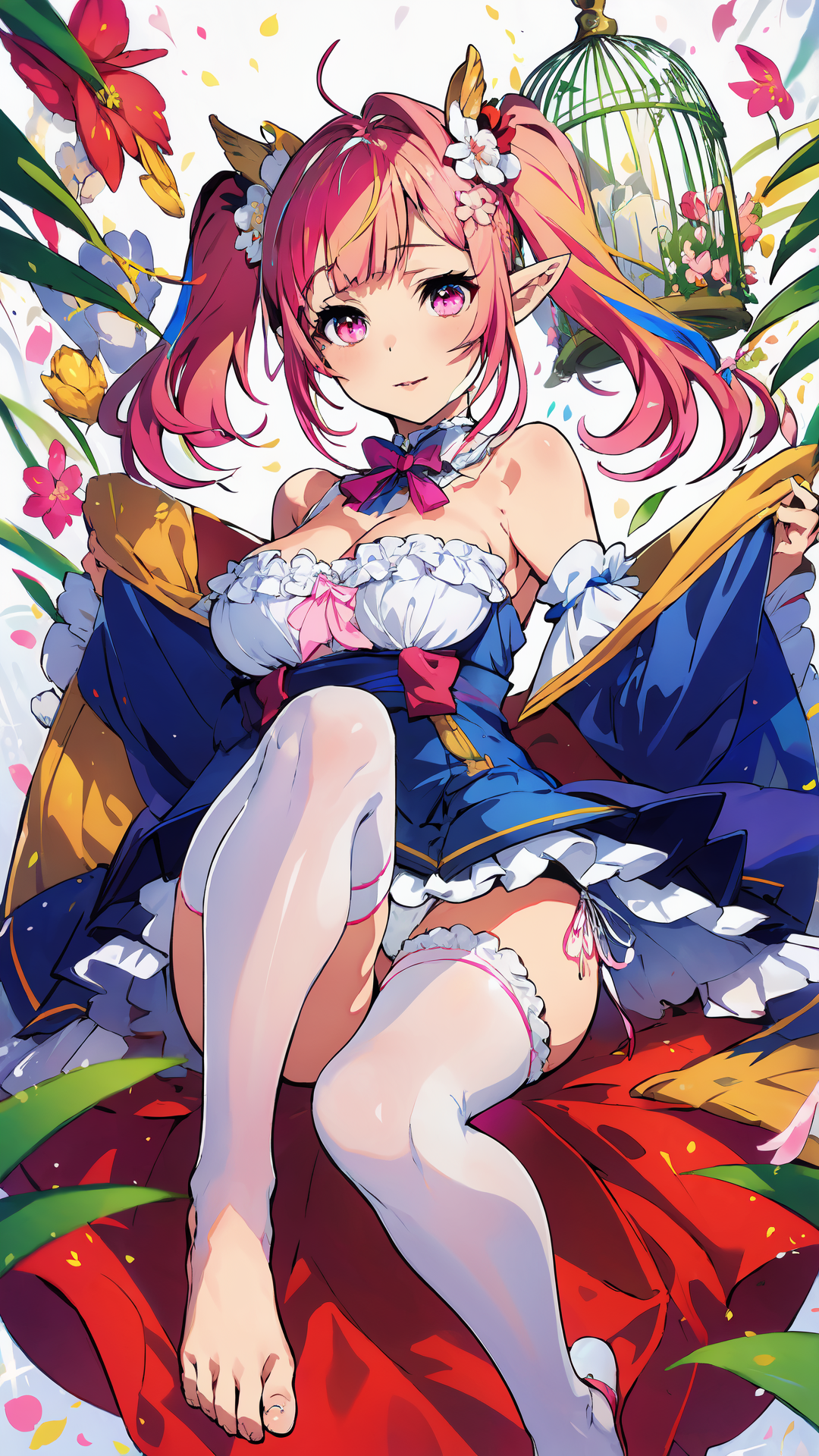
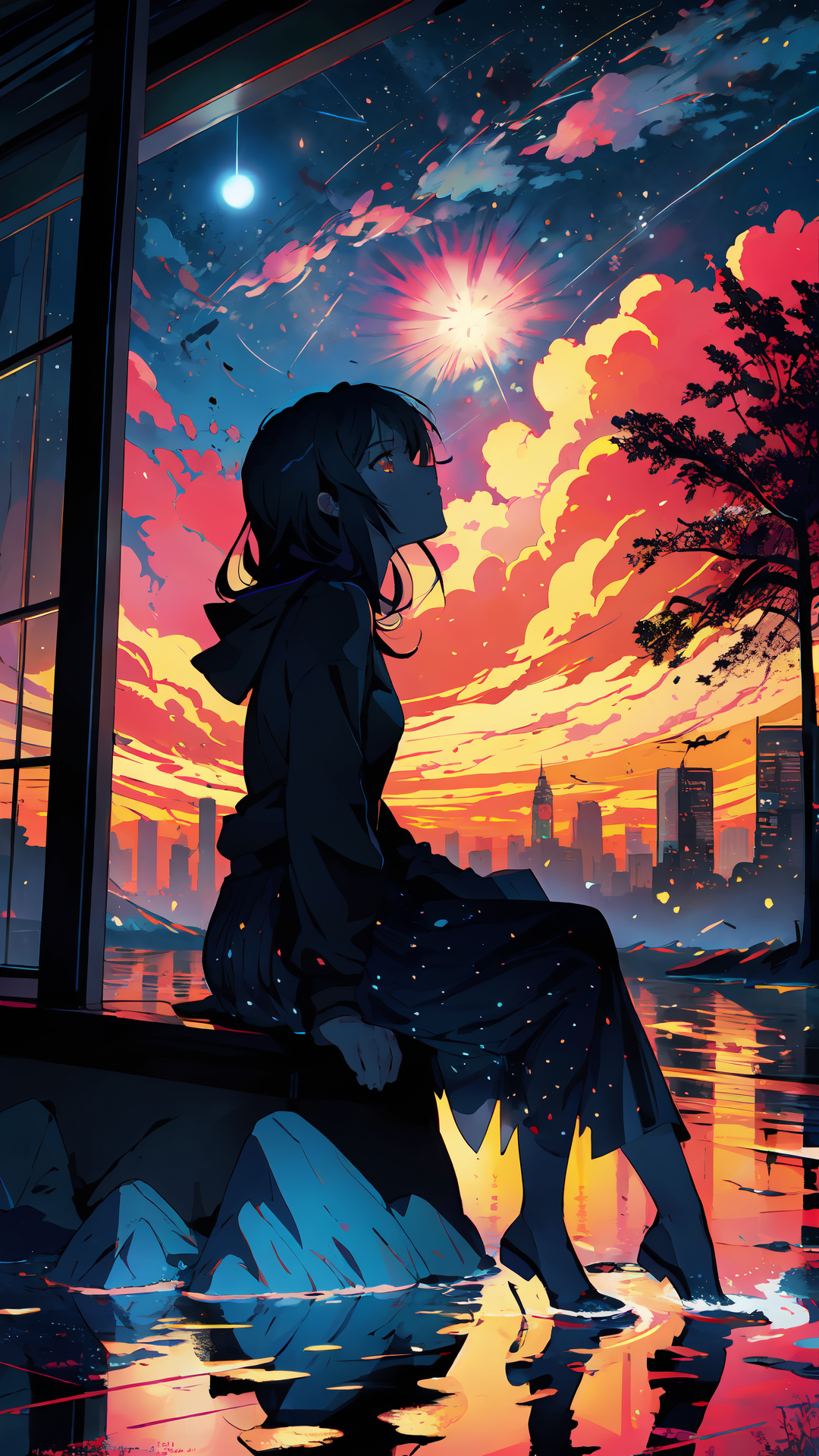
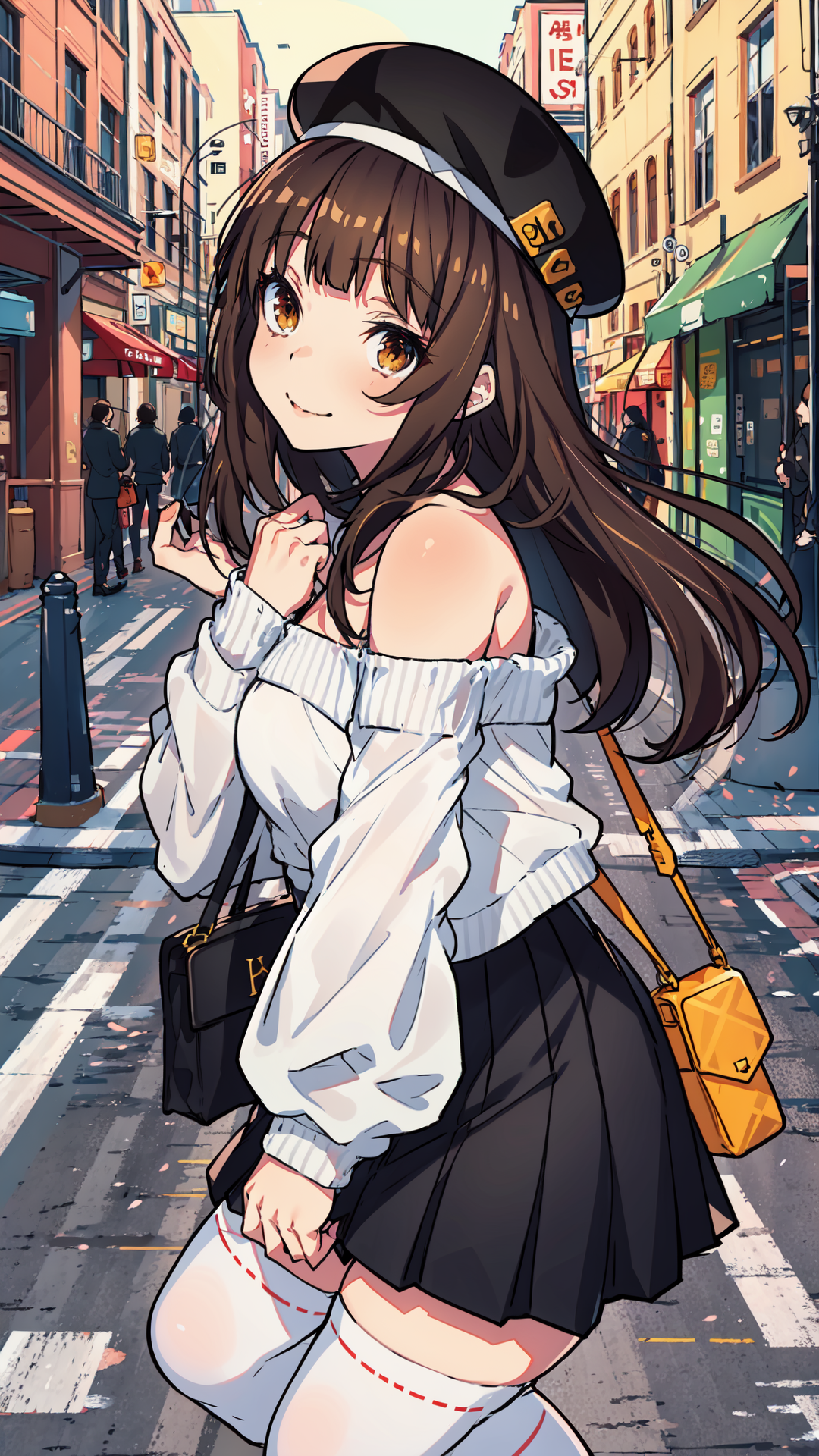
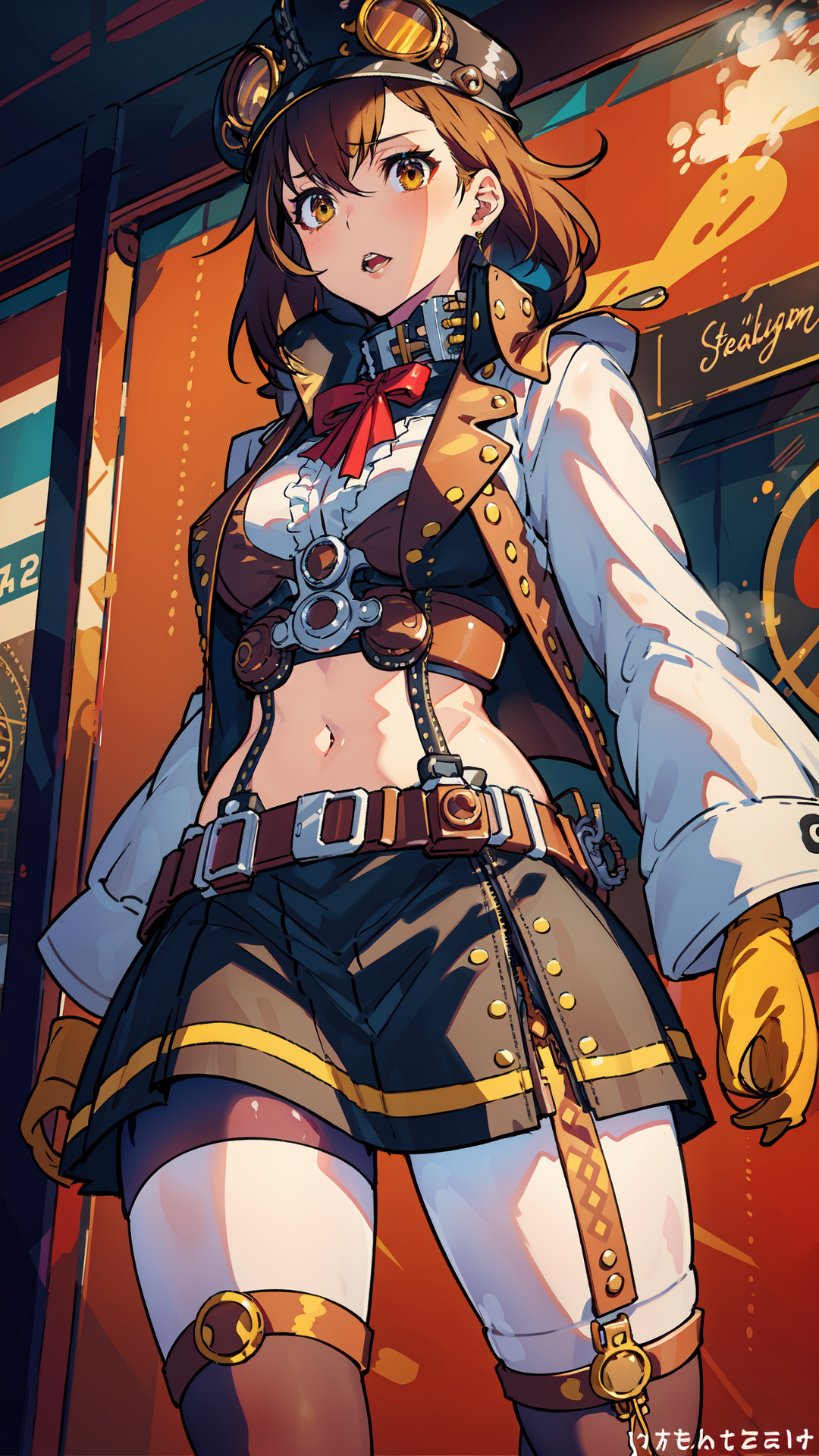
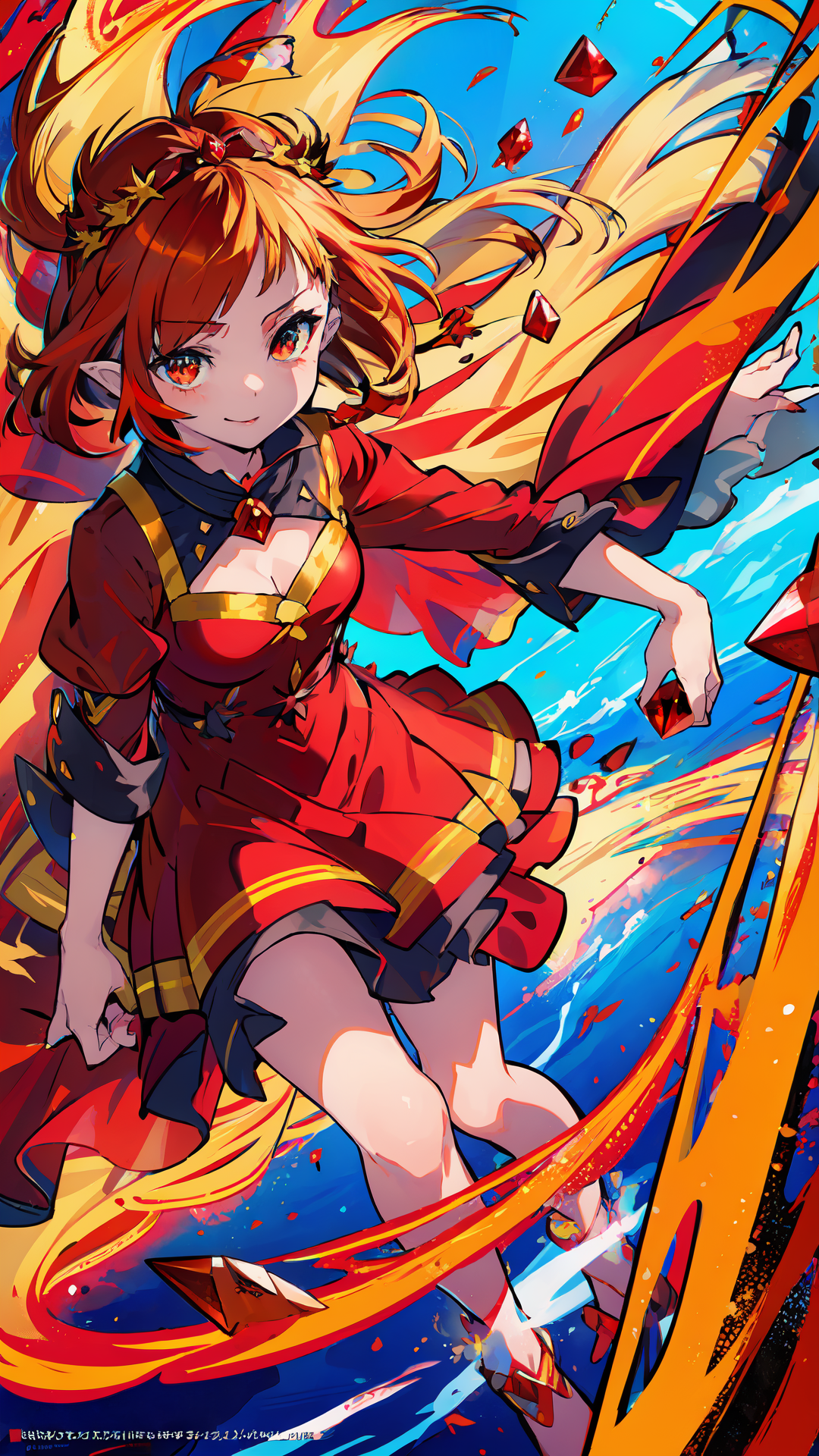
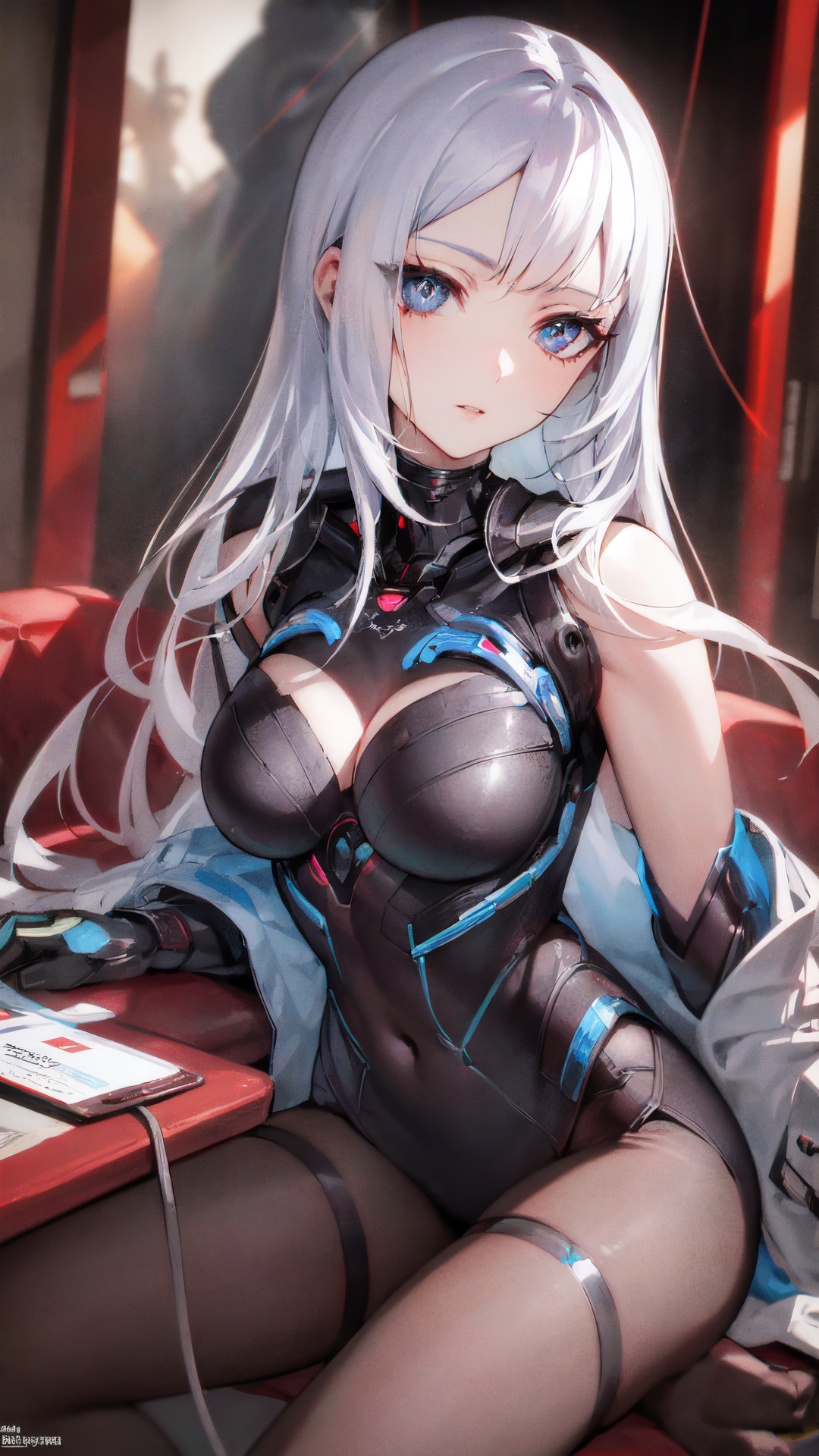
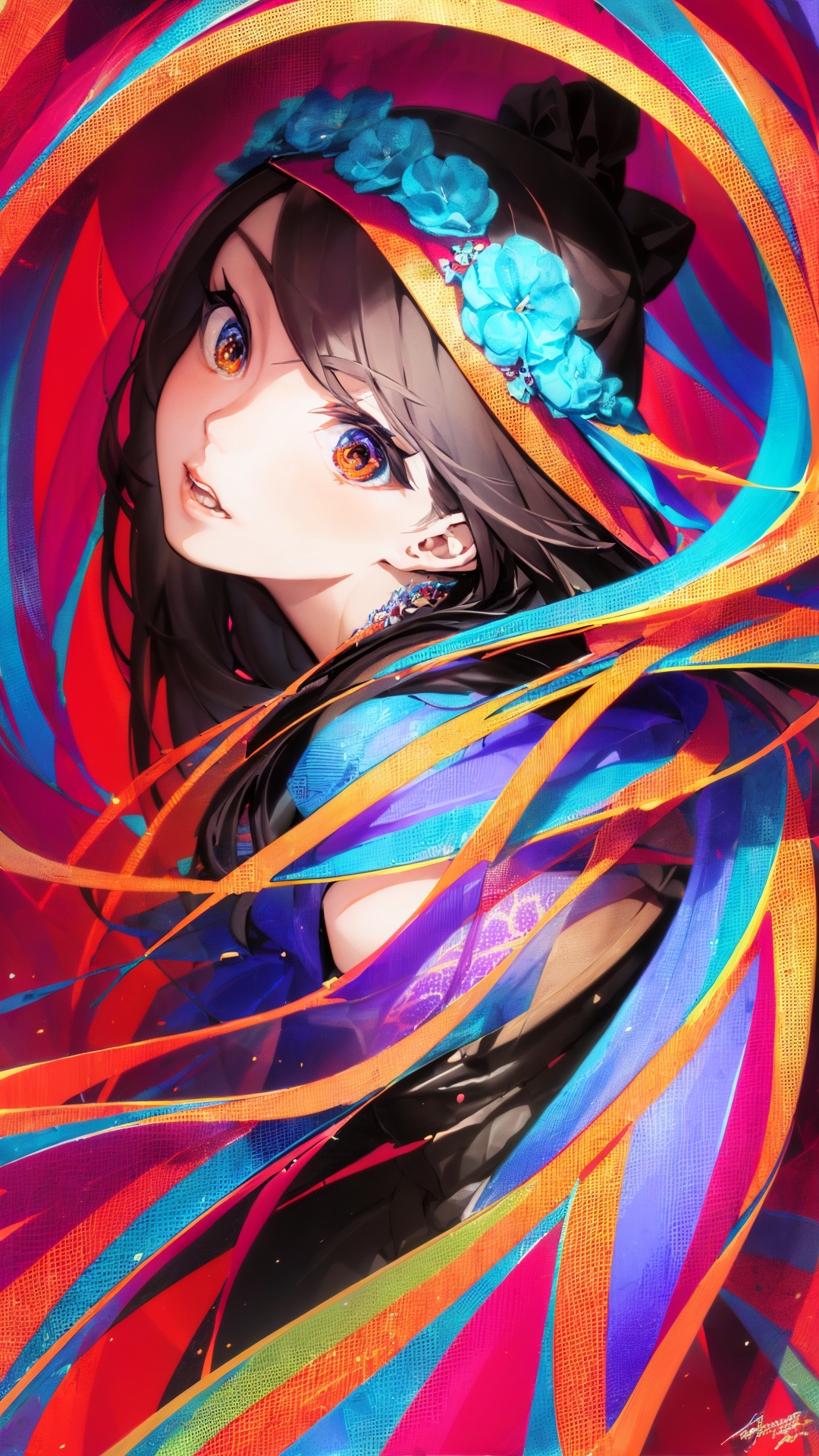
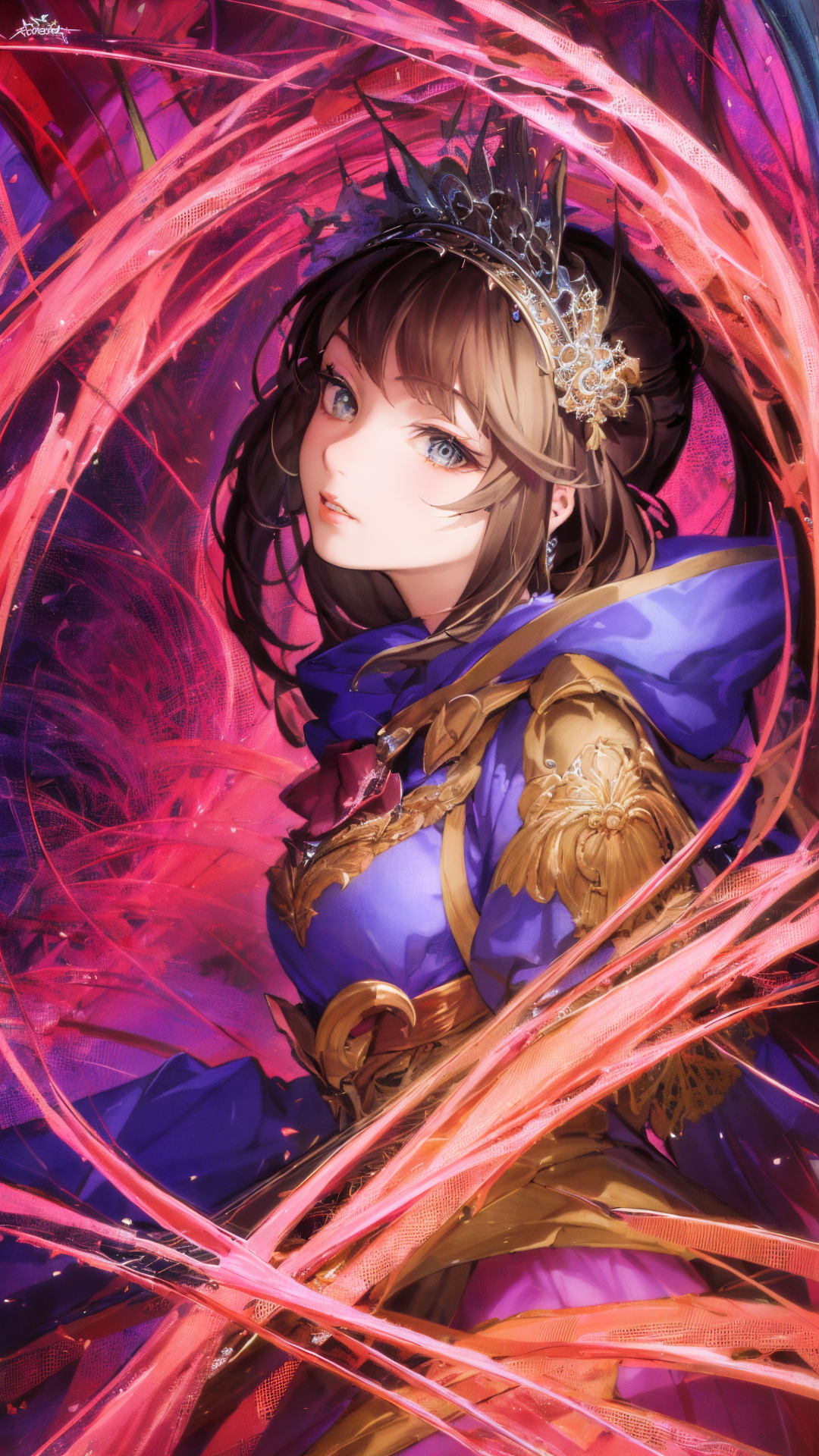
This is a very specialized style LoRA. It makes the overall image color more vivid and can push characters into a unique, colorful visual style. It is easy to adapt to many base models, and the trigger word is simple: col.
Please look at the example images for the exact style direction. In general, this LoRA is useful when you want stronger colors, richer atmosphere, and a more recognizable stylized look without rebuilding the entire prompt from scratch.
- Type: color / style LoRA
- Training data: about 80 images
- Training size: 1024 x 1024
- Base model: SD 1.5
- Trigger word:
col - Recommended weight: 0.1 to 0.9
- Light style mix: keep below 0.45
- Steps: 20 to 50
What this model is good at
- Making the whole image more vibrant and colorful.
- Giving characters a special stylized visual direction.
- Combining with many base models and other LoRAs.
- Adding a small amount of style at low weight without overpowering the image.
- Creating stronger atmosphere for fantasy, fashion, portrait, and illustration scenes.
How to use the weight
The weight range is intentionally wide. From 0.1 to 0.9, the model can be useful in different ways.
- 0.1 to 0.35: light color enhancement, good when you only want a little atmosphere.
- 0.35 to 0.45: stronger color and style, still relatively easy to mix with other LoRAs.
- 0.45 to 0.7: obvious vibrant-color style, better for illustration or stylized portrait work.
- 0.7 to 0.9: strong style influence. Use this when the LoRA itself should dominate the image.
If you only want to add a small amount of elements, I recommend keeping the weight below 0.45. This LoRA can combine well with other LoRAs, including my own face model and other style models.
Recommended settings
- Make sure the LoRA is loaded correctly.
- Trigger word:
col. - Steps: 20 to 50.
- Face restoration is not recommended.
- High-res fix is recommended.
- Denoising strength for anime / illustration: around 0.25 to 0.55.
- Denoising strength for realistic / 2.5D: around 0.2 to 0.4.
- CFG-related fixes should be decided according to your actual result.
Prompt keywords
Main trigger:
col
Useful style words:
vibrant colorscolorfulrich colorshigh saturationfantasy color palettestylized portraitdramatic lightingcinematic color gradingcolorful atmosphere
If the image becomes too colorful, lower the LoRA weight before adding many negative prompts. If the style is too weak, increase the weight gradually or add clearer color words.
Model compatibility
This LoRA adapts well to many base models. The exact result depends on the base model style: anime models may accept a stronger redraw range, while realistic and 2.5D models usually need a lower redraw range to keep the face and details stable.
I often use it together with other LoRAs and large models I created, such as Tutu's face model and other Tutu style models. It is a flexible color/style enhancer, not a single fixed character or clothing model.
NSFW control
If you do not want NSFW content to appear, add negative prompts such as nsfw, nude, explicit, cleavage, and other content-control words suitable for your workflow. The exact effect depends on your base model and sampler.
FAQ
Why does the image become too saturated?
Lower the LoRA weight first. For a subtle color layer, keep the weight below 0.45.
Why does the face change?
This is a style LoRA, so it can affect characters. Lower the weight, reduce denoising strength, and avoid face restoration if it makes the image unstable.
Why can I not get exactly the same image as the examples?
Different base models, samplers, LoRAs, plugins, and settings will produce different results. Use the examples as a direction and create your own best version.
Responsible use
- You are fully responsible for any creative work made with this model.
- Do not use this model to create or share illegal, harmful, malicious, defamatory, fraudulent, or political content.
- If you use this model commercially, please inform me. Thank you.
中文说明
这是一个非常特异化的 炫彩风格 LoRA。它可以让整体画面颜色更加鲜艳,也会让人物变成一种比较独特的风格。它和很多大模型都比较容易适配,触发词很简单:col。
具体风格请参考例图。大体来说,如果你想要更强的色彩、更丰富的氛围、更有识别度的风格化画面,但又不想从零重写整套提示词,这个 LoRA 就比较适合。
- 类型:色彩 / 风格 LoRA
- 训练素材:约 80 张图片
- 训练尺寸:1024 x 1024
- 基础模型:SD 1.5
- 触发词:
col - 推荐权重:0.1 到 0.9
- 轻量混合:建议 0.45 以下
- 迭代步数:20 到 50
这个模型适合什么
- 让整体画面更鲜艳、更有色彩冲击力。
- 让人物呈现更独特的风格化效果。
- 和不同大模型、不同 LoRA 组合使用。
- 低权重时作为轻量色彩增强,不强行覆盖原图。
- 适合幻想、时装、人像、插画等需要氛围色彩的场景。
权重怎么用
这个 LoRA 的权重范围比较宽,0.1 到 0.9 都可以根据需求使用。
- 0.1 到 0.35:轻微增加色彩和氛围。
- 0.35 到 0.45:颜色和风格更明显,但仍然适合叠加其他 LoRA。
- 0.45 到 0.7:炫彩风格比较明显,适合插画和风格化人像。
- 0.7 到 0.9:风格影响很强,适合让这个 LoRA 主导画面。
如果只是想添加少量元素,建议保持在 0.45 以下。它可以比较好地和其他 LoRA 结合,比如图图脸模、图图其他风格模型等。
推荐参数
- 确保正确加载 LoRA。
- 触发词:
col。 - 迭代步数:20 到 50。
- 不建议打开面部修复。
- 建议打开高分辨率修复。
- 二次元 / 插画重绘幅度可以相对高一点:0.25 到 0.55。
- 写实 / 2.5D 重绘幅度建议低一点:0.2 到 0.4。
- CFG 修复根据实际出图情况判断。
出图关键词
主触发词:
col
vibrant colorscolorfulrich colorshigh saturationfantasy color palettestylized portraitdramatic lightingcinematic color gradingcolorful atmosphere
如果画面太艳,先降低 LoRA 权重,不要一开始就堆很多负面词。如果风格不够明显,再逐步提高权重,或者补充更明确的色彩词。
模型适配
这个 LoRA 和多种大模型都能适配。具体效果取决于底模本身:二次元模型可以接受相对更高的重绘幅度,写实和 2.5D 通常需要更低的重绘幅度,以免脸和细节不稳定。
我经常会把它和自己制作的其他 LoRA、大模型一起用,比如图图脸模、图图的其他风格模型等。它是一个灵活的色彩 / 风格增强器,不是固定角色,也不是固定服装模型。
NSFW 控制
如果不希望出现 NSFW 内容,可以在负面提示词里加入 nsfw、nude、explicit、cleavage 等适合自己工作流的控制词。实际效果取决于底模和采样器。
常见问题
为什么画面太艳?
先降低 LoRA 权重。如果只想轻微增加色彩,建议保持在 0.45 以下。
为什么脸变了?
这是风格 LoRA,会对人物产生影响。可以降低权重、降低重绘幅度,并避免开启会让画面不稳定的面部修复。
为什么我出不了和例图一样的图片?
每个人使用的底模、采样器、LoRA、插件和参数都不一样,请把例图当作方向,不要强求完全一致。
声明
- 你需要对使用本模型生成的任何作品承担全部责任。
- 不要使用本模型制作或传播非法、有害、恶意、诽谤、诈骗或政治用途内容。
- 如果将本模型用于商业用途或定制合作,请提前联系我,谢谢。
日本語説明
これは Tutu's Vibrant Colors という色彩 / スタイル LoRA です。画像全体の色を鮮やかにし、キャラクターを独特なスタイルに寄せることができます。
- Trigger:
col - Weight: 0.1 to 0.9
- Light mix: below 0.45
- Steps: 20 to 50
- High-res fix: recommended
- Face restoration: not recommended
少しだけ色を足したい場合は 0.45 以下がおすすめです。強いスタイルを出したい場合は徐々にウェイトを上げてください。アニメ系では denoising を少し高めに、リアル / 2.5D では低めにすると安定しやすいです。