Mudskulpt_SD1.5


Details
Download Files (1)
About this version
Model description
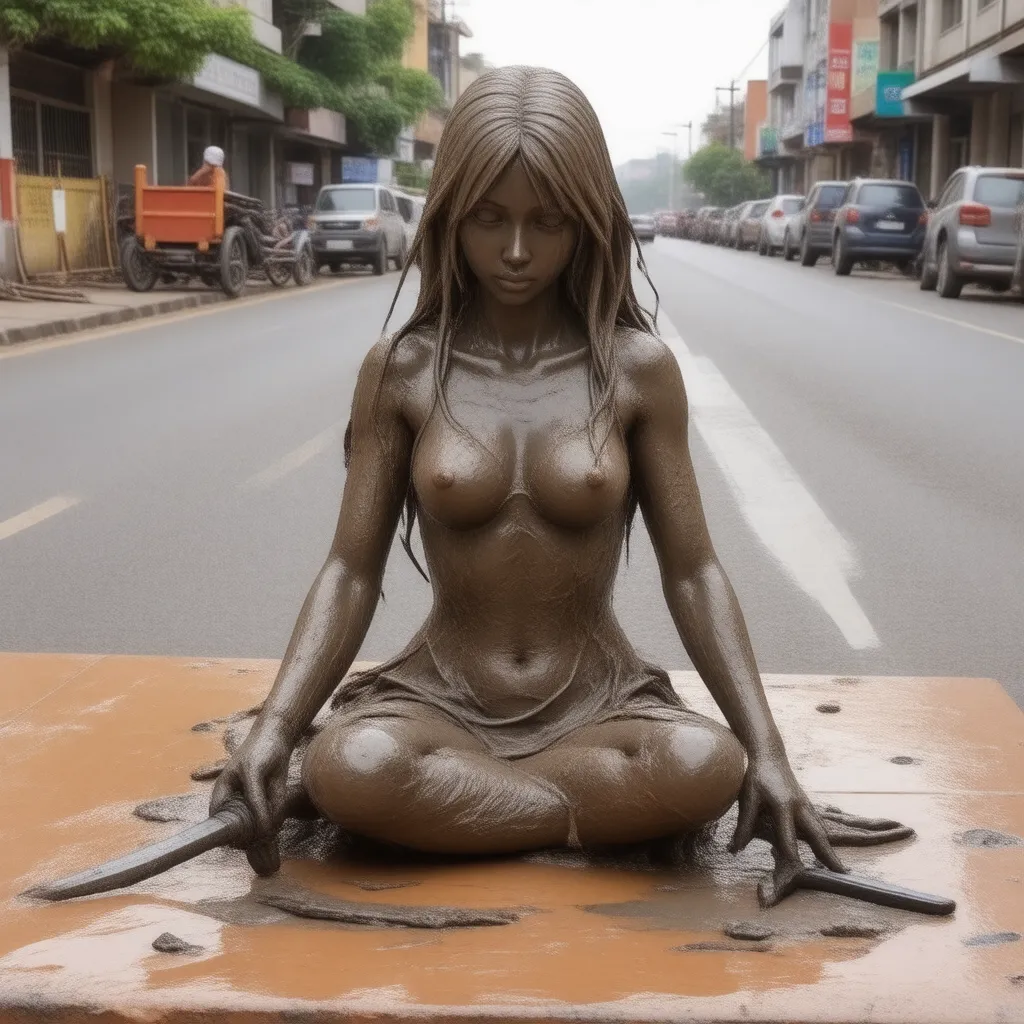
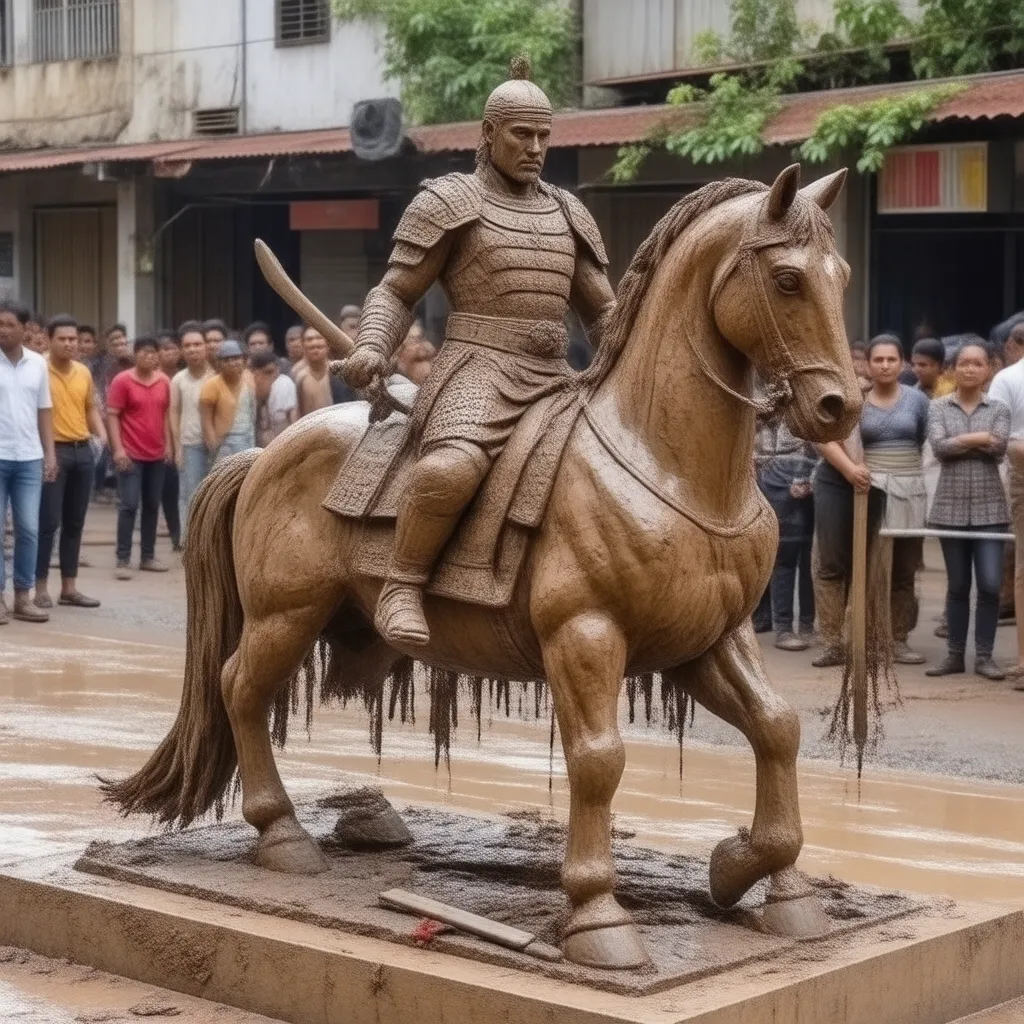
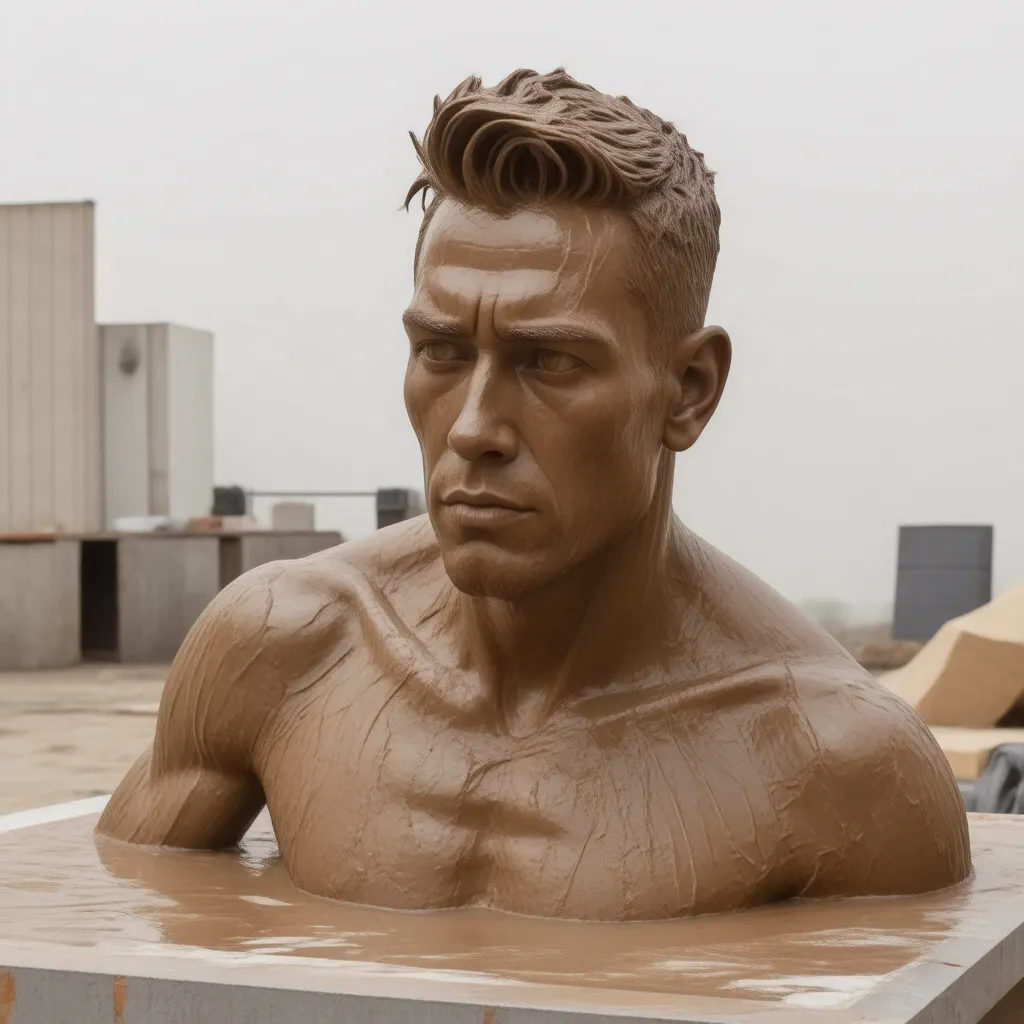
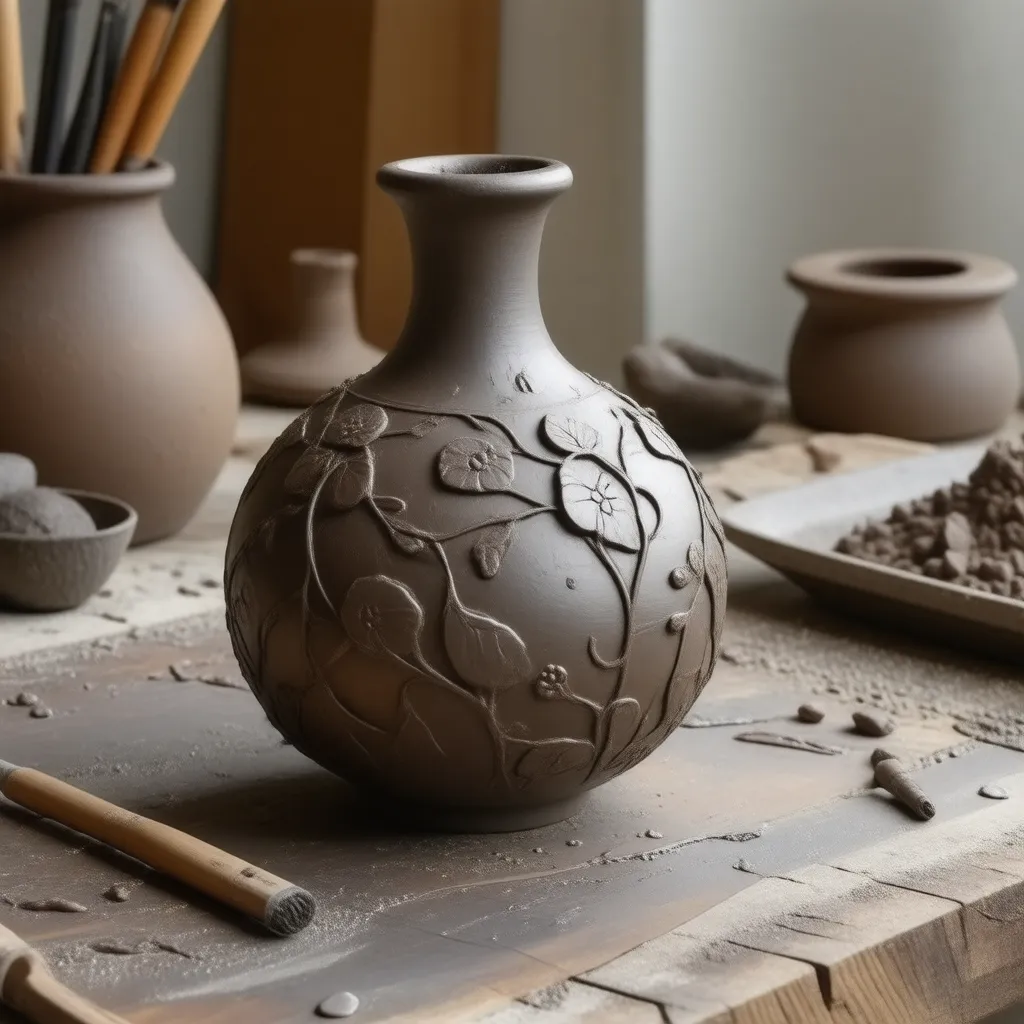
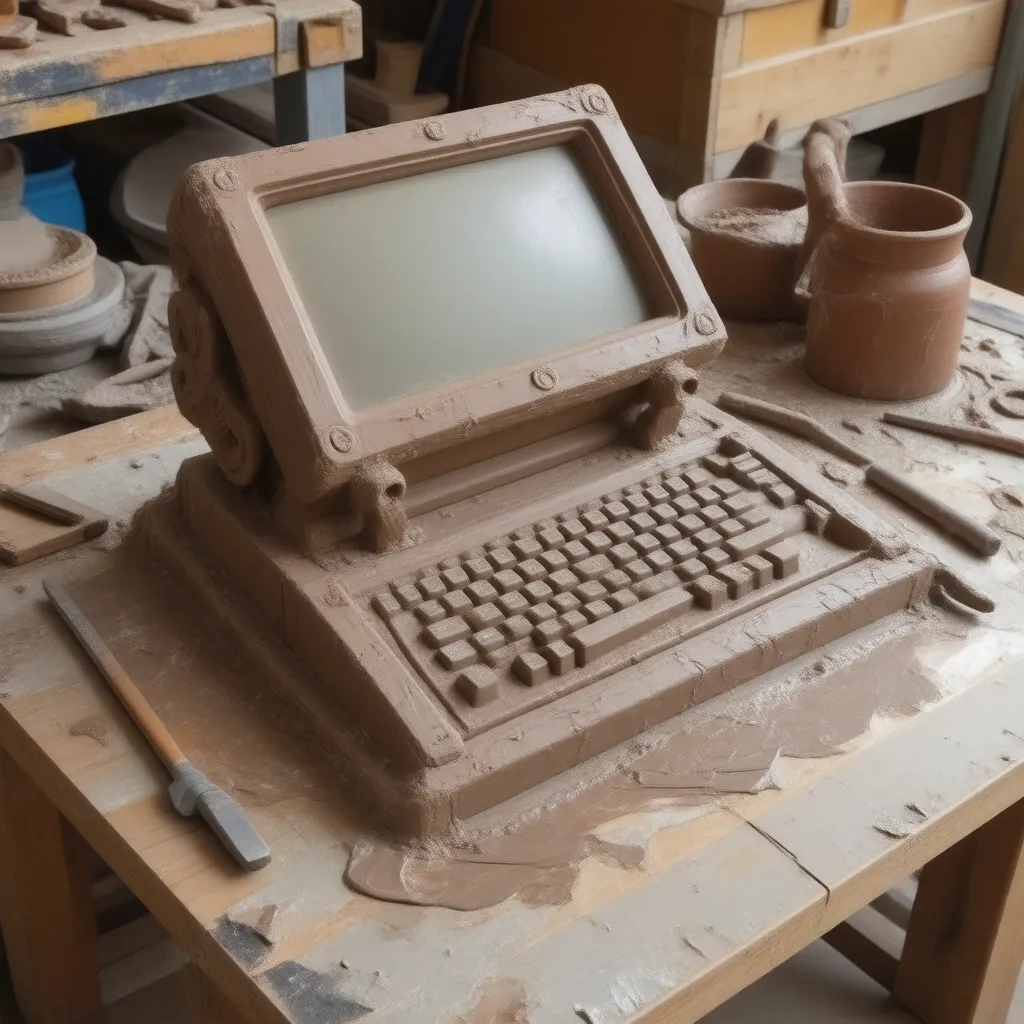
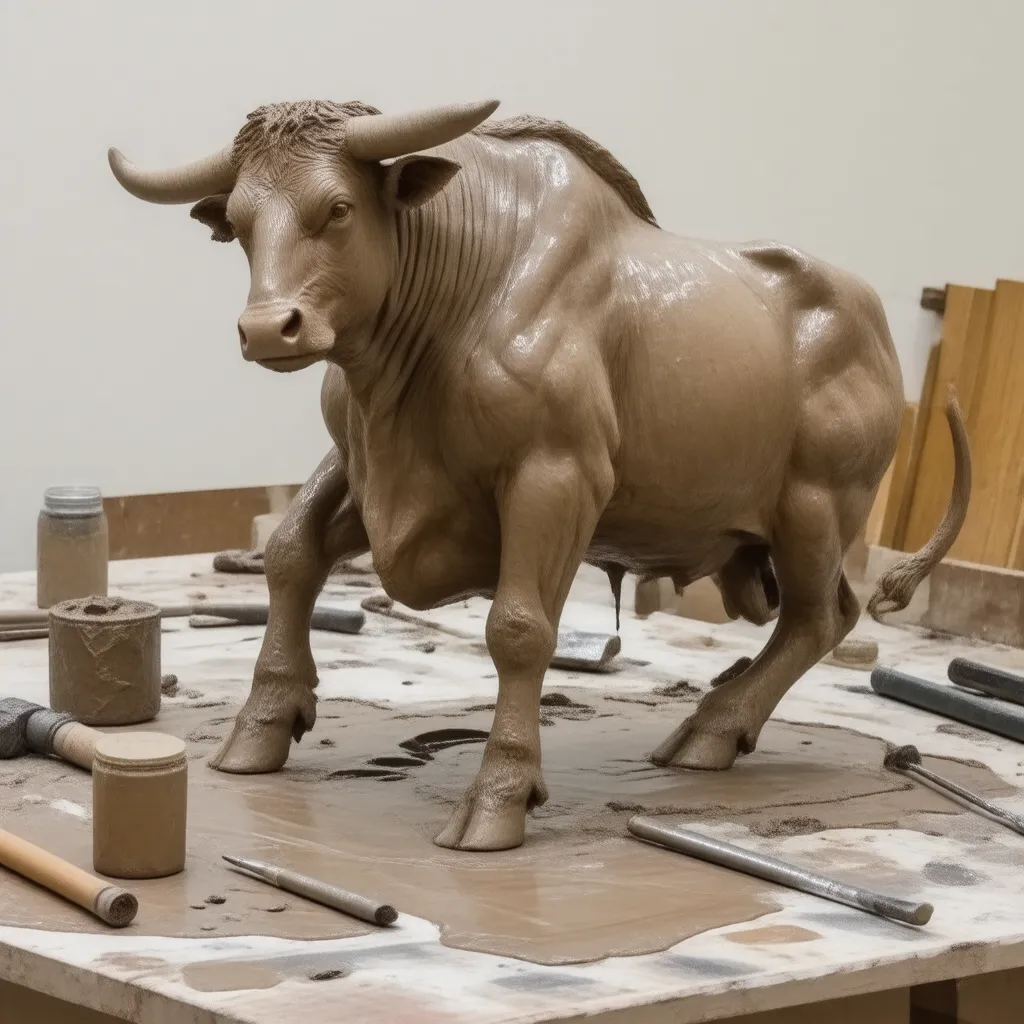
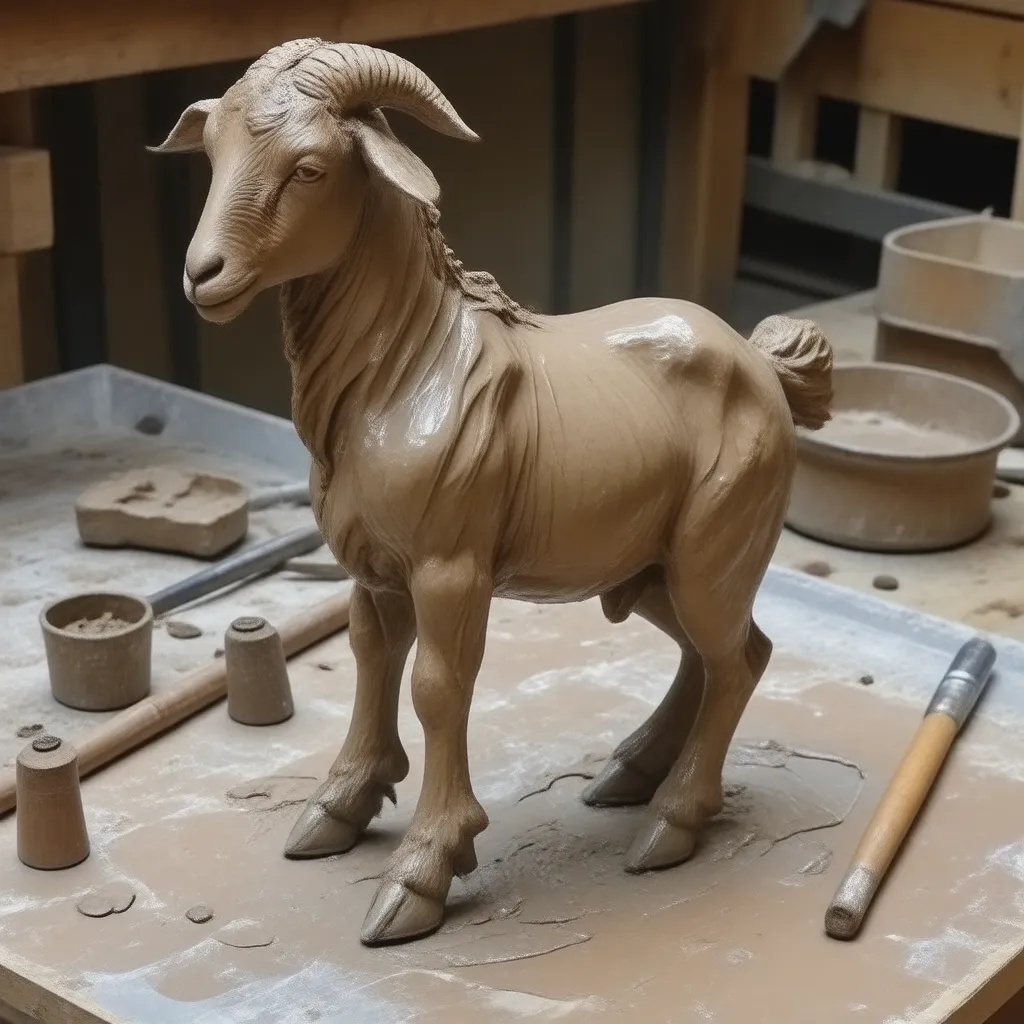
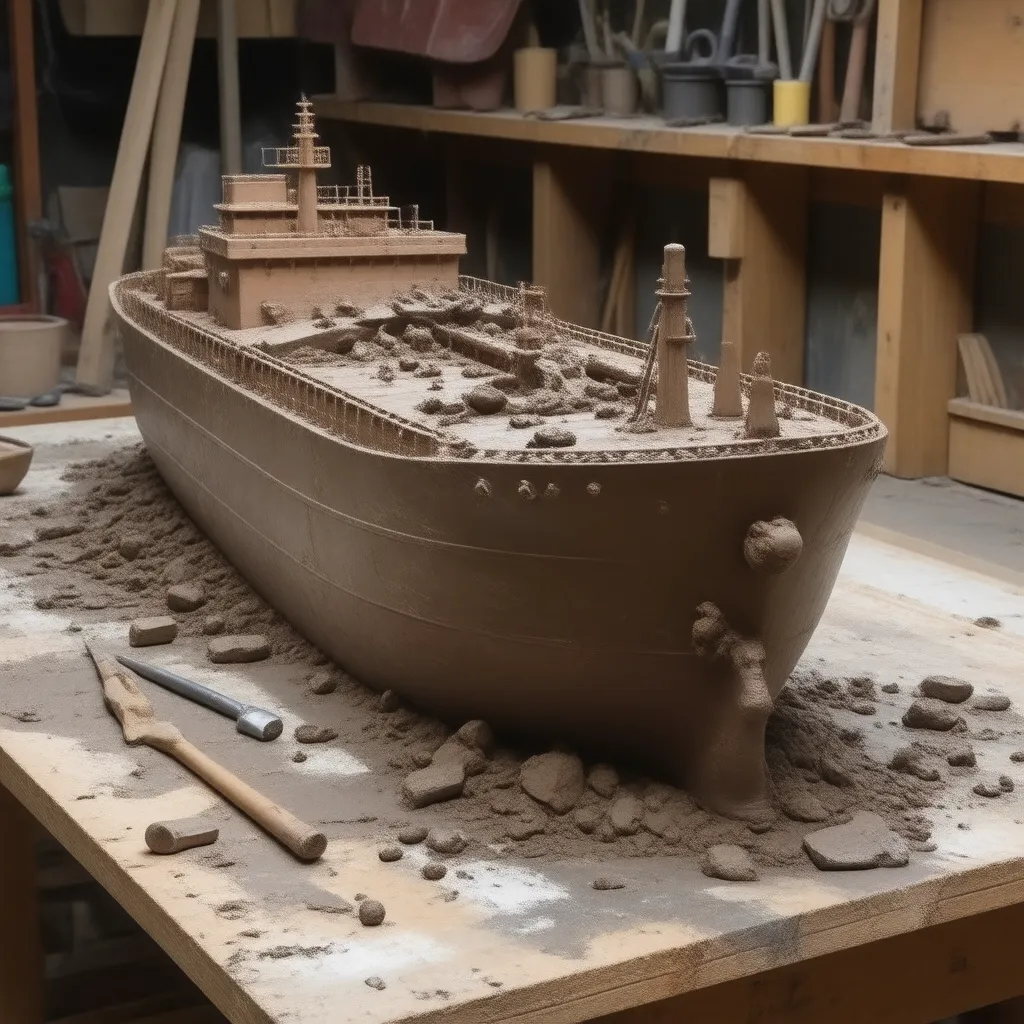
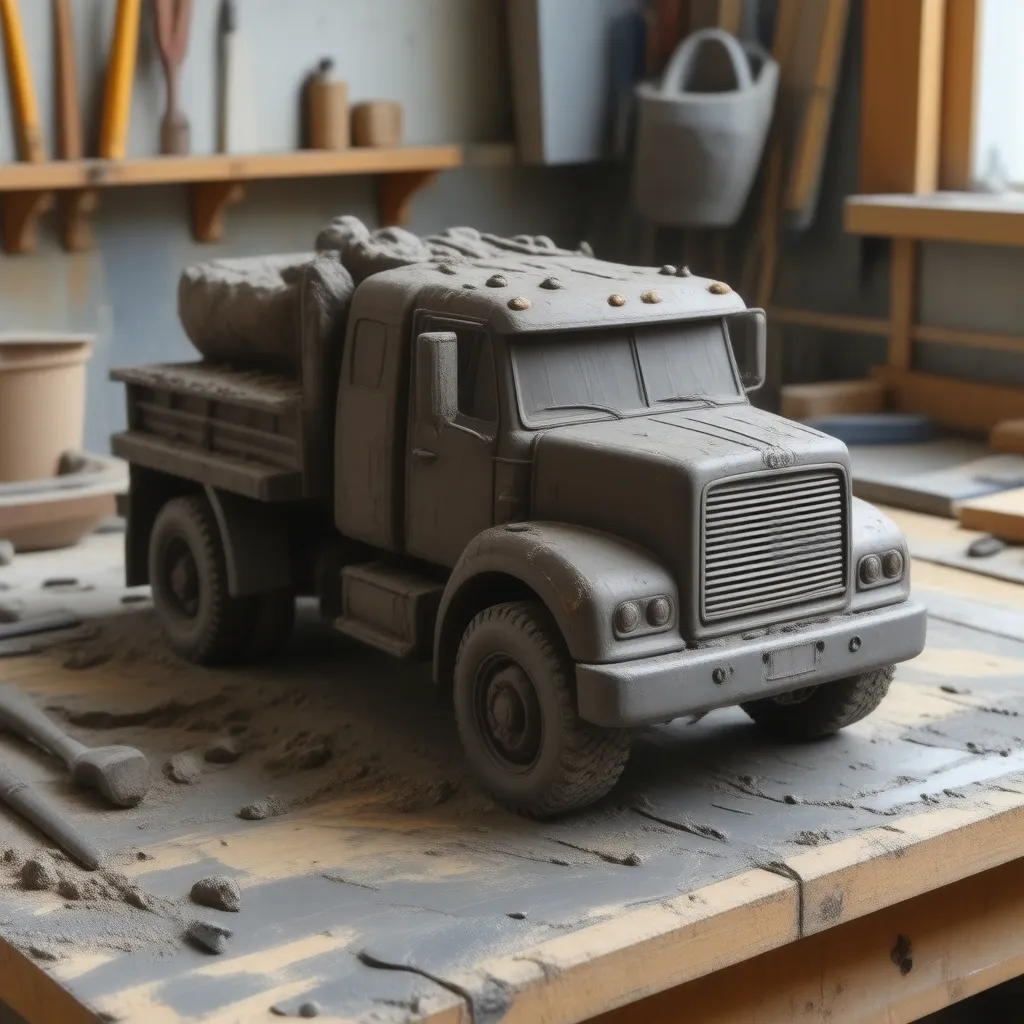
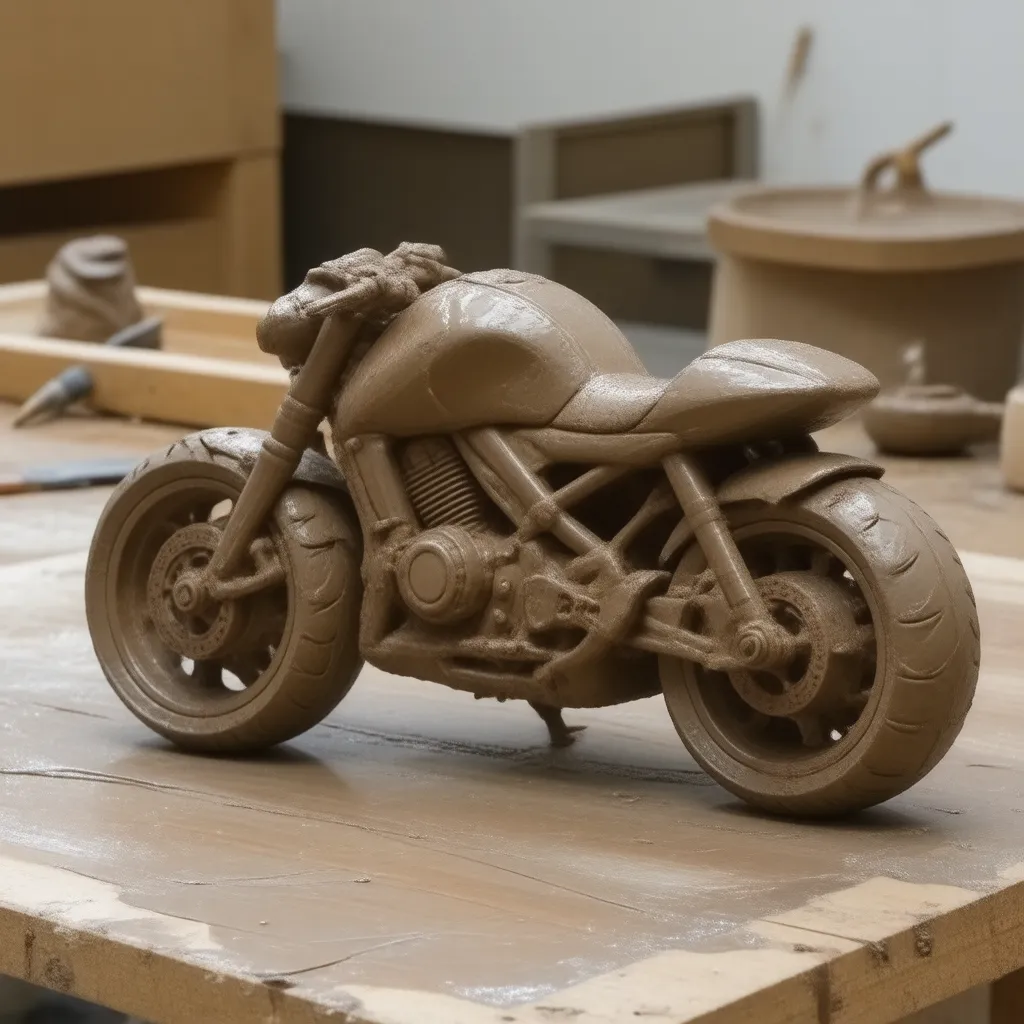
When creating a LoRA (Low-Rank Adaptation) model for generating images of mud-made structures and objects, it's crucial to define common tags and a trigger word that helps the AI associate these concepts. Additionally, selecting a suitable base model is key to achieving high-quality results. Below are the recommended steps and advice:
Trigger Word
Choose a unique and descriptive trigger word that will act as a keyword to invoke this specific style in generated images. For example:
Trigger Word:
mudsculpt
Include this word in every training sample's caption to associate it with the style of wet mud-made objects and sculptures.
Base Model Recommendation
To achieve high-quality results, select a base model that excels in handling detailed textures, materials, and natural lighting. The following models are recommended:
Stable Diffusion 1.5 or 2.1:
These versions of Stable Diffusion are well-suited for detailed text-to-image tasks.
Pros: High fidelity in rendering textures, good adaptability for materials like mud and clay.
Use with custom training for best results.
Dreamlike Photoreal 2.0:
Best for photorealistic outputs.
Pros: Excellent for natural textures and lighting effects, ideal for glossy wet surfaces.
Anything V5/V4:
Optimized for art styles with strong details and artistic renderings.
Pros: Excellent for sculptural art and abstract subjects, making it versatile for mud-made sculptures.
Training and Testing Workflow
Dataset Preparation:
Gather 50–100 high-quality images of mud-made sculptures and objects, including various categories like humans, animals, and vehicles.
Ensure the captions include the common tags and the trigger word.
Training Parameters:
Use LoRA training frameworks like
kohya_ssor DreamBooth for fine-tuning.Set a learning rate between
1e-4to1e-5to preserve the base model's style while embedding your unique mud-sculpture features.
Testing the Model:
Prompt with the trigger word, e.g.,:
"A mudsculpt of a human figure sitting on a wooden table, made of glossy red-brown clay, partially constructed, with sculpting tools nearby, soft natural lighting."
Example Prompt for Testing
Use a descriptive prompt structure during testing with the trained model:
textCopy code
"A mudsculpt of a detailed lion roaring, crafted from red-brown glossy wet clay, with visible fingerprints and intricate texture, placed on a rustic wooden table with sculpting tools in a softly lit studio background."
Summary
Common Tags: Focus on material, object categories, environment, and lighting.
Trigger Word:
mudsculptBase Model: Stable Diffusion 1.5/2.1, Dreamlike Photoreal 2.0, or Anything V5.
Workflow: Prepare a high-quality dataset, train with LoRA using consistent tags, and test with descriptive prompts.
Let me know if you need further clarification or help with the LoRA training process!