Ken Kaneki - Tokyo Ghoul







세부 정보
파일 다운로드 (1)
모델 설명
Trigger Word:
ken kaneki,You will need to combine with trigger word and prompts at below.
Example: ken kaneki, ken_v1, black hair, grey eyes,...
Multiple Vers:
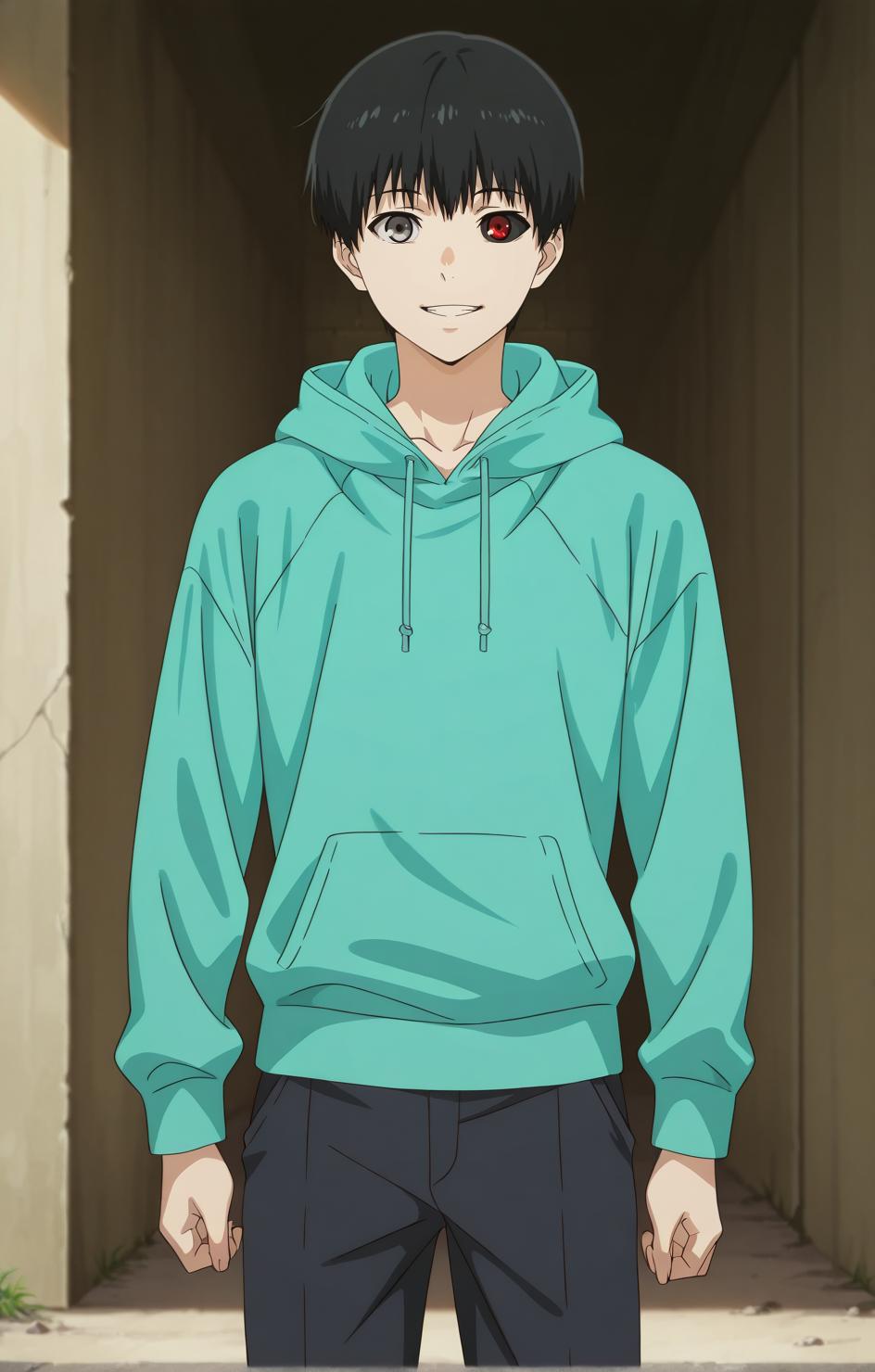
Ver1: Ken Kaneki with black hair and grey eyes
Base:
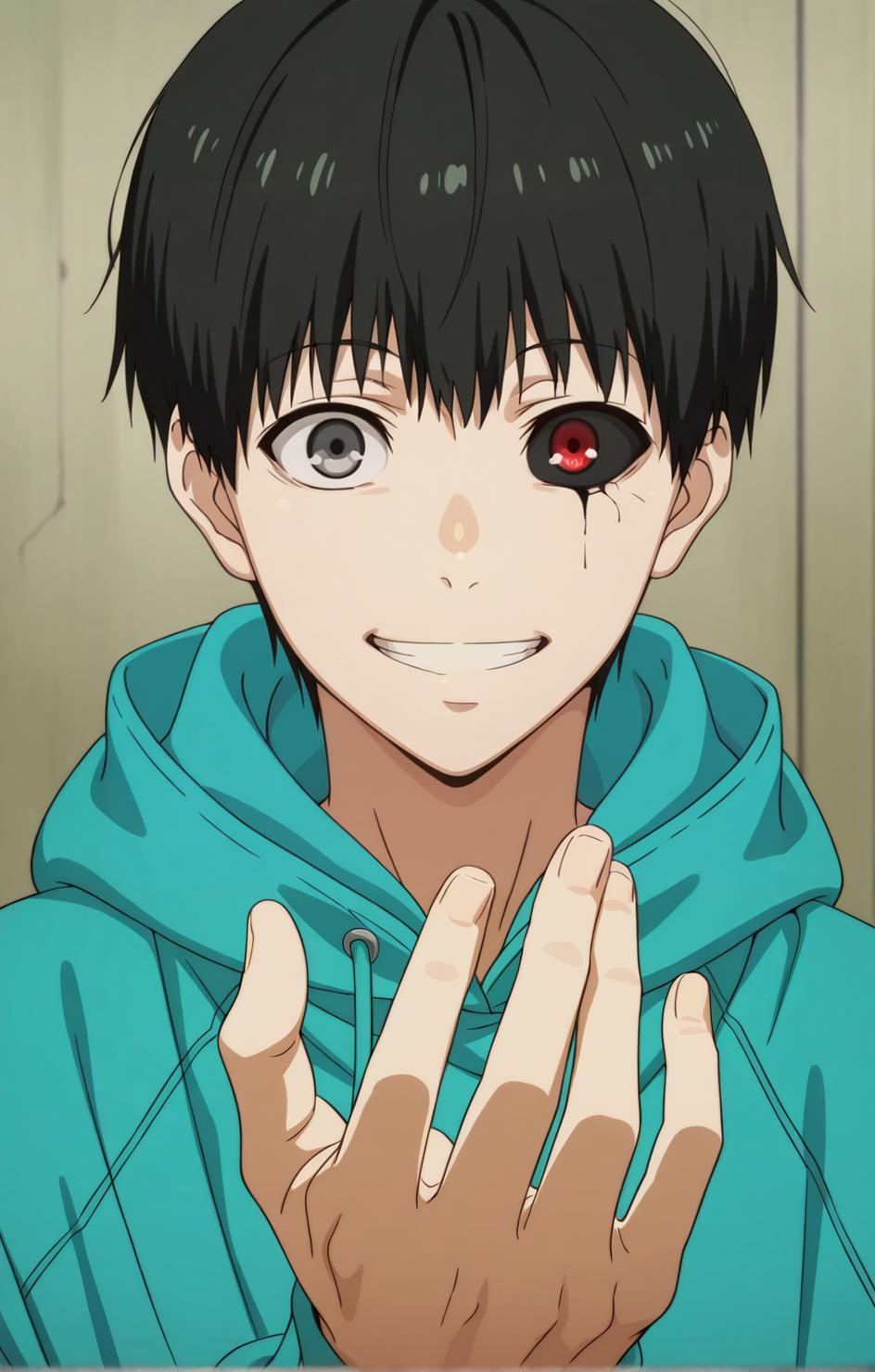
ken_v1, black hair, grey eyes,Ghoul:
ken_v11, black hair, grey eyes, heterochromia, red eyes, black sclera,Eyepatch:
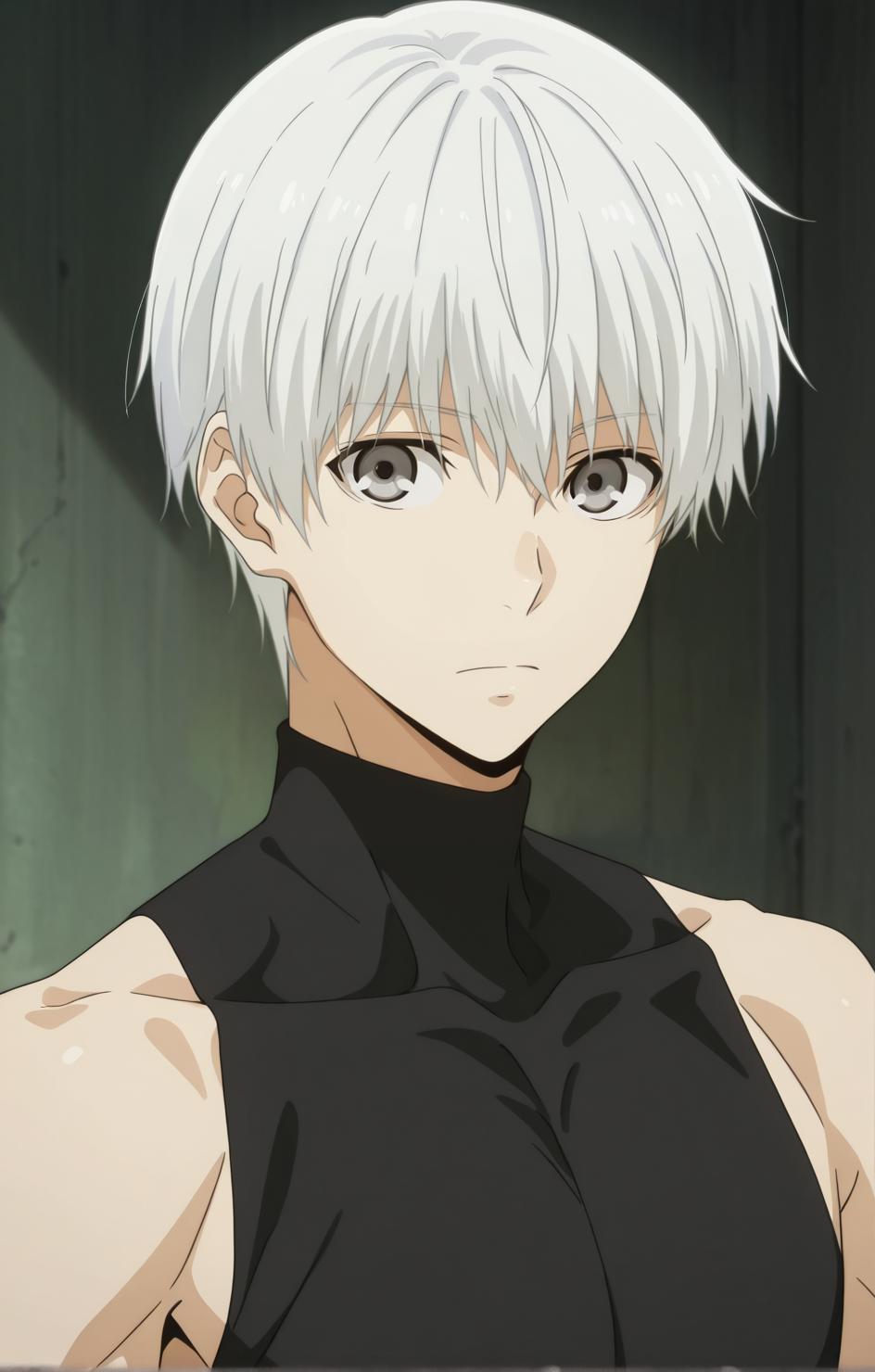
ken_v1, black hair, grey eyes, medical eyepatch,Ver2: Ken Kaneki with white hair and grey eyes
Base:
ken_v2, white hair, grey eyes, bangs,Ghoul:
ken_v22, white hair, grey eyes, bangs, heterochromia, red eyes, black sclera,Eyepatch:
ken_v2, white hair, grey eyes, bangs, medical eyepatch,Ver3: Ken Kaneki at grow man with white and black hair and grey eyes
Base:
ken_v3, white hair, roots, two-tone hair, black hair, grey eyes, bangs, hair between eyes,Ghoul:
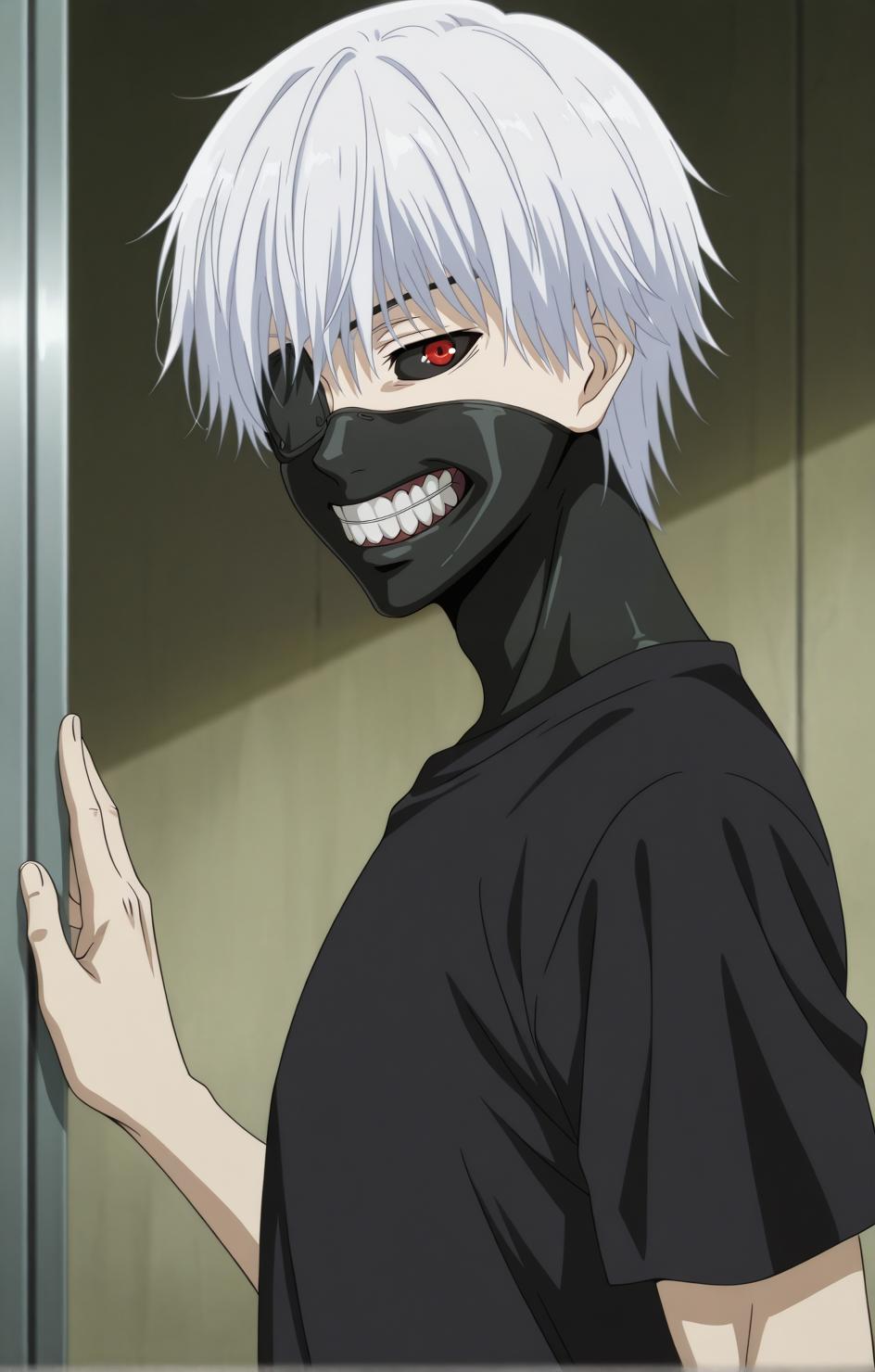
ken_v33, white hair, roots, two-tone hair, black hair, grey eyes, heterochromia, red eyes, black sclera, bangs, hair between eyes,Ver Ghoul: Ken Kaneki with costume of ghoul
Base:
ken_ghoul, white hair, bangs, black sclera, red eyes, eyepatch, black eyepatch, black mask, mouth mask, teeth,Without Eyepatch:
ken_ghoul, white hair, bangs, grey eyes, heterochromia, black sclera, red eyes, black mask, mouth mask, teeth,Note for Ver Ghoul: Do not add any tags like "closed mouth," "smile,", "light smile",... as they can alter his iconic mouth mask. Emotion tags such as "angry," "happy,", "sad",... are acceptable since they mainly affect the eyes and eyebrows.
Note for Ver have heterochromia: To generate the image successfully with two-colored eyes based on the original, you must run it as the first success attempt. Trying multiple generations with the same prompt (except when adding "anime screencap") may lead to errors eyes, such as both eyes having black sclera, red eye appearing on the wrong side,...
Post on TensorArt: https://tensor.art/models/833645829505045678?source_id=njuwoVDrnUe0rfcra3f88BUh