Remove watermark from video


세부 정보
파일 다운로드 (1)
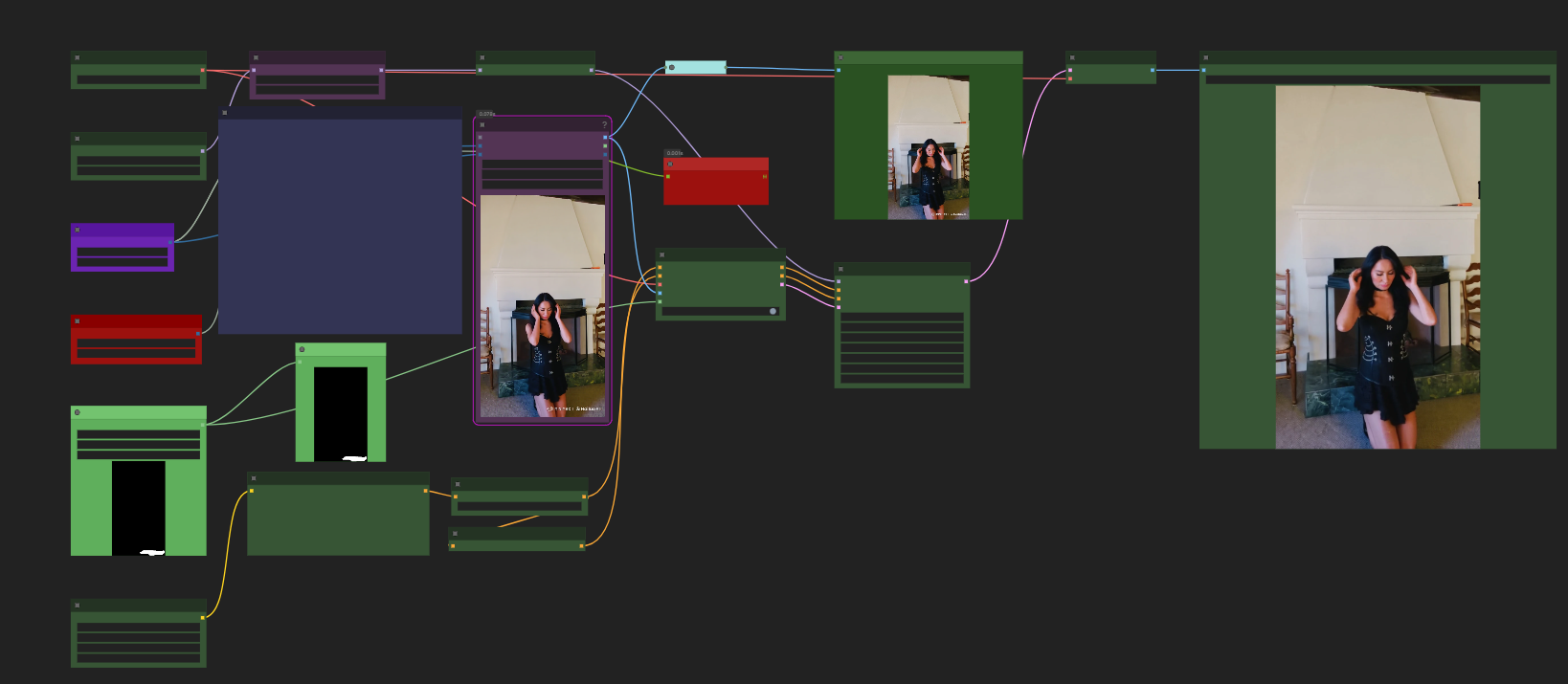
모델 설명
1. Extract the frames using your favourite method.
2. Create a mask of the area where the watermark is.
3. Load the mask in the "Load mask node"
4. Put the path to your "Images directory" in Load Images node
5. Write a prompt to describe the area where the watermark is located
6. Adjust the batch range according to what your computer can handle.
7. Set the Lap Counter to 0 and to "Increment"
8. Sit back and relax.
NOTICE
Sometimes a few frames might still have some kind of text in them, if that's the case, just inpaint them individually. Usually it's only maybe 1-5 in 100-150 images.
Optional: Put the video back together using Video helper suit.