tutu's face_SDXL/图图的脸模SDXL/チュチュのフェイスモデル SDXL






详情
下载文件 (1)
关于此版本
模型描述
Created with Tutu AI Workflow
Tagged with Tutu Annotator. Trained with Tutu Trainer.
This LoRA is part of my Tutu AI workflow. Tutu Trainer is used for LoRA training, model resource management, parameter presets, and training checks. Tutu Annotator is used for dataset annotation, prompt reverse engineering, English-friendly tags, and cleaner searchable captions.
Face LoRAs need especially careful annotation and training control. The goal is to add a recognizable face direction without heavily polluting style, clothing, pose, background, or the base model's own facial structure.

- Official website: https://zhaotutu.xyz/
- Tutu Trainer: https://zhaotutu.xyz/downloads/tututrainer/
- Tutu Annotator: https://zhaotutu.xyz/downloads/tutuannotator/
- Bilibili: https://space.bilibili.com/431046154
- YouTube: https://www.youtube.com/@zhaotutu/videos
- Telegram: https://t.me/zhaotutu
- TikTok: https://www.tiktok.com/@zhaotututu
- Reddit: https://www.reddit.com/user/zhaotututu/
- GitHub: https://github.com/zhaotututu
- Email: [email protected]
- QQ: 331506796
Tutu Face SDXL
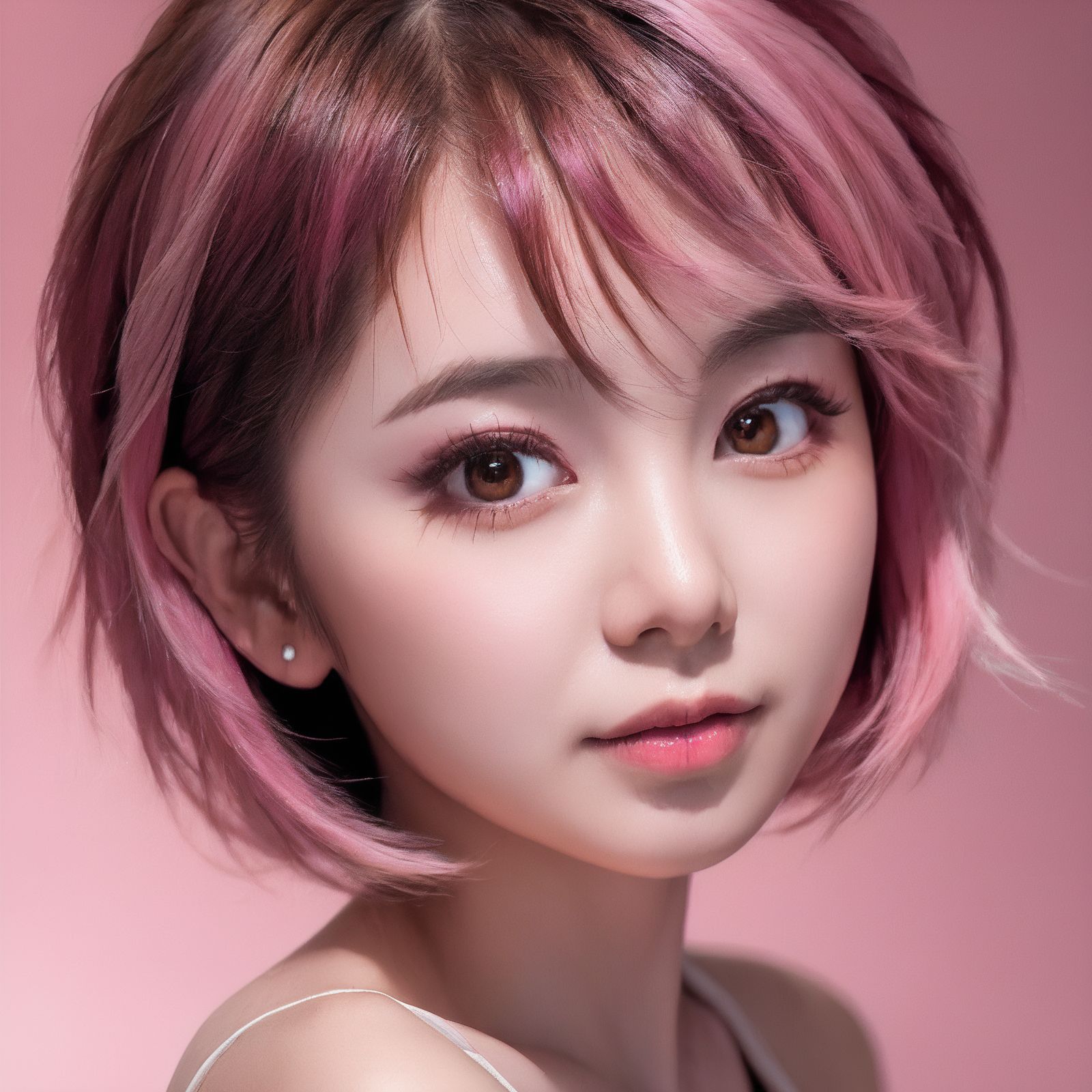
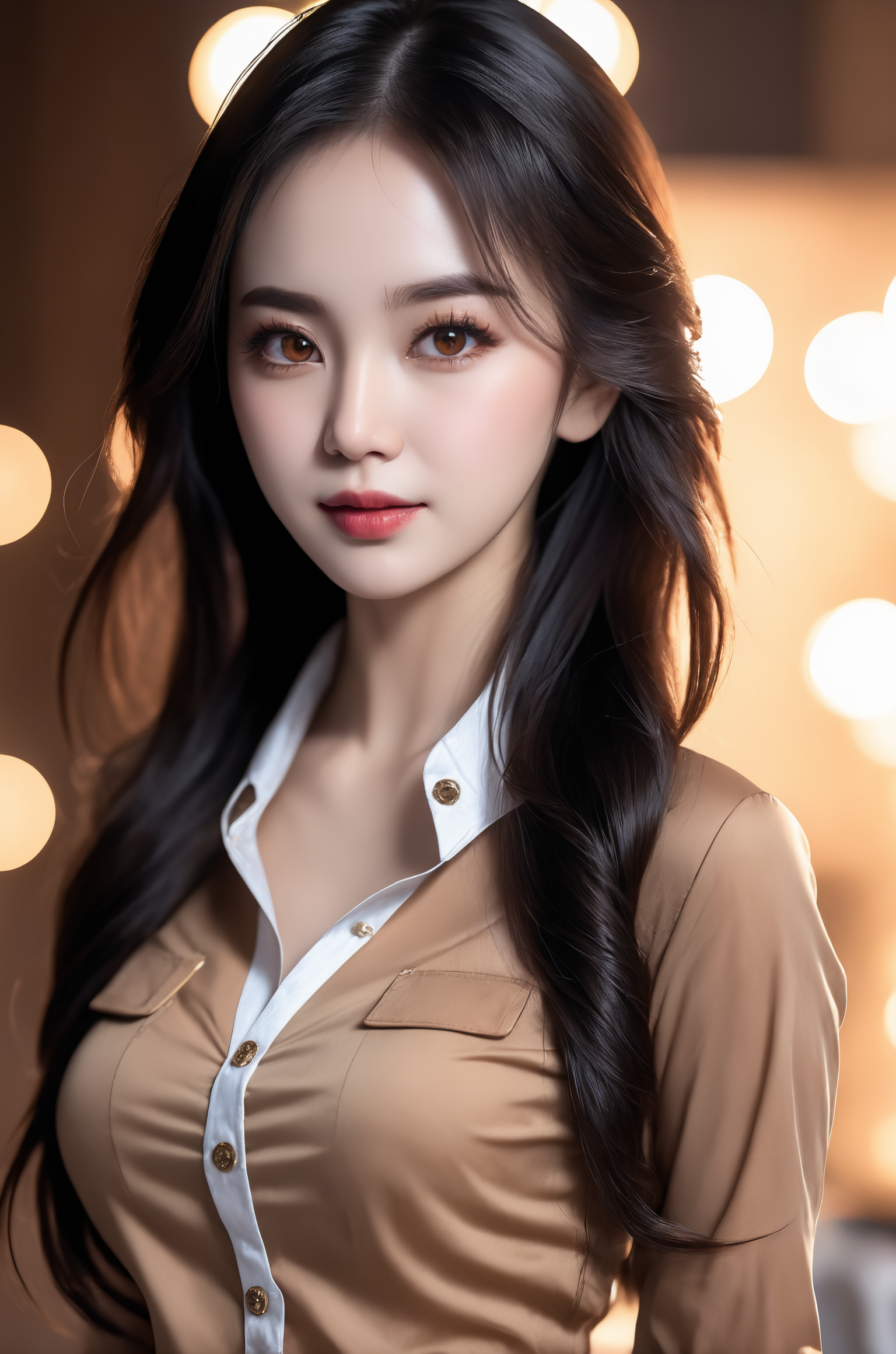
This is an SDXL face LoRA made from nearly 300 real photos of myself. In the final training stage, I kept roughly 50 images. The original goal was to create a face model with personality: simple to use, adaptable, and low pollution.
This face LoRA can be considered one of my major works. I wanted to make an SDXL face model that is truly convenient, has little pollution, and produces good results. I spent a long time experimenting and learning for this. Even when the weight is raised to around 0.9, it is not easy to overfit, and I observed very little pollution.
One important point: the final face shape is the result of both the base model and the LoRA. Unless the LoRA weight is very high, the base model still matters a lot.
- Type: SDXL face LoRA
- Base model: SDXL 1.0
- Trigger word:
tutufc - Weight: adjust by need; even around 0.9 is usually not easy to overfit
- Use style: add trigger word, load LoRA correctly, then tune weight
Recommended SDXL base models
- SDXL Unstable Diffusers - YamerMIX
- SDVN6-RealXL
- Other SDXL models are also worth trying because model updates move very fast.
Recommended settings
- Make sure the LoRA is loaded correctly.
- Use
tutufc. - Steps: tune according to the base model.
- VAE:
sdxl_vae. - CLIP skip: 2.
- Sampler: tune according to the base model.
- Hires steps: tune according to the base model.
- Denoising strength: below 0.5; start from 0.2 or 0.15.
- Upscale: 2x if your VRAM is enough.
- Image size: tune according to the base model; direct output should not be larger than 1600.
- CFG Scale: 10-15.
- Face-modification plugin: not recommended.
Prompt keywords
Main trigger:
tutufc
tutufc(tutufc:0.8)(tutufc:0.9)portraitrealistic faceSDXL portrait
Start with tutufc and tune the LoRA weight. Do not over-stack face-changing tags; the base model and LoRA already work together on the face.
Recommended companion models
These are useful models or LoRAs to search for and combine depending on your scene:
- 【麻瓜lora】日料店
- 【麻瓜lora】扶梯视角
- 【麻瓜lora】夜店蹦迪酒吧,一起来喝酒
- 【麻瓜lora】副驾驶女友
- 【麻瓜lora】落地窗/法式大窗户
- 【麻瓜lora】真实试衣间自拍
- 图图的嗨丝(40D空姐灰连裤袜)
- 图图的嗨丝(8D黑色油亮长筒袜)
- 图图的嗨丝(40D假吊带格纹白色连裤袜)
- 图图的嗨丝(爱丽丝8D假吊带白色连裤袜)
- 图图的嗨丝(极光5D黑色连裤袜)
- LEOSAM's Instant photo 拍立得/Polaroid
- LEOSAM's FilmGirl 胶片风 LoRA - VELVIA
- LEOSAM's Clothing +/- Adjuster 服装增减
FAQ
Why does it not look exactly like the samples?
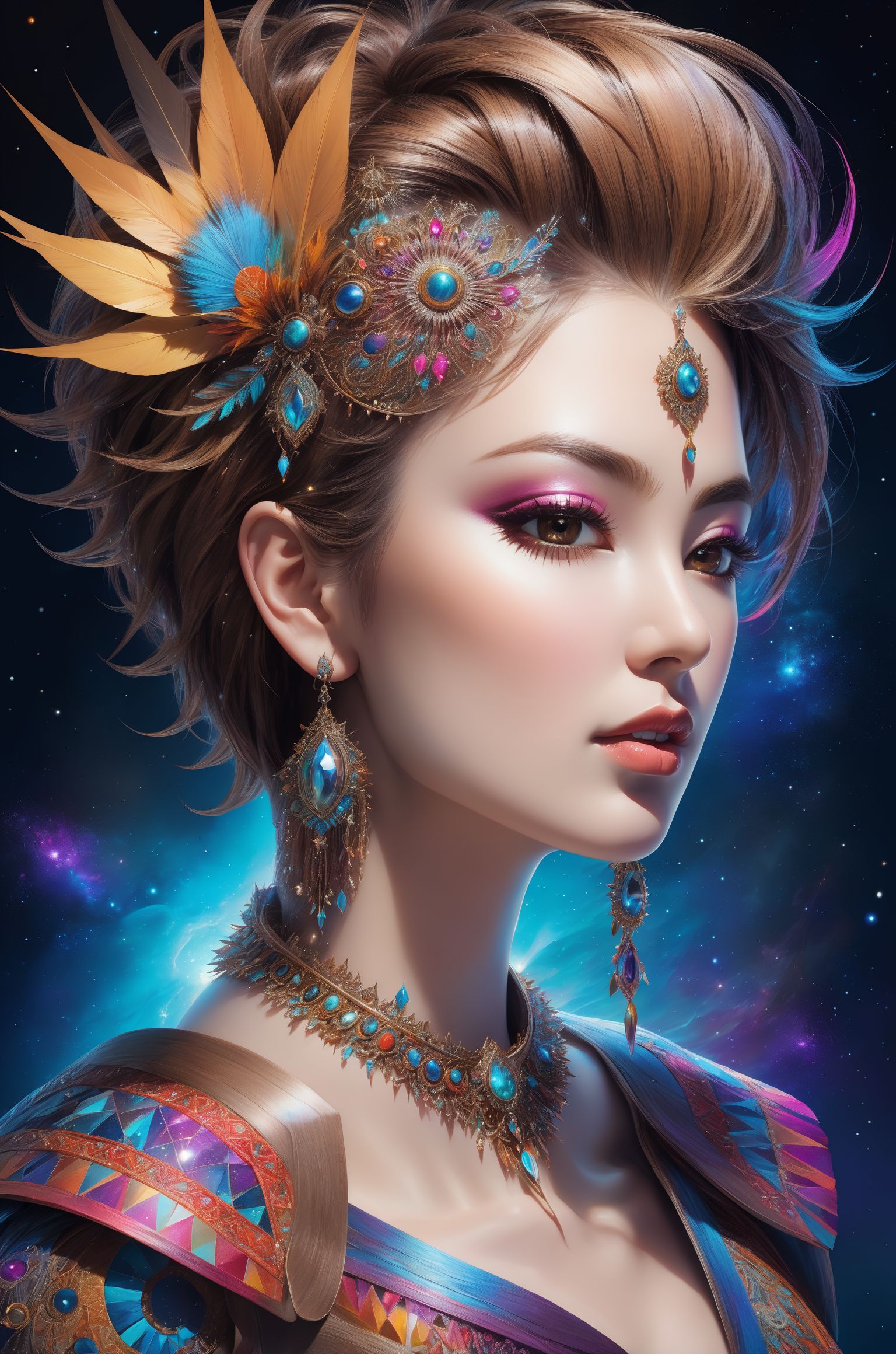
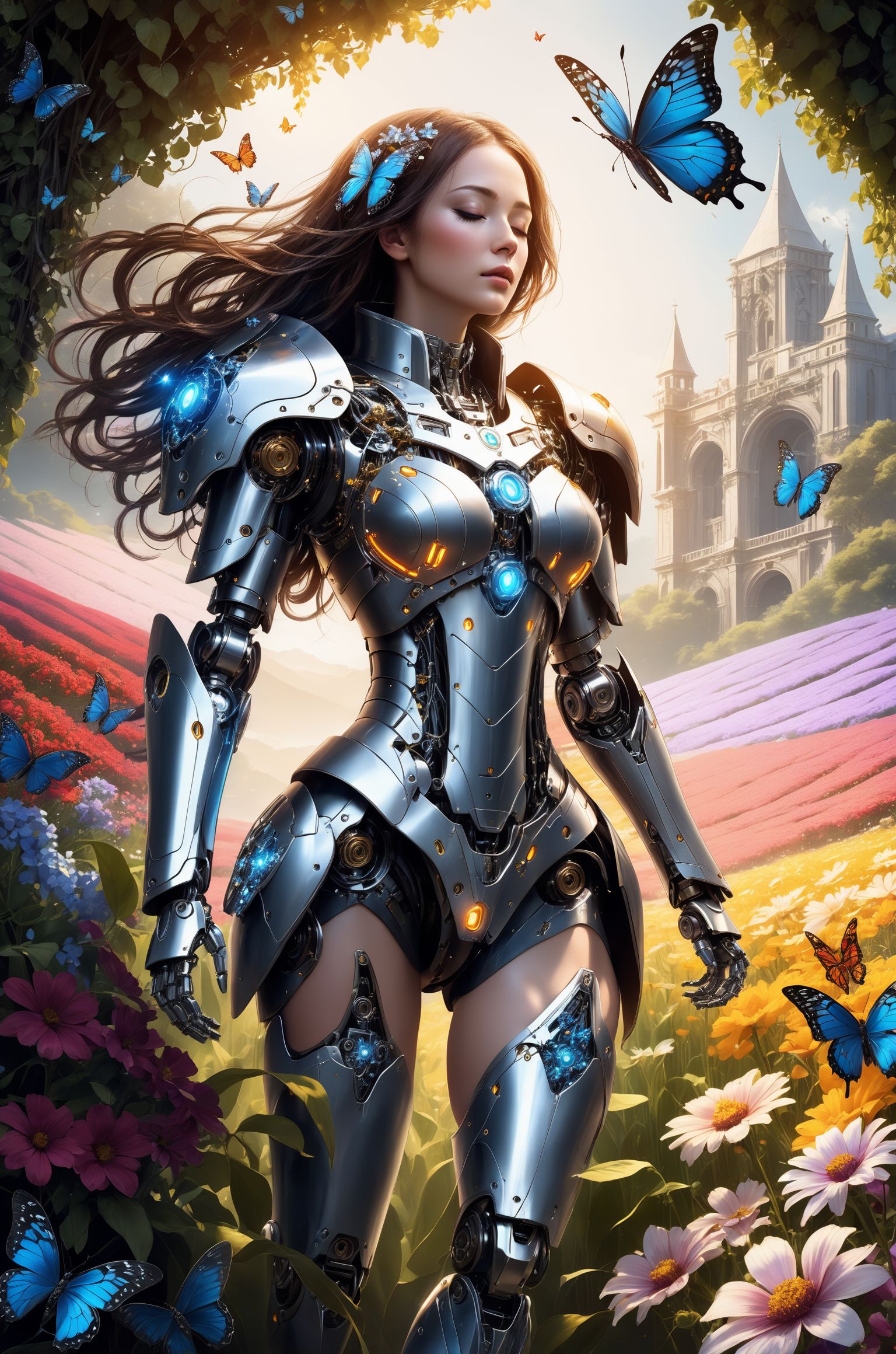
The final face is affected by the base model, LoRA weight, sampler, prompt, and other LoRAs. Please use the sample images as a direction, not as something that must be copied exactly.
What should I do if a mosaic or broken face appears after increasing weight?
Lower this LoRA weight first. If multiple LoRAs are active, lower other LoRA weights too, or try LoRA Block Weight.
Should I use a face modification plugin?
It is not recommended for this LoRA. The model itself is already a face LoRA, and extra face modification may fight the result.
Responsible use
- You are fully responsible for any creative work made with this model.
- Do not use this model to create or share illegal, harmful, malicious, defamatory, fraudulent, or political content.
- This model is not allowed for commercial use without explicit permission. If you need custom LoRA or cooperation, please contact me first.
中文说明
这是一个 SDXL 脸模 LoRA,使用接近 300 张我自己的真实照片制作,不过最后在学习环节保留下来的大概是 50 张左右。制作这个模型的初衷,是想做一个有个性、简单方便、适配性强的脸部模型。
这个脸模也算是我的集大成之作。我希望做一个真正方便用、污染少、效果好的 SDXL 模型,为此尝试了很久,也做了大量学习工作。即使权重开到 0.9,也不容易过拟合,而且几乎观察不到污染。
需要强调的是,脸型的最终结果是底模和 LoRA 共同作用的结果。除非 LoRA 开得非常大,否则底模仍然非常重要。
- 类型:SDXL 脸模 LoRA
- 基础模型:SDXL 1.0
- 触发词:
tutufc - 权重:根据需要调整,即使 0.9 左右通常也不容易过拟合
- 使用方式:加入触发词,正确加载 LoRA,然后调整权重
推荐搭配的 SDXL 大模型
- SDXL Unstable Diffusers - YamerMIX
- SDVN6-RealXL
- 其他 SDXL 模型也可以尝试,现在模型更新速度很快。
推荐配置
- 确保正确使用 LoRA。
- 使用
tutufc。 - Steps:根据底模调配。
- VAE:
sdxl_vae。 - CLIP skip:2。
- 采样方法:根据底模调配。
- 高分迭代步数:根据底模调配。
- 重绘幅度:0.5 以下,建议从 0.2 或 0.15 开始尝试。
- 放大倍数:显存够用的话建议 2。
- 图片尺寸:根据底模调配,直出不要大于 1600。
- CFG Scale:10-15 之间。
- 修饰脸型插件:不建议打开。
出图关键词
主触发词:
tutufc
tutufc(tutufc:0.8)(tutufc:0.9)portraitrealistic faceSDXL portrait
建议先只用 tutufc,然后调整 LoRA 权重。不要额外堆太多换脸或修脸 tag,因为底模和 LoRA 已经会共同作用于脸部。
推荐搭配模型
下面这些模型或 LoRA 适合根据场景方向搜索和组合使用:
- 【麻瓜lora】日料店
- 【麻瓜lora】扶梯视角
- 【麻瓜lora】夜店蹦迪酒吧,一起来喝酒
- 【麻瓜lora】副驾驶女友
- 【麻瓜lora】落地窗/法式大窗户
- 【麻瓜lora】真实试衣间自拍
- 图图的嗨丝(40D空姐灰连裤袜)
- 图图的嗨丝(8D黑色油亮长筒袜)
- 图图的嗨丝(40D假吊带格纹白色连裤袜)
- 图图的嗨丝(爱丽丝8D假吊带白色连裤袜)
- 图图的嗨丝(极光5D黑色连裤袜)
- LEOSAM's Instant photo 拍立得/Polaroid
- LEOSAM's FilmGirl 胶片风 LoRA - VELVIA
- LEOSAM's Clothing +/- Adjuster 服装增减
常见问题
为什么和示例图不完全一样?
最终脸部会受到底模、LoRA 权重、采样器、提示词和其他 LoRA 的共同影响。请把示例图当作方向,不要追求完全复制。
权重调高后脸部出现马赛克或崩坏怎么办?
先降低本 LoRA 权重。如果同时使用多个 LoRA,也降低其他 LoRA 权重,或者尝试 LoRA Block Weight。
要不要开修饰脸型插件?
不建议。这个模型本身就是脸模 LoRA,额外修脸可能和 LoRA 效果冲突。
声明
- 你需要对使用本模型生成的任何作品承担全部责任。
- 不要使用本模型制作或传播非法、有害、恶意、诽谤、诈骗或政治用途内容。
- 未经明确许可,本模型不允许商业使用。如需定制 LoRA 或合作,请提前联系我。
日本語説明
これは SDXL face LoRA です。自分の実写写真を約 300 枚近く使って作成しましたが、最終的に training に残したのは約 50 枚です。目的は、個性があり、使いやすく、適応性が高い face model を作ることでした。
この face LoRA は私の代表的な作品の一つです。本当に使いやすく、pollution が少なく、効果の良い SDXL model を作りたいと思い、長い時間試行錯誤しました。weight を 0.9 前後まで上げても overfit しにくく、pollution もほとんど見られません。
重要なのは、最終的な face shape は base model と LoRA の共同作用で決まるということです。LoRA weight を非常に高くしない限り、base model の影響は大きいです。
- Type: SDXL face LoRA
- Base model: SDXL 1.0
- Trigger word:
tutufc - Weight: 必要に応じて調整。0.9 前後でも通常 overfit しにくいです
- Use style: trigger word を入れ、LoRA を正しく読み込み、weight を調整してください
おすすめ SDXL base models
- SDXL Unstable Diffusers - YamerMIX
- SDVN6-RealXL
- 他の SDXL models も試せます。model updates はとても速いです。
推奨設定
- LoRA が正しく読み込まれていることを確認してください。
tutufcを使ってください。- Steps: base model に合わせて調整してください。
- VAE:
sdxl_vae。 - CLIP skip: 2。
- Sampler: base model に合わせてください。
- Hires steps: base model に合わせてください。
- Denoising strength: 0.5 未満。0.2 または 0.15 から試すことをおすすめします。
- Upscale: VRAM が十分なら 2x。
- Image size: base model に合わせます。direct output は 1600 を超えない方が良いです。
- CFG Scale: 10-15。
- Face modification plugin: 推奨しません。
プロンプト例
Main trigger:
tutufc
tutufc(tutufc:0.8)(tutufc:0.9)portraitrealistic faceSDXL portrait
まず tutufc だけで試し、LoRA weight を調整してください。face-changing tags を増やしすぎない方が安定します。
おすすめ組み合わせモデル
scene direction に合わせて検索・組み合わせしやすい models / LoRAs です:
- 【麻瓜lora】日料店
- 【麻瓜lora】扶梯视角
- 【麻瓜lora】夜店蹦迪酒吧,一起来喝酒
- 【麻瓜lora】副驾驶女友
- 【麻瓜lora】落地窗/法式大窗户
- 【麻瓜lora】真实试衣间自拍
- 图图的嗨丝(40D空姐灰连裤袜)
- 图图的嗨丝(8D黑色油亮长筒袜)
- 图图的嗨丝(40D假吊带格纹白色连裤袜)
- 图图的嗨丝(爱丽丝8D假吊带白色连裤袜)
- 图图的嗨丝(极光5D黑色连裤袜)
- LEOSAM's Instant photo 拍立得/Polaroid
- LEOSAM's FilmGirl 胶片风 LoRA - VELVIA
- LEOSAM's Clothing +/- Adjuster 服装增减
FAQ
なぜ sample images と同じになりませんか?
final face は base model、LoRA weight、sampler、prompt、他の LoRA によって変わります。sample は方向として見てください。
weight を上げて顔が崩れる場合は?
まずこの LoRA weight を下げてください。複数 LoRA を使う場合は他の LoRA weight も下げるか、LoRA Block Weight を試してください。
face modification plugin は使いますか?
推奨しません。このモデル自体が face LoRA なので、extra face modification が結果とぶつかることがあります。