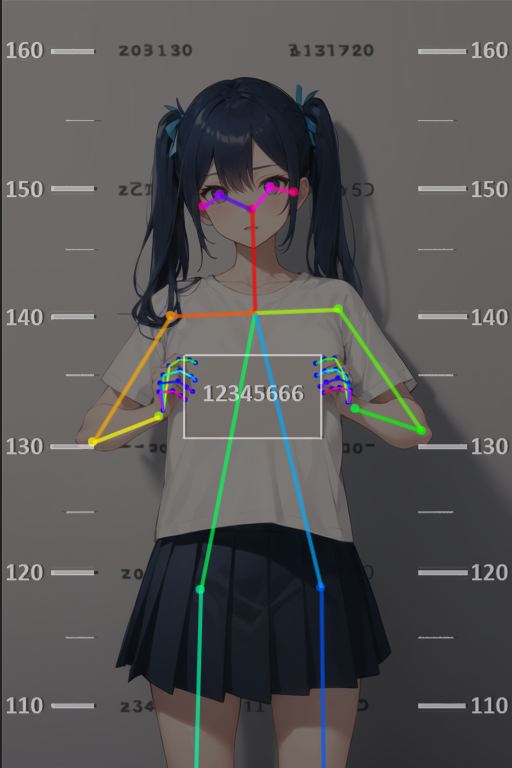
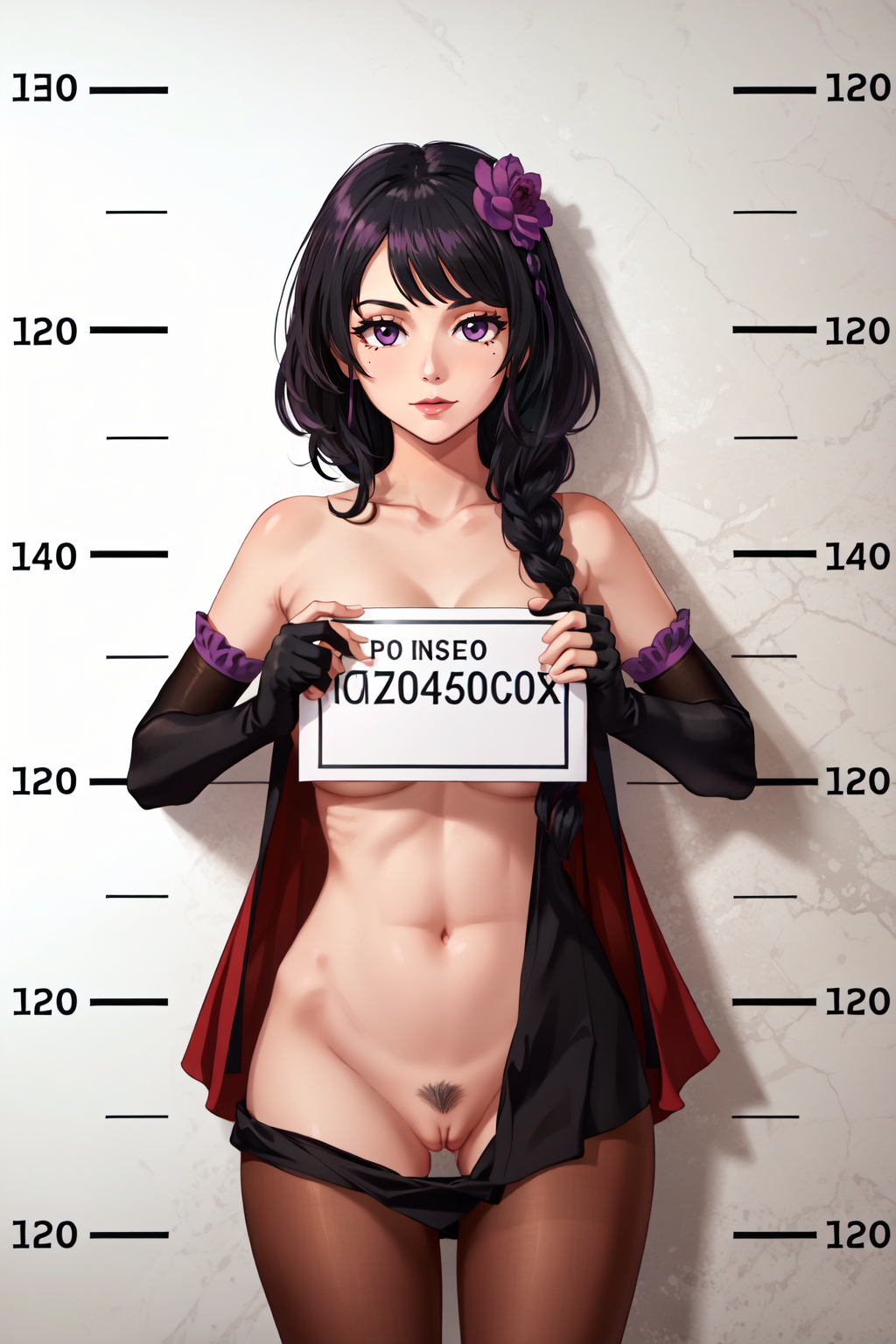
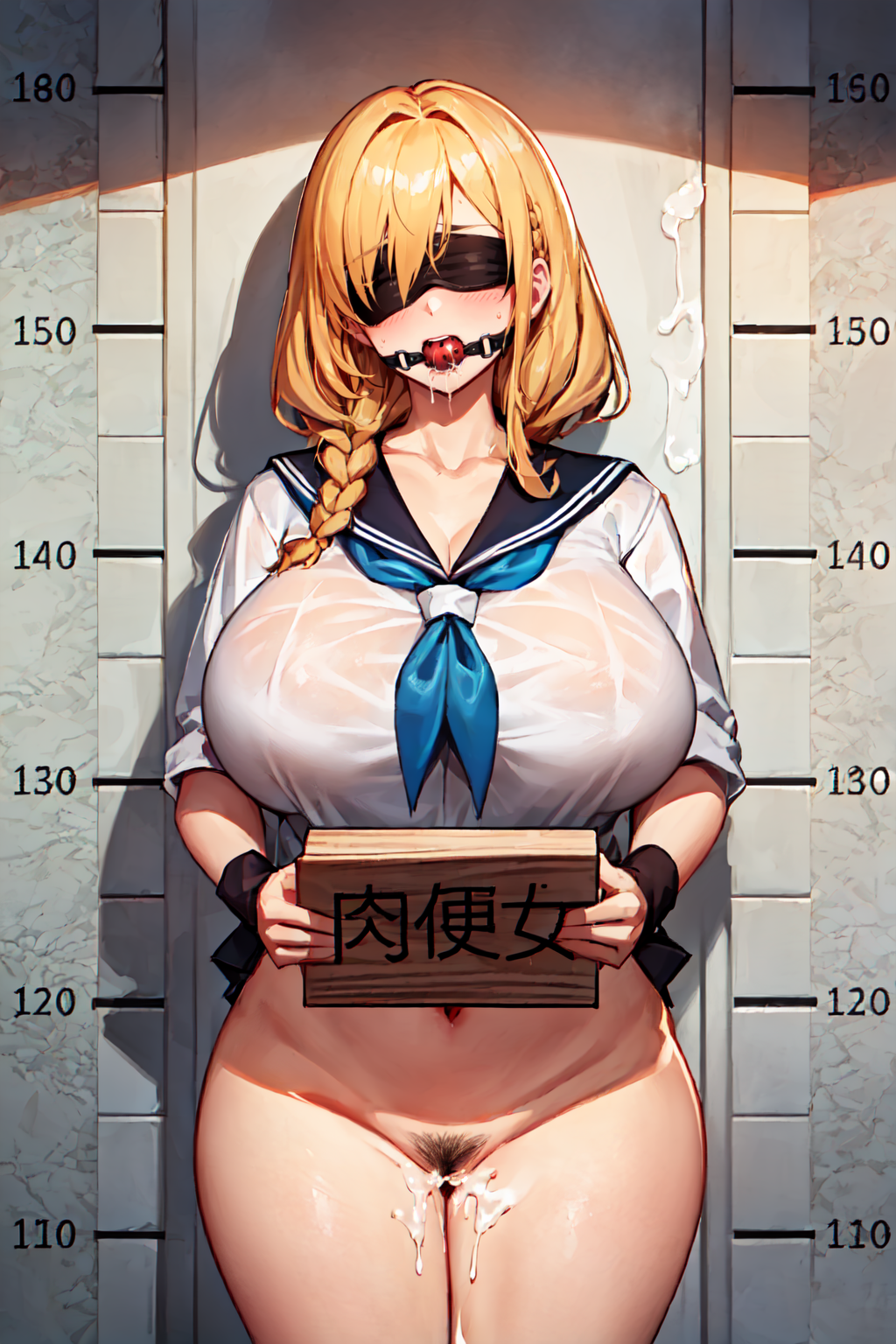
[OpenPose + Lineart] Mugshot



세부 정보
파일 다운로드 (1)
모델 설명
If you have only one ControlNet unit go to the Settings > ControlNet and set "Multi-ControlNet: ControlNet unit number" to 2 or more. Click "Apply settings" and restart UI.
In ControlNet unit 0 use Preprocessor: none and Model: openpose. Drop openpose image here and enable it.
ControlNet mode for OpenPose set to "Balanced".
In ControlNet unit 1 use Preprocessor: none and Model: lineart. Drop lineart image here and enable it.
ControlNet mode for Lineart set to "Balanced".
If you want to use img2img (which I recommend) use img2img + ControNet Lineart.