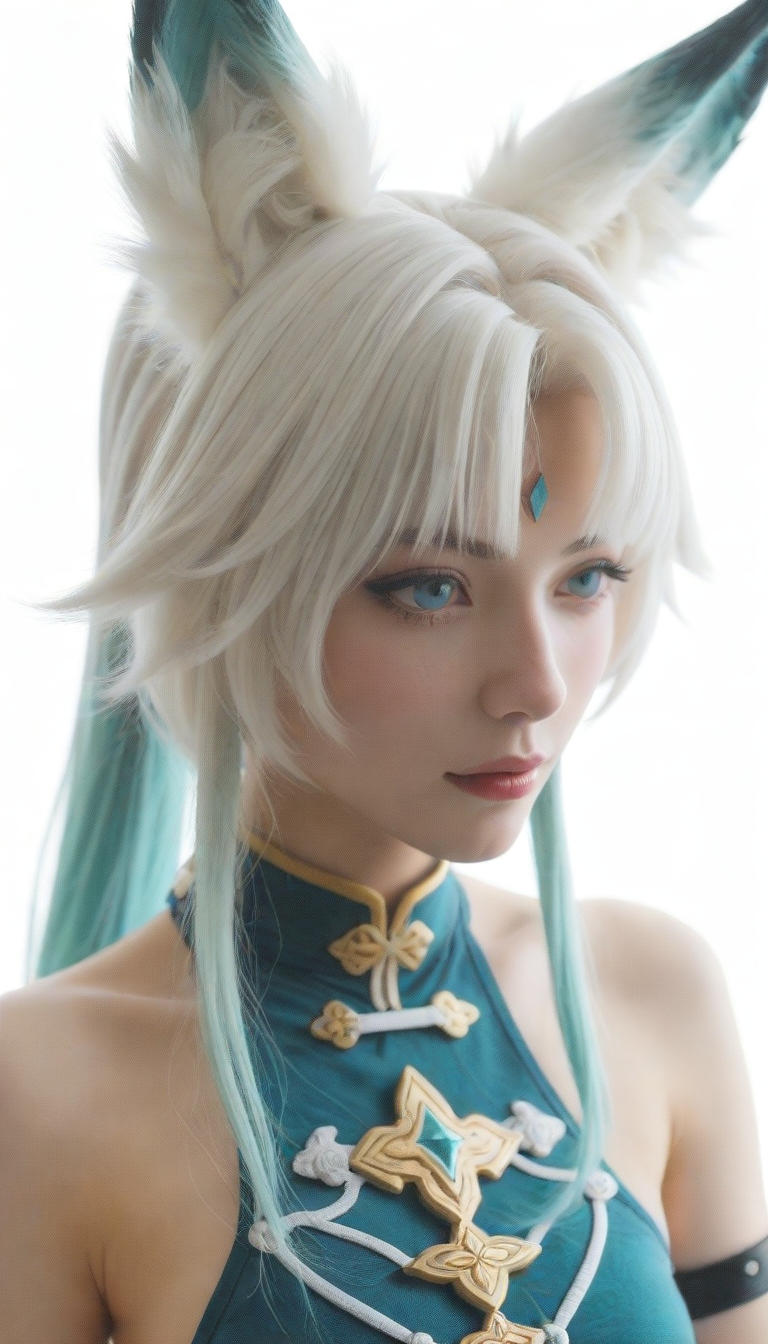
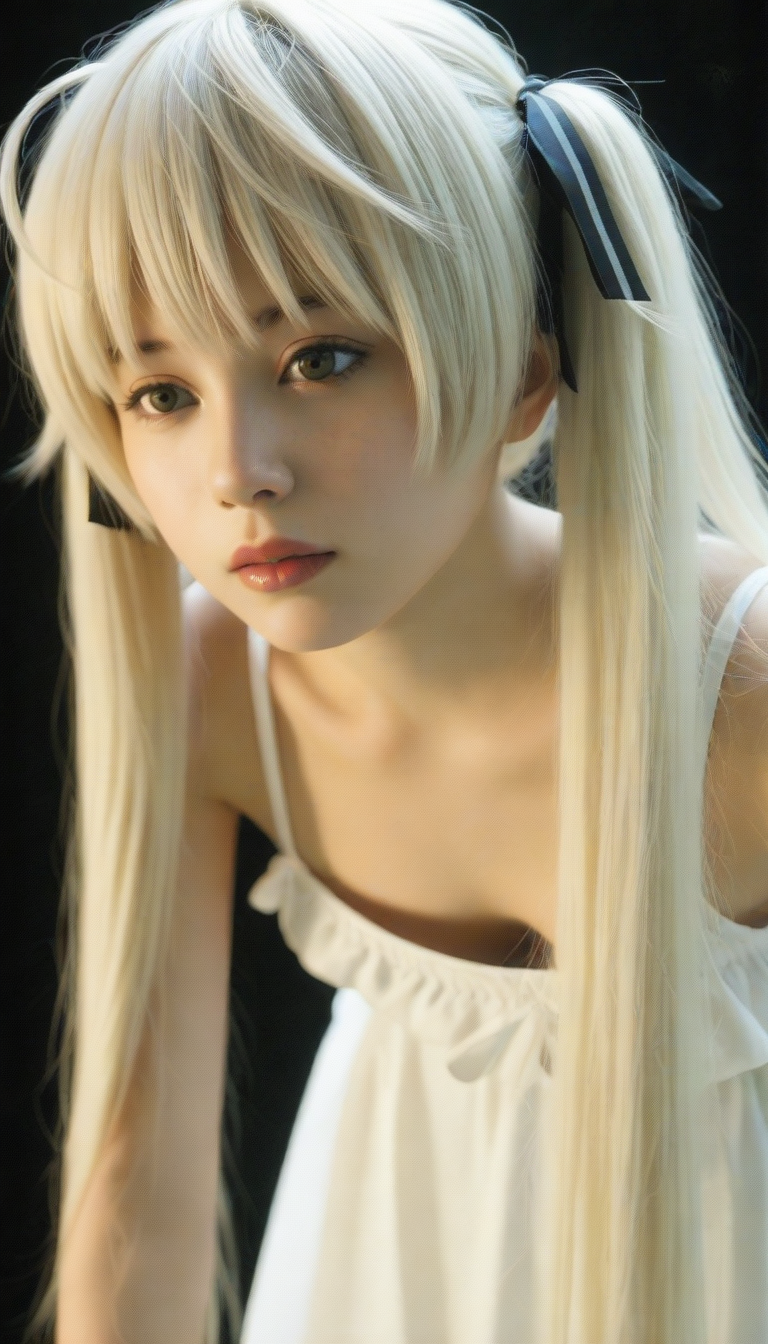
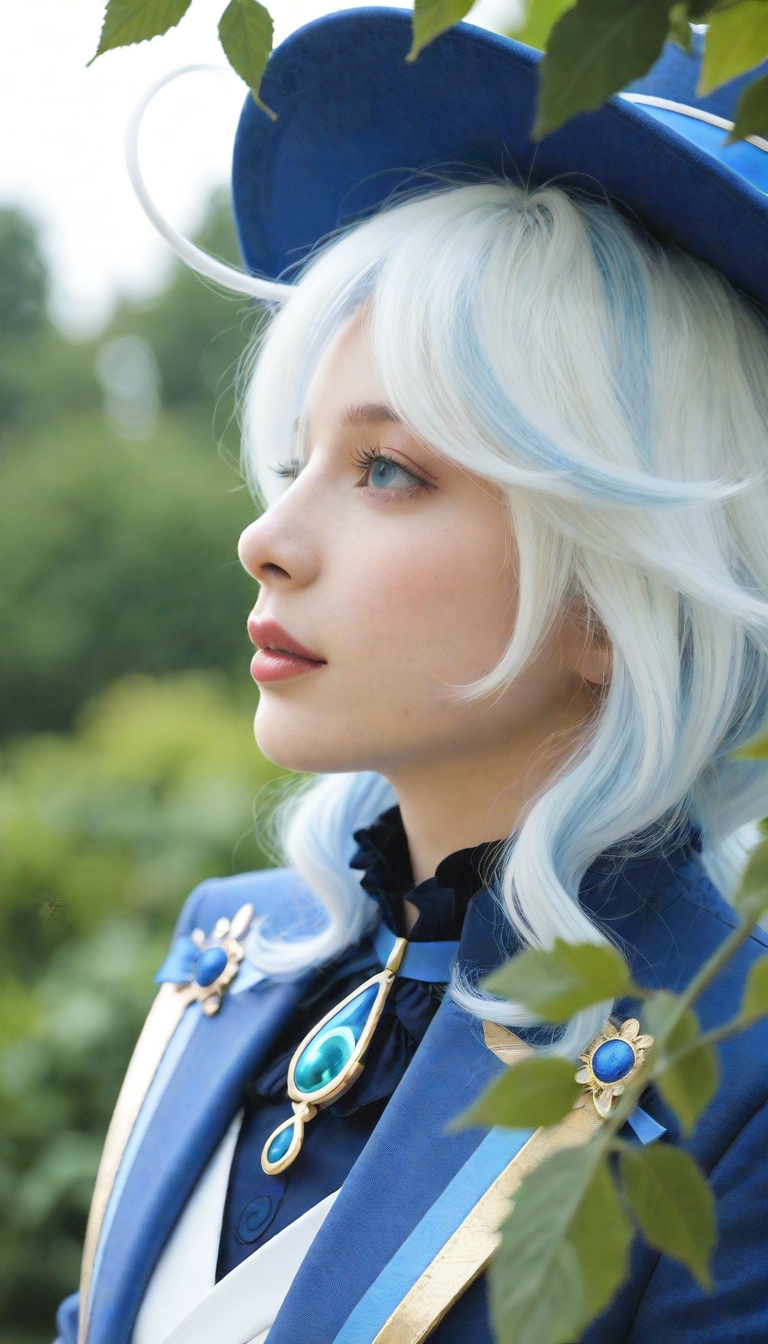
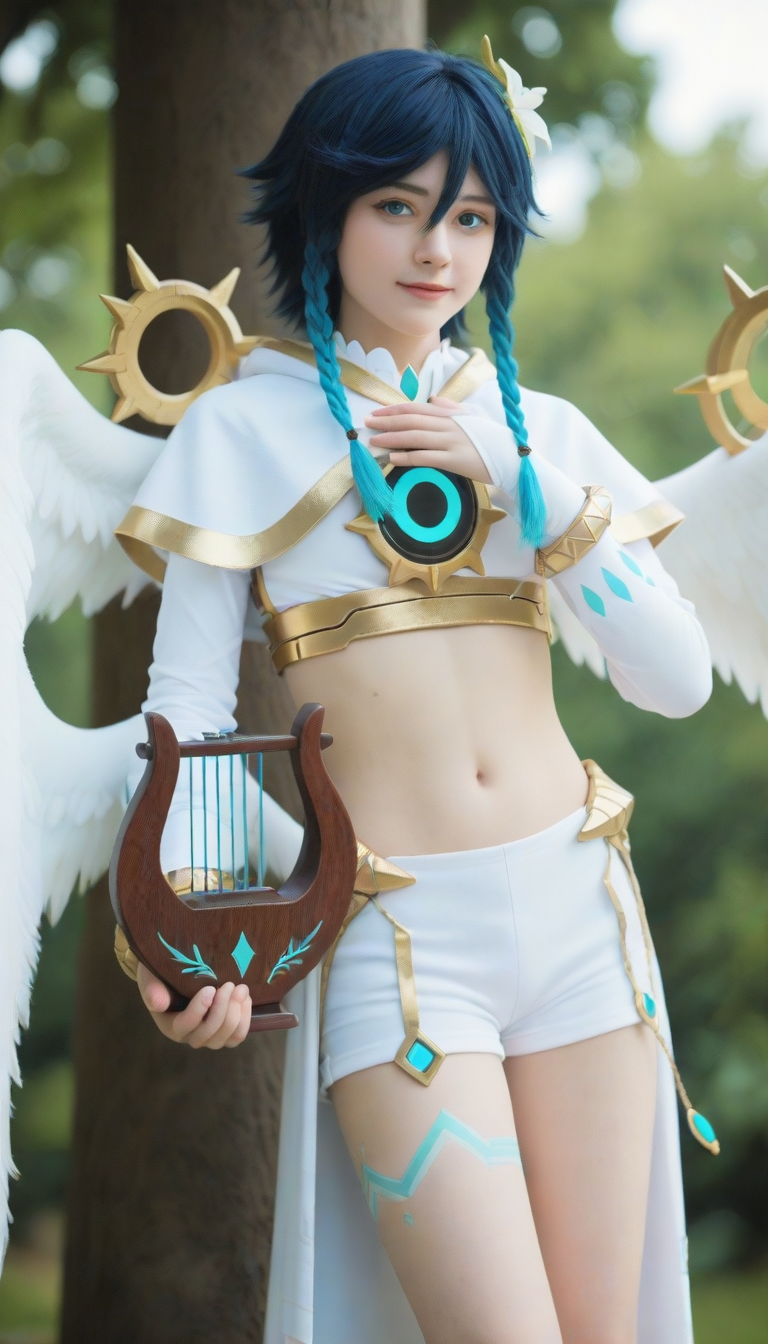
A real-anima、Noob Realistic photography cosplay portrait .写实摄影角色扮演







详情
下载文件 (2)
关于此版本
模型描述
If you like my work and want to support me in a diferent way you can buy me a Ko-Fi if you want.
Updated 2026.06.02: Based on "Anima base1.0", I made some full-scale fine-tuning attempts. When used with the LoRa model I released, the results are even better.
The dataset contains approximately 4,000 to 5,000 images.
All tests were performed using "anima-turbo-lora-v0.2", "8steps", "er_sde", and "simple".
Trigger Word: photorealistic (range 1-5)
2026.06.02更新:基于 "Anima base1.0"尝试性的进行全量微调,搭配我发布的lora模型,效果更佳。
数据量大约4000~5000张图。
所有的测试工作均使用“anima-turbo-lora-v0.2”、“8steps”、“er_sde”、“simple”完成。
提示词:photorealistic(可以设置的范围 1~5 )
喜欢的大佬可以打赏赞助一下。
————————————————————————————————————————————————————————————————————————————————
The following information is outdated.
以下为过时的信息。
This is a realistic photography cosplay portrait model.
"γ-00006" is a test model that used approximately 1 million photographs for training.For usage instructions, please refer to the previous version description.
I rented an RTX 4090 for approximately 1000 hours.. Due to limited funds, I may not be able to update it further.(In reality, there were approximately 1,000 hours of completely failed training, bringing the total time to over 2,000 hours.)
Since training is mostly done at low resolution, there may be some issues with human anatomy.
"γ-00006"是测试型号,使用了大约1百万张素材培训。使用方法参照之前的版本说明。租了大概1000小时4090,资金有限,后续可能不会更新。(实际上还有大约1000小时完全失败的训练,总时间超过了2000小时。)
大部分时间在低分辨率下训练,所以部分结构可能会有一些问题。
based on "Noob V1.1".
"β0.1" is an unfinished version remade with about 35,000 images.
The general usage is the same as the previous version. There are still some crashes that need to be fixed.
If you find that the character's face is not good, please add a description like "eyes, nose, lips". Because I have marked all these data in this version of the dataset, these things may be ignored by default.
Version “β0.1” has more training tags, and more detailed prompts can produce better results.
When you find that lora degrades the image quality, use lbw=1,0,0,0,1,1,1,1,1,0,0,0
If you have a well-labeled realistic dataset to share, please contact me directly here.
这是一个写实摄影cosplay肖像模型,允许 Nsfw.基于“Noob V1.1”的完全写实模型。
“β0.1”是一个未完成的重制版本,包含约 35,000 张图片。
基本使用方法与上一版本相同。但仍存在一些需要修复的人体崩溃问题。
当你发现角色面部不好时,请加入眼睛、鼻子、嘴唇等描述。是因为我在这一版数据集中,把这些数据全部标注出来了,导致默认可能会忽略这些东西。
“β0.1”版的训练tag比较多,更详尽的提示才能出好的效果。
当你发现lora让画面劣质化之后,使用lbw=1,0,0,0,1,1,1,1,1,0,0,0。
如果你有做好标签处理的写实数据集分享的话,请直接在这里联系我。
The following is the usage method of the previous version, which is also recommended for this version.
以下为上一版使用方法,这一版也推荐沿用。
——————————————————————————————————
——————————————————————————————————
——————————————————————————————————
A photorealistic style model fine-tuned from Dreambooth on 10,000 images.
You can make nice pictures with simple prompts.
It is just a preliminary fine-tuning at the moment.
All samples are run with the "dmd2_4_steps" speedup. 8 steps.cfg=1.
The name "Areal" is for my own convenience when I'm tweaking the file.
I deliberately used many characters with different face shapes to enrich the facial features of the model.
If you find it helpful, please post your pictures and works.
If the parameters are consistent, the generated image will not crash. Other parameters are not recommended.
During training, I only tested with the parameters I usually use, so I cannot recommend using other parameters.
Recommended models that must be loaded:"dmd2_4_steps"dmd2 4step color fix - v1.0 | Illustrious LoRA | Civitai
Change the “Diffusion in Low Bits” setting from “Automatic” to “Automatic (fp16 LoRA)”
Sampler:LCM、Euler a
Schedule type:SGM Uniform
Steps:8-12
CFG Scale:1-1.5
If you find the screen is broken, please increase cfg
Note that when "CFG Scale=1", negative prompt words will be invalid. If you need to use negative prompt words, please use "CFG Scale=1.1-1.5".
General parameters that haven't been extensively tested but might work (without "dmd2" loaded):
“Steps: 28, Sampler: Euler a, Schedule type: Simple, CFG scale: 7,”
I uploaded the Comfyui workflow in the “Training Images” column.
Taking the 2080ti graphics card as an example, it takes about 4.5 seconds to generate an 832x1216 resolution image in Comfyui.
Compatible with most Illustrative LoRas and a few Pony LoRas.
在10000张图片上进行dreambooth微调的写实风格模型。
用简单的提示词就可以做出不错的图片。
目前只是一个初步的微调。
所有的样图都是使用"dmd2_4_steps"加速运行的。使用8个步骤cfg=1。
"Areal"这个名字是为了我自己在调整文件时一眼能看到。
我刻意采用了许多脸型差异较大的角色用以丰富模型的面部特征。
如果你觉得有帮助的话,请你晒出你的图片和作品。
参数一致,产生的图片画面就不会崩溃,其他参数不推荐使用。
训练过程中,我是依据我自己的参数进行测试的,因此,其他参数不被推荐。
推荐必须加载的模型:"dmd2_4_steps"dmd2 4step color fix - v1.0 | Illustrious LoRA | Civitai
将“Diffusion in Low Bits”设置从 “Automatic” 更改为 “Automatic (fp16 LoRA)”
采样方法 (Sampler):LCM、Euler a
调度类型 (Schedule type):SGM Uniform
迭代步数 (Steps):8-12
提示词引导系数 (CFG Scale):1-1.5
If you find the screen is broken, please increase cfg
当你发现画面崩坏,请提高cfg
注意,当CFG Scale=1时,负面提示词将失效。如果你需要使用负面提示词,请使用CFG Scale=1.1-1.5。
未经过大量测试但或许可以运行的常规参数(未加载"dmd2"):
Steps: 28, Sampler: Euler a, Schedule type: Simple, CFG scale: 7
Comfyui 工作流我上传在“Training Images”这一栏。
以2080ti显卡为例,在Comfyui 中生成一张832x1216分辨率图片大约需要4.5秒。
兼容大部分illustrious的lora,少部分pony的lora.