IllustriousPonyFlow
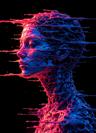


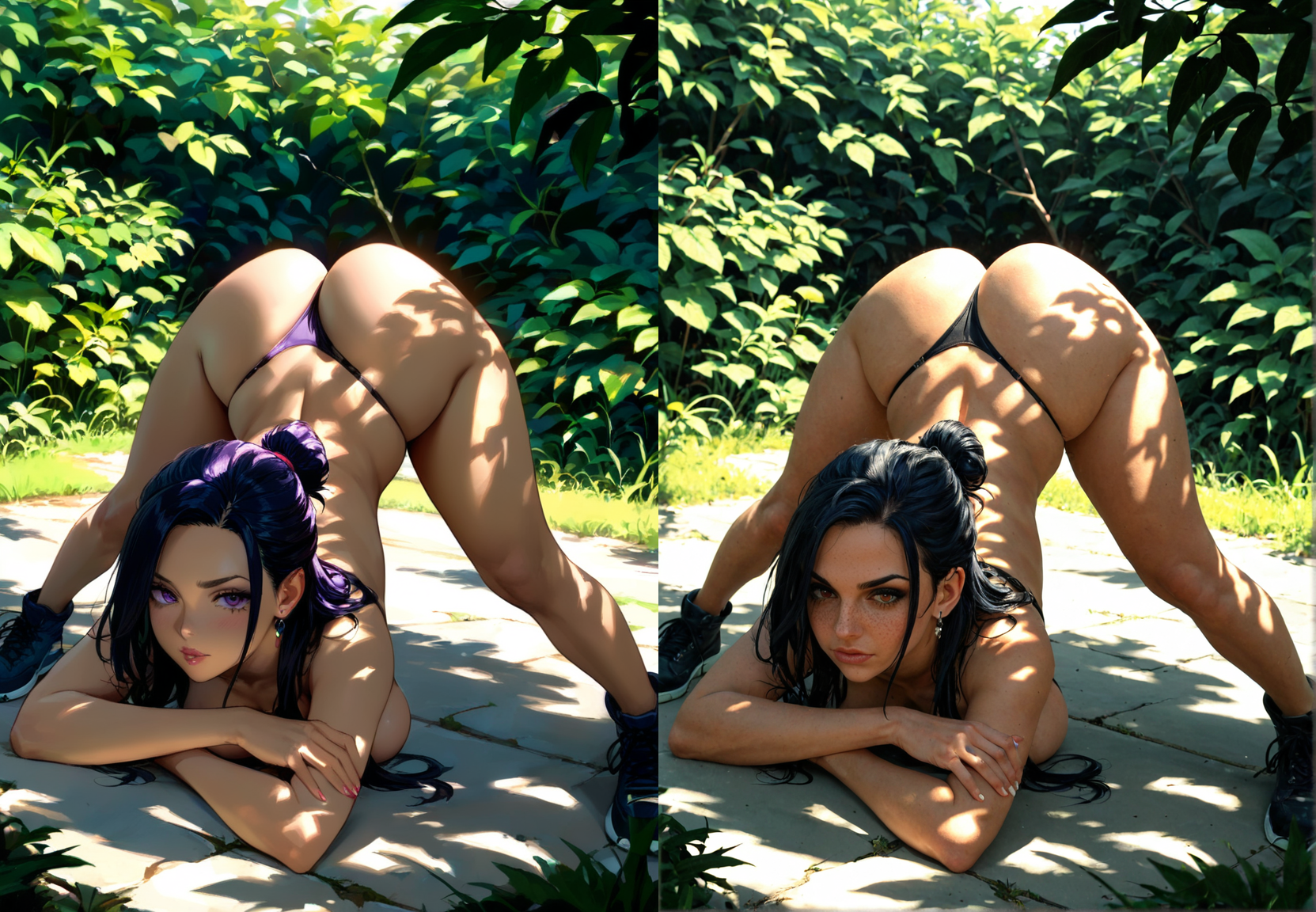

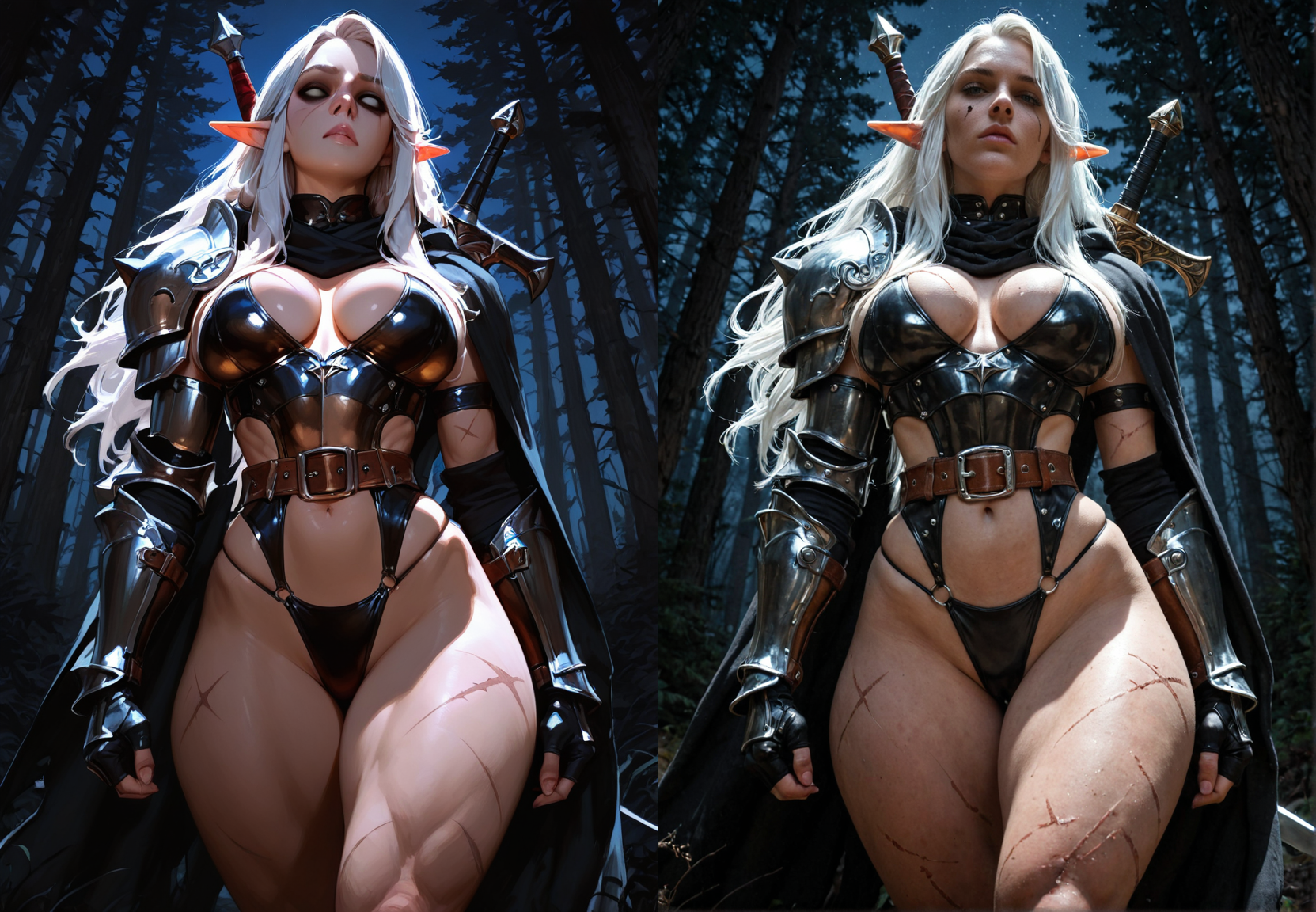


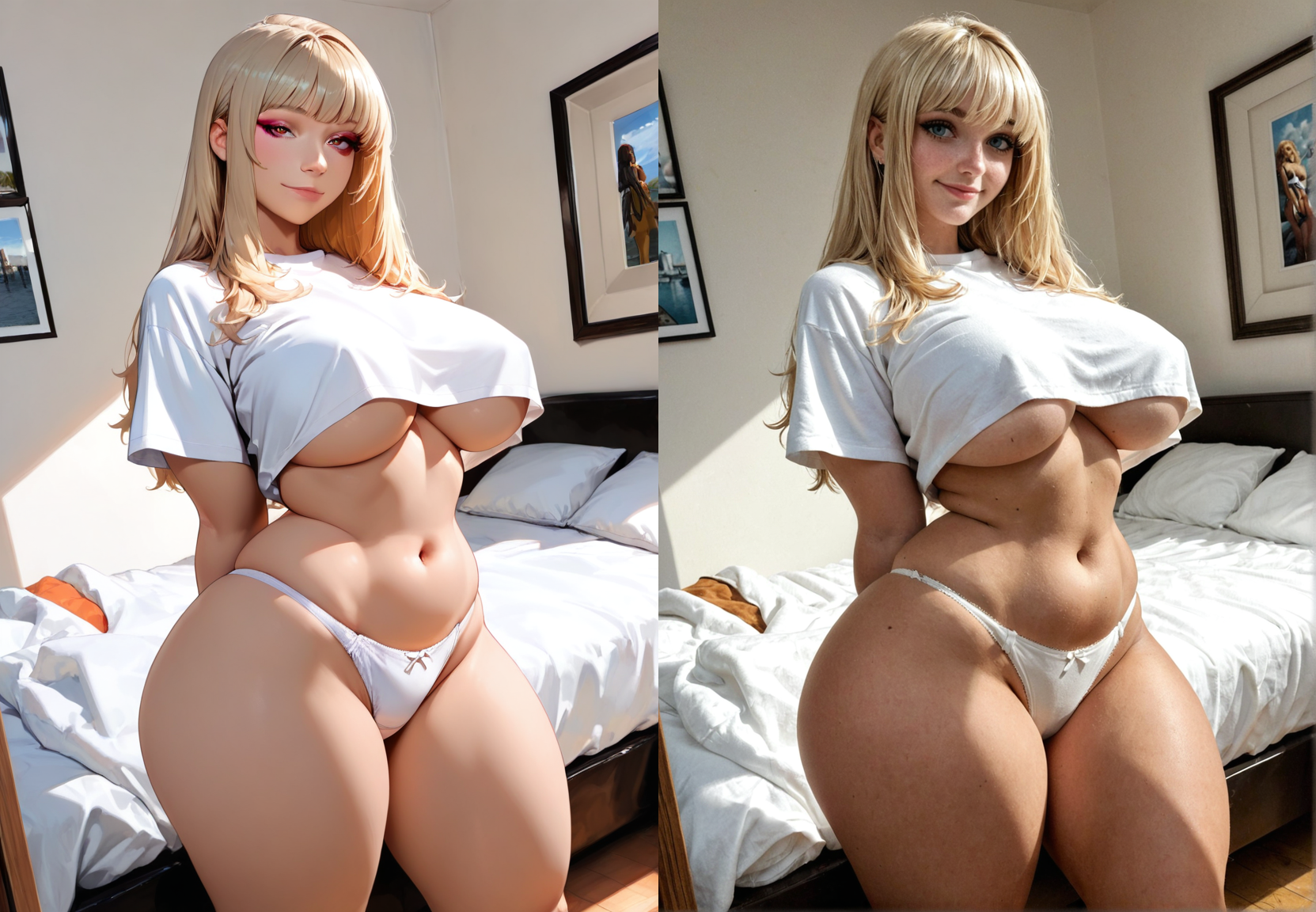
Details
Download Files (1)
Model description
IllustriousPonyFlow
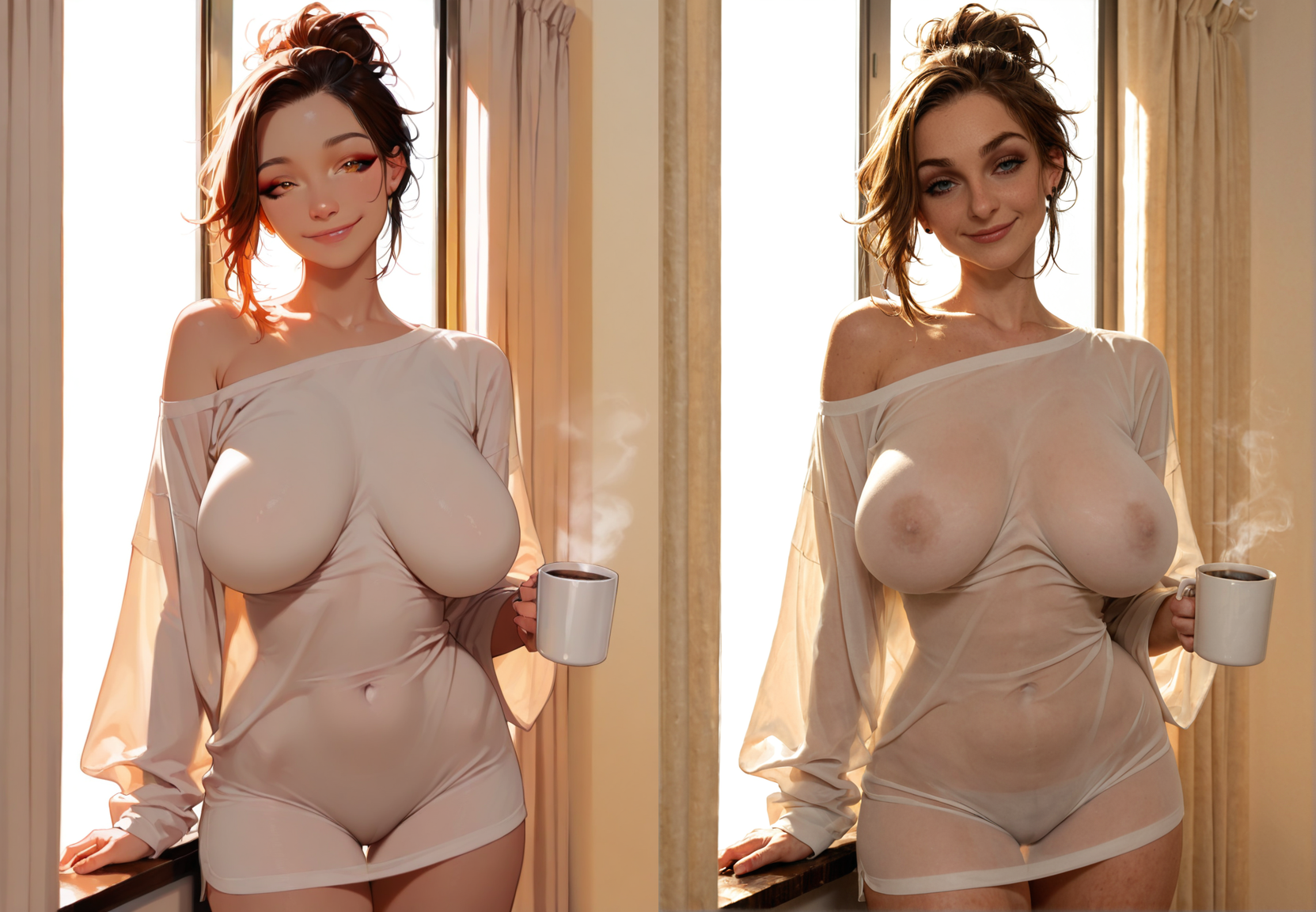
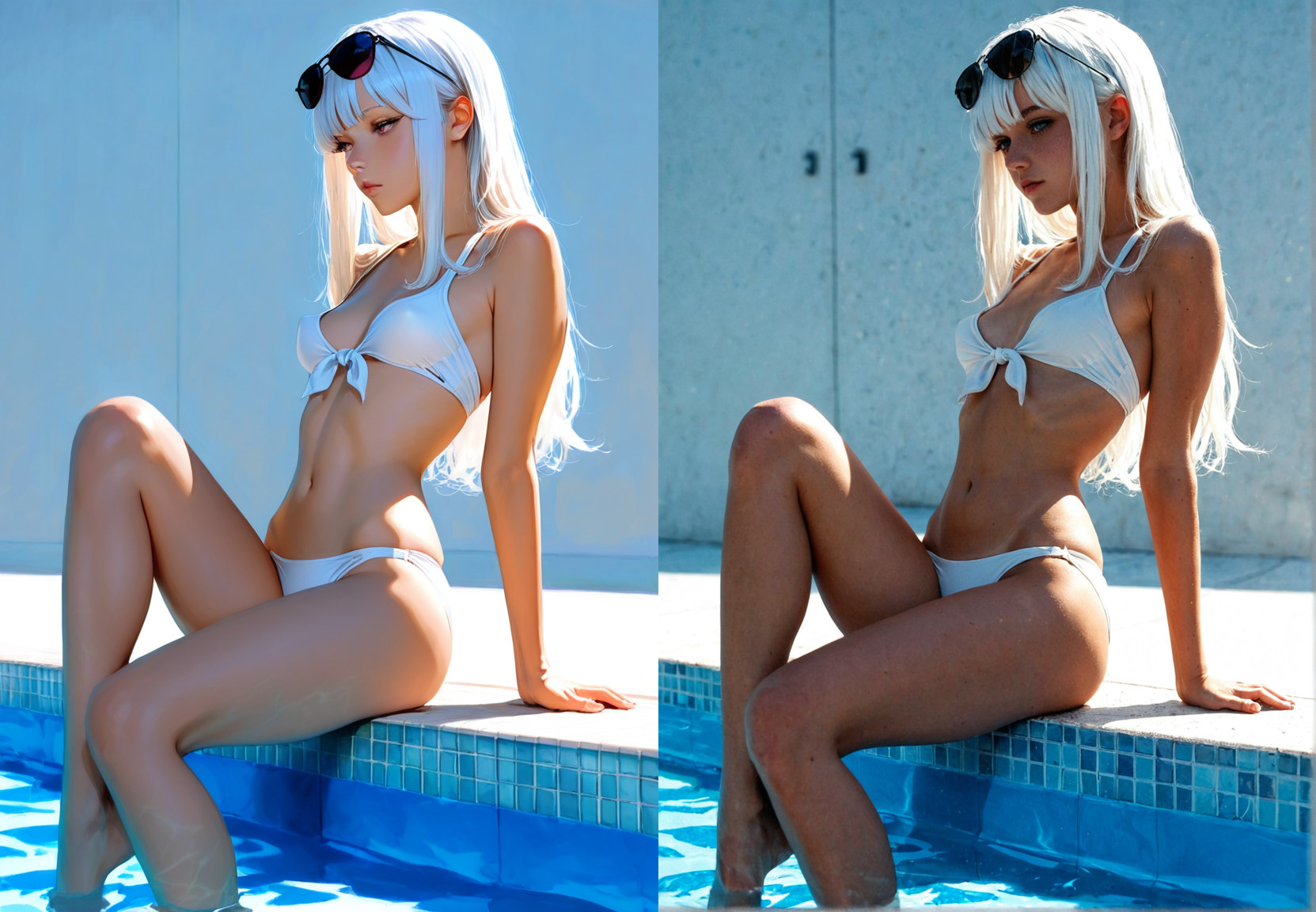
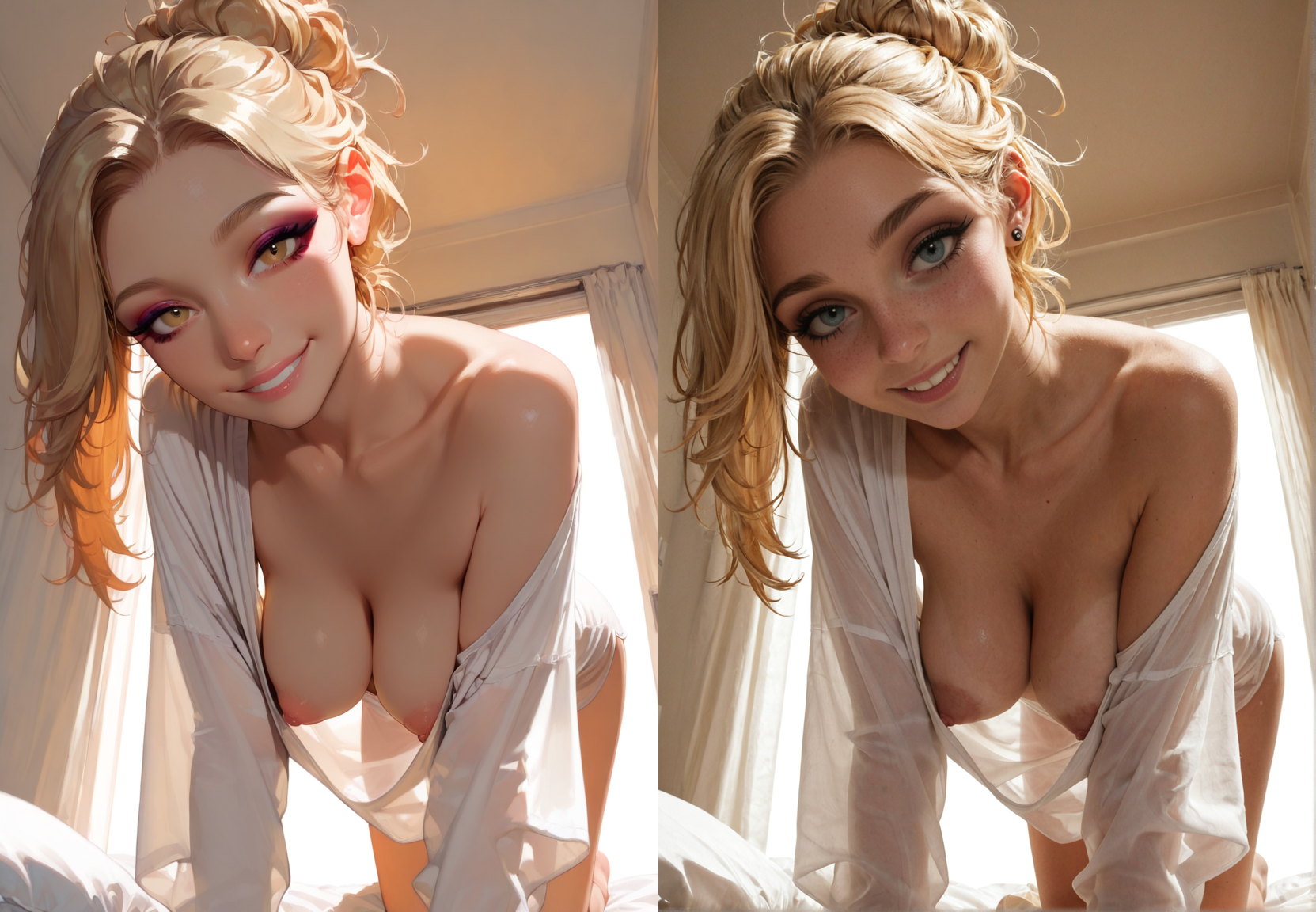
The power of Illustrious combined with the realism of Pony to create amazing creative images!
After playing with Illustrious - I came to love its subject, style, and composition adherence. Unfortunately I much prefer realistic images to anime. So, I started working on a way to pass Illustrious output into Pony realism and the results blew me away! Now we can create realistic images, but get all the benefits of Illustrious all in once place. This unlocks a brand new world of image generations previously locked behind a lack of training data.
Reach out to me and let me know what you think of the workflow! And also...
Please post images generated to this workflow page!
I would love to see your creations! Unfortunately I can't automatically tag this workflow as a resource. The checkpoints and loras you used will be automatically tagged, and show up in the model's images gallery automatically!
NOTE: THIS WORKFLOW IS FOR ADVANCED COMFYUI USERS!
This workflow is tested extensively with @klaabu 's Untitled Pony Realism and IllustriousNXT models linked in the suggested resources. Other models may require parameter tweaking to work properly!
## Installation
Install ComfyUI https://github.com/comfyanonymous/ComfyUI
Install ComfyUI Manager https://github.com/ltdrdata/ComfyUI-Manager
- Open ComfyUI
- Load the workflow
- Manager > Install Missing Custom Nodes
- Install all of the missing nodes (I use nightly versions for everything)
- Restart ComfyUI
- Install all of the models listed below to their proper places
- Restart ComfyUI
- Trying to run this initially, you may run into an error with the HighRes-Fix Script node. To remedy this, create a new version of the node, make sure the paramters are the same, then reconnect the new one to the KSampler node and delete the old one. Make sure to disabling "use_same_seed" as well. No clue why this happens, but it happens consistently the first time...
## Model Downloads
### Checkpoint
Install to ComfyUI\models\checkpoints
Any Pony model will work. CyberRealistic Pony is one of the most popular models that works out of the box.
https://civitai.com/models/443821/cyberrealistic-pony?modelVersionId=1346181
### Controlnet
Install to ComfyUI\models\controlnet (I renamed mine to controlnet_union_promax.safetensors)
### Depth Anything
The Depth Anything V2 - Relative node will automatically download and install the needed model.
### Upscale models
Install to ComfyUI\models\upscale_models
https://civitai.com/models/147759/remacri
### CLIP-ViT-H-14-laion2B-s32B-b79K
Install to ComfyUI\models\clip_vision
https://huggingface.co/laion/CLIP-ViT-H-14-laion2B-s32B-b79K/blob/main/model.safetensors
### IPAdapter ip-adapter-plus_sdxl_vit-h
Install to ComfyUI\models\ipadapter (You must manually create this folder)
https://huggingface.co/h94/IP-Adapter/blob/main/sdxl_models/ip-adapter-plus_sdxl_vit-h.safetensors
## Usage
This workflow is focused on creating high-quality, unique images for Pony and SDXL.
It contains different features, all controlled by the Fast Groups Bypasser (rgthree) node. The names of the features correspond to the named groups in the workflow. Turning one off will bypass the entire group.
### Skimmed CFG
https://github.com/Extraltodeus/Skimmed_CFG
Many people ask how I make my images. They're hard to replicate solely because of this node. Skimmed CFG makes allows your to turn up CFG values and prompt weights (photorealistic:1.5). Try out 5/12/24/48 CFG while setting Skimmed CFG to 3/5/7!
It allows you to weight your prompts more heavily and develop unique styles. For example, try adding (abstract minimal art:1.9) to your next prompt!
For a baseline, I recommend Skimming CFG at 5.0 and CFG at 12. Please test these values out per-model though because they change the output significantly.
## Extra VAE
I've included an extra "Load VAE" node in case the model you use does not have its own VAE. You can use the standard SDXL vae, or one of the many avilable on CivitAI