One-Shot Realism




Details
Download Files (1)
Model description
I wanted to try a realistic merge using the same philosophy as One-Shot Illustrious. I've found realistic models to be very difficult to work with and I'm not sure I was successful, but I decided to share anyways in case someone might enjoy using it. Check the suggested resources below for models used in the merge.
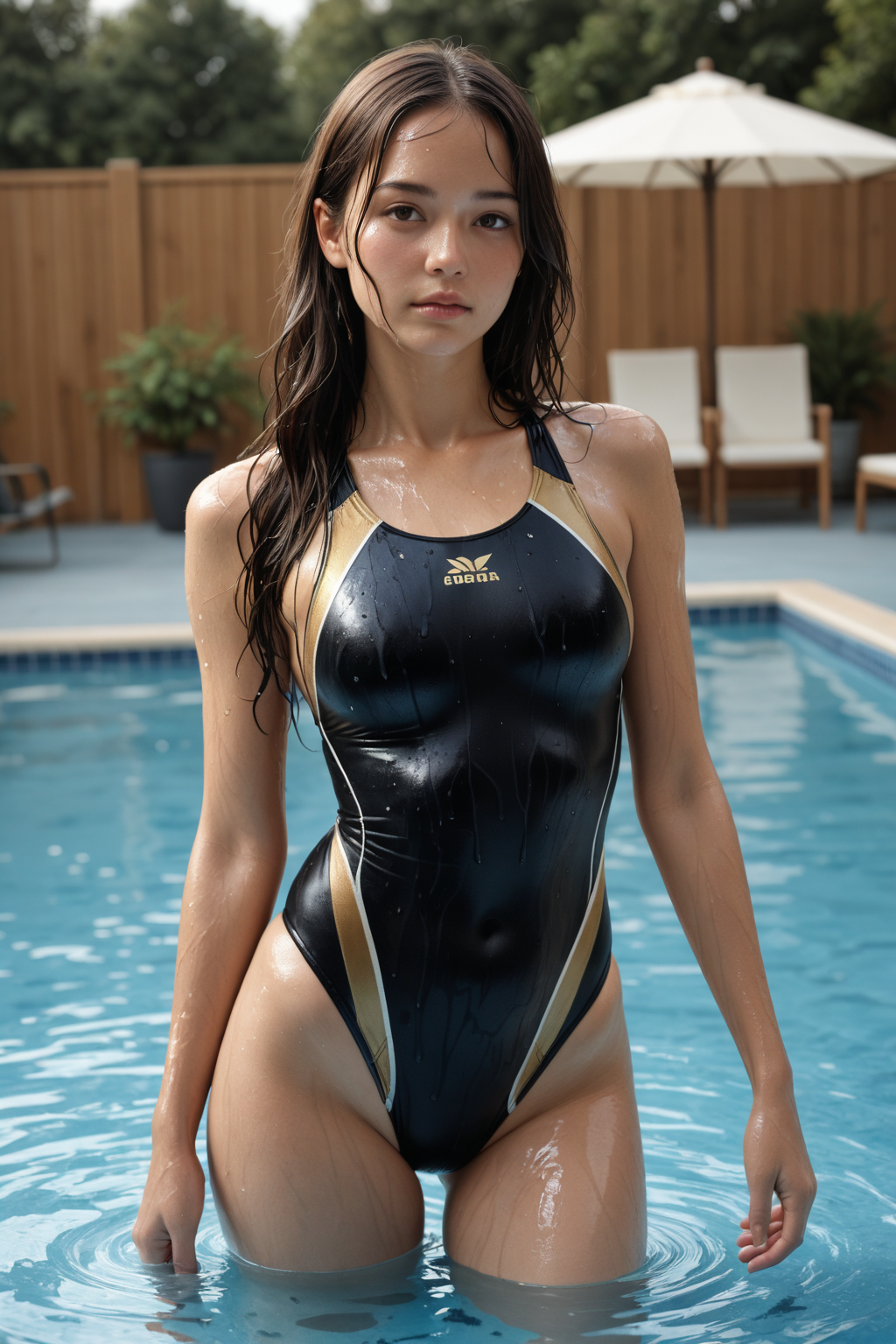
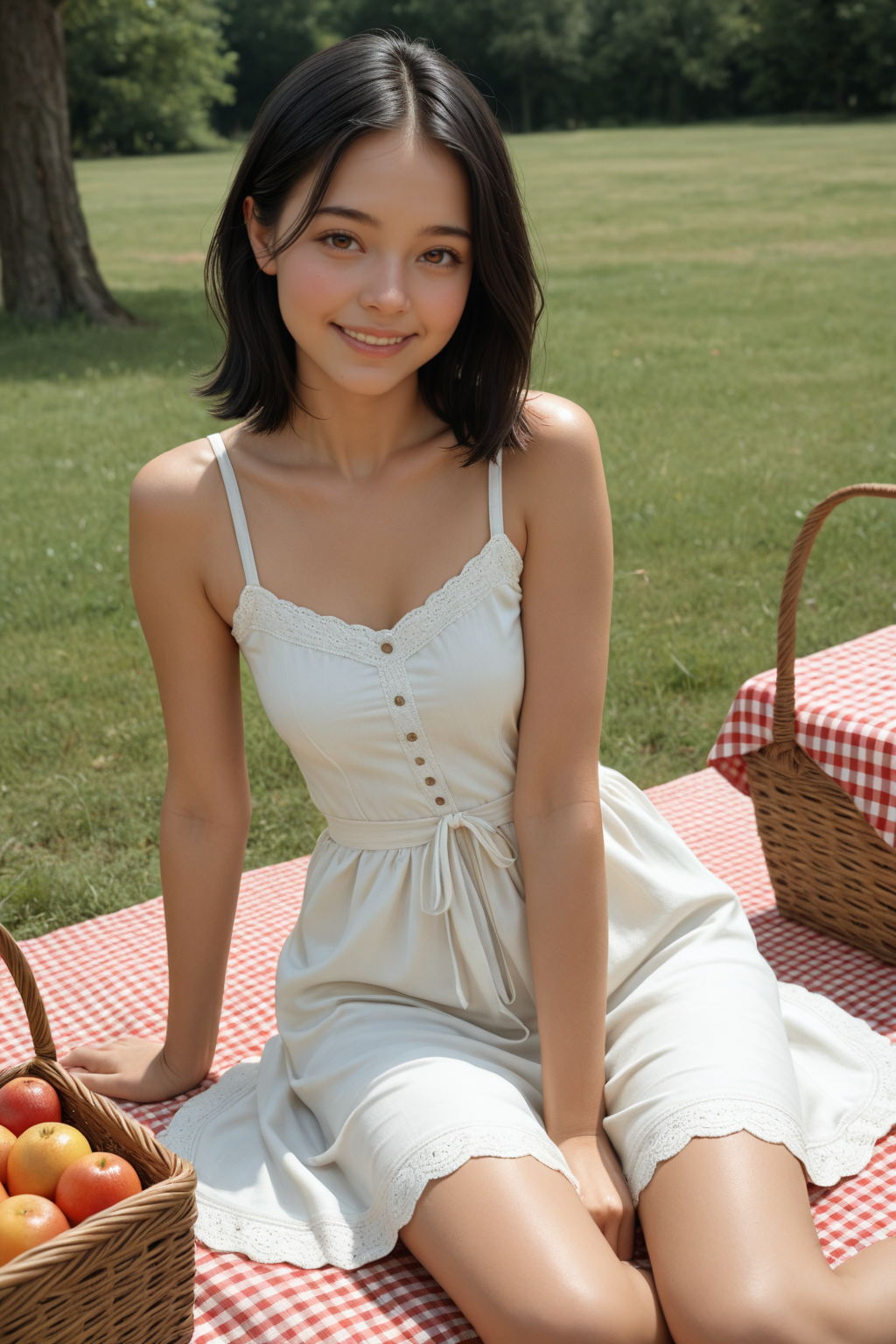
All example images were generated without loras and without upscaling to show the natural output of the model. This model has an Asian bias, but it should be possible to generate other ethnicities by adding related tags to the positive and negative prompt.
DISCLAIMER
While this model can generate SFW images, it is NSFW and is capable of generating explicit material. Use caution in your prompts if you're looking to avoid anything NSFW, but I can't guarantee a random NSFW image won't appear from time to time.
RECOMMENDED SETTINGS
These are the settings I use, but there could be something better. Feel free to experiment on your own.
Resolutions: 832x1216 / 768x1344 / 1024x1536 <- what I use (Caution: Higher resolutions may increase the chance of incorrect finger and toe count, as well as other oddities. If you still want a higher native resolution, 1248x1824 has been surprisingly okay during my limited testing.)
Steps: ~35
CFG Scale: 7
Sampler: Euler Ancestral / DDIM
Scheduler: Karras
Upscaler / Hires. fix (Optional): 0.3 strength, 2x upscale, 4x-Ultrasharp or SwinIR_4x
ADetailer / CLIPSeg (Optional): Use as desired/needed
RECOMMENDED BASE PROMPTS
Same as above, this is just what I use. Feel free to experiment to your own preference.
Positive: masterpiece, best quality, amazing quality, detailed eyes, realistic, photorealistic
Negative: bad quality, worst quality, worst detail, sketch, censor, bar censor, extra fingers, extra toes
If you don't mind sacrificing realism for better prompt adherence (or if you just prefer the look), remove "realistic, photorealistic" from the positive prompt. If you're trying to generate an image without a visible face, be sure to change "detailed eyes" to "detailed" in the positive prompt.