YFG Beyond Glitch [Flux Krea]









Details
Download Files (1)
About this version
Model description
YFG Beyond Glitch – Cyberpunk Overlays & Digital Distortion
Style
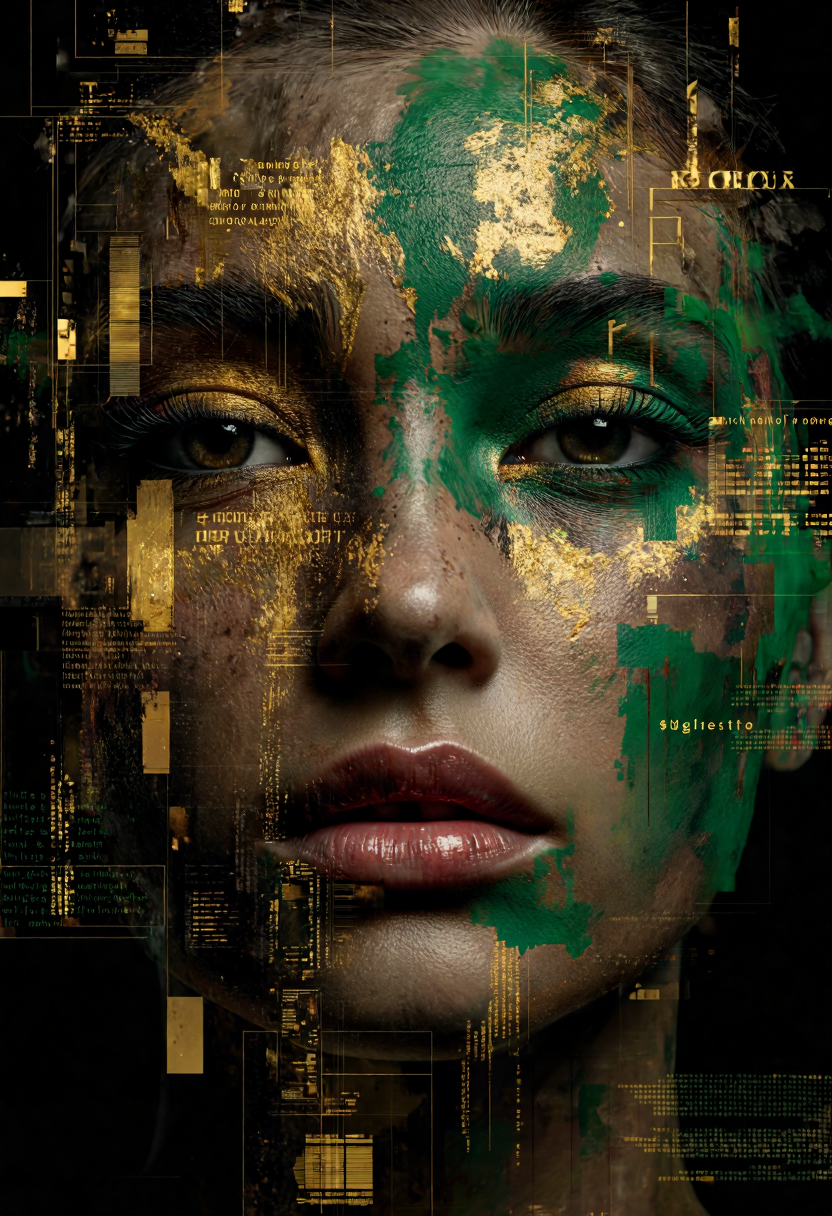
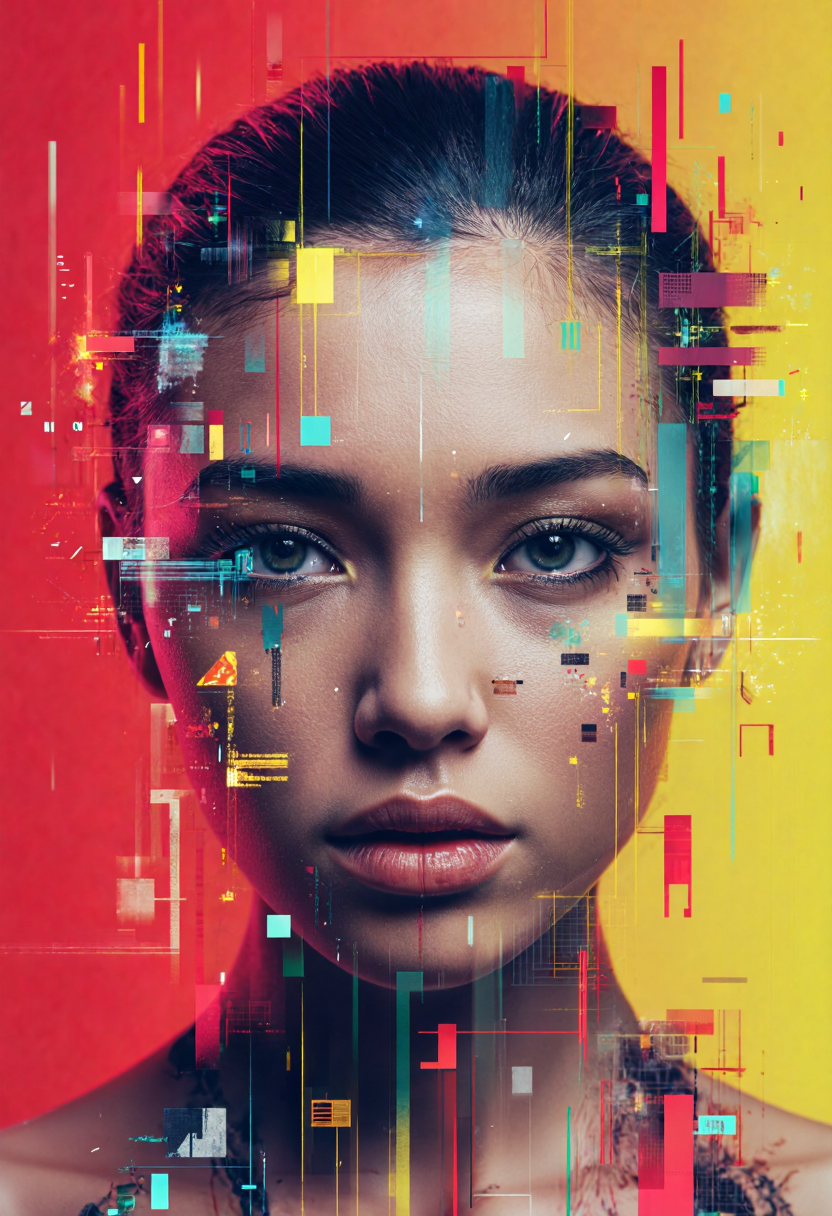
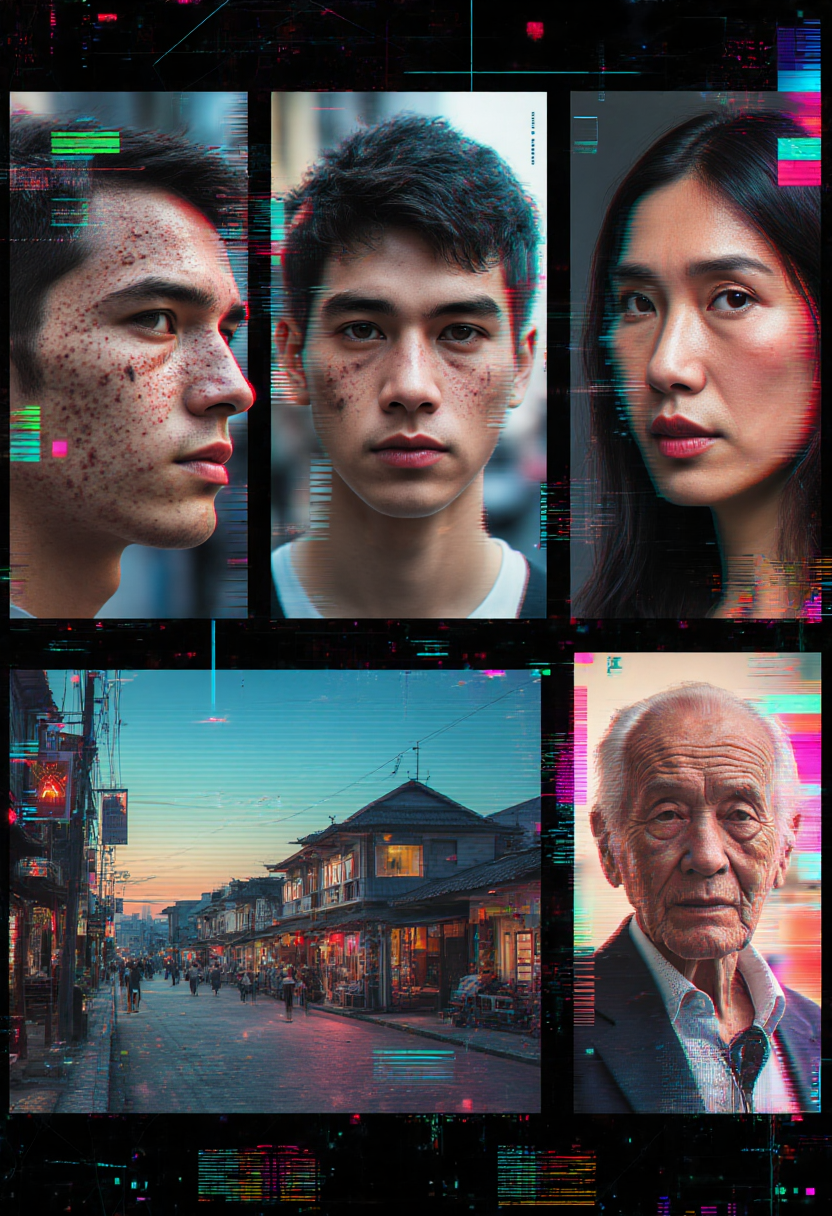
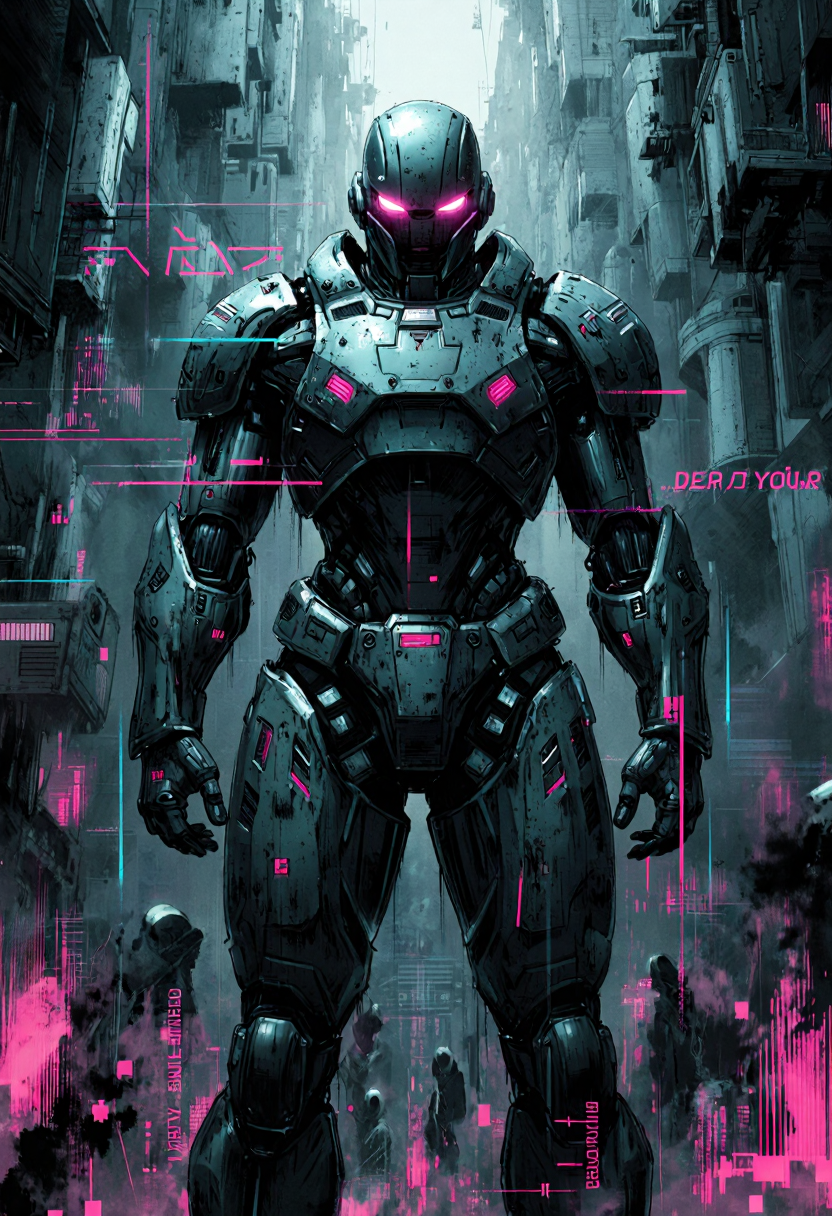
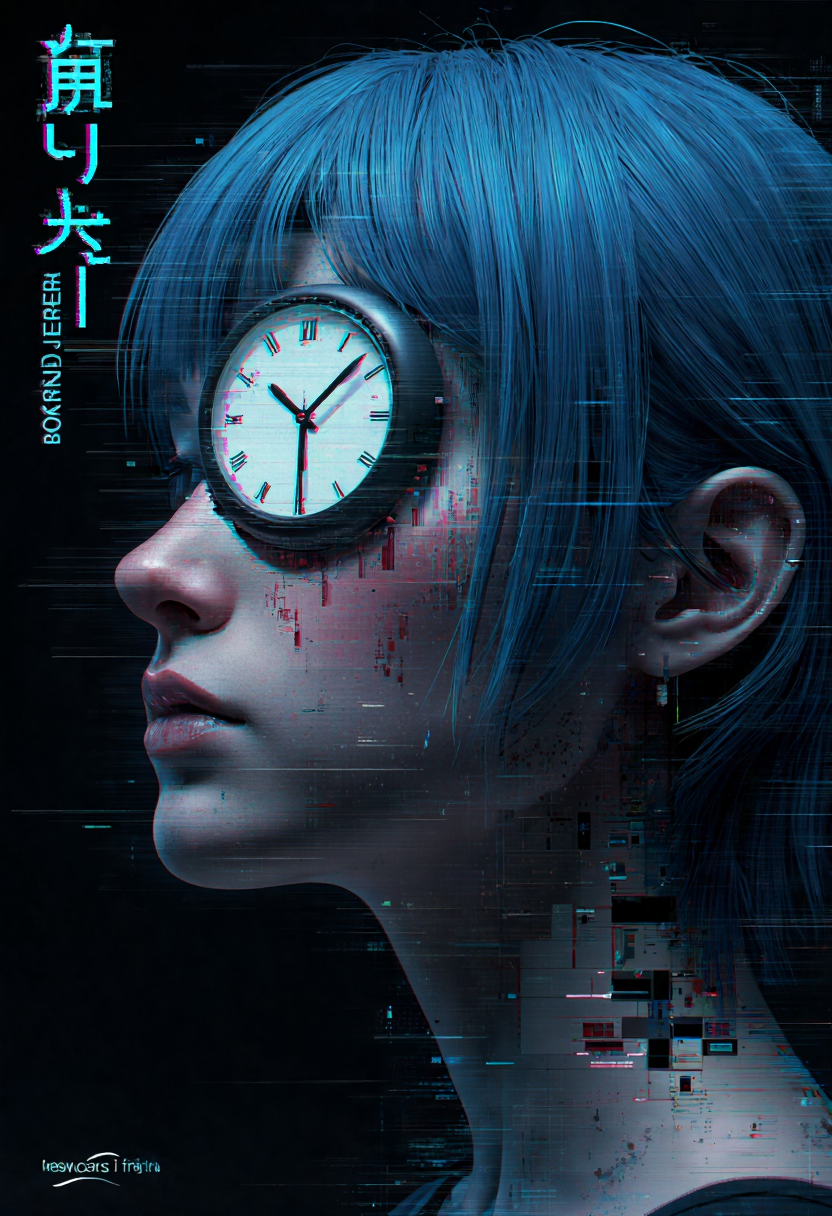
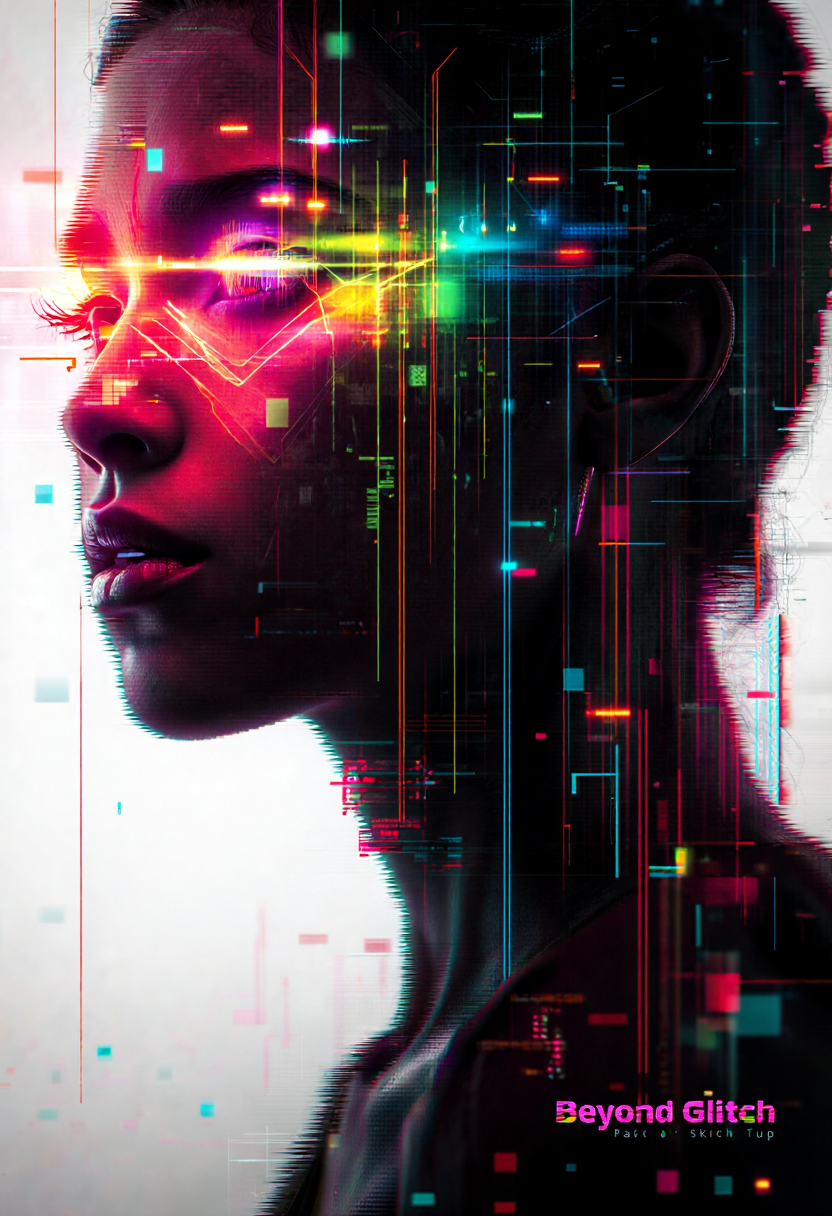
Applies high-energy glitch artifacts, HUD graphics, bold typography, and neon overlays—perfect for cyberpunk portraits, tech interfaces, and corrupted-signal visuals. Expect chromatic splits, scan-line breaks, graphical UI elements, and floating text fragments.
Trigger
No dedicated trigger word. Boost the aesthetic with phrases such as:
“…surrounded by graphical images and text”
“…a futuristic interface on her head”
“…cyberpunk backdrop, glitch overlays, floating typography.”
Strength
Effective from 0.40 – 1.00.
0.60 – 0.80 is the sweet spot for balanced glitch flair and prompt fidelity.
Lower for subtle static; higher for full data-corruption chaos.
Key Characteristics
Glitch Artifacts – RGB channel splits, scan-line distortions, pixel tears.
Futuristic UI – Floating holographic panels, target reticles, data readouts, chunky sans-serif type.
Bold Typography – Oversized text, warped captions, stacked Kanji/Latin phrases.
Neon & Chromatic Color – Hot magentas, blues, cyans, and acidic greens light up the scene.
Prompt Ideas
“Cyberpunk portrait, a futuristic interface on her head, surrounded by glitchy text and neon overlays, YFG Beyond Glitch style.”
“A lone hacker silhouetted by scrolling code and graphical images, heavy chromatic aberration and scan-line effects.”
“Futuristic city skyline with floating billboards, distorted typography, and glitch artifacts across the entire frame.”
Tips & Tricks
Direct the Overlay
Use terms like “floating UI,” “HUD graphics,” “vector shapes,” or “error code” to shape the glitch layers.
Control Chaos
If details become unreadable, reduce strength or add negatives: “avoid heavy pixelation,” “maintain face clarity.”
Color Guidance
Prompt specific palettes (e.g., “neon magenta and teal,” “monochrome green DOS glitch”) to steer the vibe.
Combine with Portrait or Scene LoRAs
Layer YFG Beyond Glitch at 0.6–0.7 over a character or cityscape style to merge clean subjects with digital distortion.
Typography Emphasis
Phrases like “oversized headline text,” “stacked kanji columns,” or “glitched lorem ipsum” add graphic punch.
Turn your visuals into fractured screens and cyber interfaces with YFG Beyond Glitch—dial in the strength, drop the right keywords, and watch your scenes burst with neon noise and data-driven drama.