ShiroMix





세부 정보
파일 다운로드 (1)
이 버전에 대해
모델 설명
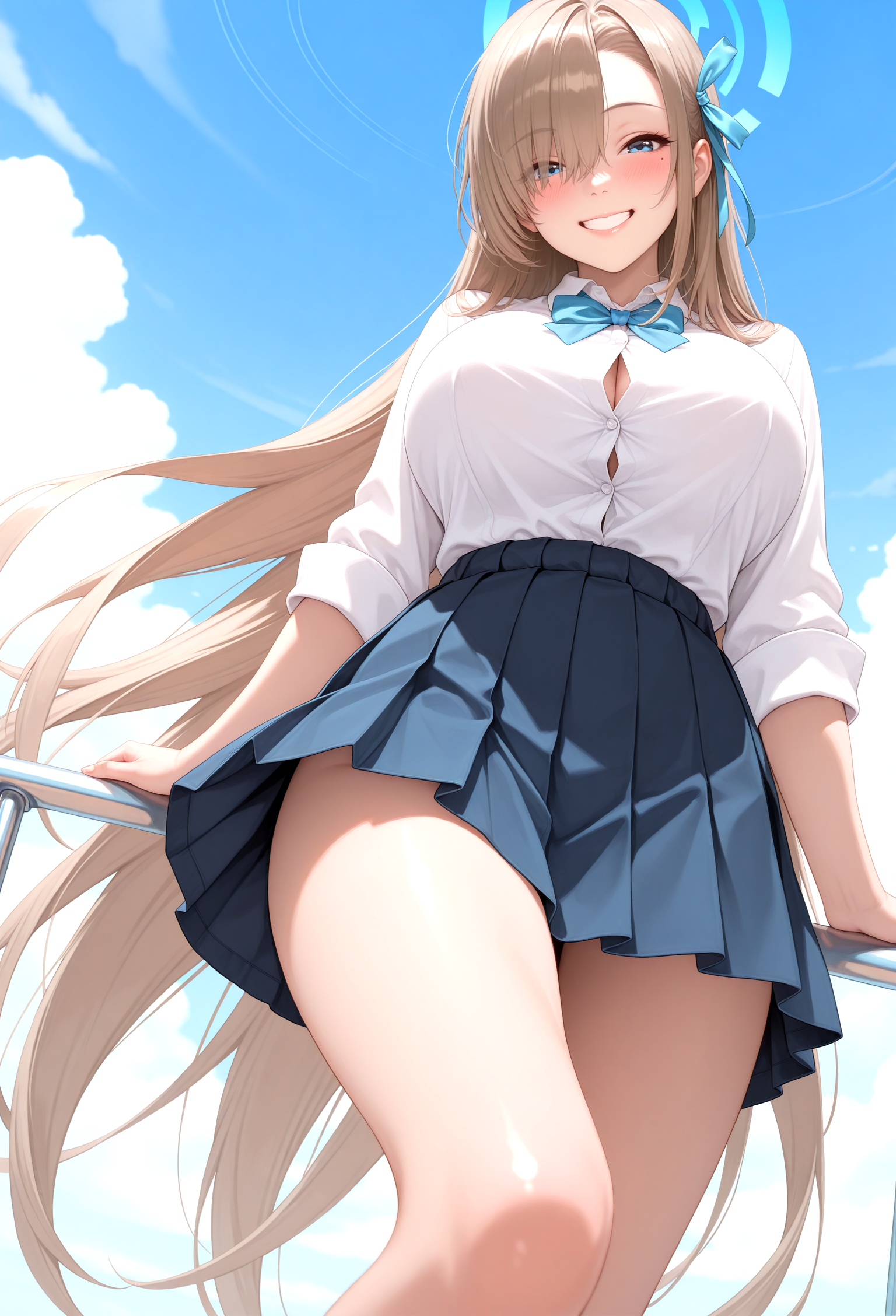
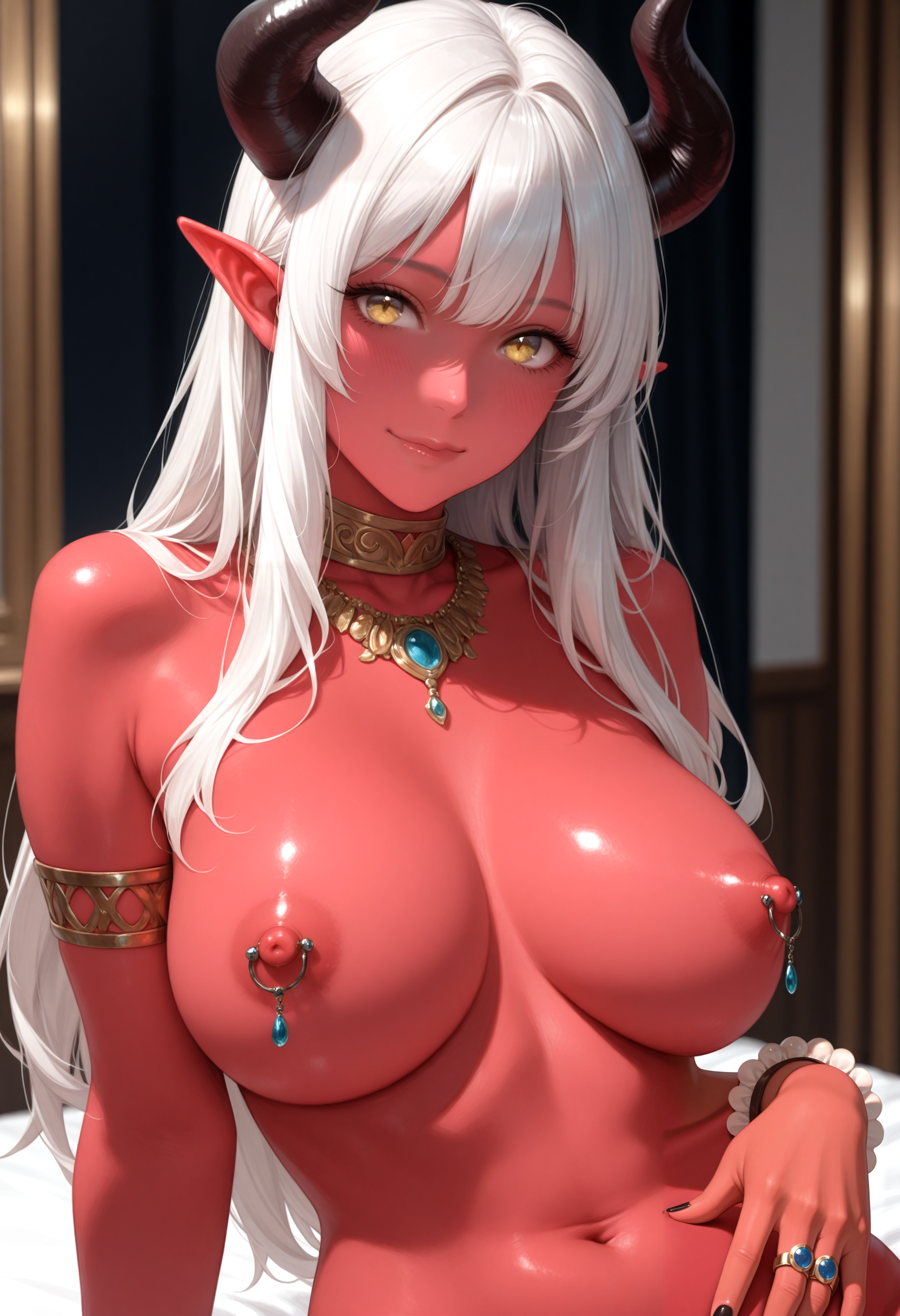
Hello everyone. I'd like to introduce you to my first Checkpoint Merge. I decided to take my favourite models and get something of my own that will combine elements of realism (proportions, light and shadows) and anime style.
Model features:
Hybrid style (animerealism)
Support Characters
More semi-realistic style, which is achieved with the tag "Realistic"
Ver. 3.0 Angel Spring Roll
The model has naturally evolved towards a more pronounced animerealism base. Where earlier versions leaned slightly more towards anime with a realistic switch, v3 now delivers a noticeable 3D depth by default while fully preserving anime aesthetics. This version builds on the foundation of the previous version, retains the characters (as much as possible), and enhances the realistic details.
As the semi-realism of the model has become more pronounced and defined, technical tags have become necessary to bring out a clearer anime style:
anime screenshot, cel shading, flat color, dot nose,The model also responds well to artist styles. The "realistic" tag will produce a stronger 3D effect.
This time, I used many new models to achieve the desired result.
Resources used in creating the model:
shiromix_v25Winterangel
waiNSFWIllustrious_v150
ynsReal_v3
spicymix_serrano
duchesse_chaotique
waisnackmixWaiNova_v10
ilustrealism_v10
Shiro Aurora Mix Style (Lora)
Shiro Aesthetic Mix Style (Unpublished Lora)
Ver. 2.5 WinterAngel
Time has come to release a new checkpoint. This time, I was inspired to add new characters to my checkpoint. The main idea was to transfer characters from waiillustrious 15, which became the primary base for this version. During the work on this checkpoint, I encountered some difficulties and made several discoveries for myself. Overall, I managed to create an excellent model that supports the new characters. In the future, I plan to release a wildcard containing all known characters that can be generated with my model. (But you can also use the mod on the waiillustrious page, which includes many characters).
I'm still striving to maintain a balance between anime and semi-realism. I tested it a bit with my original characters. Overall, it works satisfactorily.
The version was created using the same models from different versions, as well as my style LoRA.
Main resources for creating the model:
ShiroMixv2.0The_Rising_Star
waiNSFWIllustrious_v150
ilustmix_v6
illustriousXLV20_v10 (VAE)
Shiro Aurora Mix Style (Lora)
add-detail-xl (lora)
Known issue: Under certain conditions, I've noticed eye artifacts with the "grey eyes" tag. This most commonly occurs with the Euler a sampler. The issue can be resolved by using a more precise sampler or increasing the sampling steps (as well as using HiRes fix and Adetailer). I've encountered this issue in other people's checkpoints as well.
Ver. 2.0 The Rising Star
A new model that more strongly blends anime style with elements of realism. This model incorporates several of my LoRA models as well as an unpublished LoRA style model designed to enhance realism while preserving anime aesthetics. Additionally, the checkpoint WAI-NSFW-illustrious-SDXL ver 140, merged with my LoRAs and base model, was used during development.
This new version is named "The Rising Star" because I concentrated on integrating my personal LoRA models and enhancements to achieve something more than just a simple merge — marking a step forward toward new semi-realistic styles. Nevertheless, I plan to introduce small refinements in future models to steadily and smoothly evolve the series.
It is important to highlight that the tag 'realistic' still effectively strengthens the realism elements in the model.
Version features:
integration Aurora Mix Style LoRA
integration Serious maid Victoria LoRA
hybrid style enhancement
Ver. 1.5 Stable
A stable version that reinforces more of the realism elements with the tag ‘realistic’ than the previous version.
Ver. 1 Pure (+VAE)
An updated first version that I added VAE to. Retains more of the anime aesthetic.
If you used the first version and like it better, please download it. In the future, I will remove the version without VAE. This version is compatible with adetailer.
In some cases, mask boxes still appear in this version, mostly on arms and legs. The solution is the same as for the version without VAE: after ADetailer, apply Hires.fix.
Another method that seems to work is to go into ADetailer’s settings before generating and set the Mask merge mode (the 5th option) to “merge.” This can help reduce or eliminate mask box artifacts.
Ver. 1 Without VAE
Known issues: Adetailer leaves a visible square.
Temporary solution: Use Hires.fix after generation with Adetailer.
Unfortunately my first merge checkpoint turned out to be not without its flaws. I'll try to fix that in the new version.
For the merge, I used the following models:
- Illustrious-XL-v2.0-stable
- WAI-NSFW-illustrious-SDXL
- iLustMix
- My unpublished style LoRA (only for first version, In the stable version I decided to reduce the weight for now)
I will gradually try to complete the post on using the model, and I would also welcome feedback.
Usage tips:
DPM++ 2M (recommended)
Euler a - 24-48
CFG scale: 5-7
ADetailer (I recommend setting low parameters for face inpainting, if the program interface allows it, such as in SwarmUI, or in some cases reducing noise in the adeteiler inpainting).
Hires upscale: 1.5,
Hires steps: 20,
Hires upscaler: R-ESRGAN 4x+ Anime6B or Animesharp,
Denoising strength: 0.35~0.5
By default, the model creates in anime style. You can use the tags realistic and realistic eyes to improve the result and add realistic elements
Positive tags:
masterpiece, high quality, best quality, highres, amazing quality, very aesthetic,detailed eyes, perfect eyes, realistic, realistic eyes, realistic skin,Negative tags:
bad quality,worst quality,worst detail,sketch,censor,poorly detailed,jpeg artifacts, bad anatomy,Safety rating tag: nsfw
All images are polished through ADetailer