Reality BoundXL




















详情
下载文件 (2)
关于此版本
模型描述
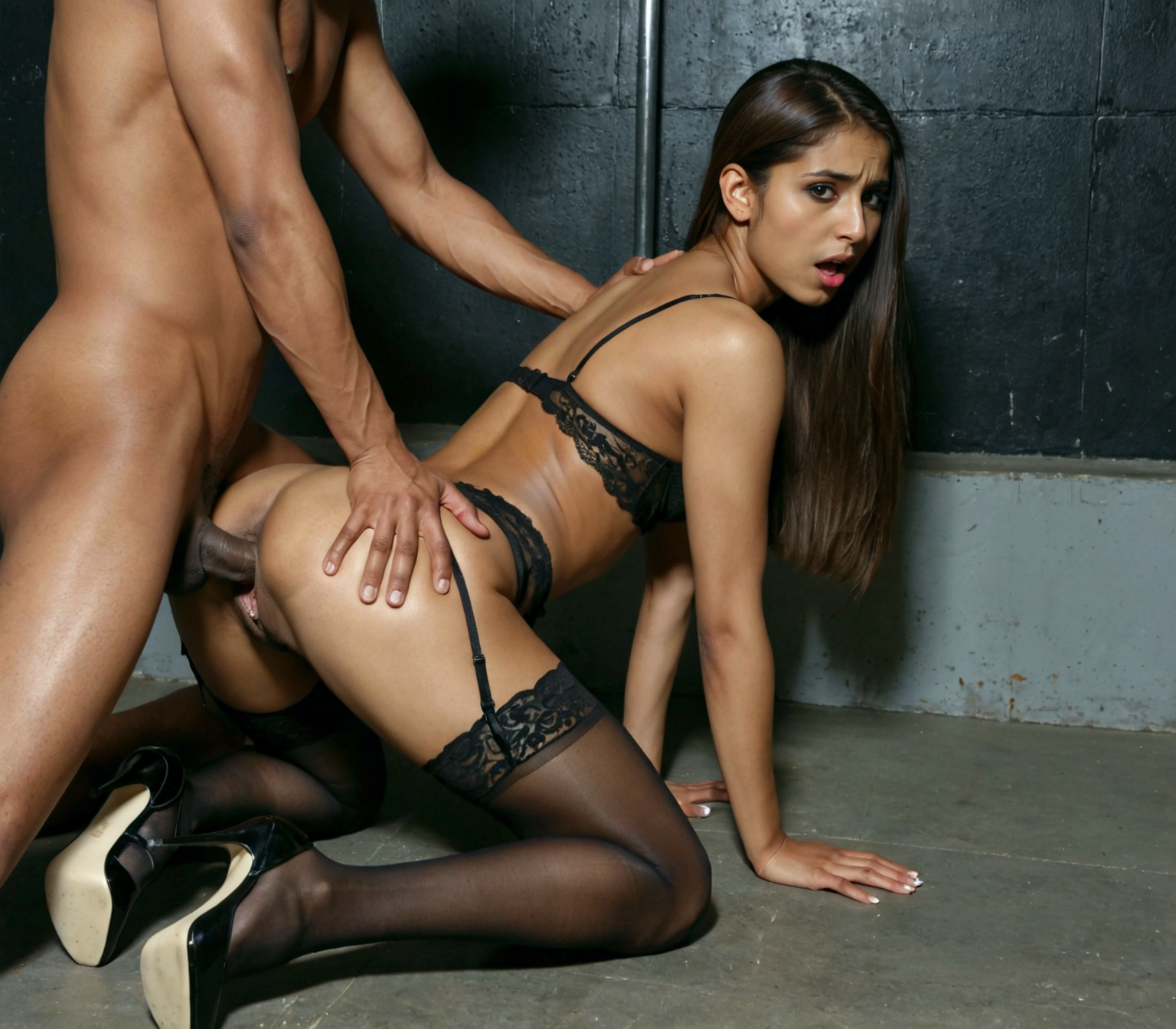
This series is focused on women and the female body, in every kind of setting or style. It can do fine art, social media style, surrealism, cinematic, and pornographic very well. The main goal is to have as much diversity as possible in an SDXL checkpoint. Diversity in ethnicity, body type, faces, posing, personality, and locations.
If you like it post your creations!
Donations to my Whop account will exclusively go towards hardware upgrades. Civitai Buzz will be used for site generation and promotions.
Upgrading my local hardware is my on-going goal so I can train locally.
Local training is imperative today. With Ai data centers there will be a vast drain on resources in the areas they operate. Since model & lora training will no doubt be hosted in the new centers, I want to be able to run locally only. The moment my Ai hobby causes actual harm, on any scale, is when I start collecting stamps instead.
General Series Details
Diversity of ethnicities
Specify an ethnicity, facial expression, eye color for more unique people
Very good at hairstyles
NSFW & SFW fully clothed images
Great at female anatomy
Very nice textures & patterns with or without prompting
Works well with cinematic & photography style loras
Diverse vocabulary, try new keywords and see what happens
Short prompts will generate intricate details
Prompting recognizes tags & plain text
If you like what I do, I now have a link for tips. You can also use the link below to send me a private message or model requests:
To force clip & vae in FP32
Forge:
./webui.sh --clip-in-fp32 --vae-in-fp32 --no-half-vae(or add the commands to your webui-user.bat (Windows) or webui-user.sh (Linux) in
COMMANDLINE_ARGS= --clip-in-fp32 --vae-in-fp32 --no-half-vaeFor all commands (many are obsolete now since the developers have made them default)
Comfy:
python main.py --fp32-text-enc --fp32-vaeI don't use Comfy, so this is what I've seen on the web. Here is a link to all commands:
https://gist.github.com/ravetank/cedcd1ea89738b2e79b9f01e45a1a03d#file-comfyuihelp-txt