WAN 2.2 Workflow T2V-I2V-T2I (Kijai Wrapper)

Details
Download Files (1)
About this version
Model description
DRAG AND DROP PNG WORKFLOWS IN COMFYUI JUST LIKE JSON
A set of ComfyUI workflows for WAN Video:
I highly recommend using Torch Compile and Sage Attention (set as “SageAttention_Compiled” in the model loaders). The TorchCompile node and SageAttention are enabled by default.
If you don’t have them installed, you can bypass the TorchCompile node and use SDPA instead of Sage Attention - it will be slower, but it will work.
VACE WAN 2.2 Depth Control
WAN 2.1 I2V
WAN 2.1 T2V
WAN 2.2 FaceEnhance
WAN 2.2 I2V StartEnd Frames
WAN 2.2 I2V
WAN 2.2 LORA COMPARE
WAN 2.2 S2V
WAN 2.2 T2I
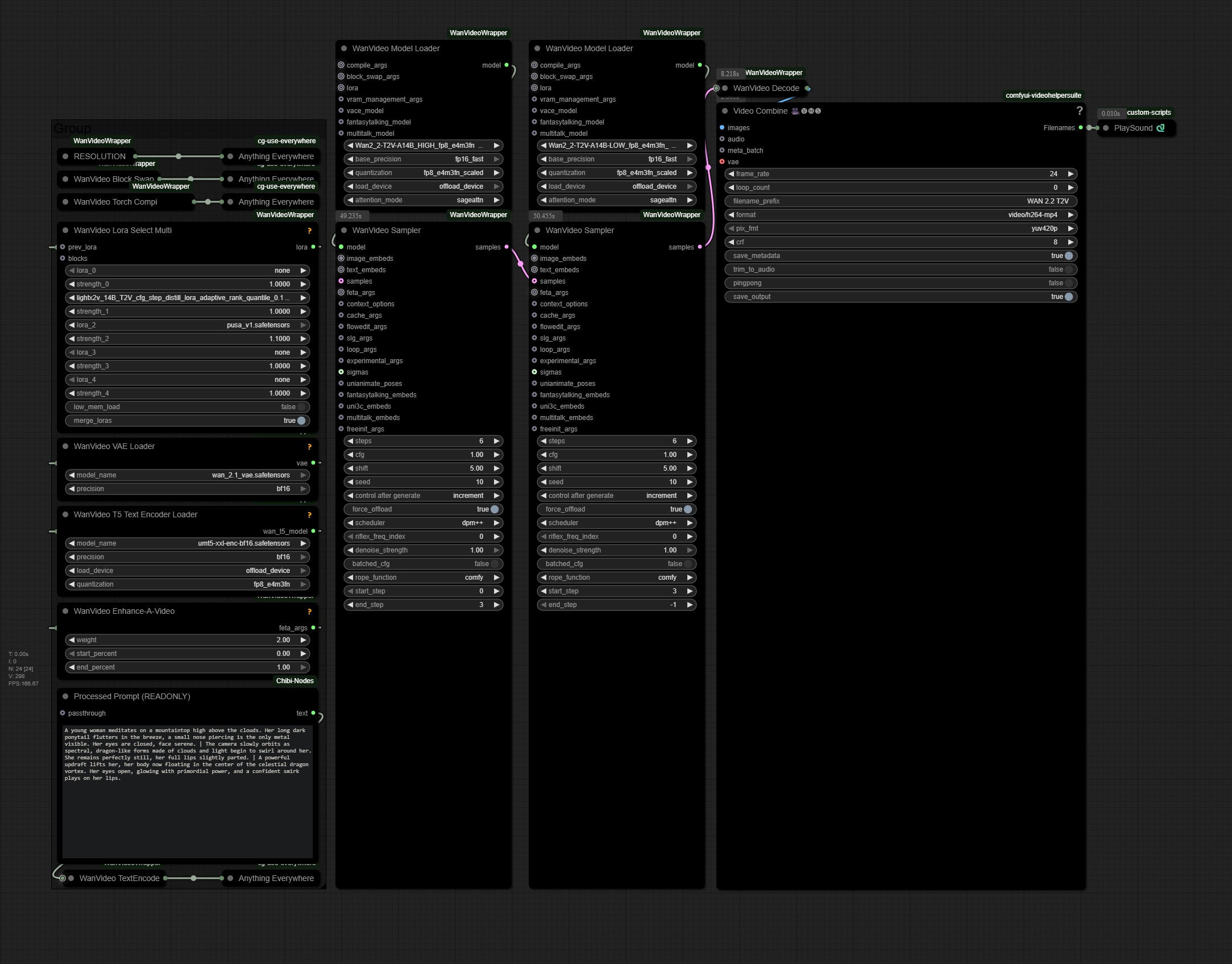
WAN 2.2 T2V
WAN ANIMATE 2.2
WAN 2.2 FASTWAN 5B ControlNetDepth
WAN 2.2 FASTWAN 5B I2V
WAN 2.2 FASTWAN 5B T2V
FlashVSR FaceEnhance
FlashVSR UPSCALE
WAN 2.1 FantasyPortrait
WAN 2.2 I2V FAST EFFICIENT BATCH
WAN T2I 2.2 FAST EFFICIENT BATCH
WAN T2V 2.2 FAST EFFICIENT BATCH
WAN 2.2 UPSCALE + FACE ENHANCE
WAN 2.2 UPSCALE
WAN 2.2 FunCameraControl I2V
WAN 2.2 FunControl
WAN 2.2 MANUAL FunCameraControl I2V
".png contains workflows, you can drag and drop them like .json in your ComfyUI interface"
Some workflows uses Subgraphs, on your .bat launcher set:
--front-end-version Comfy-Org/ComfyUI_frontend@latest
Make sure to update your Kijai nodes and CRT-Nodes
You can find better scaled versions here
This is my RUNPOD referal link to earn 5$, wich is about 6h of free RTX 5090 usage : https://runpod.io?ref=u7b2habt
It also helps me to train new models, thanks.