ComfyUI beginner friendly Krea GGUF Txt2Img Super Simple Workflow by SarcasticTOFU

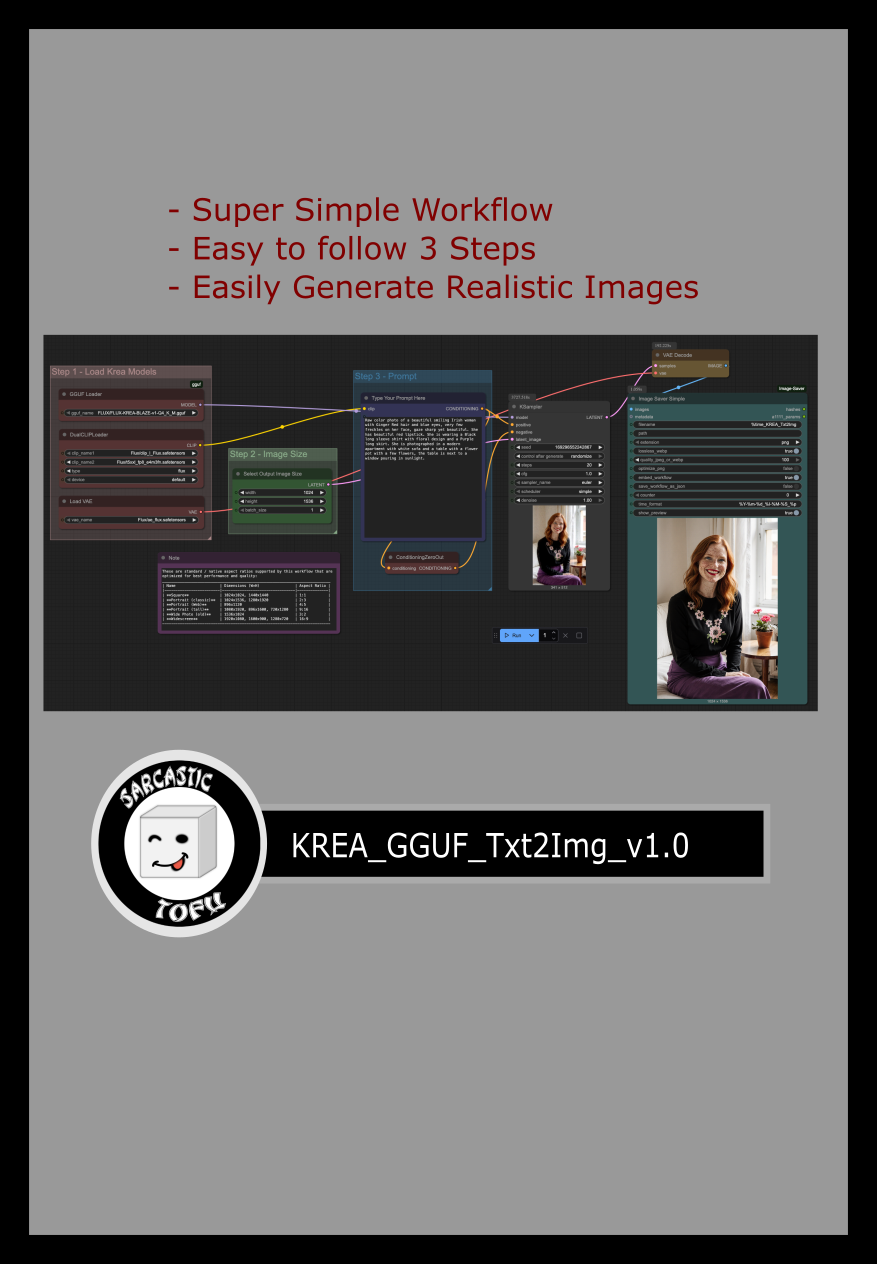




Details
Download Files (1)
Model description
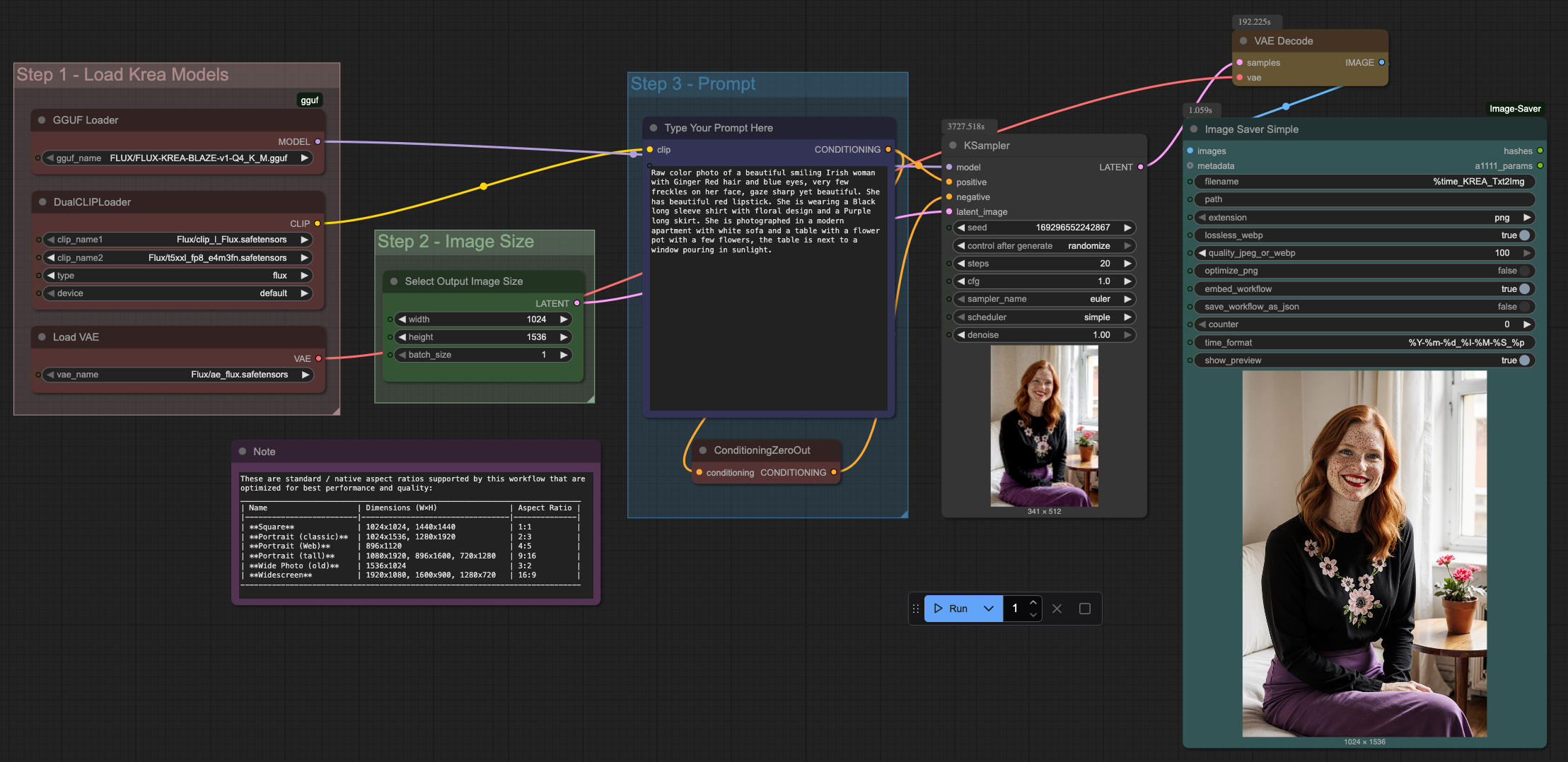
This is a very simple ComfyUI beginner friendly Txt2Img workflow that will work with a single Flux Krea GGUF model to perform simple three step Txt2Img process to generate quality realistic outputs without any LORAs or complex spider webs of nodes within ComfyUI. You need a Hugging Face account to download your necessary Flux Krea GGUF files (Details are mentioned below). Make sure you install GGUF addon for ComfyUI using ComfyUI manager plugin and place the correct files in correct places. Also check out my other workflows for SD 1.5 + SDXL 1.0, HiDream, WAN, QWEN Image and Flux.
How to use this -
#1. Just select your desired Flux Krea GGUF model first and then
#2. Write your positive and negative prompts for output.
#3. select how many images you want (Change the number besides the "Run" button) & press the run button to generate.
That's it.. it's as simple as 1, 2, 3 and works well on Mac as well as works well on low VRAM ( 8 GB AMD or Nvidia) Windows / Linux systems, for easy ComfyUI setup use StabilityMatrix (setup ComfyUI-Zluda for AMD GPU using StabilityMatrix)
** Optionally, you may select image sampling methods, CFG, steps etc. settings but the defaults can generate quality outputs very easily.
Enjoy!