Kontext Figure Maker By Aldniki



詳細
ファイルをダウンロード
モデル説明
以下のオンラインワークフローをご利用ください。結果が良好であれば、ローカルにセットアップして実行することもできます。
ファン特典として、登録時に1,000ポイント、毎日のログインで100ポイントを獲得できます。RTX 4090と48GBのVRAMでスムーズな体験をお楽しみください。
モデルの説明
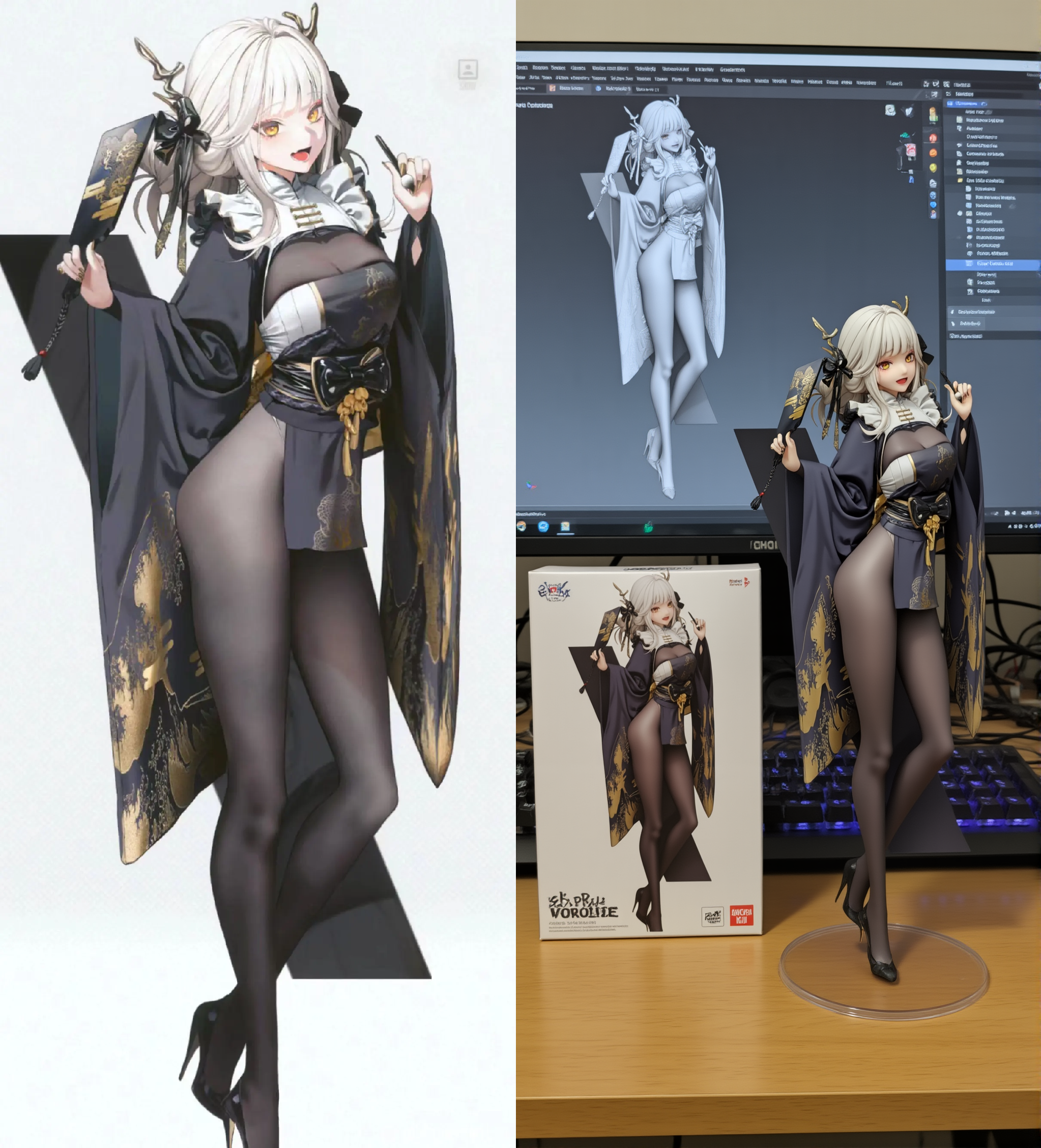
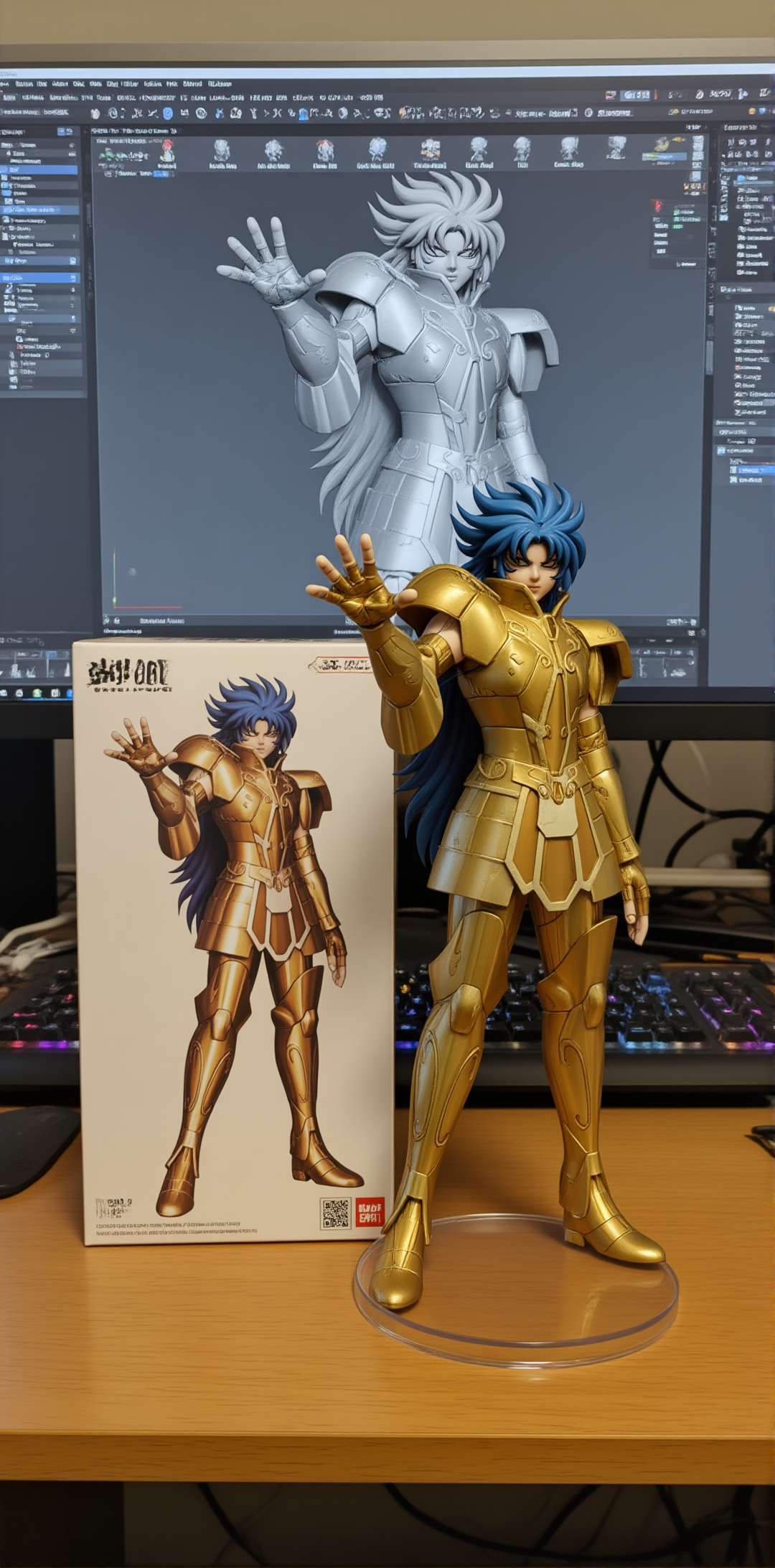
このLoRAは、2Dアニメスタイルの画像をリアルな3Dフィギュアに変換することを目的としています。
最適な結果を得るには、全身キャラクター画像を使用してください。これにより、モデルは全体のプロポーションとポーズを正確に捉えることができます。
推奨設定
- サンプラー: Euler
- CFG: 2.0
- LoRA重み: 0.95
- ステップ数: 25
- 高解像度アップスケールを推奨: 1.5倍スケール。ノイズ除去値は0.4–0.7。Betaスケジューラを推奨(12ステップ、CFG 1.0)。
推奨プロンプト
reveal the person's entire body, the character has a tall body like a super model, maintain the character's pose and extract the main character and turn it into a realistic 3d figure. on a round clear plastic base, place the figure version of the photo. I'd like the PVC material to be clearly represented. It would be even better if the background is indoors.
代替プロンプト(結果品質は保証されません)
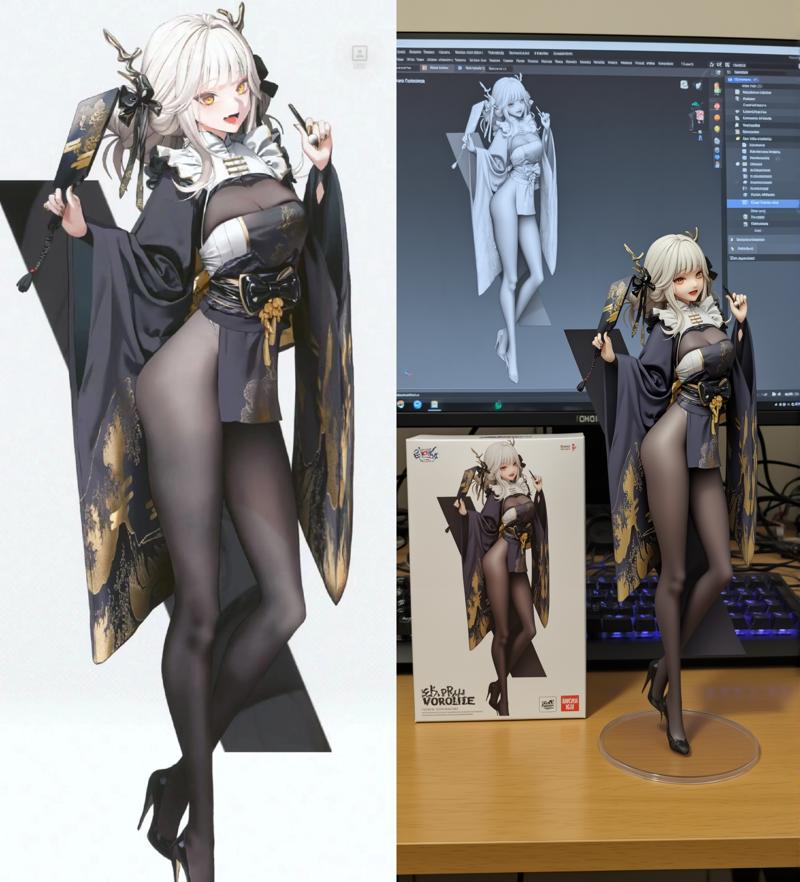
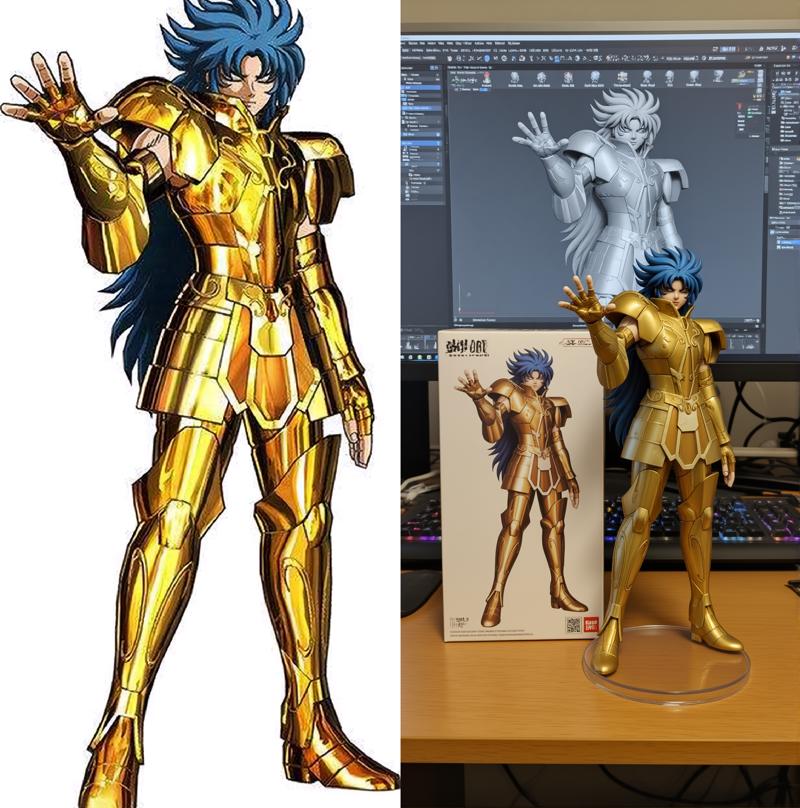
このモデルはNano Bananaと同様の効果を生み出すことも可能ですが、生成結果は非常に不安定です。上記のような画像を生成するには某种程度の運が必要ですが、試してみたい方はお気軽にご活用ください。
show the full body and maintain the pose, the character has tall body and long legs, turn it into a realistic 3d figure. Behind it, there should be a Model packaging box with the extracted colored character from this photo printed on it. There should also be a computer, with the content on the computer screen showing the Blender grey color modeling process of the figurine. In front of the computer screen, on a round clear plastic base, place the figure version of the photo. I'd like the PVC material to be clearly represented. It would be even better if the background is indoors.
(赤色で示されたテキストは、ご自由に変更または削除してください)
使用例
✅ アニメキャラ → リアルな3Dフィギュアスタイル
✅ ゲーム/アニメキャラクターのカスタムフィギュア設計
✅ Q版やスケーリングされたフィギュアの探索
✅ 他のLoRAと組み合わせて創造的な結果を生み出す