WAN 2.2 14b i2v Workflow


세부 정보
파일 다운로드 (1)
이 버전에 대해
모델 설명
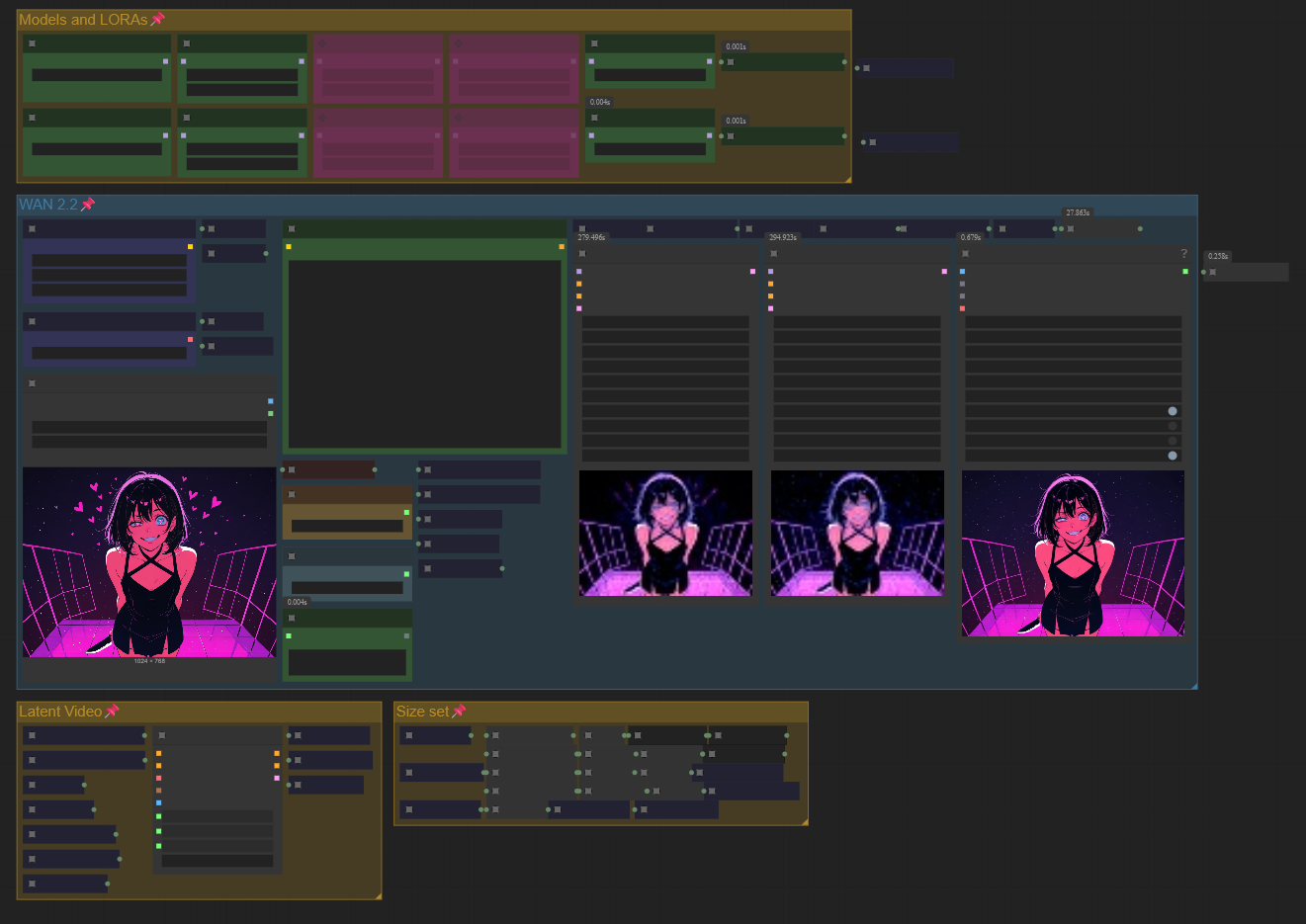
WAN 2.2 14B Workflow
A workflow for WAN 2.2 14B with multiple improvements for speed, flexibility, and usability:
Auto resolution calculator – automatically adjusts resolution based on a maximum dimension.
Video length in seconds – define duration in seconds instead of frames.
Fast interrupt – integrates BlehModelPatchFastTerminate to stop WAN generations more quickly.
Workflow Options
The workflow includes several features you can enable or disable to customize the output:
Enable Sage Attention – Enables the use of Sage Attention during generation.
Enable Use Tiled VAE – Uses tiled VAE decoding for handling larger resolutions.
Enable Interpolate – Interpolates the video to 50 FPS for smoother motion.
Enable Upscale – Upscales the video using the model selected in the “upscale” group.
Enable Upscaled Video Show/Save – Displays and saves the upscaled video.