All-In-One workflow for SDXL/PONY/Illustrious/SD

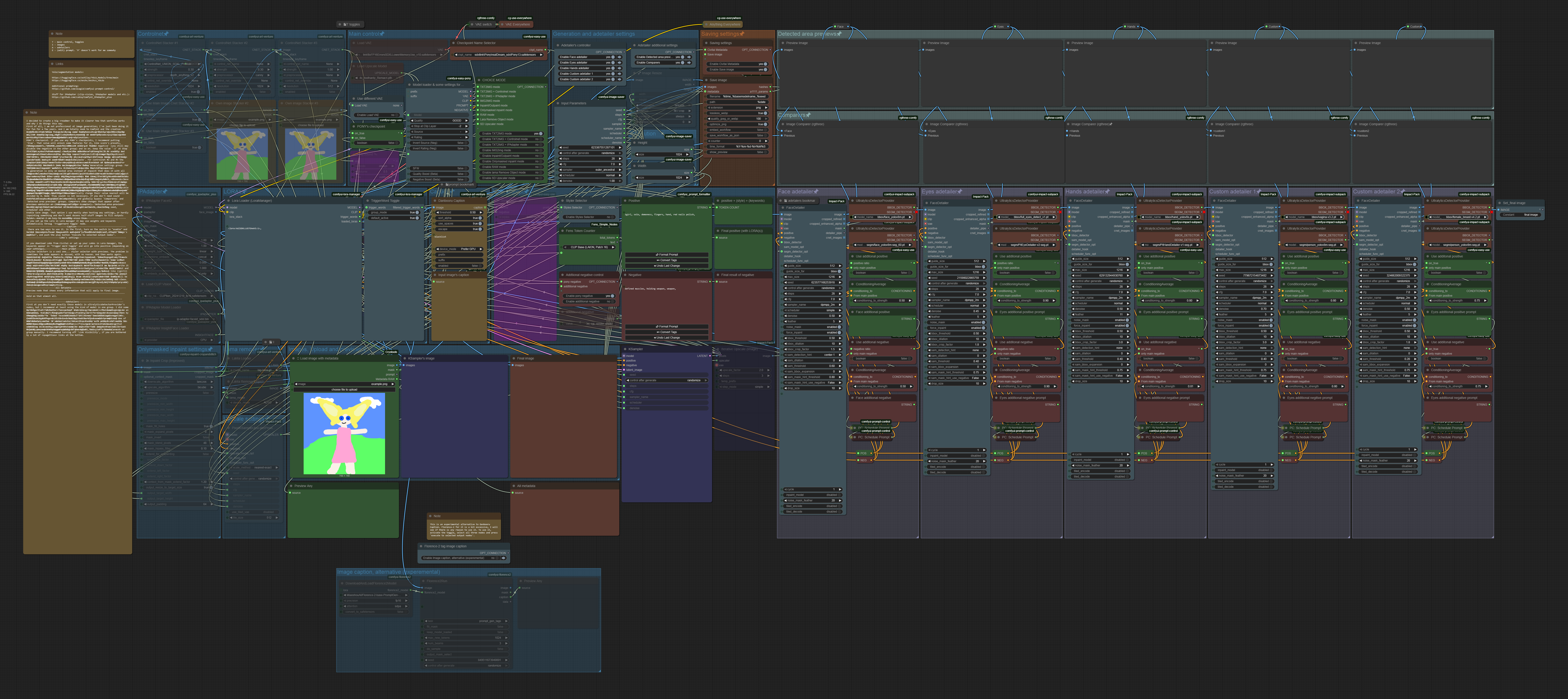
Details
Download Files (1)
About this version
Model description
The workflow is for legacy mode. I am not planning to make it useful or even test for Nodes 2.0 mode.
The features of that workflow (in the newest version):
Basic generation and editing (TXT2IMG, IMG2IMG, inpaint);
LORAs with control of automatic adding keyword into prompt (through LORA Manager);
Advanced generation (multiply TXT2IMG control-net , inpaint, outpaint, onlymasked inpaint);
Checkpoint loader lora with some additional features for Pony (scores presets, rating presets, negative presets and so on);
Saving metadata in Civitai's format;
Advanced prompting (styles selector, control on lora's keyword, negative/positive presets, morphing support, prompt formatting);
5 separated detailer groups with some pre-set settings, additional/combined prompt for each of them. You may add more detailer groups to connect them in the same way or delete it if necessary. I think it is pretty simple;
Almost fully switch-toggle control: if you use the workflow as is, you don't need any manual connection, muting, bypassing, activating.
(The previews of the adetailers are exceptions. They have global toggles, but sometimes it's more useful to activate or bypass some of them manually. I didn't find a better decision for it.Since v11, there are no toggles for it; the previews are inside adetailers groups.)Model upscale
Lama object remover
Not totally, but mostly nodes in the 'backend' (nodes under Lora Manager node) have tips on nodes and their links that give some help if you want to bring some modification;
Detailed (probably too detailed) a readme node with explanation of the logic of work and some advice.
Few bookmarks/shortcuts for fast navigation
Token counter for positive (+Lora's keyword + styles)
Florance-2 tag caption
The main goal of this workflow is to make the basic functionality of the WebUI and some extensions I use as functional as possible, mostly for Pony, as a residual matter — sd and sdxl. Some of these attempts have already failed.
Yolo/segmentation models:
https://huggingface.co/ashllay/YOLO_Models/tree/main
https://huggingface.co/Anzhc/Anzhcs_YOLOs
Additional prompting:
https://github.com/asagi4/comfyui-prompt-control
Credits:
The main concept is from this workflow https://civitai.com/models/1507055/text-to-img-complete-workflow-multi-loras-adetailer-wildcards-and-more-comfyui by @Mittoshura.