Bucketheads | Hemrea🪣🪖











詳細
ファイルをダウンロード (1)
モデル説明
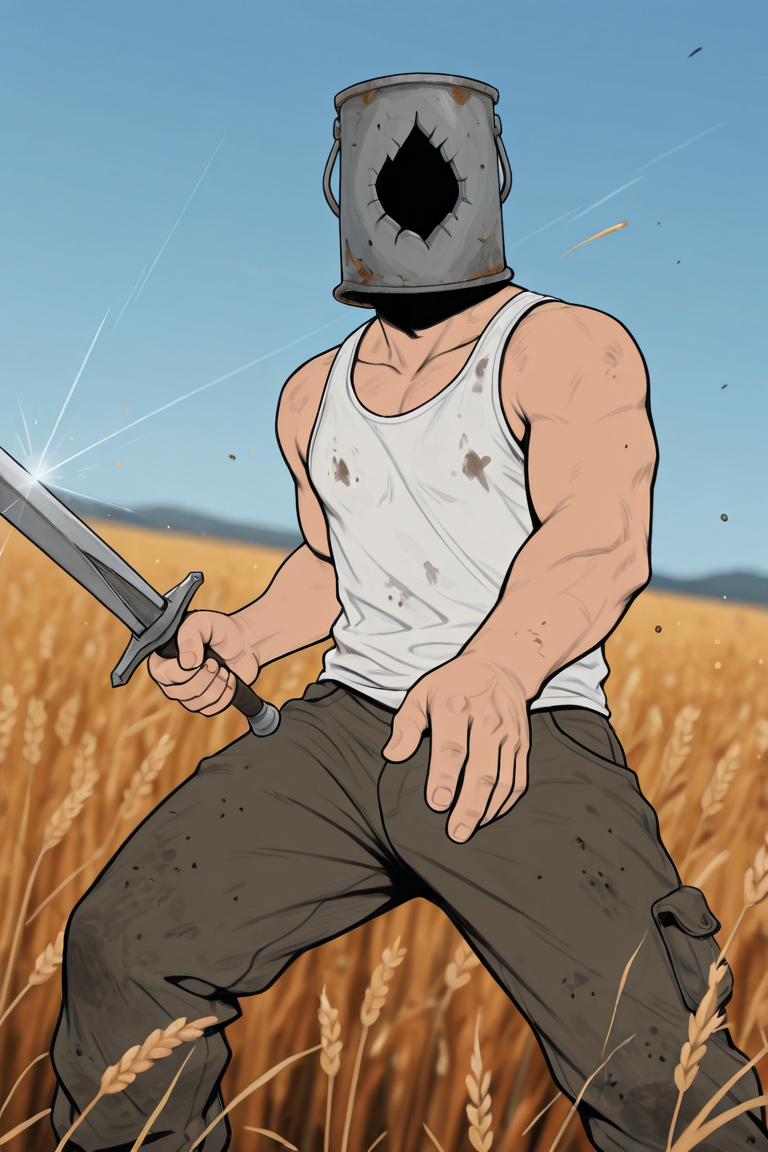
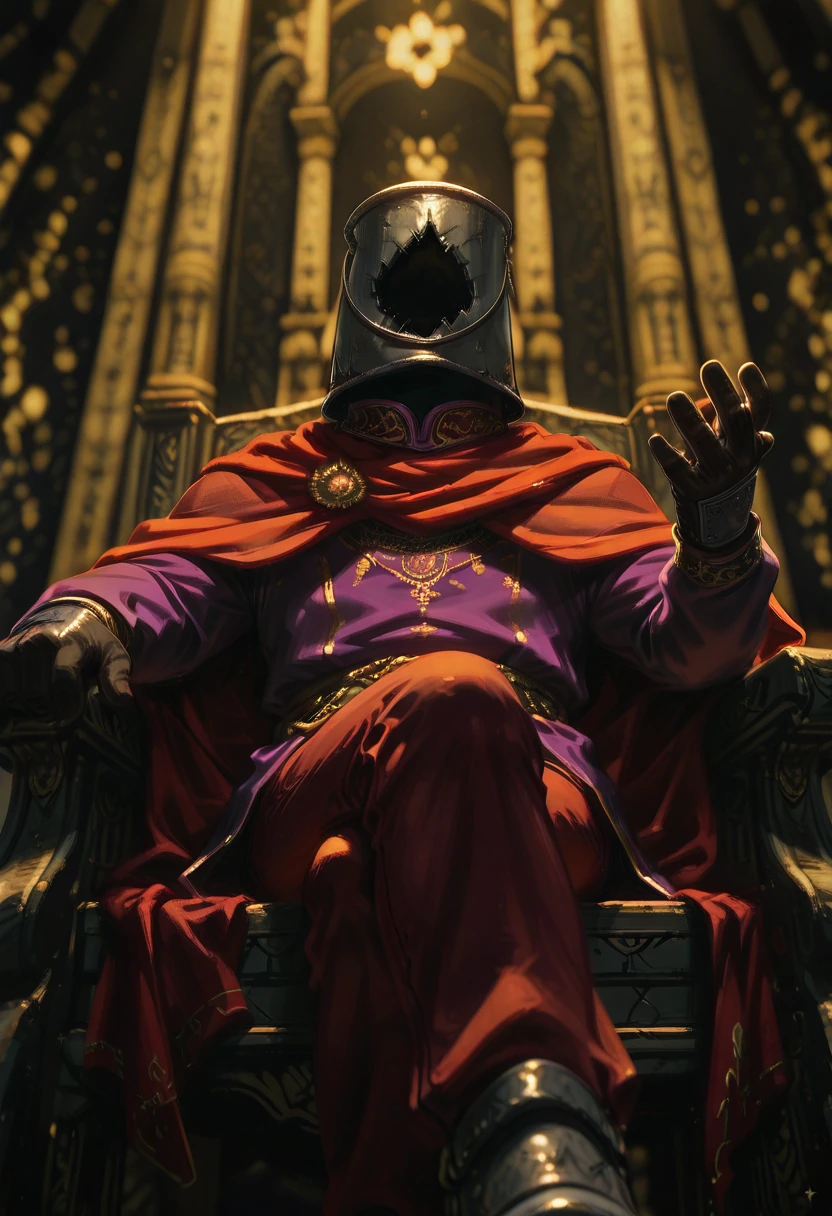
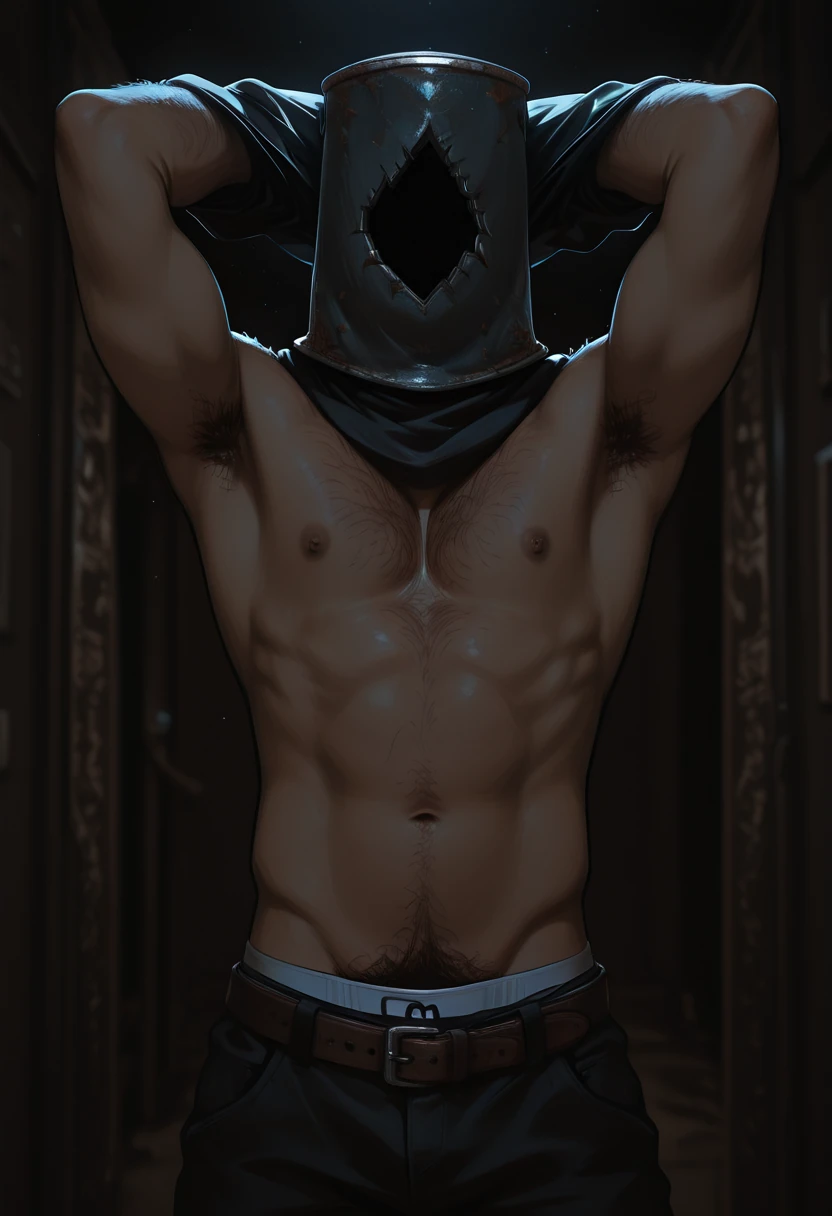
BUCKETHEADS / BOLDEHS - Continental Wide Infantry Unit of Hemrea: Scavengers, criminals, recruits, or homeless. They hail from different kingdoms, and born of different origins, but they share one duty. To serve the community.
🪣🪖🪣🪖
BOLDEHS from HEMREA!
🪣🪖🪣🪖🪣🪖🪣🪖🪣🪖🪣🪖🪣🪖🪣🪖
🌱ACTIVATION TAGS🌱
Type in POSITIVE box:ILLUSTRIOUS: buckethead-helmetted 1male focus
You may or may not add “anime screencap” in either the Positive prompt box or negative prompt box!
💧Sometimes LoRA Model Pages have notes in their version descriptions! It might contain additional information on how to prompt or set generative settings with the LoRA!
💨If you are unsure with how to use/prompt with the LoRA version, the prompts in the showcase images are the best way to start!
🌻HACKS🌻
Every LoRA creator has their own different approach in creating LoRAs because of how they curated their dataset, and set their training parameters. Here are some sequences/hacks for the LoRAs I’ve provided that may also work with other LoRAs:
To Effectively change the media of generated imgs:
Realism- “style parody, parody, realistic, photorealistic, film grain”,
3D- “style parody, parody, 3D, realistic”
Sketch- “style parody, parody, unfinished, sketch, outline, lineart, messy sketch”
Painting- “style parody, parody, fine art parody, traditional media, painterly”
Anime- “style parody, parody, flat color, anime coloring, cel shading”
Mixed- “style parody, parody, mixed media”
Custom Style- “style parody, parody, Input Custom Style’s Tag here”
To Effectively genderswap a character:
Male-Female- “genderswap (mtf), male focus, alternate hairstyle, alternate hair tength”
Female-Male- “genderswap (ftm), female focus, alternate hairstyle, alternate hair tength”
To Effectively pose a character: “Dancing, posing, dynamic action”
To Effectively Change Character Outfit: “Alternate costume”
To Effectively add background: ”[insert background color here, [background elements here, [scenery]]”,
To Effectively add details on something: ”Intricately detailed input what is very detailed here”
To Effectively Change Image Composition: “Dynamic angle, foreshortening, surreal”
💡For More Descriptions,
asking with text-based AI like gemini, chatGPT, or Deepseek can help! Be sure to prompt in what kind of format should the description be in, either:
Tag = For Word Based Generative Models
Captions = For Sentence Based Generative Models!
──── ୨୧ ──────── ୨୧ ────🌳──── ୨୧ ──────── ୨୧ ────