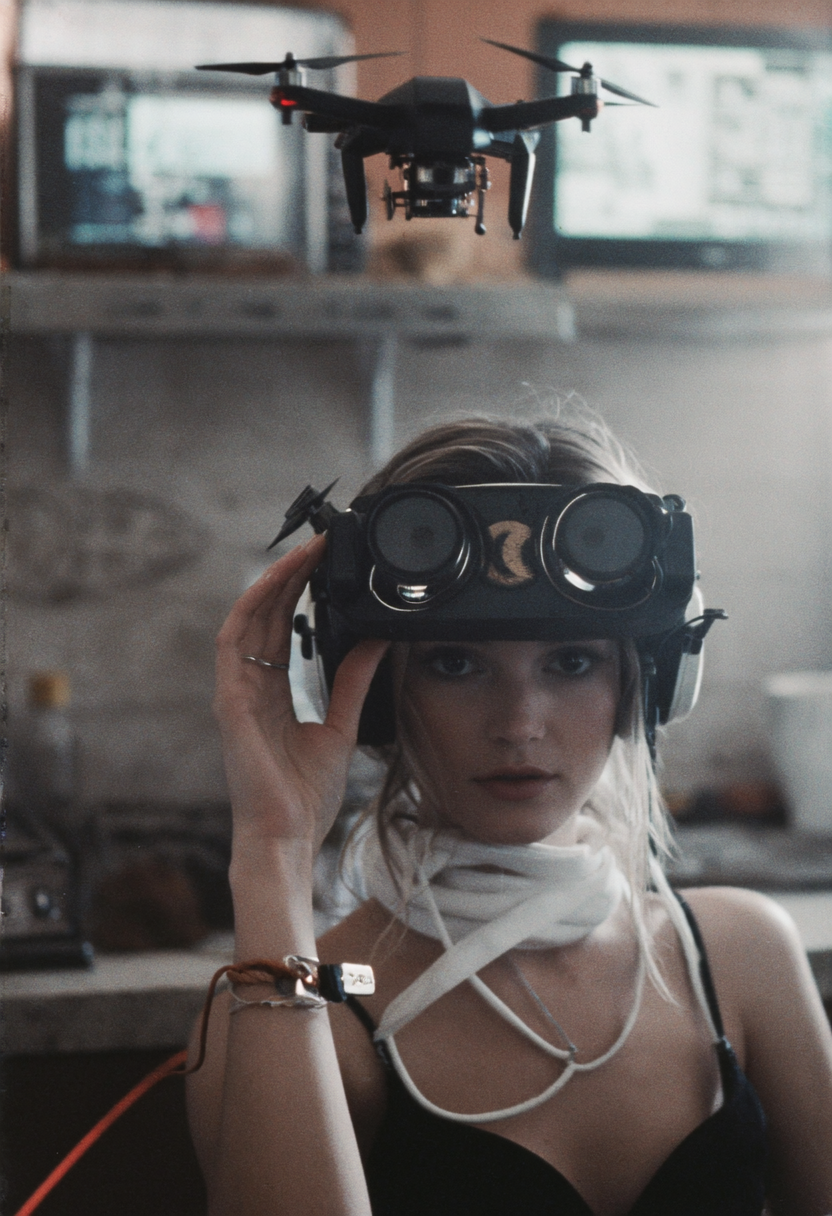
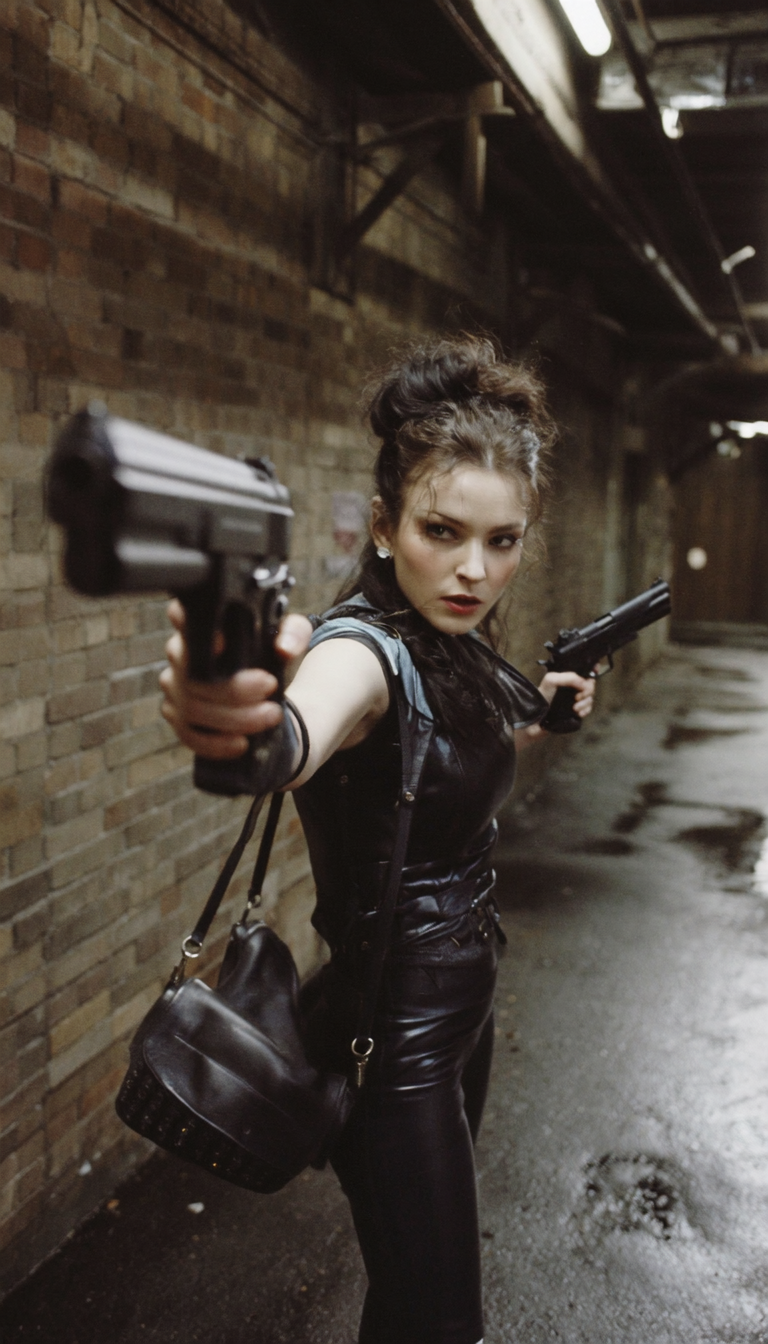
Text2Image - Vintage & Film grain




Details
Download Files (2)
Model description
You might get some anatomy and weird stuff with the lora, but the effect is so nice that I share it anyway.
Use the high model from 0.5 to 1 and the low model at 1.0.
Another way to use it, is to bypass the high model and use the low model from 0.5 to 1.5. You'll only apply the vintage grainy image effect and remove the "Too-Perfect-AI-Image" aesthetic.
Workflow included in the attachments
I hope you enjoy and share your images 😀