Desaign Qwen Edit and Inpaint

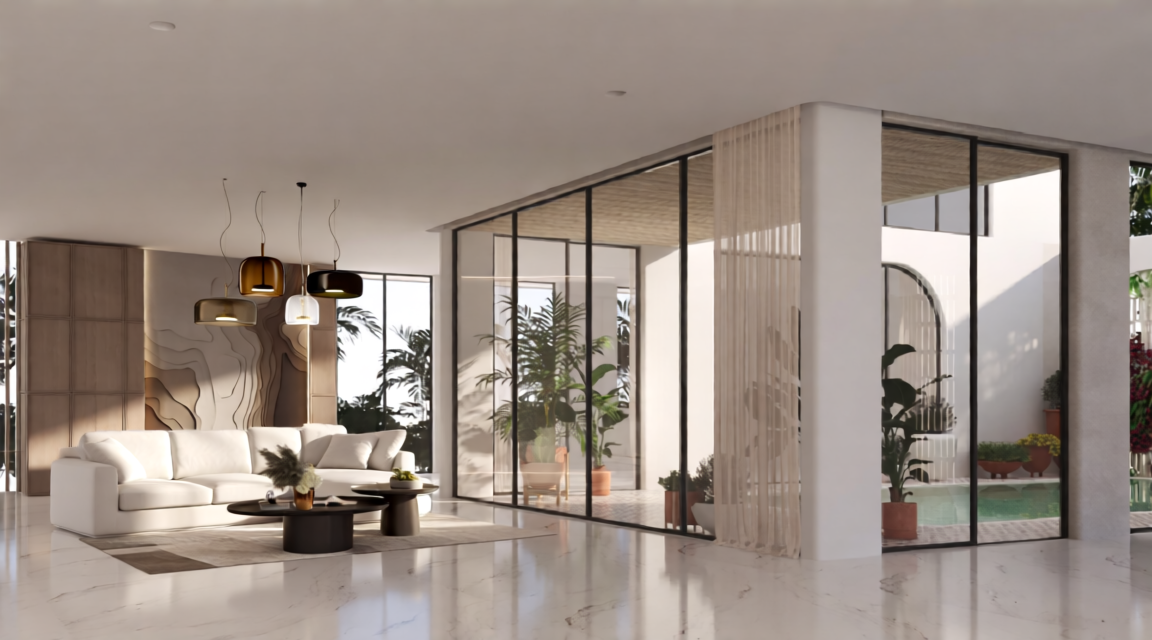
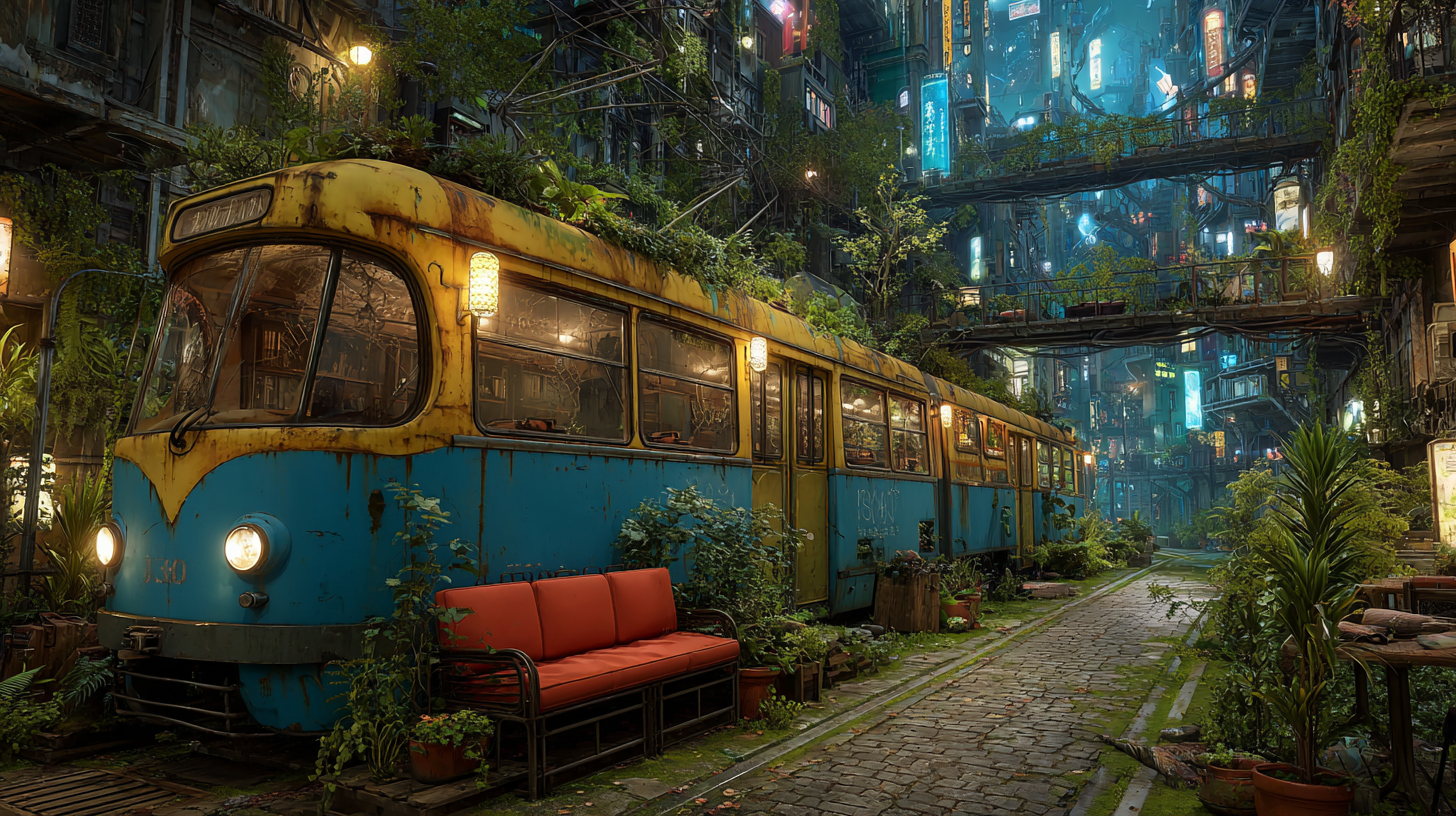

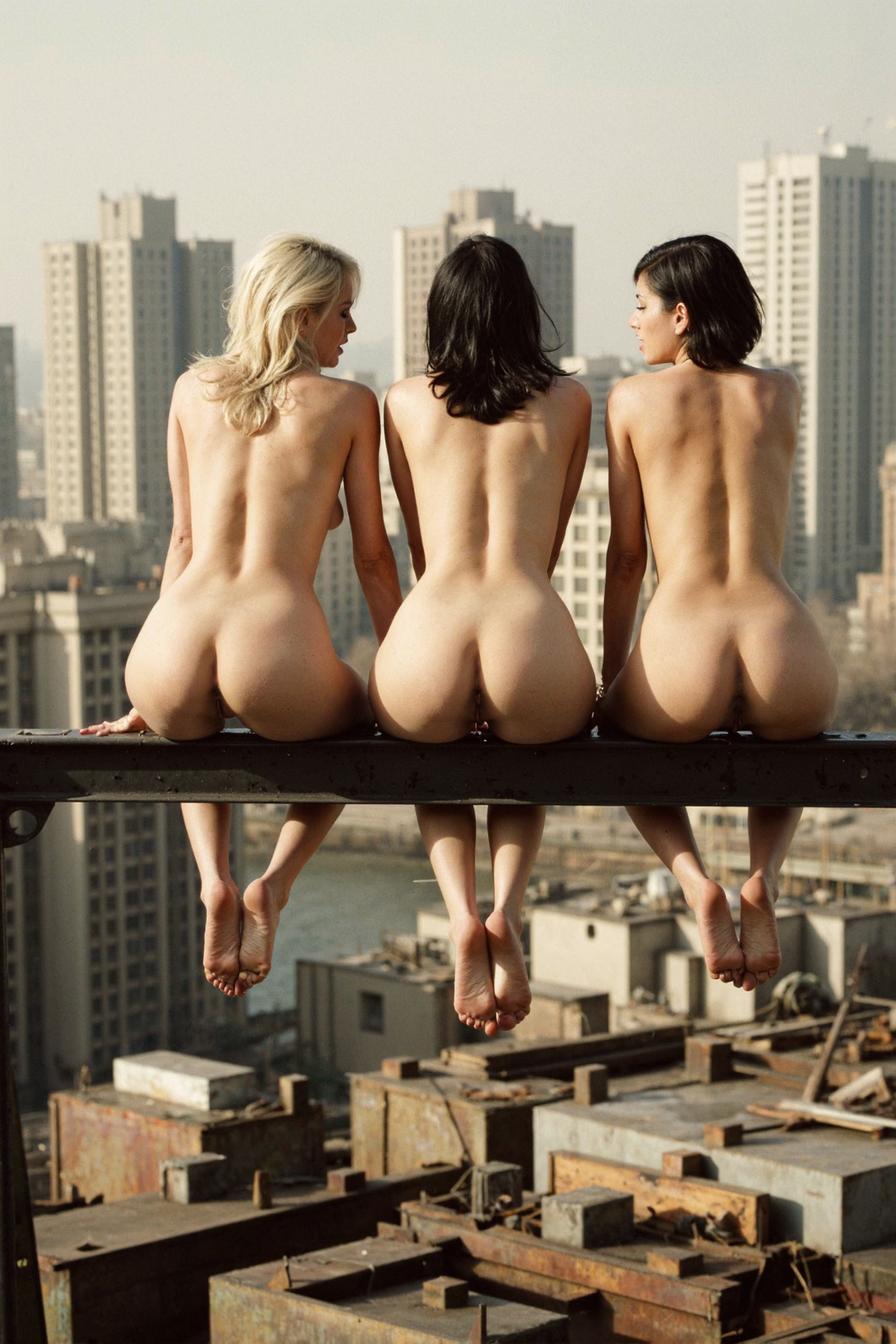
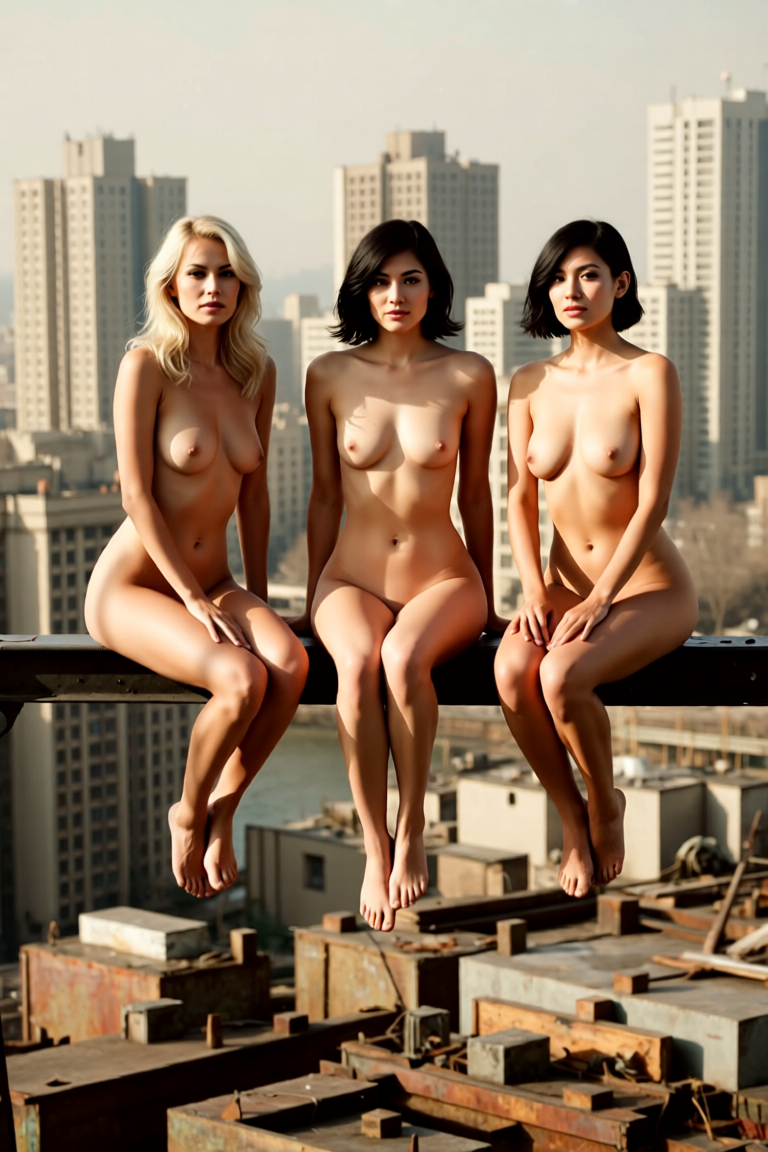
세부 정보
파일 다운로드 (1)
모델 설명
🛠️ Desaign Qwen Inpaint & Edit
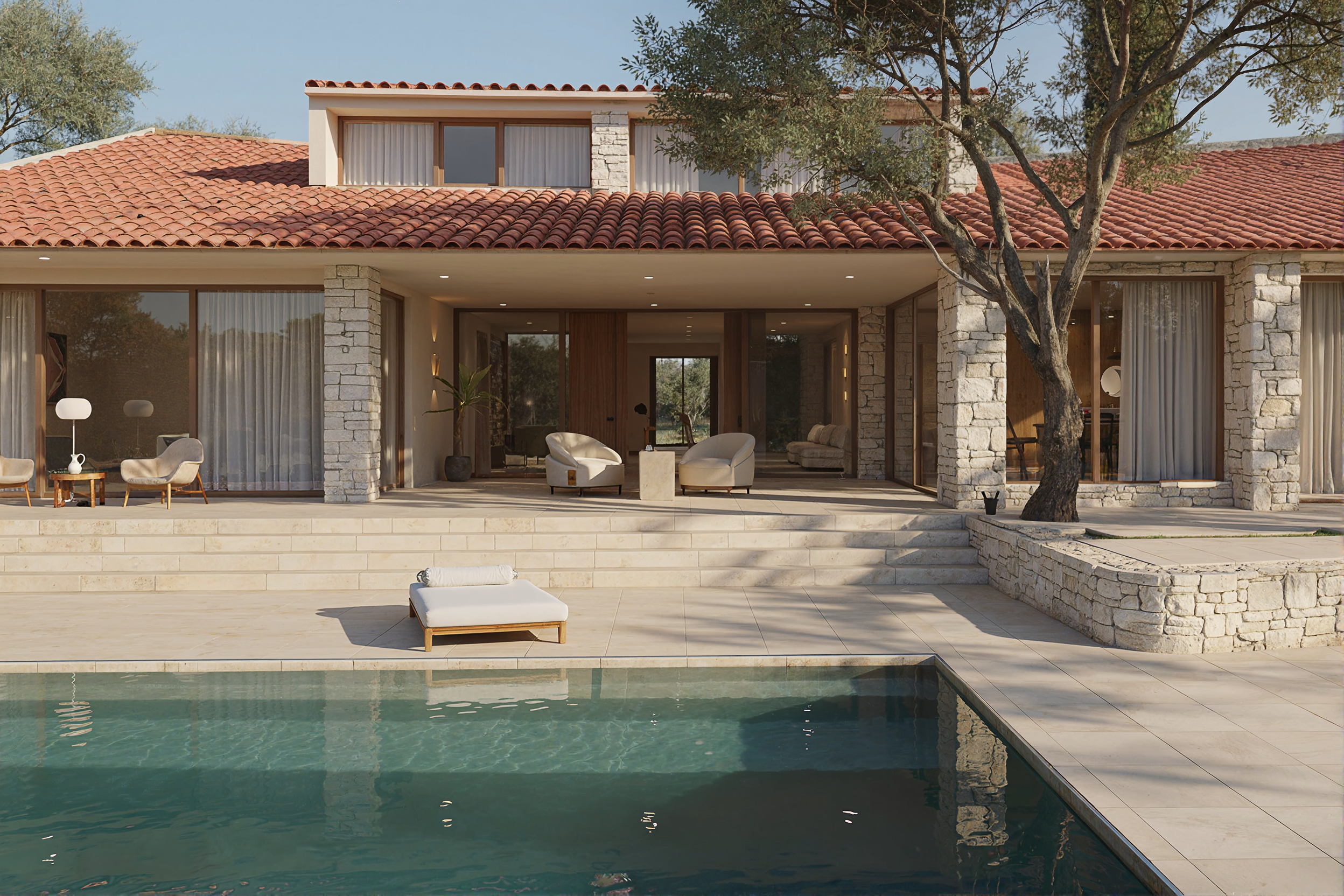
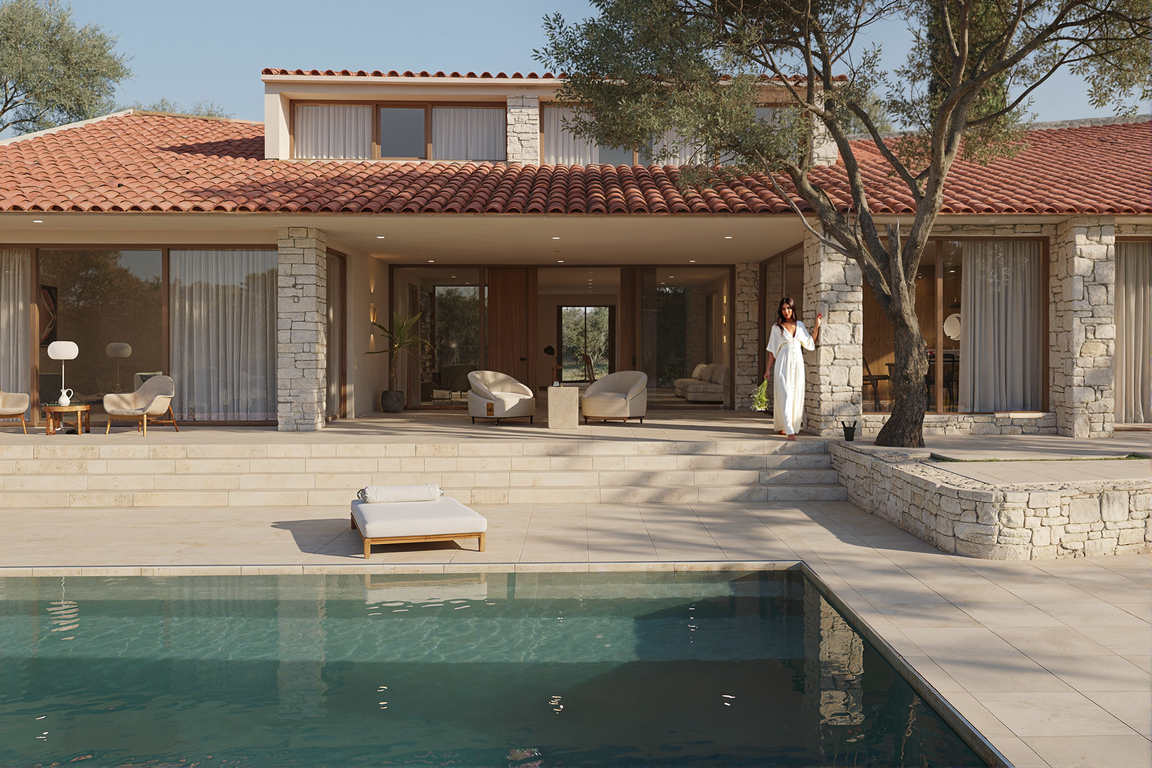
A brand-new addition to the Desaign workflow suite — this one is powered by Qwen, focusing on flexible, high-quality inpainting and image editing with full creative freedom.
Unlike traditional inpainting setups, this workflow doesn’t just patch pixels — it seamlessly integrates characters, objects, or edits into your image while preserving its overall mood, colors, and resolution. Think of it as a next-gen editing desk: precise when you need control, fluid when you want to experiment.
🔑 Key Features
Qwen-powered inpainting → natural language editing and insertion with powerful uncensored outputs.
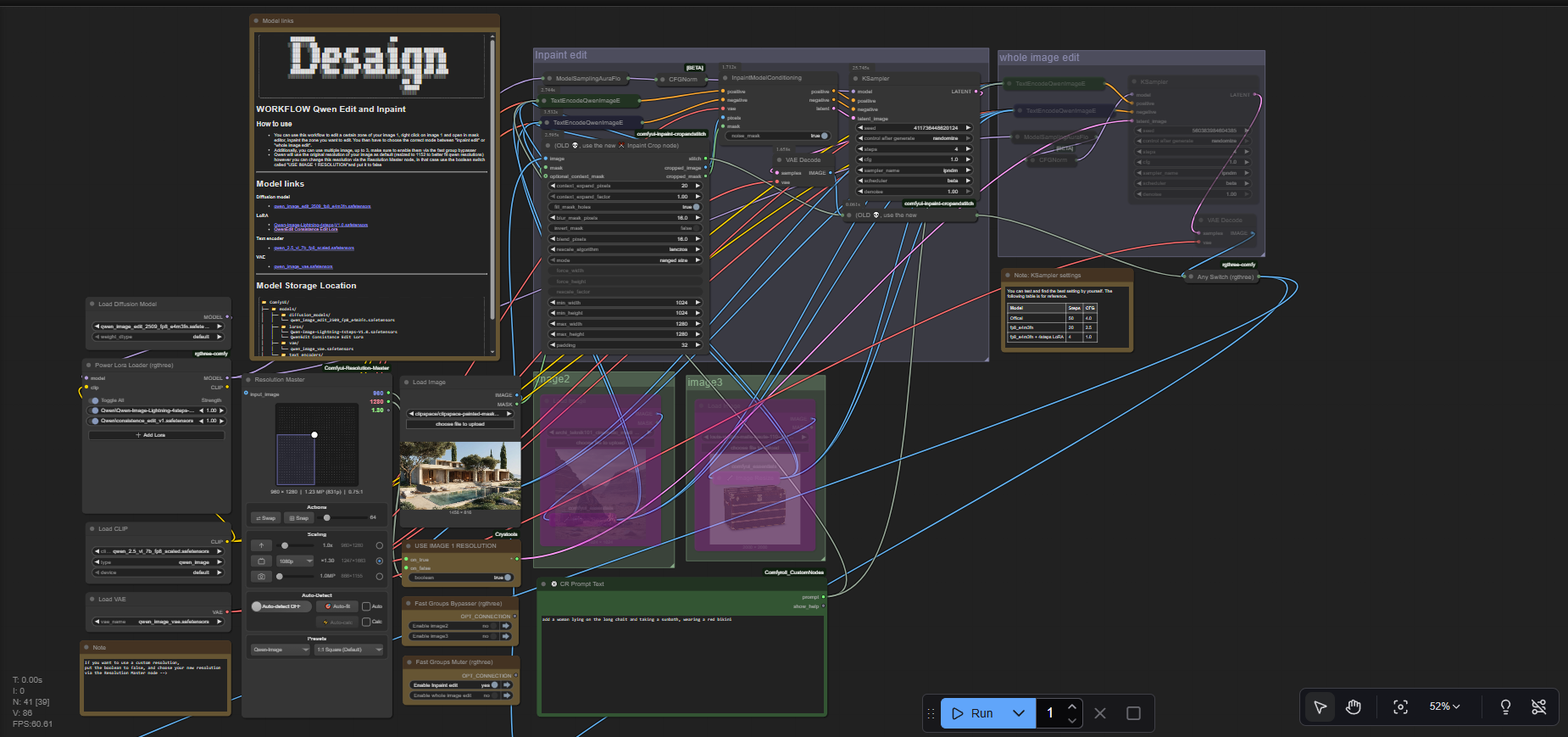
Dual modes → choose between Inpaint Edit (modify only the masked area) or Whole Image Edit (reimagine the entire composition).
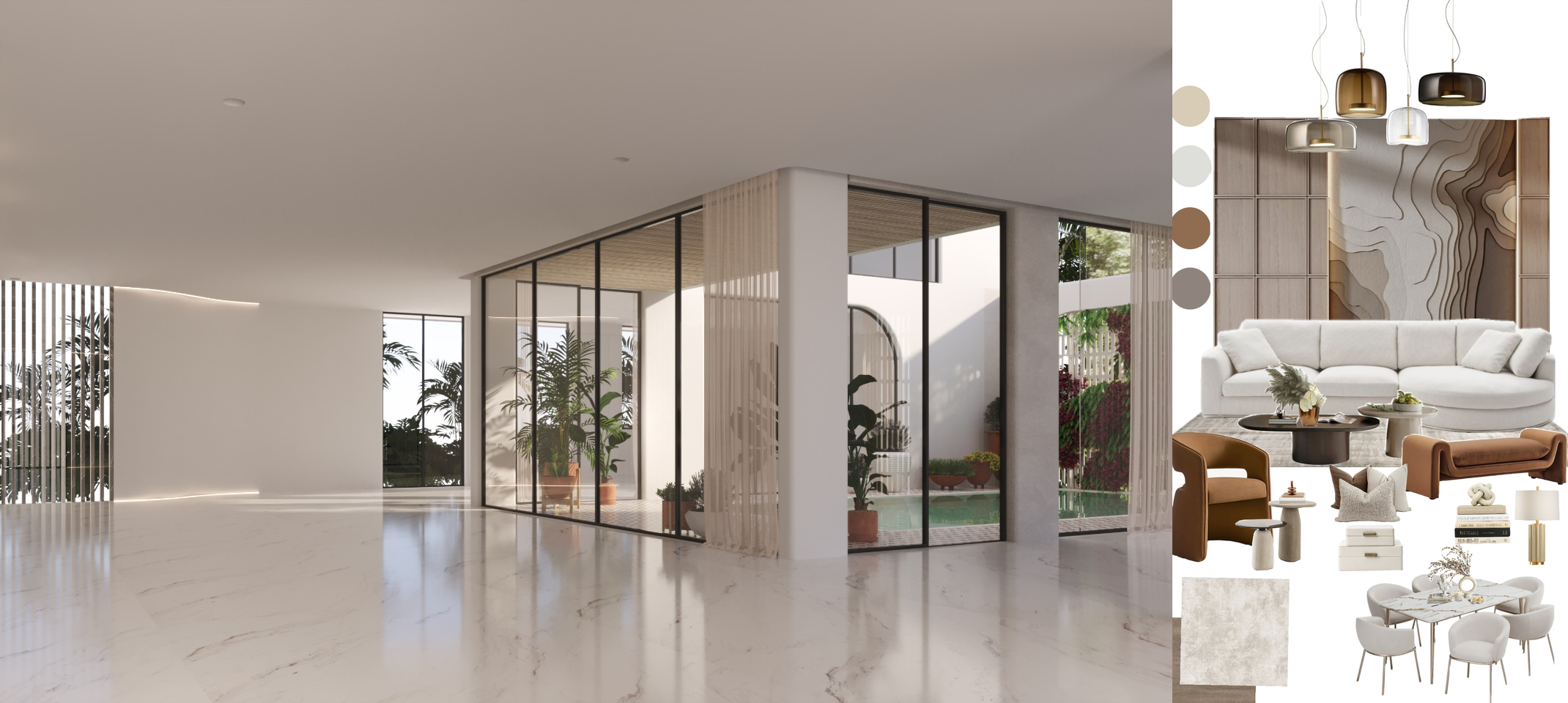
Multi-image integration → work with up to 3 different images at once, easily merging characters or elements across them.
Resolution Master → default scaling adapts your input (resized to 1152px for optimal Qwen performance), with a toggle to preserve original resolution.
Fast group bypasser → enable/disable additional images and modules without breaking the workflow.
Uncensored freedom → Qwen keeps the door open for creative exploration, no matter your subject matter.
⚙️ How It Works
Load your base image.
Mask the area you want to edit: right-click → Open in Mask Editor.
Choose your mode:
Inpaint Edit → updates only the masked region.
Whole Image Edit → lets Qwen reinterpret the full image.
(Optional) Add up to 3 source images, then enable them via the fast group bypasser.
Set resolution options:
Default = resized to 1152px.
To keep custom sizing, disable USE IMAGE 1 RESOLUTION.
Prompt Qwen with your desired change (e.g., “replace this with a character holding a lantern in the rain”).
Generate & compare results.
⚠️ Notes
The quality depends on your mask size and the detail of your prompt. Smaller, well-defined zones generally produce cleaner edits.
Multi-image blending opens new creative doors — but keep lighting, perspective, and style consistent for best results.
For large edits, Whole Image Edit may yield more coherent results.
✨ In short: Desaign Qwen Inpaint & Edit is like having Nano Banana at home — but with the uncensored freedom you always wanted. It’s powerful, flexible, and built for creators who want precision and imagination in the same tool.