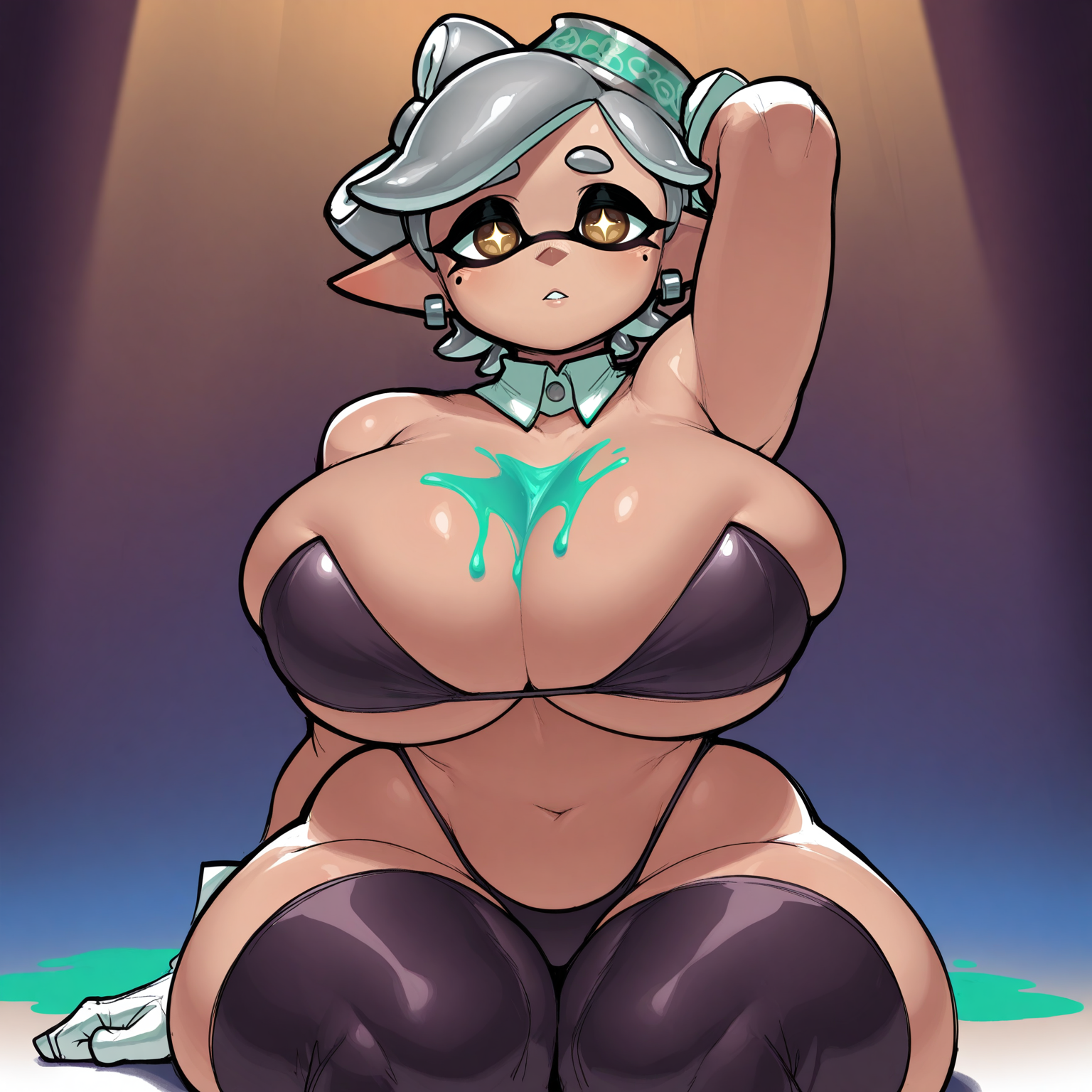
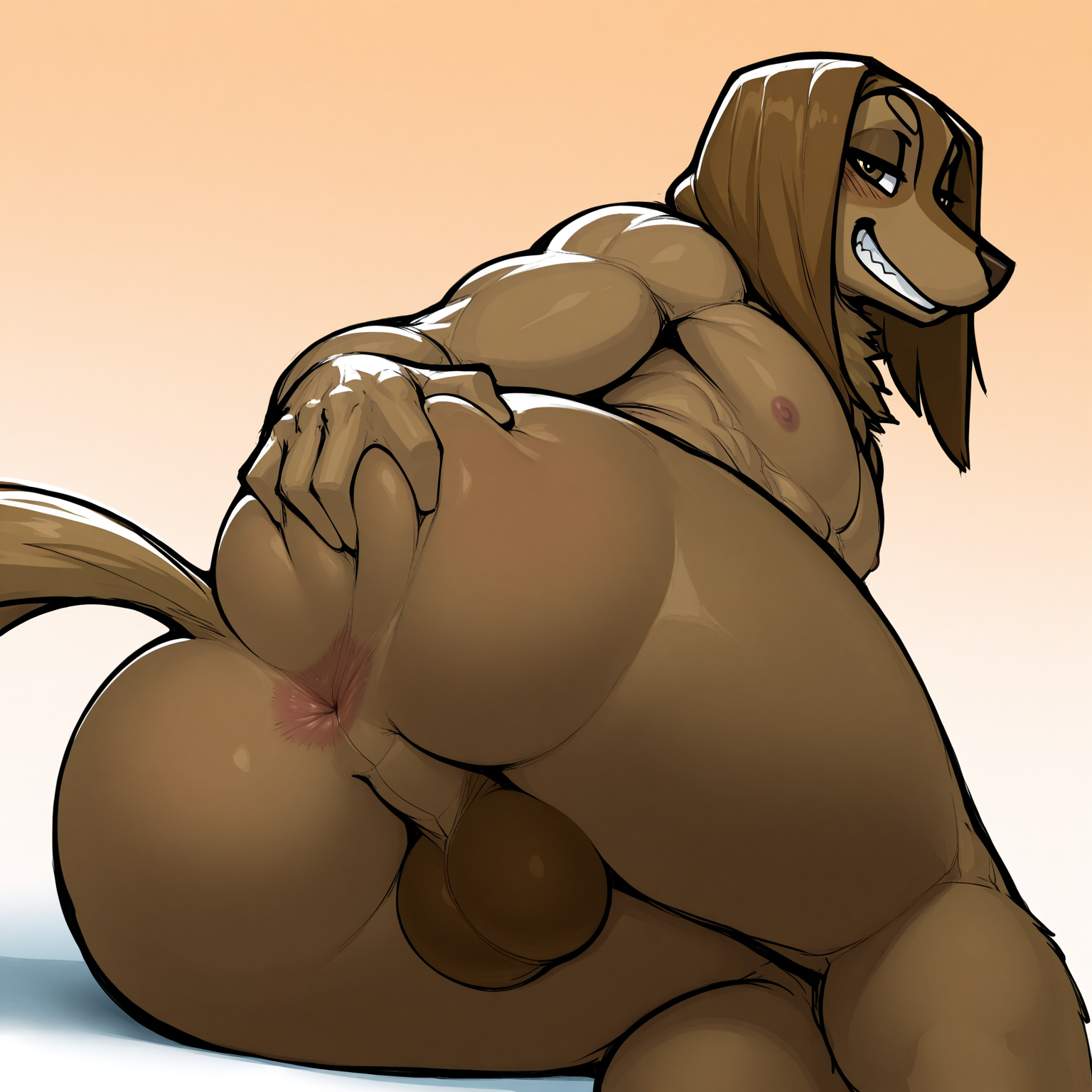
Krekk0v Furry Style Lora (Illustrious)
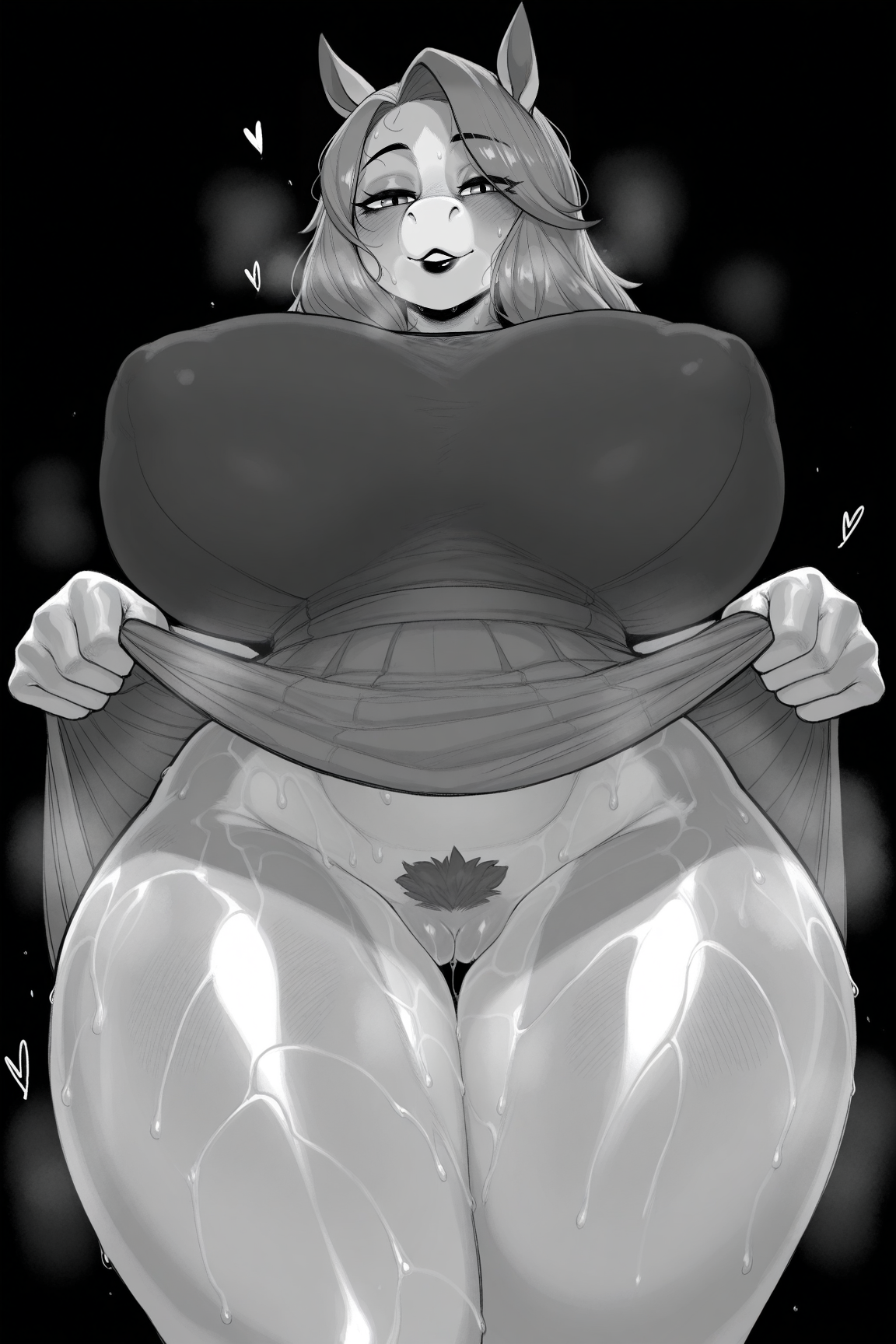
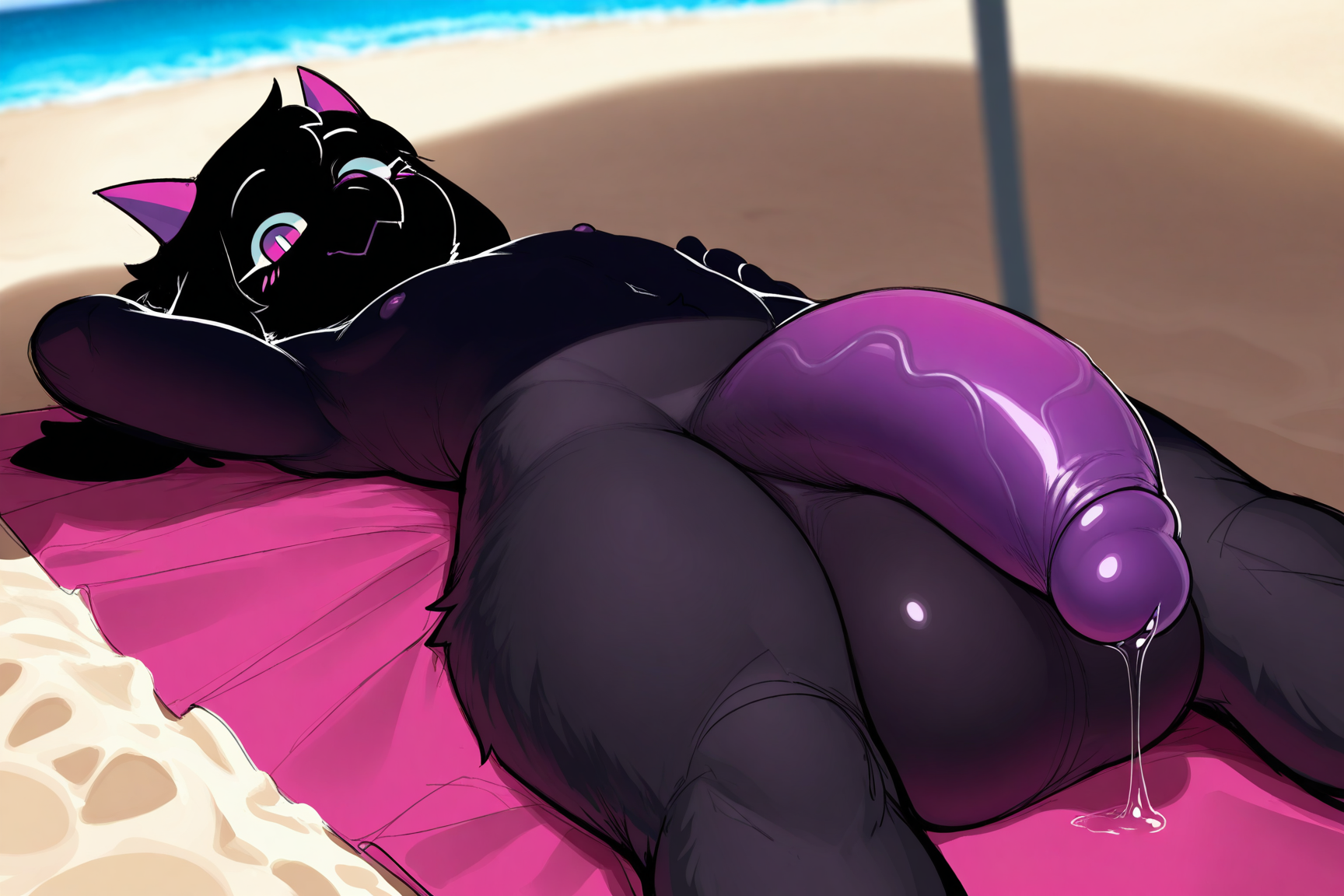
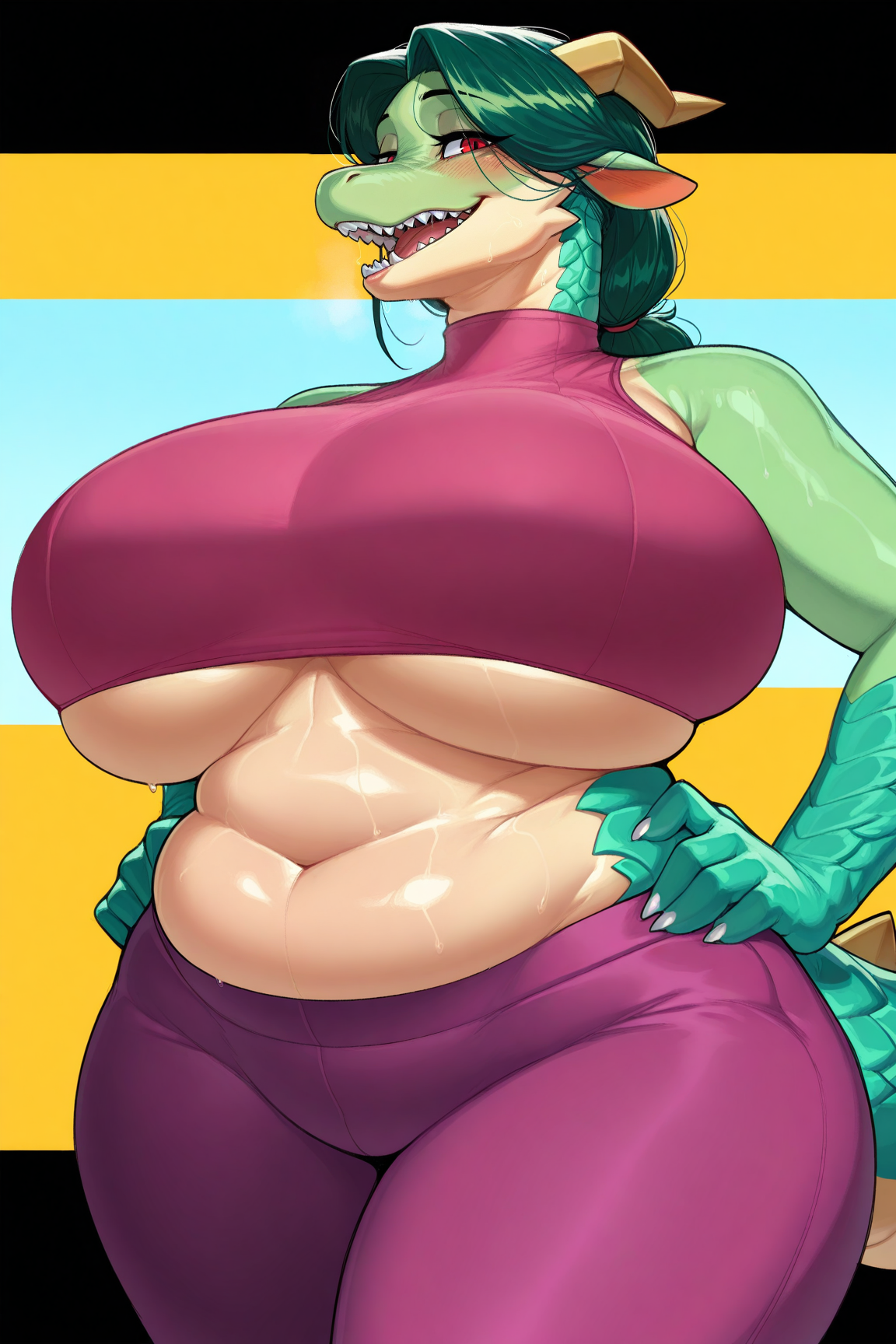
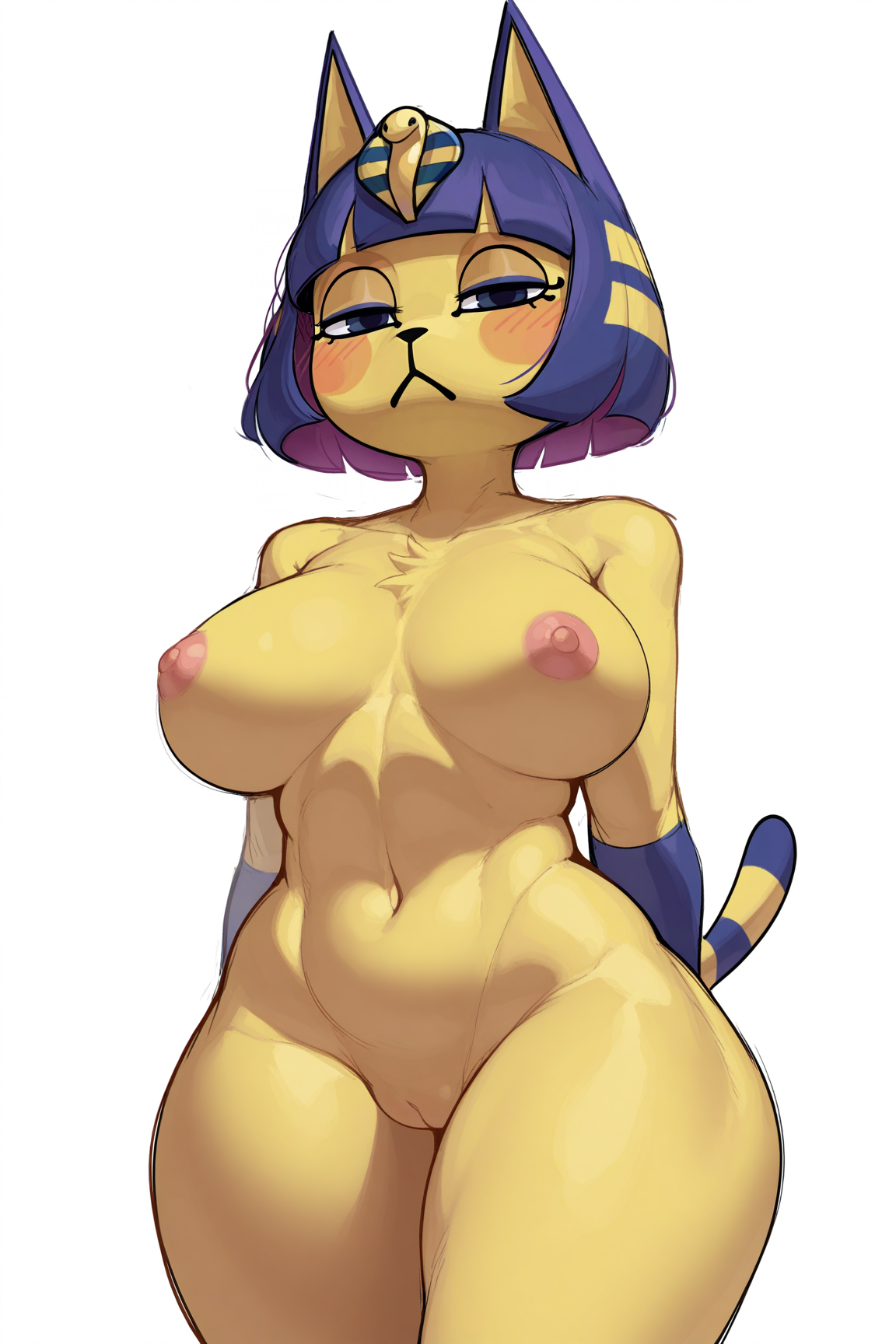
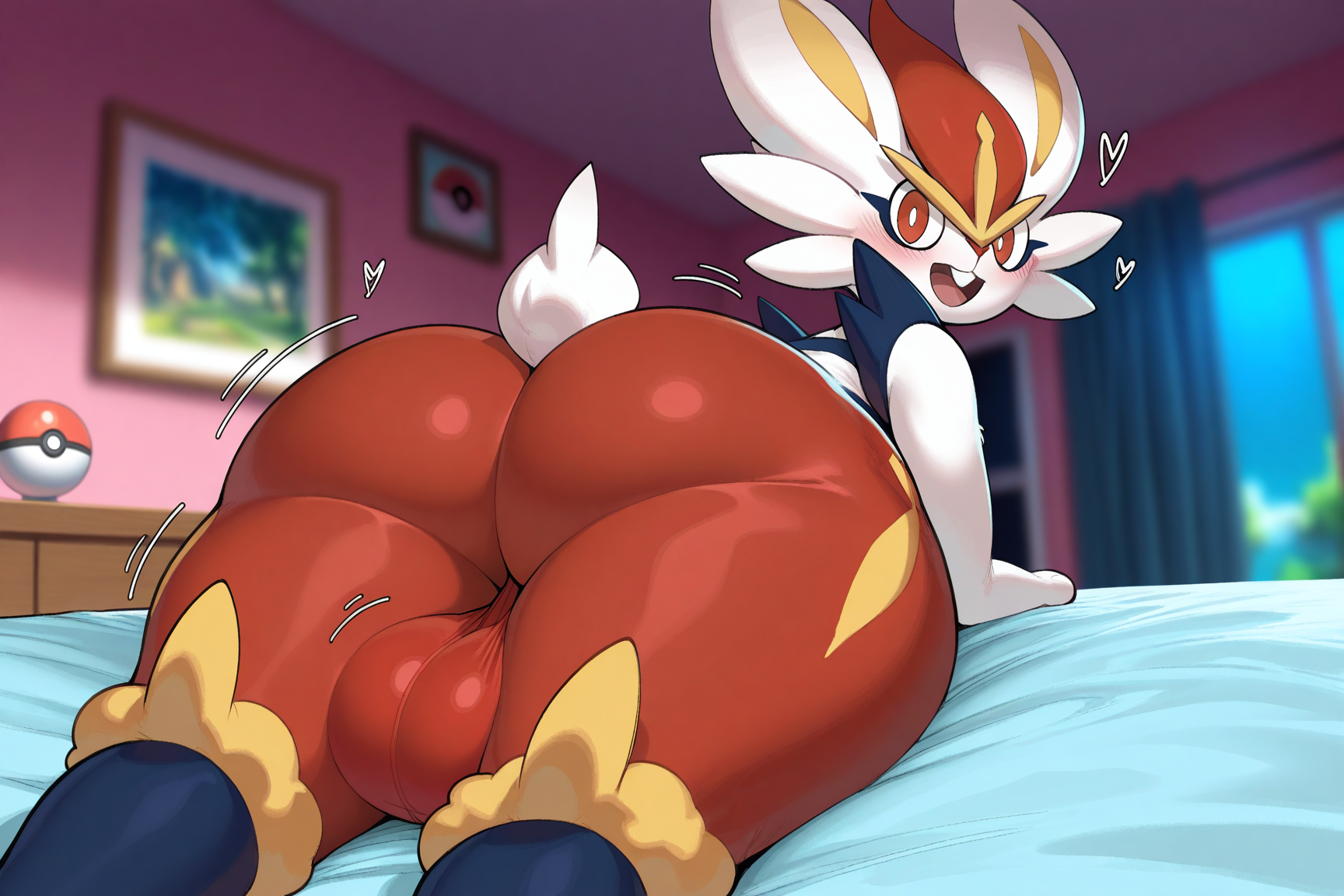
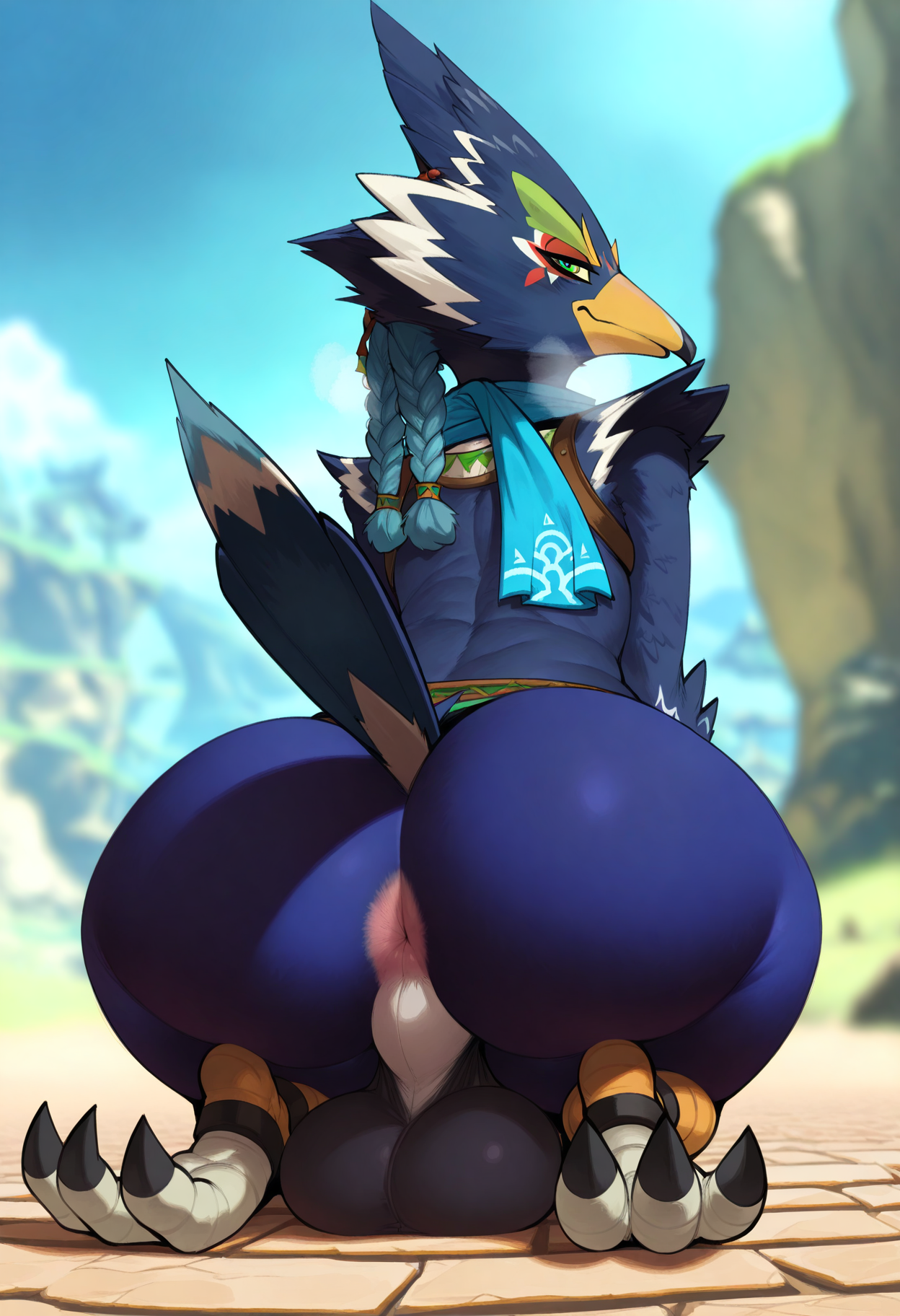
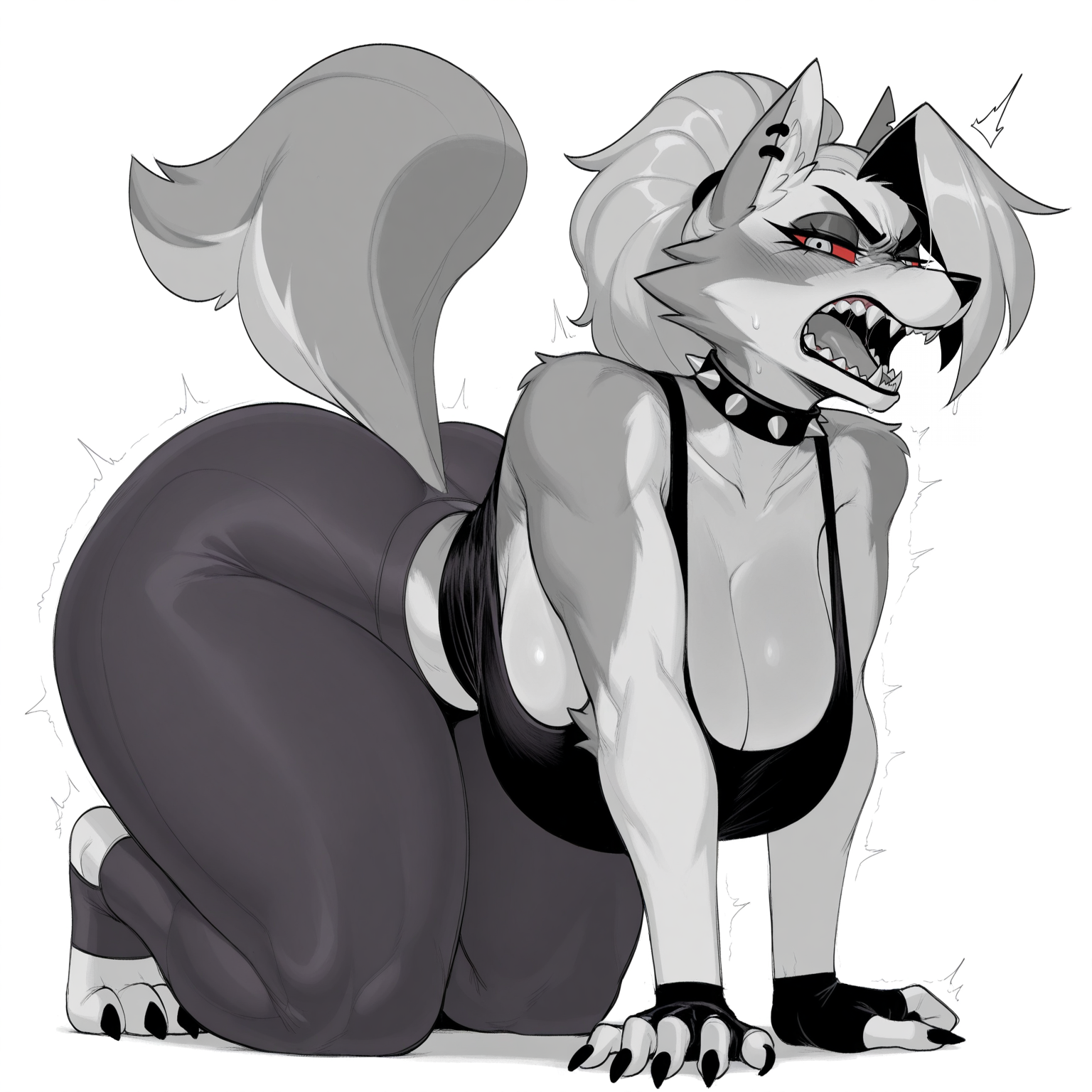
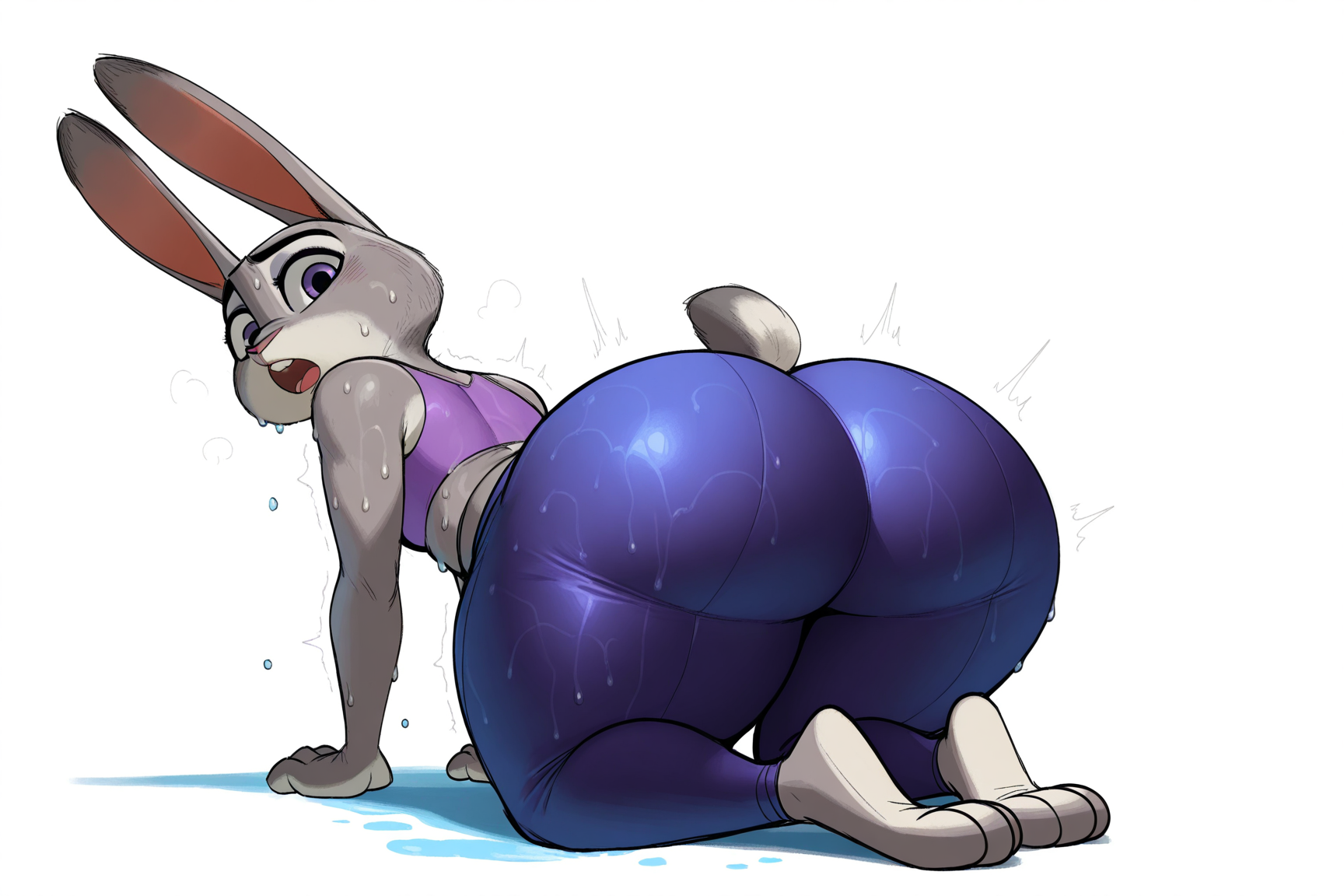
세부 정보
파일 다운로드 (1)
이 버전에 대해
모델 설명
Read the version details and recommendations in the "About this Version" section first.
LoRA, trained at Civitai based on furry artist Krekk0v
or known as krekdrinksoil / krekkov / krekkyboy
Support the artist using these links:
https://www.patreon.com/krekk0v
https://www.furaffinity.net/user/krekk0v
https://www.pixiv.net/users/69447461
https://itaku.ee/profile/krekkov
https://krekk0v.newgrounds.com
https://www.pillowfort.social/krekkov
https://bsky.app/profile/krekkov.bsky.social
https://discord.com/invite/krekkov
1) Always use the tag by krekk0v
2) This LoRA was based on the Illustrious
3) Even though the Illustrious base model is used, some other models may have some inconsistencies in the images, especially in the eyes and hands, if used in Civitai, use some Embedding / Face Fix to get better results. For those who use Comfyui, the best results will be with some Hirefix / DDetailer to improve the image of the character's face.
4) LoRA weight change in Civitai is at your discretion
5) To better use Lora in Civitai, I recommend using VAE (SDXL VAE) to reduce errors in the details of the hands and eyes.
6) To apply the artist's "sketch" effect, add the monochrome, sketch tags to the positive prompt, and add the greyscale tag to the negative prompt.
7) Add the censored, bar censor, mosaic censoring, out-of-frame censoring tags to the negative prompt if you wish to see images without any type of censorship, as some images composed by Lora were drawn by the author with some type of censorship
8) Check first for a model compatible with your chosen image, some models affect Lora in the final result of the image generation for some types such as: furry, human, realistic images, etc. Therefore, the same model may not always be suitable for different types of images.
9) If you want to force the image generator to use the Lora weight you chose, use the following tag in the positive prompt:
Illustrious (v1.0)
<lora:Krekk0v_Furry_Style_Lora_Illustrious:1>Note: the number at the end of the Lora name (1) refers to the Lora weight. In image generators, we have a weight slider, but if you want to "force" it, use the same number as the image generator slider in the positive prompt, for example:
Illustrious (v1.0)
Civitai slider = 1
positive prompt: <lora:Krekk0v_Furry_Style_Lora_Illustrious:1>
10) I added tags related to the artist’s best-known characters, if you want an image close to the character, don’t forget to enter the character’s name, I will leave examples of prompt positive right below each character:
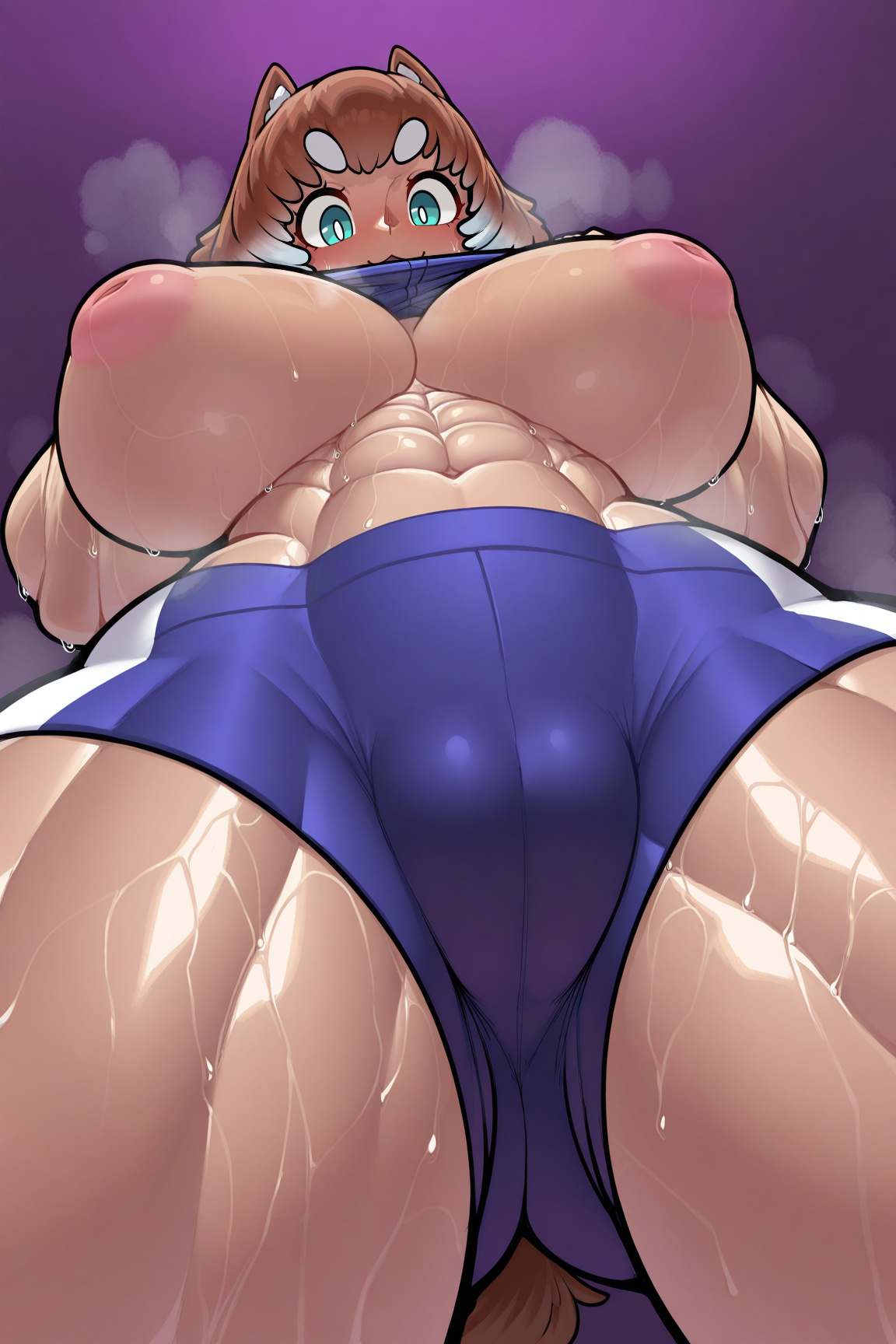
Felicia
by krekk0v, felicia (krekk0v), female, animal humanoid, canine, canine humanoid, dog humanoid, humanoid, eyebrows, thick eyebrows, blue eyes, animal ears, short hair, brown hair, white hair, two tone hair, tan body, big breasts, huge breasts, muscular, muscular female, abs, biceps, thick thighs, tail, 1girl, solo, large areolae, inverted nipples, camel toe, blue shirt, gym bottomwear, gym shorts, blue shorts, shirt lift, clothes lift, lifted by self, sweat, sweaty, sweat dripping, steam, steamy, steaming body, blush, navel, smile, dog tail, open mouth, looking down, from below, low-angle view, purple background, gradient background, simple backgroundNote: The artist uses several well-known furry characters (cartoons, movies, comics, etc.), but in the training I left Lora flexible and malleable to be adapted / mixed with other Loras. My recommendation is that you use a character-specific Lora so that the final result is satisfactory.
Below is an initial configuration, but any other type of configuration is up to you:
ILLUSTRIOUS
Model
Hassaku XL (Illustrious) - v1.3 - Style A
Lora
Krekk0v Style Lora v1.0 (illustrious) - 0.5 ~ 1.0 (Preferably 1)
Advanced
CFG Scale - 3.0 ~ 9.0 (Preferably 7)
Sampler - DDIM / Euler a / Euler / Heun / DPM2 / DPM++ 2M Karras / Uni PC (Preferably Euler a)
Steps - 20 ~ 60 (Preferably 30)
Clip Skip - 1/2
VAE - SDXL VAE
Prompt (Positive)
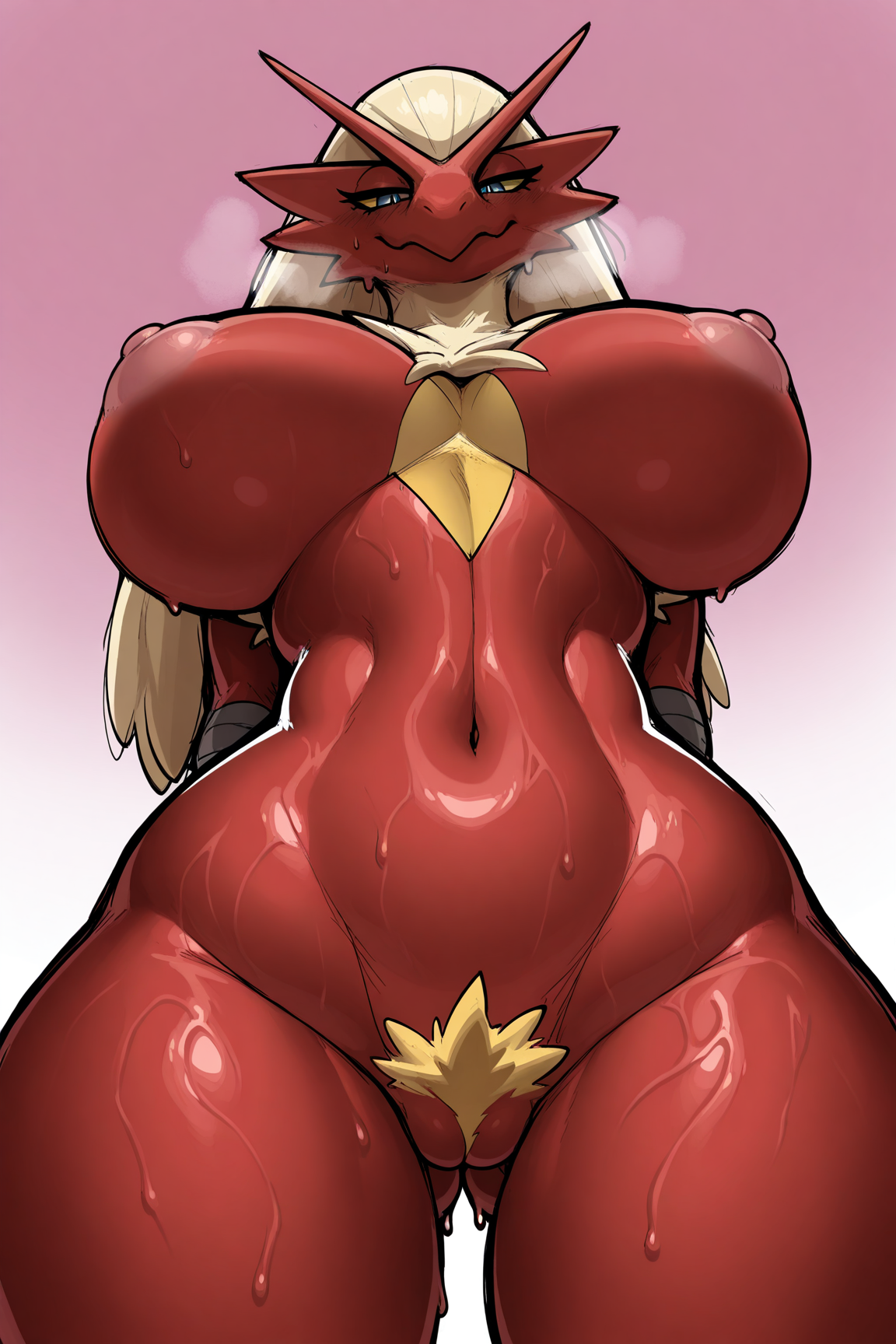
masterpiece, best quality, amazing quality, very aesthetic, high resolution, ultra-detailed, absurdres, newest, scenery, depth of field, scenery, volumetric lighting, by krekk0v, monochrome, sketch, furry, furry female, anthro, animal ears, animal nose, snout, (pokemon, blaziken:1.4), pokemon (species), 1girl, solo, large breasts, pussy, red fur, nipples, body fur, female pubic hair, pokemon (creature), standing, half-closed eyes, closed mouth, blonde hair, glistening body, shiny body, sweat, sweaty, sweat dripping, huge breasts, thick thighs, yellow sclera, blue eyes, navel, cowboy shot, completely nude, looking at viewer, hands behind back, stomach, large areolae, groin, wide hips, looking down, breath, legs apart, ass visible through thighs, from below, low-angle view, (curvy, thin waist:1.4), simple backgroundPrompt (Negative)
greyscale, censored, bar censor, mosaic censoring, out-of-frame censoring, bad quality, worst quality, worst detail, censorGeneral Observations:
If possible, give credit to the author Krekk0v while using this LoRA.
Do not sell or commercialize this LoRA.
Do not remove metadata from images generated by LoRA.