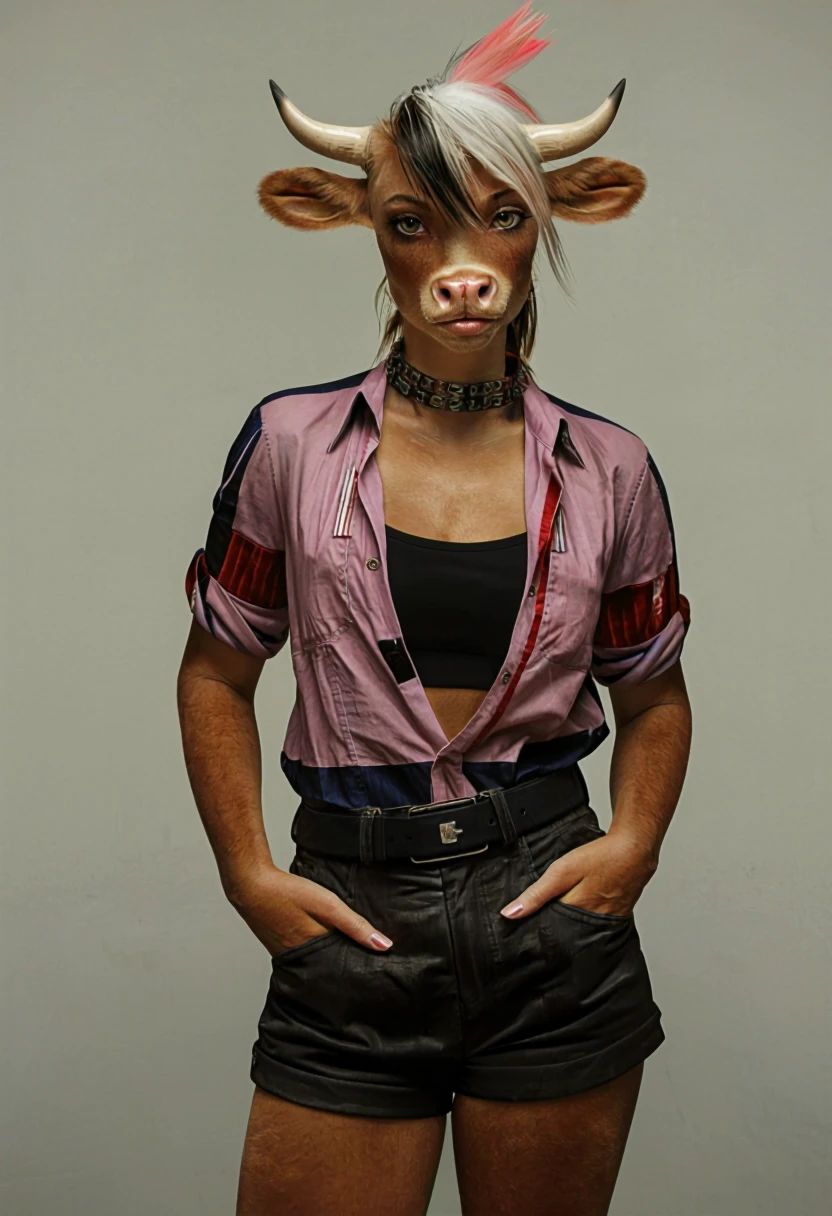
UnCanny (Photorealism Chroma)
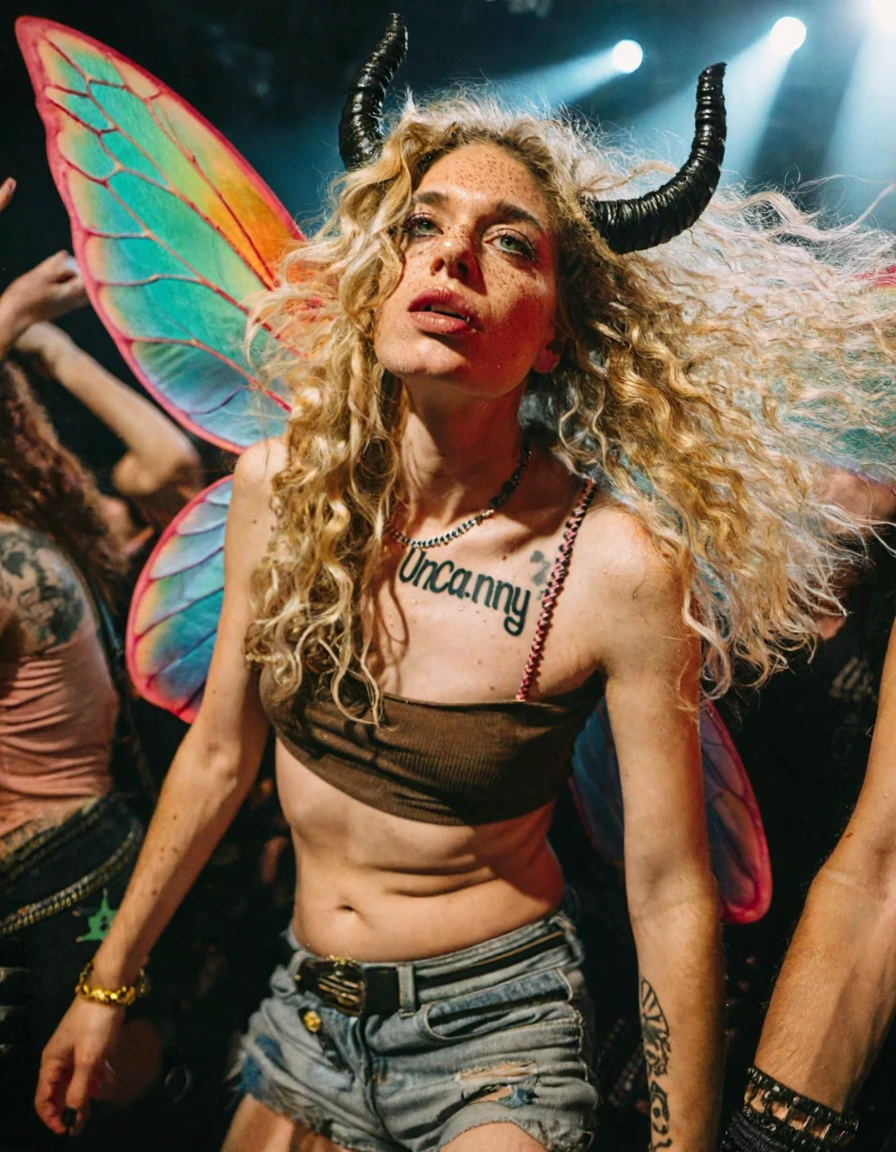
Details

Download Files

Model description

UPDATE V1.2: Better backgrounds, less grain/artifacts, more natural/candid poses, better landscapes, etc. Both base (bf16) and fp8 have been uploaded (files on the right for v1.2 fp8 ----->). Note: Some people are reporting issues with v1.2. Personally, I'm getting better results, so I am leaving it up for now, but it sounds like I've got more testing/training to do.

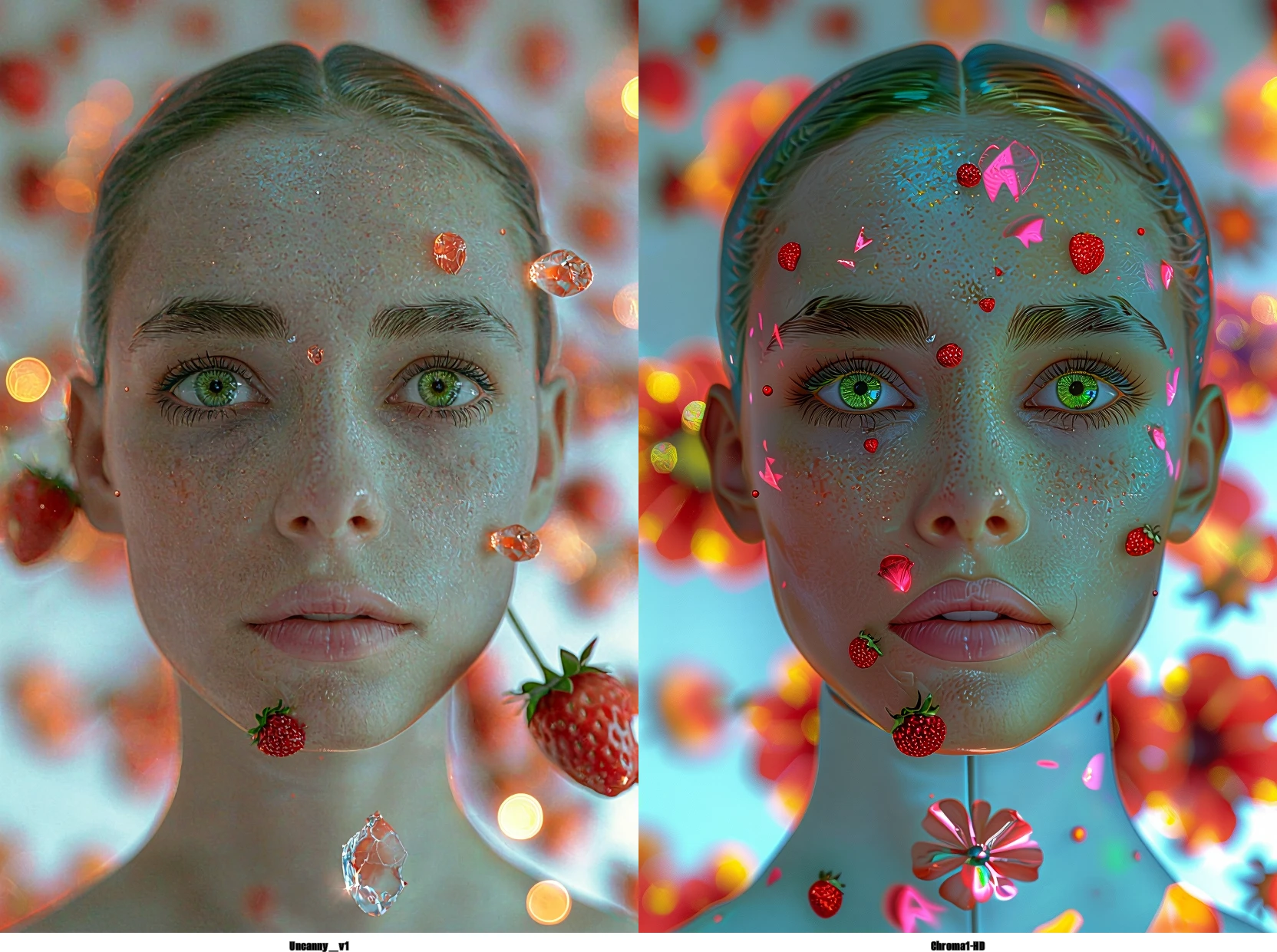
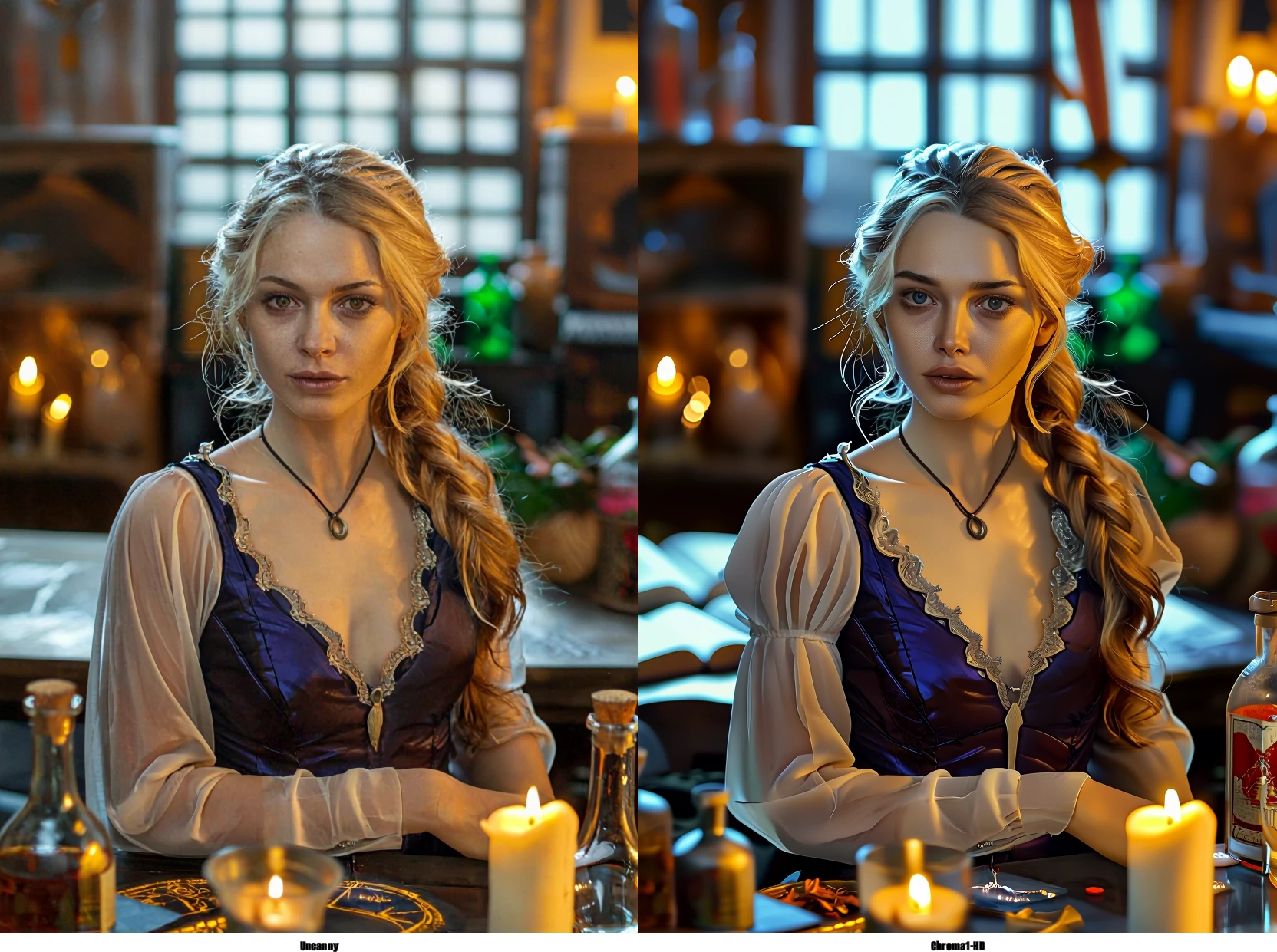
Chroma is a fantastic and highly versatile model capable of producing photo-like results, but it requires careful prompting. This finetune aims to improve reliability in realistic/photo-based styles while preserving Chroma’s broad concept knowledge. The flash version has the rank-128 lora (from here) baked in. v1.2 GGUFs now on HuggingFace.

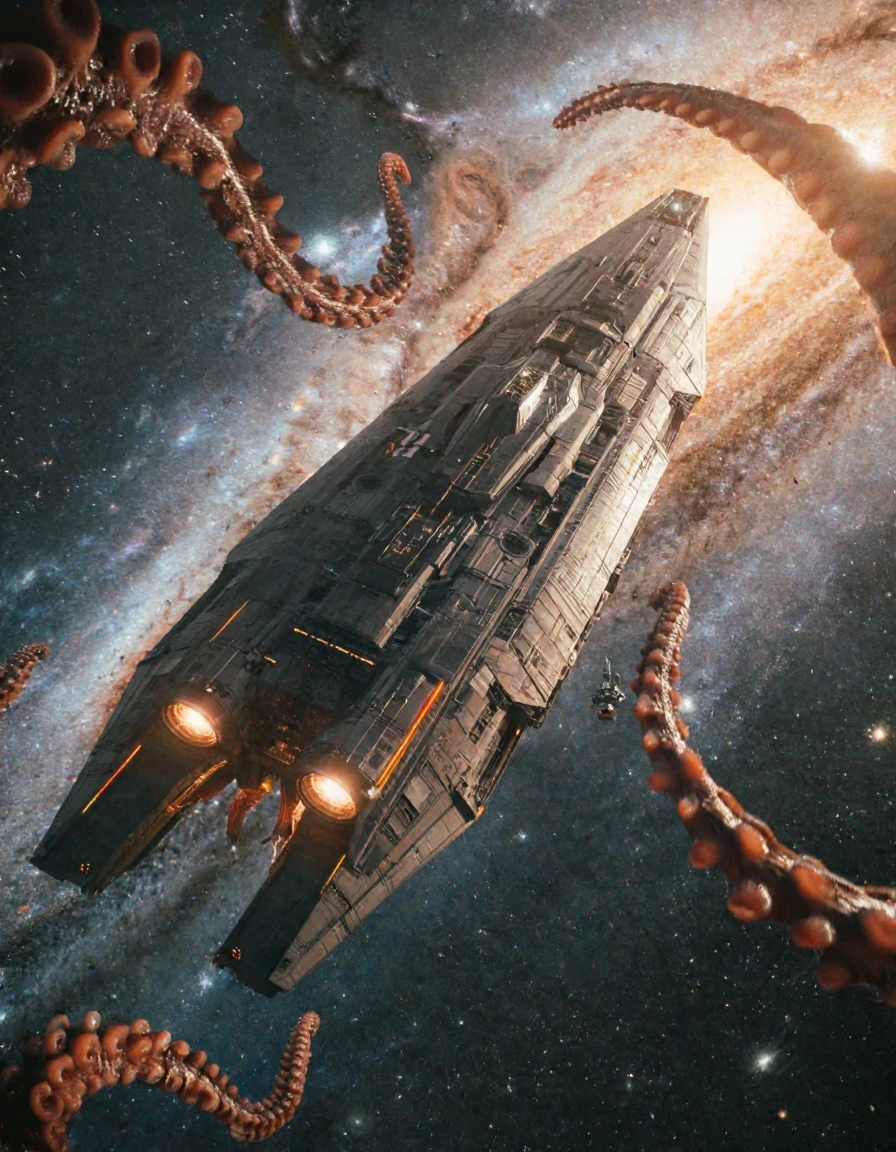
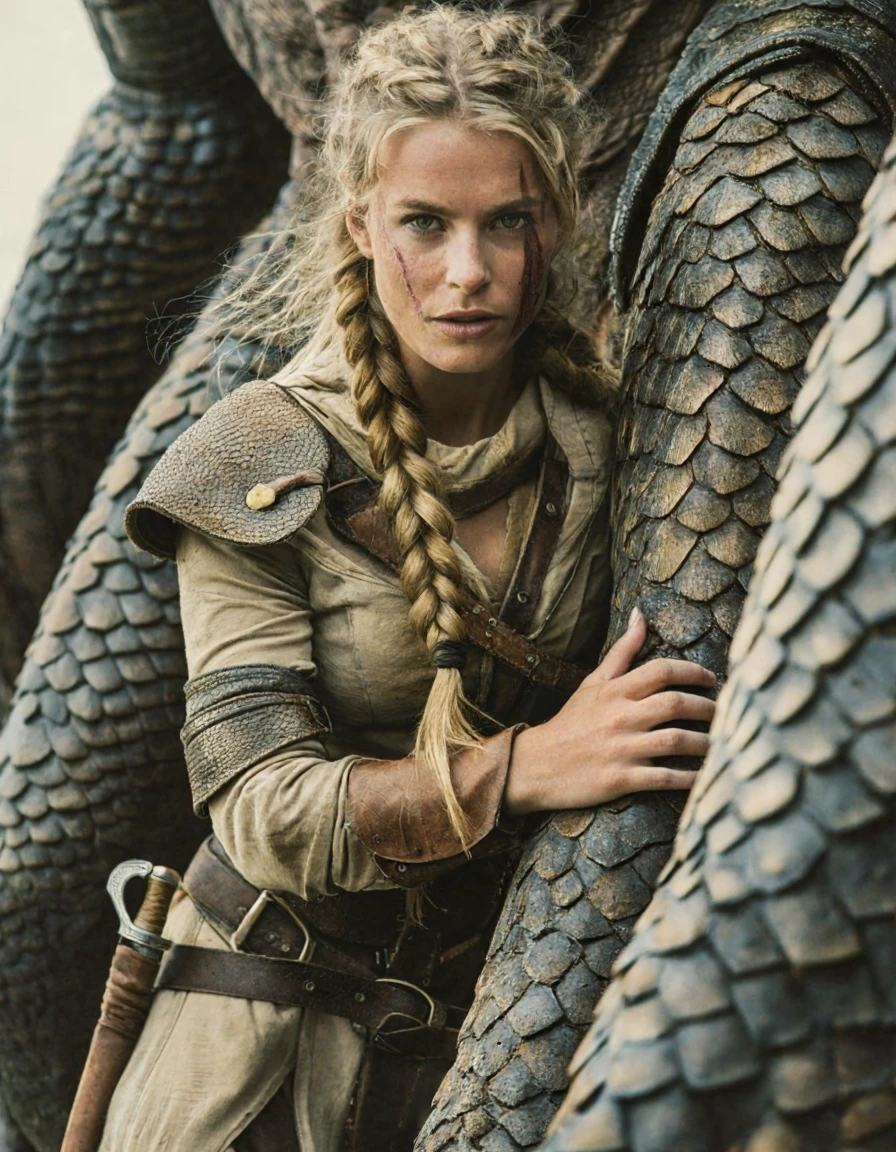
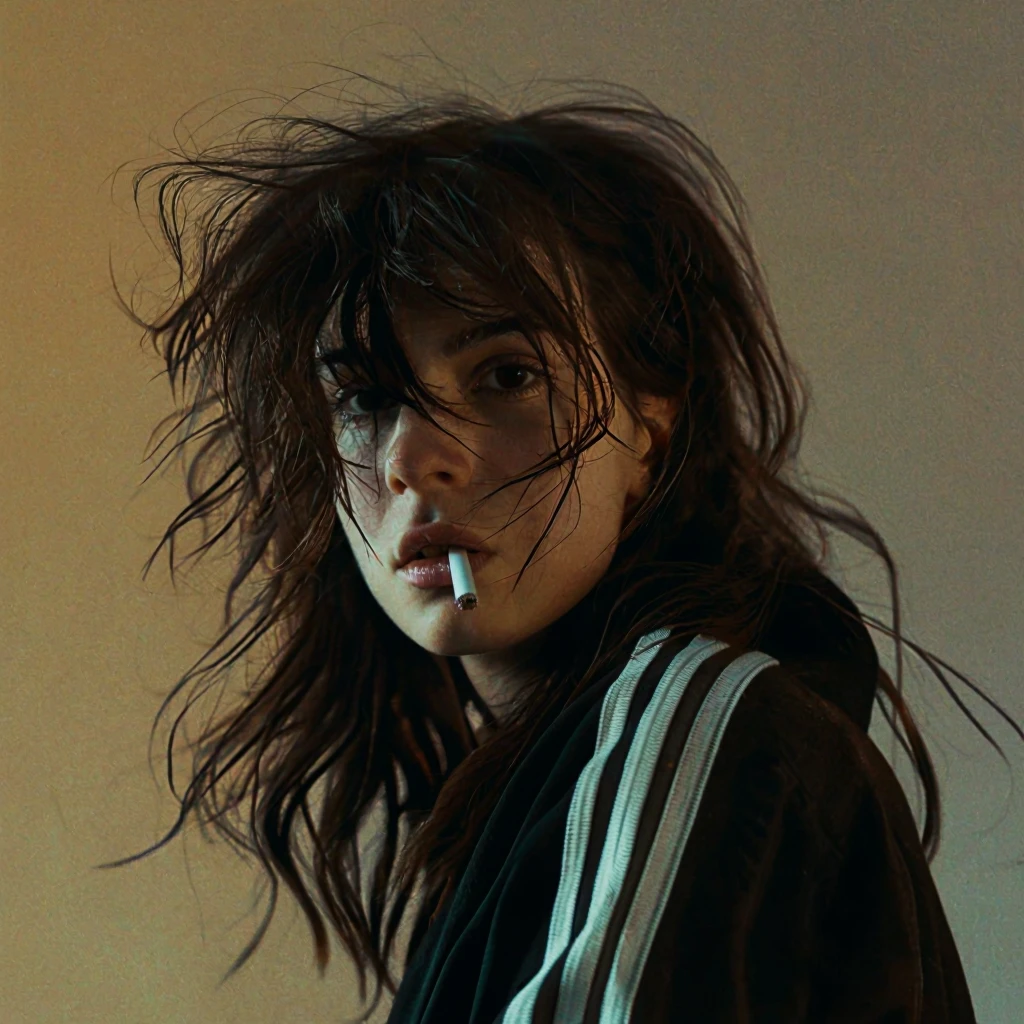
(v1.2) Prompting: Chroma prompts work well. Describing what you want to see in natural sentences works well. In v1.2, photography terms influence style strongly. This includes: candid, staged, amateur, professional, documentary/cinematic/landscape/wildlife photography, etc. Technical terms (lens, shutter speed, etc.) can enhance results but are not necessary. Some example images show the captioning style used in training (amateur-guitar, night-sky, close-up face, tiger). Negative prompts do not work with CFG set to one. With CFG above one, negative prompts work and can be very important (for good or bad).

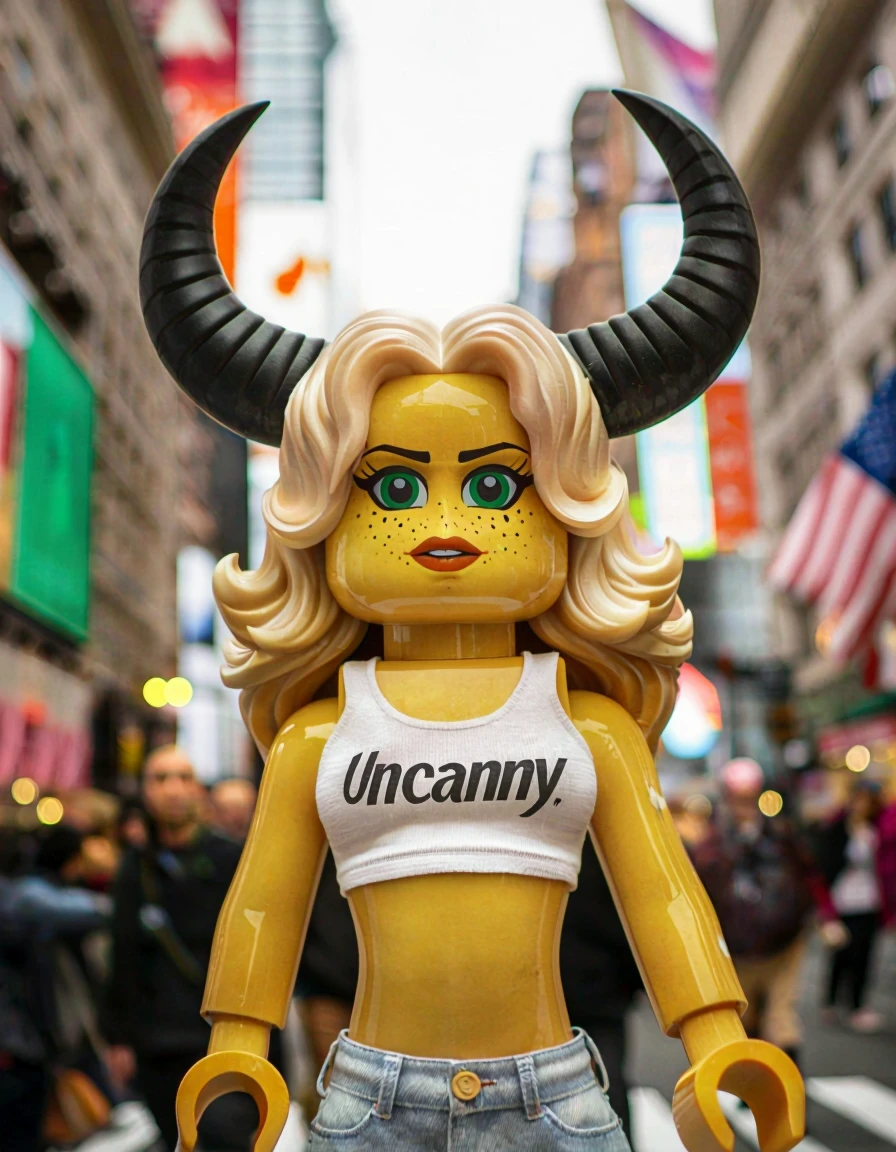
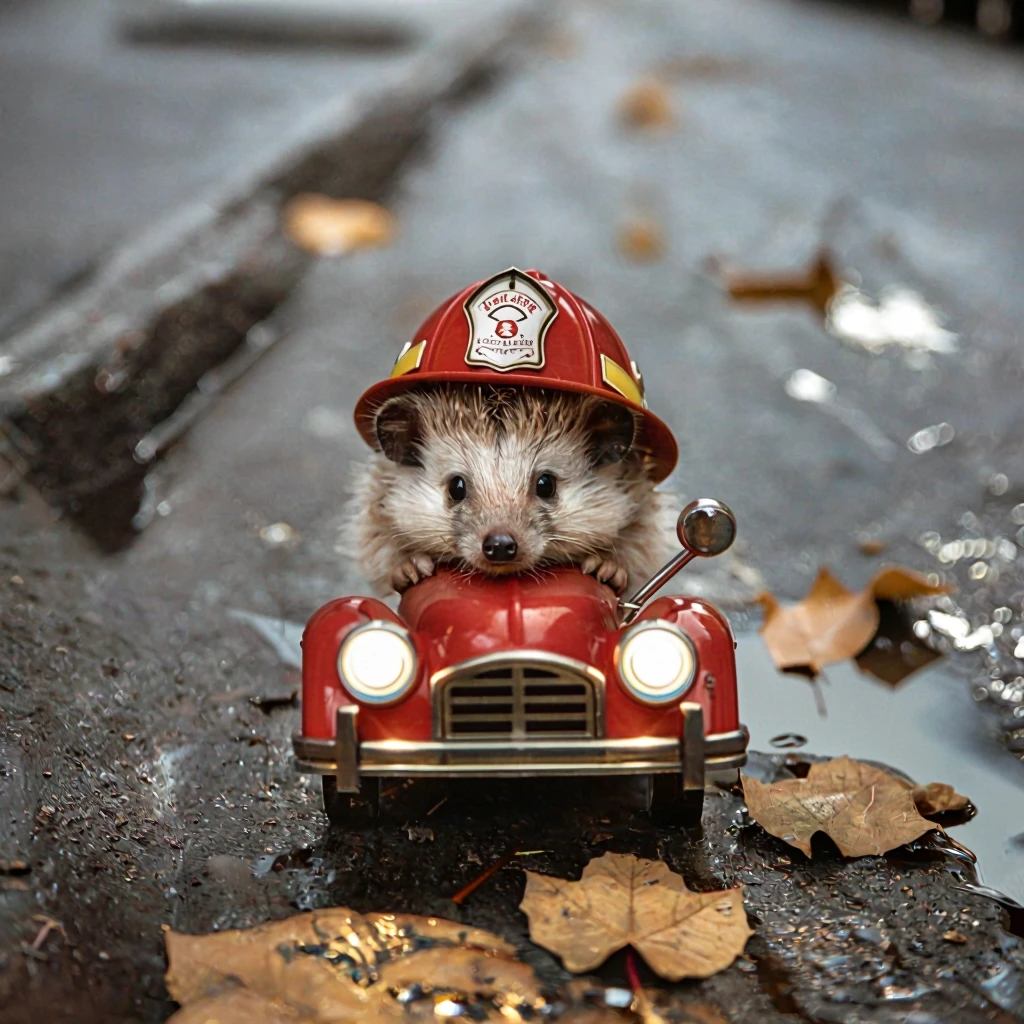
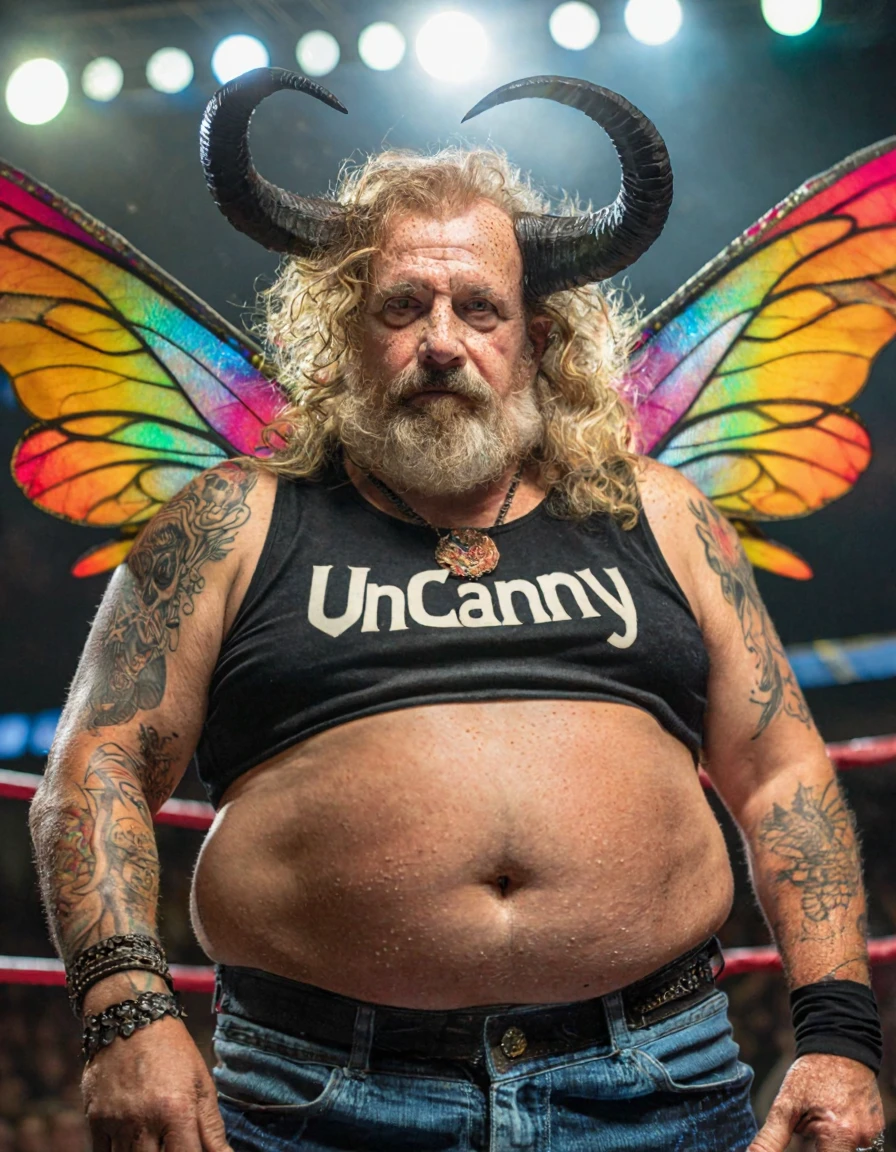
v1.2 might be slightly less forgiving when making anthropomorphic characters, you may need to adjust your prompts. I have ideas for improvements in future versions, but testing and fine-tuning is slow, so it may take a while.

Example settings (not necessarily optimal - needs more testing for 1.2):

  • Workflow: Chroma template workflow in ComfyUI

  • Steps (base): ~30-35 (depends on other settings; CFG, sampler, etc.)

  • Steps (flash lora): 15 works well with rank-128. Depends on flash-lora rank.

  • CFG (base): ~3.5 (depends on other settings; steps, sampler, etc.)

  • CFG (flash lora): 1 works well with rank-128. Depends on flash-lora rank.

  • Sampler: res_2m and dpmpp_sde work well.

  • Scheduler: I like bong_tangent | beta is also good.

Note on settings: If you change one setting (sampler, CFG, steps) you probably have to change others to get good results. CFG affects speed**.**

Support:
Have too much money? Want to support further training?
https://ko-fi.com/dawncreates

Training Details
The model was trained locally, using Chroma-HD as the base. Each epoch included images at 3–5 different resolutions, though only a subset of the dataset was used per epoch. Except for the extra resolutions, OneTrainer's default config for 24gb Chroma finetuning was used. The dataset consists almost exclusively of SFW-images of people and landscapes, so to retain Chroma-HD's original conceptual understanding, several layers were merged back at various ratios. All the juice, compositions, subjects, and concepts come from Chroma itself, my model just nudges it towards realism. Honestly, this version is more of a showcase of how good Chroma is than a great finetune in itself. I do think it shows how much potential Chroma has for finetuning though - so get to work on Chroma finetuners - it has so much potential!

I aim to continue finetuning and experimenting.

All images were captioned using JoyCaption: https://github.com/fpgaminer/joycaption

The model was trained using OneTrainer: https://github.com/Nerogar/OneTrainer

v1.2 training changes: Reduced grainy and bokeh images from the core dataset. Re-captioned images using the following JoyCaption prompt:
"Write a long and highly detailed description for this photo. ALWAYS begin with the type of photo (e.g. “professional analogue landscape photography”, “amateur street photography”, “professional slice of life photo”, “documentary style photo”, “amateur landscape photo”, “professional landscape photo”, etc.). ALWAYS mention if the photo is a candid photo or a staged or posed photo. Continue with the main subject and medium. When describing the rest of the photo, focus on concrete details like color, shape, texture, and spatial relationships. Show how elements interact. Describe people's age, body and features. Specify the depth of field and whether the background is in focus or blurred. Include information about lighting. Include information about camera angle. If it is a photo you MUST include information about what camera was likely used and details such as aperture, shutter speed, ISO, etc. Mention whether the image depicts an extreme close-up, close-up, medium close-up, medium shot, cowboy shot, medium wide shot, wide shot, or extreme wide shot. Explicitly specify the vantage height (eye-level, low-angle worm’s-eye, bird’s-eye, drone, rooftop, etc.). Never mention what's absent, resolution, or unobservable details. Vary your sentence structure and keep the description concise, without starting with “This image is…” or similar phrasing. Do NOT use polite euphemisms—lean into blunt, casual phrasing."

Images made by this model

No Images Found.