ComfyUI beginner friendly Image-to-Video WAN 2.2 Rapid All-in-One GGUF Workflow (With LORAs) by SarcasticTOFU

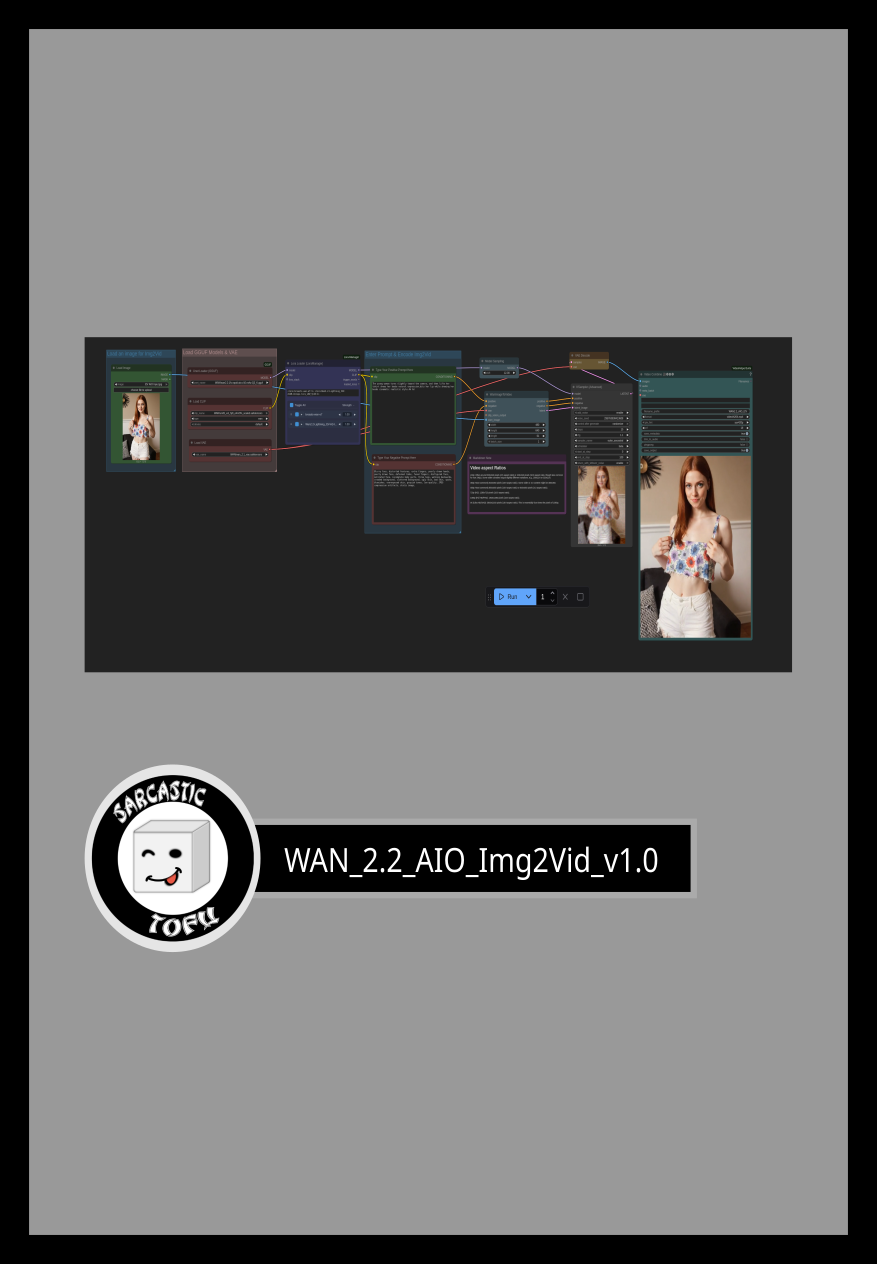
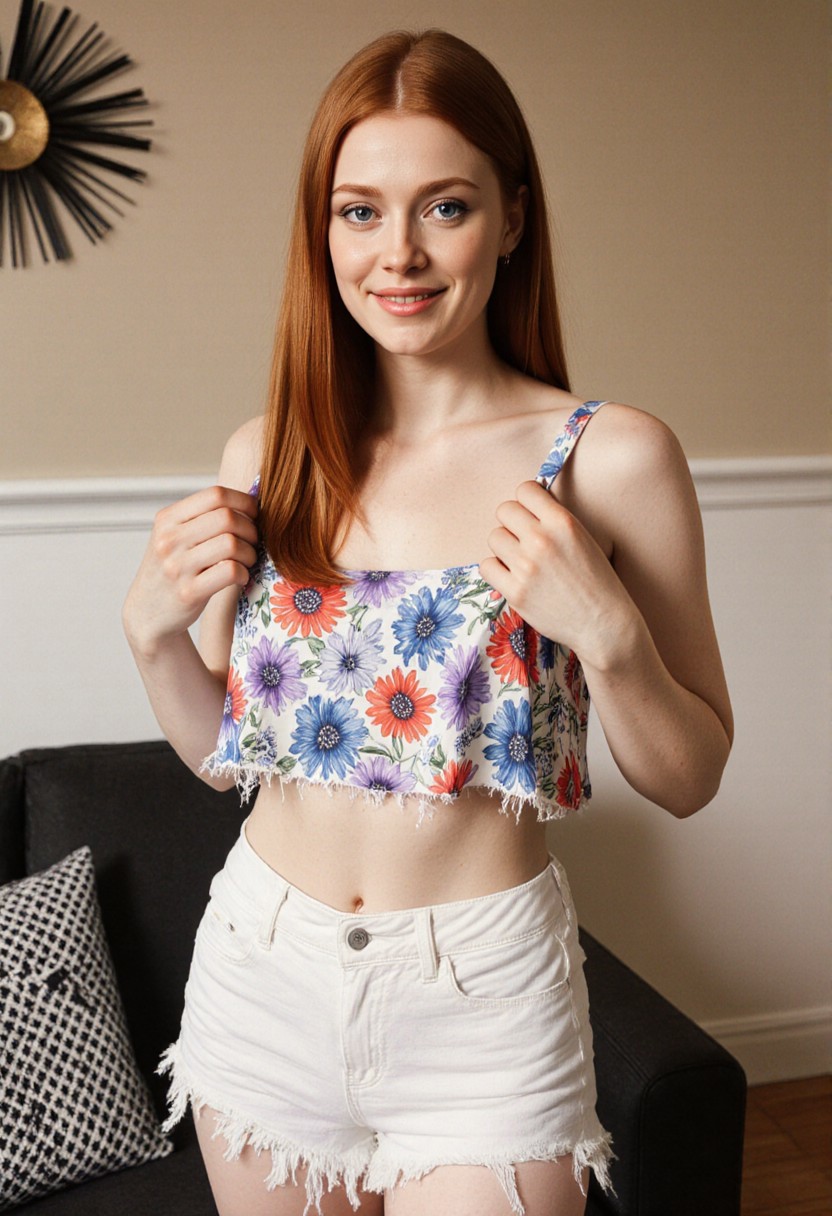
Details
Download Files (1)
Model description
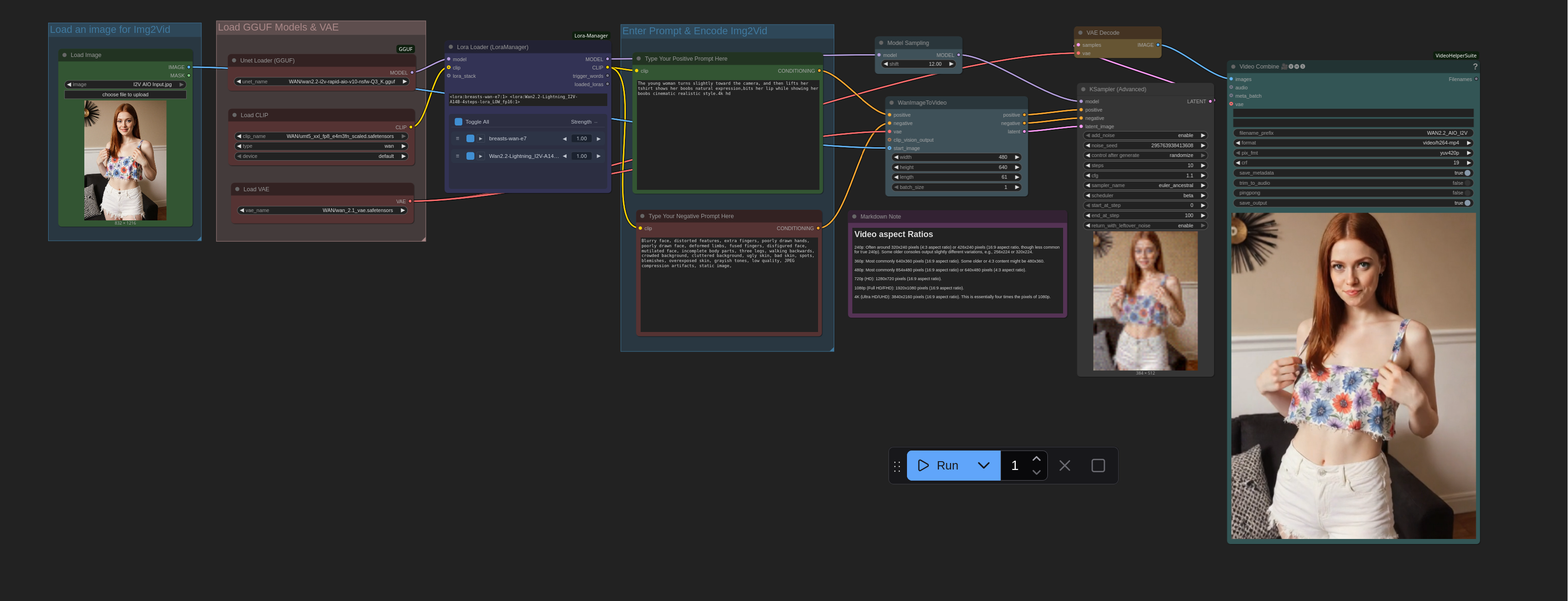
This is a very simple ComfyUI beginner friendly Image-to-Video workflow that will work for a single input image with a single WAN 2.2 Rapid All-in-One GGUF model with multiple LORAs (This workflow does require ComfyUI's LORA Manager plugin to function. This is further improvement of my older WAN 2.1 Image-to-Video workflow. This uses a very optimized WAN 2.2 Rapid All-in-One model's quantized (GGUF) version to keep the workflow simple and fast so relatively affordable GPU's (8GB / 12GB Nvidia or Radeon GPUs or some more affordable Apple Sillicone Macs) can run WAN 2.2 with better system resources efficiencies without the burden of loading two seperate models for LOW & High Noise processing, the AIO model handles both. It is a good idea to install both ComfyUI manager and LORA Manager plugin to help you easily download and manage Checkpoints, LORAs and other resources. Not only these two are helpful for this workflow but they will help you a lot in any other cases). You need a Hugging Face account to download your necessary WAN 2.2 Rapid All-in-One files (Details are mentioned below). Make sure you install GGUF addon for ComfyUI using ComfyUI manager and place the correct files in correct places. Also check out my other workflows for SD 1.5 + SDXL 1.0, WAN 2.1, Chroma, QWEN, HiDream and Flux.
How to use this -
#1. First select your input image for Image-to-Video generation, then
#2. just select your desired WAN 2.2 Rapid All-in-One GGUF model first and after this load
#3. one or multiple matching LORA(s) from LORA Manager to start
#4. then input your positive and negative prompts.
#5. select how many videos you want (Change the number besides the "Run" button)
#6. select video resolution, CFG, steps etc. settings
#7. finally press the run button to generate. That's it..
*** This workflow will also function if you know how to properly disable the LORA Node and bypass it. Also with some modifications this will work with WAN 2.2 5b GGUF models
Enjoy!
### To use this workflow you need to log into huggingface and download necessary files from there (I also included a text file on the archive that has the workflow file, in which you will find even more links for essential downloads for my other workflows) -
## WAN 2.2 Models
===============================================================================================================
### Download Links for WAN 2.2 Checkpoints
https://huggingface.co/QuantStack/Wan2.2-TI2V-5B-GGUF/resolve/main/Wan2.2-TI2V-5B-Q3_K_M.gguf
### Download Links for WAN 2.2 Encoders
### Download Links for WAN 2.1 VAE (WAN 2.2 14b models use WAN 2.1 VAE)
### Download Links for WAN 2.2 VAE (Only for WAN 2.2 TI2V 5b model, WAN 2.2 14b models use WAN 2.1 VAE)
### Download Links for WAN 2.2 Image-to-Video Lightning Lora