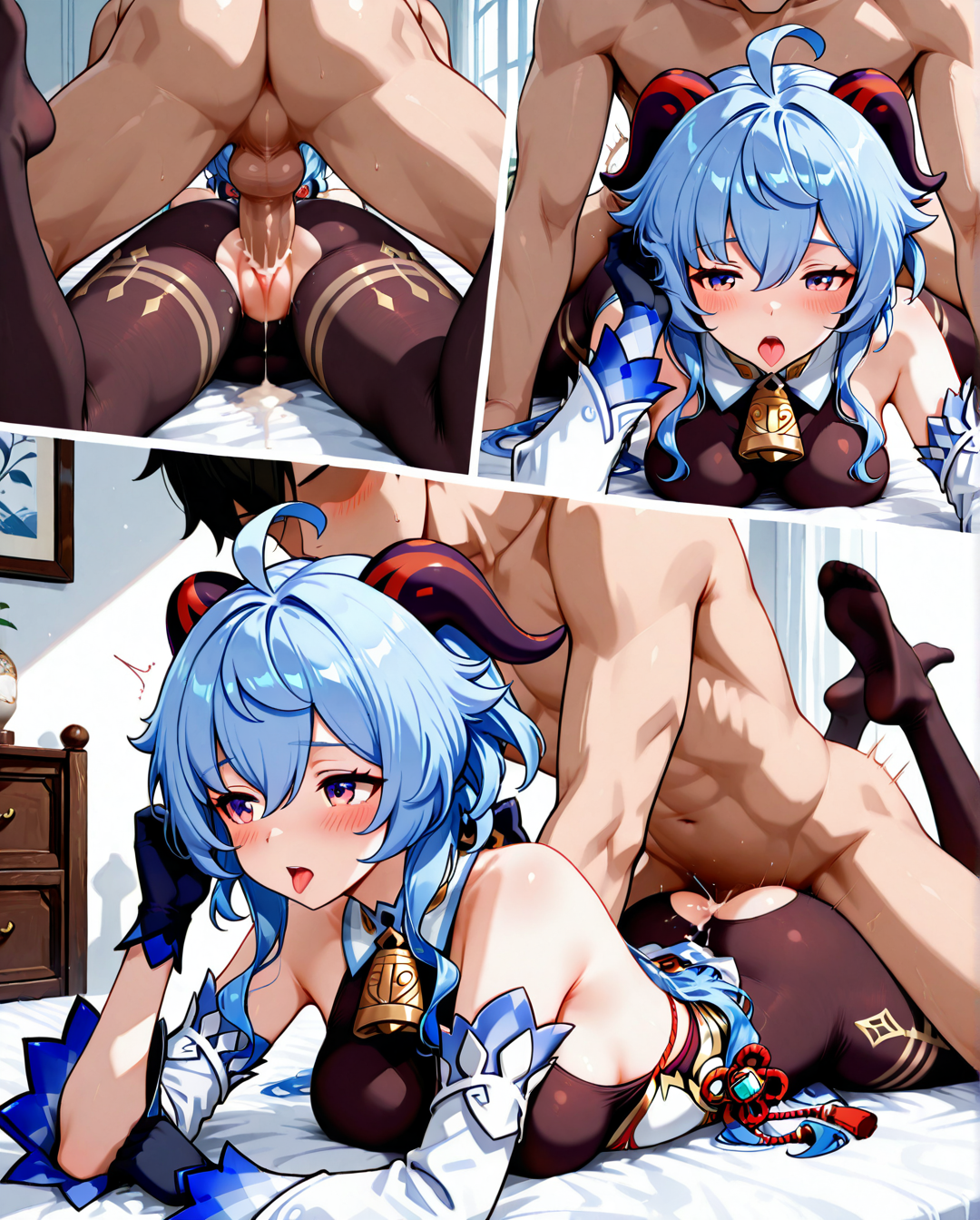
Prone hone (multiple views) (3koma)




詳細
ファイルをダウンロード
モデル説明
強度:1-1.3
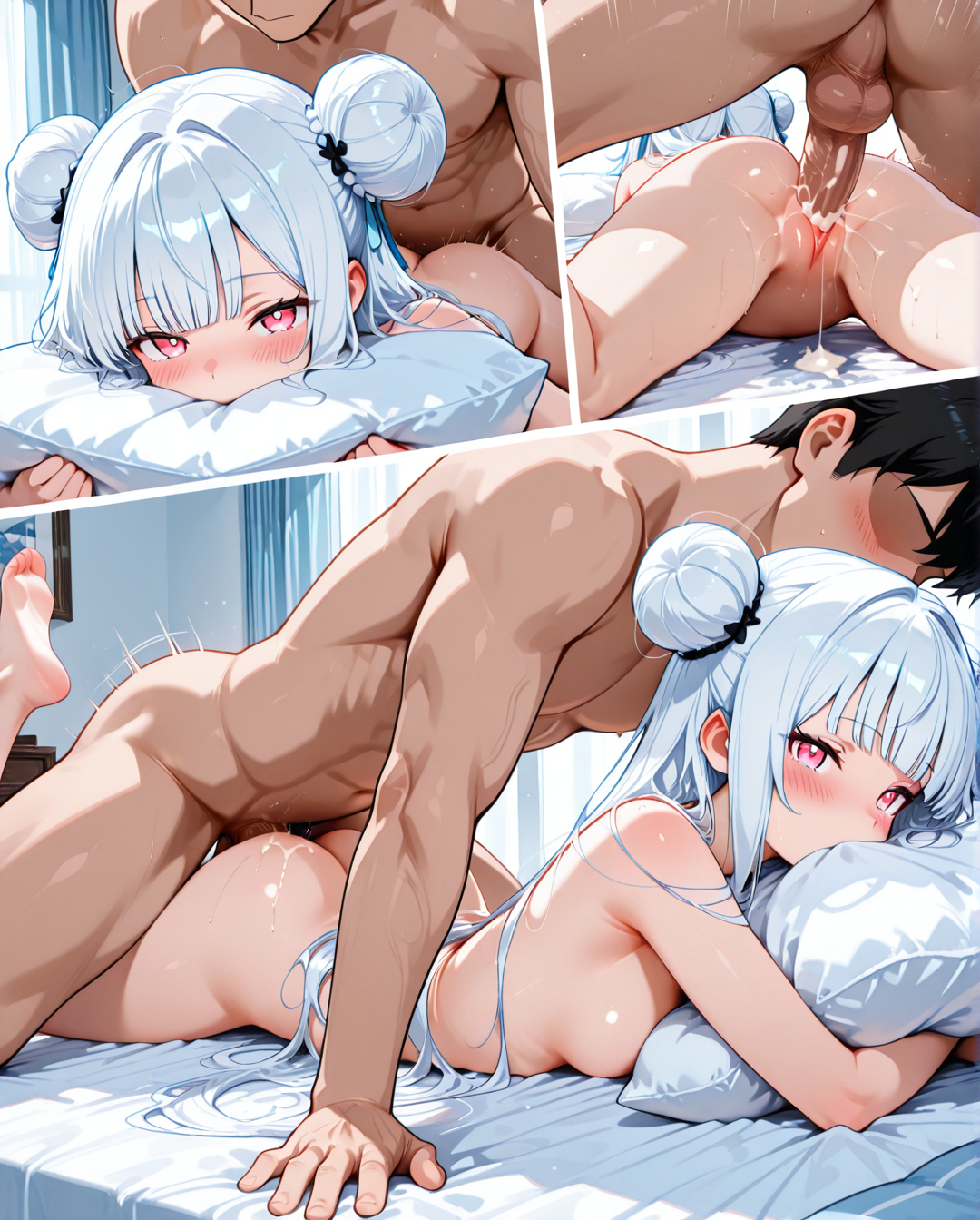
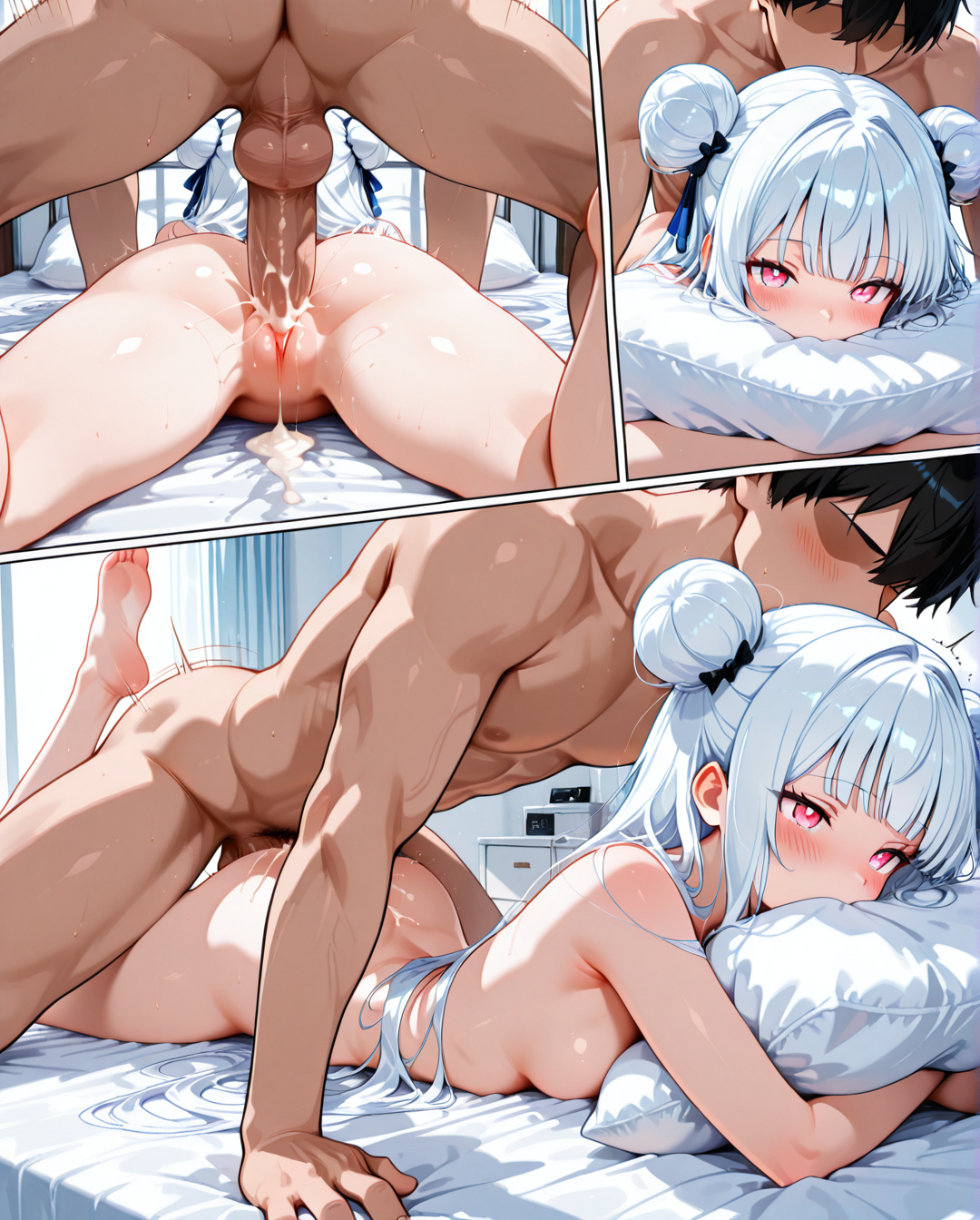
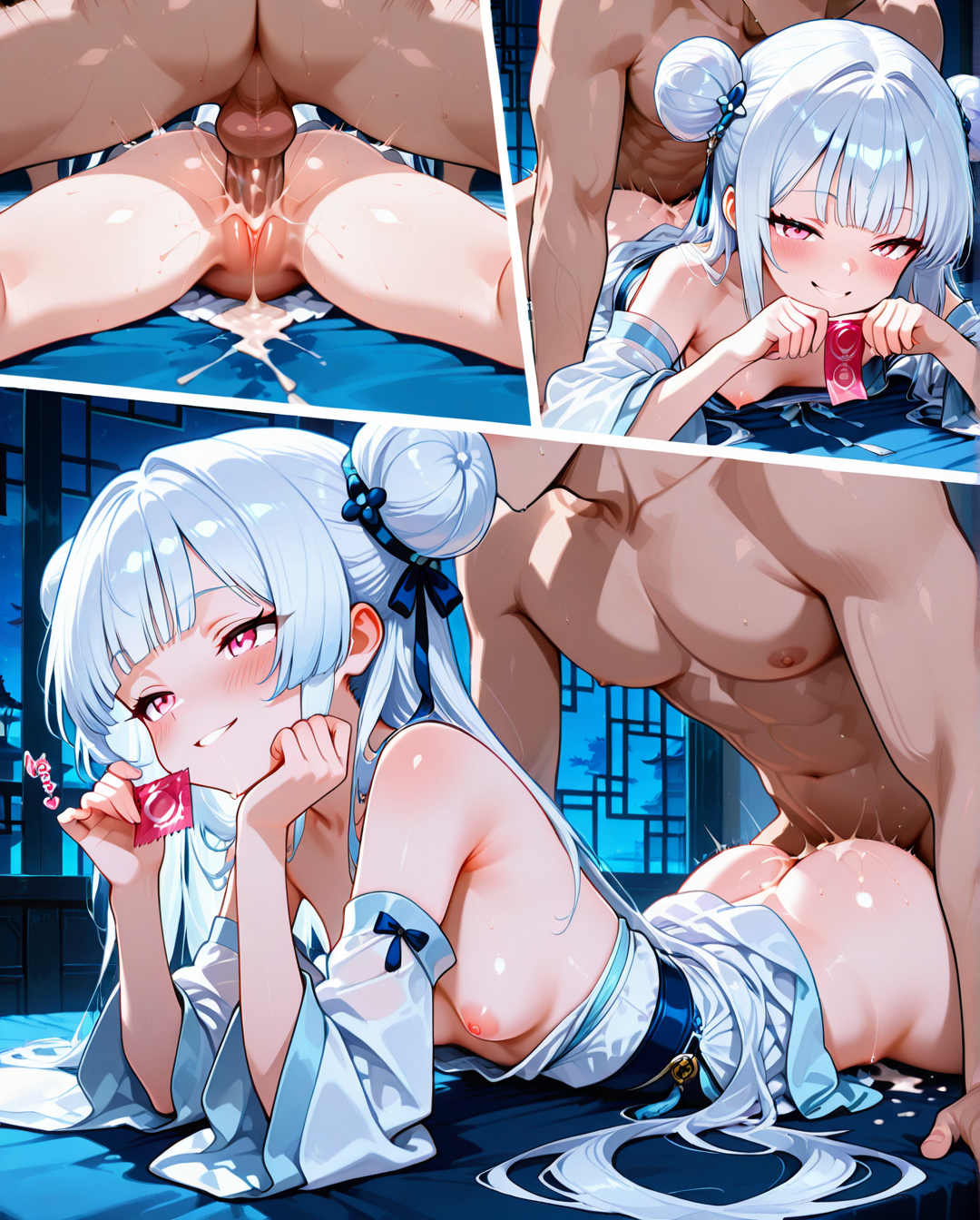
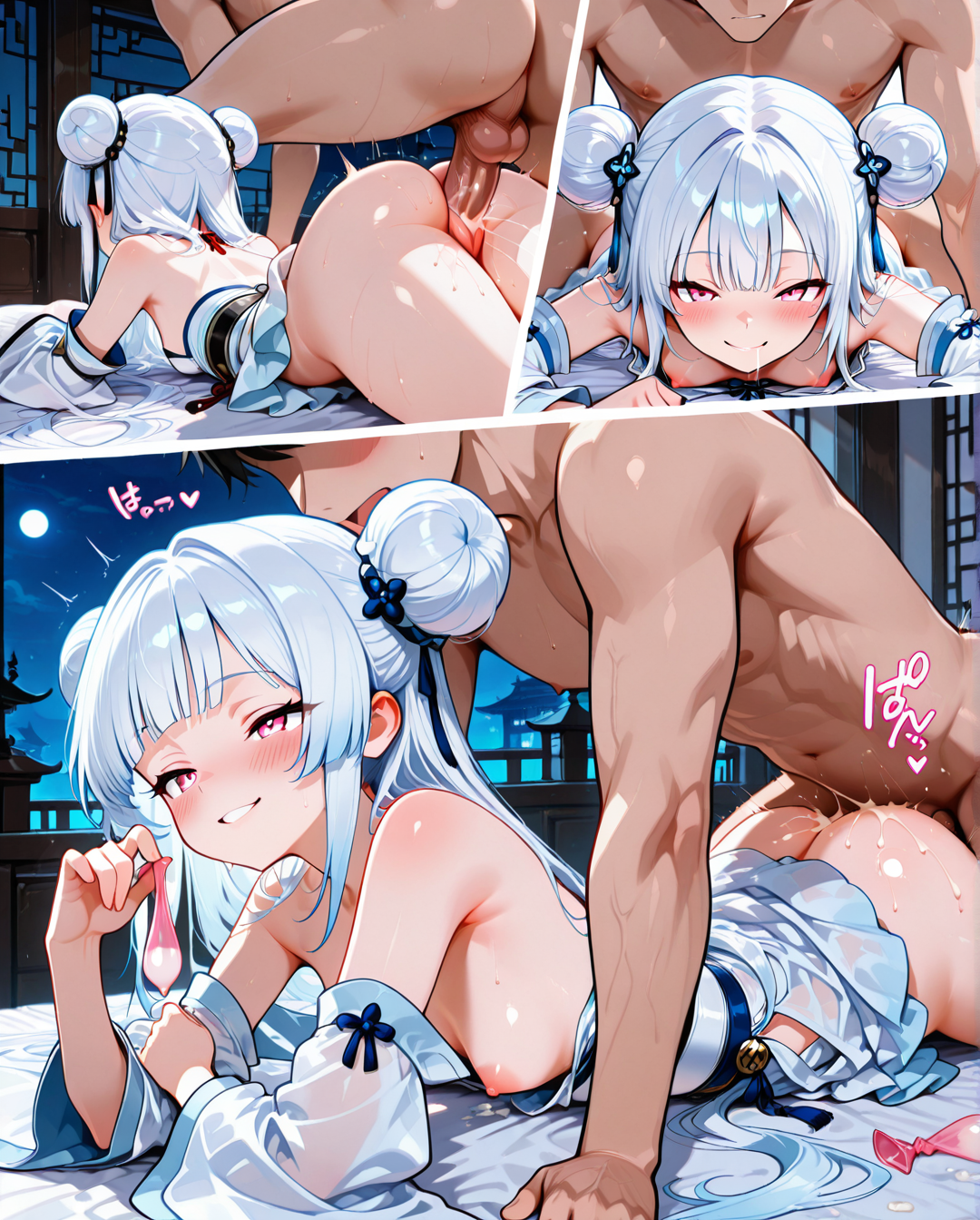
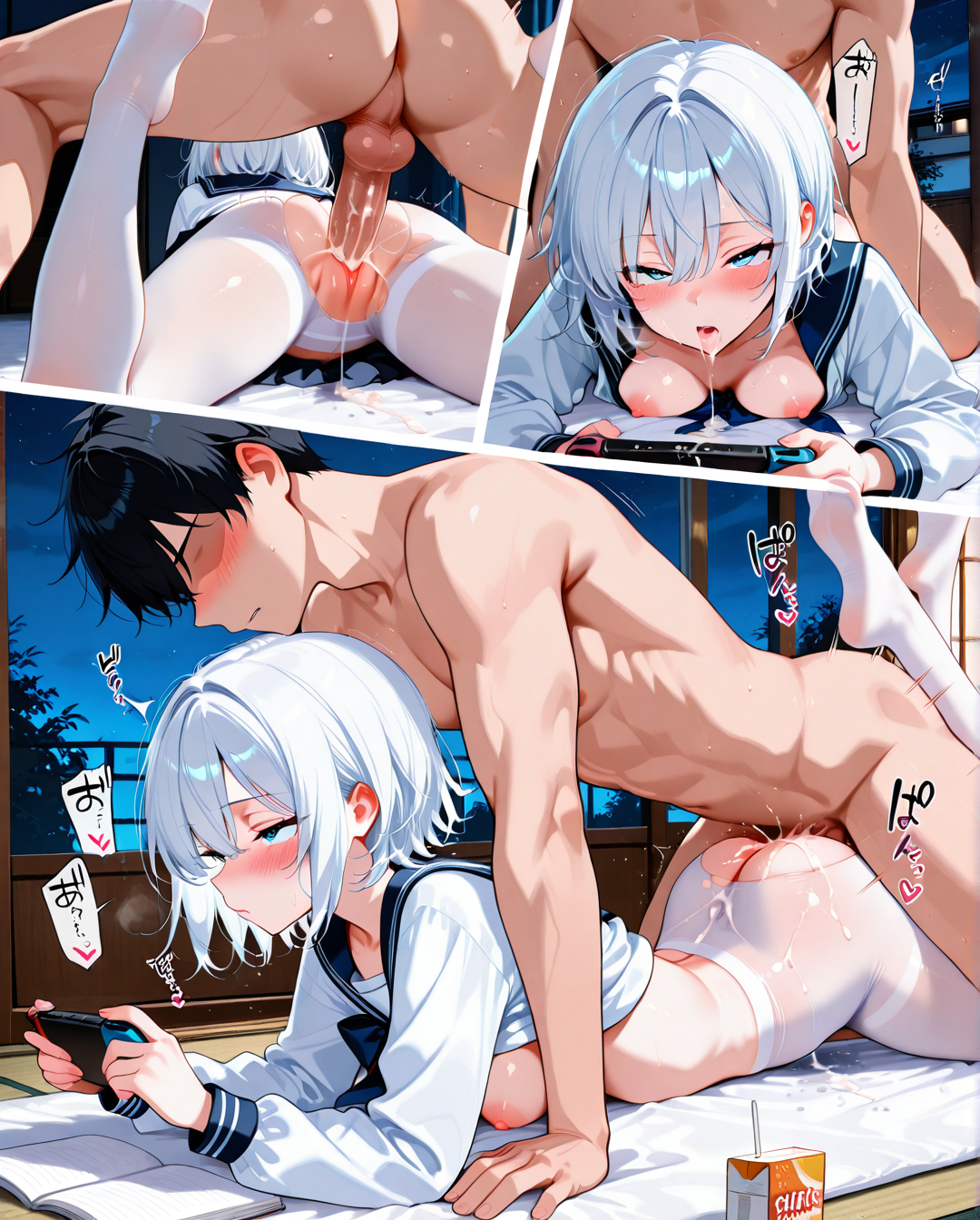
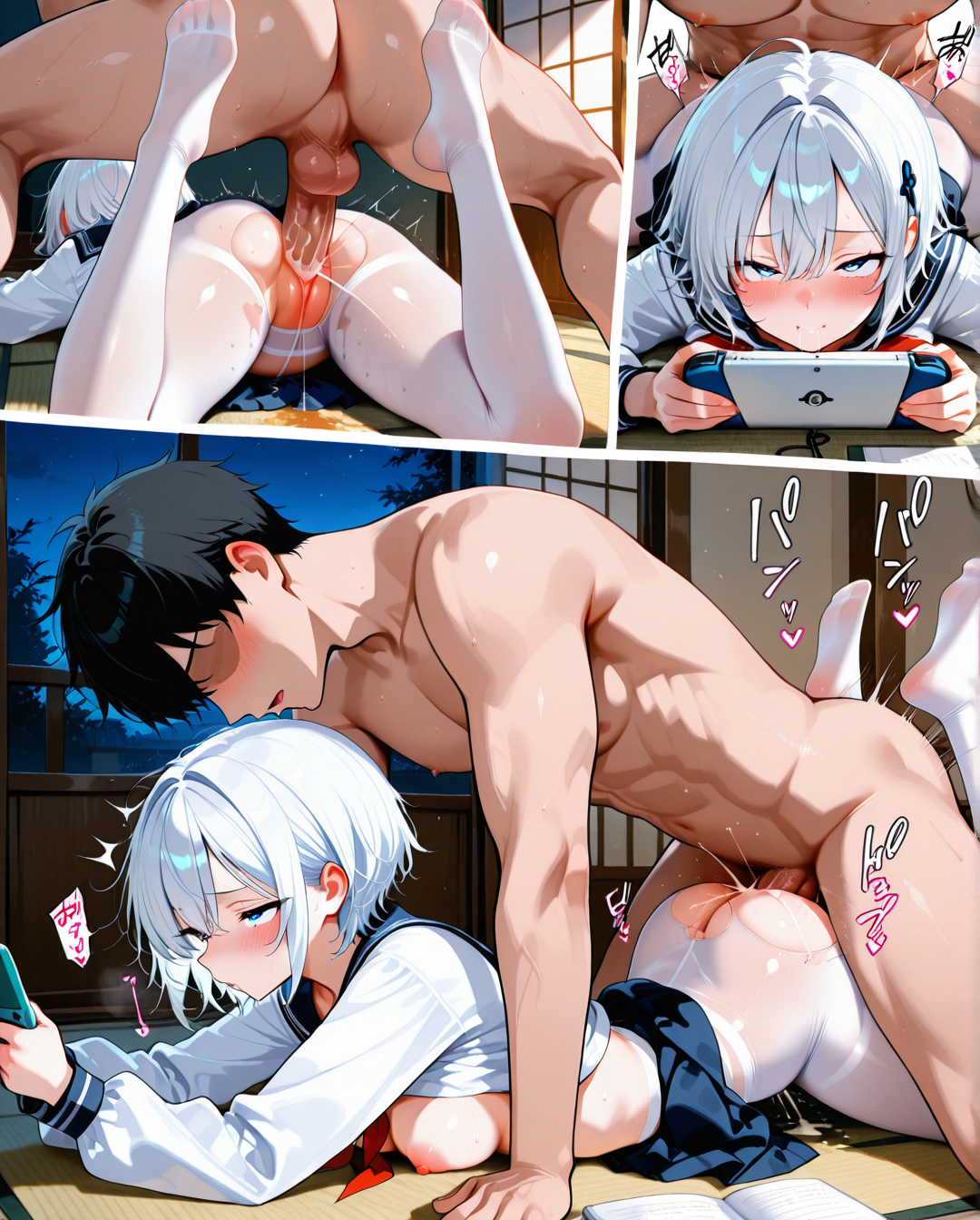
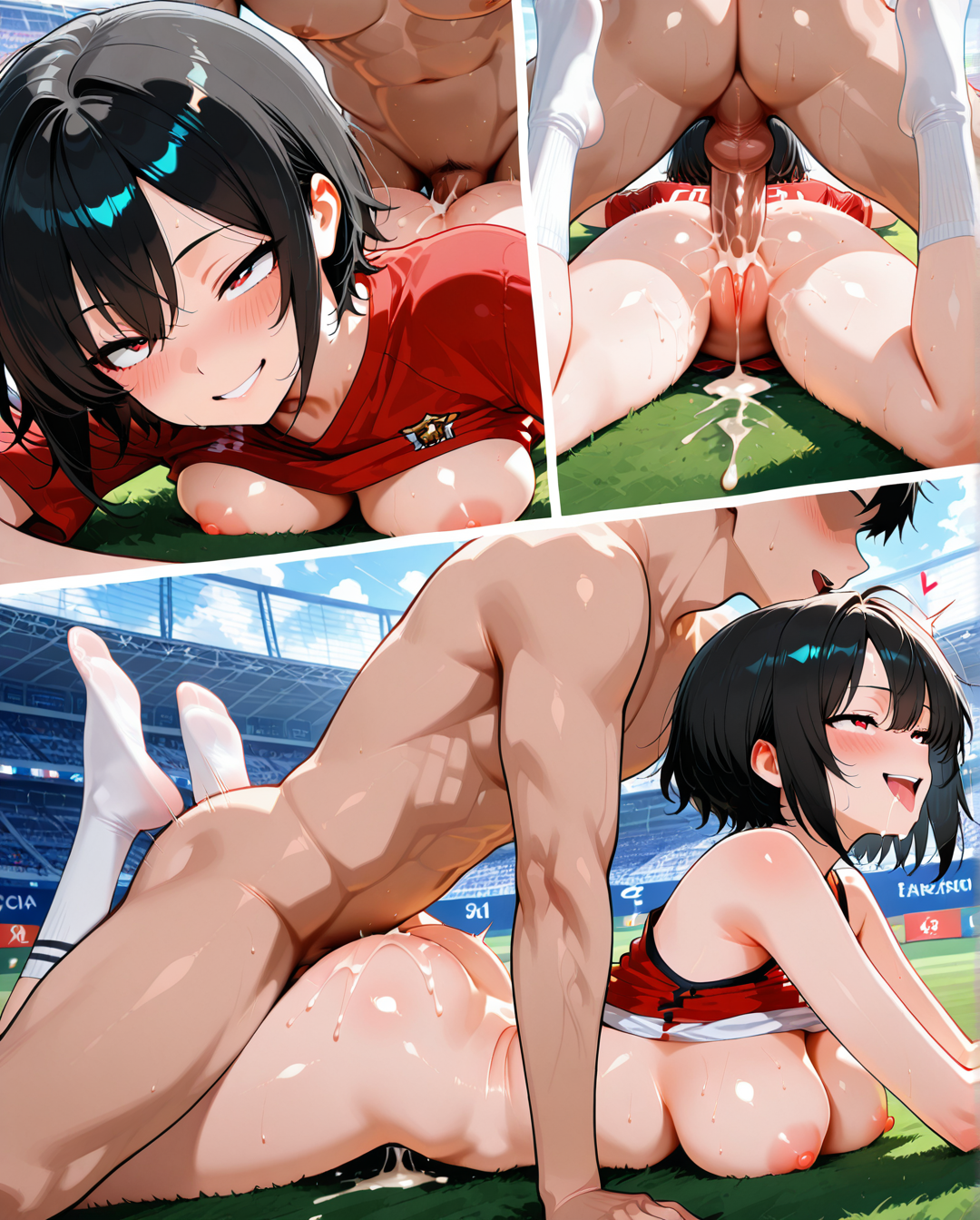
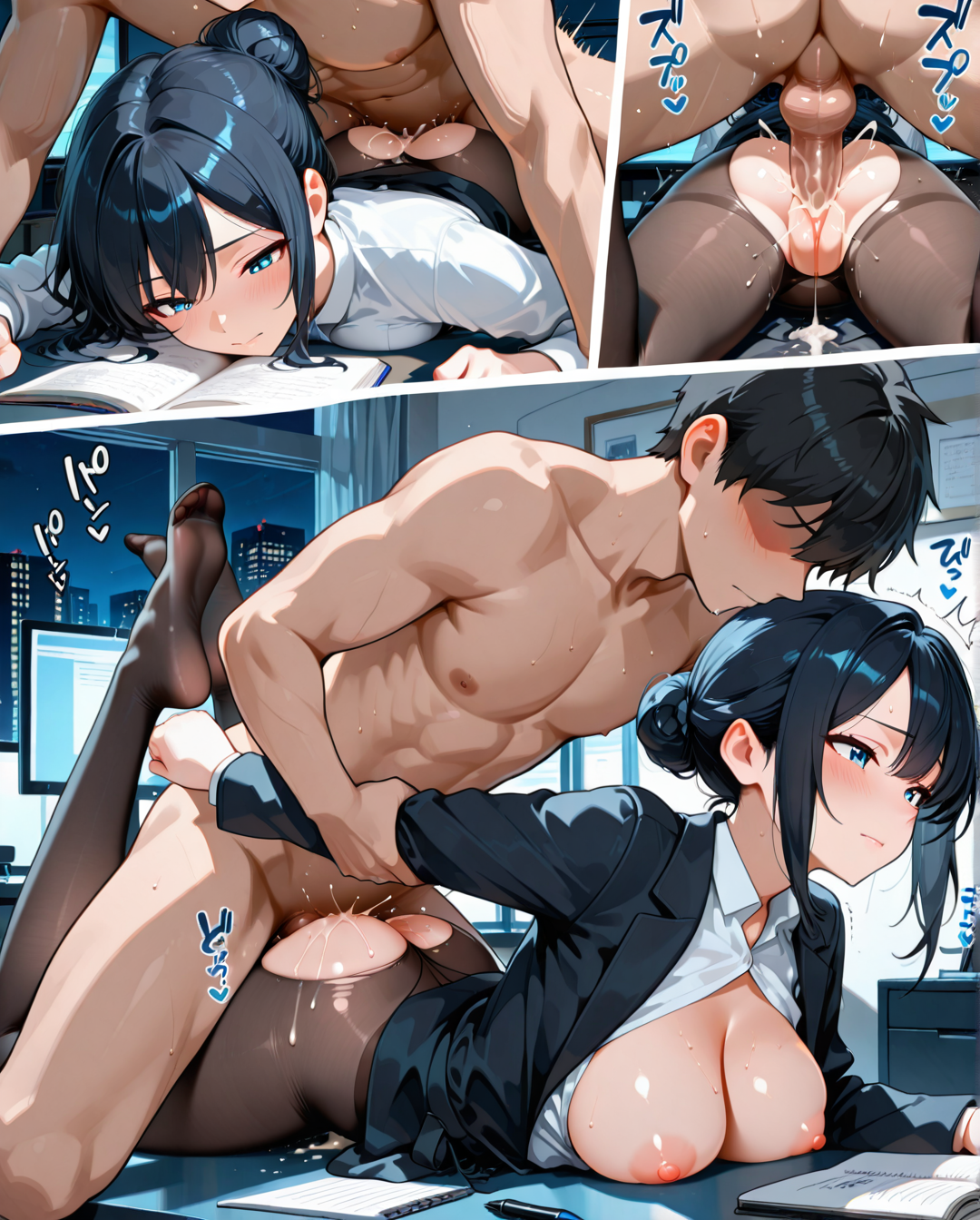
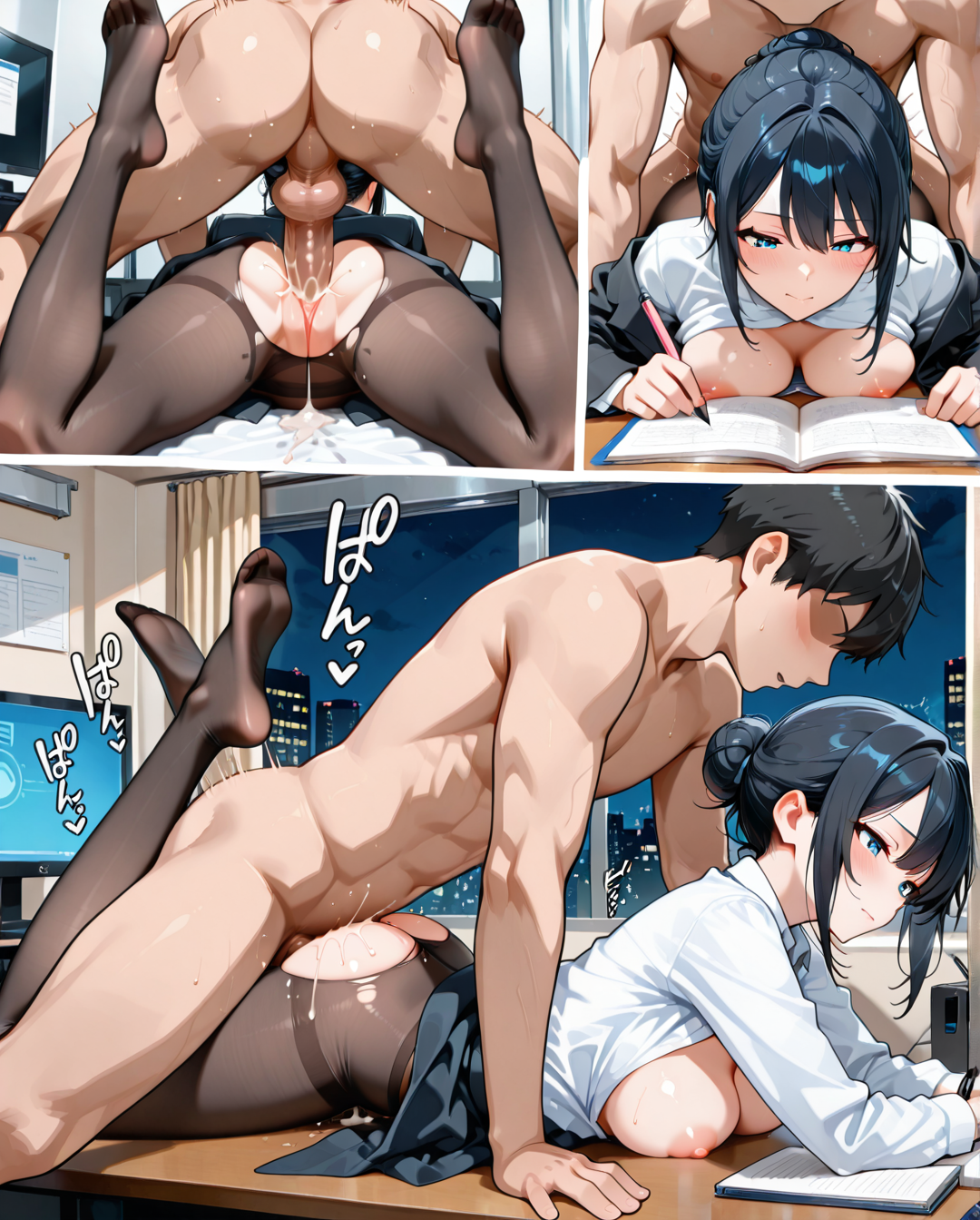
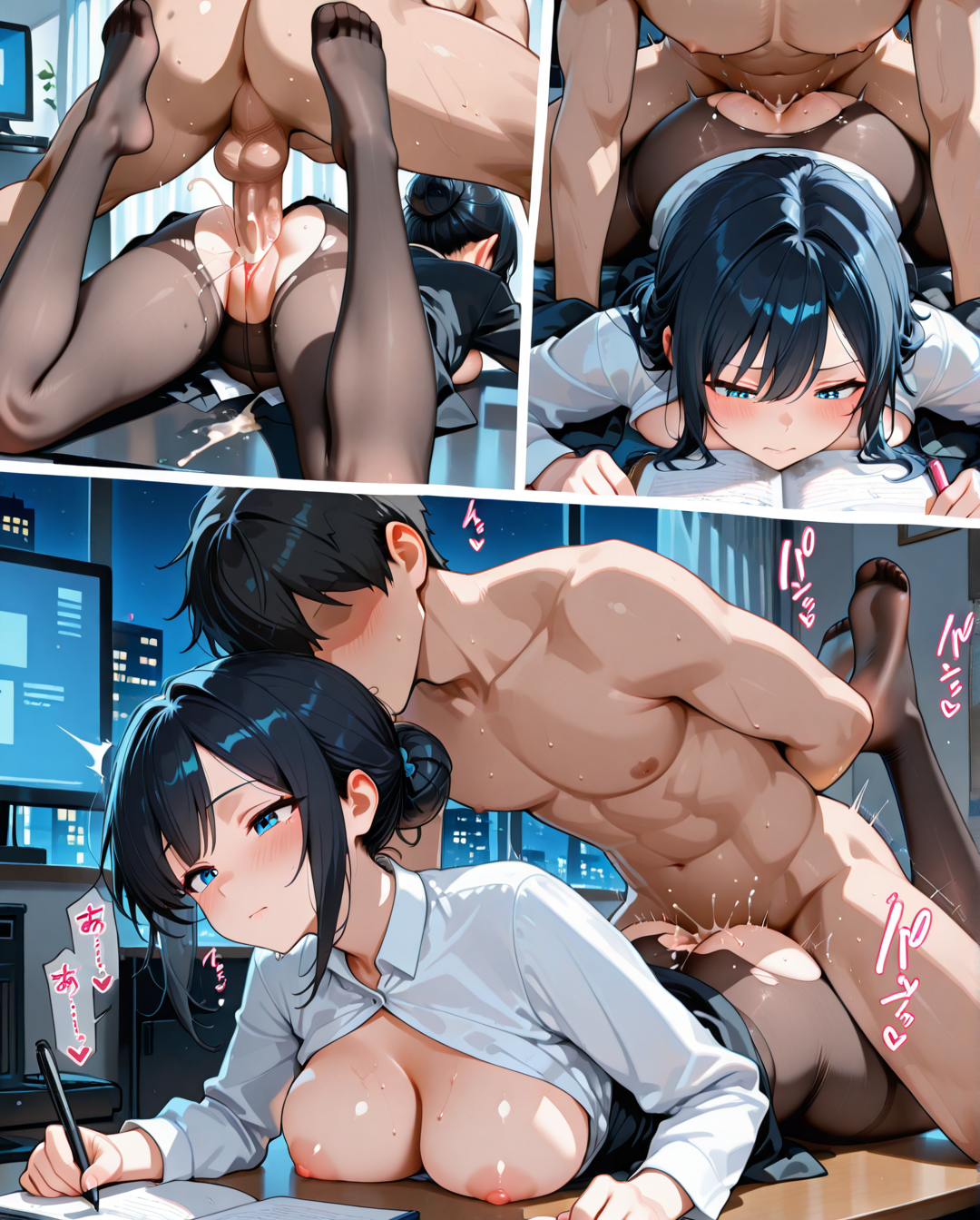
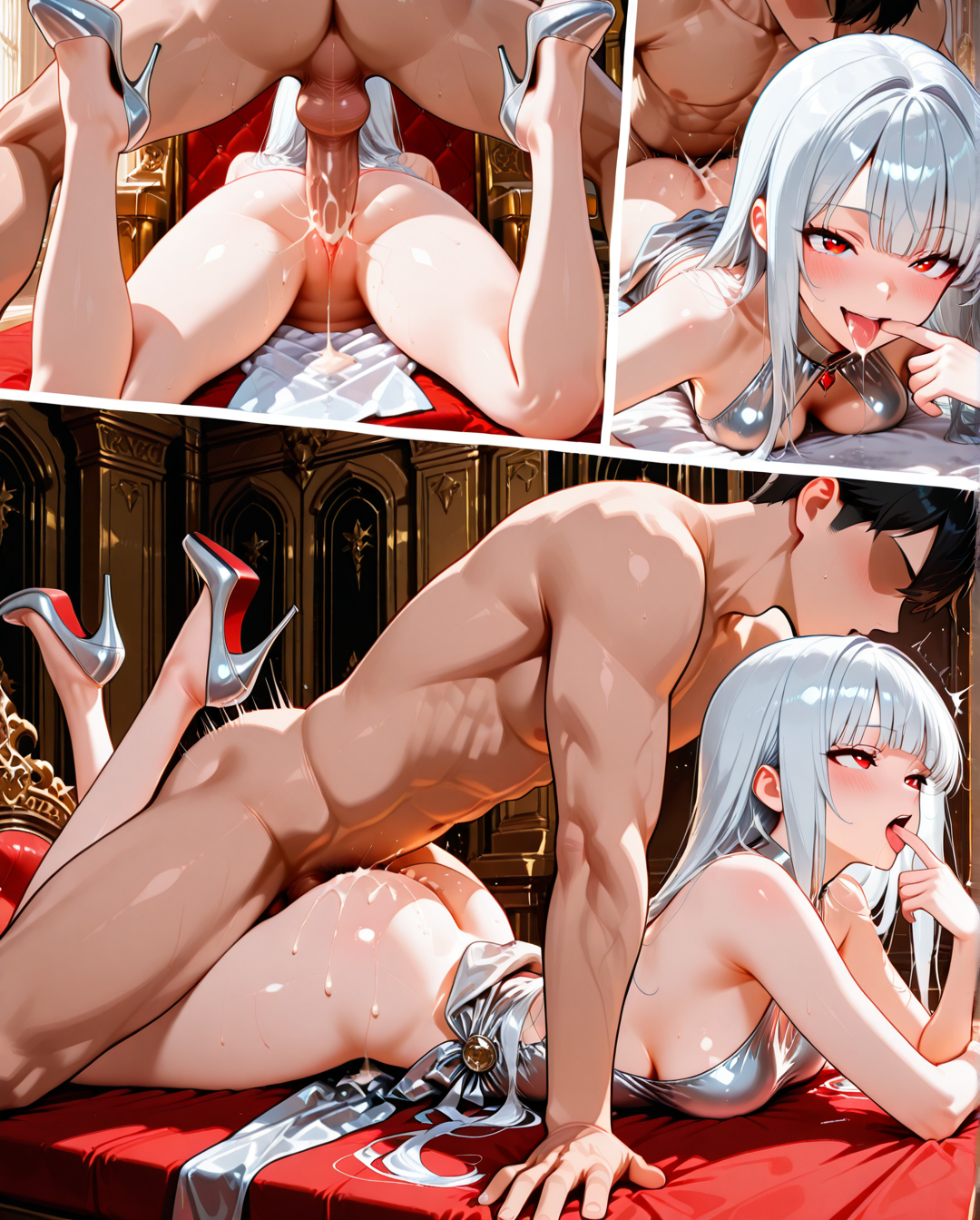
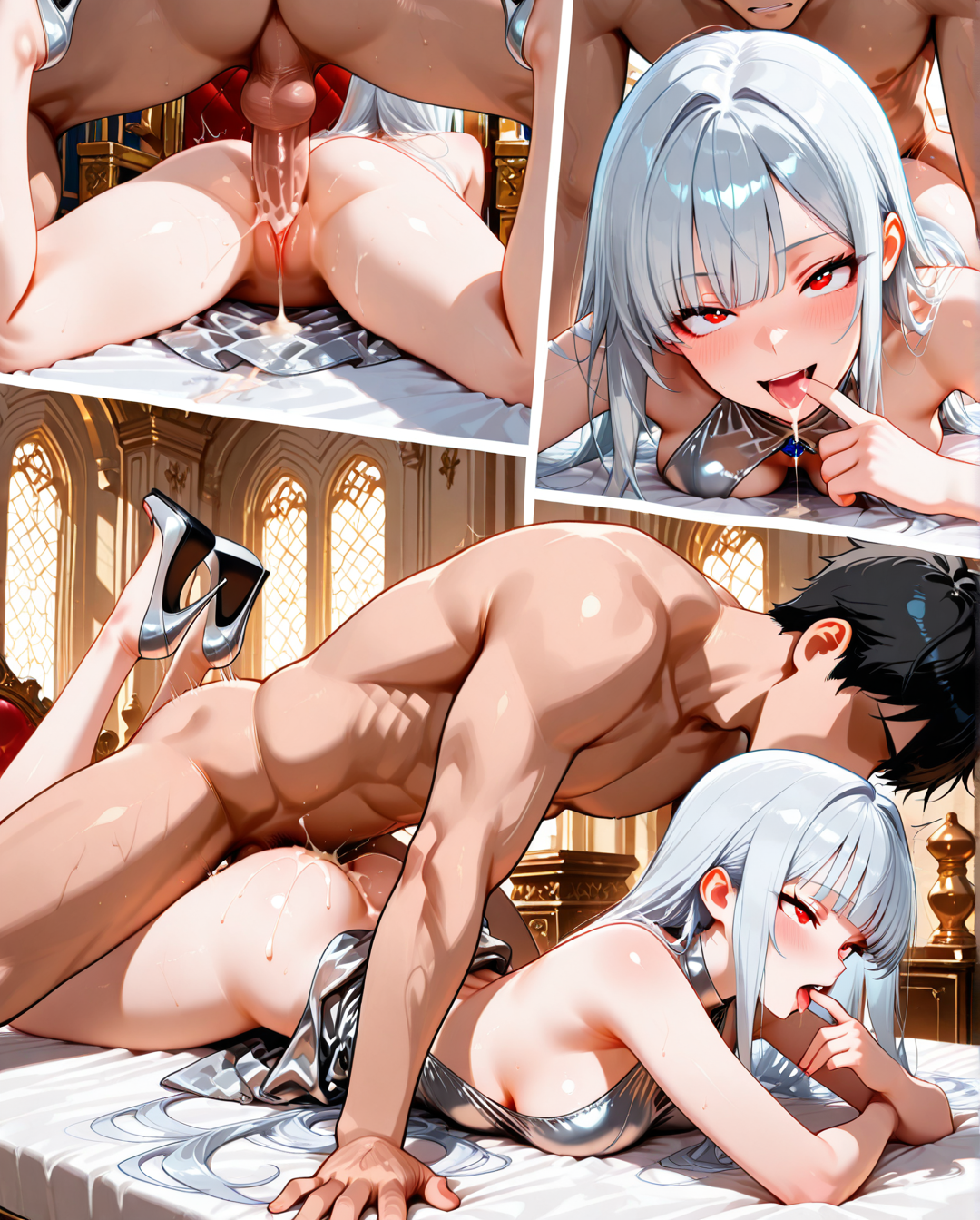
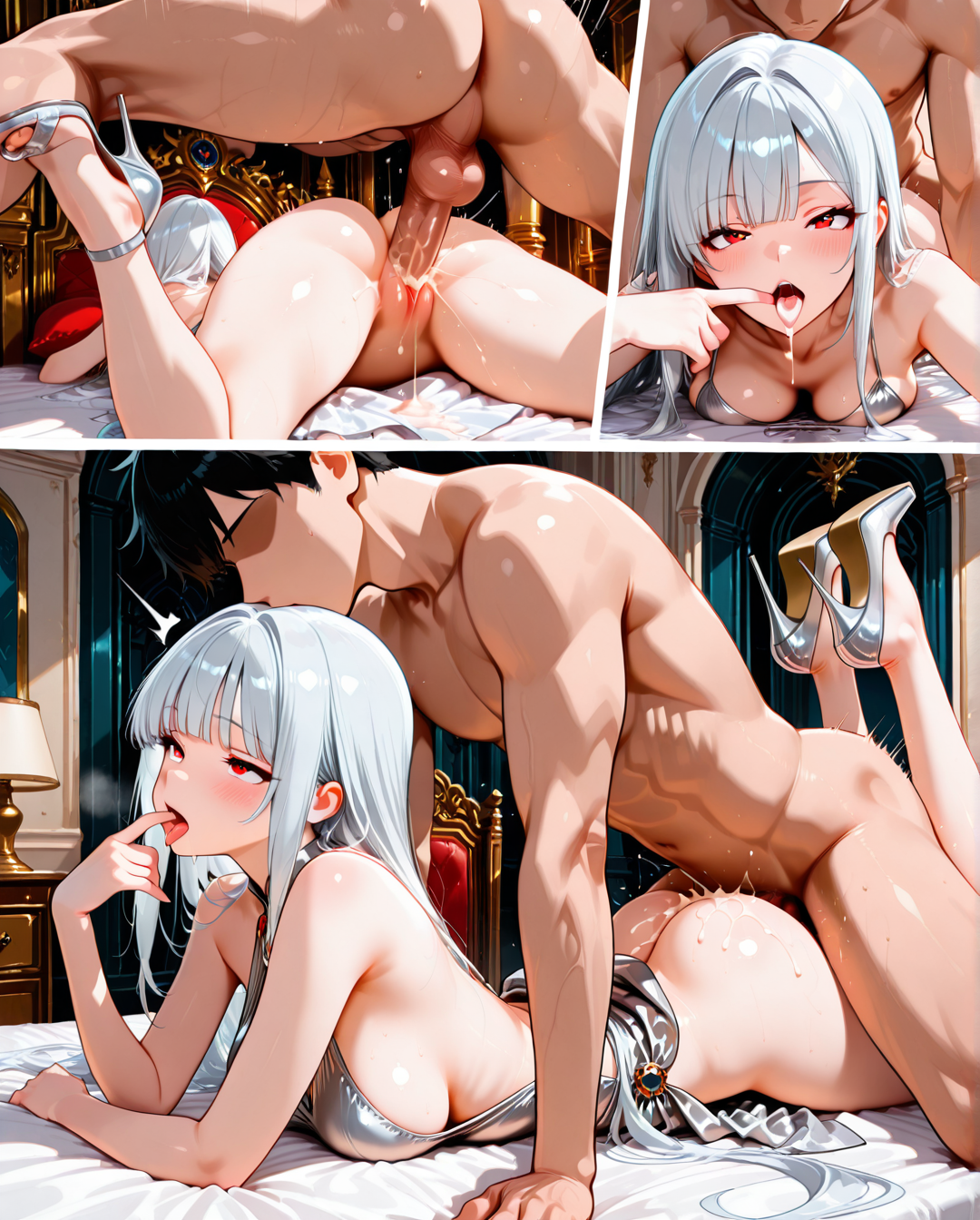
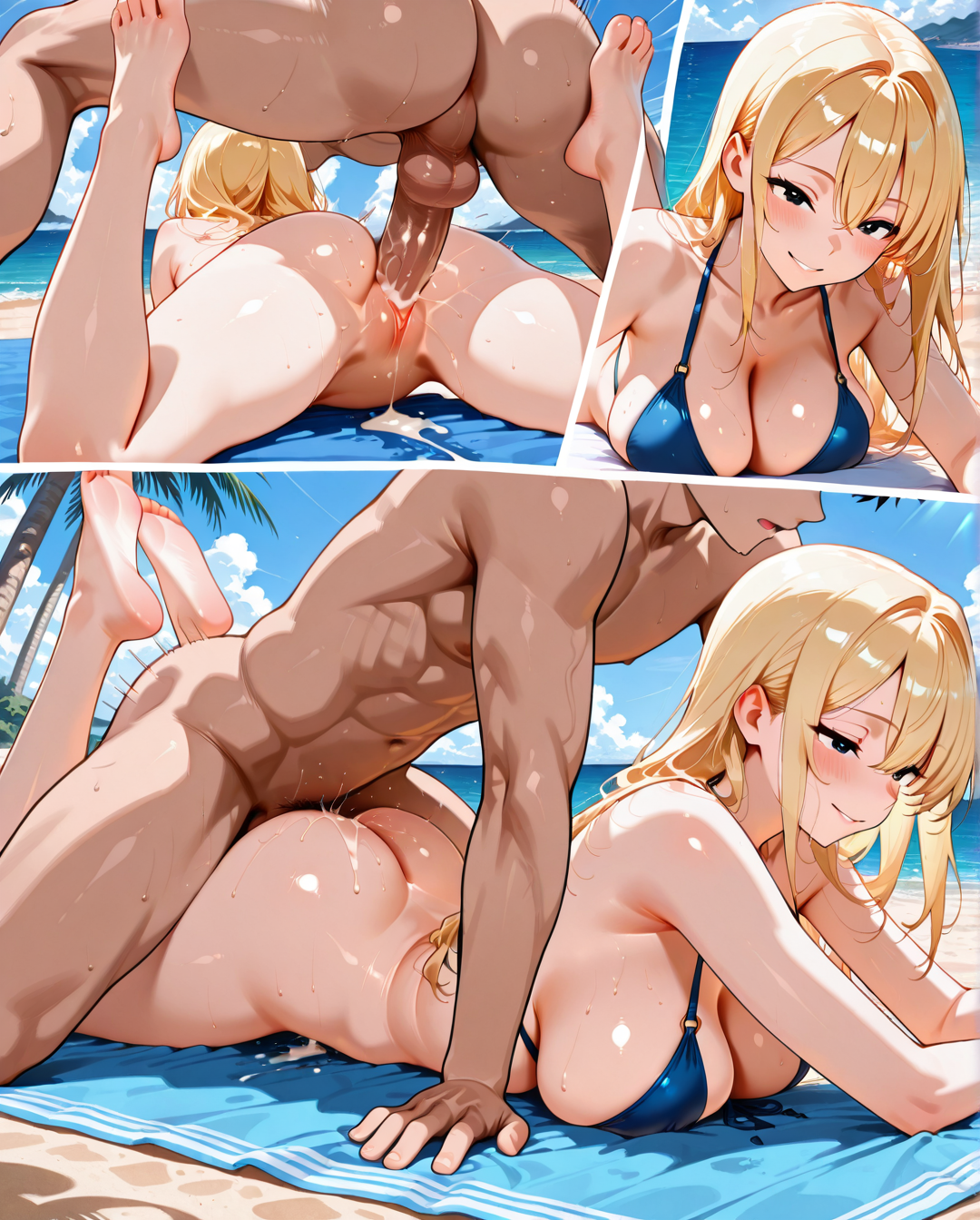
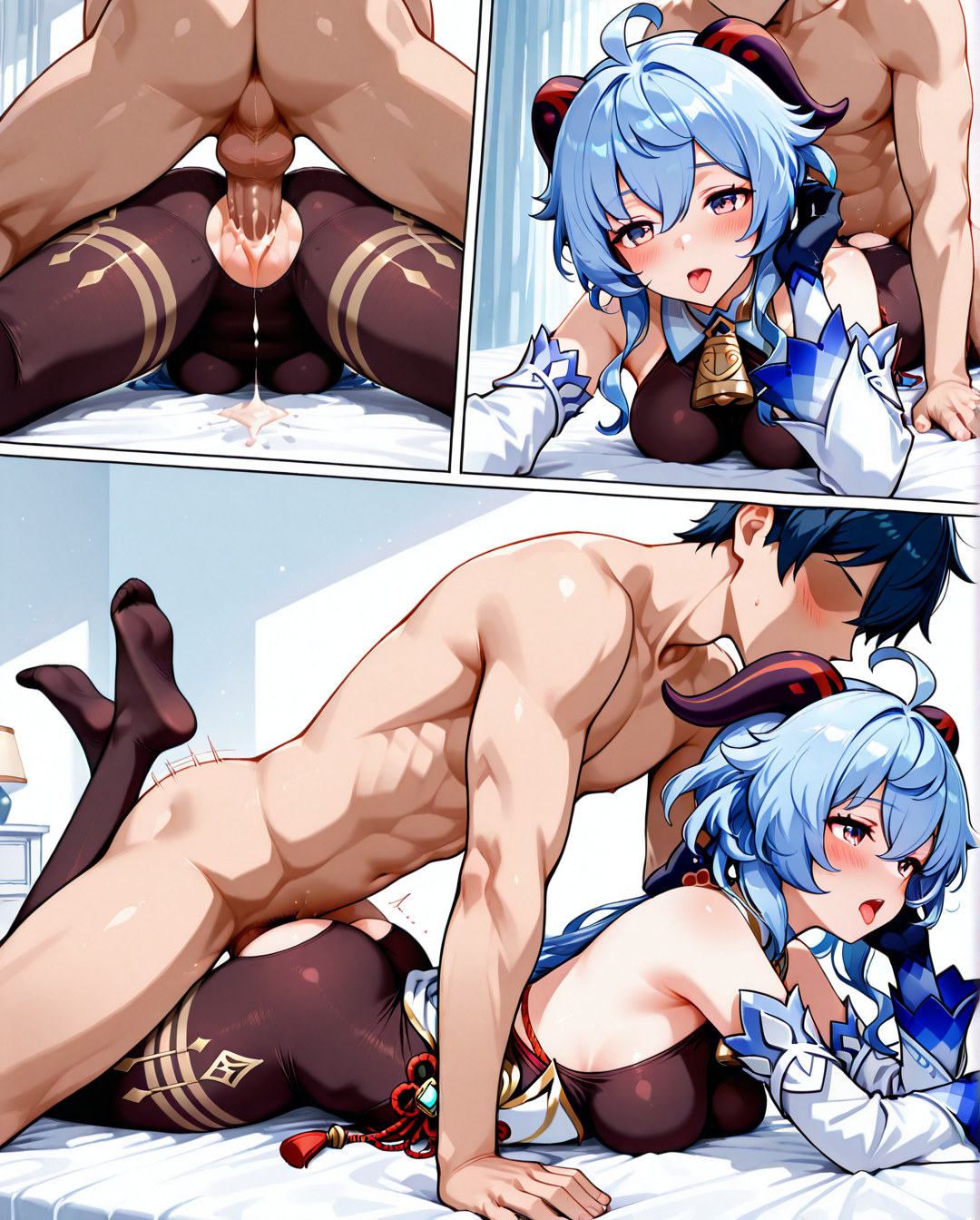
このLoRAは、prone honeポーズの正面、背面、側面の三視図を示すことを目的としています。ポーズと視点のみを固定し、その他の要素は自由に調整できます。
使用方法:
最も推奨されるアスペクト比は正方形または4:5です。より細長い比率では、意図した構図を保つのが難しくなります。
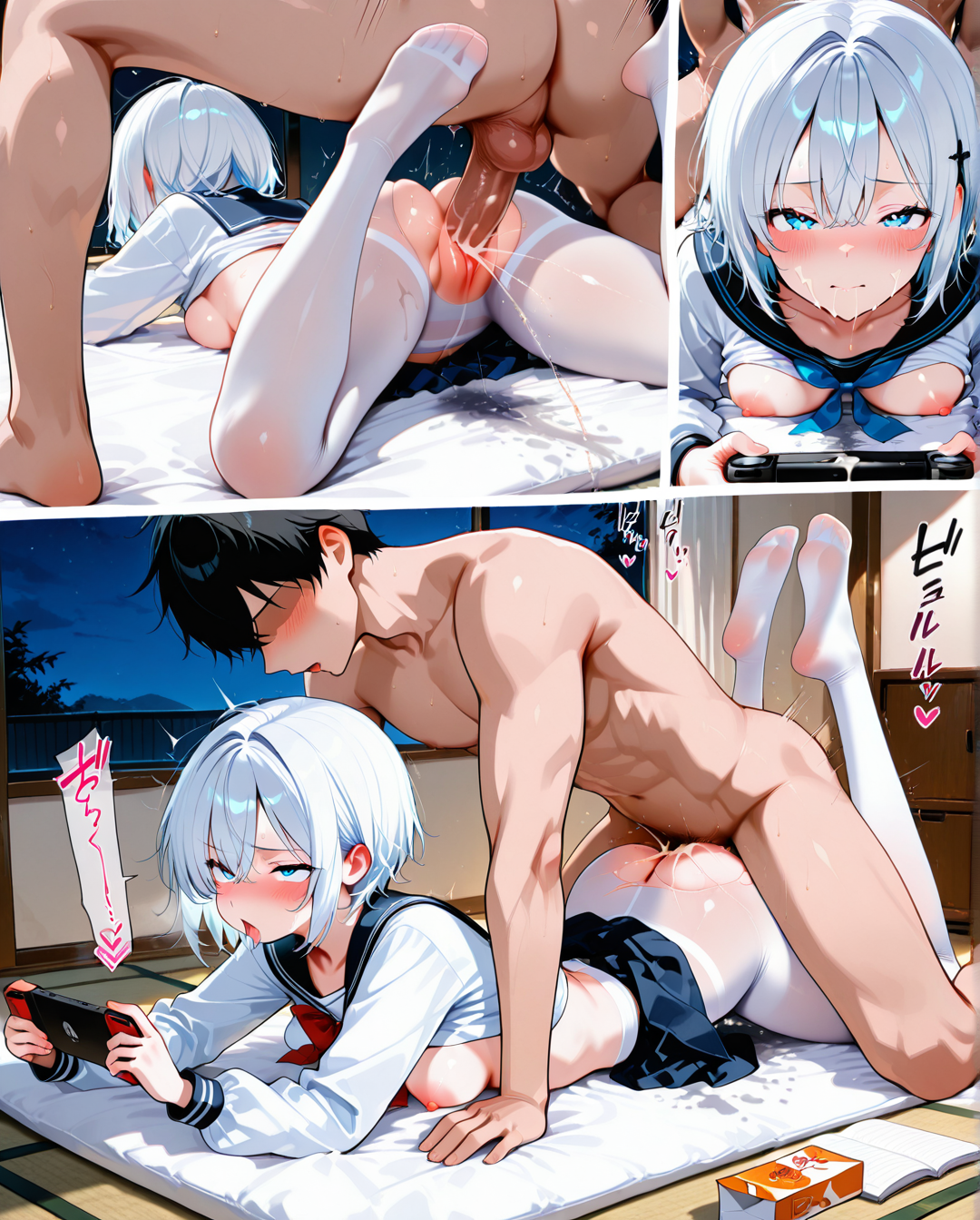
最初のトリガーワードをそのまま完全にコピーし、できるだけ変更しないでください。その後、必要に応じて外見、動作、シーンのプロンプトを追加してください。足を表示したい場合は、「legs up」または「feet up」と追加してください。(プレビュー画像を参照してください)
既知の問題:
最も深刻な問題は画質の劣化です。トレーニングデータが少ない(225枚)こと、アートスタイルが単調であること、各視点が占めるピクセル数が少ないこと、あるいはこれらすべてが原因である可能性があります。いずれにせよ、このLoRAを直接使用すると画質が低下するため、2段階のサンプリングを推奨します。最初のサンプリングでLoRAを使用して構図を固定し、2番目のサンプリングでLoRAを外して画像を再描画してください。
内蔵のプロンプトを追加しても、背面図で表示されません。これはトレーニングデータの制限によるものです。
構図の誤りや人体の歪みは発生頻度は低いですが、依然として存在します。複数回生成することをお勧めします。
Strength: 1-1.3
This Lora is designed to show front, back, and side views of the prone hone pose. It only fixes the pose and viewing angle, while other elements can be freely customized.
How to use:
The most recommended aspect ratios are square or 4:5. More elongated ratios may make it difficult to maintain the intended composition.
Copy the first part of the prompt exactly — try not to change it. Then, add extra prompts for appearance, action, or background as needed. To show the feet, add "legs up" or "feet up". (Suggest referring to preview image)
Known issues:
The most serious issue is a drop in image quality. It's unclear whether this is due to too few training images (225), limited art style variety, or because each view occupies too few pixels — possibly a mix of both.For best results, it's recommended to use a two sampling process: first use the Lora to fix the composition, then remove it for a second sampling pass to refine the image.
Even when adding prompts for panties, it not appear in the back view. This is likely due to limitations in the training data.
Composition errors and body distortions are uncommon but still possible.Generating multiple times is also advised.