QWEN-Anime


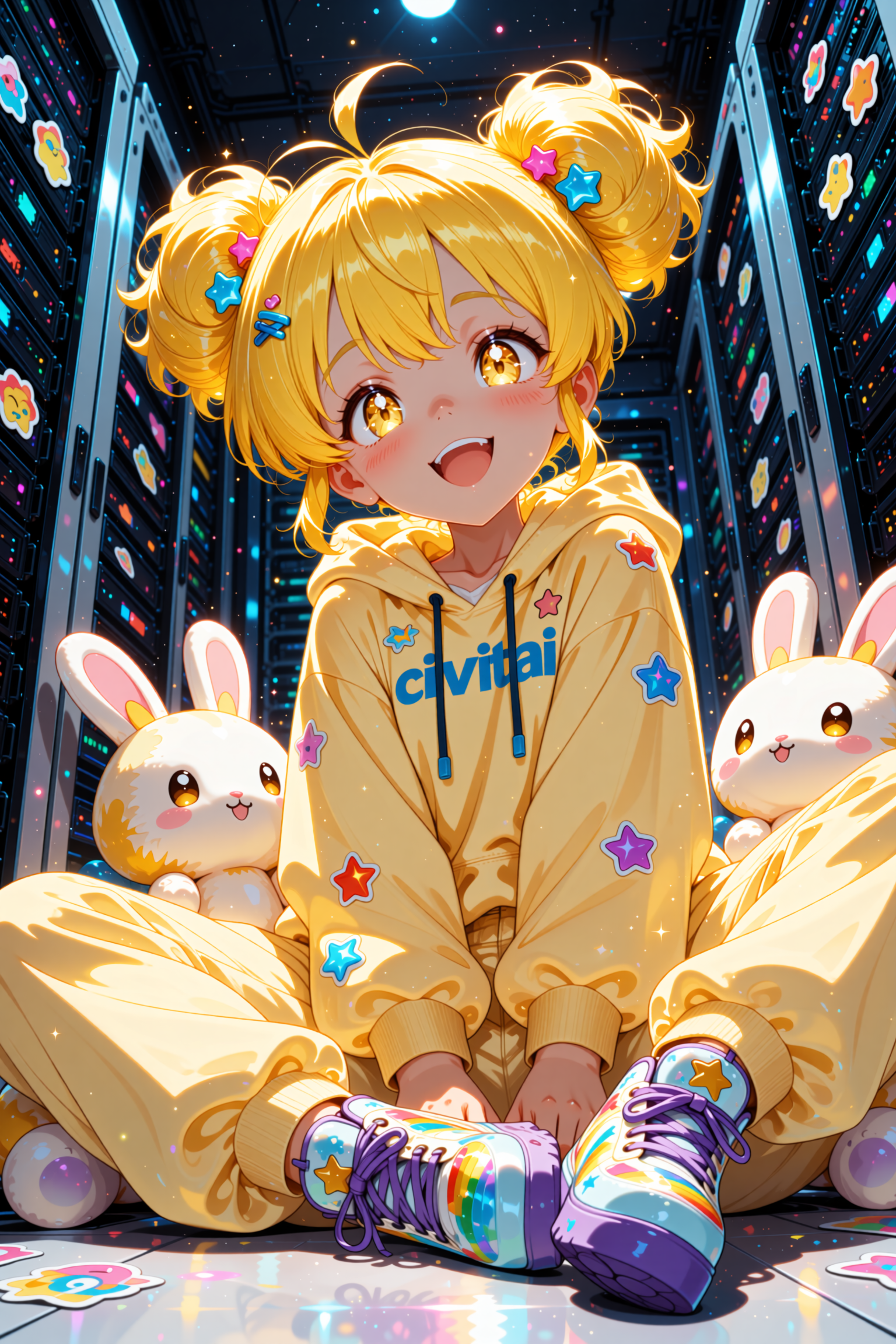

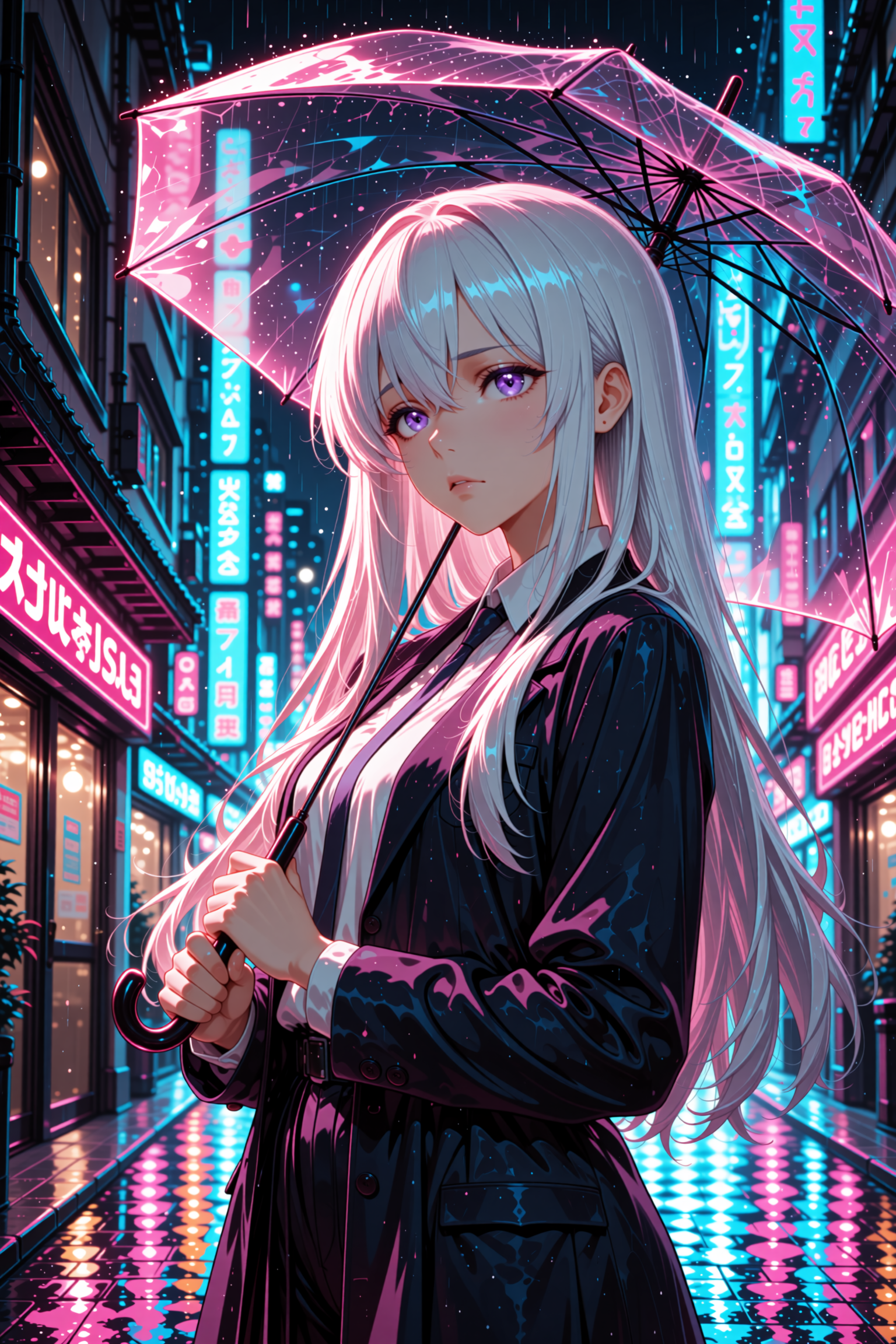
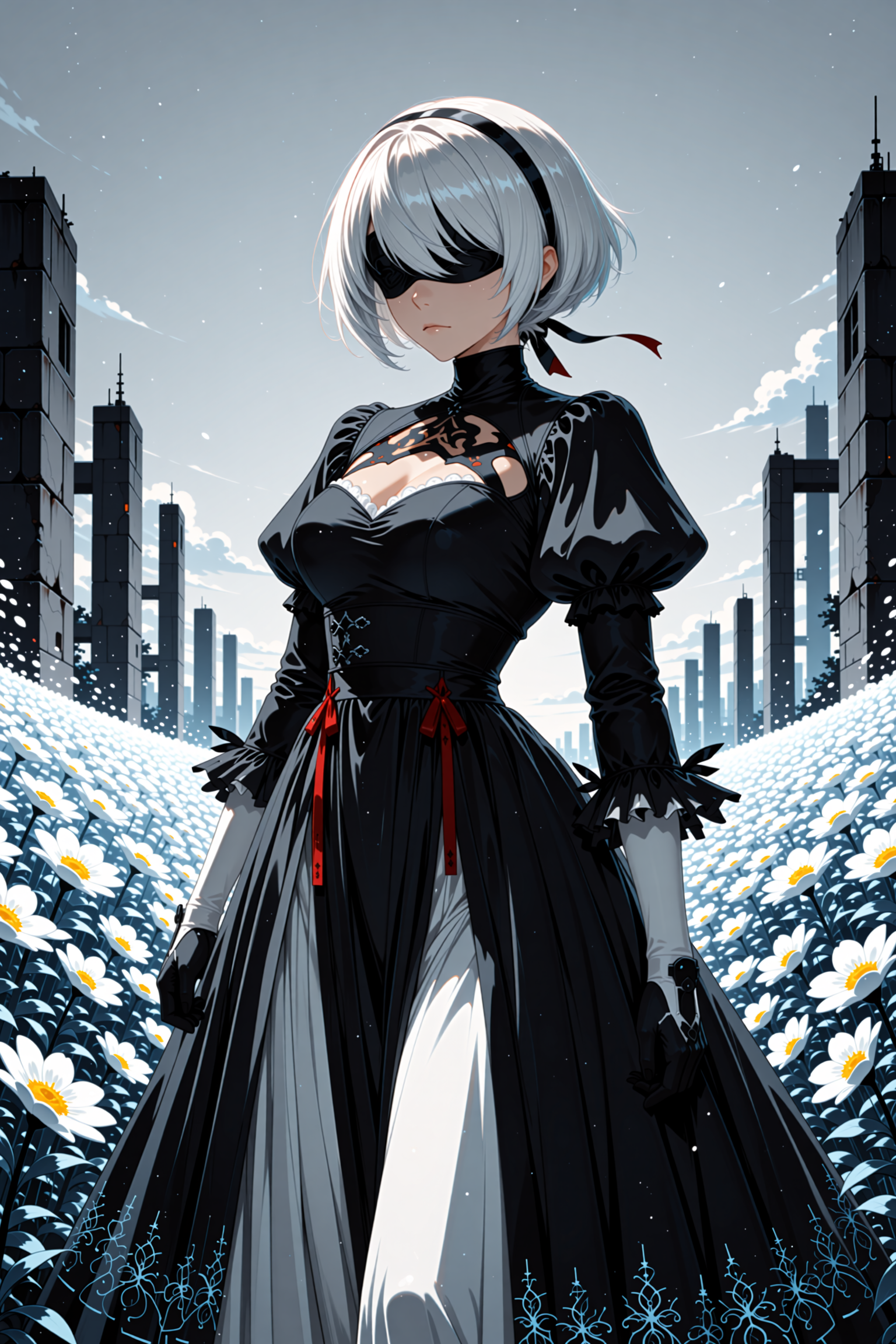
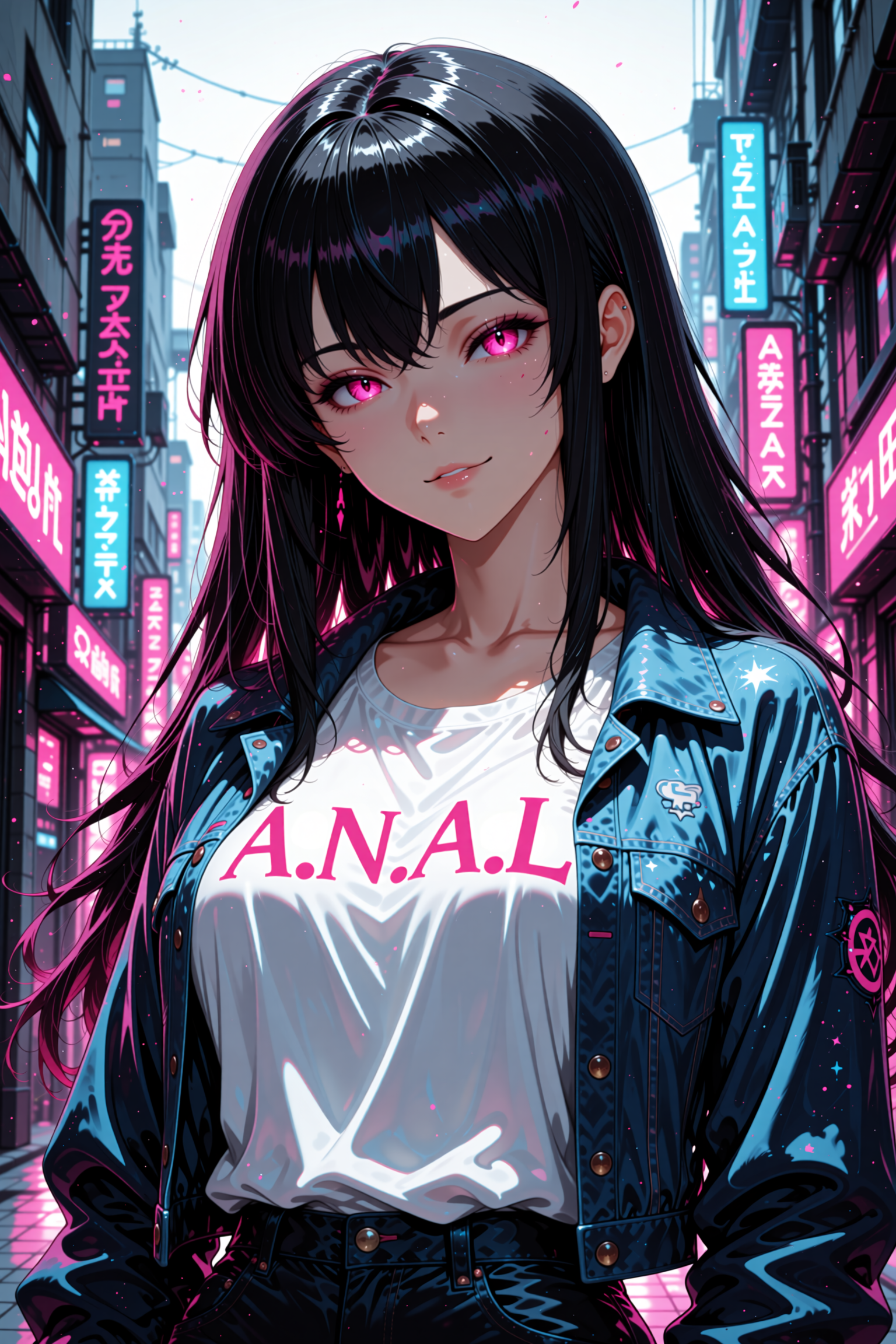


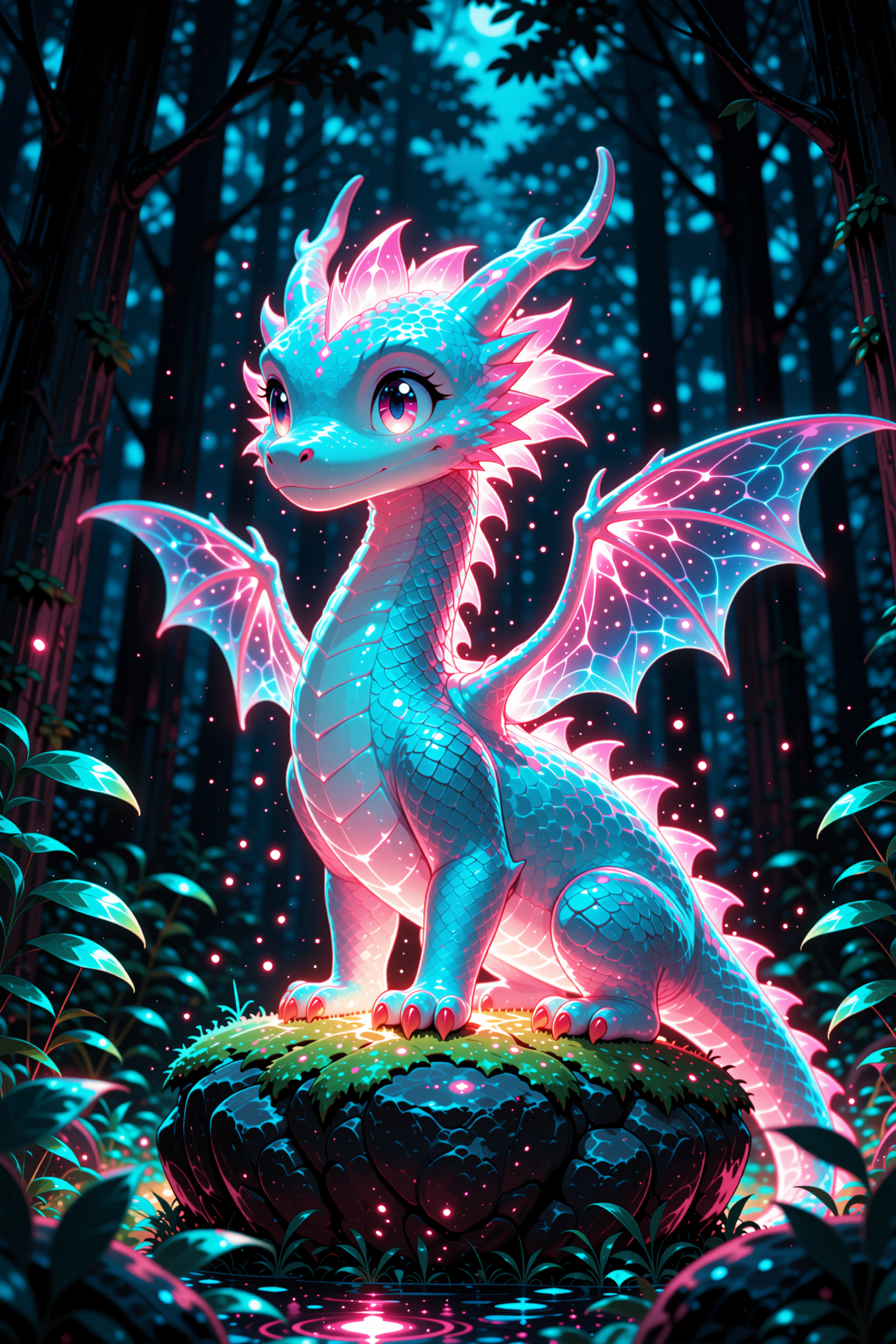

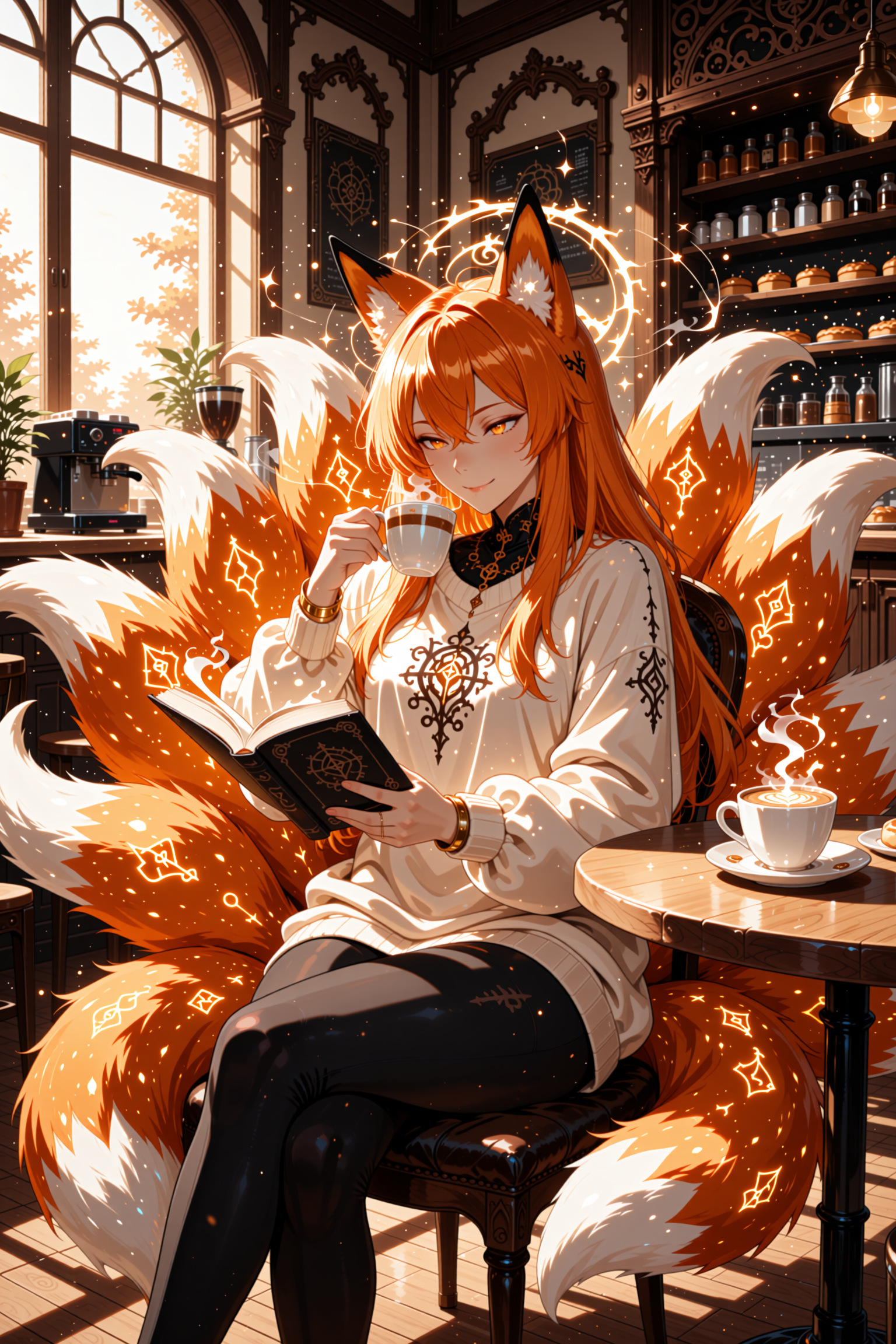


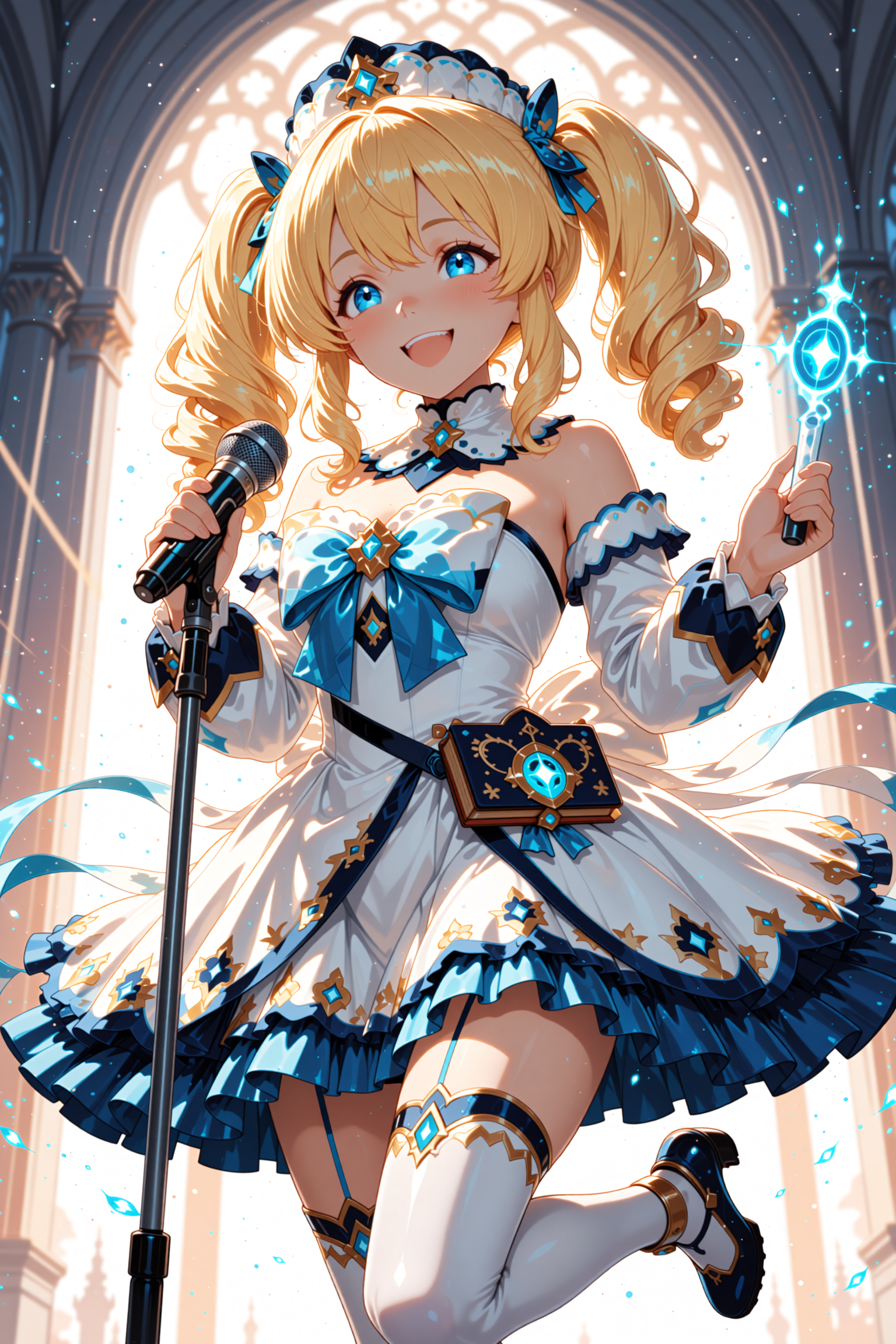

세부 정보
파일 다운로드 (1)
이 버전에 대해
모델 설명
🎨 QWEN-Anime | Beta3-AIO
Advanced Anime Generation with Image Editing
⚠️ Note: All versions are combined on this model card for convenience.
📢 VERSION UPDATES
🎨 VERSION 3 - LATEST (Beta3-AIO)
🚀 MAJOR UPDATE - Image Editing Revolution!
NEW FEATURES:
✨ Image Editing functionality - Edit 1-3 images simultaneously
🔄 Dual workflow - Text-to-Image AND Image-to-Image
📦 Upgraded base model - Qwen Image Edit 2511 (from 2509)
⚡ Faster generation - 4 steps minimum (down from 8)
🔓 Custom uncut model - Qwen 2.5 VL 7B FP8 for maximum creative freedom
🔞 NSFW capabilities - Partial nudity and clothing removal possible
📦 FP8 only - Other formats available on request
IMPROVEMENTS:
Combine multiple characters from different images
Transform and merge scenes
Style transfer between images
Enhanced detail preservation
More consistent results
TIPS FOR BEST RESULTS:
Results depend on seed, prompt, and input images
For NSFW content: Load NSFW image as second image for better guidance
Experiment with different combinations
WORKFLOW EVOLUTION:
V1/V2: Text-to-Image only
V3: Text-to-Image + Image-to-Image ⭐
🔄 VERSION 2 (Beta2-AIO)
FEATURES:
All-in-One format (no separate VAE/Text Encoder needed)
Two variants: Full (20+ steps) and Pruned (6-8 steps)
FP8 precision (26.99 GB)
Integrated VAE + Text Encoder
Single file, plug-and-play
IMPROVEMENTS:
Easier setup vs Beta1
Same quality, simpler workflow
Lightning LoRA compatible
📦 VERSION 1 (Beta1 - Legacy)
FEATURES:
Original release
FP16 only (38.05 GB)
Requires separate VAE + Text Encoder
Base training
═══════════════════════════════════════════════════════════════════
BETA3-AIO ⭐ │ BETA2-AIO │ BETA2 │ BETA1
═══════════════════════════════════════════════════════════════════
Image Editing ✅ 1-3 imgs │ ❌ No │ ❌ No │ ❌ No
Text-to-Image ✅ Yes │ ✅ Yes │ ✅ Yes │ ✅ Yes
Base Model 2511 │ 2509 │ 2509 │ Base
Min Steps 4 │ 6-8 │ 6-8 │ 20+
Setup Single │ Single │ 3 file │ 3 file
VAE/Encoder Integrated │ Integrated │ Separate│ Separate
NSFW ✅ Limited │ ⚠️ Limited │ ⚠️ │ ⚠️
File Size 27 GB │ 27 GB │ 19-38 │ 38 GB
Format FP8 │ FP8 │ Multi │ FP16
Speed (8 steps) ⚡⚡⚡ │ ⚡⚡⚡ │ ⚡⚡ │ ⚡
═══════════════════════════════════════════════════════════════════
🎯 Available Versions & Formats
💎 Beta3-AIO (Recommended) ⭐
Format:
🟡 FP8 (26.99 GB) - 4+ steps, CFG 3.5
Other formats: Available on request
What's included:
✅ Image Editing (1-3 images)
✅ Text-to-Image
✅ Integrated VAE + Text Encoder
✅ Uncut model for creative freedom
Settings:
Steps: 4-20 (recommend 20 for quality)
CFG: 3.5
Sampler: Euler
Scheduler: Beta
💎 Beta2-AIO
Variants:
🟢 Full Model FP8 (26.99 GB) - 20+ steps, CFG 2.5-4.0 (quality mode)
🟡 Pruned Model FP8 (26.99 GB) - 6-8 steps, CFG 1.0 (speed mode)
What's included:
✅ Integrated VAE + Text Encoder
✅ Single file, plug-and-play
✅ Use regular "Load Checkpoint" node
🧠 Beta2 (Safetensors & GGUF)
Requires separate VAE + Text Encoder
SafeTensor Versions:
🟪 BF16 (38.05 GB)
🟦 FP16 (38.05 GB)
🟨 FP8 (19.03 GB)
GGUF Versions: ⚠️ Requires ComfyUI-GGUF
🔹 F16 (38.07 GB)
🔹 Q8 (20.23 GB)
🔹 Q6_K (15.63 GB)
🔹 Q4_K_S (10.72 GB)
📦 Beta1 (Legacy)
FP16 only (38.05 GB)
Requires separate VAE + Text Encoder
🧪 TEST RESULTS
🎨 Beta3-AIO Image Editing Test
Tested on Nvidia RTX 4060 with Euler sampler
 Test: Multi-Image Composition
 Prompt:
Place the two figures in a fantasy medieval tavern, laughing and clinking two beer glasses.Images Used:
Image 1: Character A
Image 2: Character B
Result:
Successfully combined both characters
Tavern setting accurately generated
Natural interaction and poses
Consistent anime style maintained
📊 Beta2-AIO Test Results
Tested on Nvidia RTX 4060 with Euler A sampler
🟢 Full Model fp8 (20+ Steps Version)
Test 1: Elegant Shrine Maiden
Resolution: 1024×1024 | Steps: 24 | CFG: 3.6 | Time: ~176.48s

Prompt:
anime, masterpiece, best quality, 1girl, shrine maiden, long black hair,
red hakama, white kimono top, holding paper talisman, sacred shrine background,
cherry blossoms falling, soft sunlight, detailed face, serene expression,
traditional japanese architecture, torii gate in background,
cinematic lighting, depth of field
Test 2: Cyberpunk Street Scene
Resolution: 1536×1024 | Steps: 28 | CFG: 4.0 | Time: ~229.52s

Prompt:
anime, 2k quality, ultra-detailed, 1girl, cyberpunk hacker,
neon-lit tokyo street, rain reflections, holographic advertisements,
purple and cyan color scheme, tech wear jacket, mechanical arm augmentation,
confident pose, sharp focus, cinematic composition, bokeh background,
night city atmosphere, detailed eyes
Test 3: Fantasy Dragon Knight
Resolution: 832×1216 | Steps: 32 | CFG: 3.8 | Time: ~227.94s

Prompt:
anime, masterpiece, high detail, 1girl, dragon knight,
silver armor with blue accents, flowing cape, dragon companion beside her,
epic fantasy landscape, castle ruins background, dramatic sky,
wind effect on hair and cape, detailed armor patterns,
heroic pose, cinematic lighting, depth of field
🟡 Pruned Model fp8 (6-8 Steps Version)
Test 4: Cozy Cafe Moment
Resolution: 1024×1024 | Steps: 8 | CFG: 1.0 | Time: ~32.47s

Prompt:
anime, best quality, 1girl, casual outfit, sitting in cafe,
holding coffee cup, warm lighting, bokeh background,
soft smile, detailed eyes, cozy atmosphere,
window light, autumn colors, relaxed pose
Test 5: Magical Girl Transformation
Resolution: 512×768 | Steps: 7 | CFG: 1.0 | Time: ~19.28s

Prompt:
anime, masterpiece, 1girl, magical girl, transformation pose,
sparkles and light effects, flowing hair, colorful costume,
magic circle background, dynamic composition,
vibrant colors, detailed ribbons, glowing effects
Test 6: Beach Sunset Portrait
Resolution: 1024×1536 | Steps: 6 | CFG: 1.0 | Time: ~32.07s

Prompt:
anime, best quality, 1girl, summer dress, beach sunset,
golden hour lighting, ocean waves, soft wind effect on hair,
warm colors, peaceful expression, detailed face,
cinematic sunset, depth of field, romantic atmosphere
⚙️ SETTINGS & USAGE
🎯 Recommended Settings by Version
🎨 Beta3-AIO Settings
Text-to-Image Mode:
Steps: 4-8
CFG: 1
Sampler: Euler
Scheduler: Simpel
Resolution: 512×512 to K4
Image Editing Mode:
Steps: 4-8
CFG:1
Sampler: Euler
Images: 1-3 (Image 1 required)
Tip: Higher steps for complex edits
NSFW Content:
Load NSFW reference as Image 2 or 3
Be specific in prompt
Results vary - experiment with seeds
🟢 Beta2-AIO Full Model (Quality Mode)
Steps: 20-32
CFG: 2.5-4.0 (sweet spot: 3.6)
Sampler: Euler A, Euler Normal, Beta, Simple
Use for: High quality, detailed work, final renders
🟡 Beta2-AIO Pruned Model (Speed Mode)
Steps: 6-8 (optimal: 8)
CFG: 1.0 (max 2.0, but stay at 1.0)
Sampler: Euler A recommended
Use for: Fast iterations, testing, quick generations
📊 Universal Settings (All Versions)
Resolution: 512×512 to 2048×1152
VRAM: 8GB+ recommended
Lightning LoRAs: Compatible (4-step or 8-step)
💡 Which Version Should I Choose?
Choose Beta3-AIO if: ⭐
✅ Want image editing capabilities ✅ Need to combine multiple images ✅ Want latest features and improvements ✅ Need NSFW capabilities ✅ Want fastest base model (4+ steps)
Choose Beta2-AIO (Pruned) if:
✅ Want fastest text-to-image (6-8 steps) ✅ Need quick iterations/testing ✅ Prefer simplicity (single file) ✅ 8GB+ VRAM available
Choose Beta2-AIO (Full) if:
✅ Want maximum quality ✅ Need more control (CFG 2.5-4.0) ✅ Creating final/detailed work ✅ Prefer traditional workflow
Choose Beta2 FP8 if:
✅ Want flexibility (separate VAE/encoder) ✅ Using custom VAE/encoders ✅ Need maximum compatibility
Choose Beta2 GGUF if:
✅ Limited VRAM (6-8GB) ✅ Want smallest files (Q4 = 10GB) ✅ CPU inference needed
Choose Beta1 if:
✅ Compatibility with old workflows ✅ Testing/comparison purposes
🔧 INSTALLATION GUIDE
📦 Beta3-AIO (Easiest!)
Download Beta3-AIO FP8
Place in
ComfyUI/models/checkpoints/Load with standard "Load Checkpoint" node
For Image Editing: Use provided workflow
Generate!
No extra files needed!
📦 Beta2-AIO
Download your preferred version (Full or Pruned)
Place in
ComfyUI/models/checkpoints/Load with standard "Load Checkpoint" node
Generate!
No extra files needed!
🧠 Beta2 (Safetensors)
Download checkpoint →
diffusion_models/Download Text Encoder →
text_encoders/QWEN/Download VAE →
vae/QWEN/Use "Load Diffusion Model" node
💾 Beta2 (GGUF)
Install ComfyUI-GGUF: https://github.com/city96/ComfyUI-GGUF
Download GGUF →
unet/Download Text Encoder + VAE (same as Safetensors)
Use "GGUF Loader" node
📝 PROMPTING TIPS
✍️ General Tips
Quality Tags (All Versions):
anime, masterpiece, best quality, ultra-detailed,
2k resolution, sharp focus, cinematic lighting
Style Modifiers:
MOE STYLE, official art, anime coloring,
detailed eyes, depth of field, bokeh
Negative Prompt:
low quality, blurry, bad anatomy, bad hands,
text, watermark, mutation, distorted
🎨 Beta3-AIO Specific Tips
Text-to-Image Prompts:
anime girl with long blue hair, wearing school uniform,
cherry blossoms in background, soft lighting, detailed
eyes, anime style, high quality
Image Editing Prompts (Single Image):
change hair color to pink, add cat ears, school uniform,
keep the same pose and composition
Image Editing Prompts (Multiple Images):
combine the character from image 1 with the background
from image 2, match the lighting and style, anime aesthetic
Important for Editing:
Be specific about changes
Describe both images and desired result
Mention style consistency if needed
Natural language works best
🔧 Beta3-AIO Specifications
Base Model: Qwen Image Edit 2511 Text Encoder: Qwen 2.5 VL 7B FP8 (uncut) Precision: FP8 Format: AIO (All-in-One) File Size: ~27 GB VRAM: 8GB minimum Steps: 4-20 (4 min, 20 recommended) CFG: 3.5 Sampler: Euler Scheduler: Beta
Capabilities:
Text-to-Image generation
Image-to-Image editing (1-3 images)
Character combination
Scene composition
Style transfer
Partial NSFW support
🔞 CONTENT NOTICE
⚠️ NSFW Capabilities
Beta3-AIO:
✅ Partial nudity - Supported
✅ Clothing removal - Possible (results vary)
✅ Artistic nudity - Breasts/underboob
❌ Full explicit content - Not supported
🔞 Age restriction - 18+ only, use responsibly
Tips for NSFW:
Load NSFW reference image as Image 2 or 3
Results depend on seed, prompt, and input images
Experiment with different combinations
Beta2-AIO & Earlier:
⚠️ Limited NSFW - Artistic nudity (breasts/underboob) supported
❌ Full explicit content - Not supported
🔞 Age restriction - 18+ only
❓ FAQ
General Questions
Q: Which version should I download? A: Beta3-AIO for latest features + image editing. Beta2-AIO Pruned for fastest text-to-image.
Q: Do I need separate VAE/encoder for AIO versions? A: No! AIO has everything integrated.
Q: Can I use Lightning LoRAs? A: Yes! All versions support Lightning LoRAs (4-step or 8-step).
Beta3-AIO Specific
Q: How many images can I edit at once? A: 1-3 images (Image 1 required, Images 2-3 optional).
Q: Can I still do text-to-image with Beta3? A: Yes! Beta3 supports both Text-to-Image AND Image-to-Image.
Q: How do I get better NSFW results? A: Load an NSFW reference image as Image 2 or 3 for guidance.
Q: What's the minimum steps for Beta3? A: 4 steps minimum, but 20 steps recommended for quality.
Beta2-AIO Specific
Q: What's the difference between Full and Pruned AIO? A: Full = quality mode (CFG 2.5-4.0, 20+ steps). Pruned = speed mode (CFG 1.0, 6-8 steps).
Q: Why does Pruned need CFG 1.0? A: It's optimized for low-step high-speed generation. CFG 1.0 works best.
Q: Can I use CFG 3.0 with Pruned? A: Not recommended. Max is 2.0, but results are best at 1.0.
Compatibility
Q: Is quality different between AIO and Beta2 FP8? A: No, same training - AIO just bundles files together.
Q: Which has better quality: Full AIO or Beta2 BF16? A: Beta2 BF16 has slightly better precision, but difference is minimal.
Q: Can I mix versions (e.g., Beta3 with Beta2 VAE)? A: Not recommended. Each version is optimized as a complete package.
🙏 CREDITS
Training: Custom dataset, Dual Tesla P40 GPUs Base Model: Qwen Image Edit 2511 (Beta3), 2509 (Beta2) Text Encoder: Qwen 2.5 VL 7B FP8 (uncut for Beta3) Architecture: Qwen-Image-Edit framework Community: Thanks to all Beta1, Beta2, and Beta3 testers!
Special Thanks:
Qwen team for the base models
ComfyUI community for feedback
All users who provided testing data
🚀 QUICK START
Getting Started (Beta3-AIO)
Download Beta3-AIO FP8 from files section
Place in
ComfyUI/models/checkpoints/Download the provided workflow
Load workflow in ComfyUI
Choose mode:
Text-to-Image: Write prompt, generate
Image Editing: Upload 1-3 images, write edit prompt, generate
Generate amazing anime art!
Version Information
Current Version: Beta3-AIO ⭐ Previous Versions: Beta2-AIO, Beta2, Beta1 Release Date: December 2025 License: Apache 2.0 Format: Safetensors (AIO)
Created with ❤️ for the anime AI community
Choose Beta3-AIO for the complete experience!