ComfyUI beginner friendly WAN 2.2 Image-to-Video with Audio GGUF Workflow by SarcasticTOFU

Details
Download Files (1)
Model description
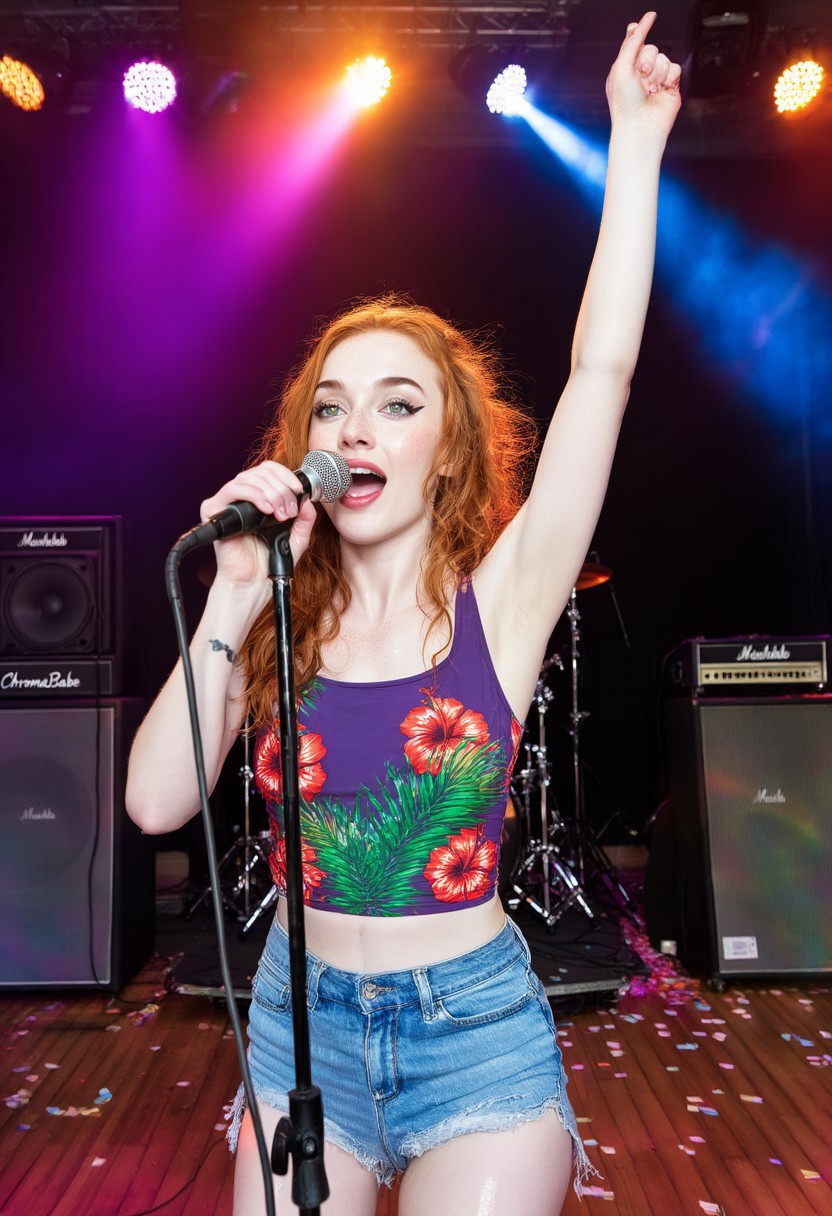
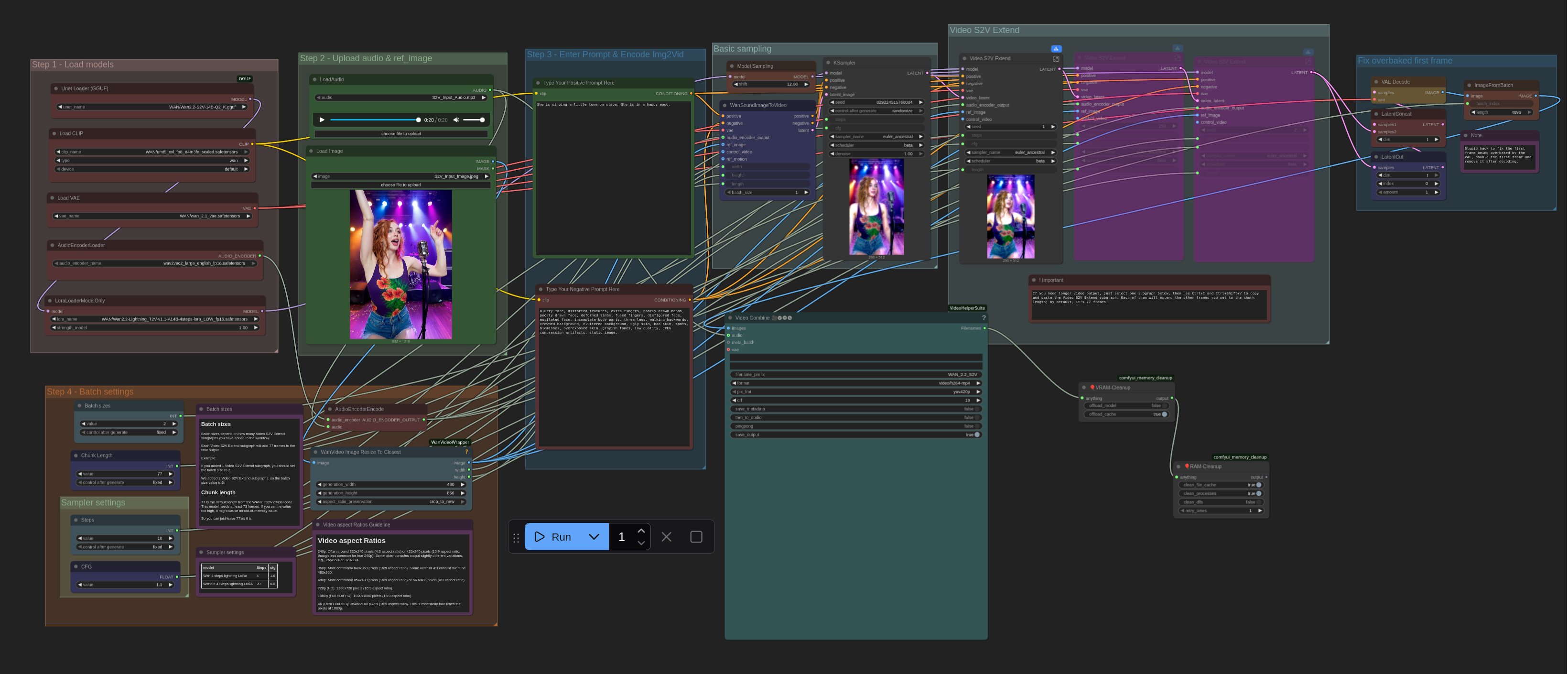
This is a very simple ComfyUI beginner friendly Image-to-Video workflow that will work for a single input image alongside a matching audio clip with a single WAN 2.2 S2V GGUF model (a newer WAN 2.2 model to encode videos with audio clips). The workflow simple and fast so relatively affordable GPU's (12GB / 16GB Nvidia or Radeon GPUs or some more affordable Apple Sillicone Macs) can run WAN 2.2 with better system resources efficiencies. (It is a good idea to install the ComfyUI manager and LORA Manager plugin to help you easily download and manage Checkpoints, LORAs and other resources. Not only these two are helpful for this workflow but they will help you a lot in any other cases). You need a Hugging Face account to download your necessary WAN 2.2 S2V files (Details are mentioned below). Make sure you install GGUF addon for ComfyUI using ComfyUI manager and place the correct files in correct places. Also check out my other workflows for SD 1.5 + SDXL 1.0, WAN 2.1, WAN 2.2 All-in-One, Chroma, QWEN, HiDream and Flux.
How to use this -
#1. First select your desired WAN 2.2 S2V GGUF model and other necessary models
#2. then select your input image for Image-to-Video generation alongside a matching audio clip, then
#3. then input your positive and negative prompts.
#4. select Batch settings (follow the notes in this section) and how many videos you want (Change the number besides the "Run" button)
#5. finally press the run button to generate. That's it..
*** If you are using a ComfyUI managed via Stability Matrix then make sure you download and put the audio encoder inside models subfolder of ComfyUI package subfolder itself, not the Stability Matrix's common models subfolder.. so it will go to <Your Stability Matrix's Data folder>/Packages/ComfyUI/models/audio_encoders not into <Your Stability Matrix's Data folder>/Models/audio_encoders (the shared common model's Subfolder where you commonly store models so they can be shared between ComfyUI, WebUI Forge, SD.Next ..multiple different tools you may install and manage via Stability Matrix). If you can't do this correctly this workflow will not work.
Enjoy!
### To use this workflow you need to log into huggingface and download necessary files from there (I also included a text file on the archive that has the workflow file, in which you will find even more links for essential downloads for my other workflows) -
## WAN 2.2 Models
===============================================================================================================
### Download Link for WAN 2.2 S2V Checkpoint
https://huggingface.co/QuantStack/Wan2.2-S2V-14B-GGUF/resolve/main/Wan2.2-S2V-14B-Q2_K.gguf
### Download Link for WAN 2.2 Encoder
### Download Links for WAN 2.1 VAE (WAN 2.2 S2V model use WAN 2.1 VAE)
### Download Links for WAN 2.2 Image-to-Video Lightning Lora for S2V
### Download Links for WAN 2.2 Image-to-Video Audio Encoder for S2V