Zofa Soldier (Illustrious) | Outfit LoRA









详情
下载文件 (2)
关于此版本
模型描述
Thanks for the original creator (welcome back! おかえりなさい)
Main target: generate accessories accurately without using ControlNet
Focus on fidelity of the outfit rather than others
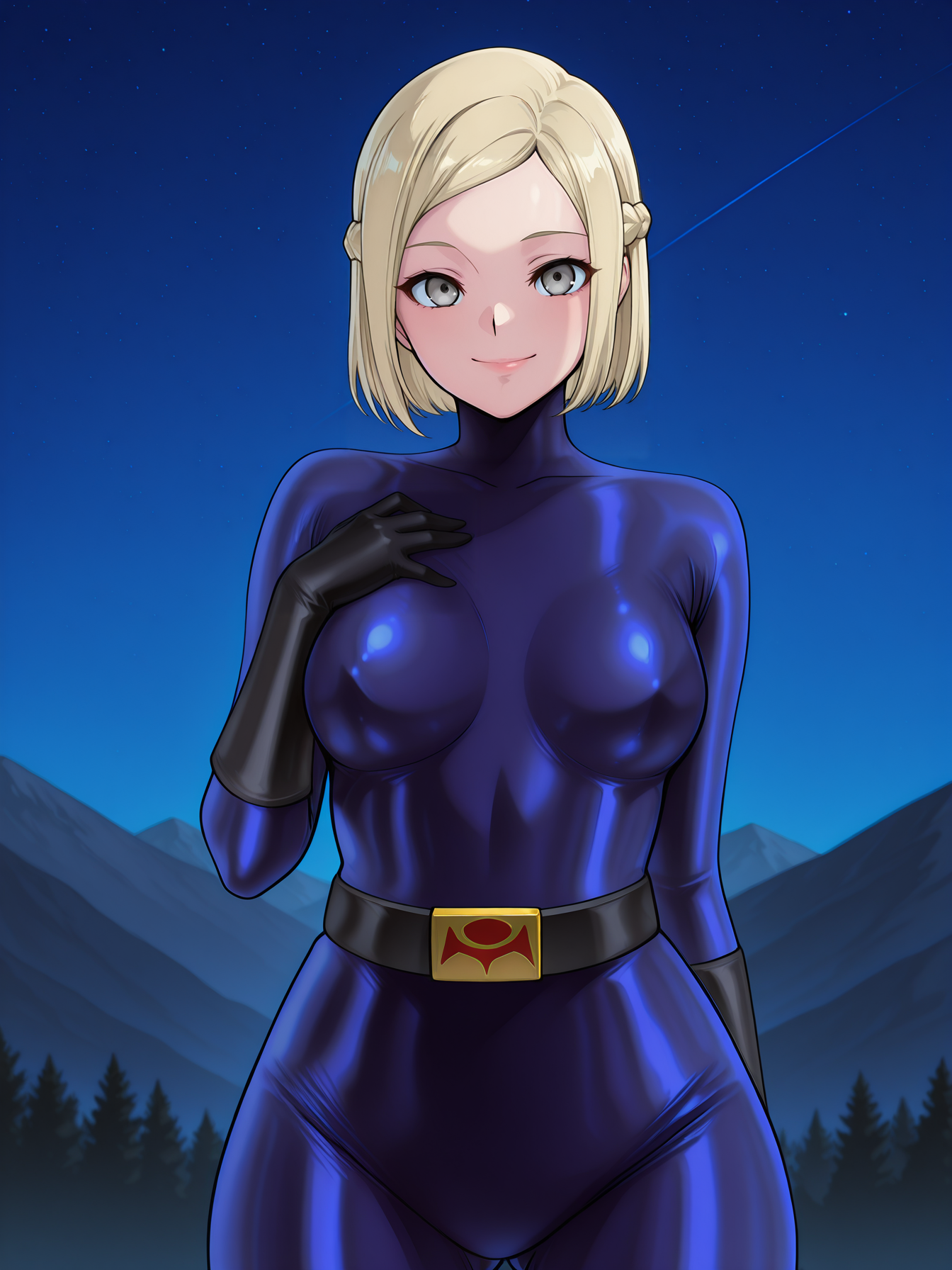
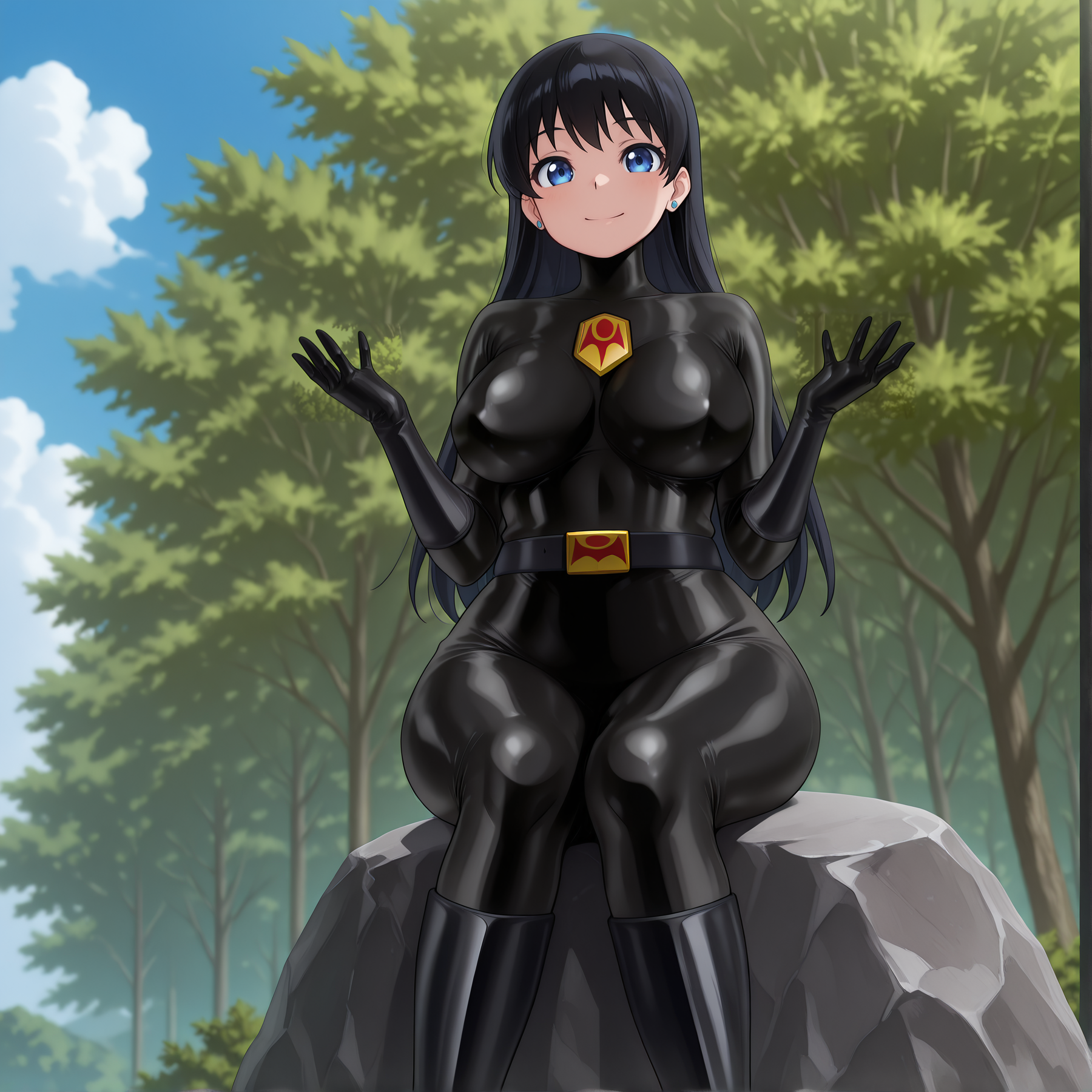
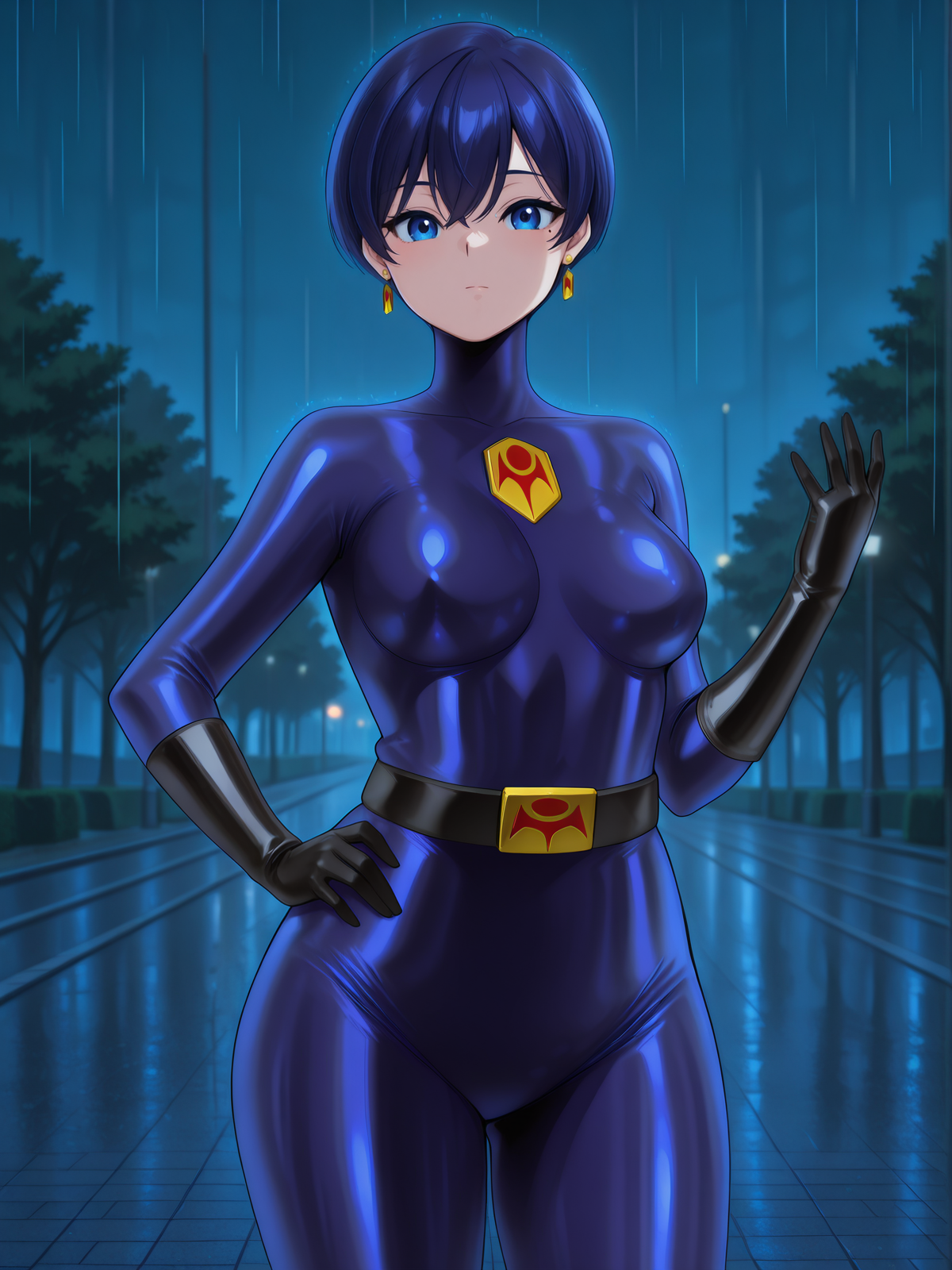
bodysuit in navy blue, black color (and more?)
Optional chest emblem
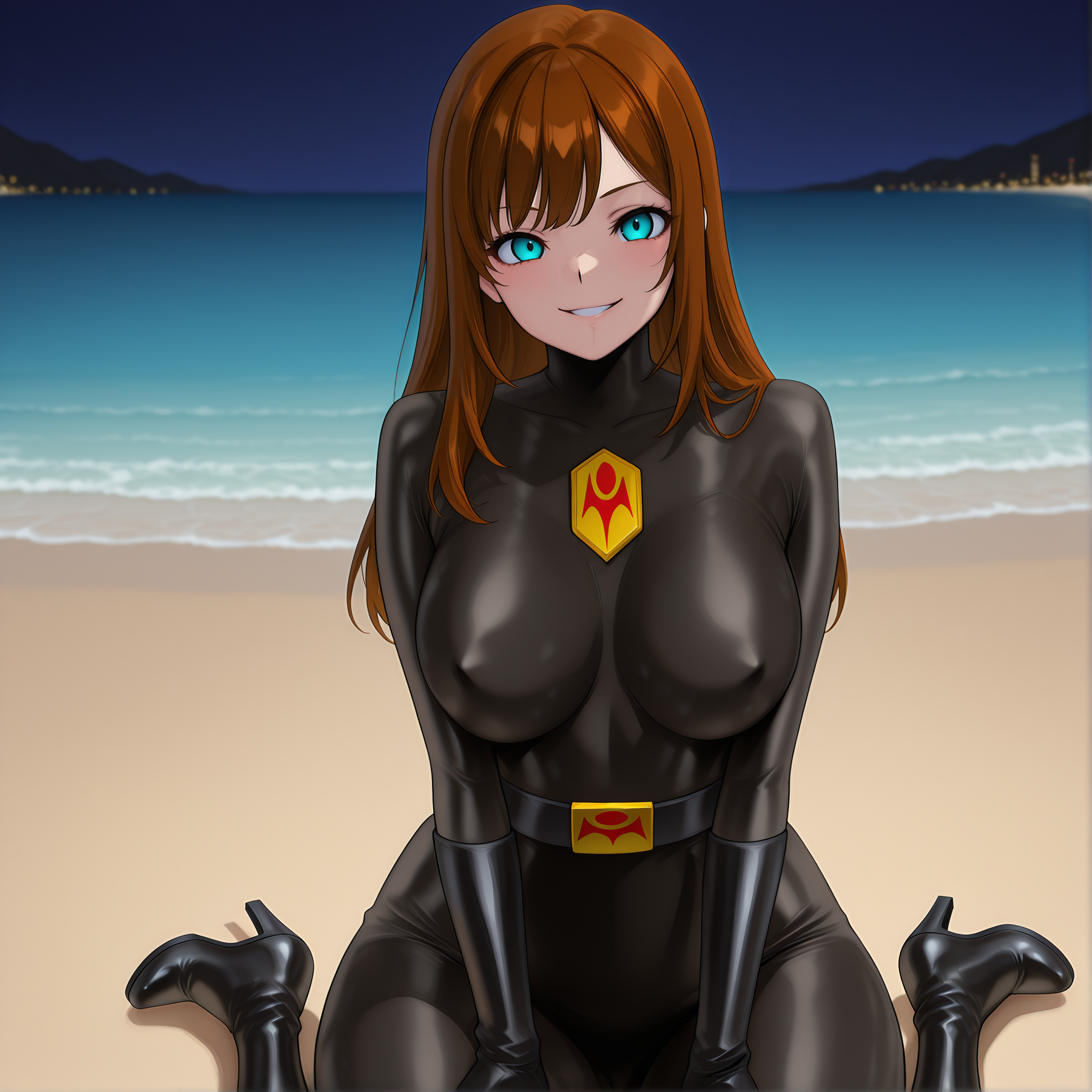
Can generate characters with no mask
All images in dataset are AI-generated and edited by me (see below)
Usage Restrictions
EN: Non-commercial use only / 日: 非商用利用のみ / 繁: 僅限非商業用途 / 簡: 仅限非商业用途
EN: No requests / JP: リクエストは受け付けません / 繁: 不接受任何請求 / 簡: 不接受任何请求
Usage
Trigger word: zofa soldier
Recommend weight: 0.9-1
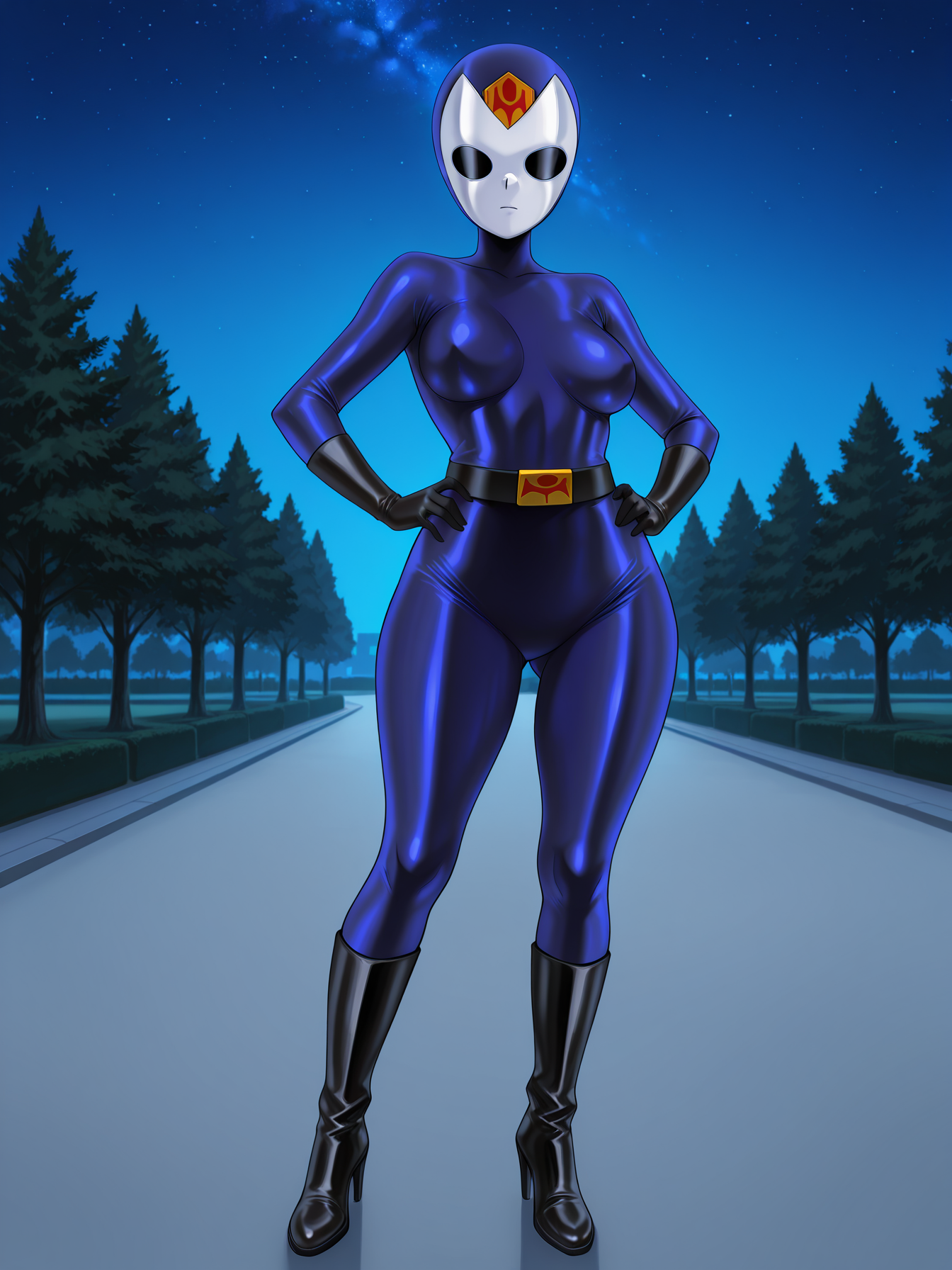
With white mask (full body):
zofa soldier, [navy blue/black] bodysuit, lxmask, [navy blue/black] lxmask, foreheadjewel, chestjewel, black gloves, black belt, buckle, wmask, white wmask, closed mouth, knee boots, high heel boots, black footwearWithout white mask (full body):
zofa soldier, [navy blue/black] bodysuit, lxmask, [navy blue/black] lxmask, foreheadjewel, chestjewel, black gloves, black belt, buckle, red eyes, empty eyes, looking at viewer, colored skin, [blue skin/grey skin], visible expression, knee boots, high heel boots, black footweardelete tags on template that you don't need
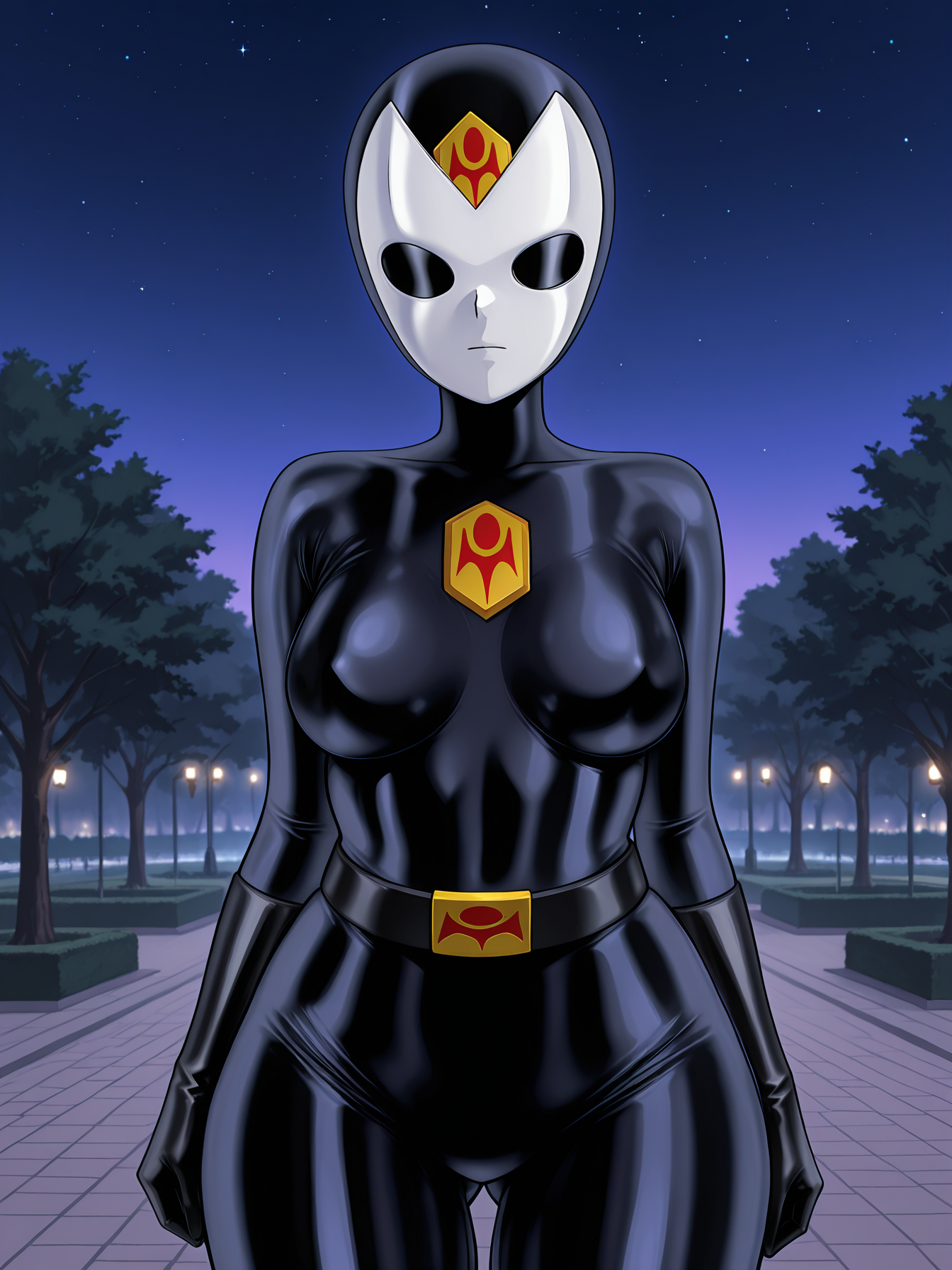
(case-sensitive) add chestjewel to turn on chest emblem; add chestjewelOff to turn off if needed
(case-sensitive) add wmaskOff to turn off the white mask if needed
sometimes you can use (chestjewel, chest crest) together
use Hires.fix for better results
use this assist LoRA made by me (v1b) to fix the neck problem of unmasked characters
In some cases (e.g. [con]fusion of forehead emblem and white mask), use with this Zofa Soldier LoRA (in low weight) may get better results
see my images for more examples
Tag Explanations
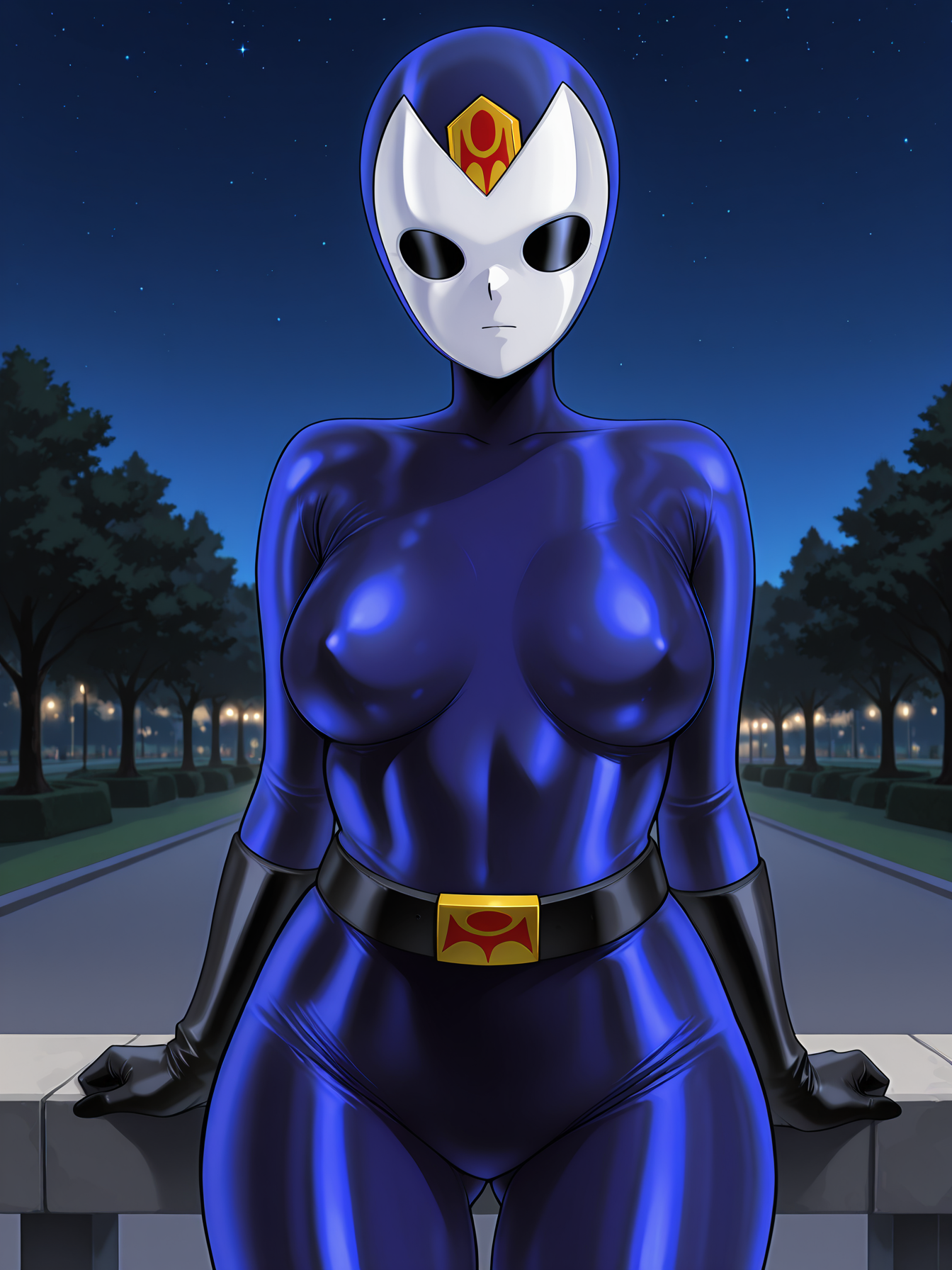
[color] lxmask = the enclosed full head mask
foreheadjewel = zofa emblem on forehead
chestjewel = zofa emblem on chest (optional)
white wmask = the white mask on the enclosed mask (removable)
remove "buckle" when generating image from behind
Production Details
Dataset: Edited AI images (8 full body, 1 cowboy shot) are used, and then cropped into 44 images, all in 1536x1536 resolution
You can download and use it on your own project
Process: AI images generation> Preparation of images for Canny preprocessing using SAI > Images generation with ControlNet (Canny) > Manual background removing, collage, color adjustment using Photoshop > Upscaling to remove artifacts > Cropping
Used LoRA: Models on CivitAI including this one, and a flawed private Zofa Soldier LoRA
Extra Assist: I used NanoBanana to generate reference image from original ones (e.g. outpaint the rest of body part, generate view from behind and side...). I also asked ChatGPT for advices on tagging
AI Tools Used: ReForge, ControlNet (Canny), NanoBanana (Gemini), ChatGPT
Painting Tool/Image Editing Tools Used: SAI, Photoshop
Trained on CivitAI